
UltimateSpawn Mod (1.20.1, 1.19.4) – Begin Your World in Any Dimension

 0


UltimateSpawn Mod lets you control the exact place and dimension where players start their adventure. Instead of dropping players in random spots or unsafe areas, this mod uses a simple config file to set custom X, Y, and Z coordinates in vanilla or modded worlds. It automatically finds the nearest safe spot by default, and it also includes a strict mode for exact placement along with vertical height limits. This lightweight mod works well for servers and modpacks, and on Forge it pairs with the Lockdown mod to reset spawn points in template worlds.
Features:
- Custom Coordinates and Dimensions: Lets you pick the exact X, Y, and Z spawn location in any vanilla, custom, or modded dimension that exists on your server or in your modpack.
- Safe Spawning by Default: Finds the nearest safe spot around your chosen coordinates so players do not spawn inside blocks, lava, or the void.
- Strict Coordinates Mode: Turns off safety checks to force players to spawn at the exact coordinates you enter, even in the sky, lava, or the void.
- Uses one clear config file where every setting comes with a detailed description of what it does.
- Lets you set a vertical Y-axis height range for spawning when exact coordinates are turned off.
- Prints an error in chat if you set an empty height range, and spawns players slightly higher or lower if a tiny range like 3 or 5 blocks has no nearby safe spots to avoid server lag.
- Works with the Lockdown mod on Forge so you can change spawn coordinates for a chosen template world and reset the dimension on each respawn.
Configuration:
dimension: Chooses the dimension where players spawn, such asminecraft:the_end.x: Sets the X coordinate for the player spawn point.y: Sets the Y coordinate for the player spawn point.z: Sets the Z coordinate for the player spawn point.useCoordinates: When set totrue, spawns players at yourx,y, andzvalues, or the nearest safe spot if blocked by solid blocks, lava, or the void. When set tofalse, ignores those coordinates and places players at a default safe spawn inside your chosen dimension.strictCoordinatesMode: When set totrue, spawns players strictly at yourx,y, andzvalues with no safety checks. When set tofalse, places players in a safe spot near those coordinates.yLowerBound,yUpperBound: Sets the lowest and highest Y height range for spawning whenuseCoordinatesisfalse. An empty range triggers an error in chat, and a narrow range like 3 or 5 blocks may place players slightly higher or lower to prevent server lag.
How to Use:
- Launch the game once with the mod loaded so it creates the
UltimateSpawn.tomlfile inside yourconfigfolder. - Open
UltimateSpawn.tomlwith a text editor to read the setting descriptions and edit your spawn rules. - Set
dimensionto the dimension where players should start, such asminecraft:the_endor any modded dimension available on your server or modpack. - Enter your chosen
x,y, andznumbers and setuseCoordinatestotrueto spawn near that spot, or set it tofalseto use a default safe spawn in that dimension. - Leave
strictCoordinatesModeasfalsefor safe spawning near your coordinates, or switch it totrueto force exact spawns without safety checks. - If
useCoordinatesisfalse, setyLowerBoundandyUpperBoundto control the spawn height range, avoiding an empty or overly narrow range like 3 to 5 blocks. - Save the file and load your world or server; when searching for a safe spot in a void dimension, players may briefly see the Overworld before arriving at the target dimension.
Screenshots:
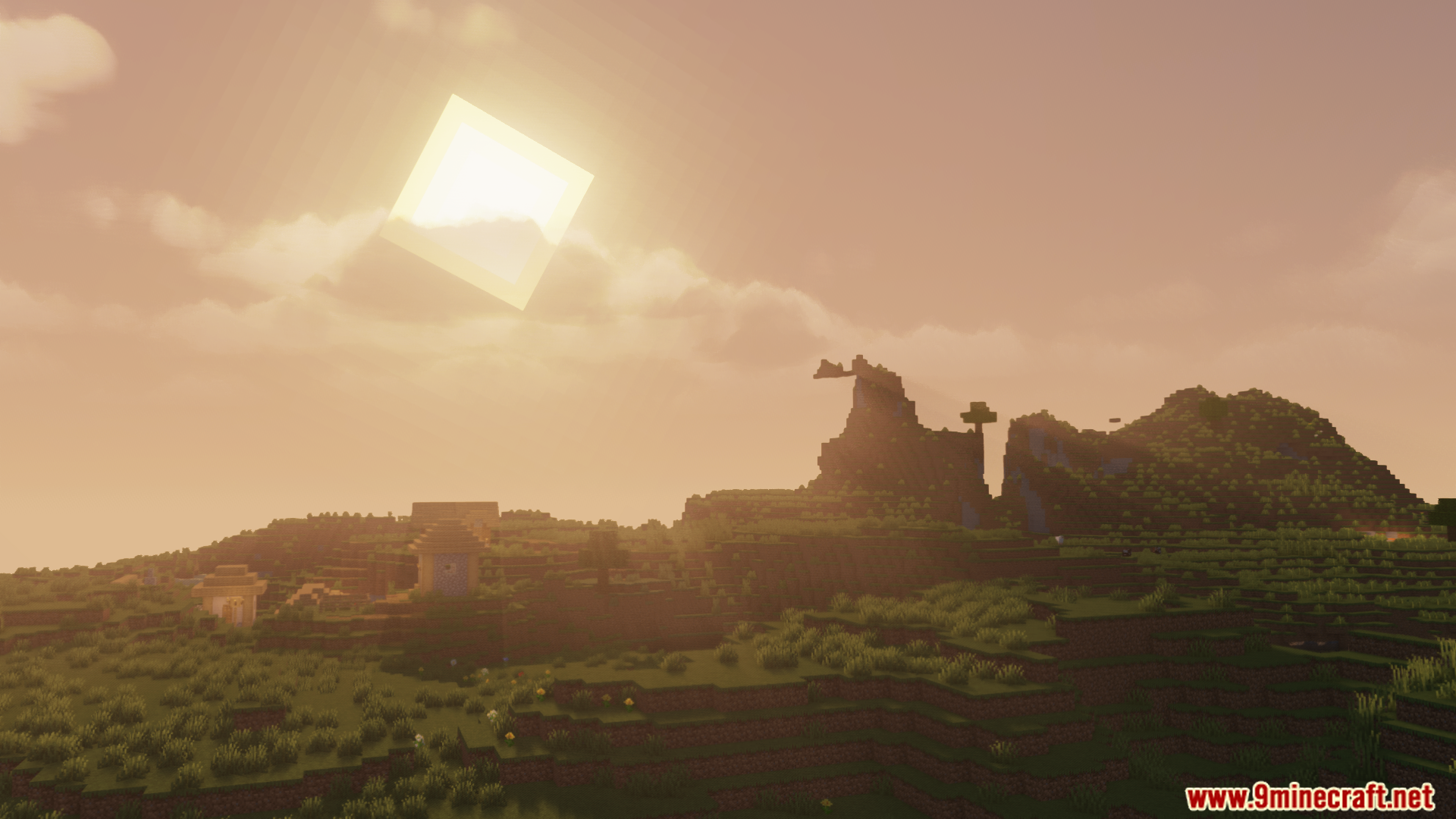
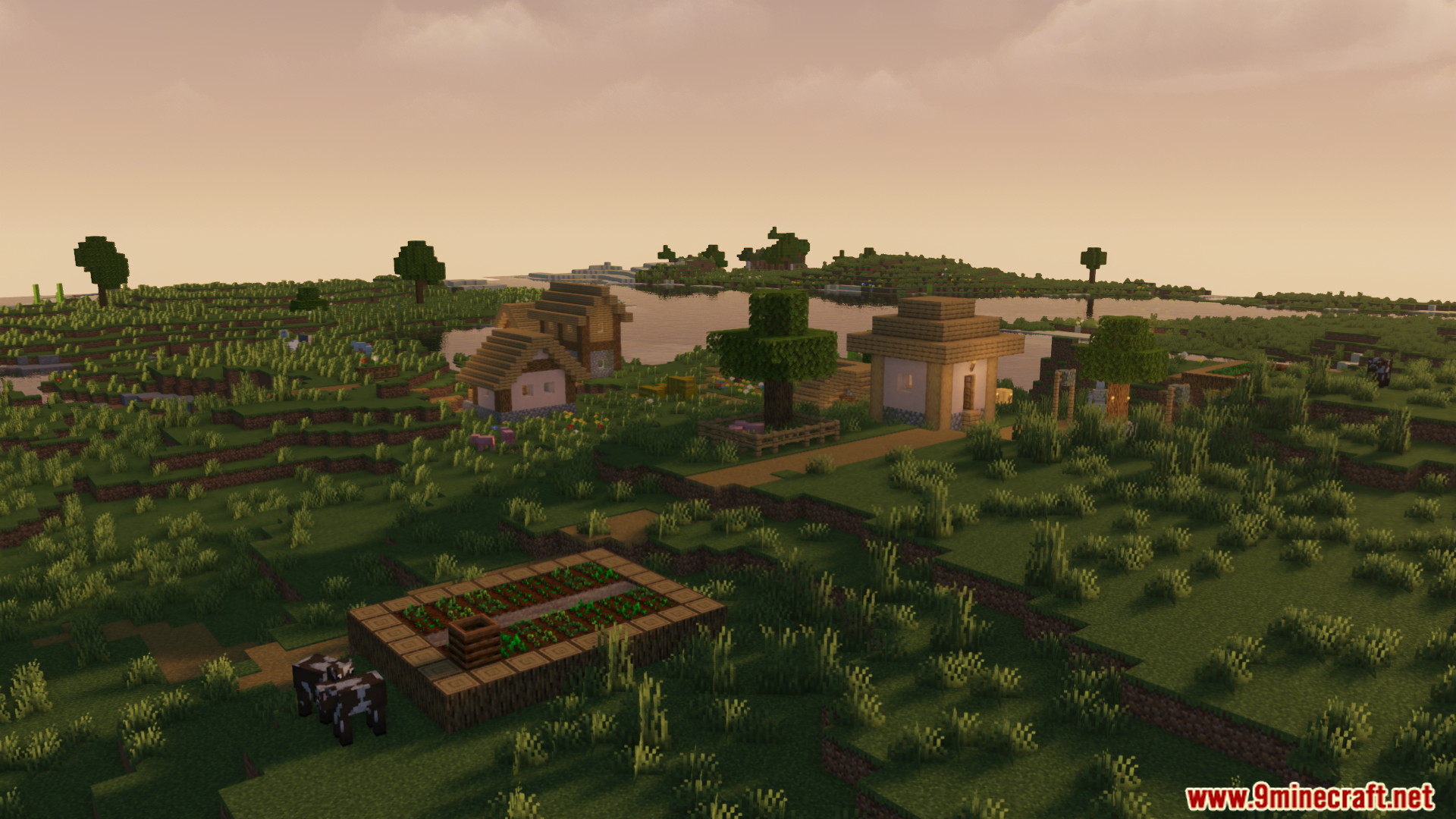
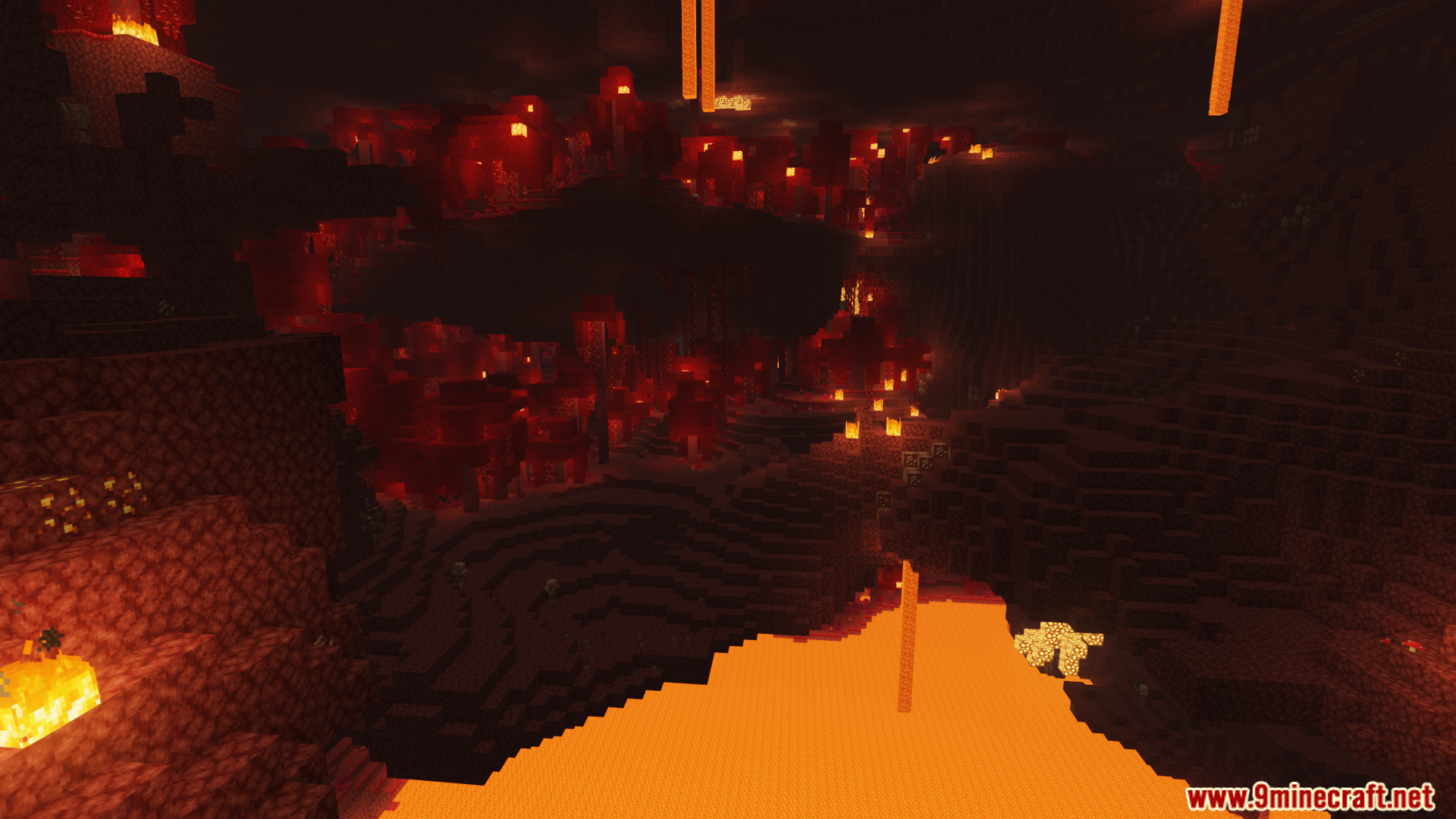
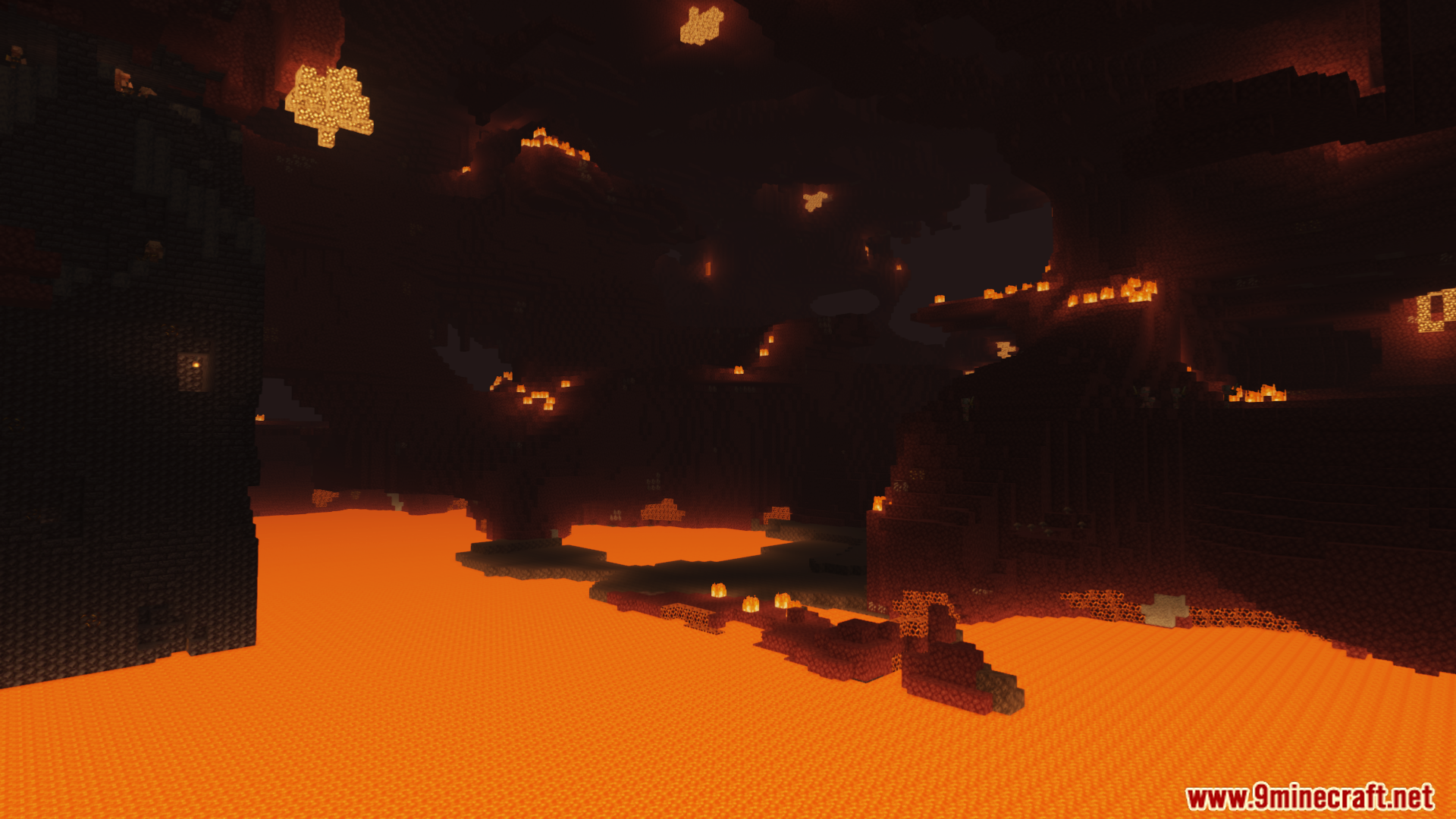
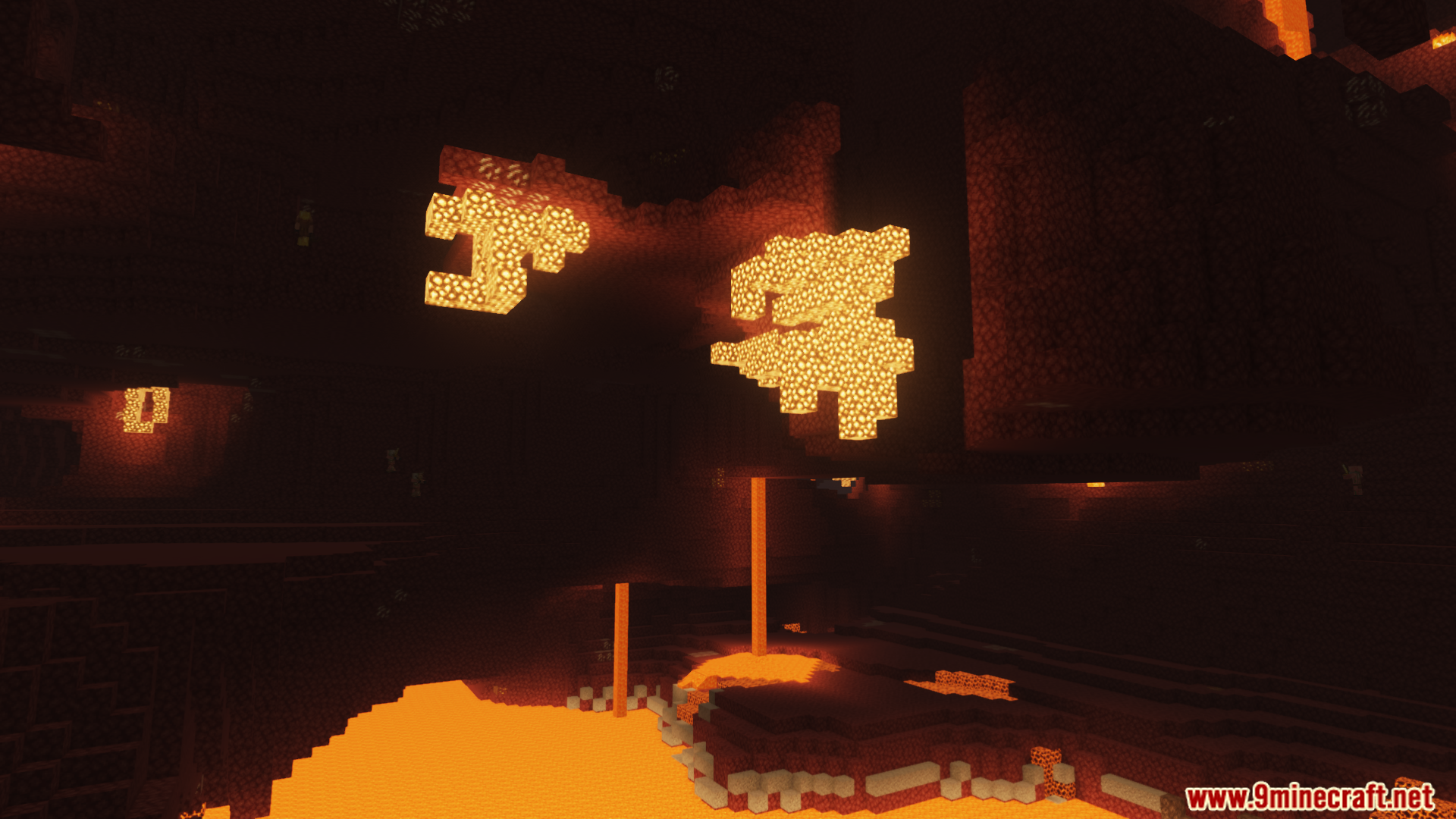
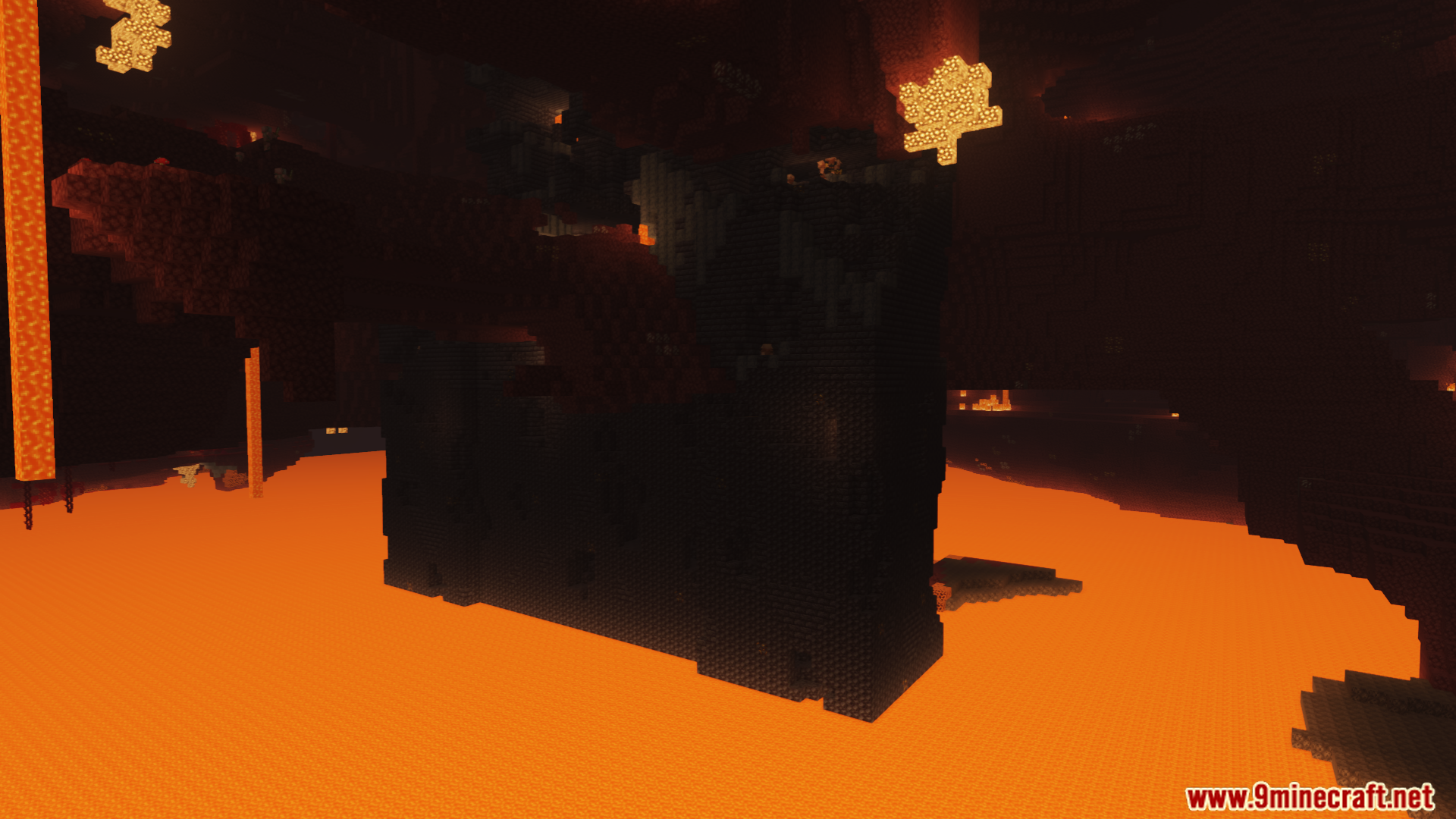
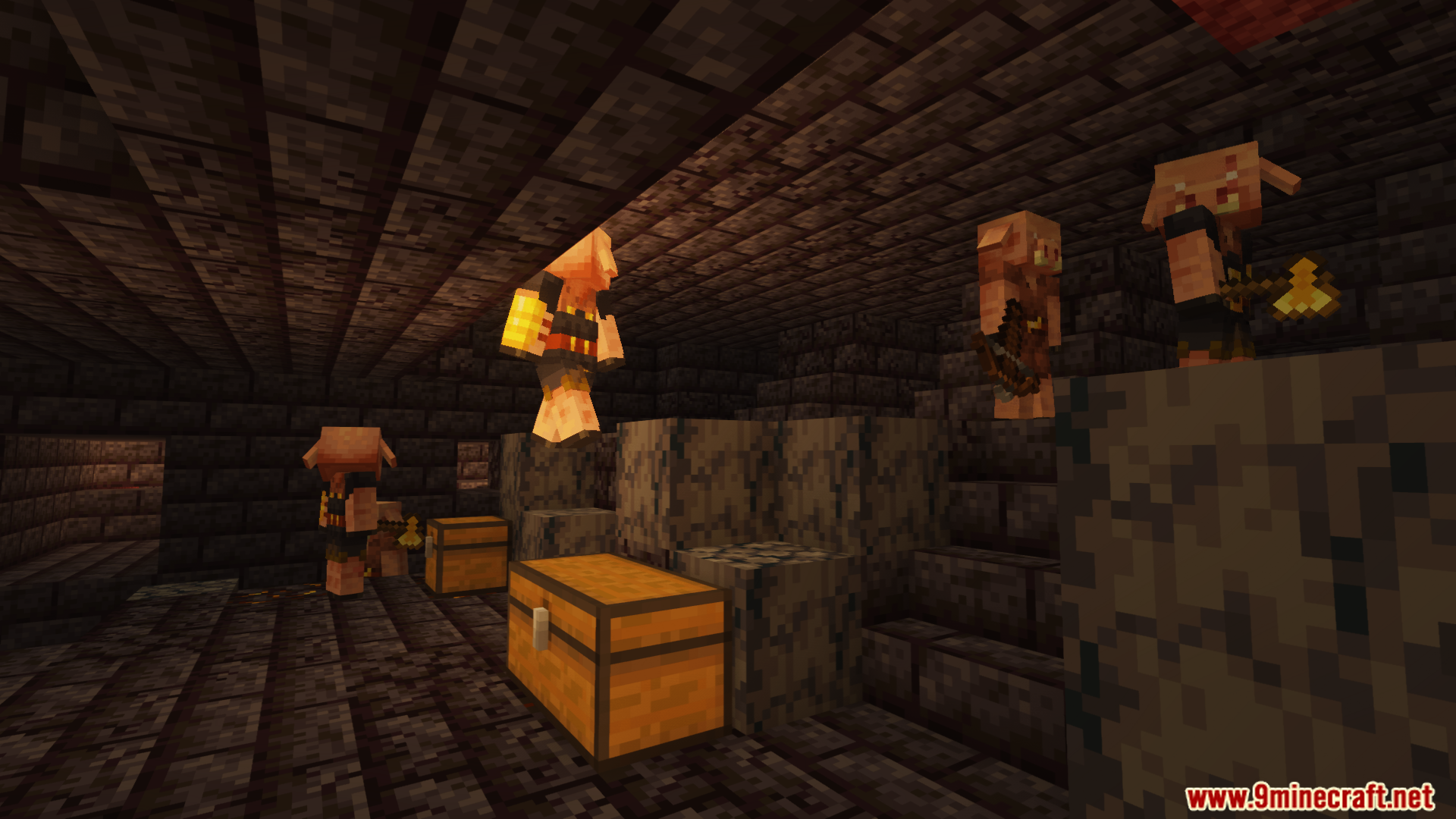
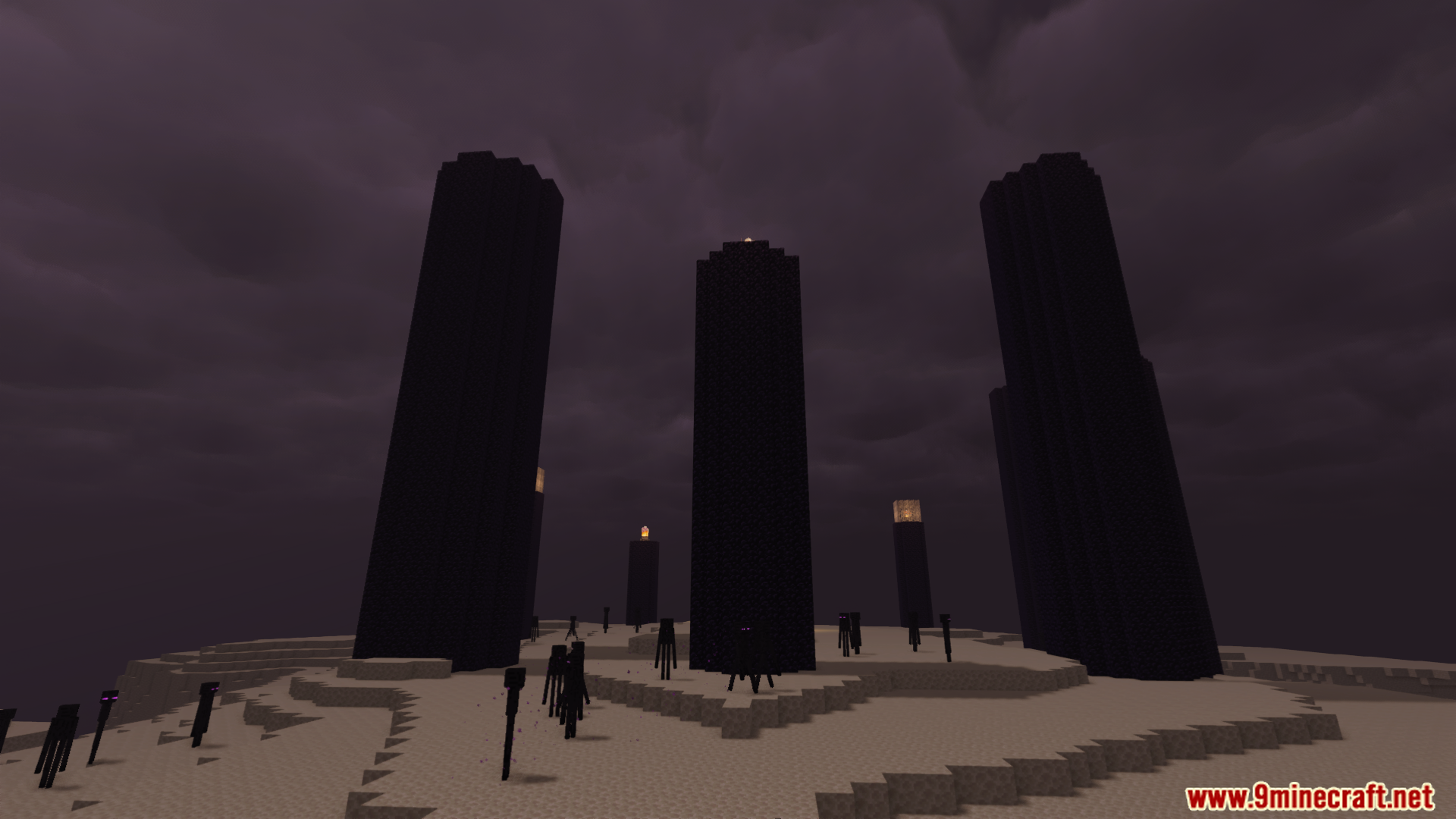
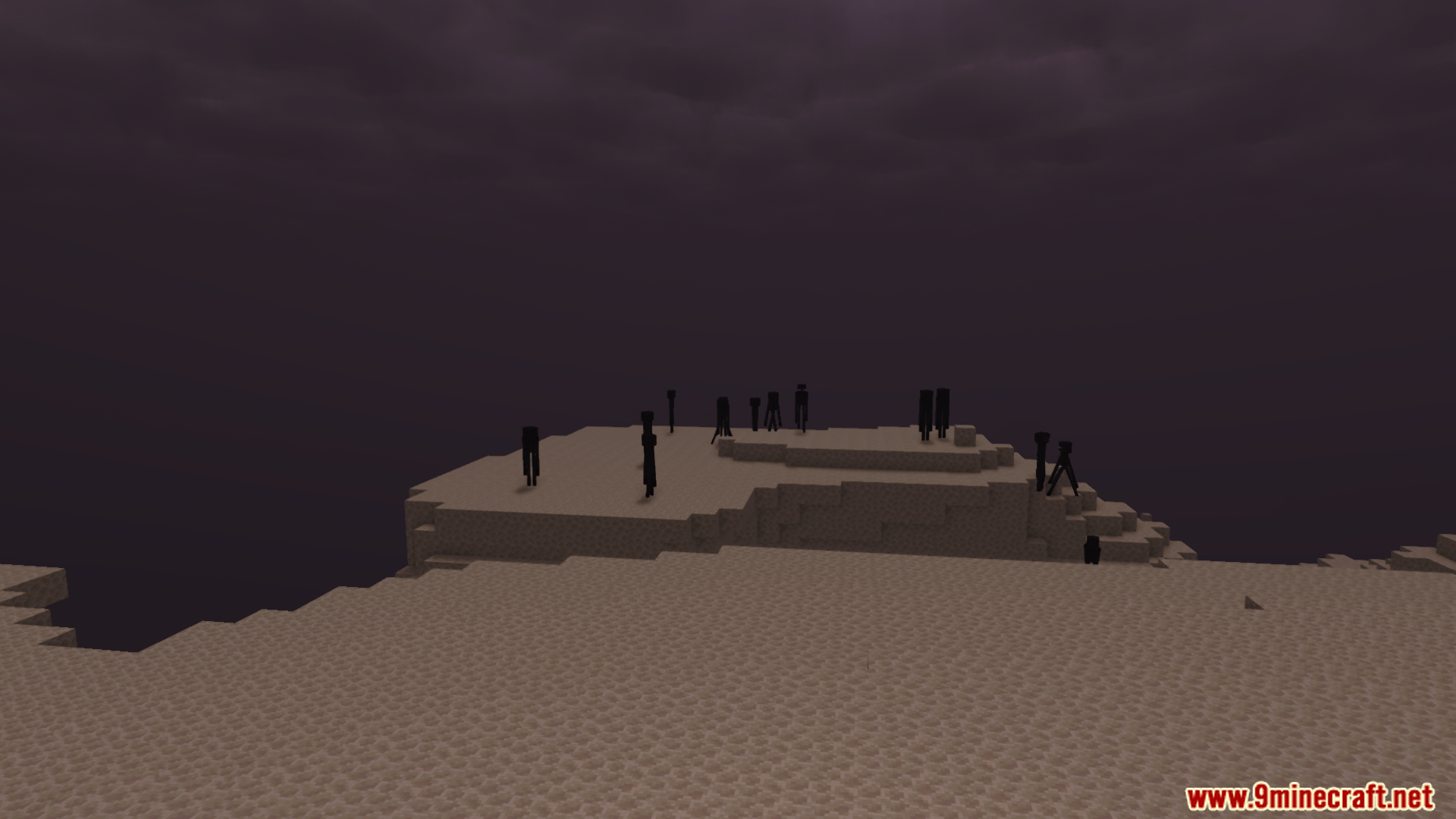
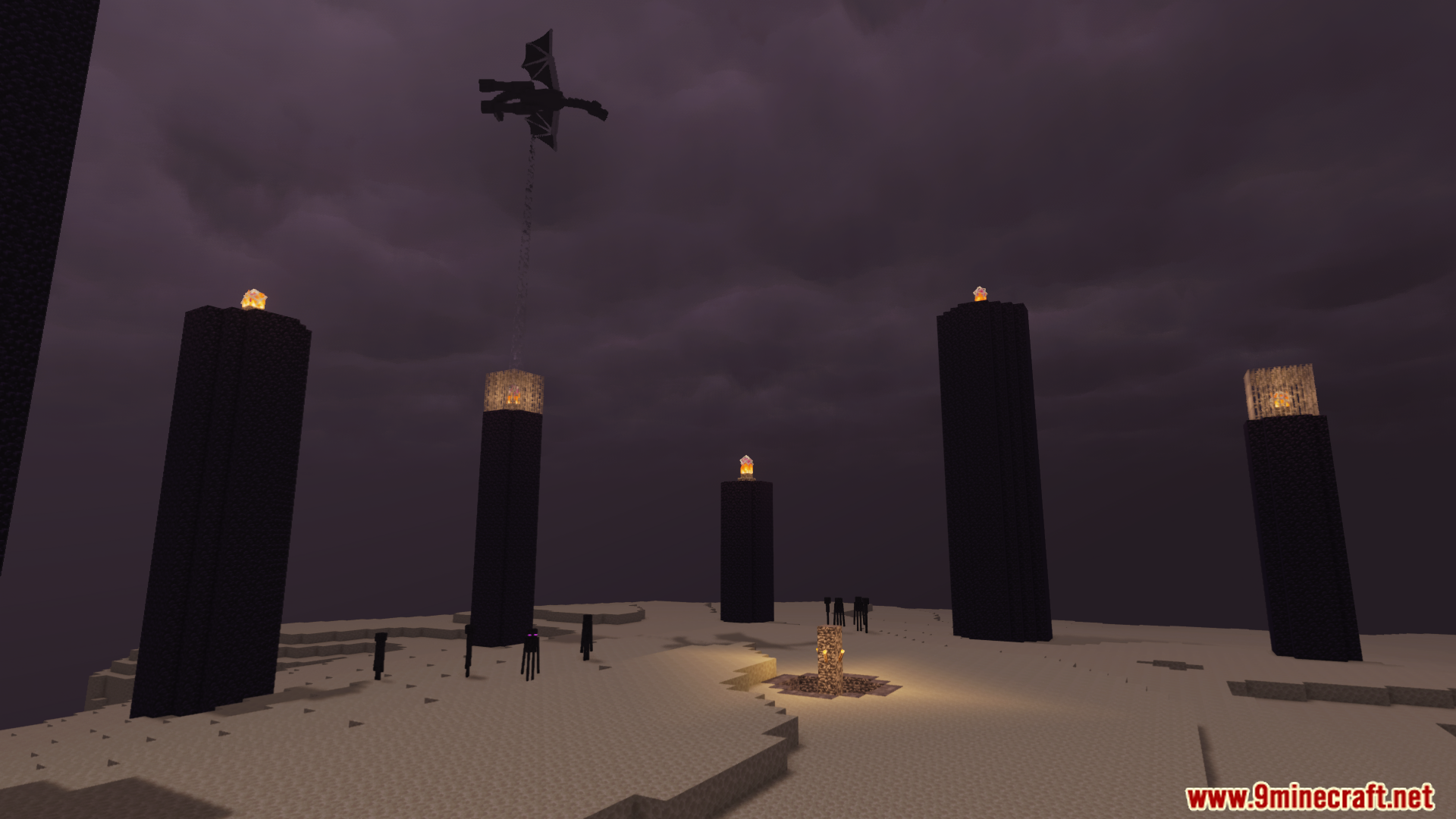
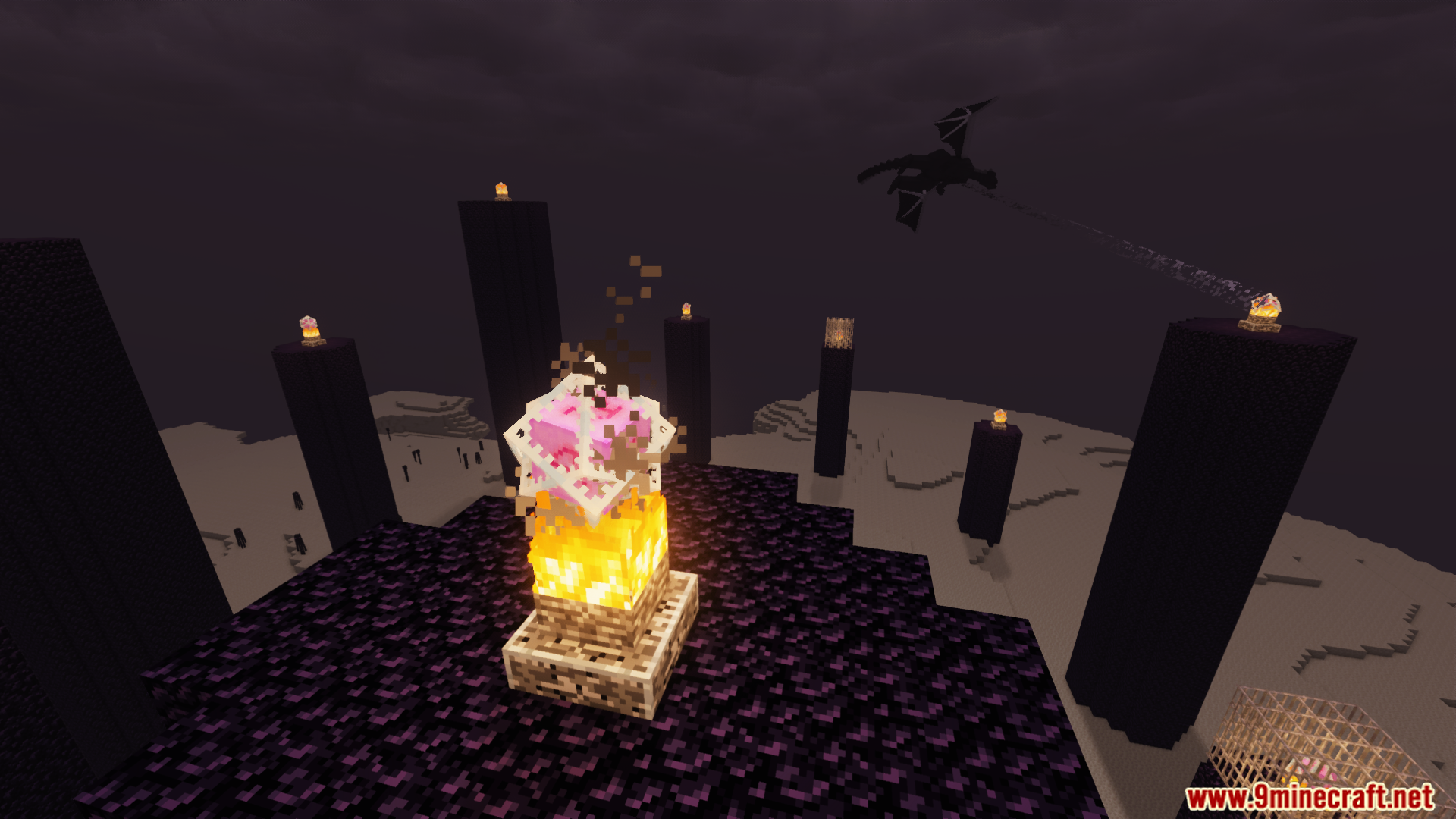
How to Install:
New to Minecraft? Follow our step-by-step guide to install Mods on your PC.View Guide
UltimateSpawn Mod Download Links
For Minecraft 1.20.1
Forge/NeoForge Version: Download from Server 1 – Download from Server 2
For Minecraft 1.19.4
Forge Version: Download from Server 1 – Download from Server 2
For Minecraft 1.19.3
Forge Version: Download from Server 1 – Download from Server 2
For Minecraft 1.19.2
Forge Version: Download from Server 1 – Download from Server 2
For Minecraft 1.18.2
Forge Version: Download from Server 1 – Download from Server 2
For Minecraft 1.16.5
Forge Version: Download from Server 1 – Download from Server 2
How do you usually discover new mods to try out?
10 responses · See the full results →
You May Also Like
Picked for this page
 Measurements Mod (26.3, 1.20.1) – Measuring The Dimensions of Blocks
 Grindstone Sharper Tools Mod (26.3, 1.20.1) – Increase The Damage of Tools
 BetterShields Mod (26.3, 1.20.1) – Fixes Shield Bugs
 Move Boats Mod (26.3, 1.20.1) – Easily Pick Up, Carry Boats Anywhere
 Colored Bricks Mod (1.21.11, 1.20.1) – Colored Bricks, Stairs & Slabs
 Animal Info Mod (26.3, 1.21.11) – Quick Stats For Your Animals
 Beyond Enchant Mod (1.21.11, 1.21.1) – Exceed Traditional Enchanments Limits
 Raknetify Mod (1.21.11, 1.20.1) – Improved Network Reliability
 Shadow Mounts Mod (26.3, 1.20.1) – Adds the Shadow Saddle
 Shared Health Mod (26.3, 1.20.1) – Linked Player Health System
 Create: More Drill Heads Mod (1.21.1, 1.20.1) – 6 Types of Drill Heads
 Named Traders Mod (26.3, 1.20.1) – Name Traders To Prevent Despawning
Most viewed in Mods over the last 7 days
 Ala Industrial Mod (26.3) – Run Electric Power Grids and Automated Factories
 PleasureCraft Mod (26.3, 1.21.1) – Jenny Mod Remake for Fabric
 Jennycraft Mod (26.3, 1.20.1) – Virtual Girlfriend in Minecraft
 Fapcraft Mod (26.3, 1.12.2) – Comprehensive and Detailed Content
 Jenny Mod (Fapcraft) Official Complete Guide – How to use, Tutorial
 BangCraft Mod (1.20.1) – Jenny, Ellie and Elliot
 Fabric Loader (26.3, 1.20.1) – Fabric Installer for All Minecraft Versions
 Meteor Client Mod (26.3, 1.20.1) – Xray, HUD, Fly
 OptiFine HD (26.3, 1.20.1) – Run Faster, FPS Boost, Shaders Support
 The Shooting Star Demo Mod (26.3, 1.20.1) – Vaporize Terrain From Orbit
 Aristois Client Mod (1.21.4, 1.20.1) – World Class Minecraft Utility
 SchnurriTV Mod (1.12.2) – Characters and Features
More from Mods
 Enhanced Block Entities 9minecraft Mod (26.3) – Build Lag-Free Storage Rooms
 Better Nether 9minecraft Mod (26.3, 26.2) – Survive Forever in the Nether
 BCLib 9minecraft Mod (26.3, 26.2) – Power Custom Nether and End Overhauls
 ForgedLoaderAPI Mod (1.19.2, 1.18.2) – Bring Ported Fabric Creations
 Shield System Mod (1.21.1) – Tank Heavy Monster Hits Without Losing Hearts
 Shin’s Tensura Race Models Mod (1.19.2) – Play As Unique 3D Anime Race
 Offgrid Mod (26.3, 1.20.1) – Furnish Compact Interiors Without Strict Grid
 Tempest Almanac Iron’s Spells ‘n Spellbooks Mod (1.21.1, 1.20.1)
 Chat Guides Mod (26.3, 1.21.11) – Never Memorize Complex Server Commands Again
 TRMT Reimagined the Roads More Travelled Mod (26.3, 1.20.1)
 Morrowless Mod (1.21.1) – Defend Your Shelter From Nightmare Creatures
 THE SLOPSTROSITY Mod (1.21.1) – Battle a Ridiculous Slime Boss

This post has no comments yet. Be the first — your comment will appear here.