
Vanilla XBR Resource Pack (1.21.1, 1.20.1) – A Faithful World with Sharper
 11,390
 0


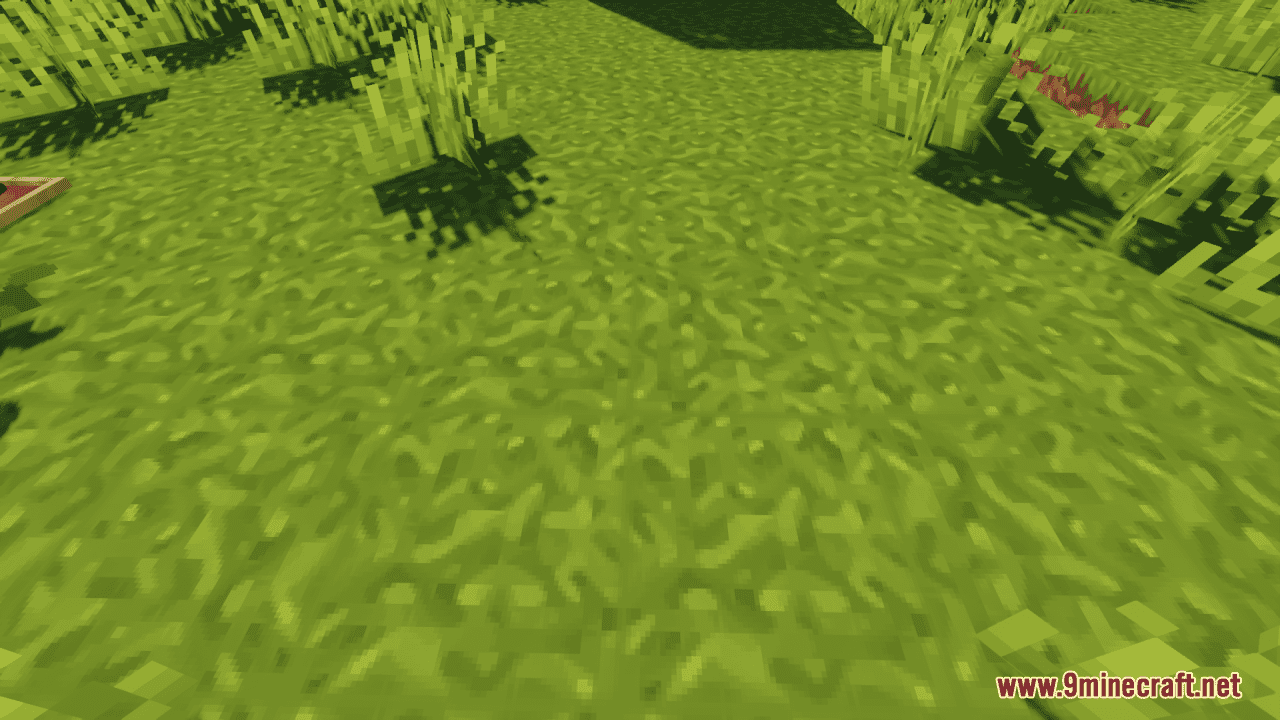
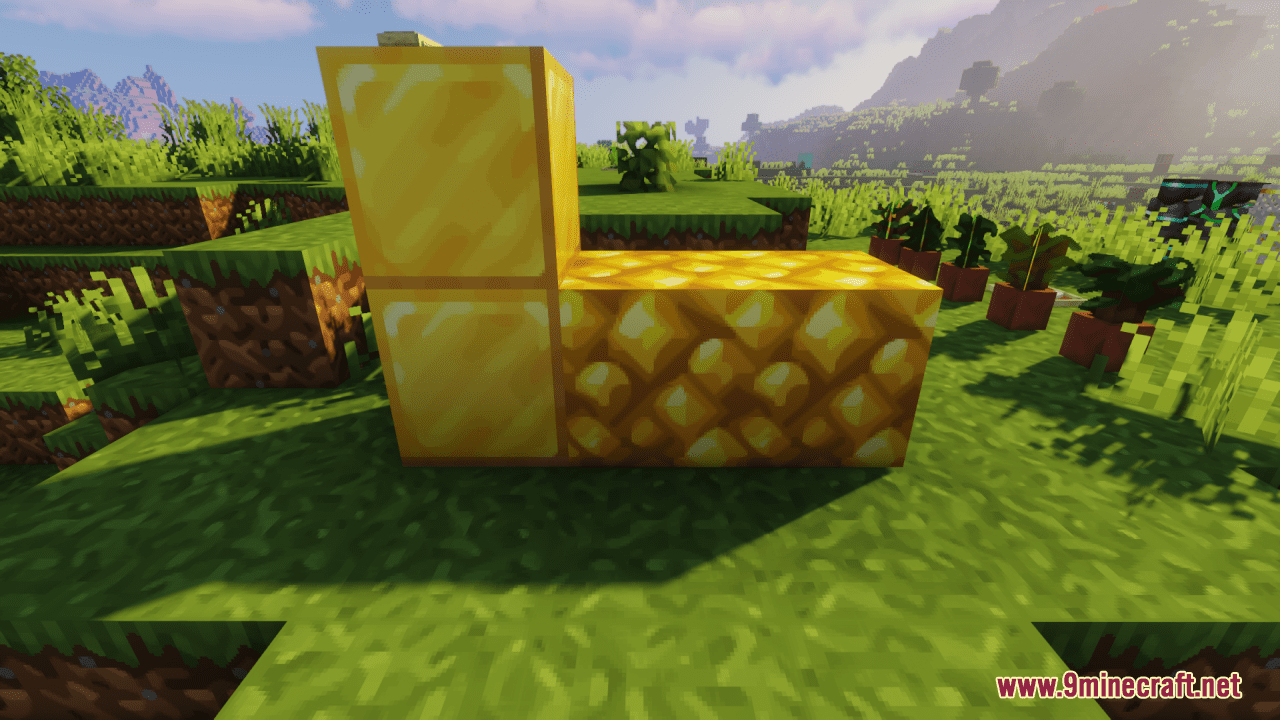
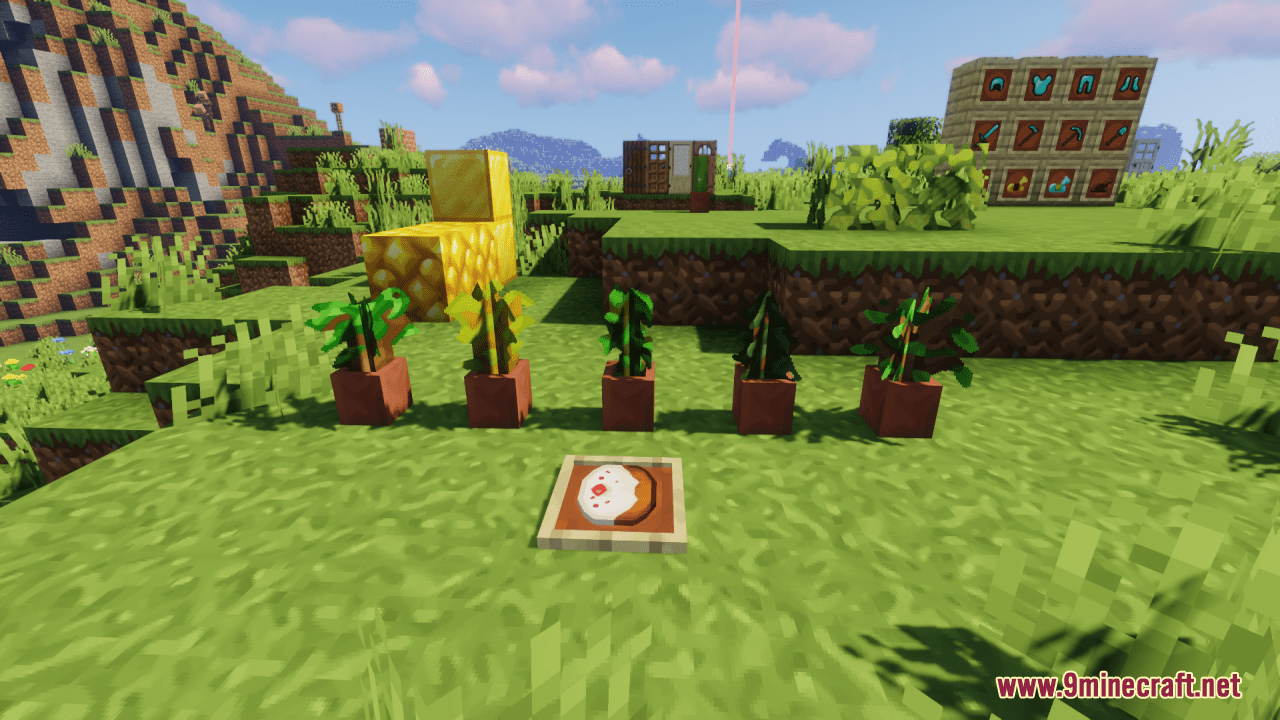
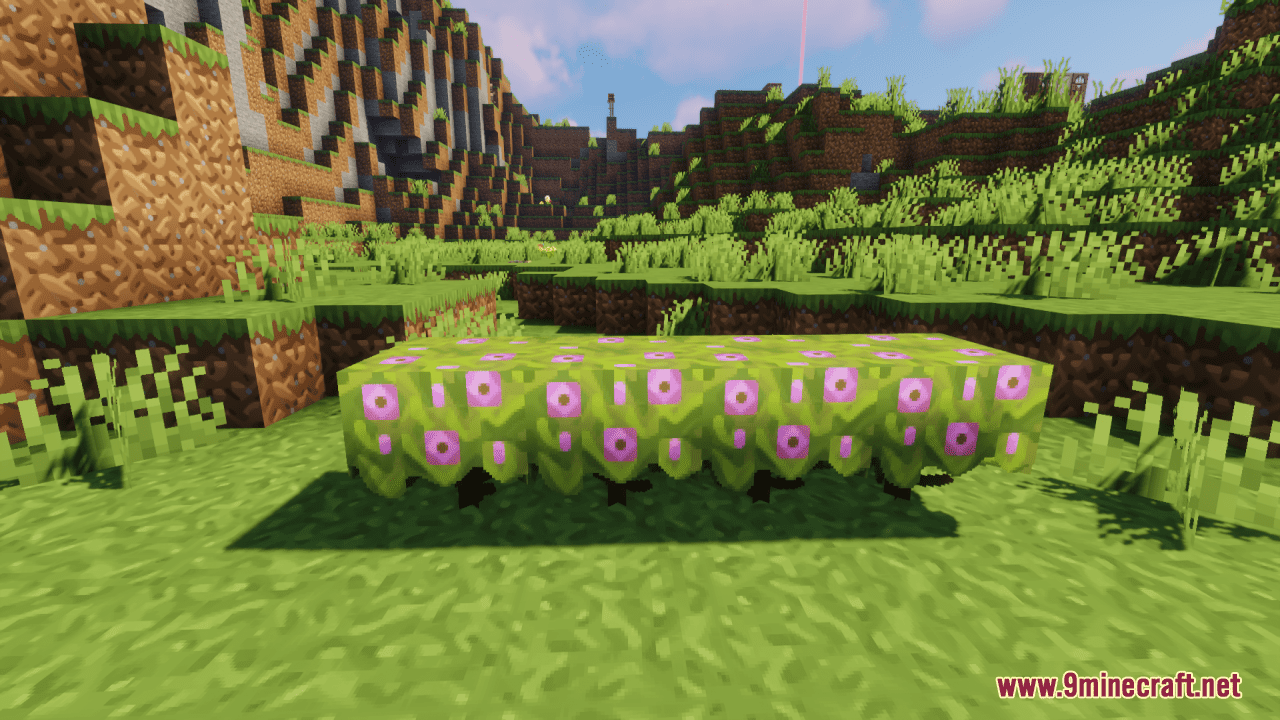
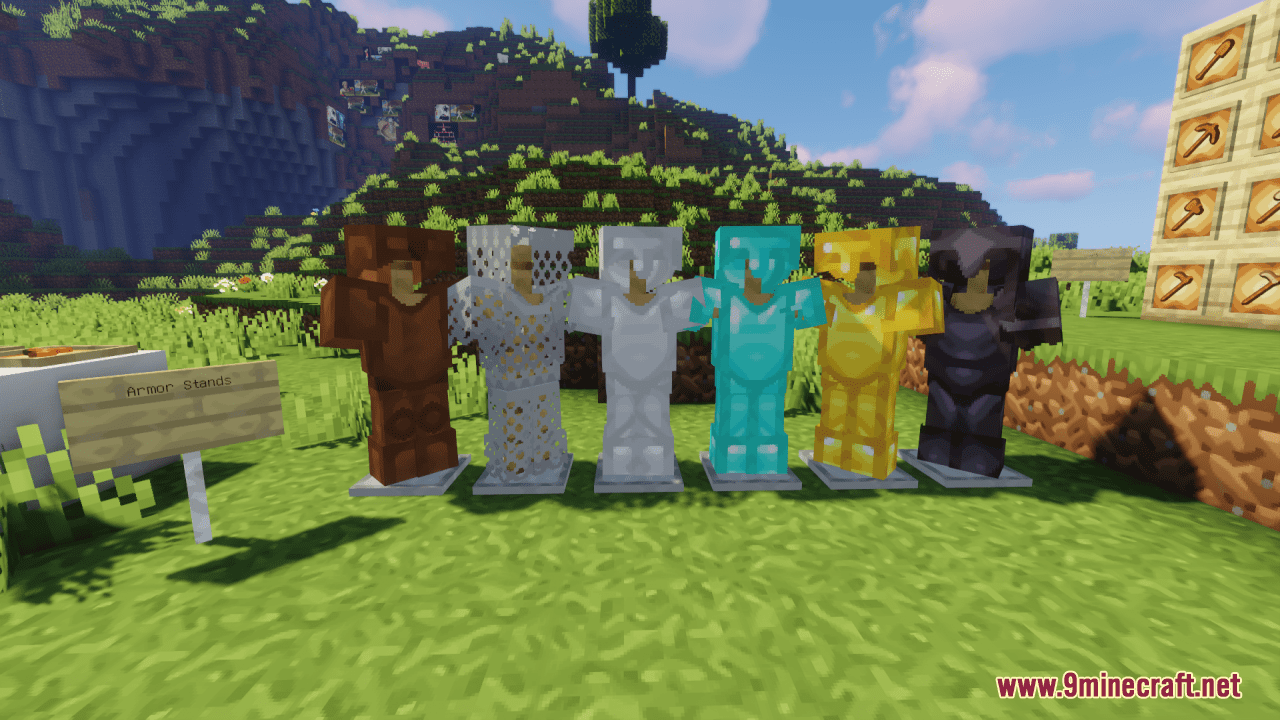
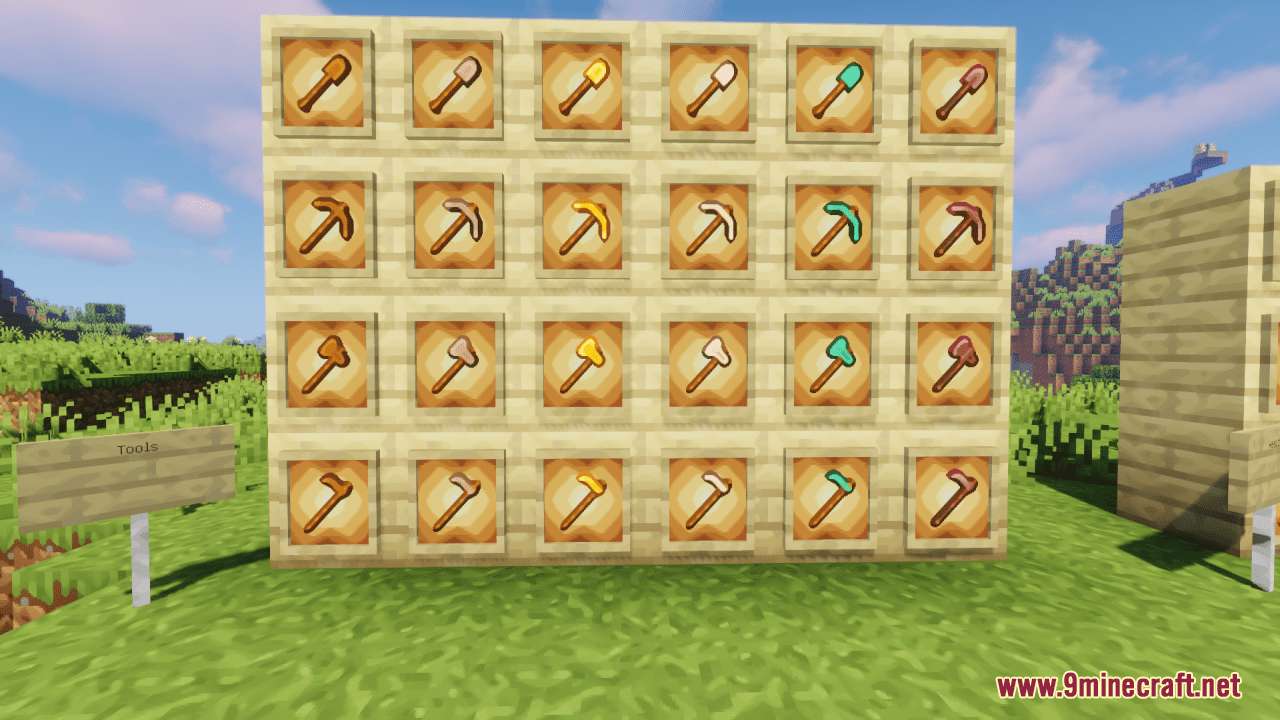
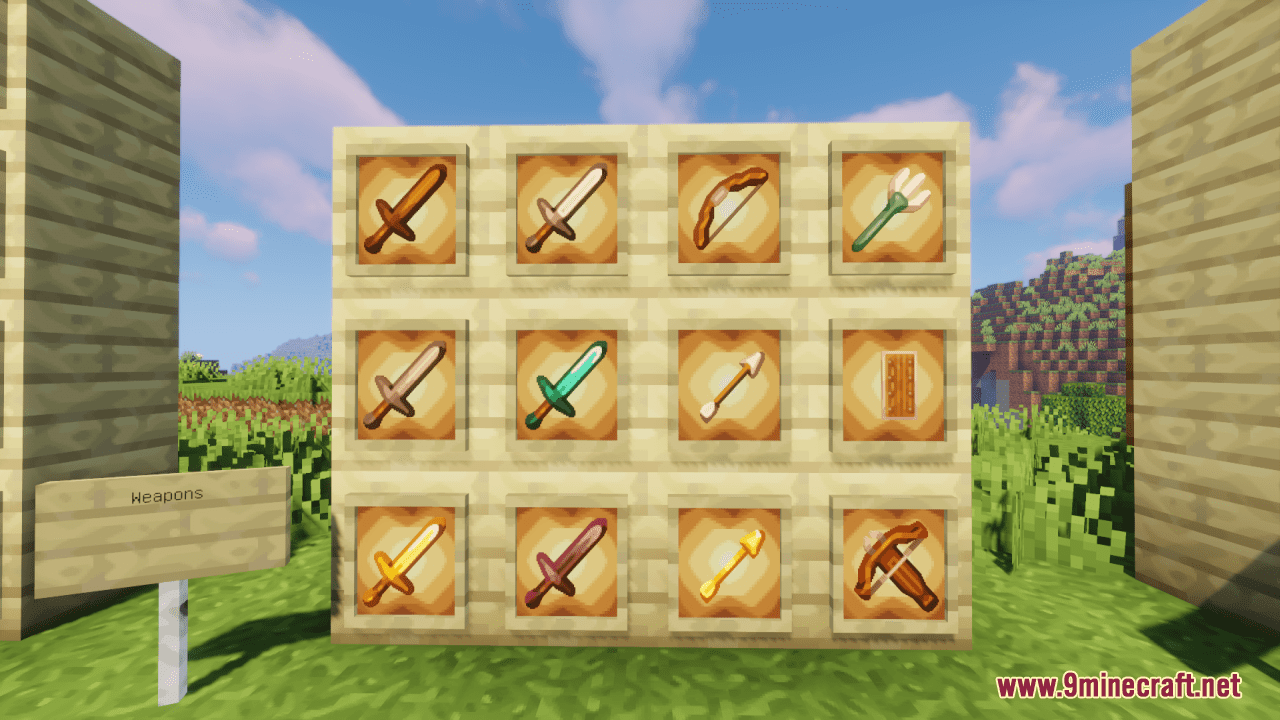
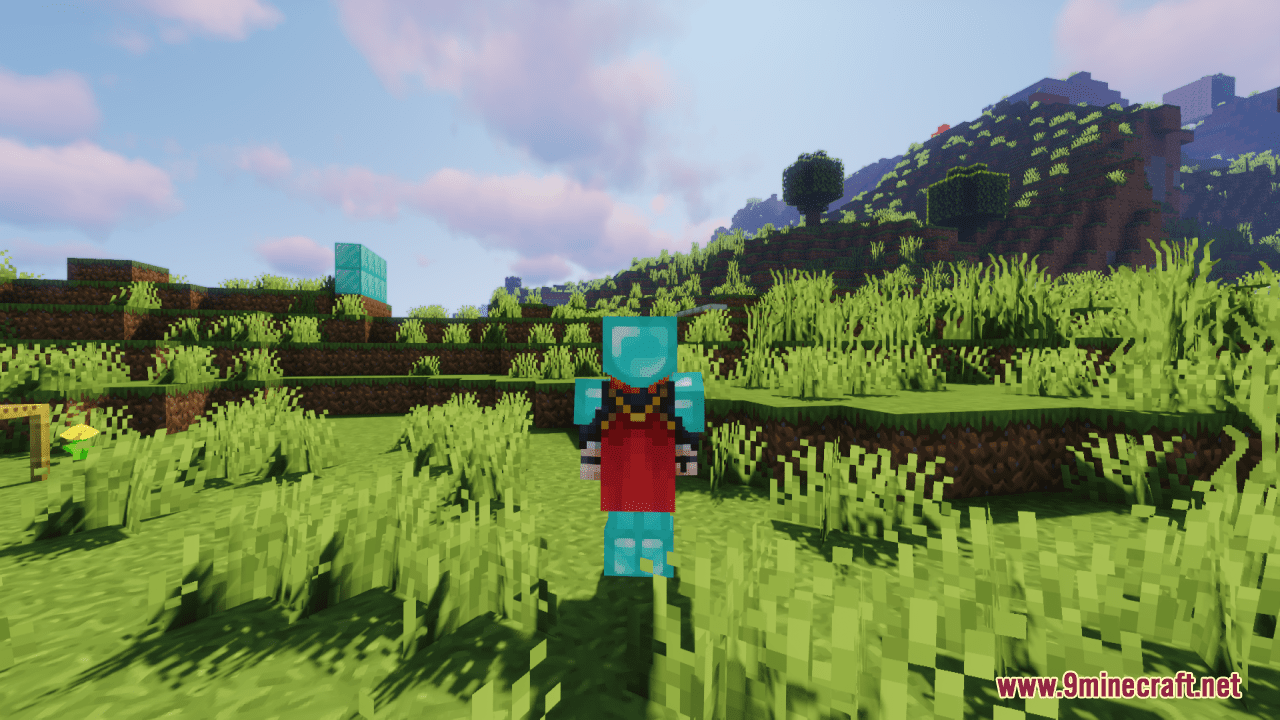
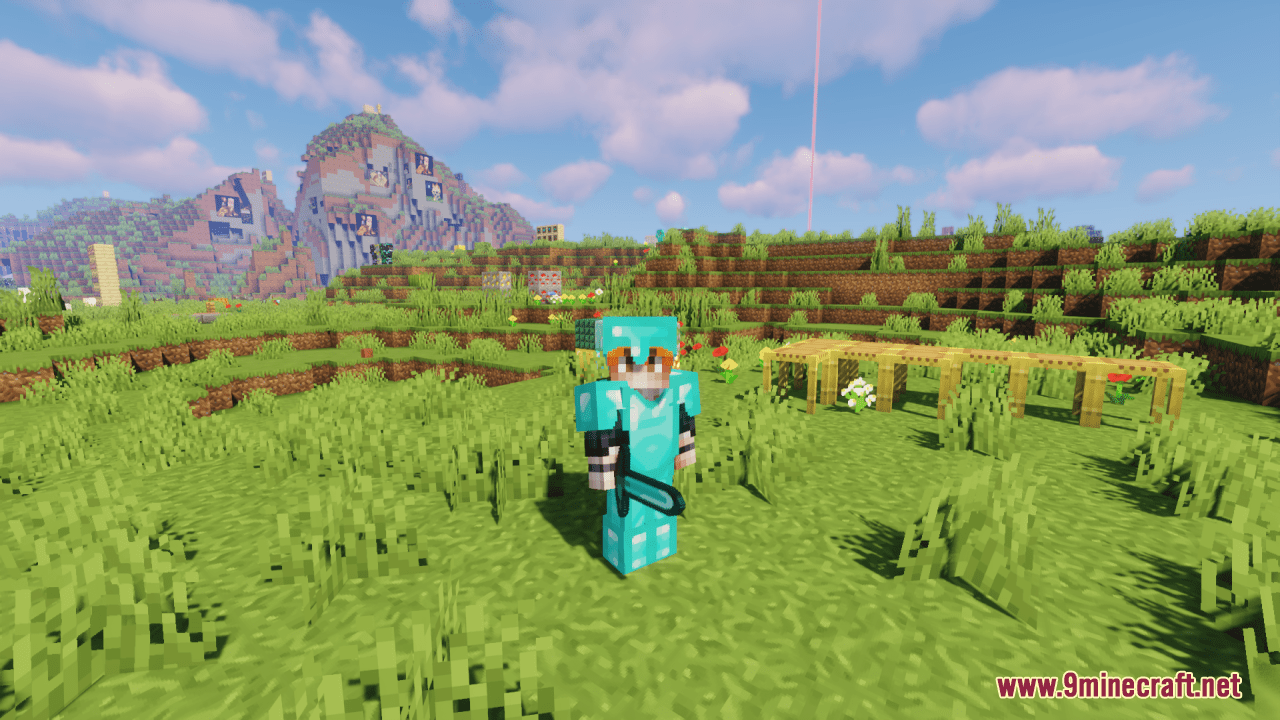
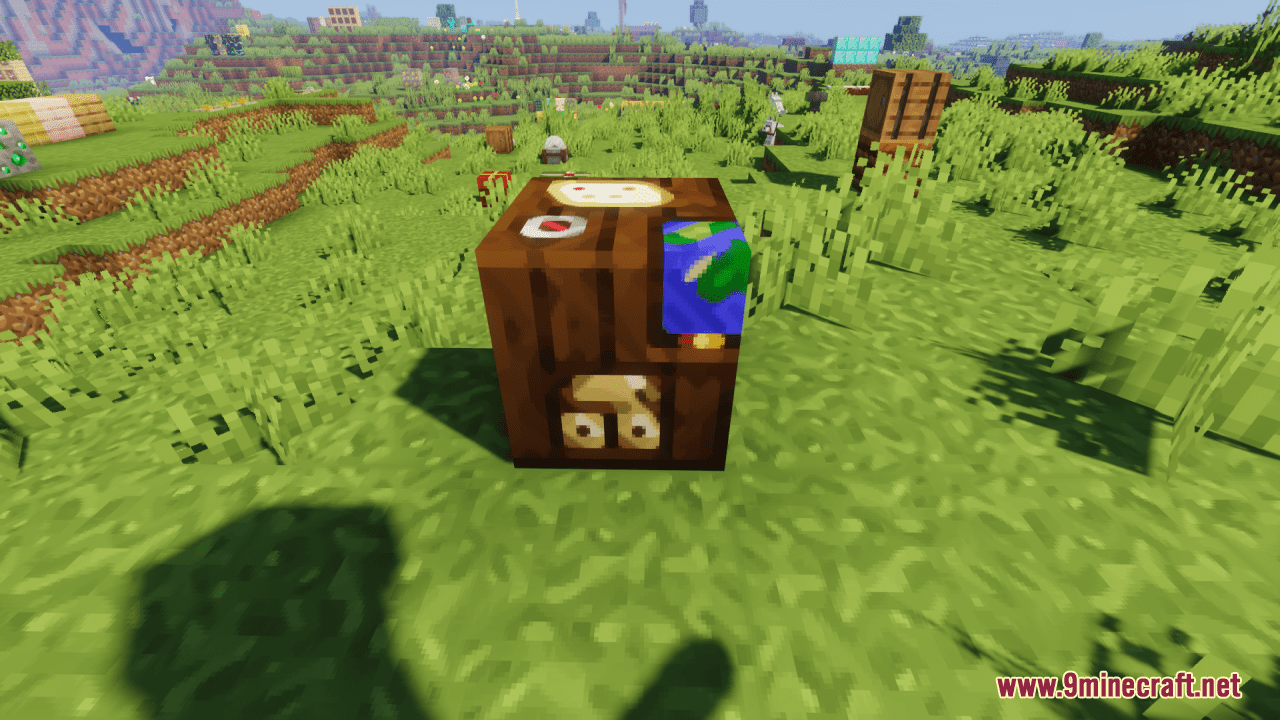
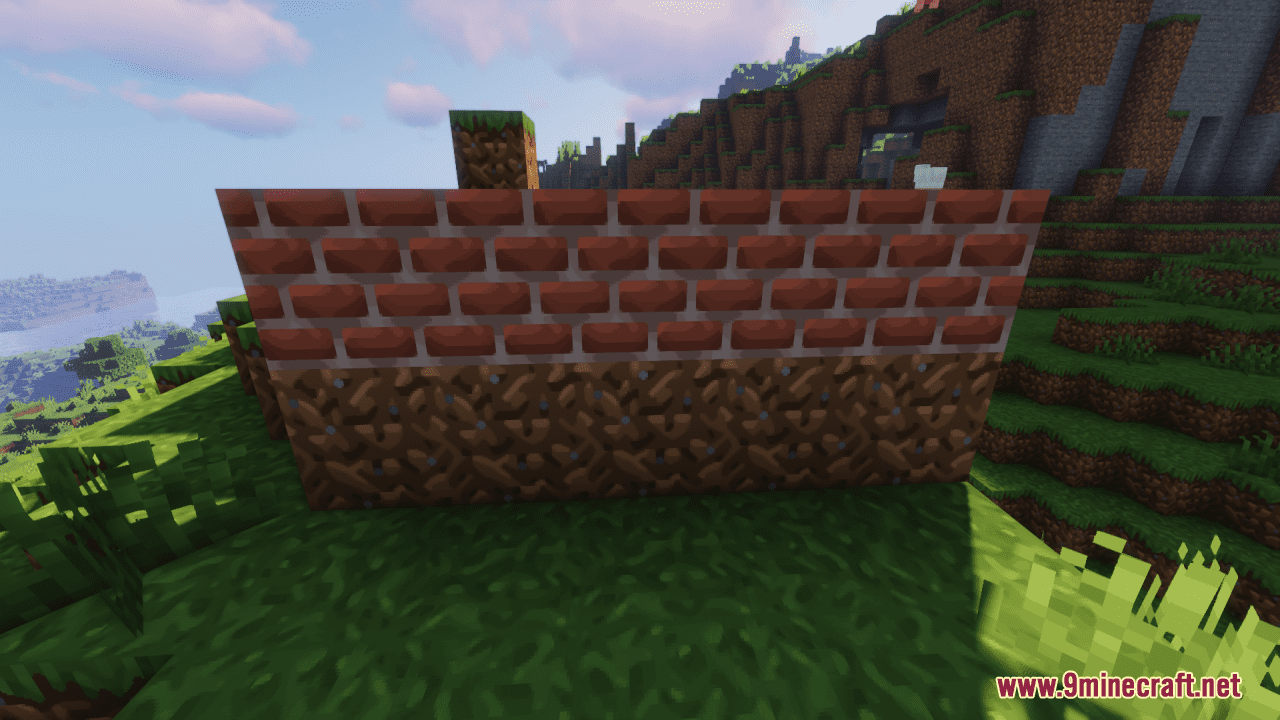
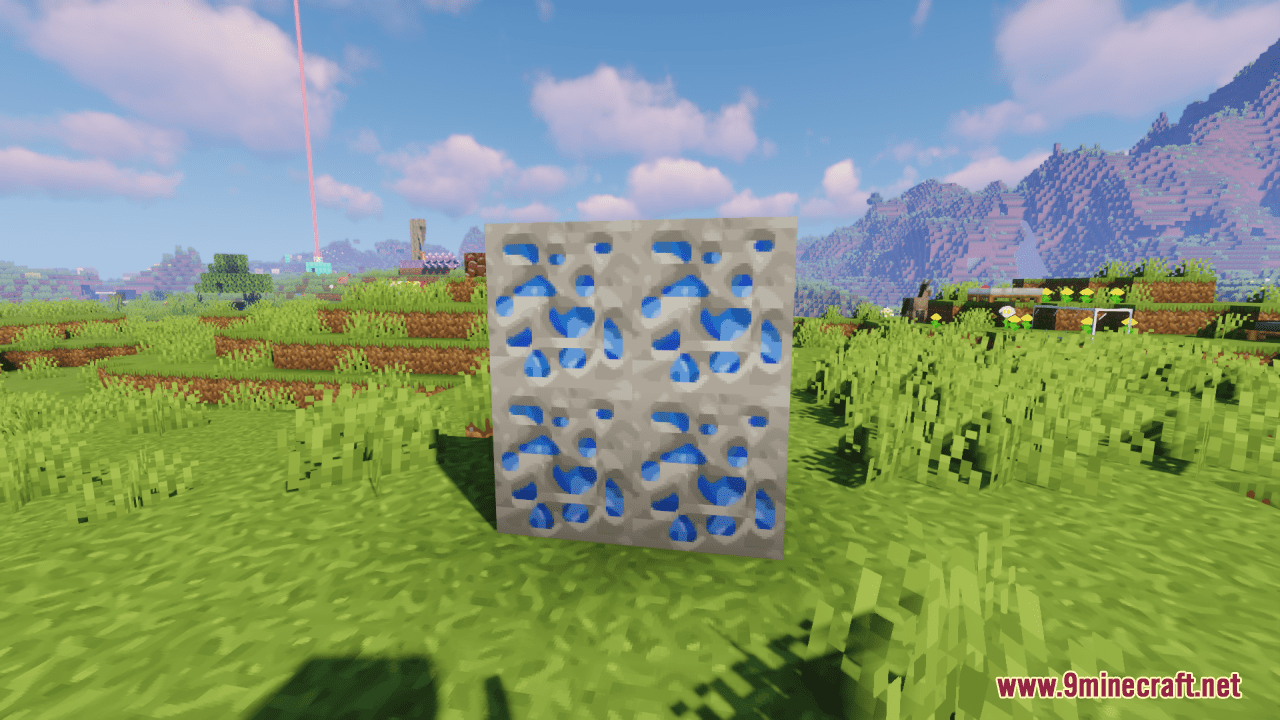
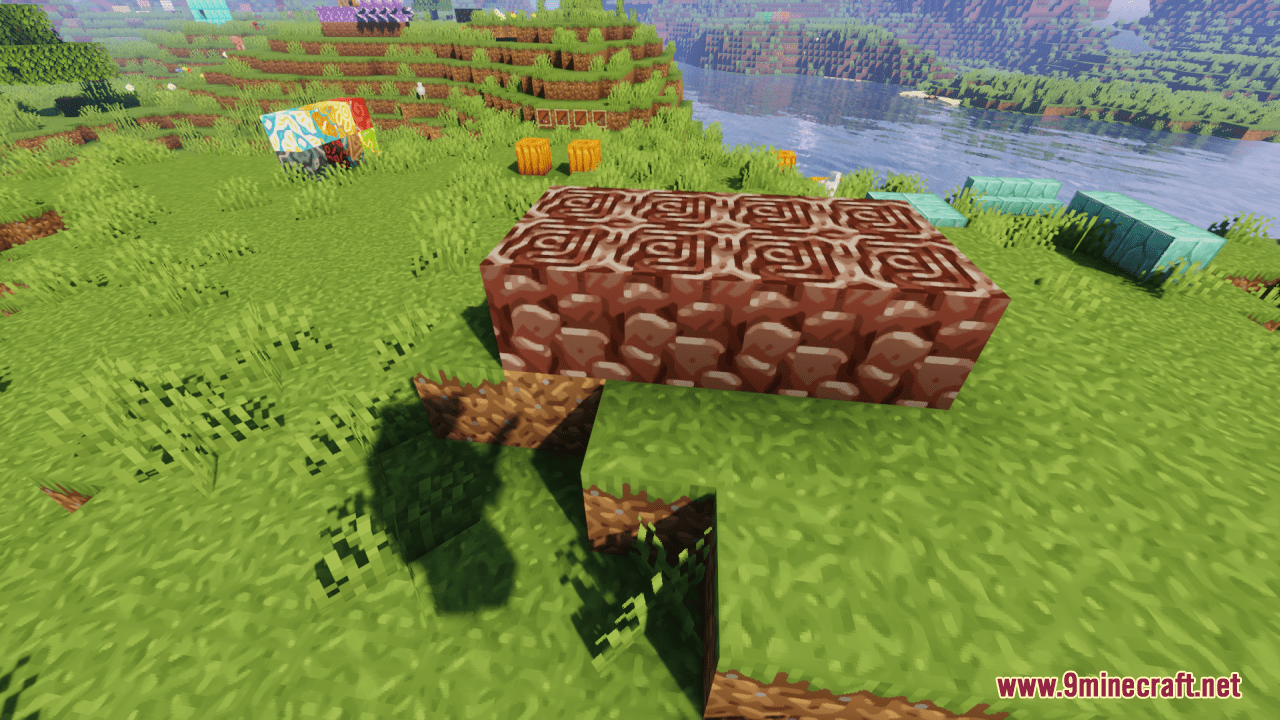
Vanilla XBR Resource Pack refreshes the look of Minecraft with smooth, high-definition textures that keep the familiar default style. This pack uses the xBR scaling method to blend pixels together, so blocks, items, gear, and mobs look clean without extra clutter. Each texture gets careful manual touch-ups after scaling so every surface stays crisp. From a distance, the world still looks like vanilla Minecraft, while textures up close look sharp and neat.
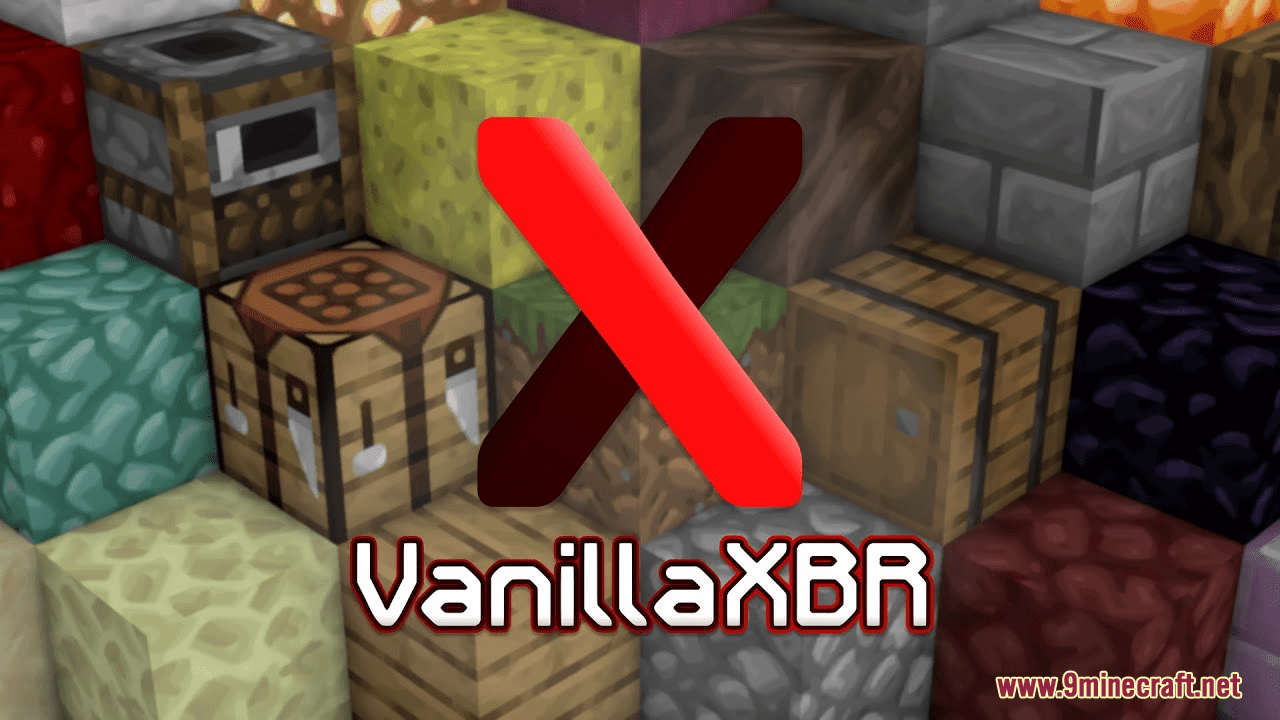
Features:
- Blends pixels together smoothly to turn standard Minecraft textures into high-definition versions without over-detailing them.
- Uses the xBR scaling algorithm to enlarge pixel art to four times its original size while keeping edges clean instead of blurry or messy.
- Avoids AI upscaling by relying on a classic pixel-art scaling method known from retro console emulators, so the original art style stays accurate.
- Combines scaling tools with manual layering, editing, and touch-ups on each texture for a neat, finished look.
- Keeps the game looking close to vanilla Minecraft from a distance so the overall feel stays familiar.
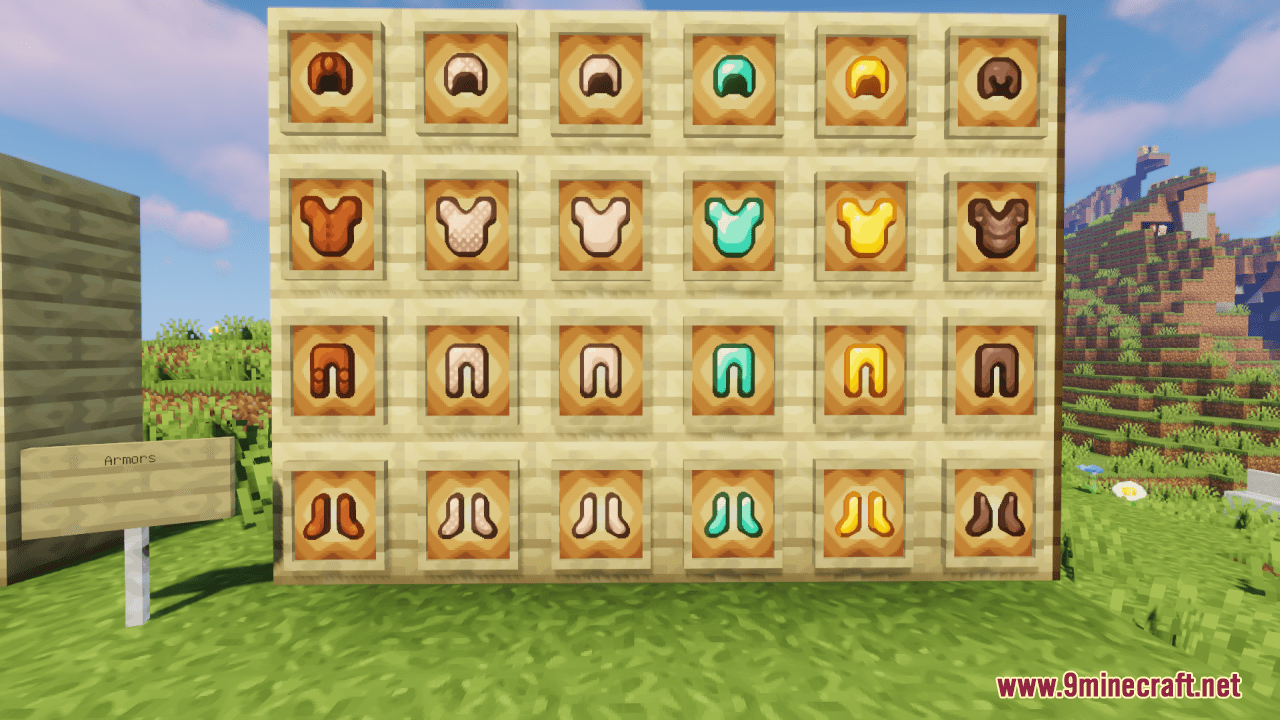
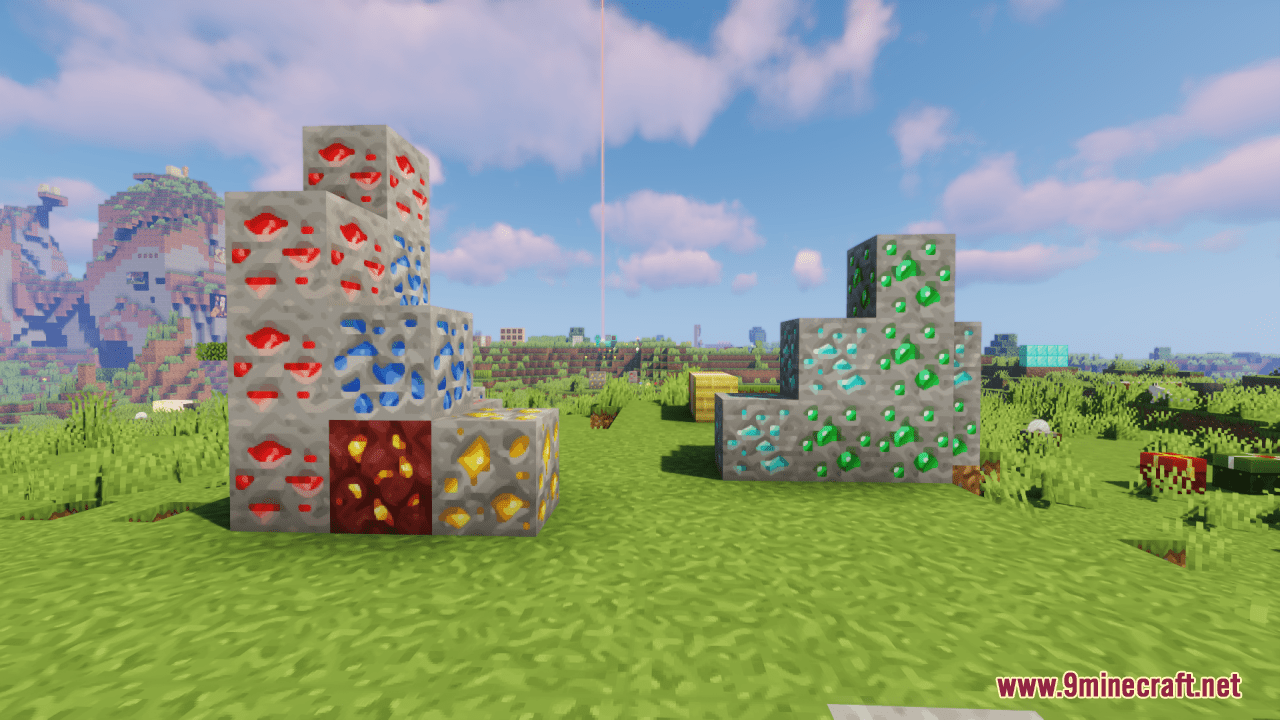
- Updates textures across terrain, blocks, ores, plants, items, tools, weapons, armor sets, and mobs.
- Works with PackXBR, a companion tool that lets you upscale other vanilla-style resource packs so their textures match this pack.
- Offers optional matching addons, including Lower Terrain Sides, Visual Honey, Lower Fire, Gui Scale 3x Fix (with a recommended text-fixing pack), and xBR Clouds (for the fast clouds setting only).
Screenshots:
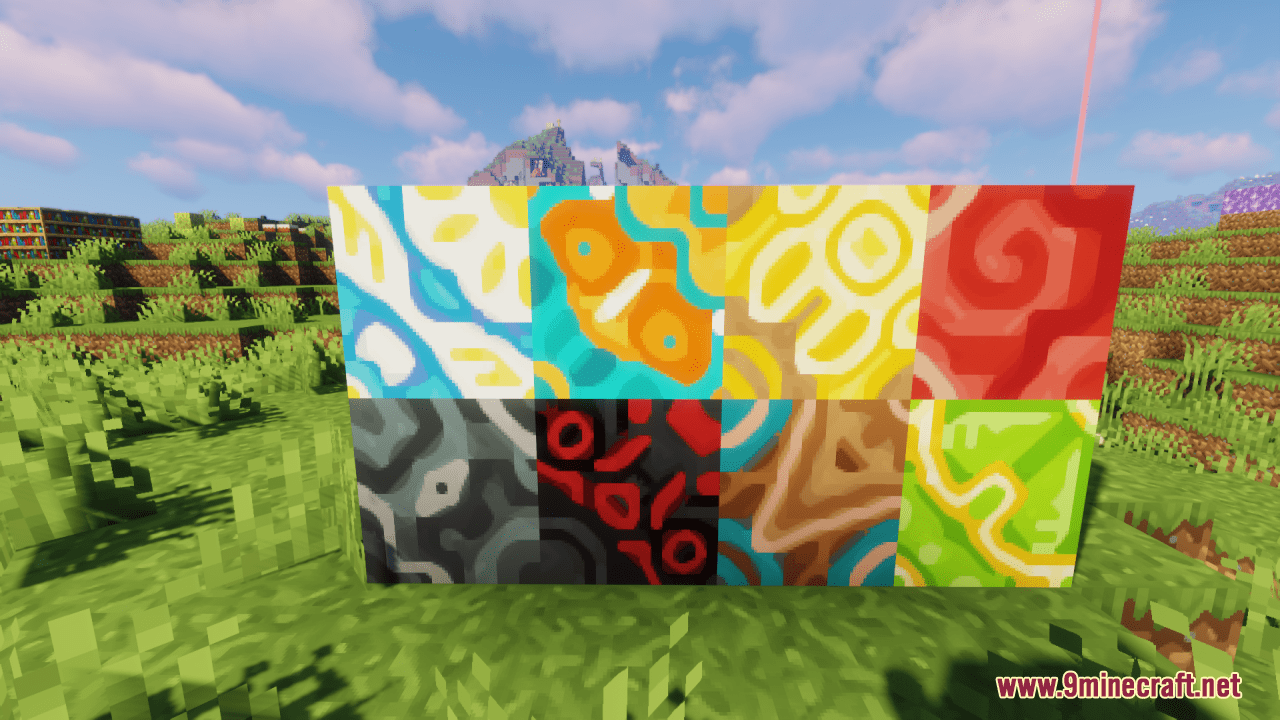
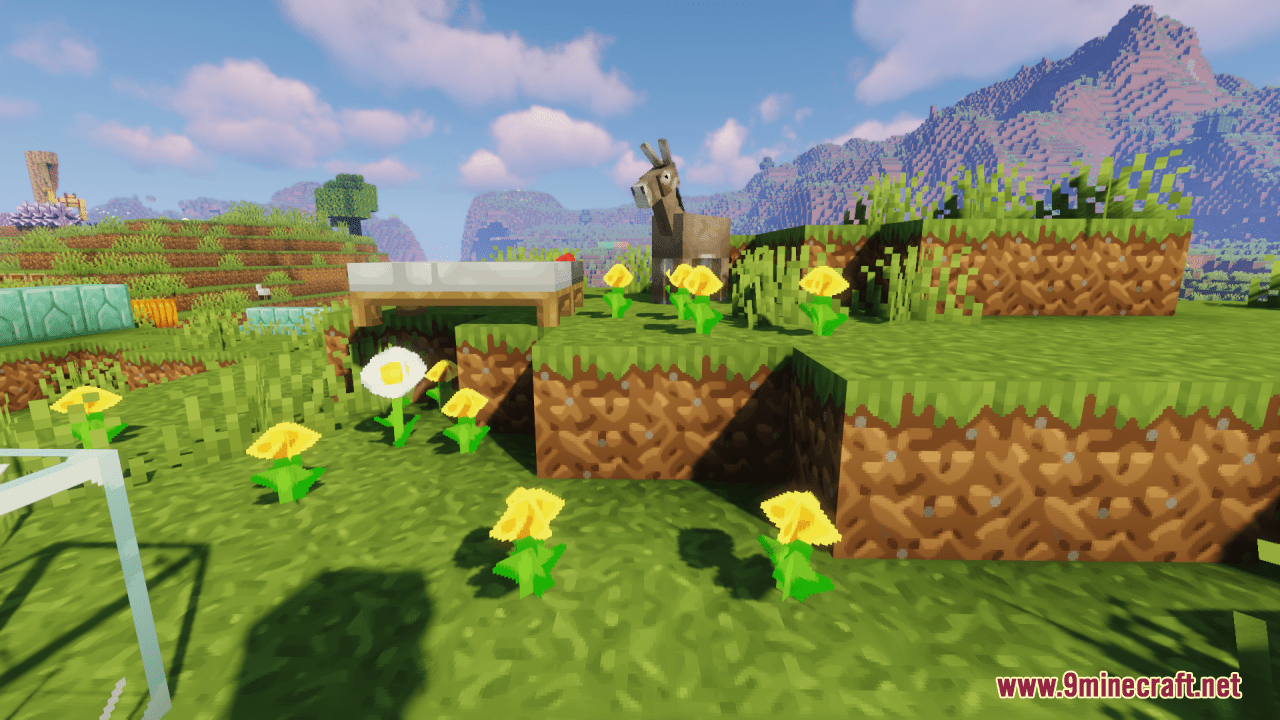
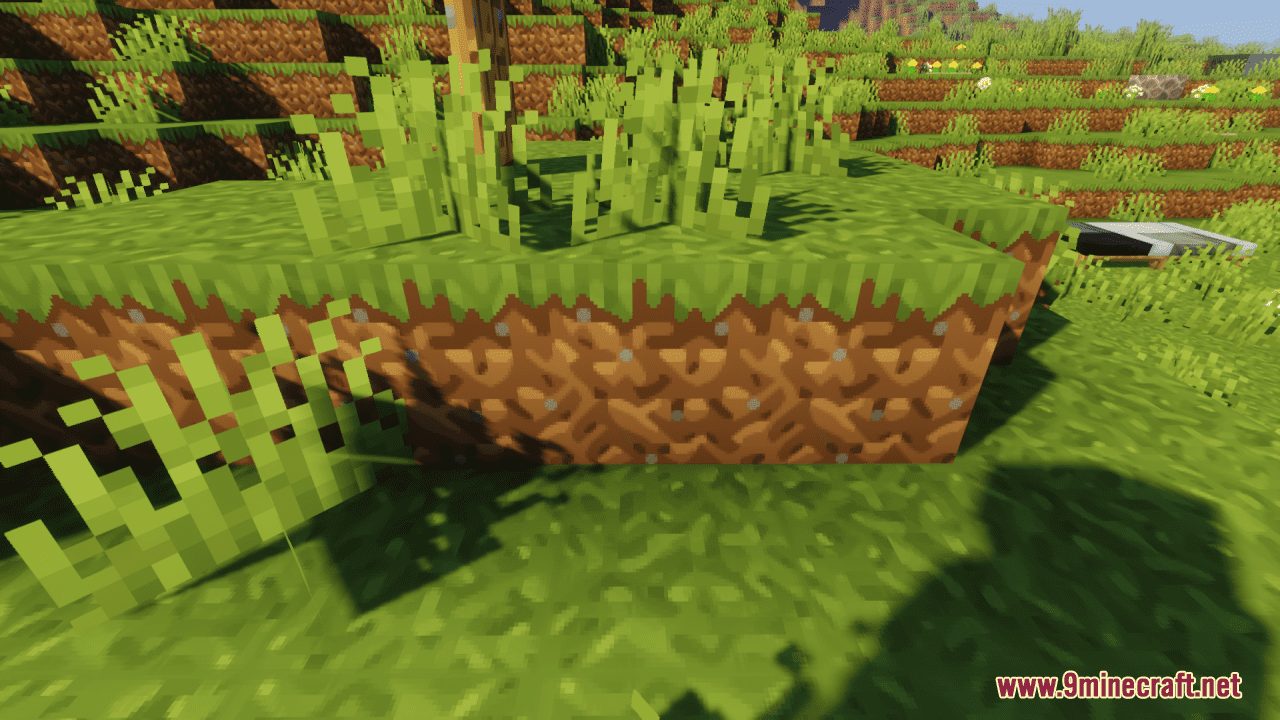
How to Install:
New to Minecraft? Follow our step-by-step guide to install Resource Packs on your PC.View Guide
Vanilla XBR Resource Pack Download Links
For Minecraft 1.21.x
For Minecraft 1.20.6, 1.20.4, 1.20.2, 1.20.1, 1.19.4
How do you feel about camera lens effects in shaders (like motion blur, depth of field, and lens flare)?
4 responses · See the full results →
You May Also Like
Picked for this page
 Faithful Resource Pack (26.3, 1.20.1) – Texture Pack
 Motschen’s Better Leaves Resource Pack (26.3, 1.20.1) – Texture Pack
 Default Dark Mode Resource Pack (26.3, 1.20.1) – Texture Pack
 Action And Stuff Tools Resource Pack (1.21.1, 1.20.1) – Texture Pack
 Mizuno Better Leaves Resource Pack (26.3, 1.20.1) – Texture Pack
 Variants Cakes Resource Pack (26.3, 1.20.1) – Texture Pack
 ChicknTurtle’s Better Shield Resource Pack (26.3, 1.20.1) – Block Without
 Rainbow Enchantment Glint Resource Pack (1.21.1, 1.20.1) – Texture Pack
 Cubic Stars Resource Pack (26.1.2, 1.20.1) – Texture Pack
 Underwater Sky Resource Pack (1.21.1, 1.20.1) – Texture Pack
 Better Books Resource Pack (26.1.2, 1.20.1) – Chunky 3D Books for Your Library
Most viewed in Resource Packs over the last 7 days
 Jenny Mod Skins Resource Pack (1.12.2) – Uzaki, Klee, Mita, and More
 Jenny Mod Skin Pack Mega Collection – 310+ Characters
 Jennycraft Resource Pack (1.20.1) – Skins for Jennycraft Mod
 Dewier’s 20k Resource Pack (1.8.9) – Texture Pack
 750 Models Addon for Yes Steve Model Mod
 Animation Collection for Jenny Mod – 60+ Animations, Updated Regularly
 Vanilla+ 3D Crystal Resource Pack (1.21.1, 1.20.1) – Texture Pack
 Patrix Resource Pack (26.3, 1.20.1) – The Peak of Photorealism
 Mandala’s GUI Dark Mode 9minecraft Resource Pack (26.3) – Eye-Soothing Dark Mode Menus
 Bare Bones 9minecraft Resource Pack (26.3) – Official Cinematic Trailer Look
 Mizuno’s Craft 9minecraft Resource Pack (26.3) – A Cozy Handpainted Storybook World
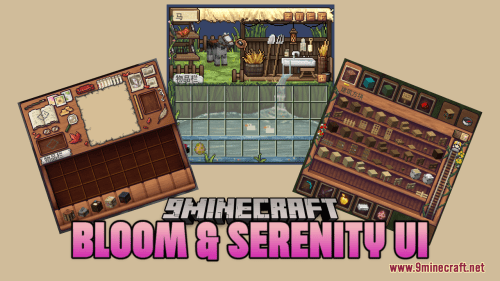 Bloom & Serenity UI Resource Pack (1.21.1, 1.20.1) – Cozy Room-Themed GUI
More from Resource Packs
 Torches Reimagined Resource Pack (26.3, 1.20.1) – Texture Pack
 Serified Font Resource Pack (26.3, 1.20.1) – Texture Pack
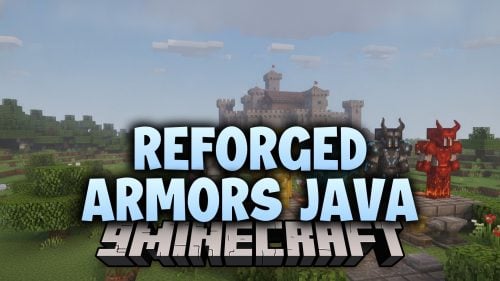 Reforged Armors Java Resource Pack (26.3, 1.20.1) – Heroic Battle Gear
 Reimagined Resource Pack (26.3, 1.20.1) – Texture Pack
 Onion Industrialization Resource Pack (1.21.1) – High Tech Machinery Brought
 Bee’s Fancy Crops Resource Pack (26.3, 1.20.1) – Texture Pack
 Blockier Goat Horn Resource Pack (26.3, 1.20.1) – Texture Pack
 Banner Pattern Clarity Resource Pack (26.3, 1.20.1) – Texture Pack
 Fluffy Carpets Resource Pack (26.3, 1.20.1) – Ultra Cozy Plush
 Enhanced Boss Bars Resource Pack (26.3, 1.20.1) – Texture Pack
 BnC Coaster Compat Resource Pack (1.20.1) – Cozy Rustic Dining for Modded Meals
 Better Crops 9minecraft Resource Pack (26.3) – Lush Bushy Farmlands in Vanilla Style

This post has no comments yet. Be the first — your comment will appear here.