


Vault Plugin (1.17, 1.16.5) – Spigot

 0
0  September 22, 2022
Vault Plugin is a Permissions, Chat, & Economy API to give plugins easy hooks into these systems without needing to hook or depend on each individual plugin themselves. It was born out of a distaste for how both Register and the current Permissions API are run, and their lack of features or over-complicated implementations. Vault attempts to solve these issues by being intuitive and providing plugins with support for any system that they may use.

Config:
- update-check
- turns the update checker on/off
Permissions:
- vault.admin
- allows access to vault info and conversion commands
- defaults to OP
- vault.update
- Anyone with this permission will be notified when Vault is out-dated
- defaults to OP
- setting to false in permissions.yml will disable version check messages for console
Vault currently Supports:
- Perms: Permissions 3, bPermissions, PEX, GroupManager, PermissionsBukkit, zPermission, SimplyPerms, Privileges, DroxPerms, xPerms
- Econ: iConomy 4,5,6, BOSEconomy 6 & 7, EssentialsEcon, 3Co, MultiCurrency, MineConomy, eWallet, EconXP, CurrencyCore, CraftConomy, AEco, Gringotts
- Bank support in CraftConomy, CurrencyCore, BOSE & iCo6 only
- iCo6/CurrencyCore use merged player/bank accounts. It’s suggested to use BOSE for full featured banks.
- iCo6 flatfile has SEVERE bugs, USE AT YOUR OWN RISK
- Chat: Herochat, mChat, iChat, bPermissions, PEX, P3, DroxPerms
- Other economies/permissions systems may have built-in support for Vault, check with them to be sure.
- JavaDocs
- GitHub (SourceCode)
- GitHub (SourceCode)
This plugin utilizes bstats plugin metrics system. the following information is collected and sent to bstats.org unless opted out:
- A unique identifier
- The server’s version of Java
- Whether the server is in offline or online mode
- Plugin’s version
- Server’s version
- OS version/name and architecture
- core count for the CPU
- number of players online
- Metrics version
- Which Chat, Economy, and Permission hook is in use.
Opting out of this service can be done by editing plugins/bstats/config.yml and changing opt-out to true.
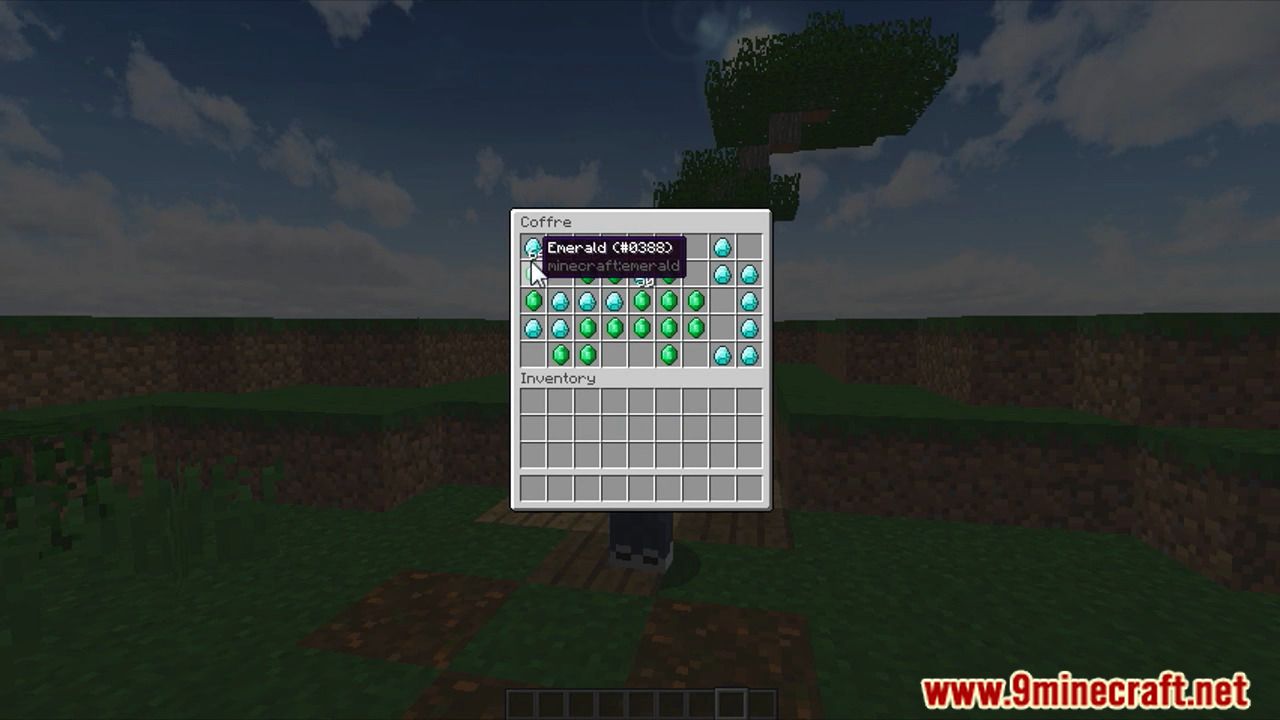
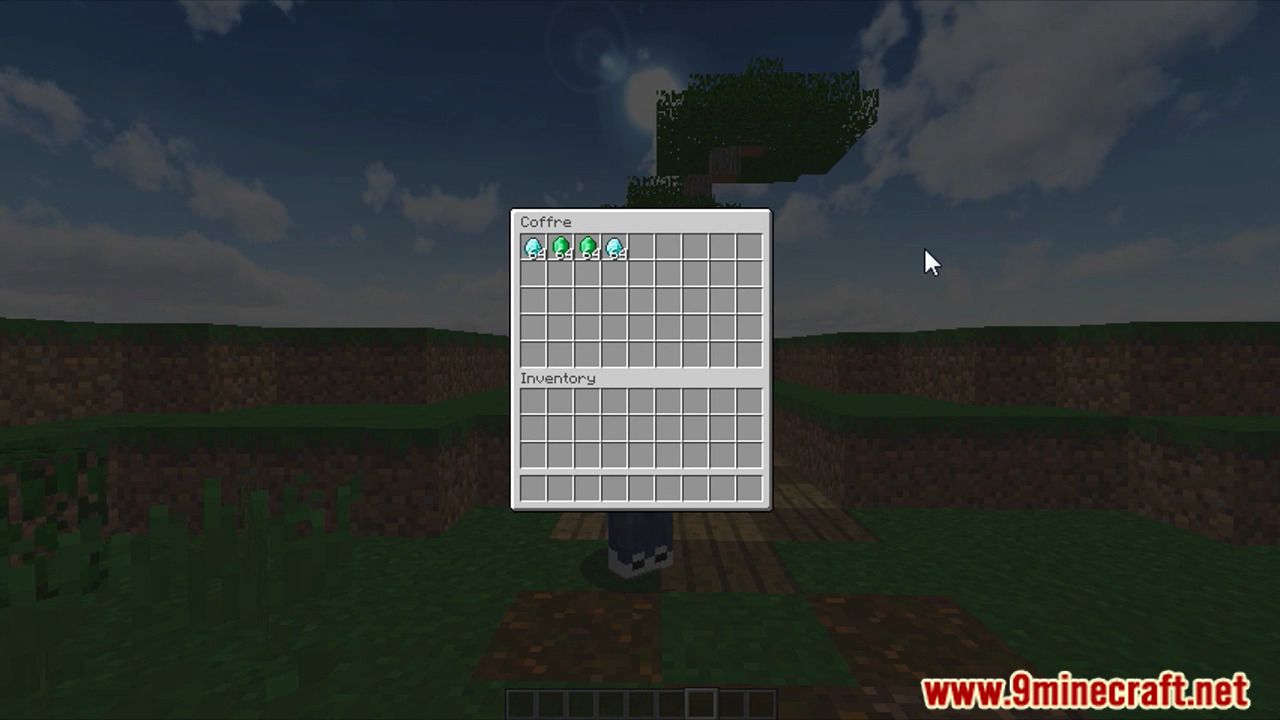
Screenshots:



How to install:
- Download a plugin of your choice.
- Place the .jar and any other files in your plugin’s directory.
- Run the server and wait for it to fully load.
- Type stop in your Minecraft server console to bring the server to a clean stop.
- Run the server.
- All done! Your plugin should be installed and ready to be used.
Vault Plugin Download Links
For All Versions from Minecraft Spigot 1.13 to Minecraft Spigot 1.17
Click to rate this post!
[Total: 10 Average: 4.1]













