


Vivid Broadcast Pulse Plugin (26.2, 1.20.1) – Never Let Players Miss Major
 0
0
 0
0

Vivid Broadcast Pulse Plugin delivers automated announcements across your entire server without slowing down gameplay. It sends notices through regular chat, action bars, on-screen titles, and boss bars. This plugin keeps every player updated about server rules, events, and tips while they explore and build.
Features:
- Sends announcements across multiple display spots like chat, action bars, titles, and boss bars.
- Boss bars come with adjustable colors, styles, countdown progress, and active durations.
- Lets server hosts add, edit, or remove broadcast text directly.
- Allows you to switch automatic alerts on or off at any moment.
- Adjusts the time delay between messages to fit your community pace.
- Supports colorful text styling and modern formatting standards.
- Runs smoothly in the background even when hundreds of people are playing together.
Commands:
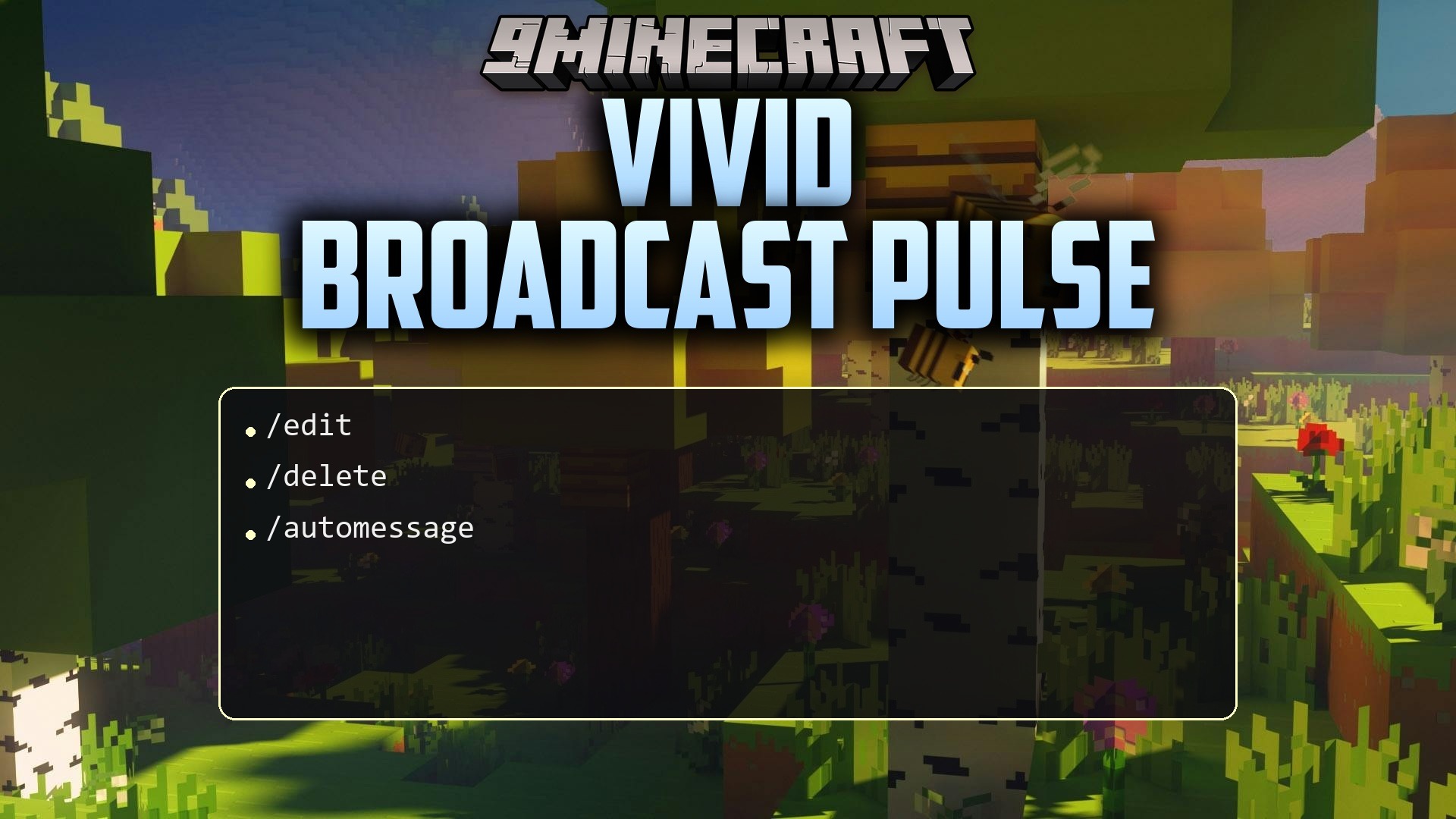
/automessage delay: changes or checks the timer between scheduled announcements./automessage reload: refreshes the plugin settings and message lists without restarting the server.
How to Use:
- Set up your announcement text and display styles inside the plugin message files.
- Use
/automessage reloadin-game or in the server console to apply your changes. - Set your preferred timer delay using
/automessage delayto start regular broadcasts.
How to Install:
New to Minecraft? Follow our step-by-step guide to install Plugins on your PC.View Guide
Vivid Broadcast Pulse Plugin Download Links
For Minecraft
26.2,
26.1.2,
26.1.1
All Versions Covered
26.2
26.1.2
26.1.1
26.1
1.21.11
1.21.10
1.21.9
1.21.8
1.21.7
1.21.6
1.21.5
1.21.4
1.21.3
1.21.2
1.21.1
1.21
All Versions Covered
26.2
26.1.2
26.1.1
26.1
1.21.11
1.21.10
1.21.9
1.21.8
1.21.7
1.21.6
1.21.5
1.21.4
1.21.3
1.21.2
1.21.1
1.21
For Minecraft
1.20.1,
1.20,
1.19.4
All Versions Covered
1.20.1
1.20
1.19.4
1.19.3
1.19.2
1.19.1
1.19
1.18.2
1.18.1
1.18
1.17
All Versions Covered
1.20.1
1.20
1.19.4
1.19.3
1.19.2
1.19.1
1.19
1.18.2
1.18.1
1.18
1.17
Click to rate this post!
[Total: 0 Average: 0]
You May Also Like



This post has no comments yet. Be the first — your comment will appear here.