


VoxelCam Mod 1.7.10
 189
189
 0
0

VoxelCam Mod 1.7.10 Features:
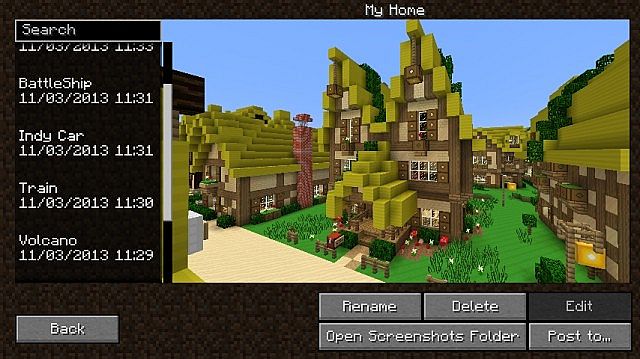
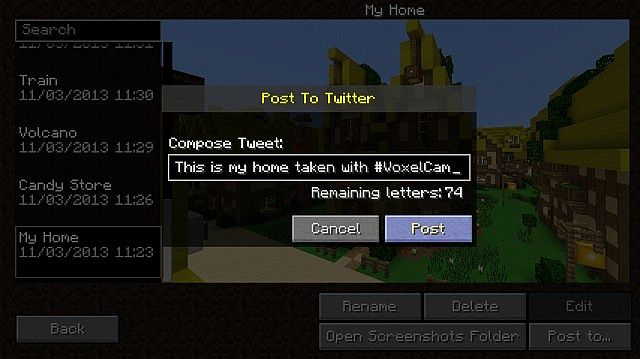
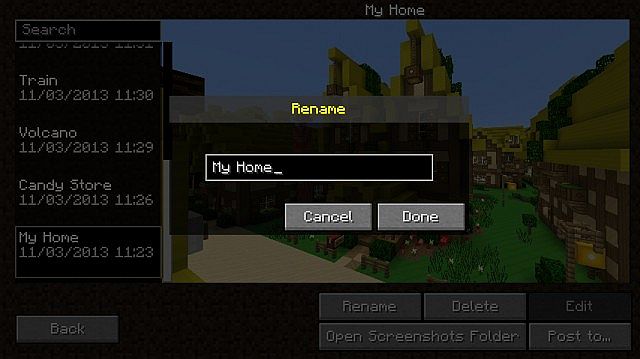
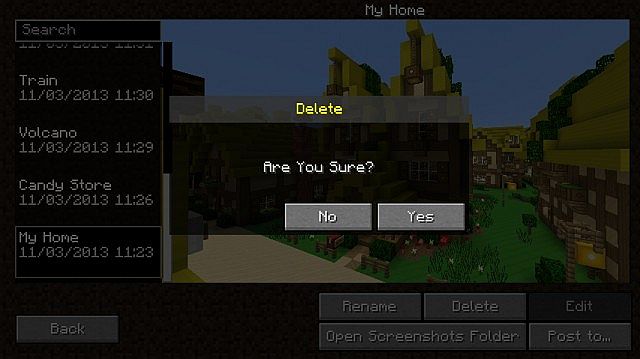
- Screenshot Manager Never have to navigate outside of Minecraft again! The in game manager will show you your photos and allow you to manage them
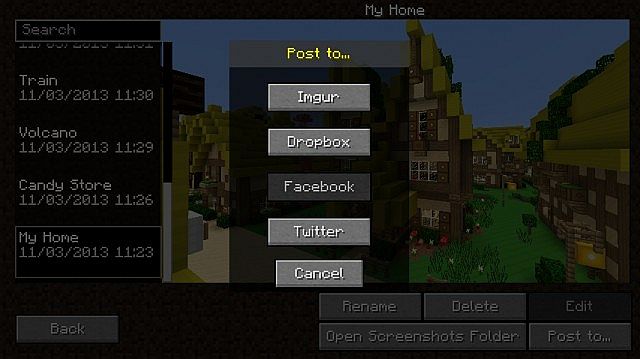
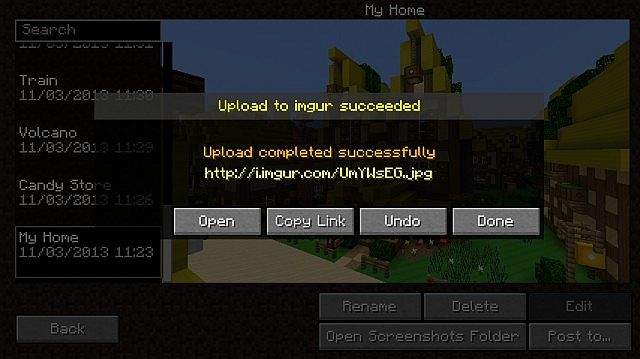
- Post your Screenshots to your favorite image sharing sites The screenshot manager comes with a built in GUI to post to Twitter, Imgur, Google Drive, and Dropbox with more like Facebook, Reddit, and Minepix on the way
- Integration with Minecraft’s normal screenshots VoxelCam supports normal screenshots taken by Minecraft with F2
- Beautiful GUI Stunning Visuals
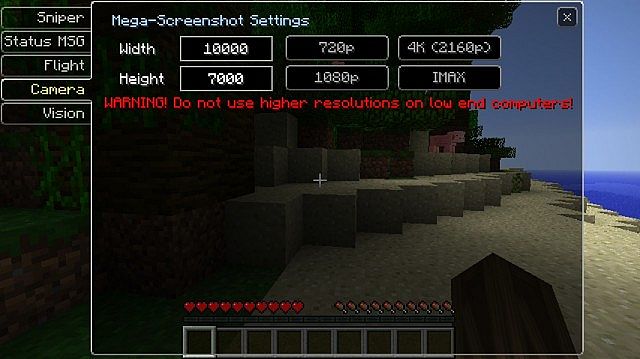
- Huge Screenshots Back in early beta Minecraft had a feature that would allow the user to take screenshots that were absolutely huge. I have brought it back with a secret weapon that allows for low-end computers to take IMAX images
- Integration with VoxelMenu VoxelCam will add itself to the menu options in VoxelMenu for ease of use (VoxelMenu is not Required)
Screenshots:
Mod Spotlight:
VoxelCam Mod How to use:
- Press H to open Screenshot manager in game
- Press F7 to open VoxelOptions to configure the huge screenshot settings
- Press Shift + [Screenshot Key] to take a huge Screenshot
How to Install:
New to Minecraft? Follow our step-by-step guide to install Mods on your PC.View Guide
Download Links for VoxelCam Mod 1.7.10
For Minecraft 1.6.2
For Minecraft 1.6.4
For Minecraft 1.7.2
For Minecraft 1.7.10
Click to rate this post!
[Total: 0 Average: 0]
You May Also Like









This post has no comments yet. Be the first — your comment will appear here.