


Wallpaper Mod 1.8, 1.7.10
 973
973
 0
0

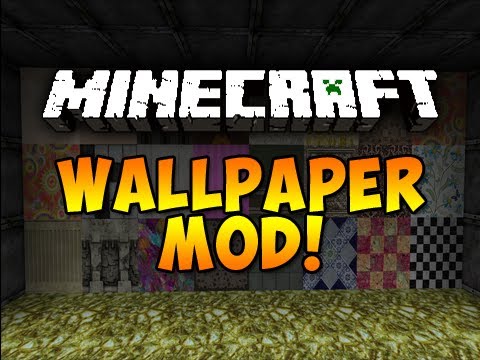
Wallpaper Mod 1.8, 1.7.10 will allow you to craft a new item: the wallpaper, and place it on your walls as a decorative texture. This way, you can have two different faces of a block decorated with two different texture and customize the bedrooms of your house without having to add new blocks. It is recommended to combine this mod with Timber Framing for door and windows frames.
Screenshots:
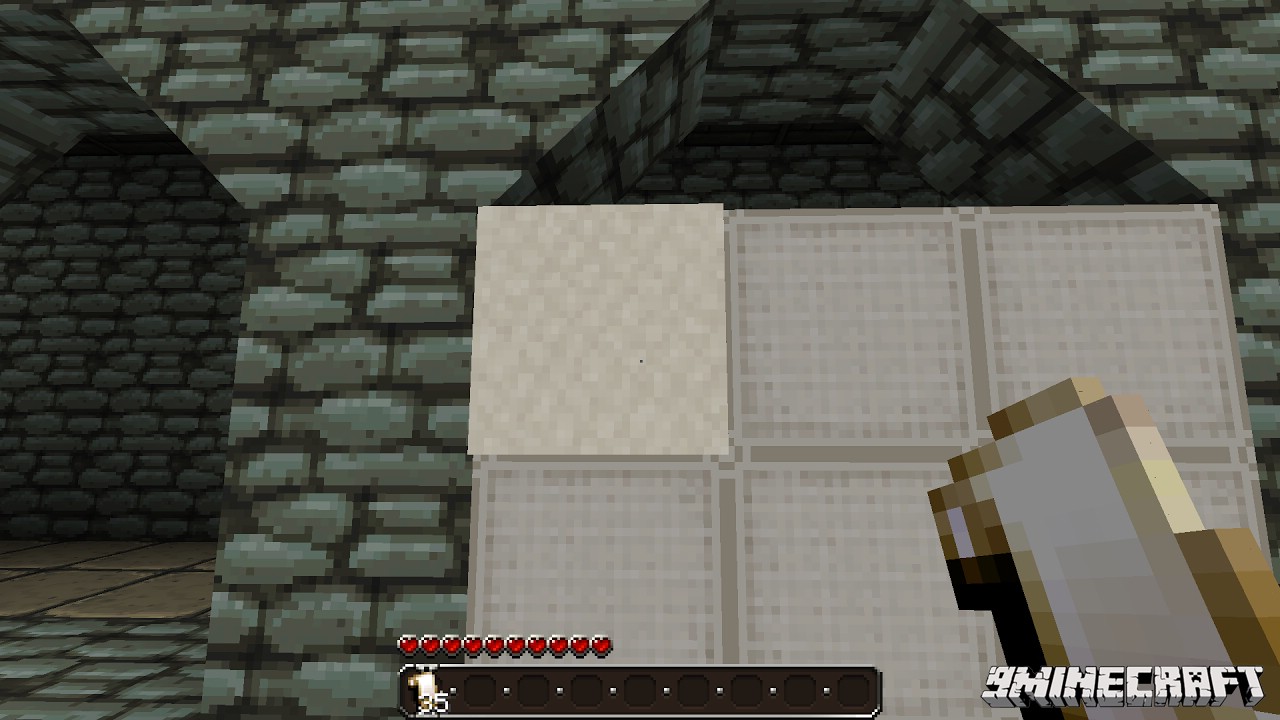
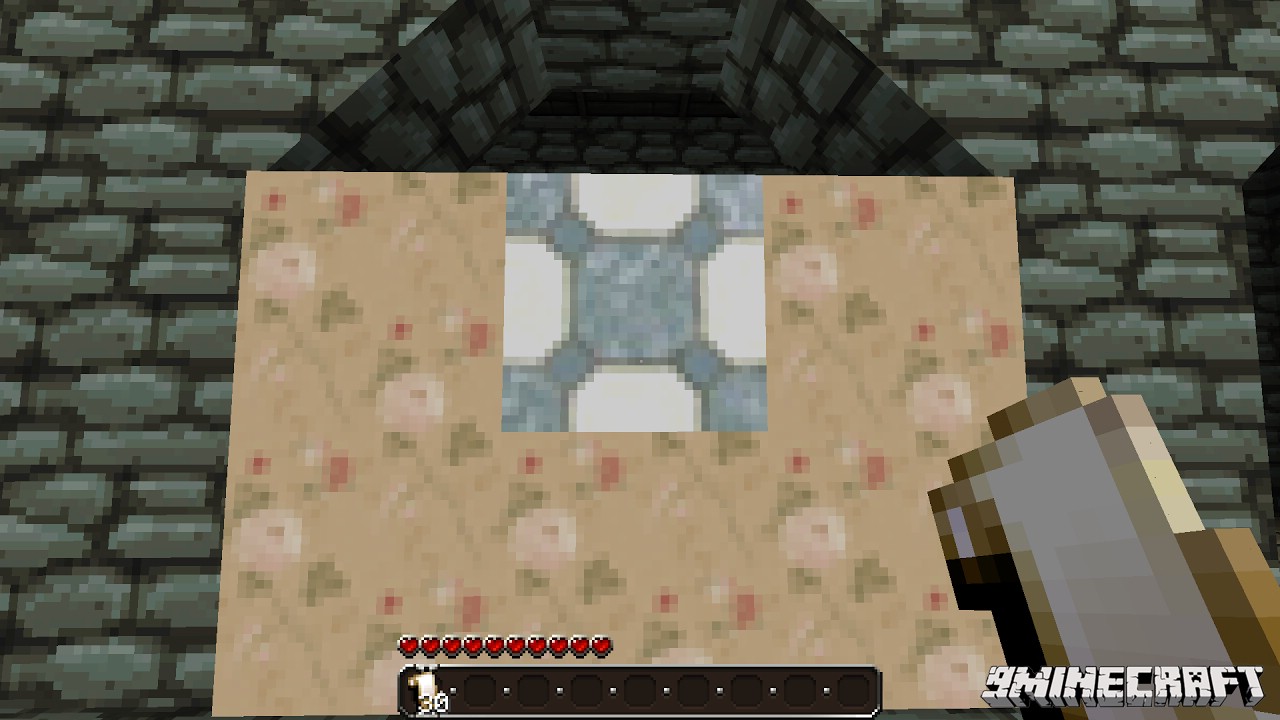
You can now place your wallpaper on a wall:
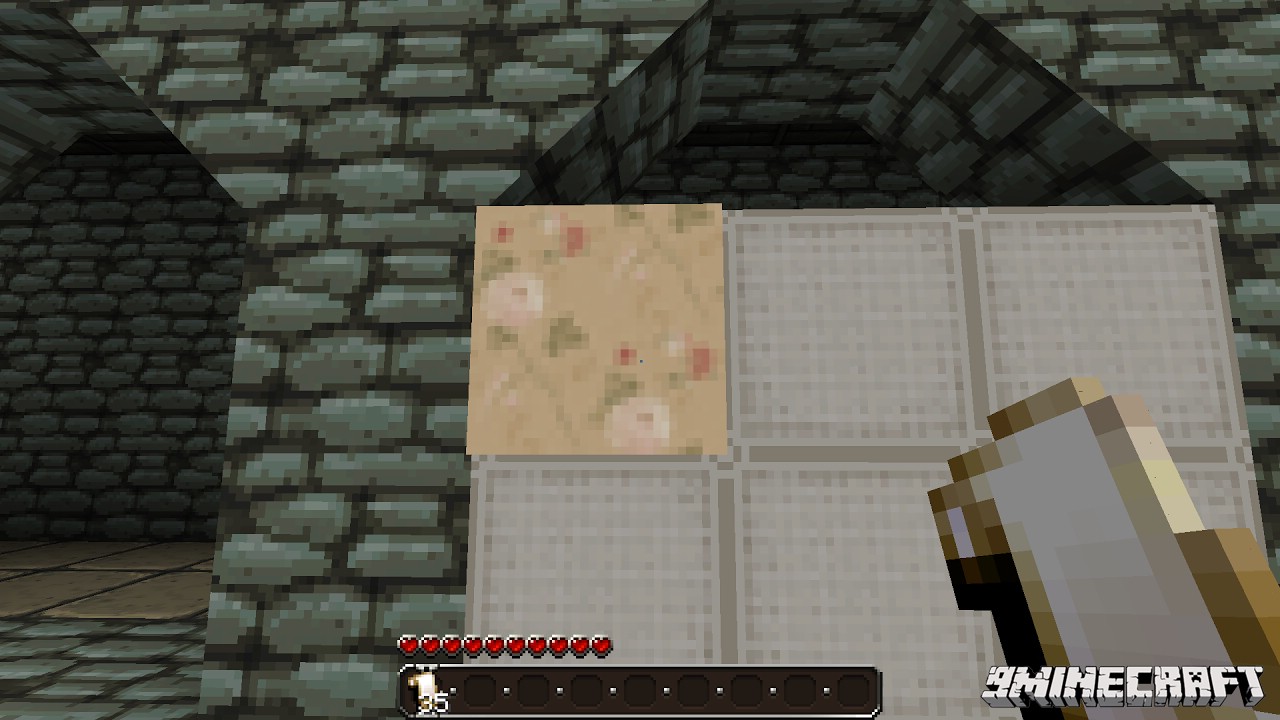
It is possible to change the texture by right-clicking on the wallpaper while having another wallpaper in your hand.
When you will place another wallpaper close to an existing one, it will automatically take the same texture.
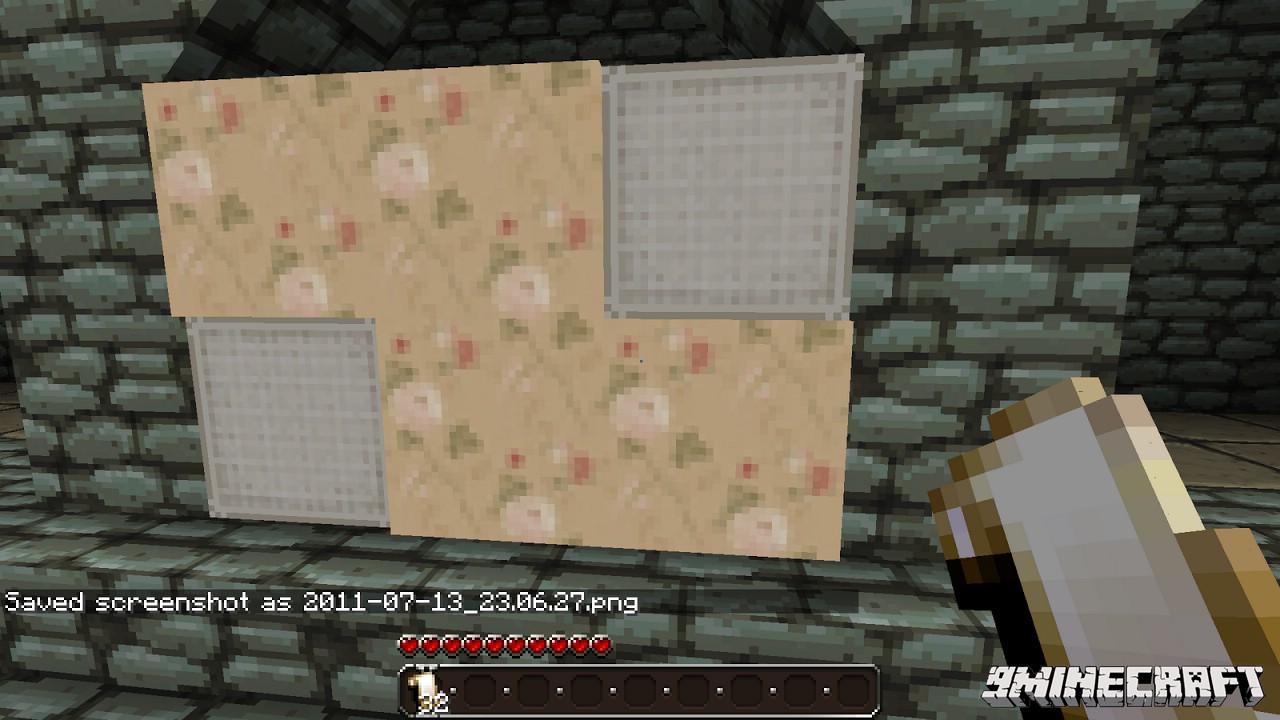
You can still change a texture by right-clicking it anytime you want.
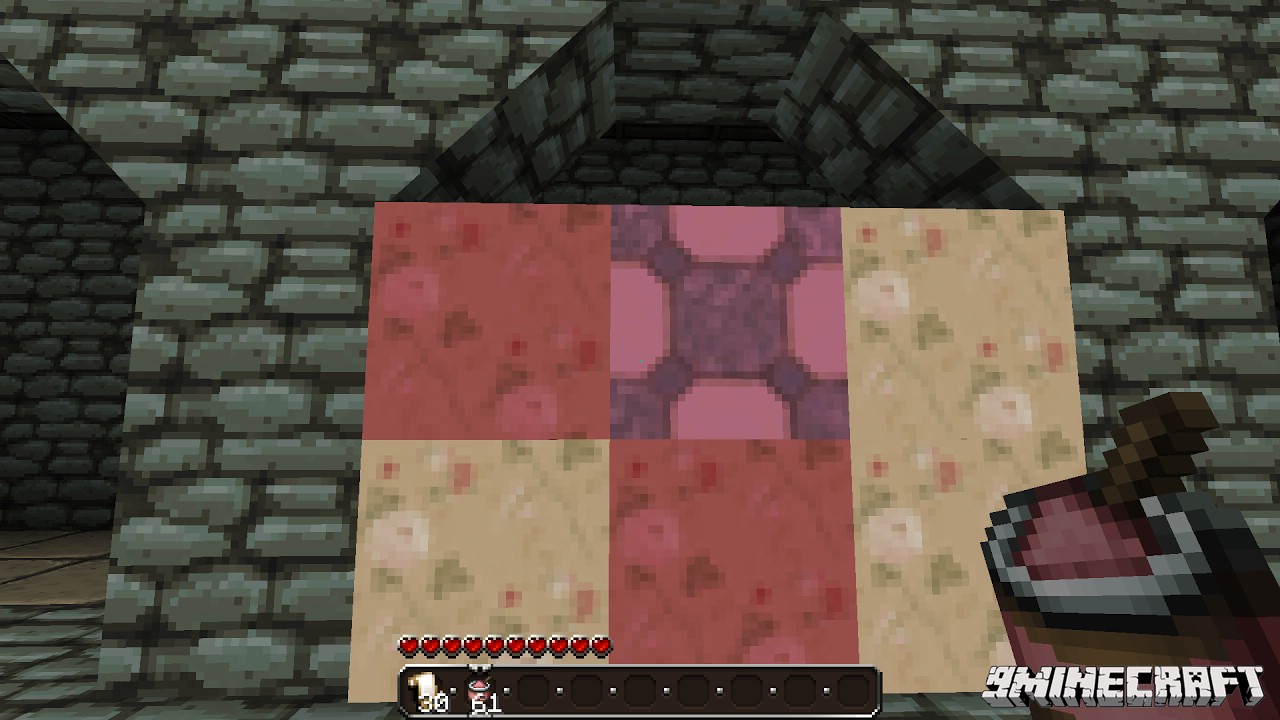
If you have some dye, you can then color a texture by right-clicking it with dye equipped.
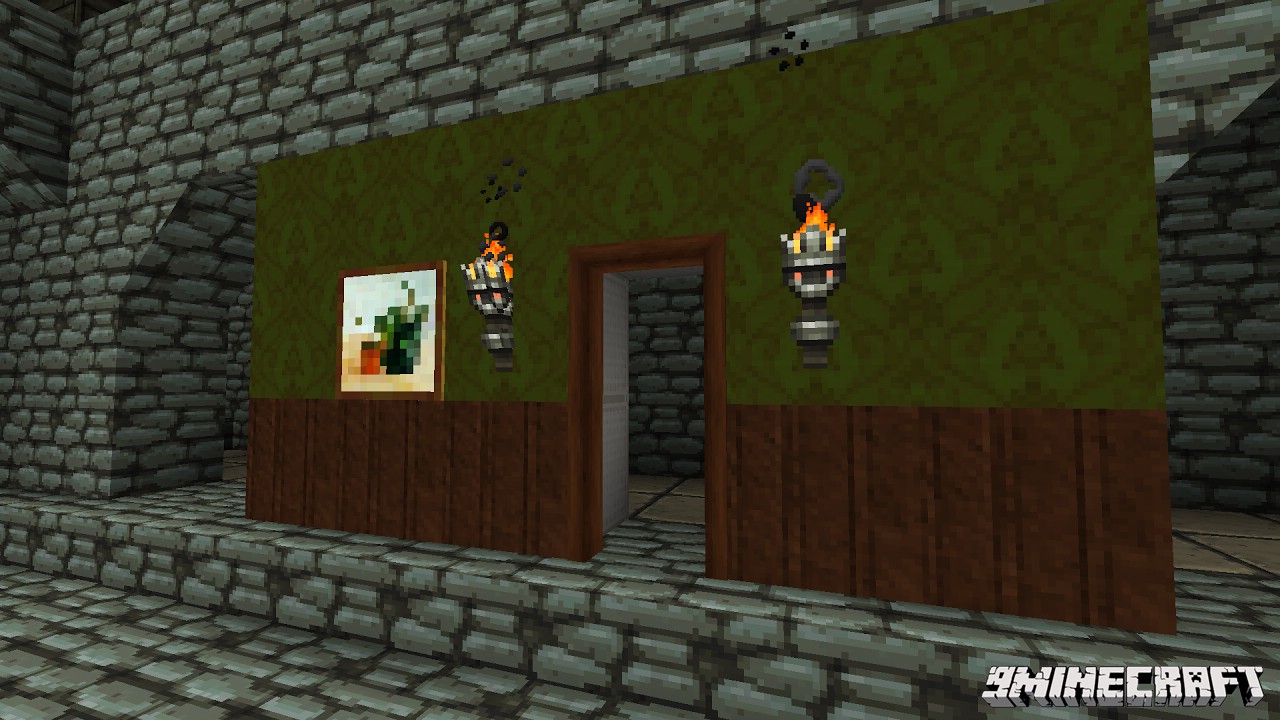
If you want to remove a wallpaper, you need to have the item in your hand or an axe. It is possible to combine the wallpaper with any item on the wall: Torch, Painting…
Mod Showcases:
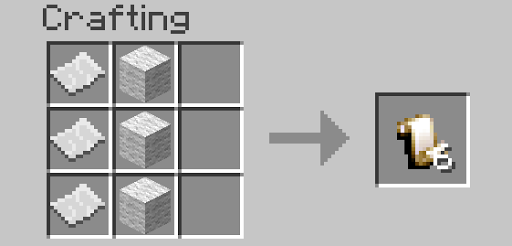
Crafting Recipes:
How to Install:
New to Minecraft? Follow our step-by-step guide to install Mods on your PC.View Guide
Download Links for Wallpaper Mod 1.8, 1.7.10
For Minecraft 1.7.2
For Minecraft 1.7.10
For Minecraft 1.8
You May Also Like







This post has no comments yet. Be the first — your comment will appear here.