


Wave Defense Mod (1.20.1) – Design Custom Battle Arenas and Survive Monster

 0
0 

🌐 Good news — we've translated this article into other languages!
Or pick the one you like:
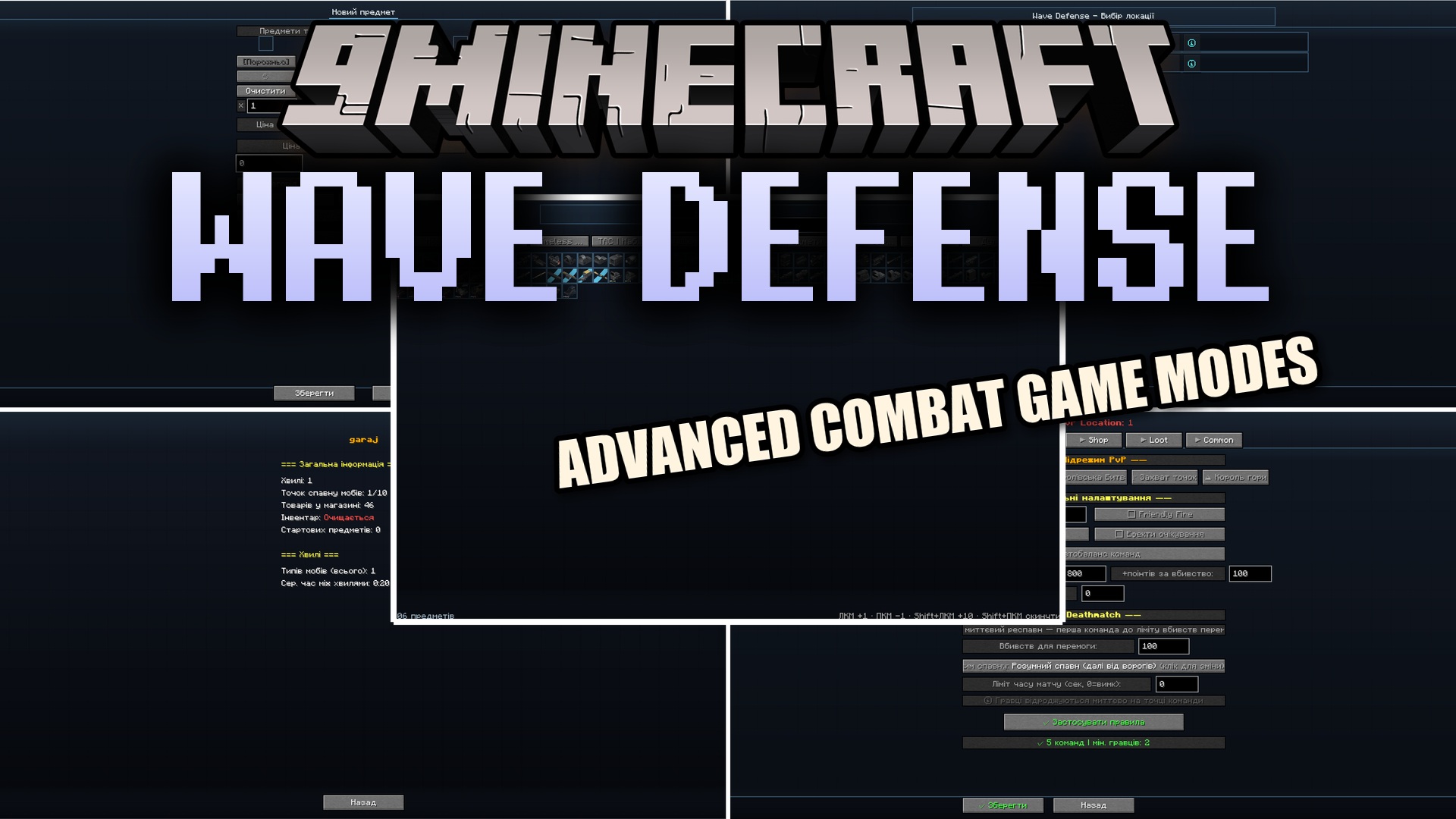
Wave Defense Mod lets you build your own custom battle arenas right inside the game. This mod gives you the tools to set up waves of monsters to fight or create team-based player matches. You can design a point system where players earn points for defeating enemies and spend them in a custom shop. It includes everything from standard survival rounds to a full battle royale mode with a shrinking border. The mod handles all the rules, timers, and scorekeeping for you through simple in-game menus.
Features:
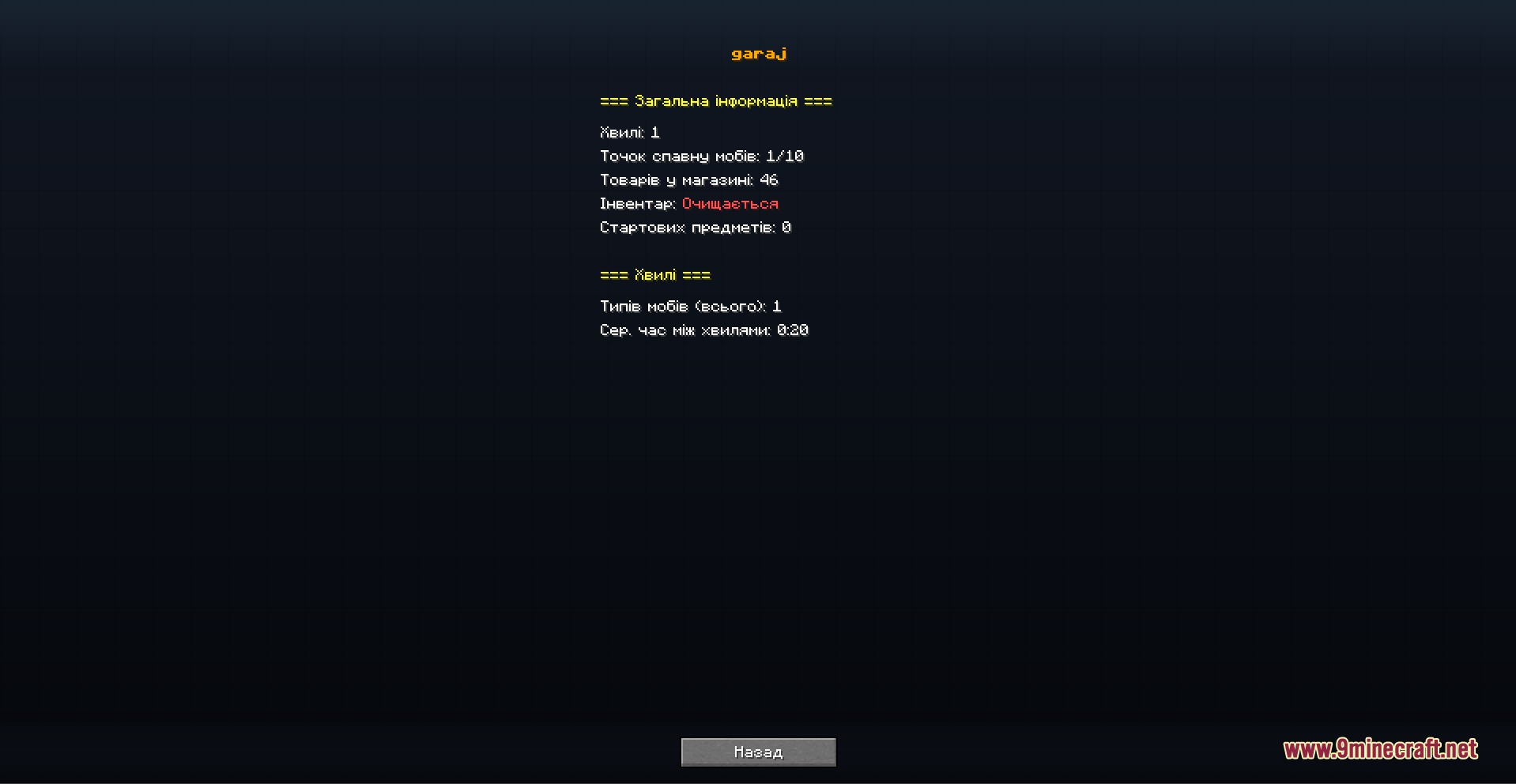
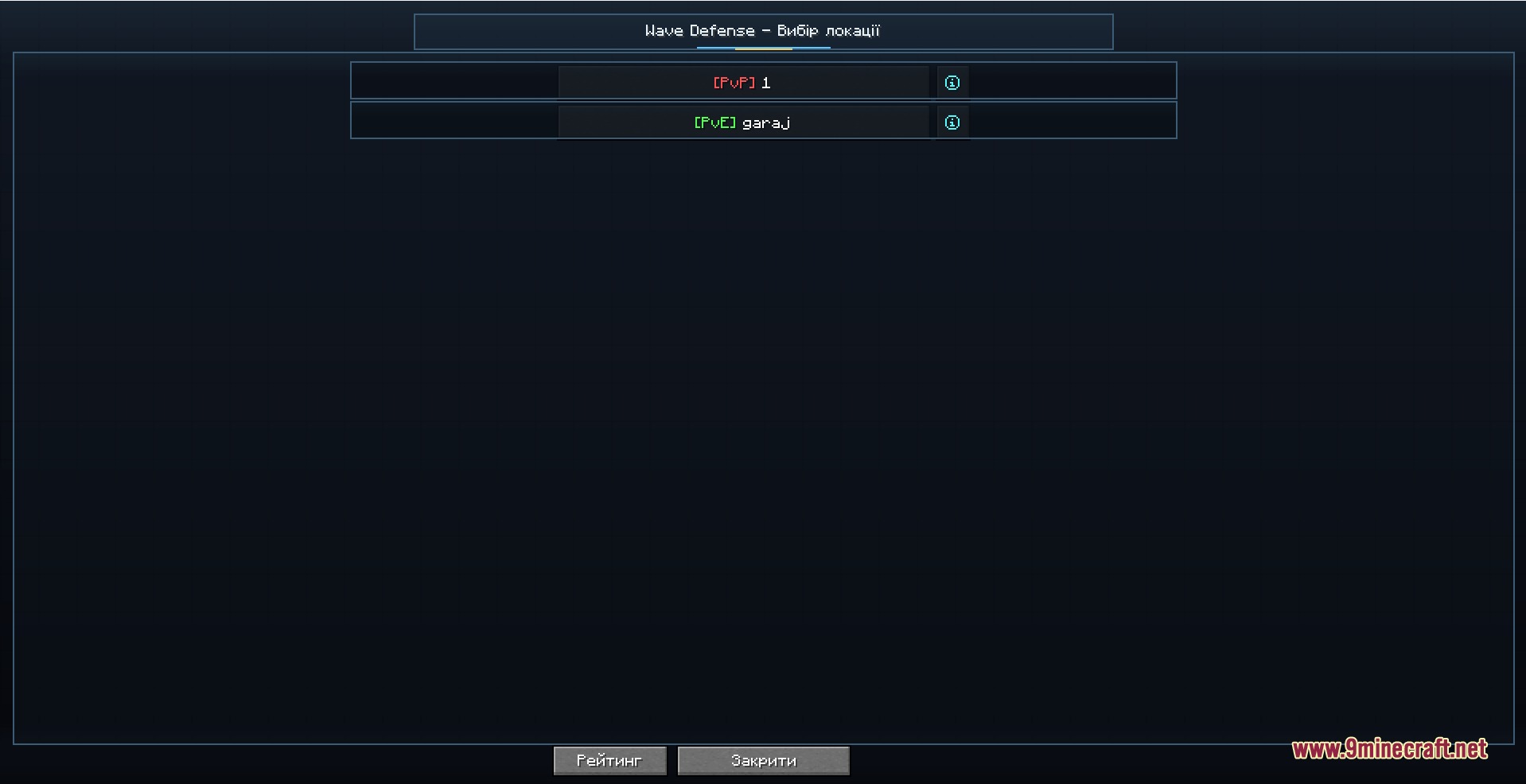
- PvE Arenas: Lets you place spawn points for players and set up waves of different monsters to fight.
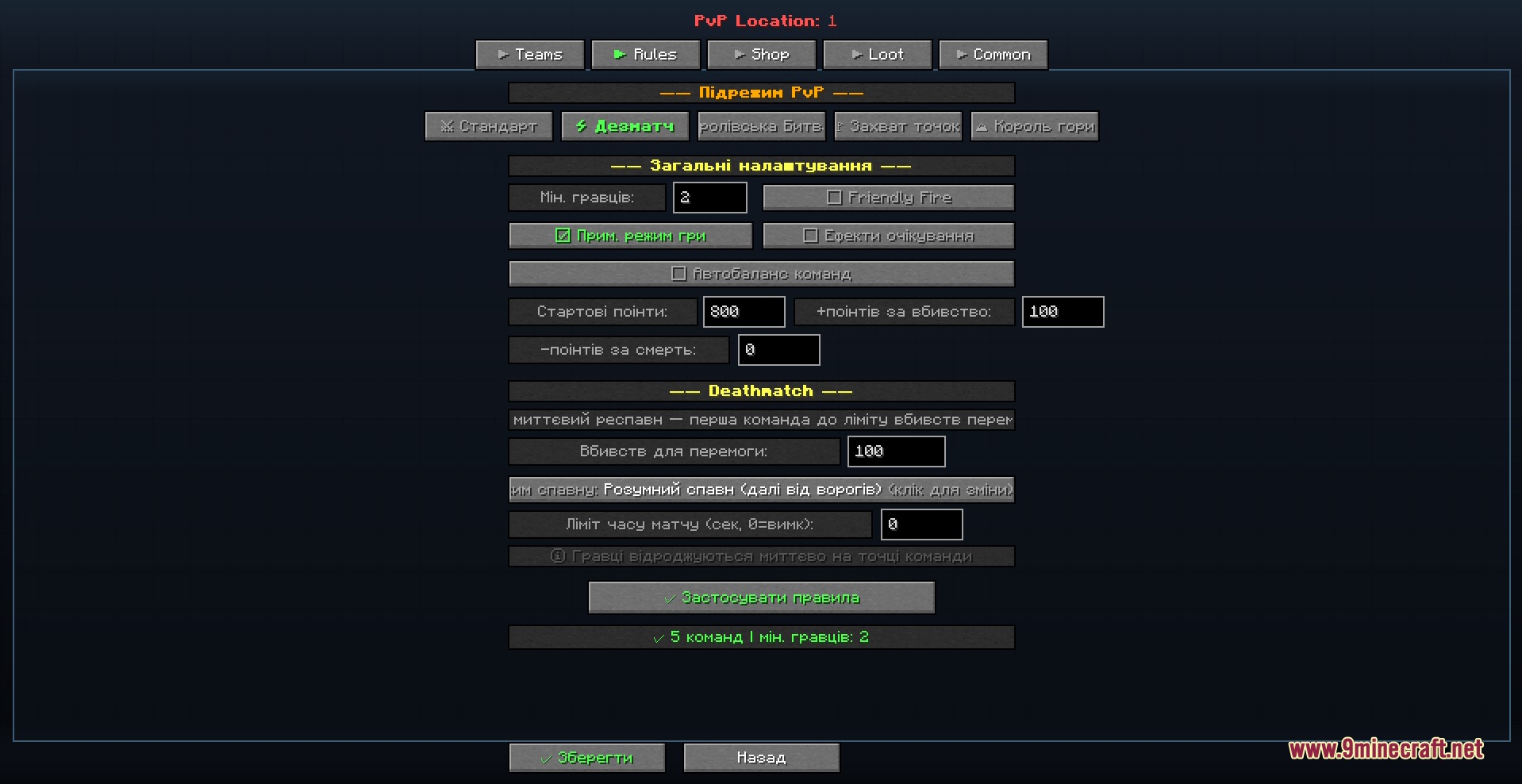
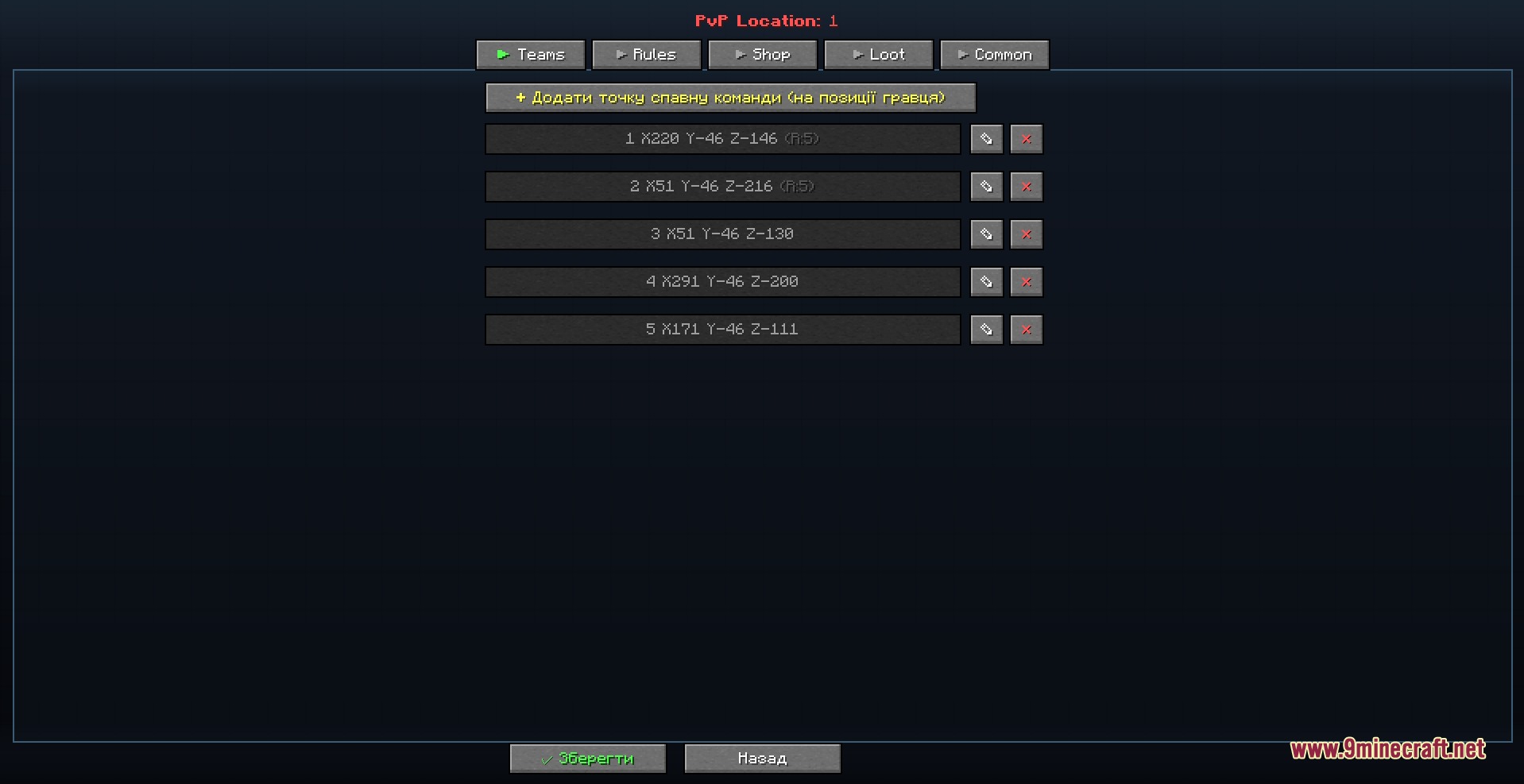
- PvP Match Types: Offers different ways to fight other players, including standard team battles, deathmatches, and battle royale.
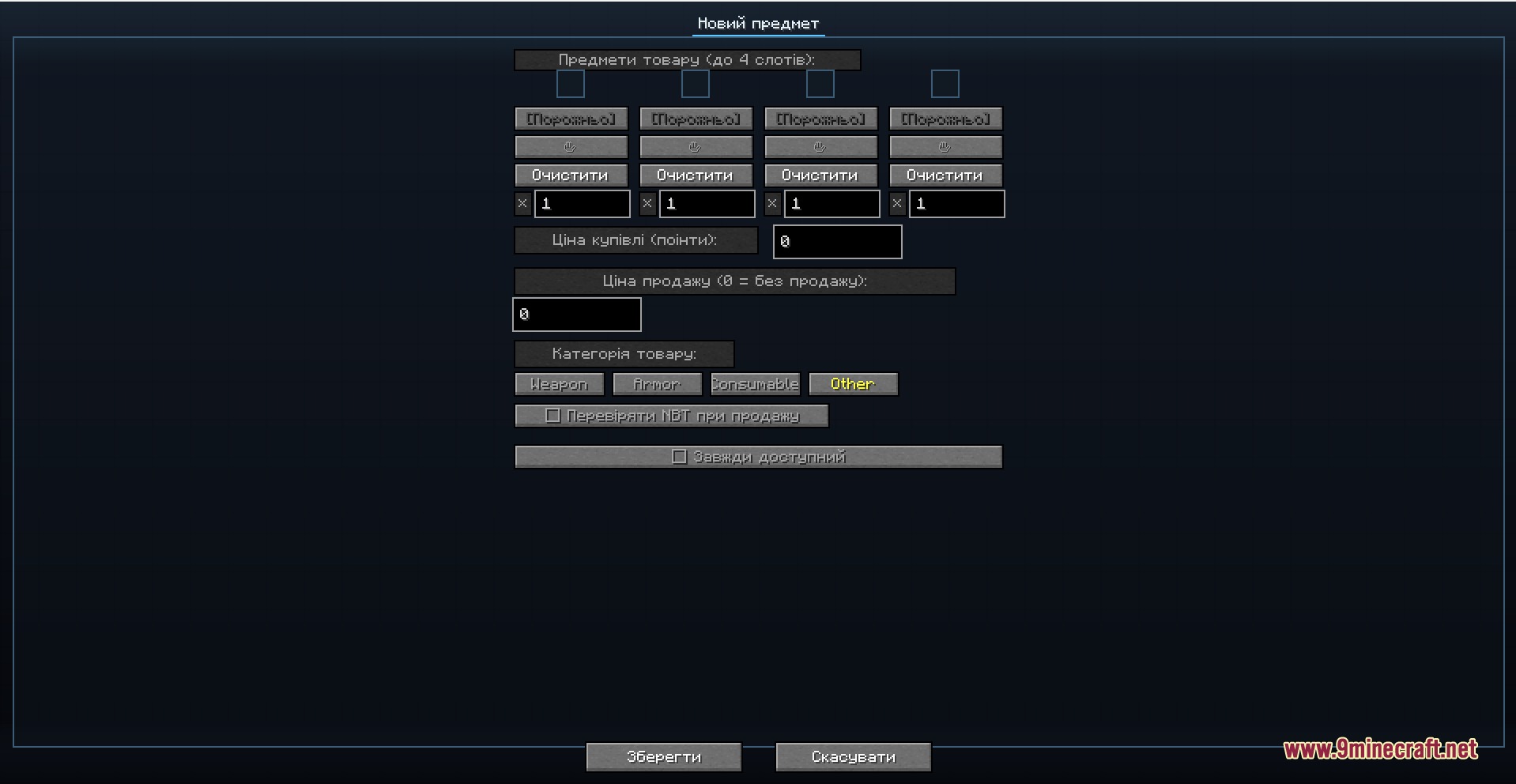
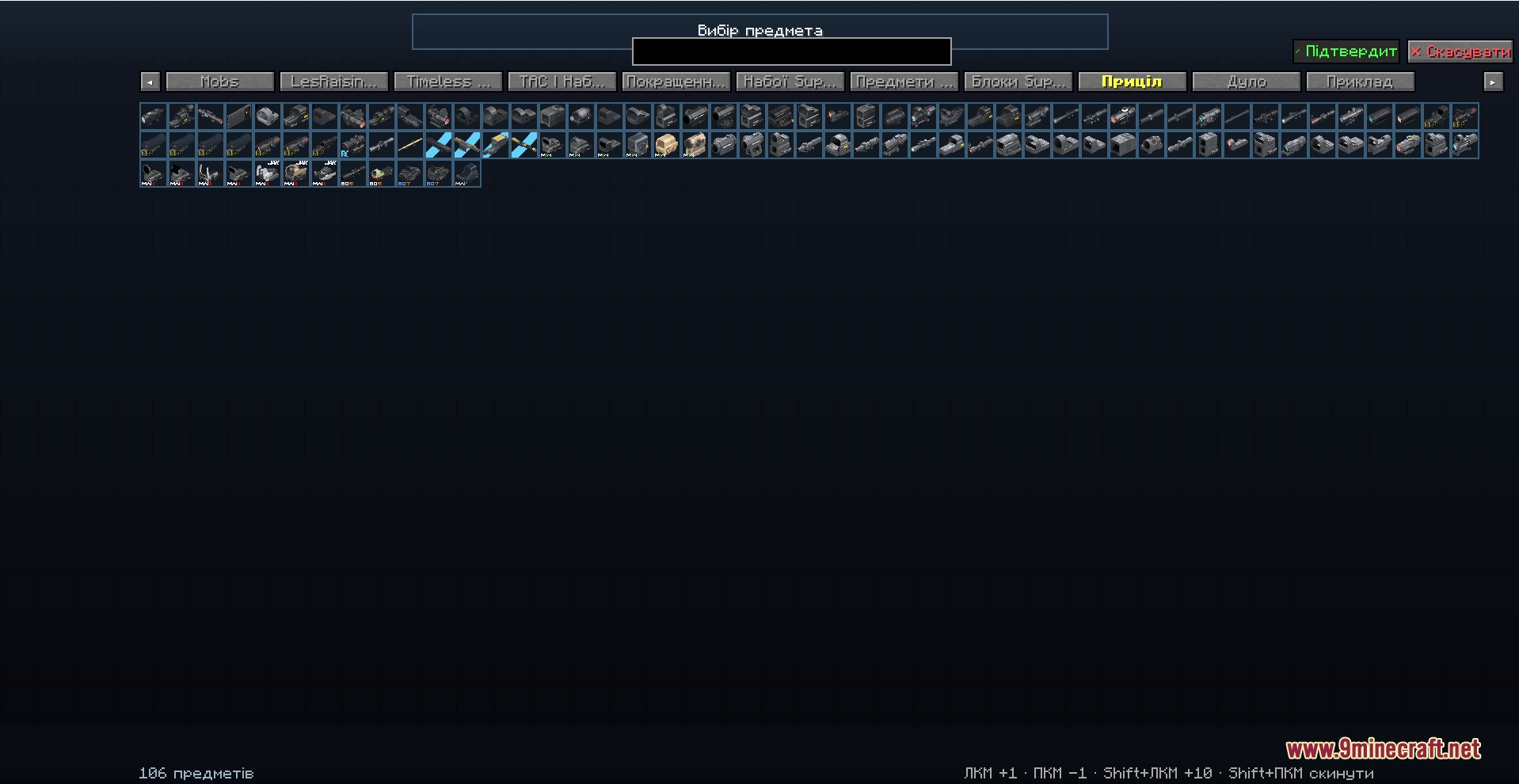
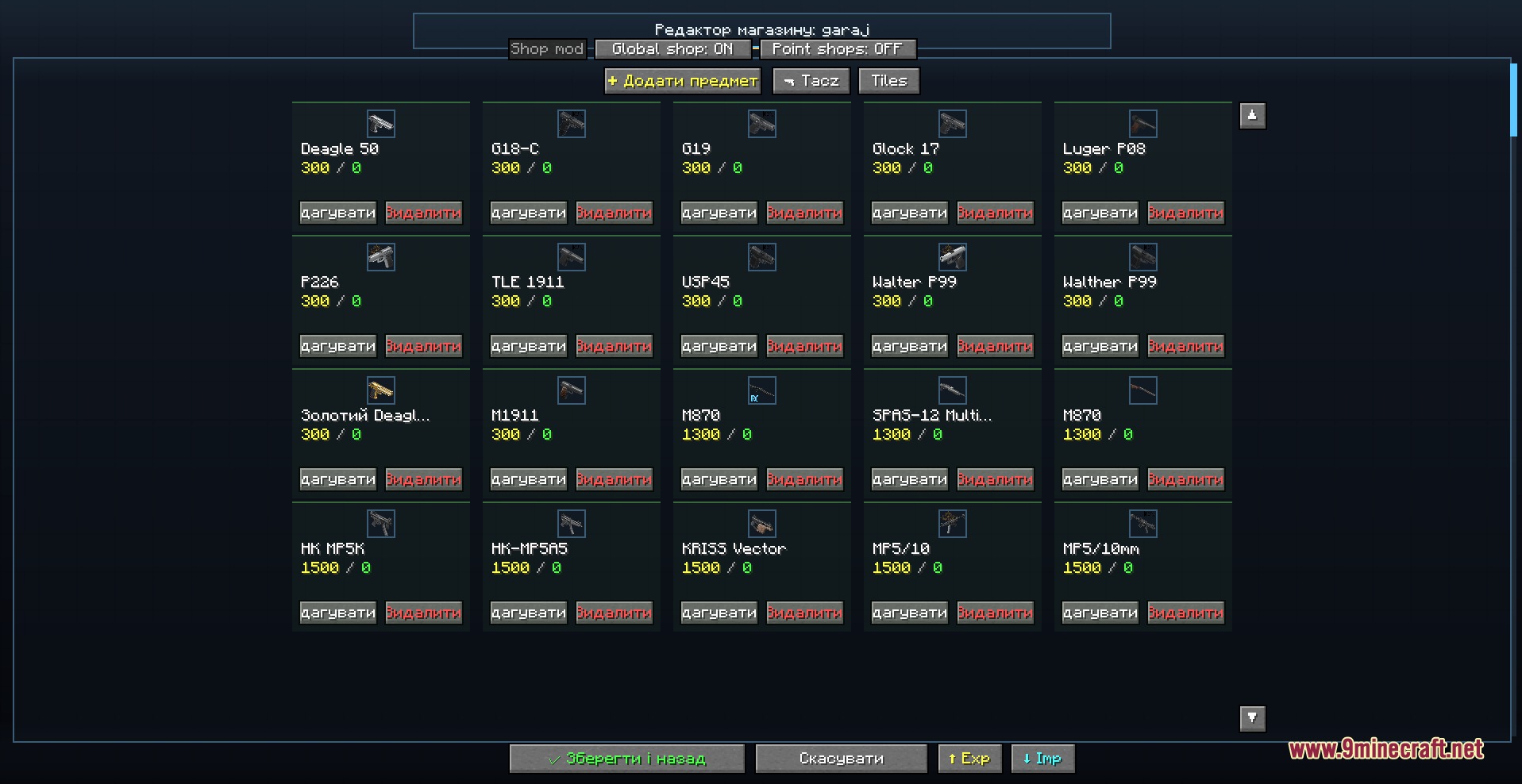
- Custom Shops: Adds an in-game store where players spend earned points to buy weapons, armor, or items between rounds.
- Automatically saves your normal inventory when you enter a battle and gives it back when you leave.
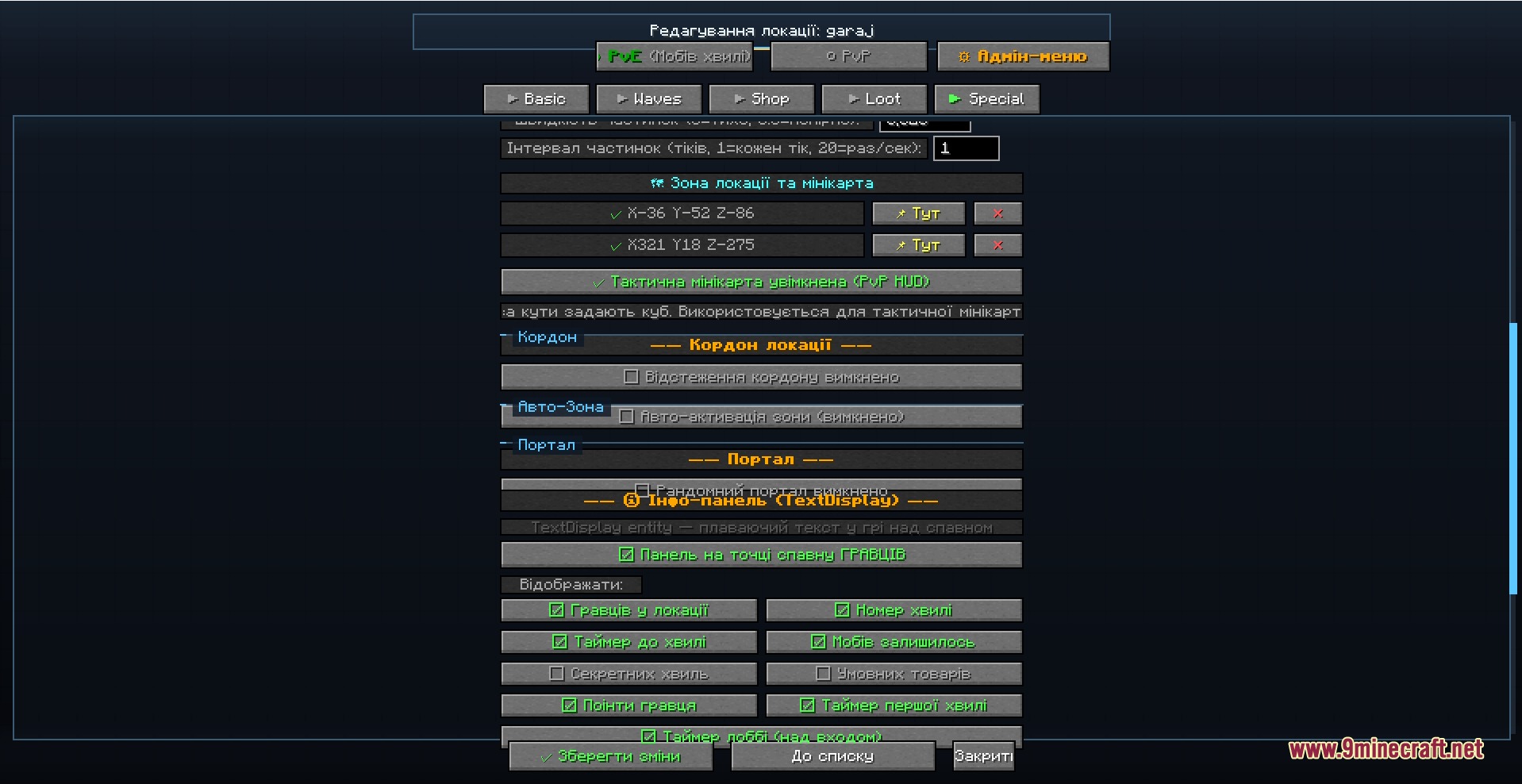
- Gives you an easy menu to edit all the rules, monster types, and map borders without touching any text files.
- Includes a point system that tracks kills, gives out rewards, and handles penalties.
PvP Modes:
- Standard mode pits teams against each other with a buying phase and round limits.
- Deathmatch mode lets players respawn quickly and race to reach a specific kill count.
- Battle royale mode drops players in random spots and shrinks the map border over time.
Shop and Triggers:
- Lets you set up items with specific buy and sell prices.
- Adds a trigger system to make events happen, like opening the shop only after wave three.
- Allows you to view the store items in a grid or a list format.
Commands:
/wavedefense: opens the main help and features./wd: acts as a short alias for the main command./wavedefense kick <players>: forces players to leave a specific arena./wavedefense tp <location> <players>: teleports players straight into an arena./wavedefense menu <player> [admin]: opens the control menu for a specific person./wavedefense reload: refreshes all your saved arena data.
How to Use:
- Press V to open the main menu and start setting up your arenas.
- Press B to open the shop quickly during a game.
- Press G if you want to leave your current location and return to the normal world.
- Open the Mods menu from the title screen and click Config to change general mod settings.
Screenshots:
How to Install:
New to Minecraft? Follow our step-by-step guide to install Mods on your PC.View Guide
Requirements:

Wave Defense Mod Download Links
For Minecraft 1.20.1, 1.20
For Minecraft 1.16.5
Click to rate this post!
[Total: 0 Average: 0]
You May Also Like











This post has no comments yet. Be the first — your comment will appear here.