
World Book Mod (1.12.2) – Never Lose a Saved World
 191
 0

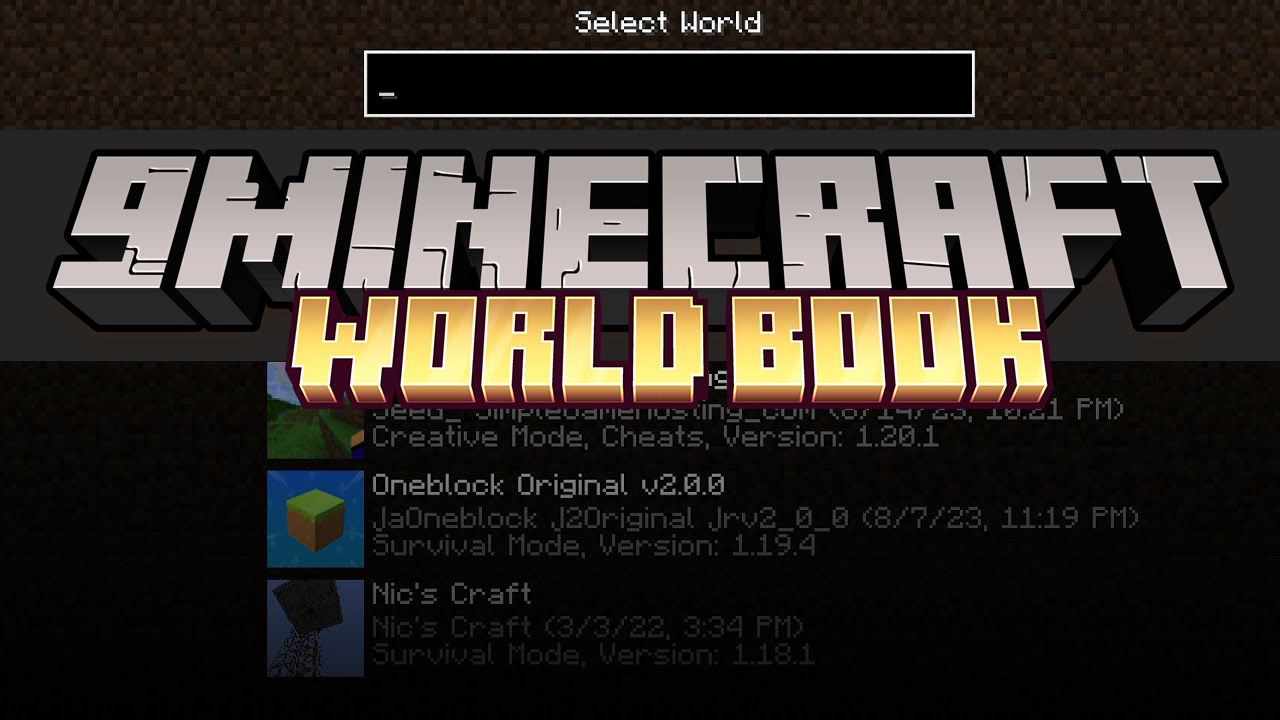
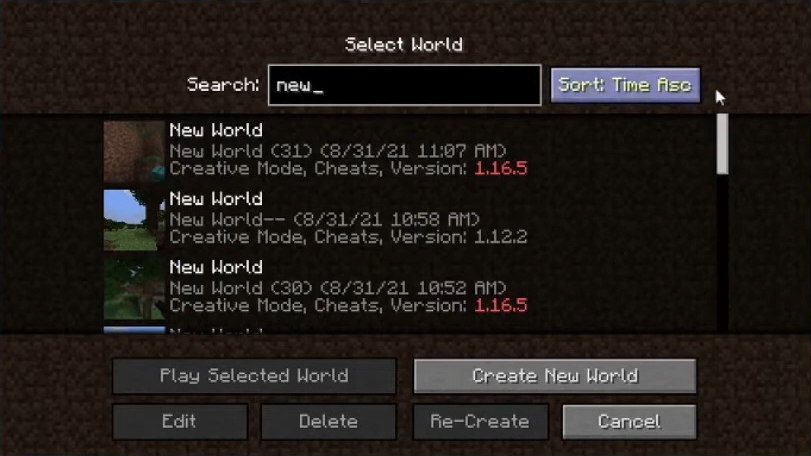
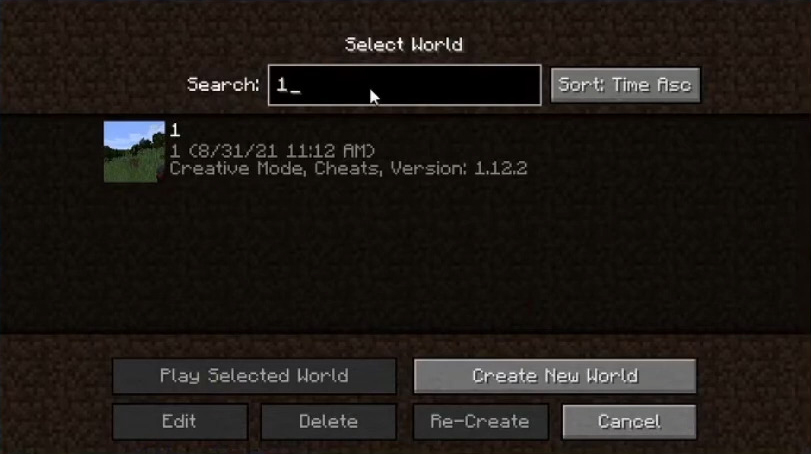
World Book Mod lets you find your saved worlds quickly on the world selection screen. This mod adds a search bar at the top of the menu and a sorting button so you can change the order of your worlds.
Features:
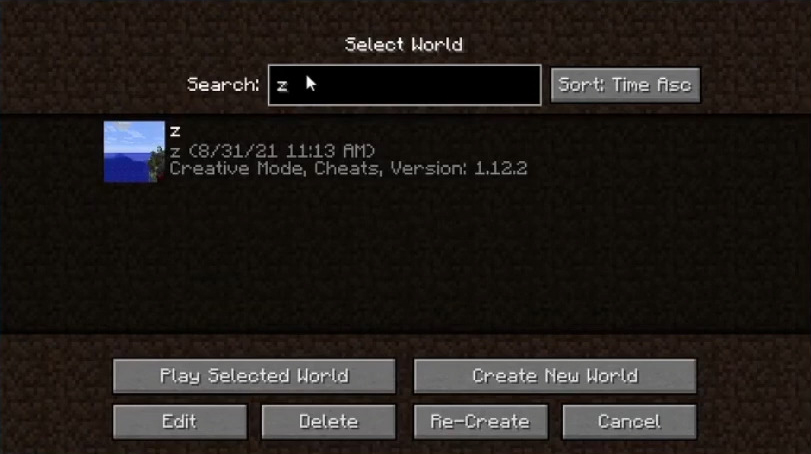
- Adds a search bar at the top of the world selection screen so you can search for your saved worlds.
- Lets you change the order of displayed worlds by clicking the sorting button to switch sorting types.
- Allows you to right-click the sorting button to go back a sort type.
How to Use:
- Open the world selection screen to see your saved worlds.
- Type into the search bar at the top of the screen to find a world.
- Click the sorting button to change the sorting type and reorder your worlds.
- Right-click the sorting button to go back a sort type.
Screenshots:
How to Install:
New to Minecraft? Follow our step-by-step guide to install Mods on your PC.View Guide
World Book Mod Download Links
For Minecraft 1.12.2
Forge version: Download from Server 1 – Download from Server 2
Click to rate this post!
[Total: 0 Average: 0]
QUICK MINECRAFT SURVEY · ONE TAP
Mods & Modpacks
How do you usually discover new mods to try out?
10 responses · See the full results →
You May Also Like
Picked for this page
 Dynamic Lights Mod (26.3, 1.20.1) – Hold Light Sources in Your Hand
 Dimensional Dungeons Mod (26.1.2, 1.20.1) – Unlimited Challenging Adventures
 BackSlot Mod (1.21.11, 1.20.1) – Become a Hero like Dai in Dragon Quest
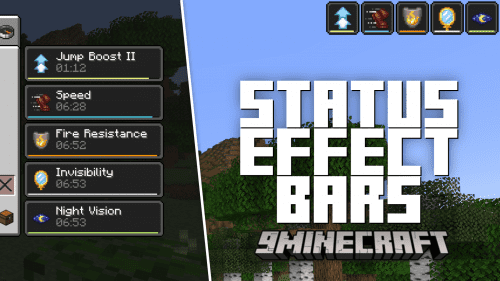 Status Effect Bars Mod (26.3, 1.20.1) – Effect Bar/Icon Duration Viewer
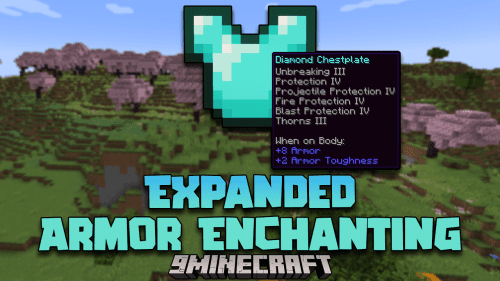 Expanded Armor Enchanting Mod (26.2, 1.20.1) – Armor Enchanting Revolution
 Ice Boat Nerf Mod (26.3, 1.20.1) – Ice or Not, Same Speed
 WITS Mod (26.3, 1.20.1) – Instantly ID Any Structure
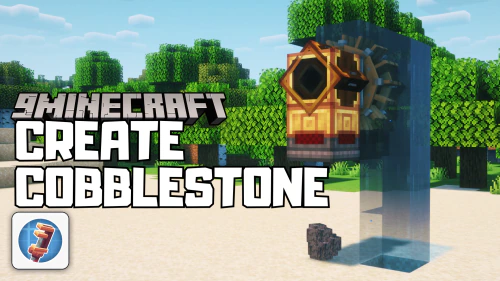 Create Cobblestone Mod (1.21.1, 1.20.1) – Reduce Lag Caused By Block Generators
 Ruins of Growsseth Mod (1.21.11, 1.21.1) – New Structures, Quests, Smart NPC
 Logarithmic Volume Control Mod (26.3, 1.20.1) – Natural Audio Scaling
 NoHurtFlash Mod (1.20.1) – Swap Blinding Hit Flashes for Glowing Outlines
 Weather Gate Mod (26.1.2, 1.21.1) – Controls Terrain Colors and Snow
Most viewed in Mods over the last 7 days
 Ala Industrial Mod (26.3) – Run Electric Power Grids and Automated Factories
 PleasureCraft Mod (26.3, 1.21.1) – Jenny Mod Remake for Fabric
 Jennycraft Mod (26.3, 1.20.1) – Virtual Girlfriend in Minecraft
 Fapcraft Mod (26.3, 1.12.2) – Comprehensive and Detailed Content
 Jenny Mod (Fapcraft) Official Complete Guide – How to use, Tutorial
 BangCraft Mod (1.20.1) – Jenny, Ellie and Elliot
 Fabric Loader (26.3, 1.20.1) – Fabric Installer for All Minecraft Versions
 The Shooting Star Demo Mod (26.3, 1.20.1) – Vaporize Terrain From Orbit
 Meteor Client Mod (26.3, 1.20.1) – Xray, HUD, Fly
 OptiFine HD (26.3, 1.20.1) – Run Faster, FPS Boost, Shaders Support
 Aristois Client Mod (1.21.4, 1.20.1) – World Class Minecraft Utility
 Prestige Client Mod (1.21.11, 1.21.4) – Powerful Ghost Features for Crystal & Sword PvP
More from Mods
 THE SLOPSTROSITY Mod (1.21.1) – Battle a Ridiculous Slime Boss
 Decoween Mod (1.21.1, 1.20.1) – Transform Ordinary Survival Bases
 Simply Light 9minecraft Mod (26.3) – Decorate Builds Without Torches
 Alex’s Caves Continued Mod (26.3, 1.20.1) – Conquer Six Massive Underground
 Anvil Uses Mod (26.3, 1.20.1) – Track Item Anvil Usage
 Animal Info Mod (26.3, 1.21.11) – Quick Stats For Your Animals
 Timber Tales Dynamic Tree System Mod (26.3, 1.20.1) – Watch Entire Trees Topple
 Gabou’s Libs Mod (26.3, 1.20.1) – Keep Custom Weather and Survival Mods Stable
 /Sit Mod (26.3, 1.21.1) – Make The Player Sit Down
 Arcane Redstone Dial Mod (26.3, 1.20.1) – Trigger Commands and Shortcuts
 The Graveyard Mod (26.3, 1.20.1) – Cemeteries in Minecraft
 Enhanced Overlay Mod (26.3, 1.21.11) – Remove Screen Clutter

This post has no comments yet. Be the first — your comment will appear here.