World Editor Mod (1.21.11) – Shape Your World

 0
0  December 24, 2025
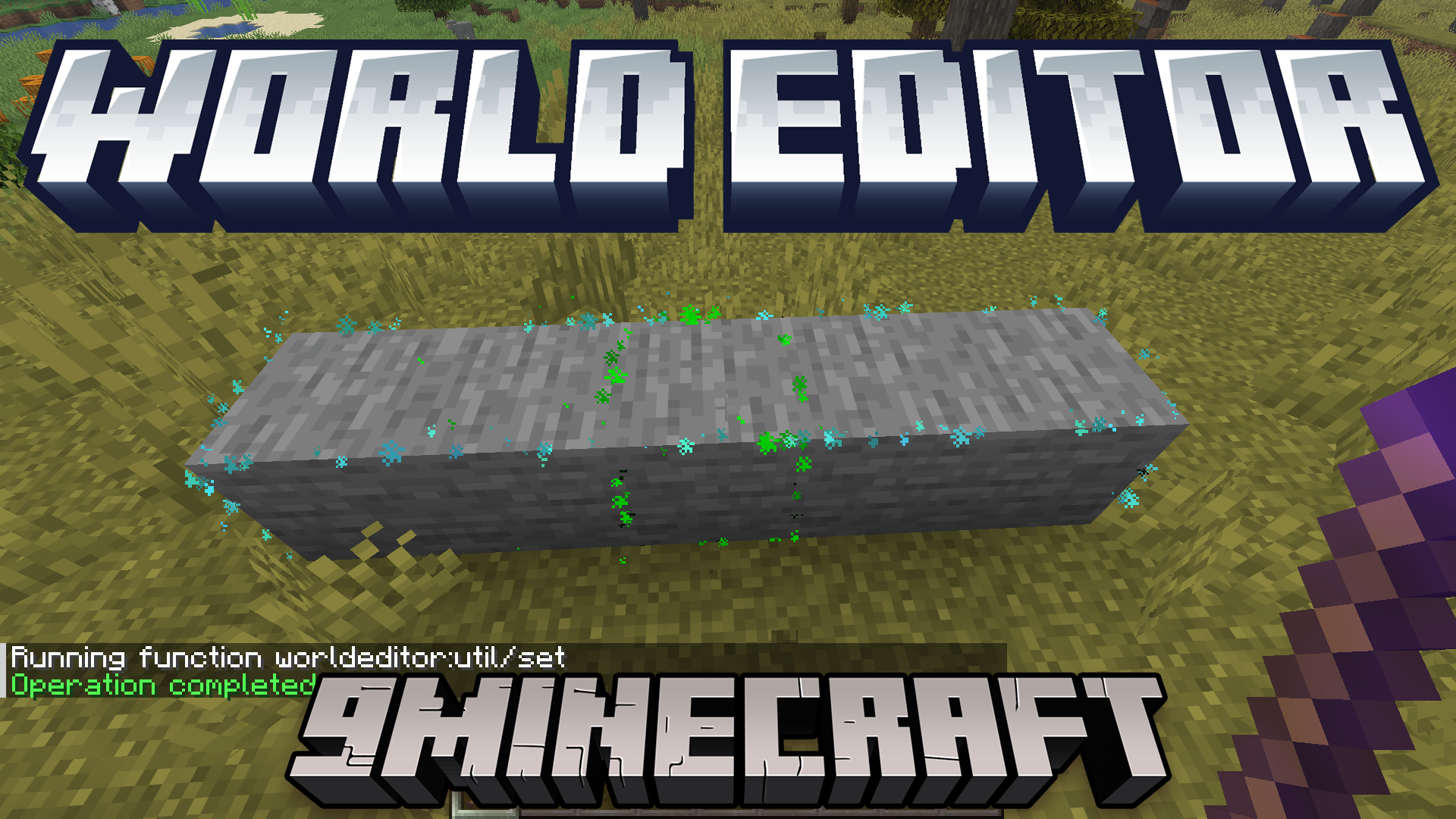
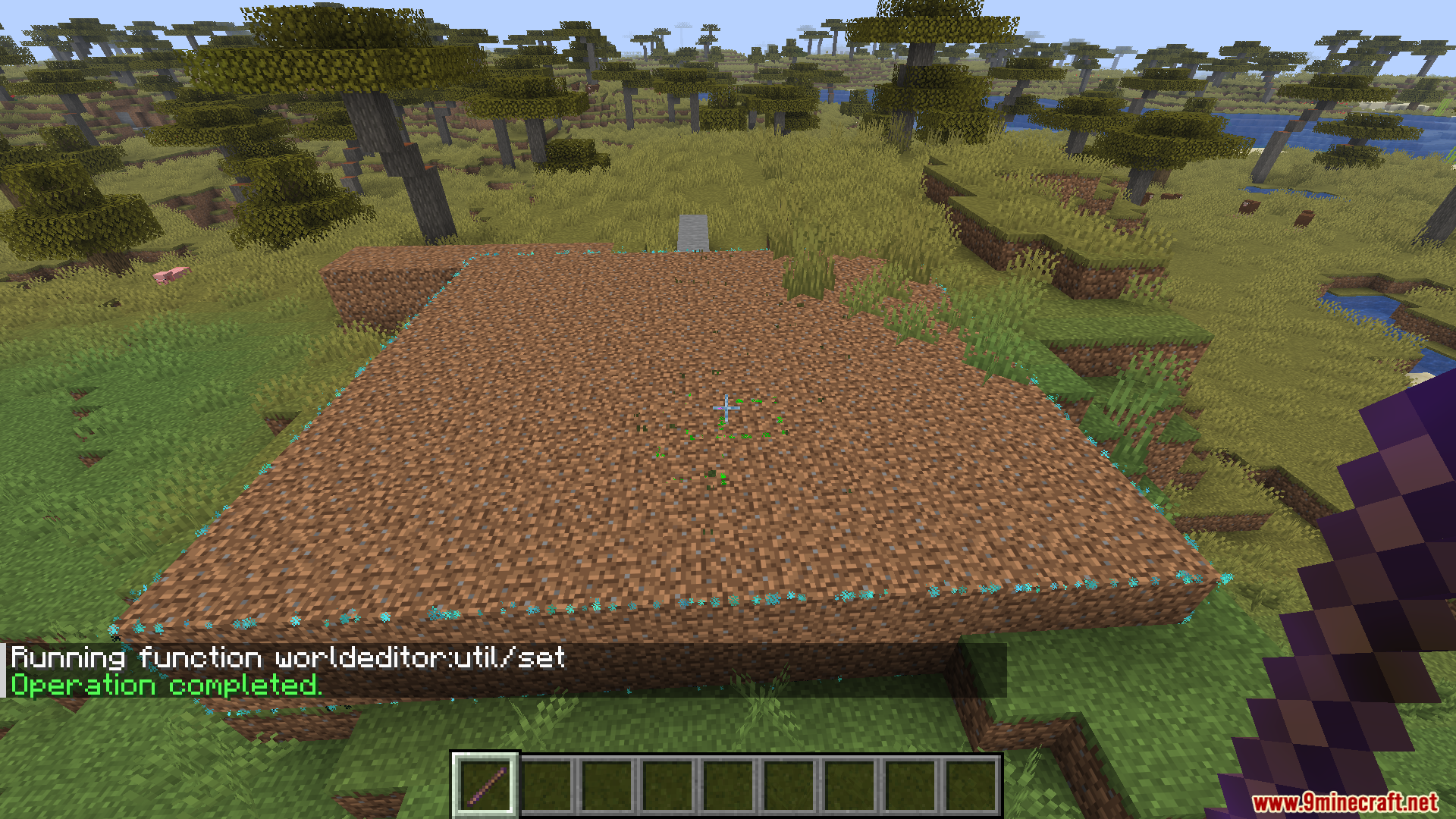
World Editor Mod (1.21.11) works like the popular World Edit mod, letting you use commands to quickly build, cut, copy, paste, and replace blocks.
Features:
- Selector Wand:
- Use
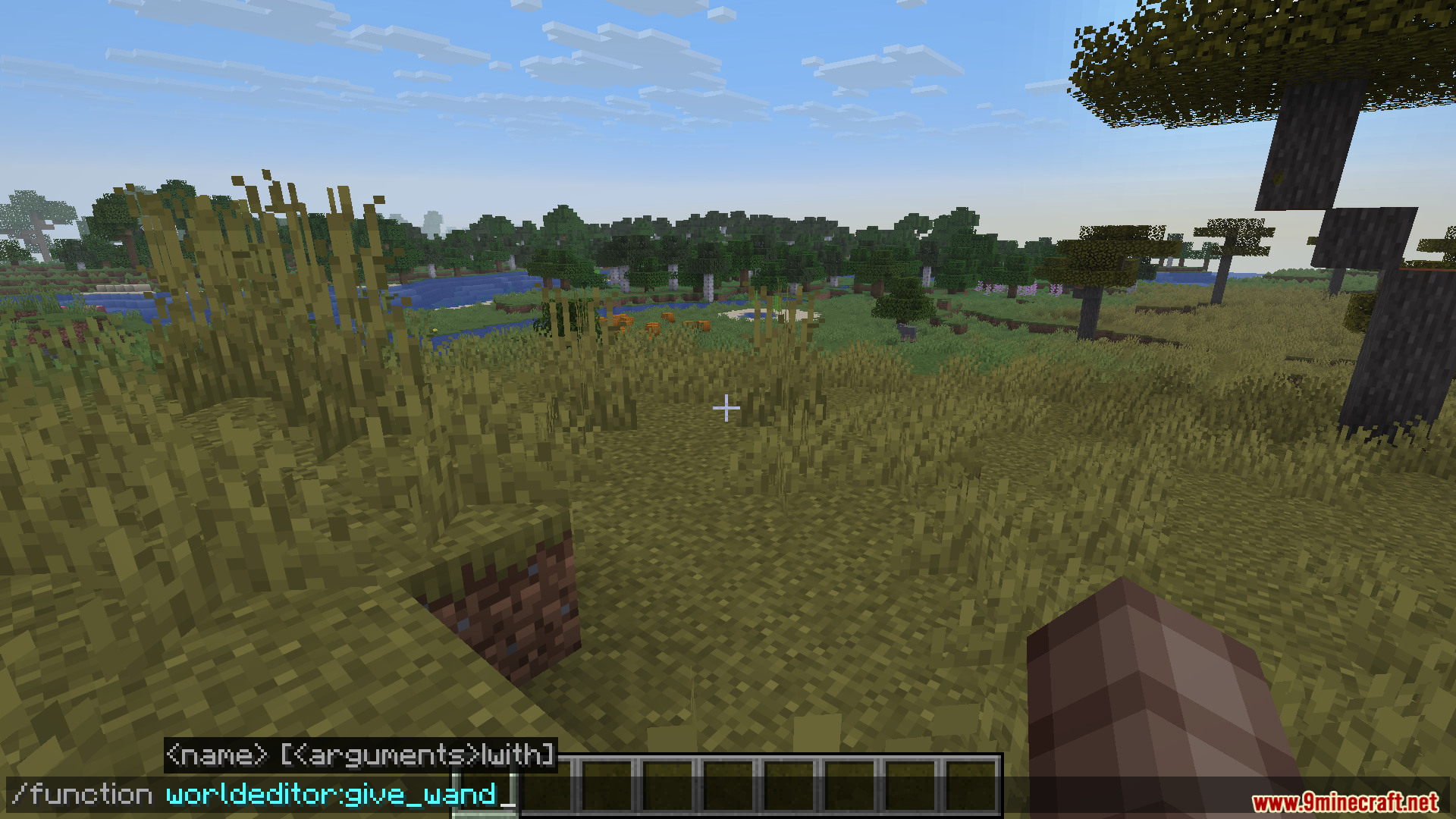
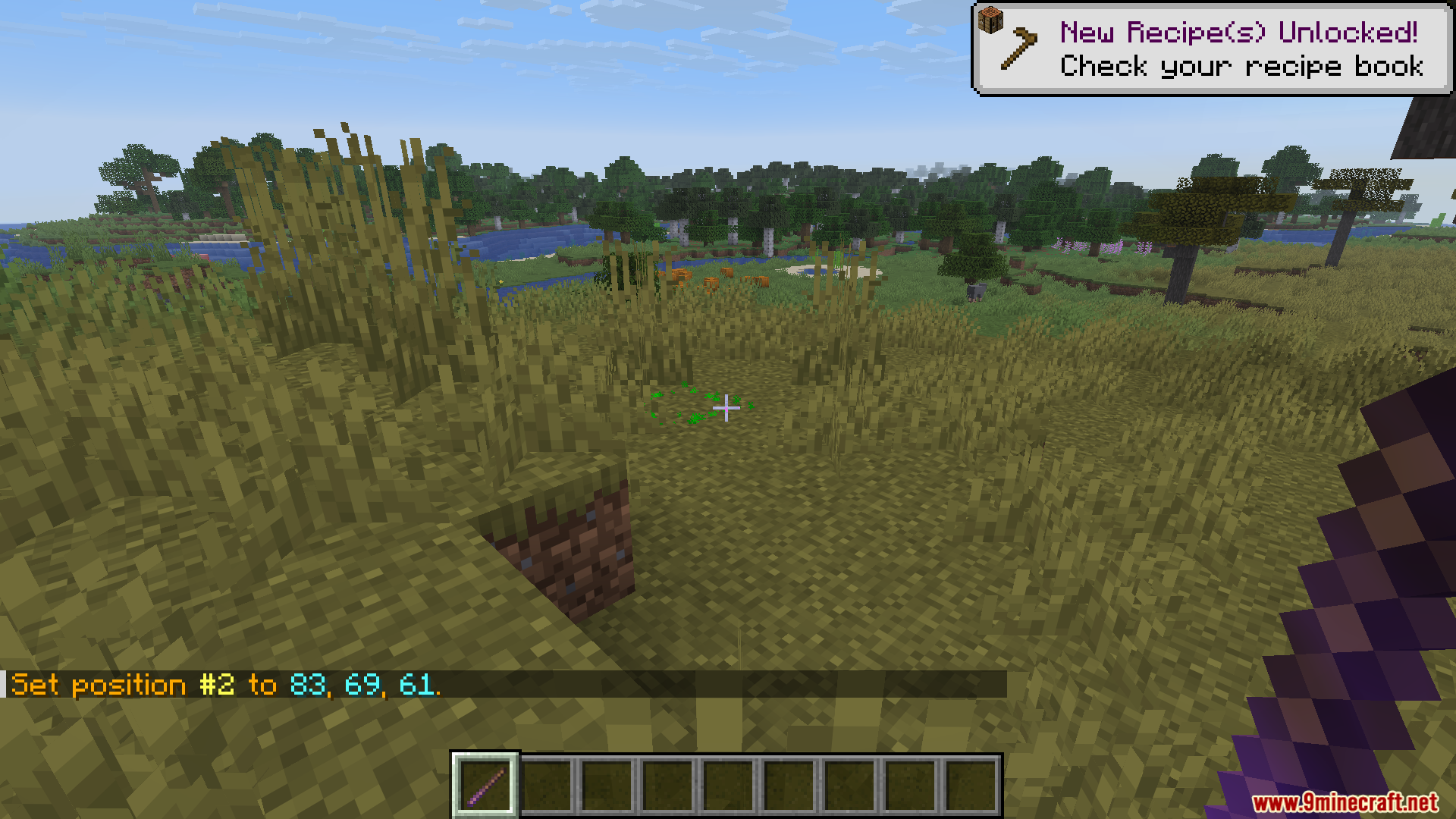
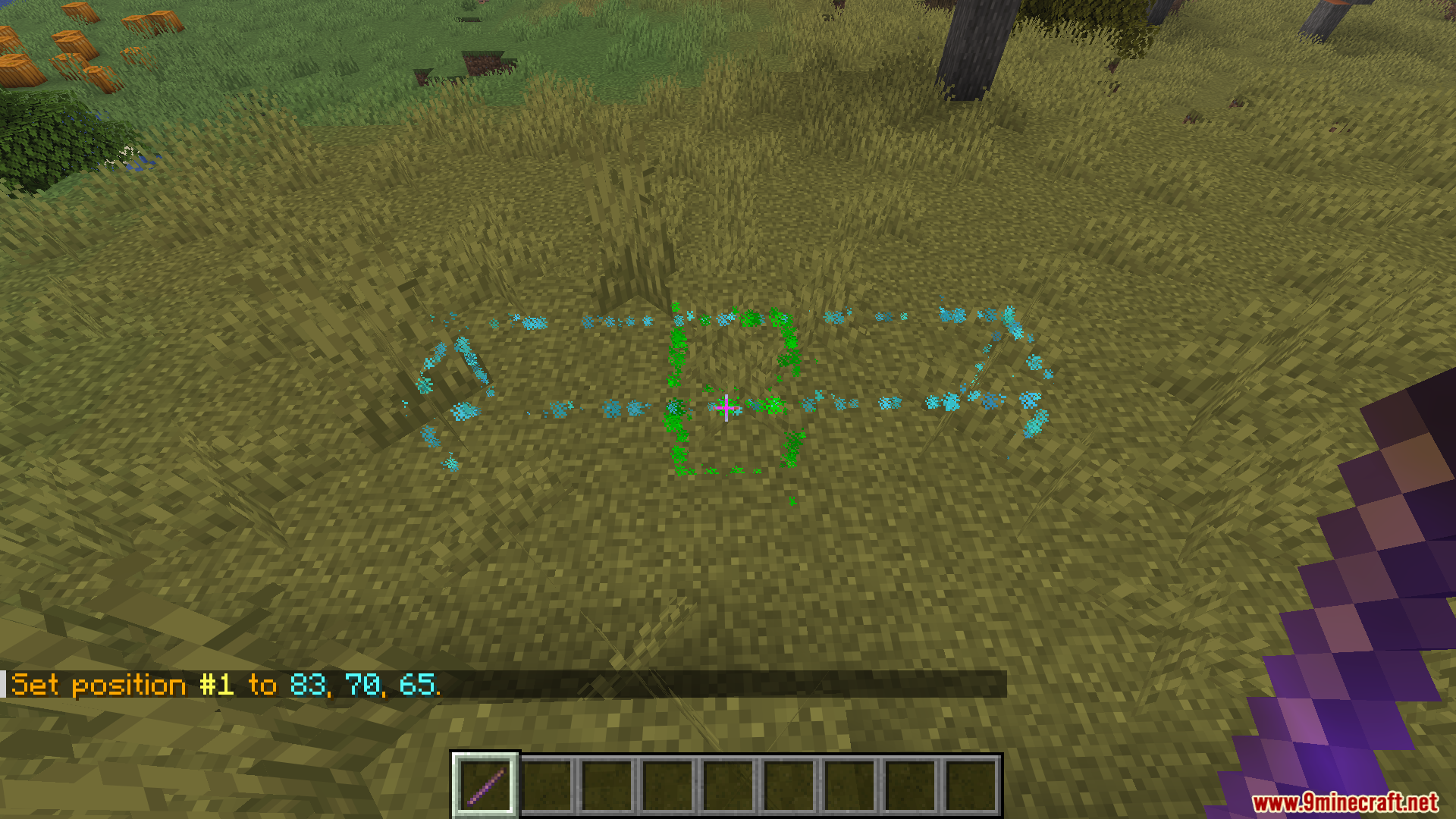
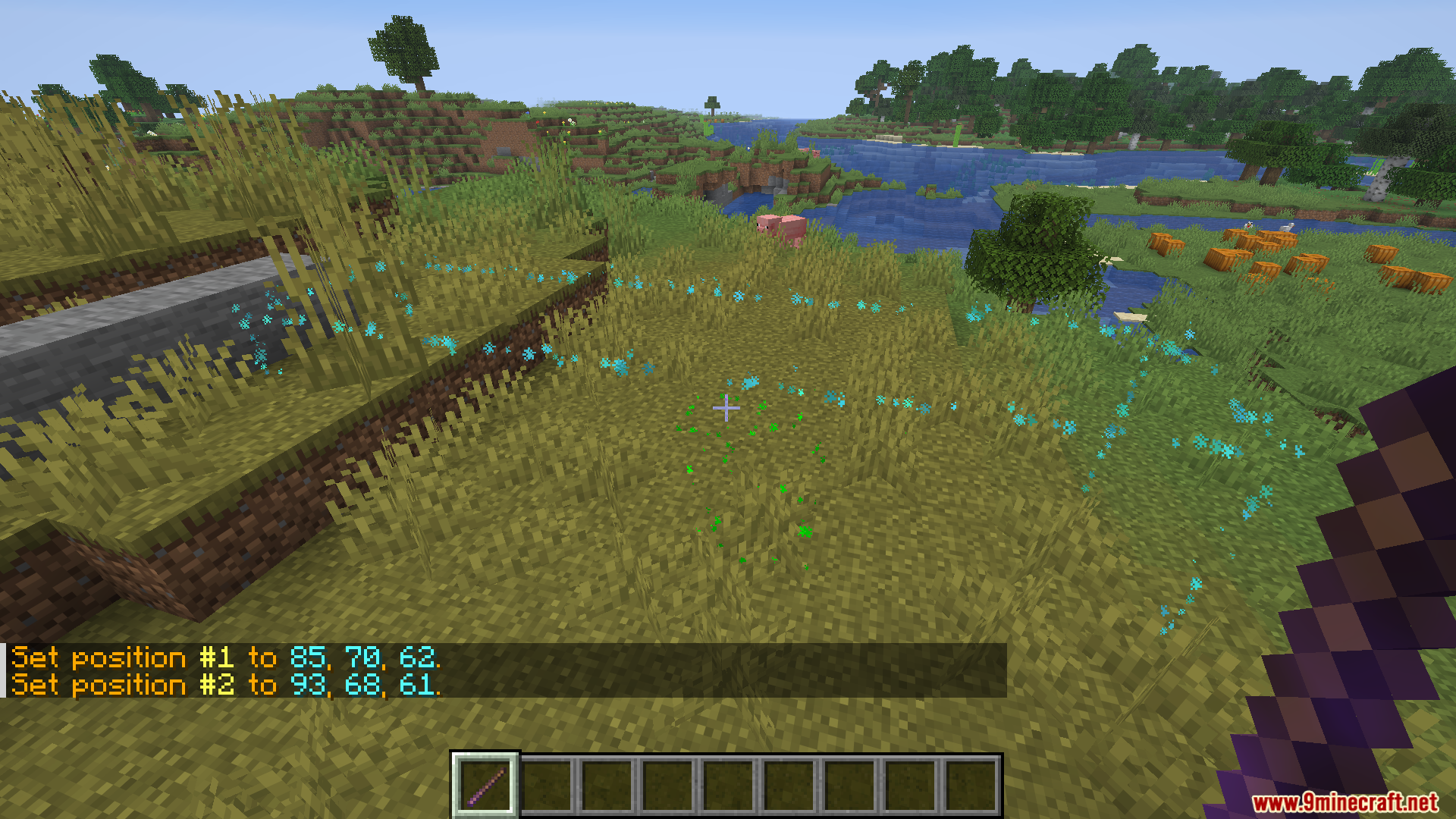
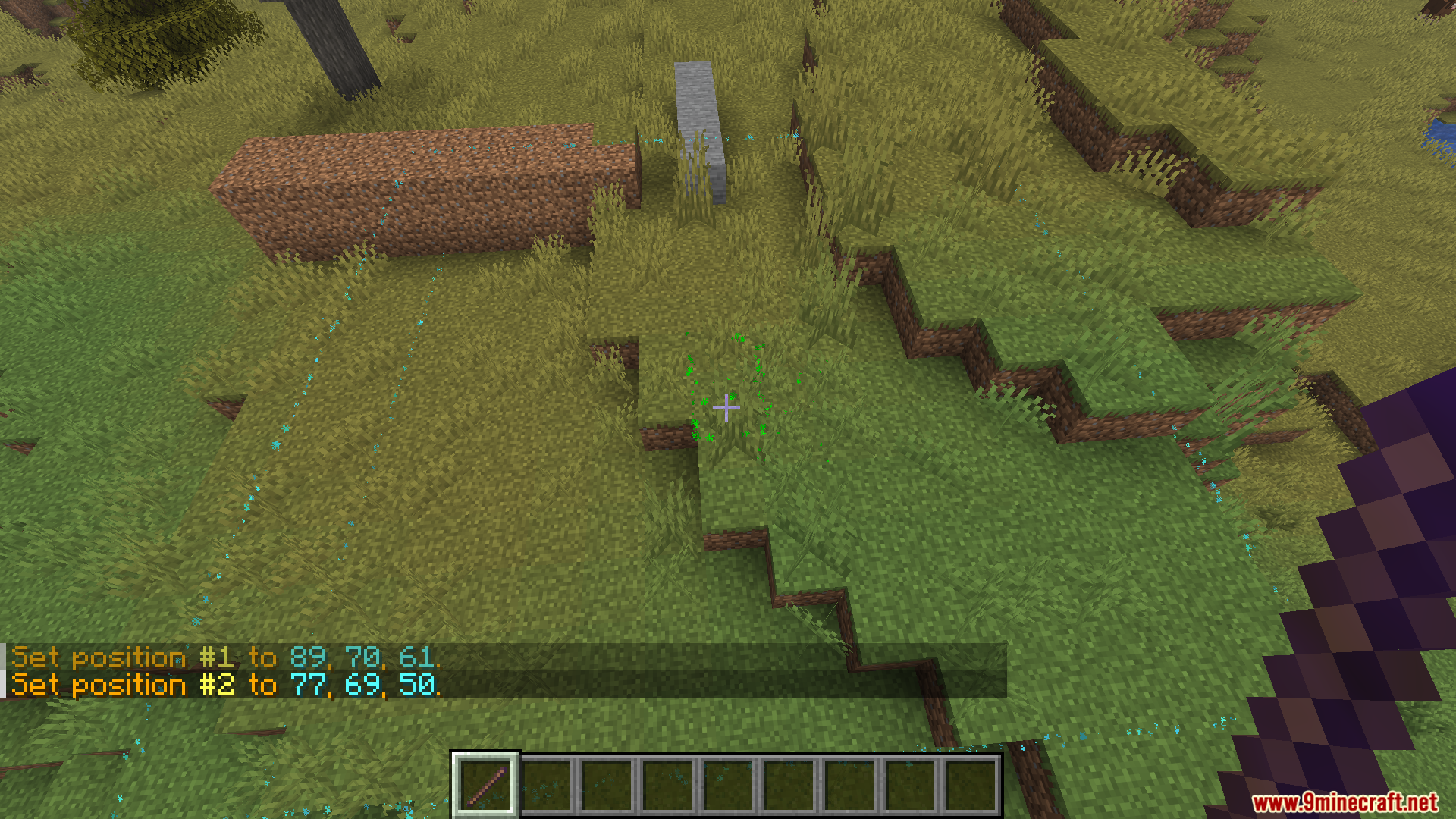
/function worldeditor:give_wandto get the wand. - Select two positions (#1 and #2) to define the editing area.
- Displays particles on targeted blocks (10‑block range).
- Use
- Core Commands:
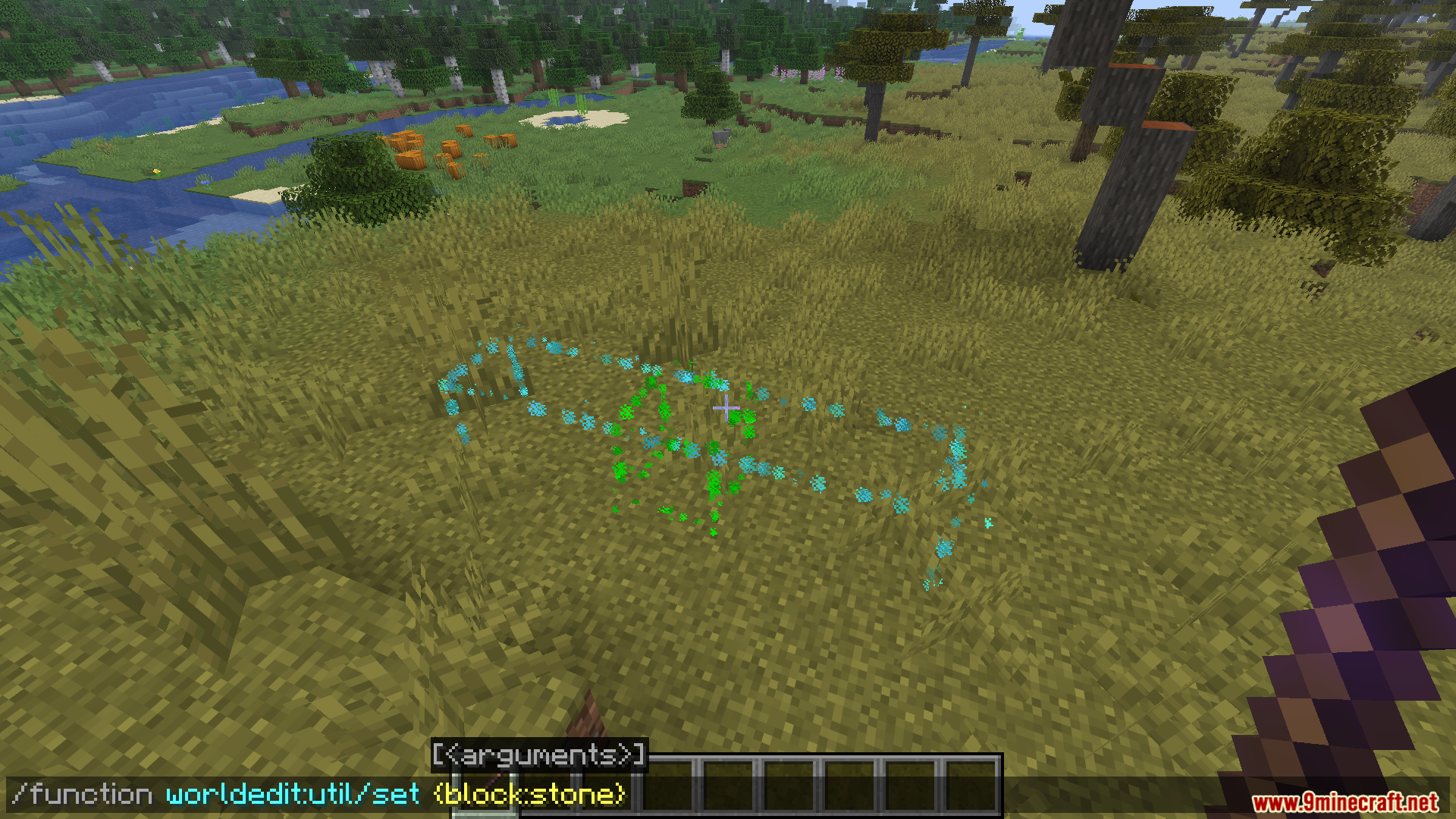
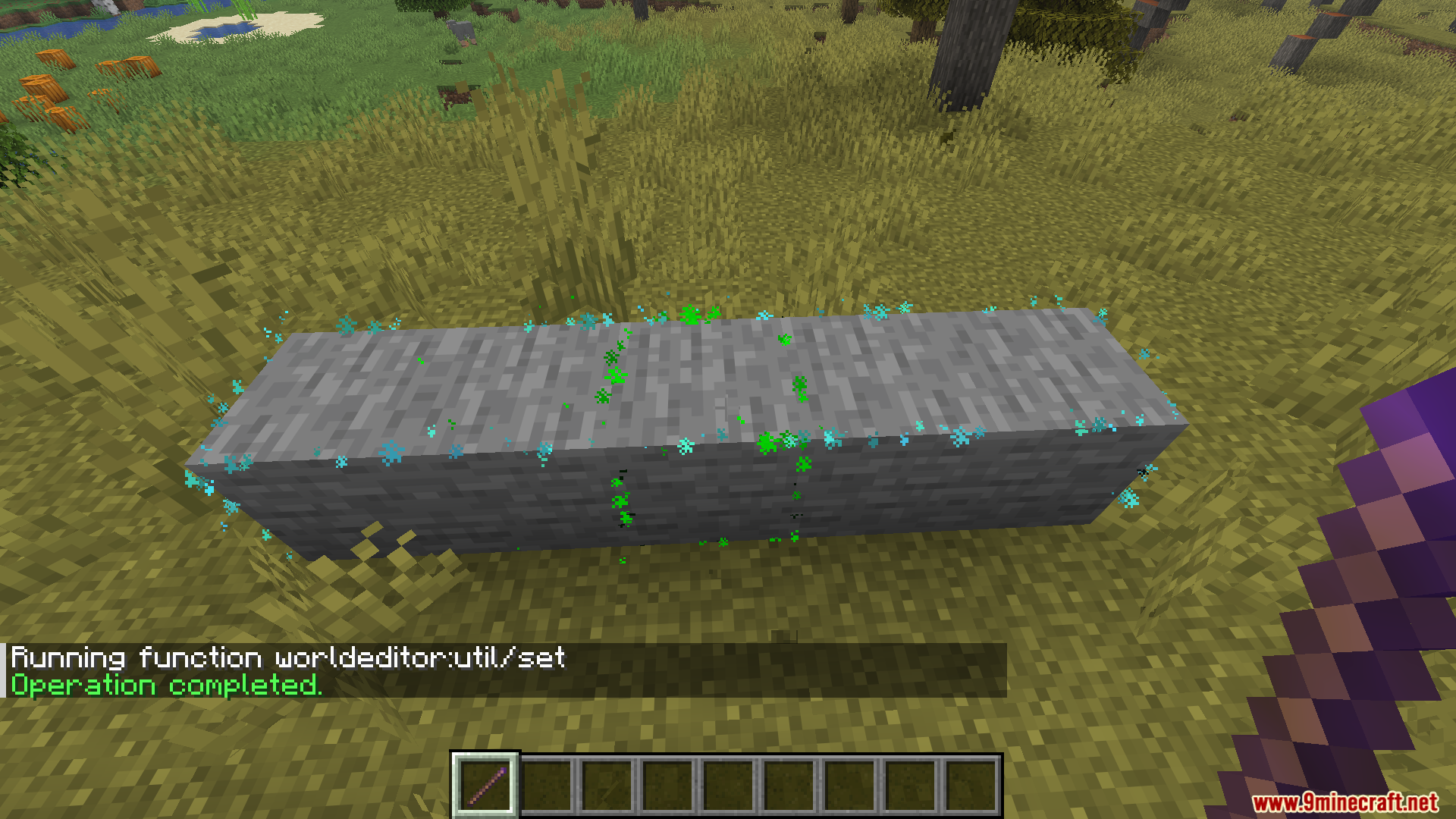
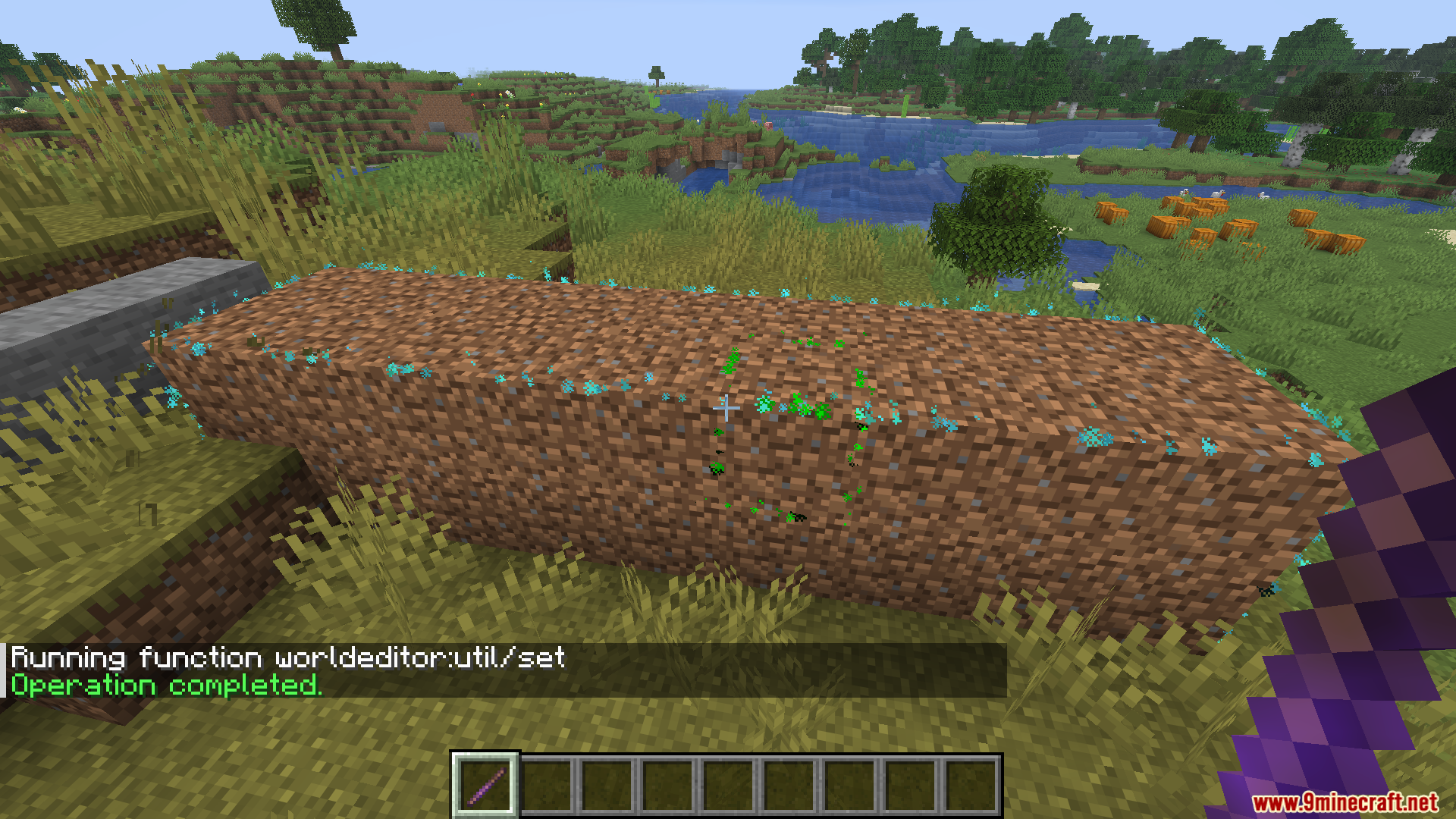
/function worldeditor:util/set {block:stone}→ Fill area with chosen block./function worldeditor:util/cut→ Remove selected area./function worldeditor:util/outline {block:dirt}→ Create outlines./function worldeditor:util/replace {old:dirt, new:stone}→ Replace blocks./function worldeditor:util/copy→ Copy selected area./function worldeditor:util/paste→ Paste copied area (always facing up & SE)./function worldeditor:util/up {amount:1}/down→ Move selection vertically./function worldeditor:outline→ Toggle outline particles.
Screenshots:
Requires:
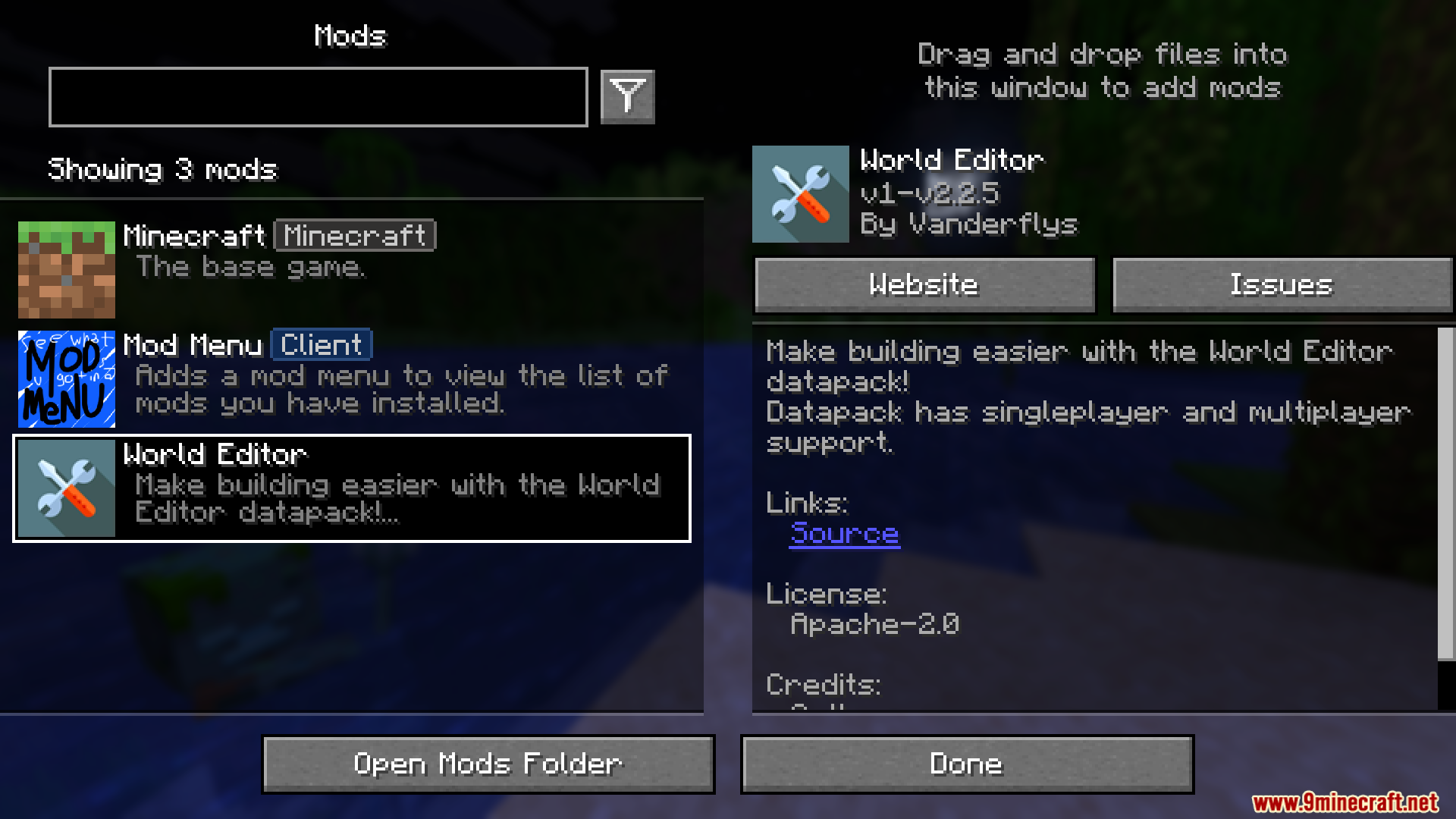
Minecraft Forge or Fabric API or Quilt Loader or NeoForge Installer
How to install:
Click the following link to view details: How to Install Mods for Minecraft Java Edition on PC: A Beginner Guide
World Editor Mod (1.21.11) Download Links
For Minecraft 1.21.4, 1.21.3
Forge/Fabric/NeoForge/Quilt version: Download from Server 1 – Download from Server 2
For Minecraft 1.21.5
Forge/Fabric/NeoForge/Quilt version: Download from Server 1 – Download from Server 2
For Minecraft 1.21.8, 1.21.7, 1.21.6
Forge/Fabric/NeoForge/Quilt version: Download from Server 1 – Download from Server 2
For Minecraft 1.21.9
Forge/Fabric/NeoForge/Quilt version: Download from Server 1 – Download from Server 2
For Minecraft 1.21.10
Forge/Fabric/NeoForge/Quilt version: Download from Server 1 – Download from Server 2
For Minecraft 1.21.11
Forge/Fabric/NeoForge/Quilt version: Download from Server 1 – Download from Server 2
You May Also Like