
WorldTime Mod (1.20.4, 1.20.1) – Track Daylight Deep Underground

 0


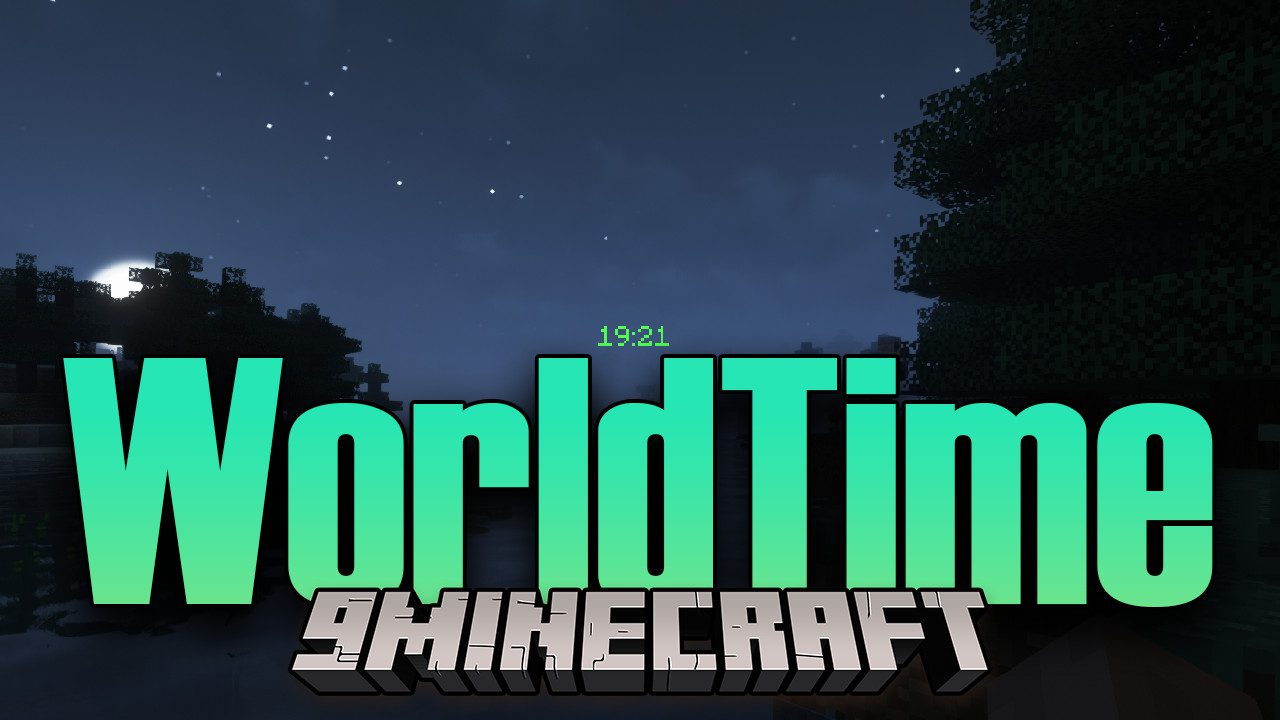
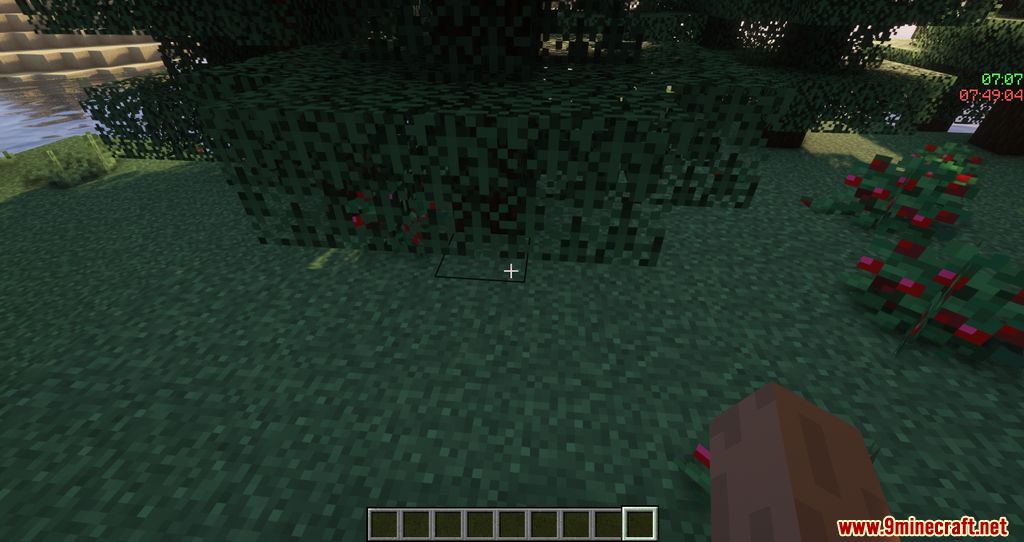
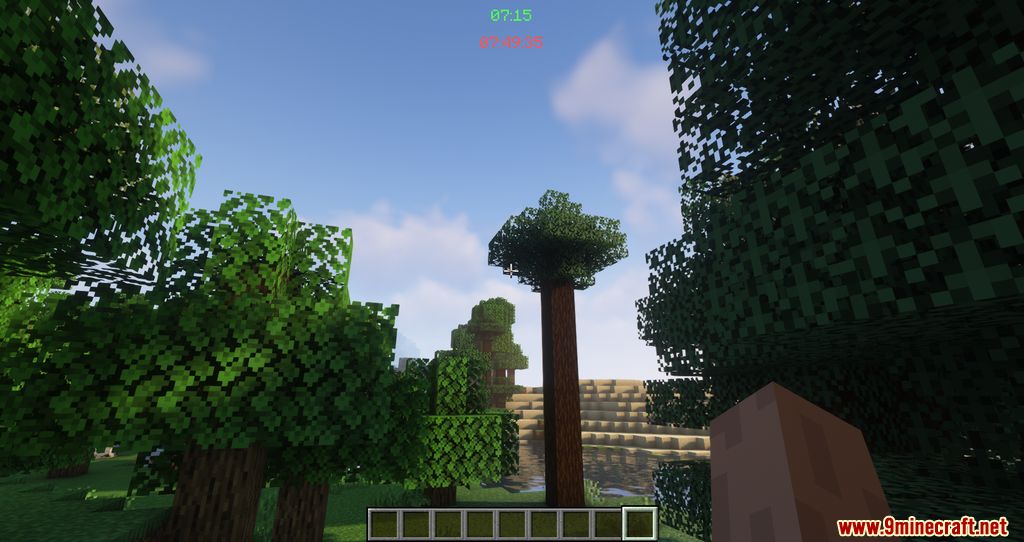
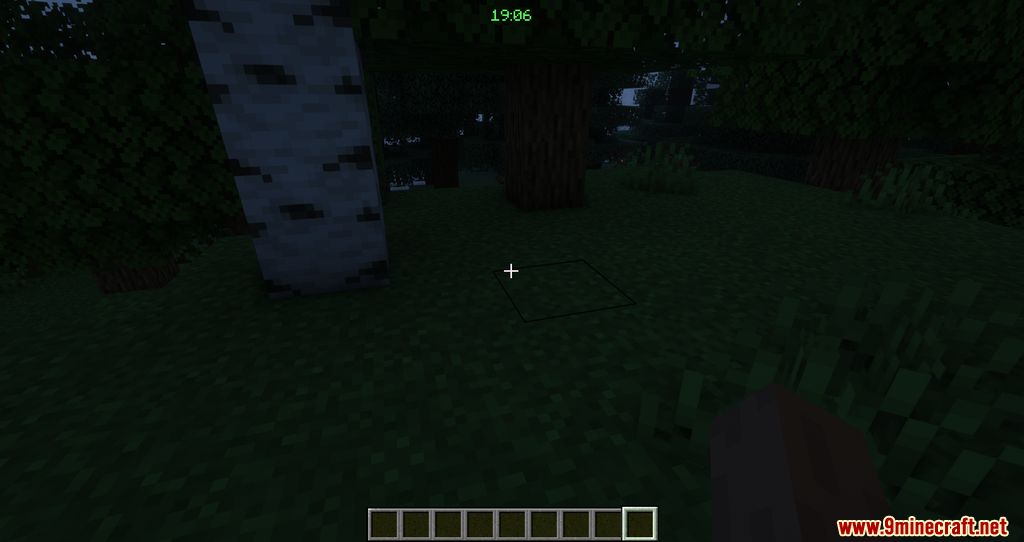
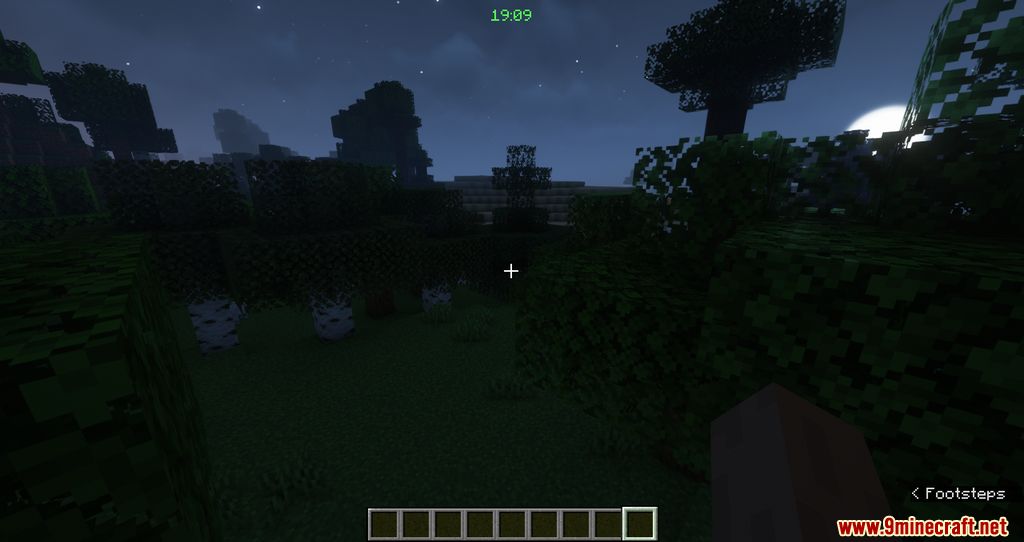
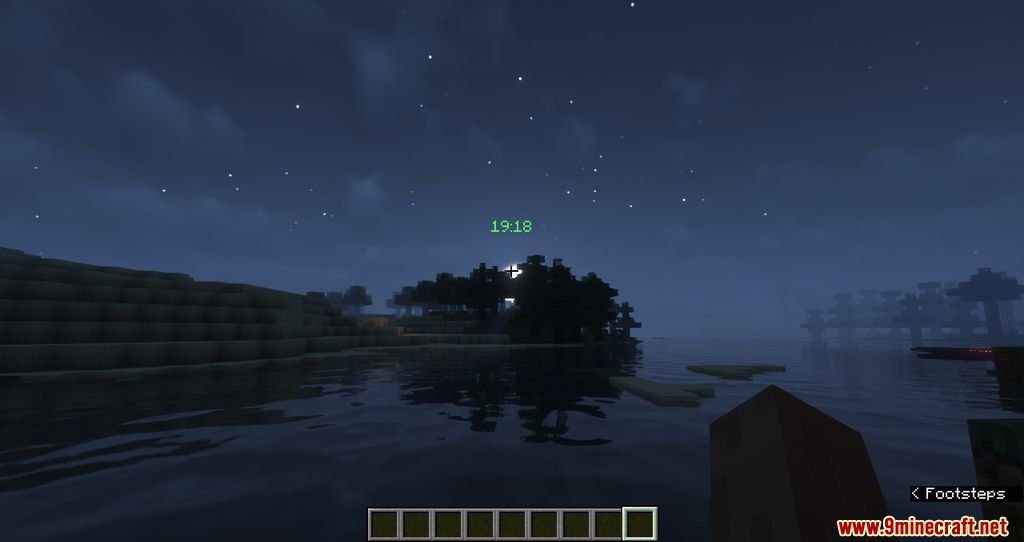
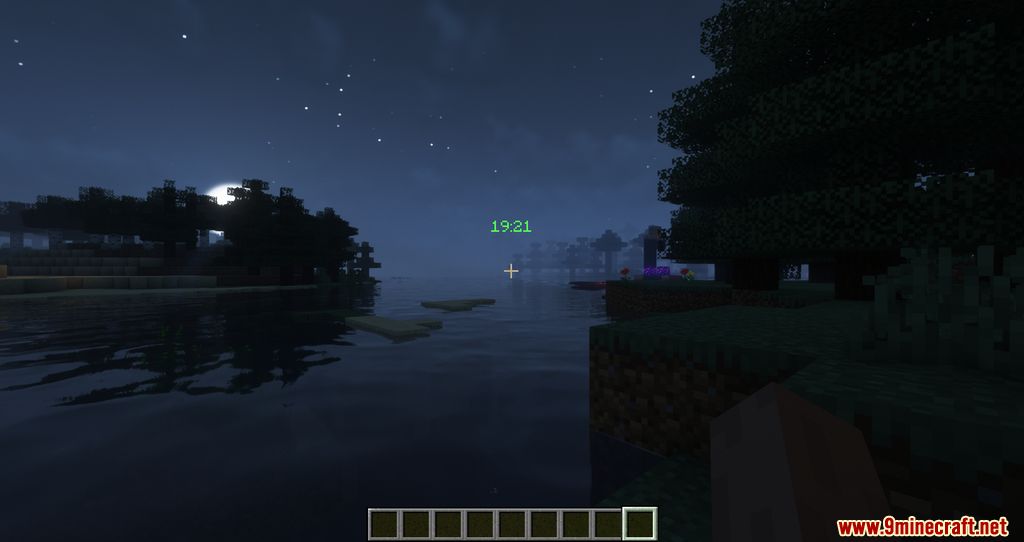
WorldTime Mod shows the current in-game time right on your screen. It puts a 24-hour digital clock in the top left corner by default, and it can also show real-world time and your coordinates. You can open the settings menu to move the clock to other spots on the screen or change its text color.
Features:
- Shows the current in-game time on your screen as a 24-hour digital clock.
- Places the clock in the top left corner of the screen by default.
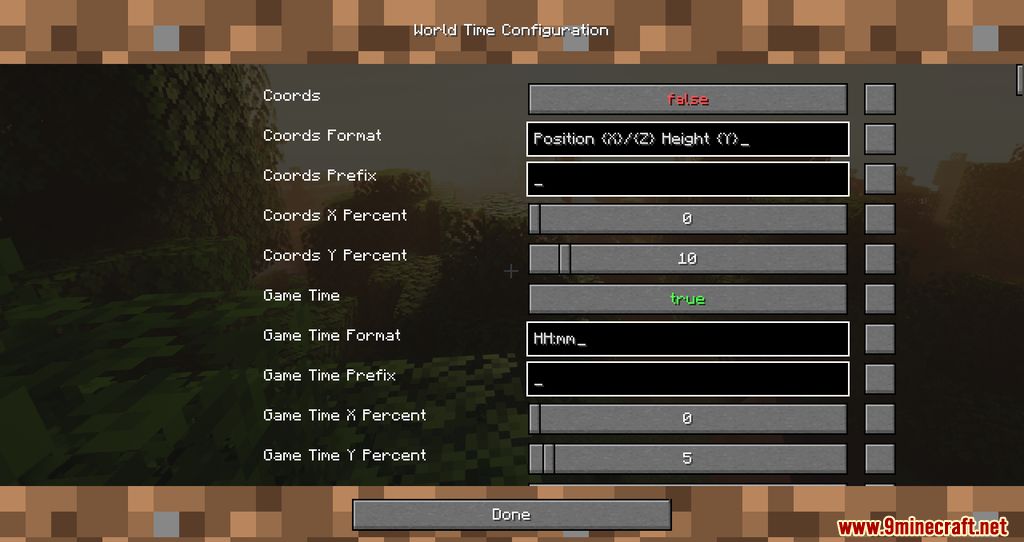
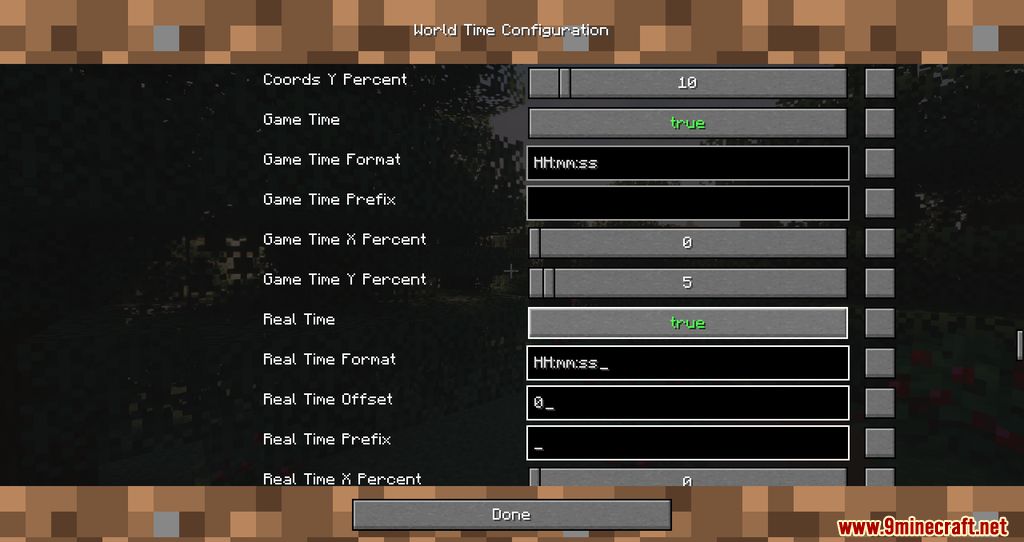
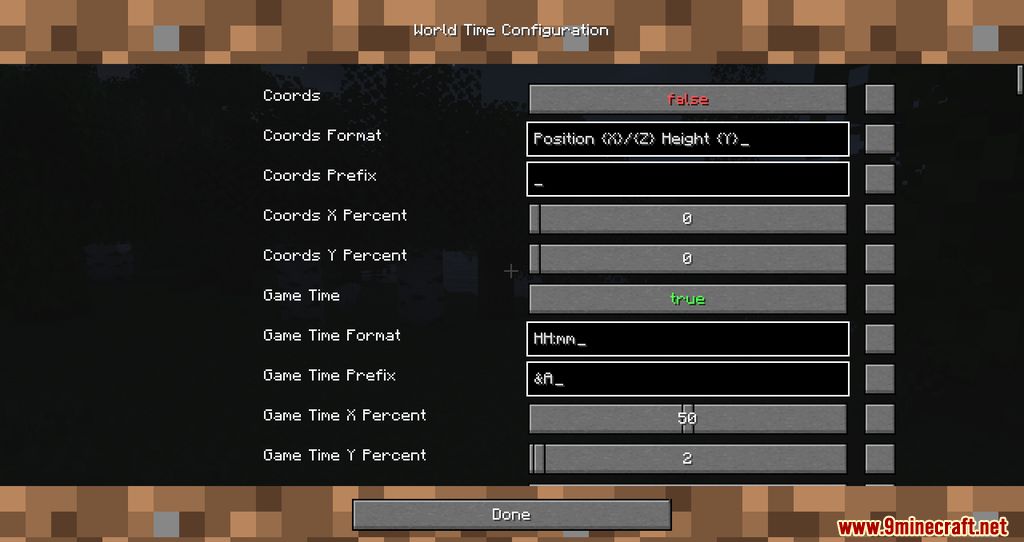
- Includes a settings menu where you can turn real-world time and player coordinates on or off.
- Lets you move the display to different spots, including the top center, the right side, or right above your crosshair.
- Supports different text colors for the digital clocks, such as green and red.
Screenshots:

How to Install:
New to Minecraft? Follow our step-by-step guide to install Mods on your PC.View Guide
WorldTime Mod Download Links
For Minecraft 1.20.4, 1.20.3
Fabric version: Download from Server 1 – Download from Server 2
For Minecraft 1.20.1, 1.20
Fabric version: Download from Server 1 – Download from Server 2
For Minecraft 1.19.3
Fabric version: Download from Server 1 – Download from Server 2
For Minecraft 1.19.2
Forge version: Download from Server 1
Fabric version: Download from Server 1
For Minecraft 1.19.1
Forge version: Download from Server 1
Fabric version: Download from Server 1
For Minecraft 1.19
Forge version: Download from Server 1
Fabric version: Download from Server 1
For Minecraft 1.18.2
Forge version: Download from Server 1
Fabric version: Download from Server 1
For Minecraft 1.18.1
For Minecraft 1.17.1
Which launcher do you primarily use to manage and run your modded Minecraft instances?
37 responses · See the full results →
You May Also Like
Picked for this page
 World Edit Mod (26.3, 1.20.1) – A Minecraft Map Editor
 Ambient Sounds Mod (26.3, 1.20.1) – Listen to The Sounds of Nature
 AppleSkin Mod (26.3, 1.20.1) – Food-Related HUD
 Just Enough Resources Mod (26.3, 1.20.1) – JER, Efficient Resource Management
 Horse Statistics Mod (26.3, 1.20.1) – Attribute Display, Taming Assistance
 RPG-Hud Mod (26.2, 1.20.1) – Your Screen Becomes an RPG
 Heart Balance Mod (1.21.1, 1.20.1) – Health Pickups
 Death Counter Mod (1.21.11, 1.20.1) – Turn Dying Into a Contest
 MineMenu Mod (26.1.2, 1.20.1) – Make Your Life Easier
 MAtmos Ambient Sound Mod (26.3, 1.20.1) – Adjusts Sounds Based On The Environment
 Death Count Mod (26.2, 1.20.1) – Keep Track Of Server Deaths
 Ducky Updater Lib Mod (26.3, 1.20.1) – Check Mod Updates From Modrinth
Most viewed in Mods over the last 7 days
 Ala Industrial Mod (26.3) – Run Electric Power Grids and Automated Factories
 PleasureCraft Mod (26.3, 1.21.1) – Jenny Mod Remake for Fabric
 Jennycraft Mod (26.3, 1.20.1) – Virtual Girlfriend in Minecraft
 Fapcraft Mod (26.3, 1.12.2) – Comprehensive and Detailed Content
 Jenny Mod (Fapcraft) Official Complete Guide – How to use, Tutorial
 BangCraft Mod (1.20.1) – Jenny, Ellie and Elliot
 Fabric Loader (26.3, 1.20.1) – Fabric Installer for All Minecraft Versions
 Meteor Client Mod (26.3, 1.20.1) – Xray, HUD, Fly
 The Shooting Star Demo Mod (26.3, 1.20.1) – Vaporize Terrain From Orbit
 OptiFine HD (26.3, 1.20.1) – Run Faster, FPS Boost, Shaders Support
 Aristois Client Mod (1.21.4, 1.20.1) – World Class Minecraft Utility
 SchnurriTV Mod (1.12.2) – Characters and Features
More from Mods
 Legacy Gecko Lib Fabric Mod (1.16.5) – Power Animated Creatures in Modpacks
 The Man from the Shadow Horror Mod (1.20.1) – Fight Hallucinations to Survive
 Shade & Saturation Slider Mod (26.2, 1.21.11) – Make Every Biome Vibrant
 Cataclysm X Yung’s Better Nether Fortresses Compat Mod (1.21.1, 1.20.1)
 Patchouli 9minecraft Mod (26.3) – Read Mod Guides Without Leaving Minecraft
 Paintings ++ 9minecraft Mod (26.3) – Pick the Exact Painting You Want
 owo-lib 9minecraft Mod (26.3) – Run Your Favorite Mods Without Errors
 Moonlight 9minecraft Lib (26.3, 26.2) – Run Complex Mods Without Errors
 Load My Tags 9minecraft Mod (26.3) – Mix Mods Without Breaking Recipes
 Kambrik 9minecraft Mod (26.3) – Run Kotlin Mods Without Game Lag
 Fast Paintings 9minecraft Mod (26.3, 26.2) – Place Wall Art Exactly Where You Want It
 Bonsai Trees 9minecraft Mod (26.3, 26.2) – Automate Wood Farming in Tiny Pots

This post has no comments yet. Be the first — your comment will appear here.