


Yuushya Townscape Mod (26.1.2, 1.20.1) – Over 2,600 Building Materials

 0
0  April 23, 2026
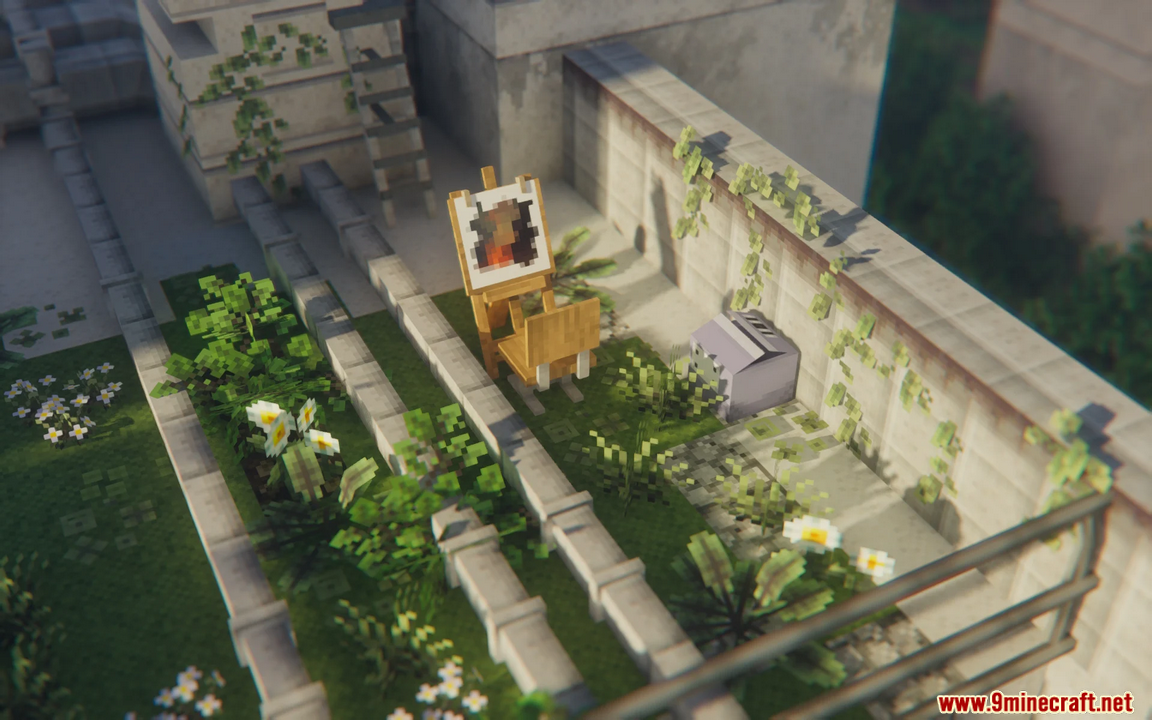
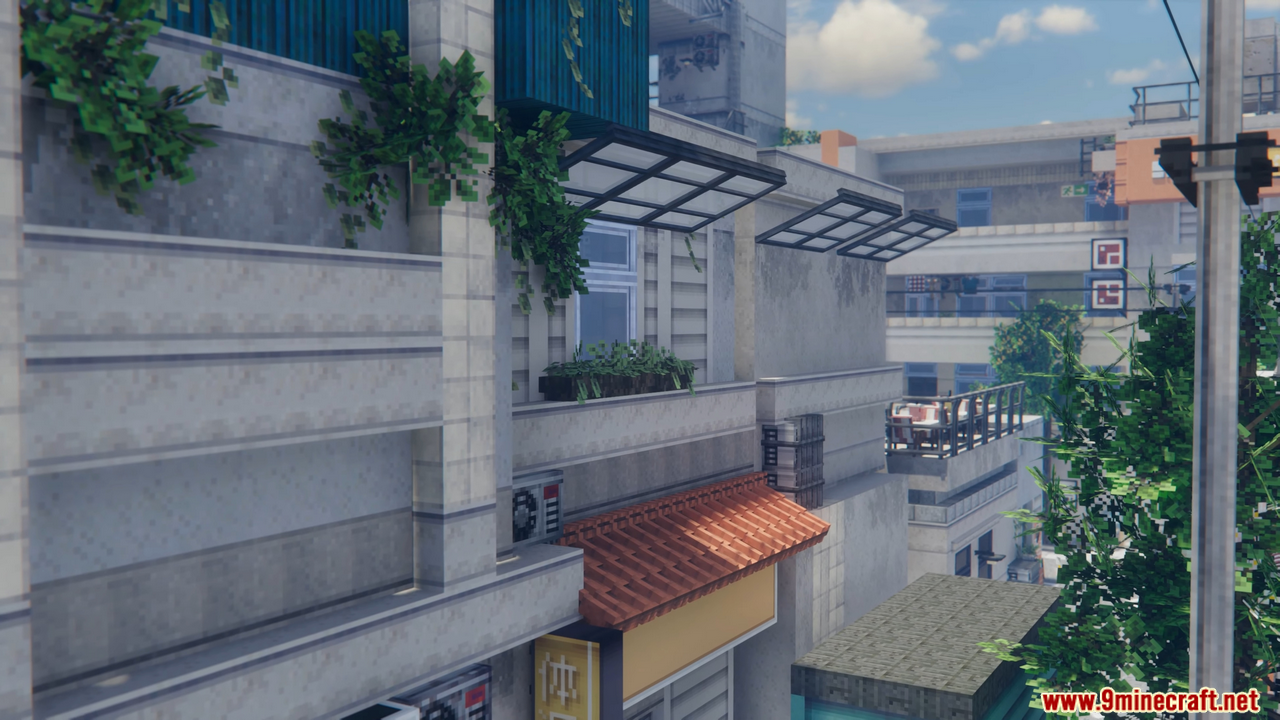
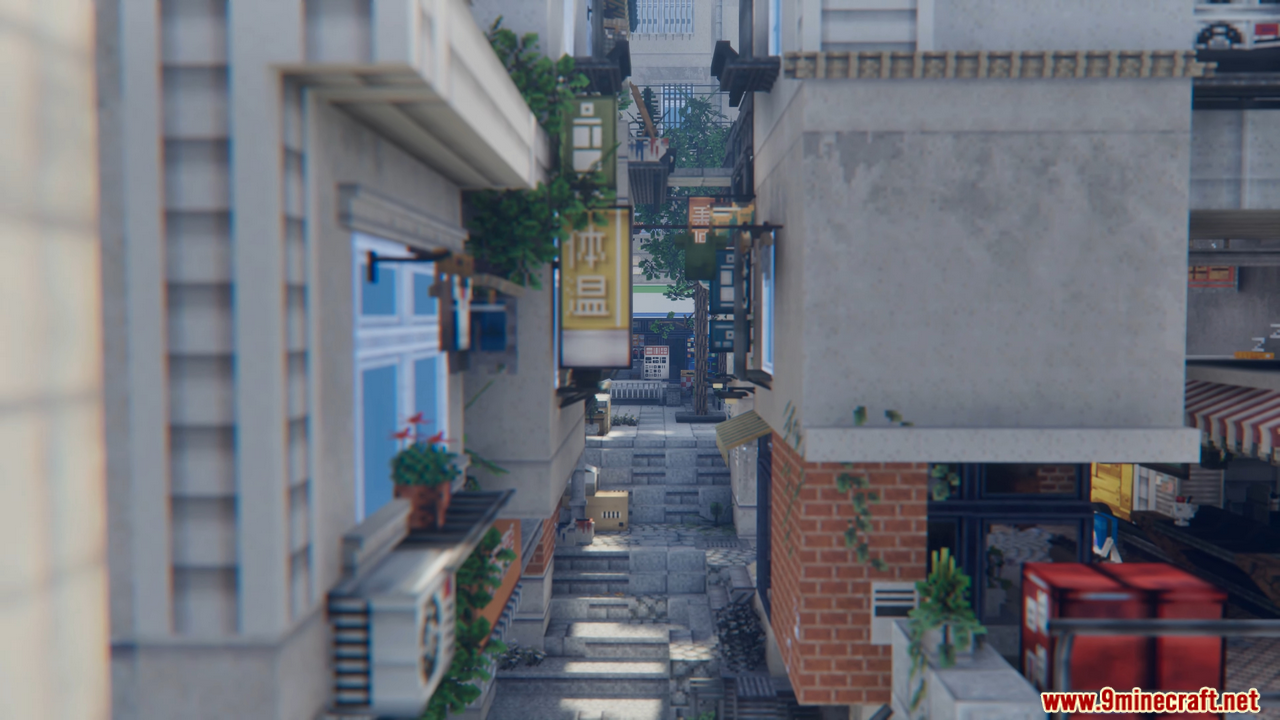
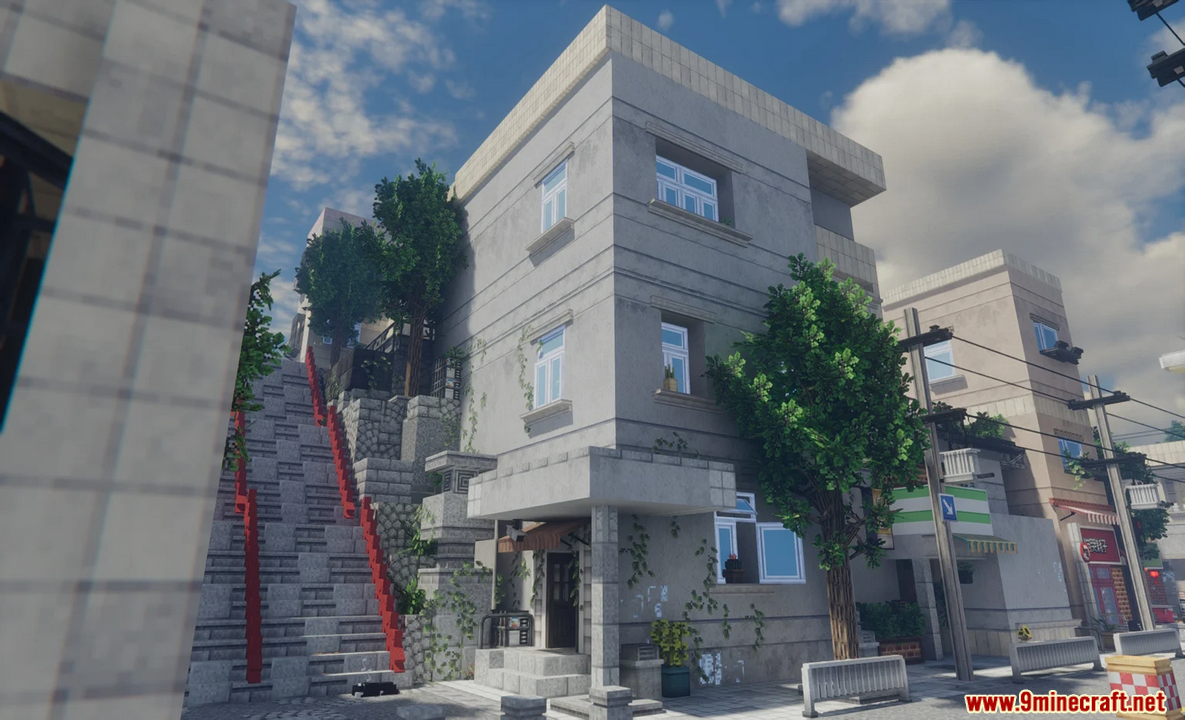
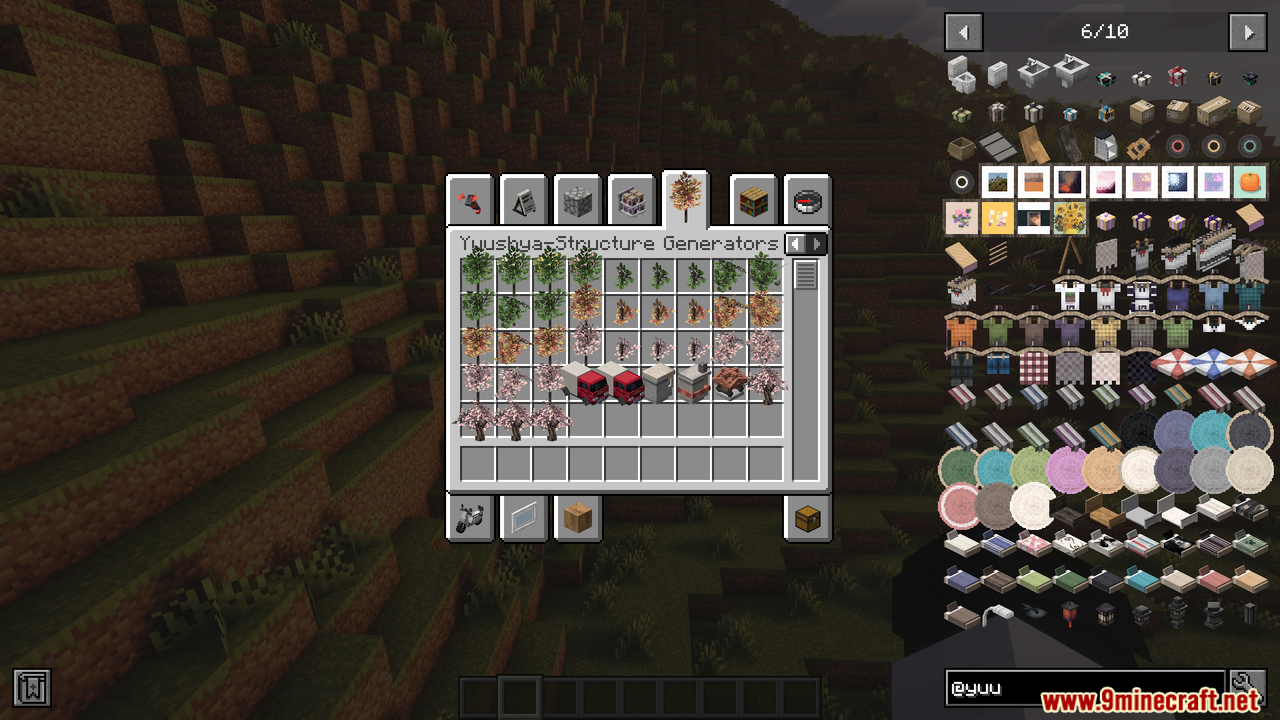
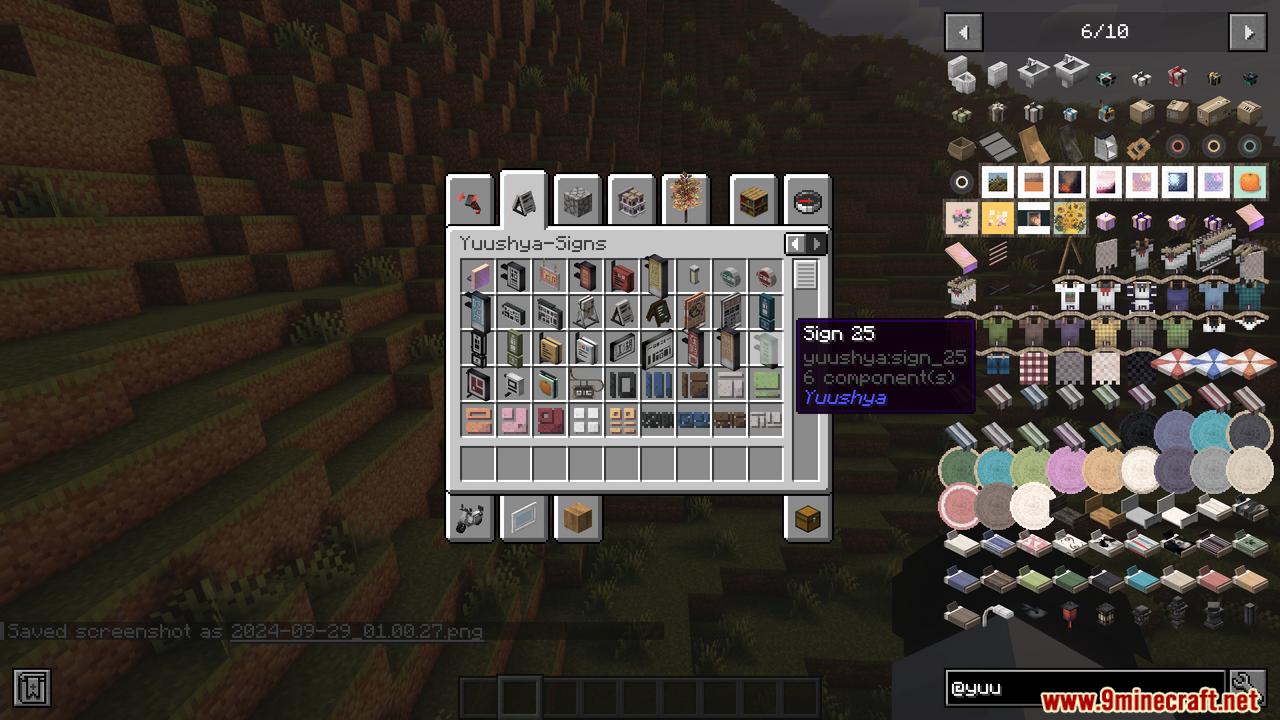
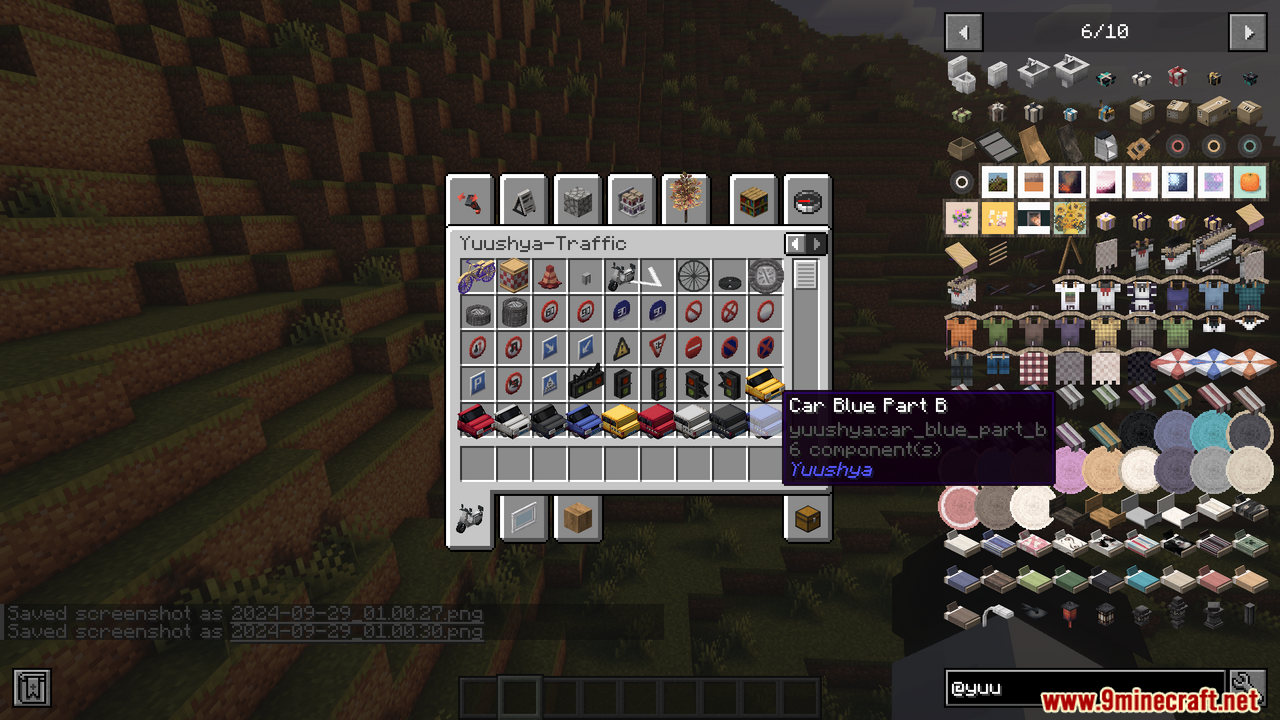
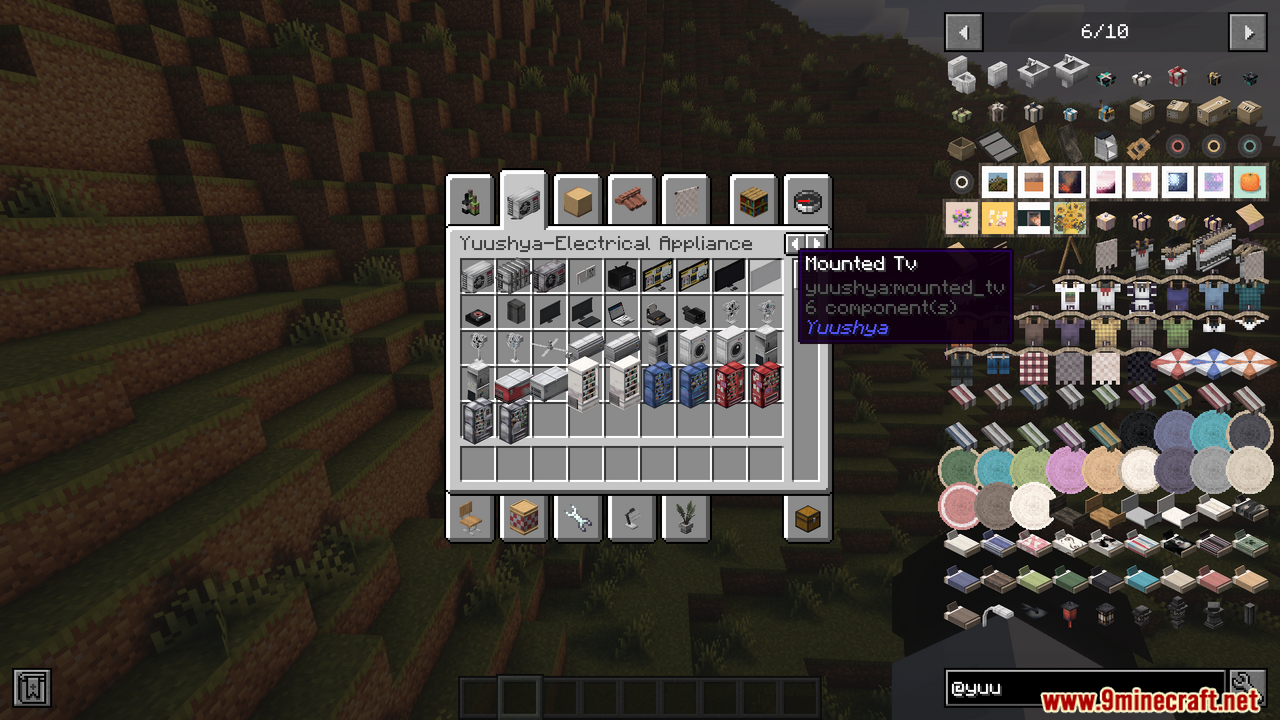
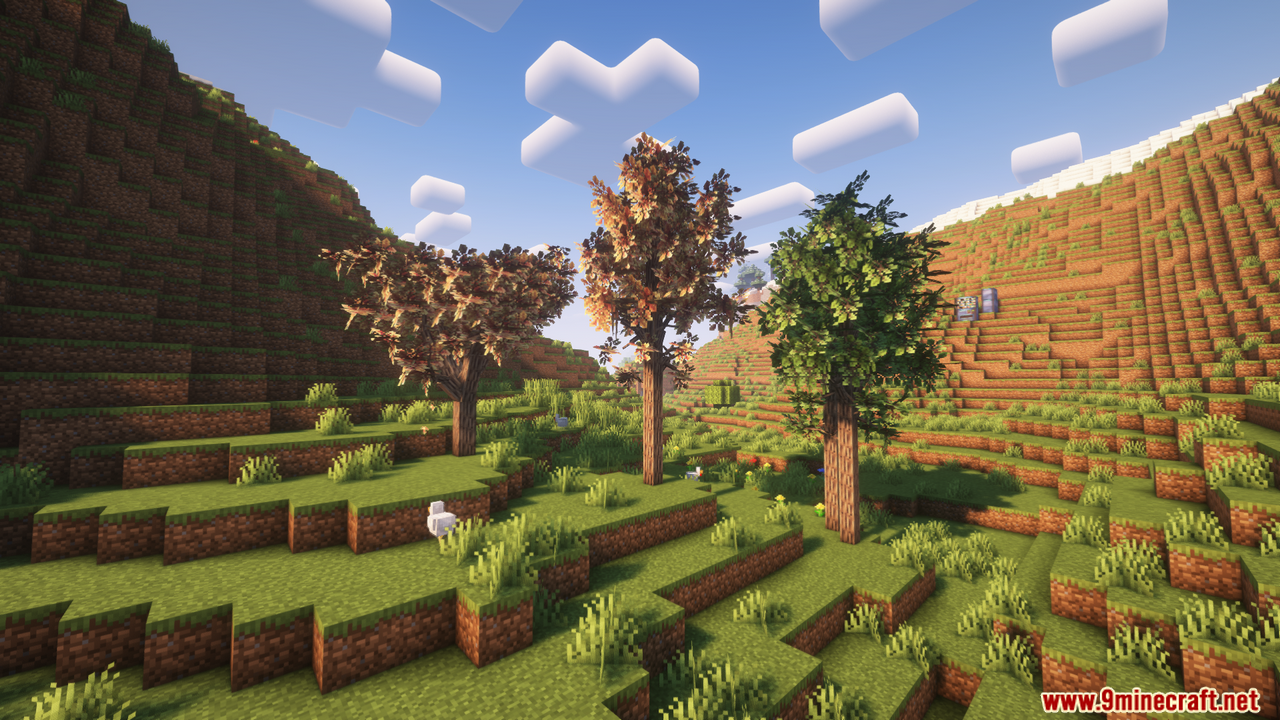
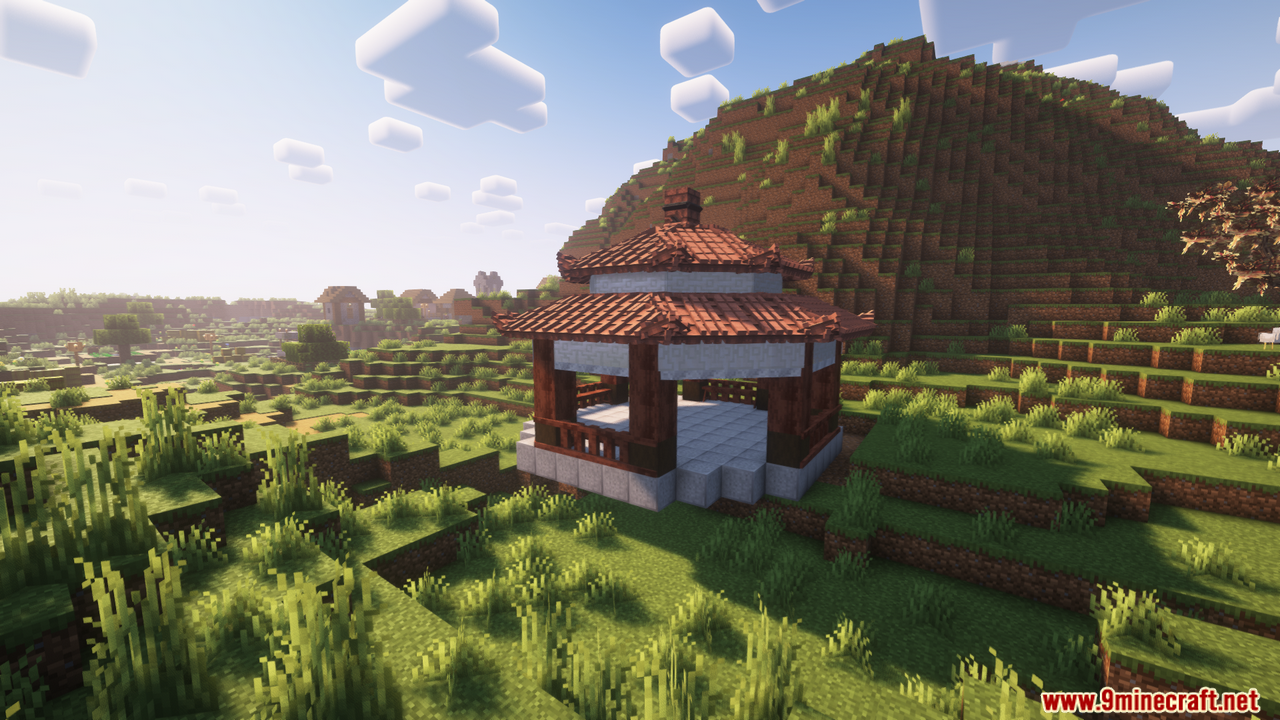
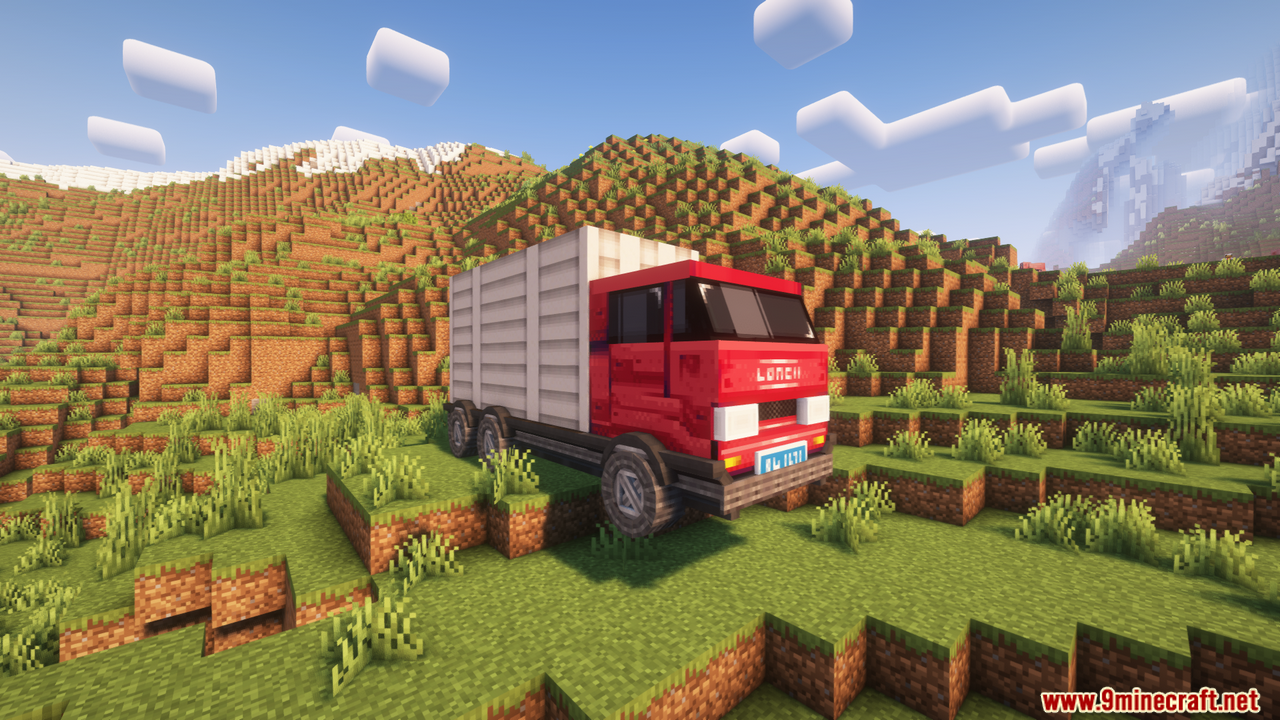
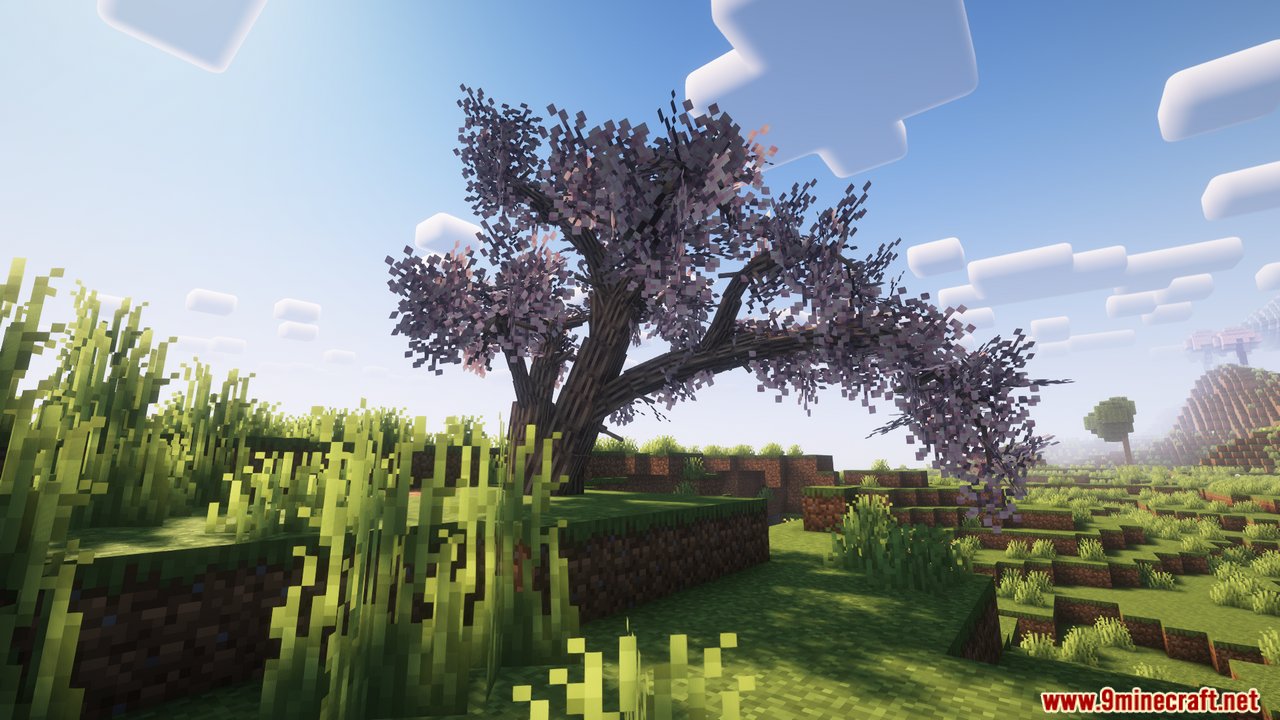
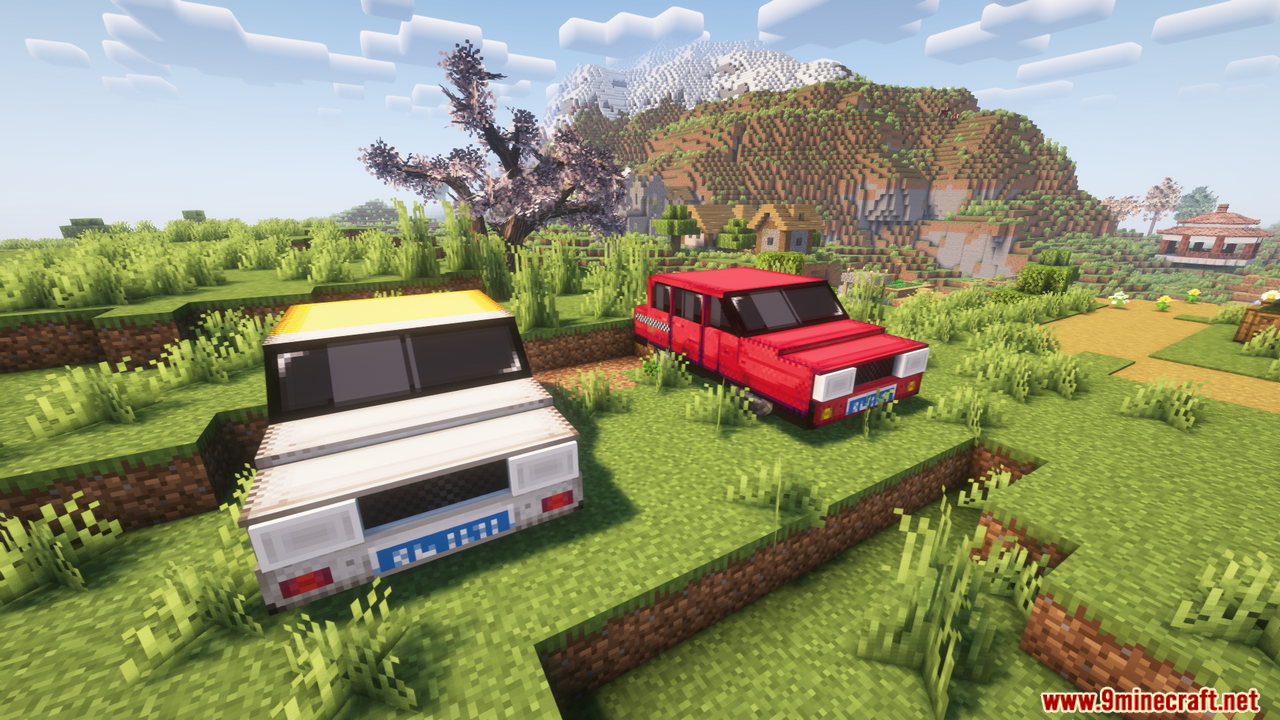
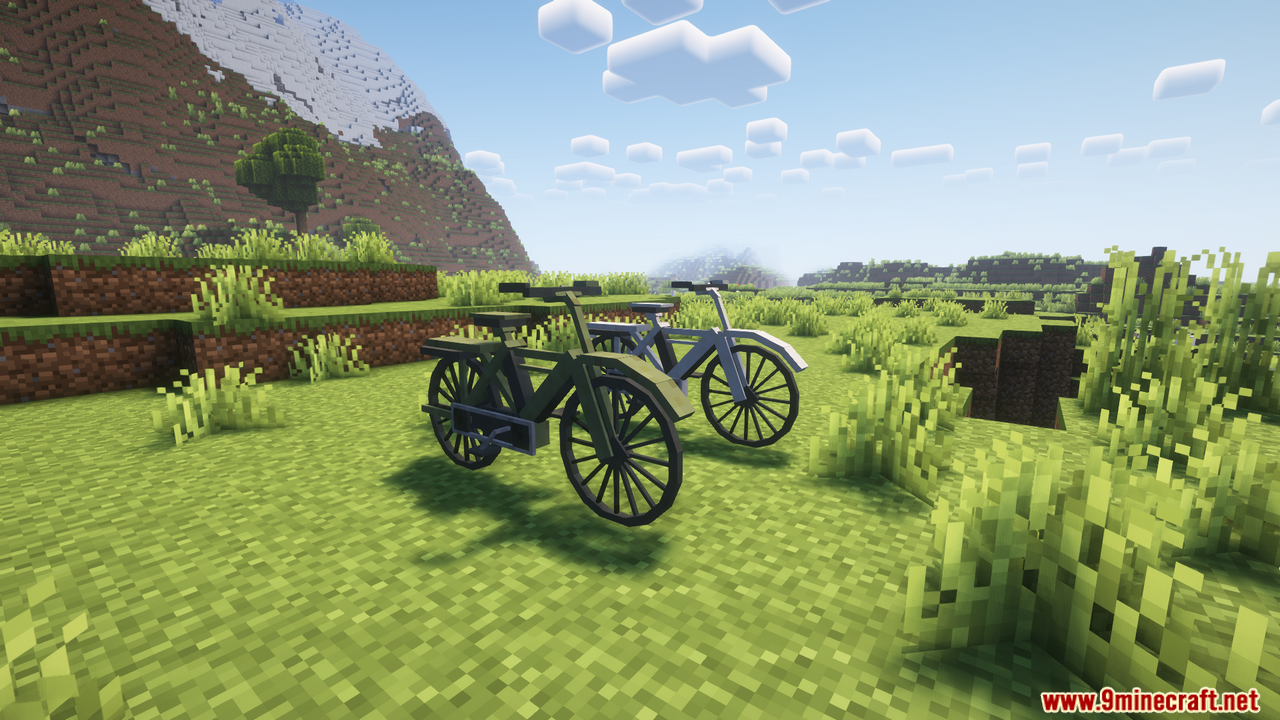
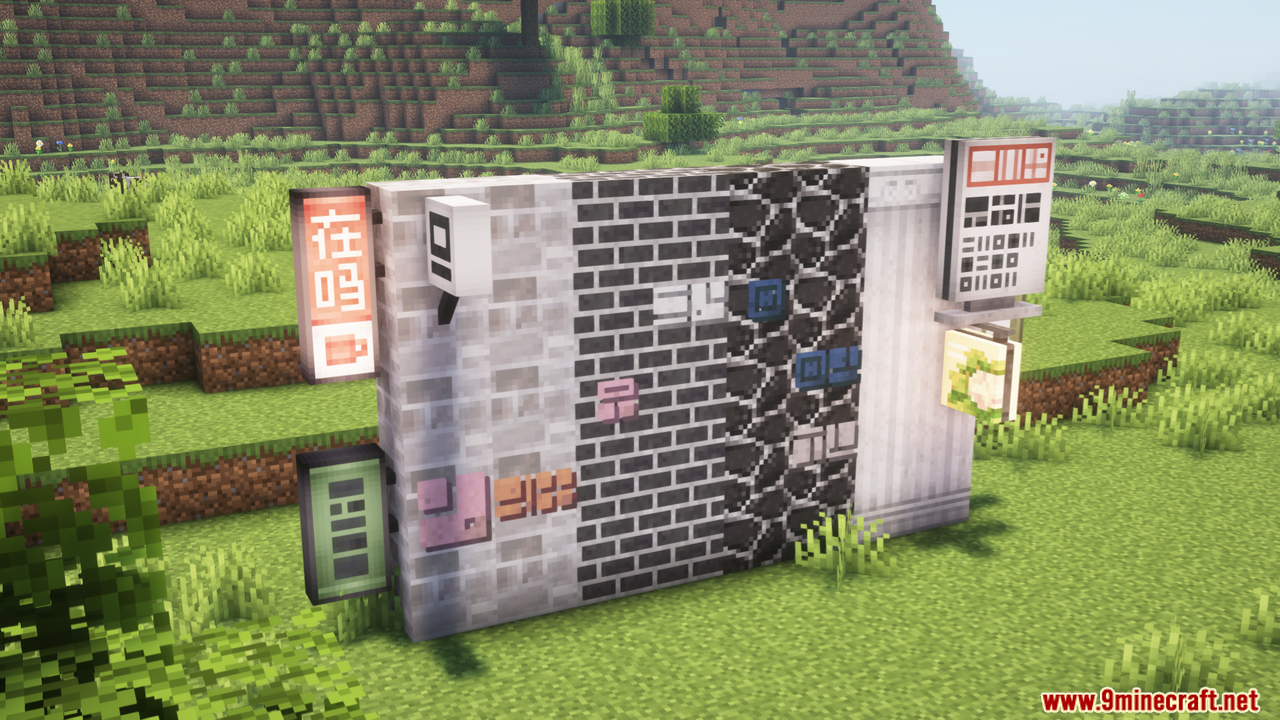
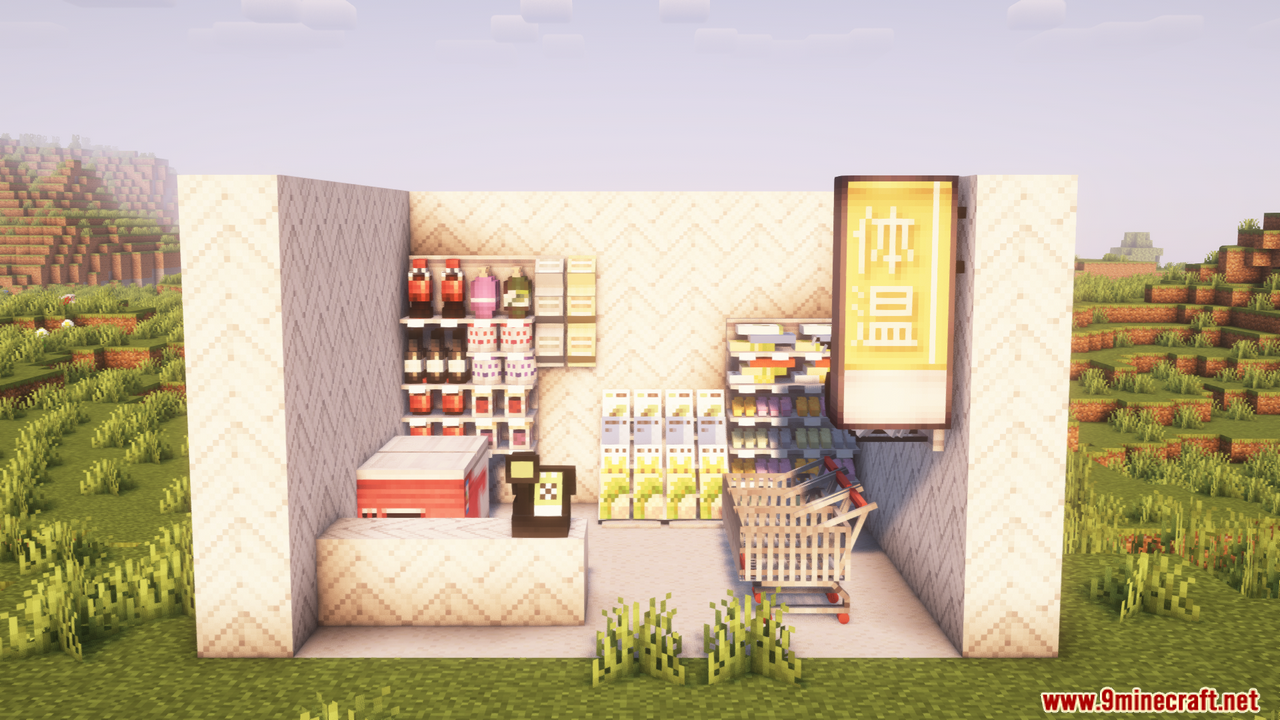
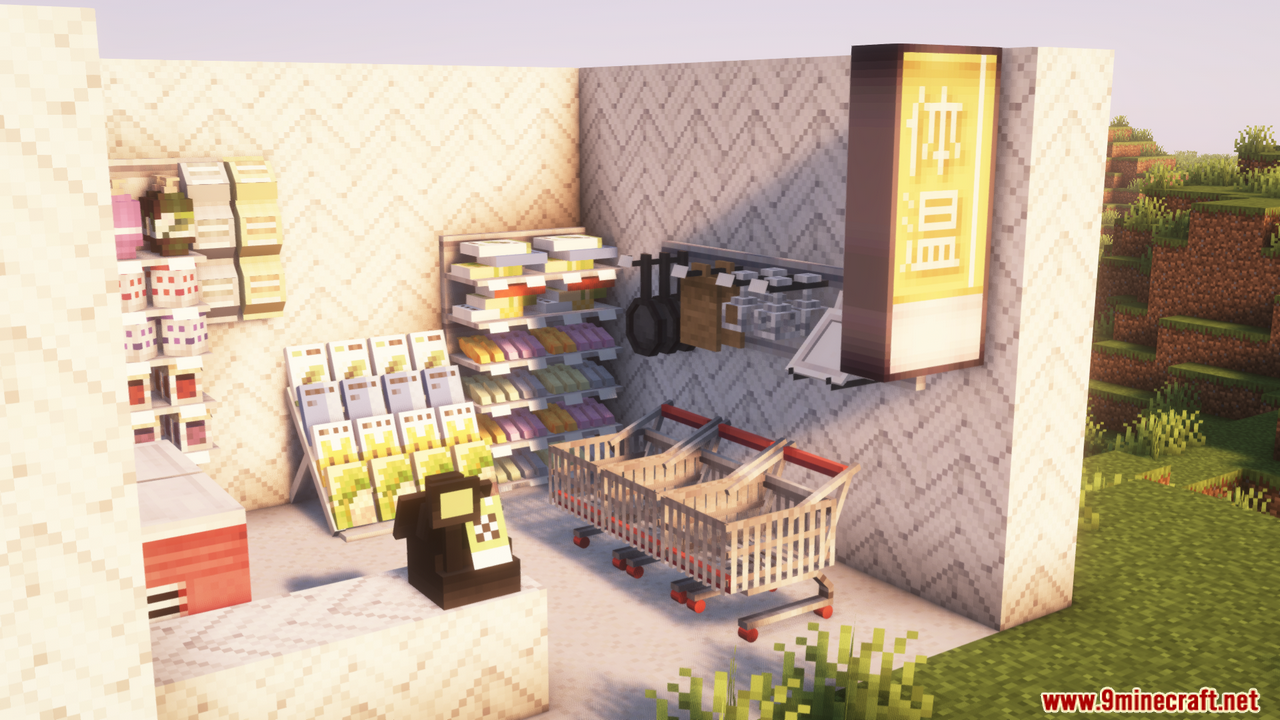
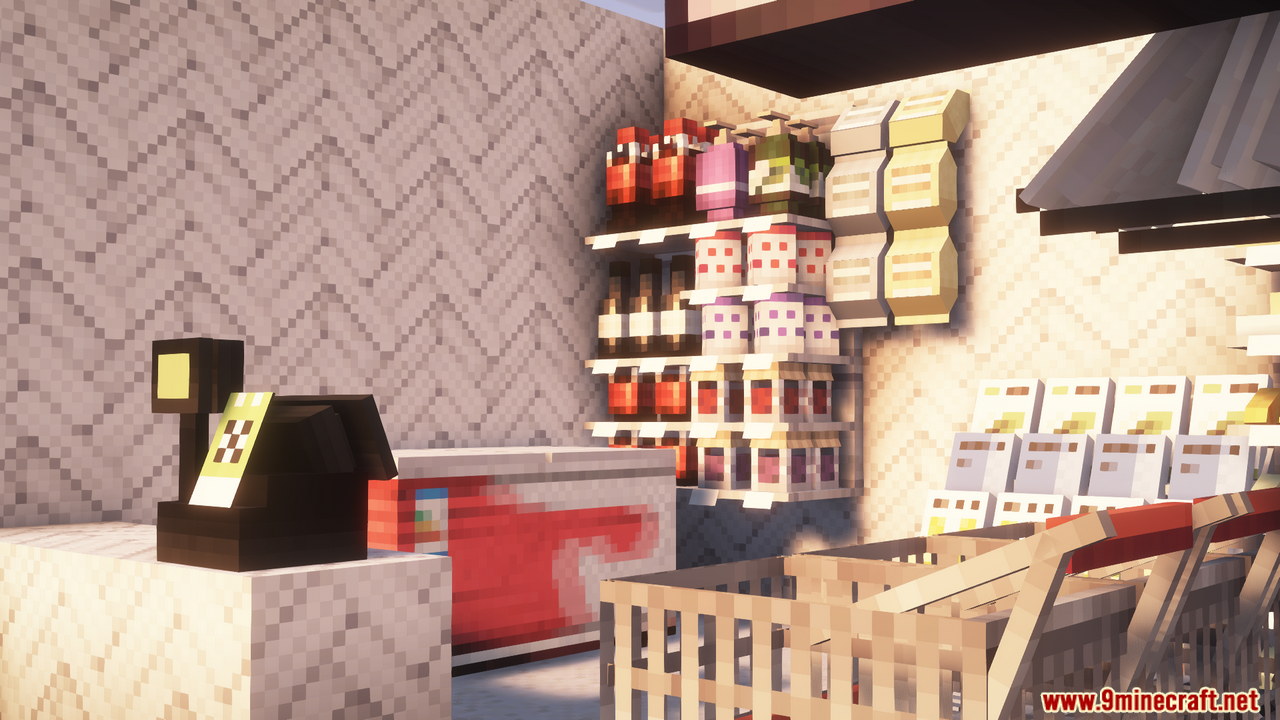
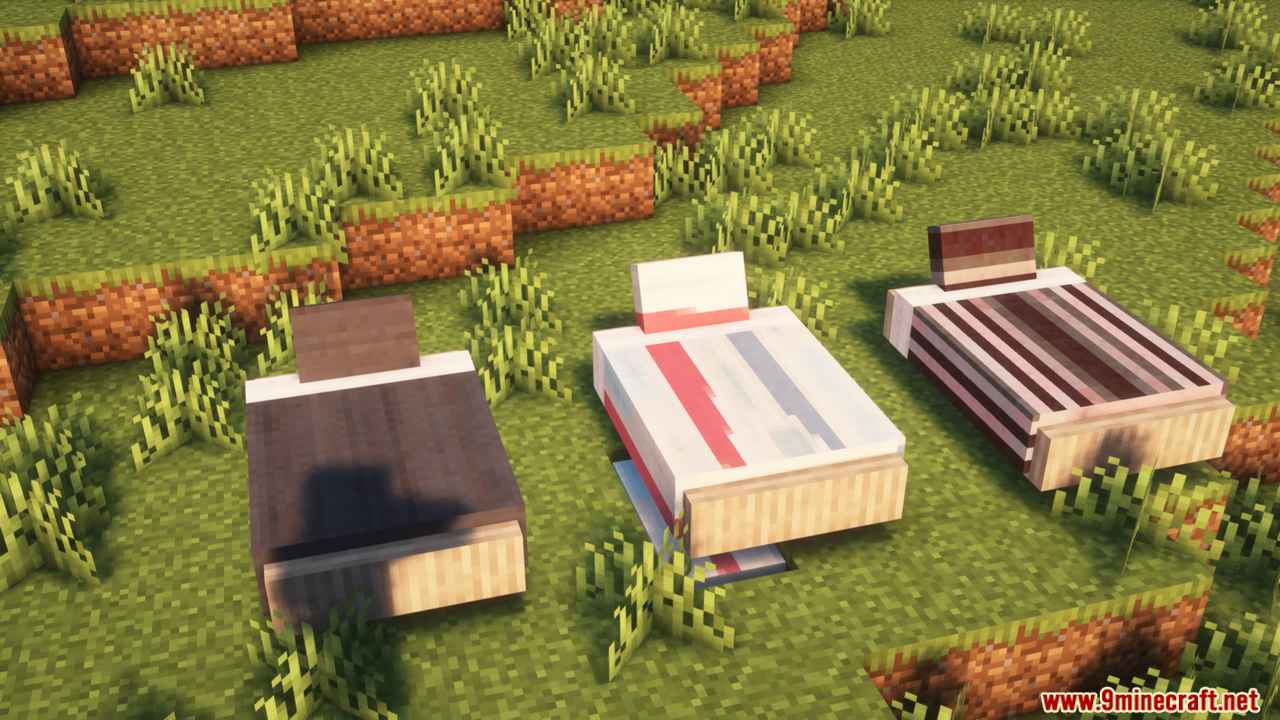
Yuushya Townscape Mod helps you build amazing towns and cozy houses in Minecraft! It includes over 2,600 unique building materials and decorations with realistic textures, allowing you to create lifelike or even cartoon-style landscapes. Whether you’re building a bustling city or a peaceful village, this mod offers all the tools to spark your creativity.
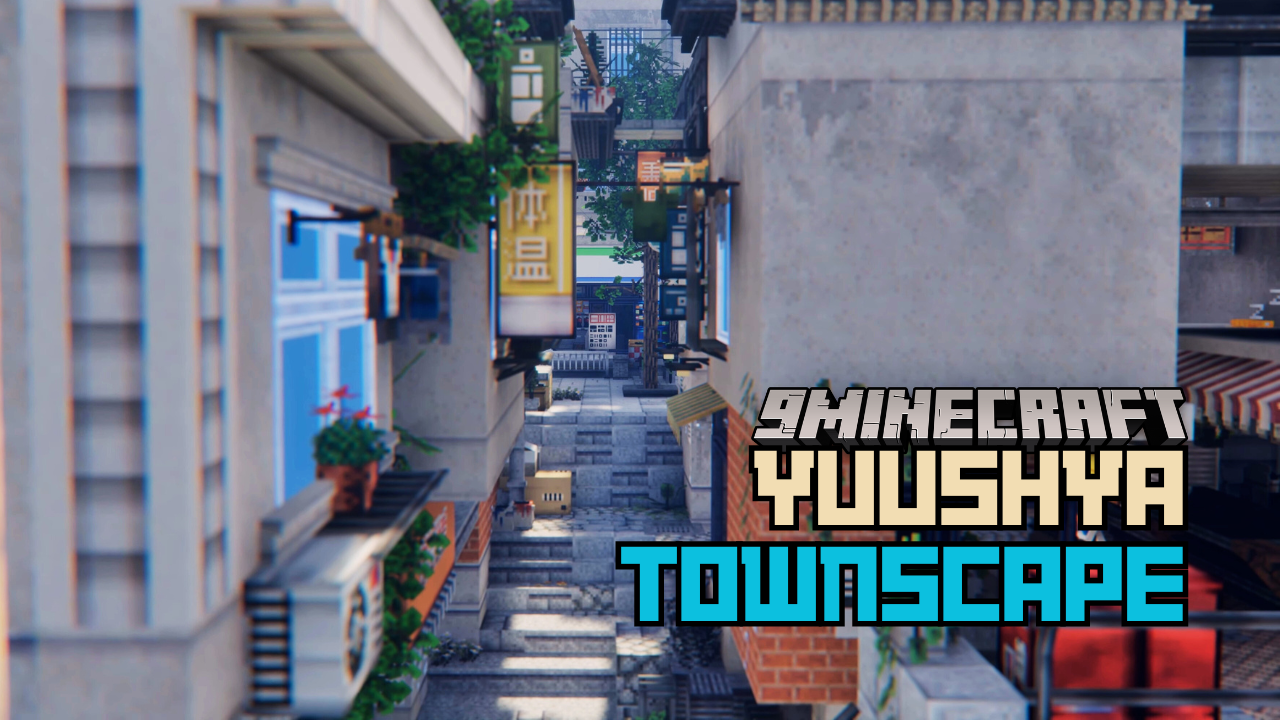
Features:
- Over 2,600 building materials and decorations.
- Realistic textures compatible with different styles.
- Connected Model feature for seamless builds.
- Includes Yuushya Regist API for mod compatibility.
Block Modeling – Basic
Core ideas for starting builds in Townscape. Learn the fundamentals first so you can construct reliably.
- Blocks are modular units: placement, removal, and combination follow a grid/snapping system.
- Alignment and snapping: master grid alignment to avoid gaps and make modular parts fit.
- Common block types: cubes, slabs, stairs, and other shapes – know their connection behaviours.
- Best practices: keep models clean (avoid unintended floating blocks); plan supports if you want realism.
- Why this matters: strong basics let you scale to complex builds later.
Block Modeling – Special Functions
Advanced and interactive block types that add functionality to builds.
- Functional blocks: doors, rotating parts, sliding pieces, and blocks that change state.
- Lighting & reactive blocks: blocks that emit light or respond to events improve atmosphere and feedback.
- Logic & connectivity: use logic/automation blocks (if available) to create interactive systems.
- Tip: combining special blocks turns static builds into dynamic structures.
Block Modeling – Survival
How modeling changes when you must gather resources and face game constraints.
- Resource awareness: build with available materials; prioritize essentials over cosmetics.
- Design for durability: consider threats and maintenance-defensive layouts and repair access.
- Efficiency: reuse modules and plan for expansion to save time and resources.
- Practical point: survival-ready builds are functional first, beautiful second – but both are possible.
Block Modeling – Tools
Tools let you build faster and manipulate large areas. Learn them to scale up your projects.
- Edit and transform tools: move/rotate/copy/paste blocks and groups rather than placing single blocks.
- Bulk operations: fill, erase, and layer tools speed construction of large surfaces.
- Terrain tools: shape the environment to fit your structures (leveling, carving, smoothing).
- Key tip: learn keyboard shortcuts and tool modes to massively increase efficiency.
Standardized Building
Guidelines and modular standards to keep large projects consistent and maintainable.
- Modular units: design repeatable modules (walls, floors, door frames) so new sections snap together cleanly.
- Dimension standards: define consistent heights, doorway widths, and floor levels across builds.
- Material palette: reuse materials for visual cohesion and easier maintenance.
- Why it helps: standardization simplifies expansion and preserves a coherent city/town aesthetic.
Survival Mode Gameplay
Overview of the survival loop and how building fits into progression.
- Early priorities: shelter, basic resource gathering (wood, stone, food), and safe storage.
- Progression: upgrade materials and expand functional spaces (workshops, crafting rooms).
- Defensive design: think about threats-build defensible positions and escape routes.
- Build with the gameplay loop in mind: each structure should serve a survival purpose.
PBR & Shader
How materials and lighting affect visual quality, and performance trade-offs to consider.
- Physically Based Rendering (PBR): materials react to light with realistic properties – metallicness, roughness, and reflectivity matter.
- Shader effects: ambient occlusion, bloom, and shadows can dramatically improve photo quality of builds.
- Performance: advanced shaders may reduce FPS-balance visual fidelity with playable performance.
- If you plan screenshots or showcase builds, tune material settings and lighting for best visuals.
Actionable Summary – What to Do Next
- Master grid & snapping before trying large modular projects.
- Learn tool shortcuts to accelerate building speed.
- Design 1-3 reusable modules (e.g., wall, window unit, stair block) and standardize dimensions.
- Build with survival constraints in mind if you plan to use the map in survival mode.
- Test shader/material settings on a small scene to find a good quality/performance balance.
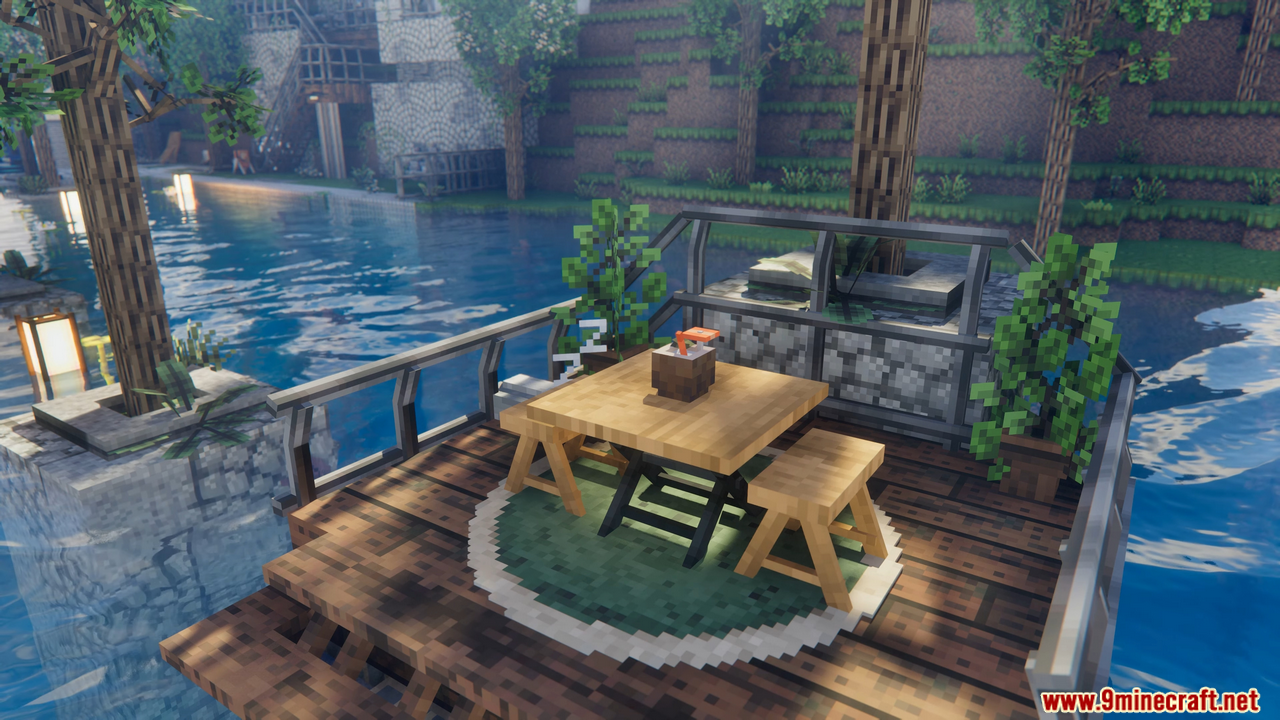
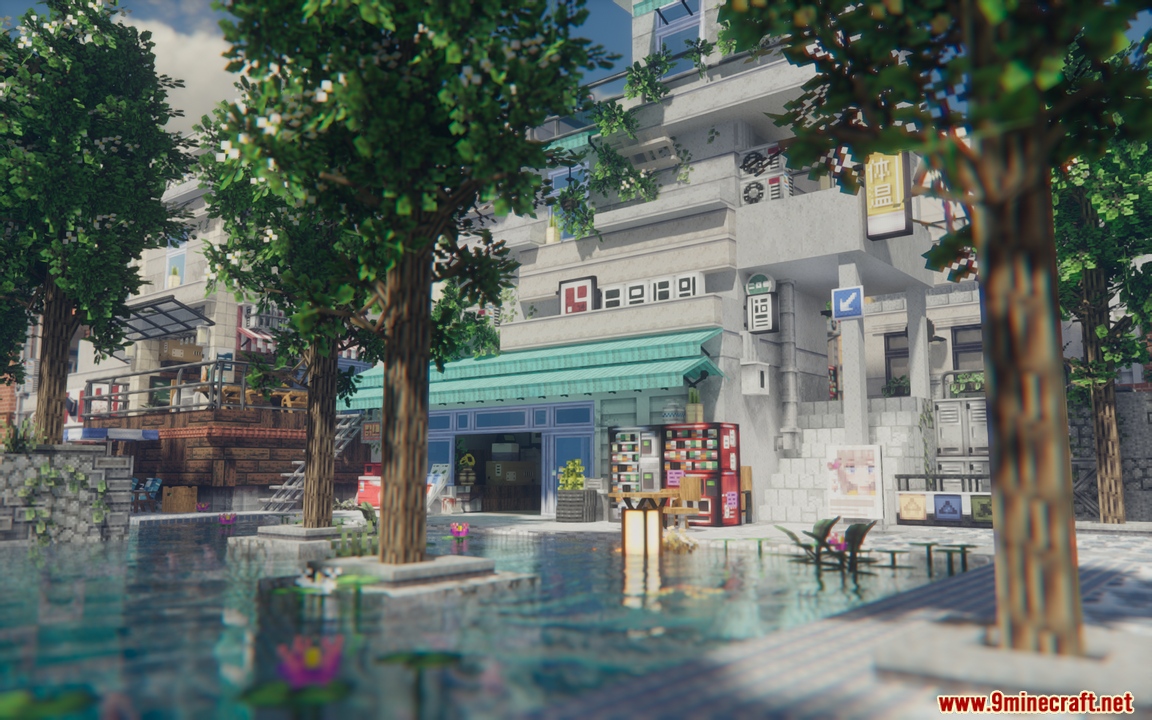
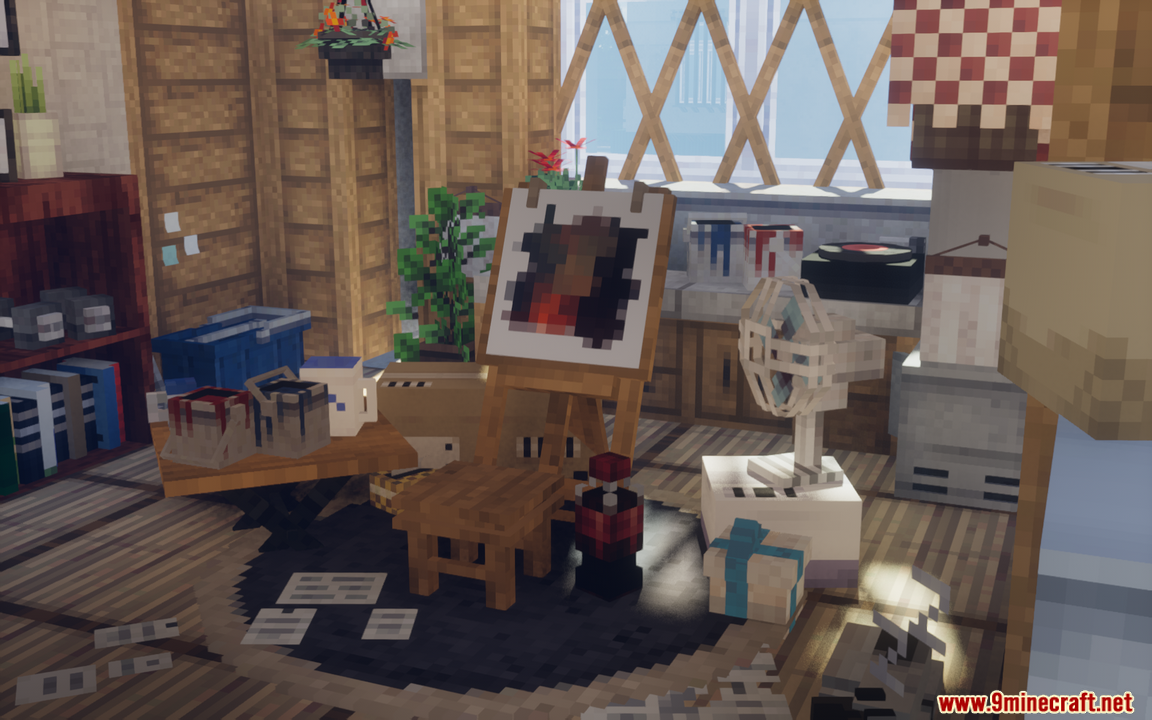
Screenshots:
How to Install:
New to Minecraft? Follow our step-by-step guide to install Mods on your PC.View Guide
Requirements:





Yuushya Townscape Mod Download Links
For Minecraft 26.1.2, 26.1.1, 26.1
For Minecraft
1.21.11,
1.21.10,
1.21.9
All Versions Covered
1.21.11
1.21.10
1.21.9
1.21.8
1.21.7
1.21.6
1.21.5
1.21.4
1.21.1
1.21
For Minecraft 1.20.6
For Minecraft 1.20.4
For Minecraft 1.20.1, 1.20
For Minecraft 1.19.4
For Minecraft 1.19.2
For Minecraft 1.18.2
For Minecraft 1.16.5
You May Also Like


This post has no comments yet. Be the first — your comment will appear here.