🌐 You're reading this article in 中文. Want to switch?
Or pick the one you like:

AddurDisc Mod 允许你将自己喜欢的音乐作为可播放的唱片添加到 Minecraft 中。只需将 OGG 音频文件放入模组文件夹,它就会作为一张全新的音乐唱片出现在游戏中。你还可以使用自定义纹理更改每张唱片的外观,甚至可以编辑它们的名称。
主要功能:

  • 允许你将自己的歌曲作为新的音乐唱片添加到游戏中。
  • 你可以为每张新唱片设置独特的自定义贴图。
  • 允许你为添加的每张唱片设置自定义名称和描述。
  • 你可以选择苦力怕在被击败时是否掉落你的自定义唱片。
  • 允许你更改模组读取自定义音乐和图片的文件夹路径。

音频小贴士:

  • 模组内置了关于如何修复无法在游戏中正常播放的音频文件的建议。
  • 你可以将歌曲转换为单声道,以便更好地配合 Minecraft 的音效(例如实现随距离衰减的效果)。模组提供了相关命令,例如:
    ffmpeg -i input.ogg -ac 1 output.ogg

使用方法:

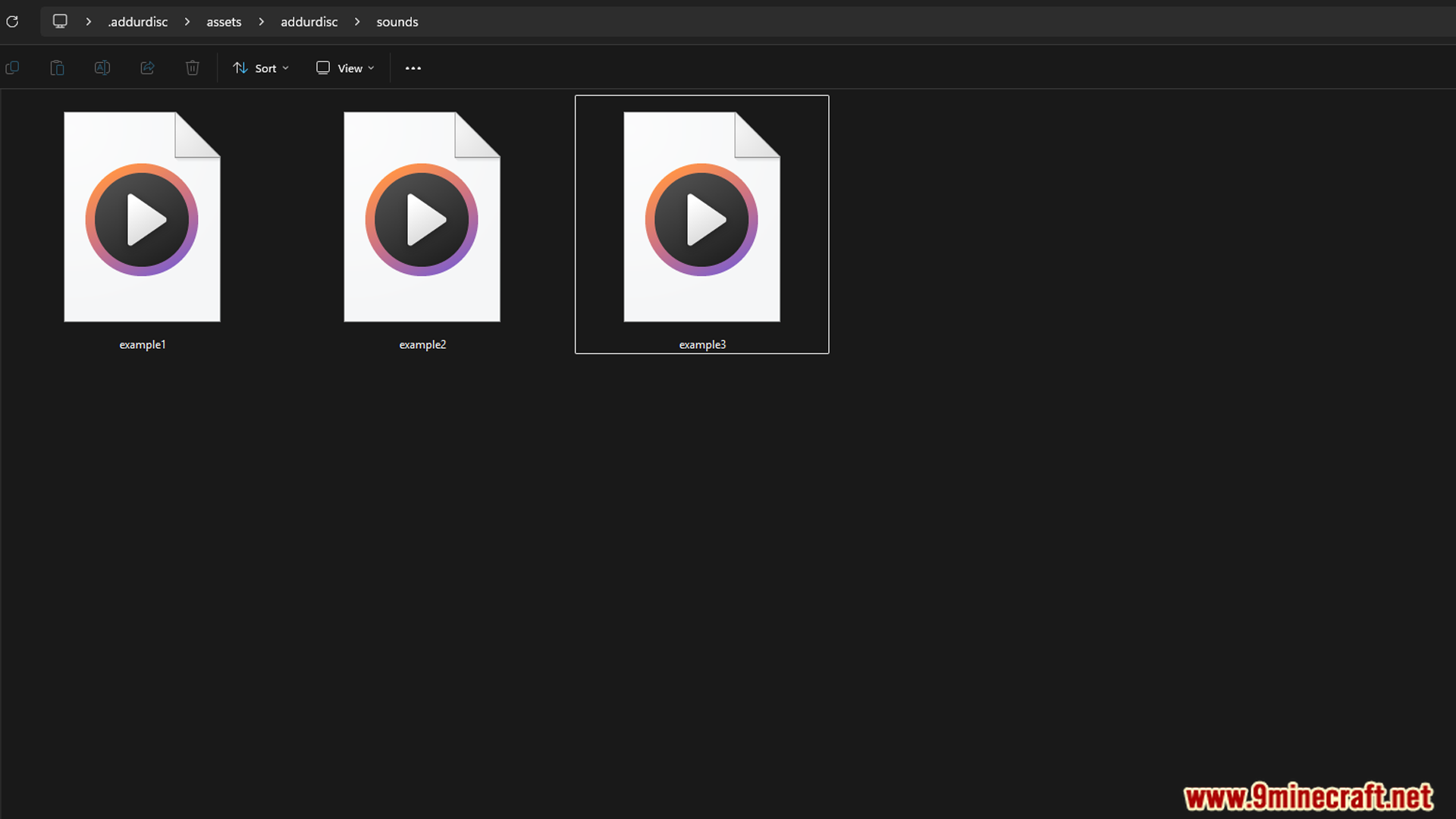
  1. 将你的歌曲(必须是 .ogg 文件)放入 .minecraft/.addurdisc/assets/addurdisc/sounds/ 文件夹中。
  2. 确保文件名仅包含小写字母、数字和符号 – . _
  3. 若要更改唱片外观,请替换 .../texture/item/ 文件夹中的 .png 图像文件。
  4. 若要更改唱片的名称和描述,请在配置文件中将 refreshLang 设置为 false 后,编辑 .../lang/ 文件夹中的 en_us.json 文件。
  5. 服务器注意事项: 服务器上的音频文件必须与玩家电脑上的文件完全一致。

配置选项:

你可以通过编辑配置文件来更改模组的运行方式。选项包括:

  • 更改存储自定义文件的文件夹。
  • 开启或关闭苦力怕掉落自定义唱片的功能。
  • refreshLang 设置为 false,以便手动编辑语言文件中的唱片名称和描述。

游戏截图:
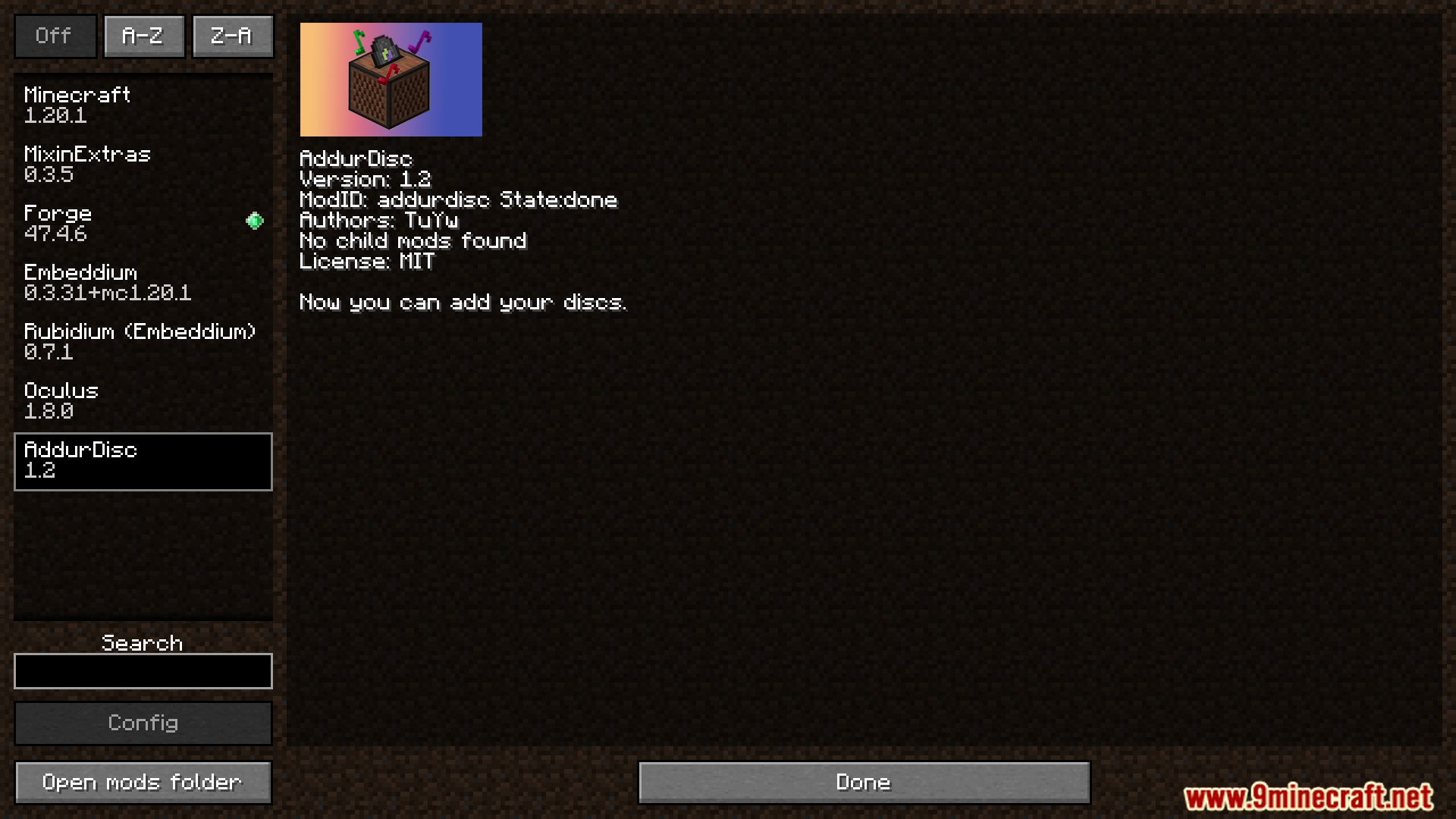
The AddurDisc mod is shown within the main Minecraft mod list.
AddurDisc 模组显示在 Minecraft 主模组列表中。
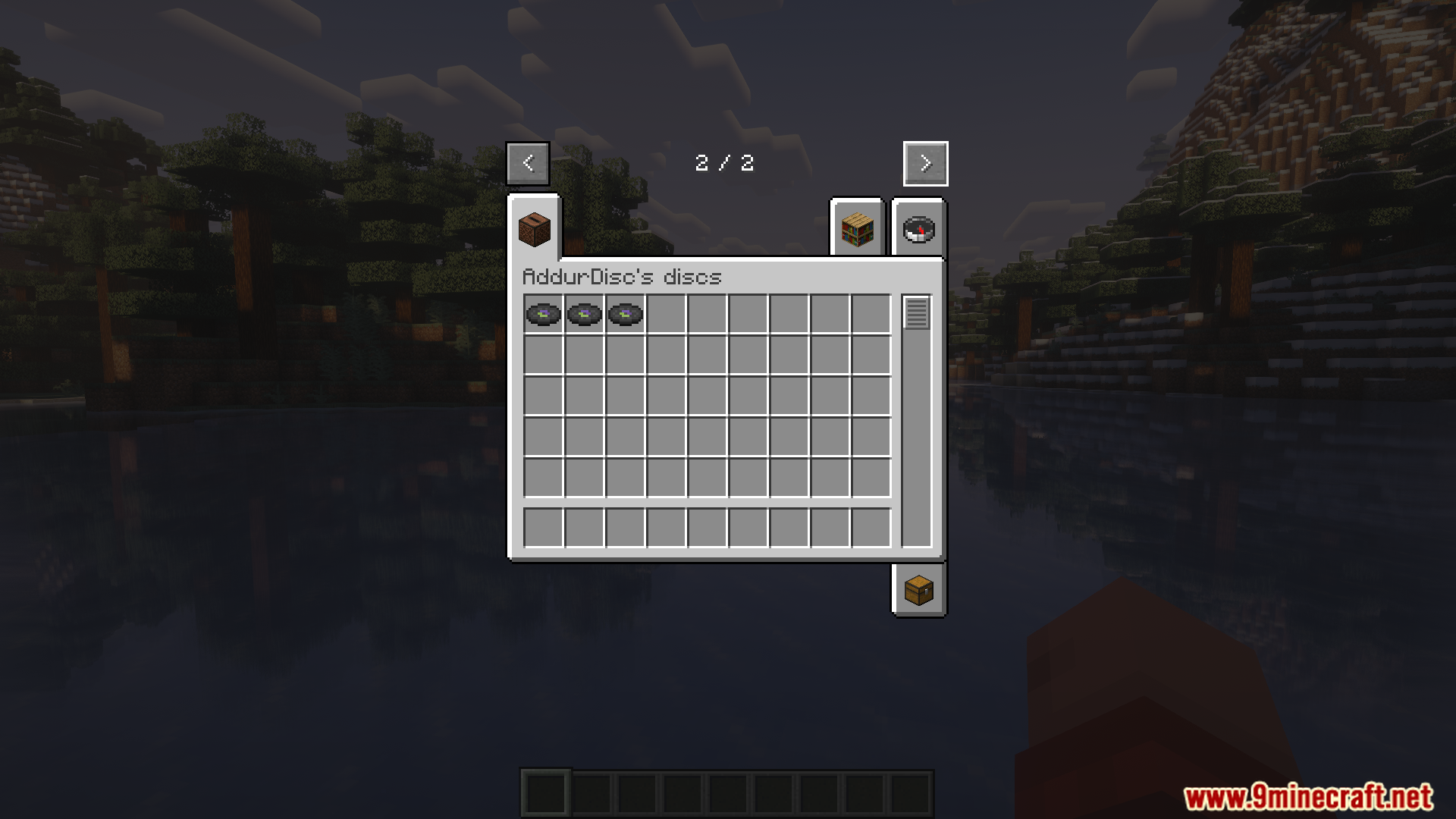
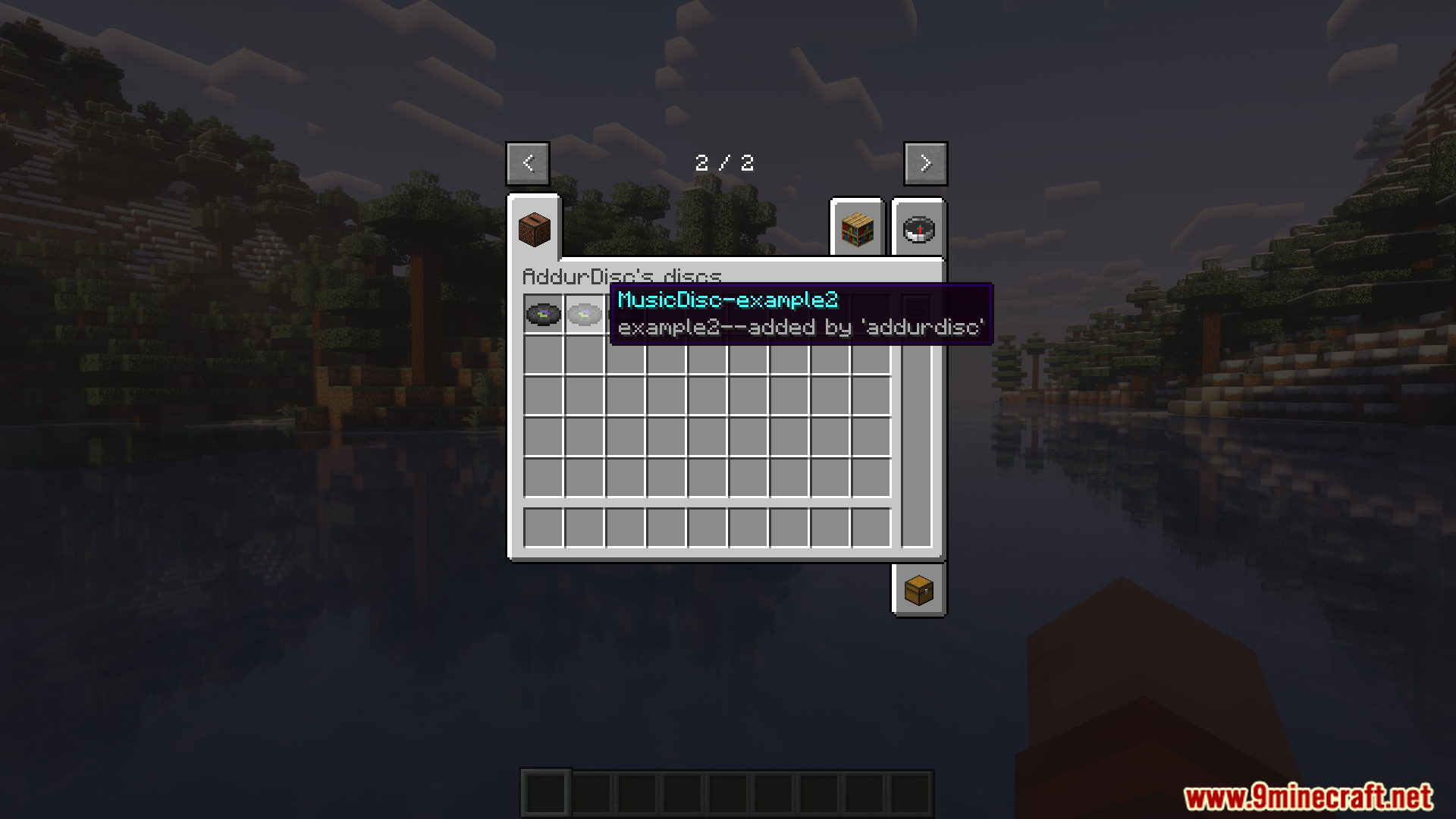
A new creative inventory tab holds all custom AddurDisc music discs.
全新的创造模式物品栏标签页收纳了所有自定义的 AddurDisc 音乐唱片。
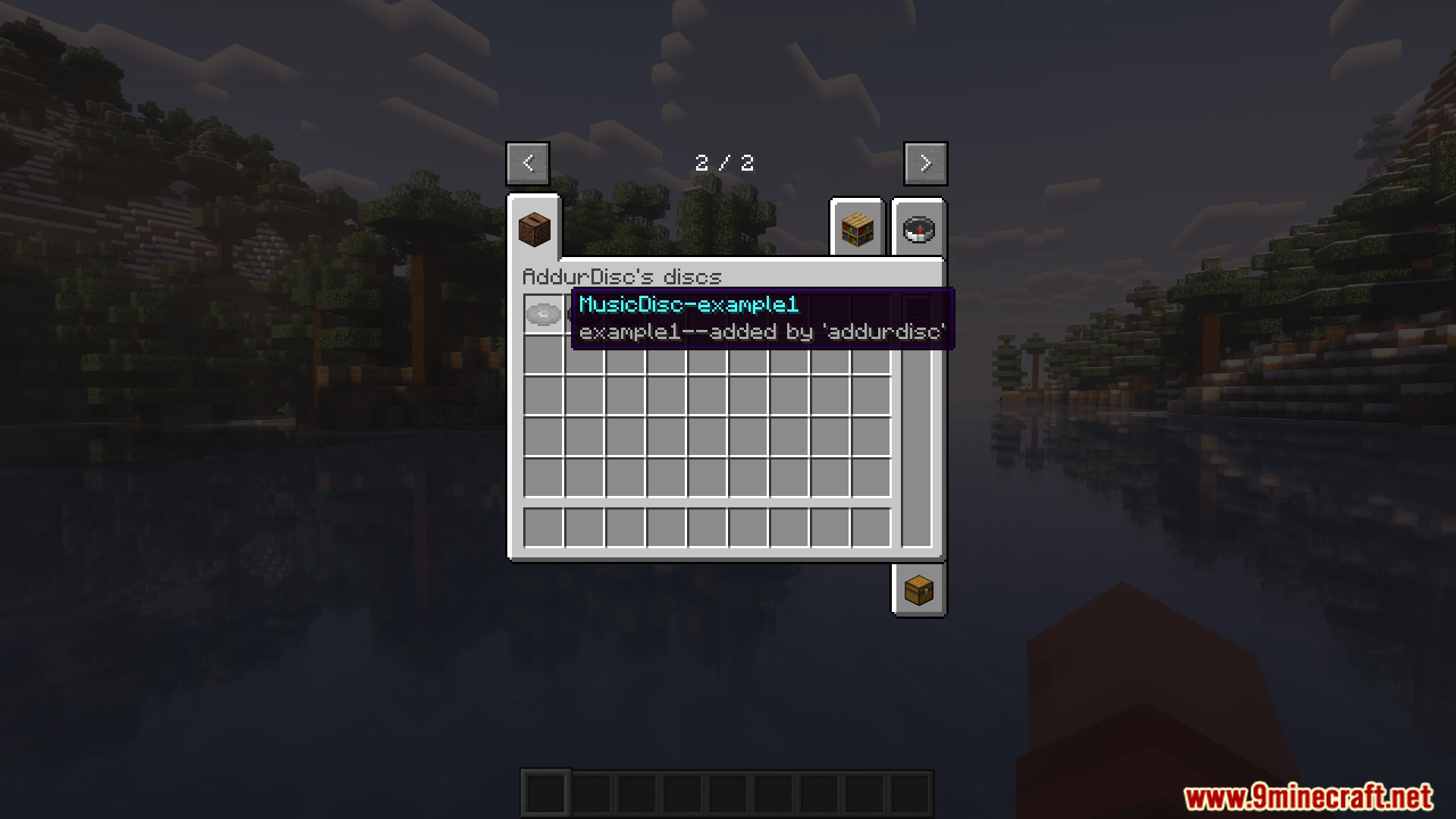
Hovering over a custom disc shows its unique, user-created name.
将鼠标悬停在自定义唱片上会显示用户创建的独特名称。
Browsing through the custom music discs added by the AddurDisc mod.
浏览通过 AddurDisc 模组添加的自定义音乐唱片。
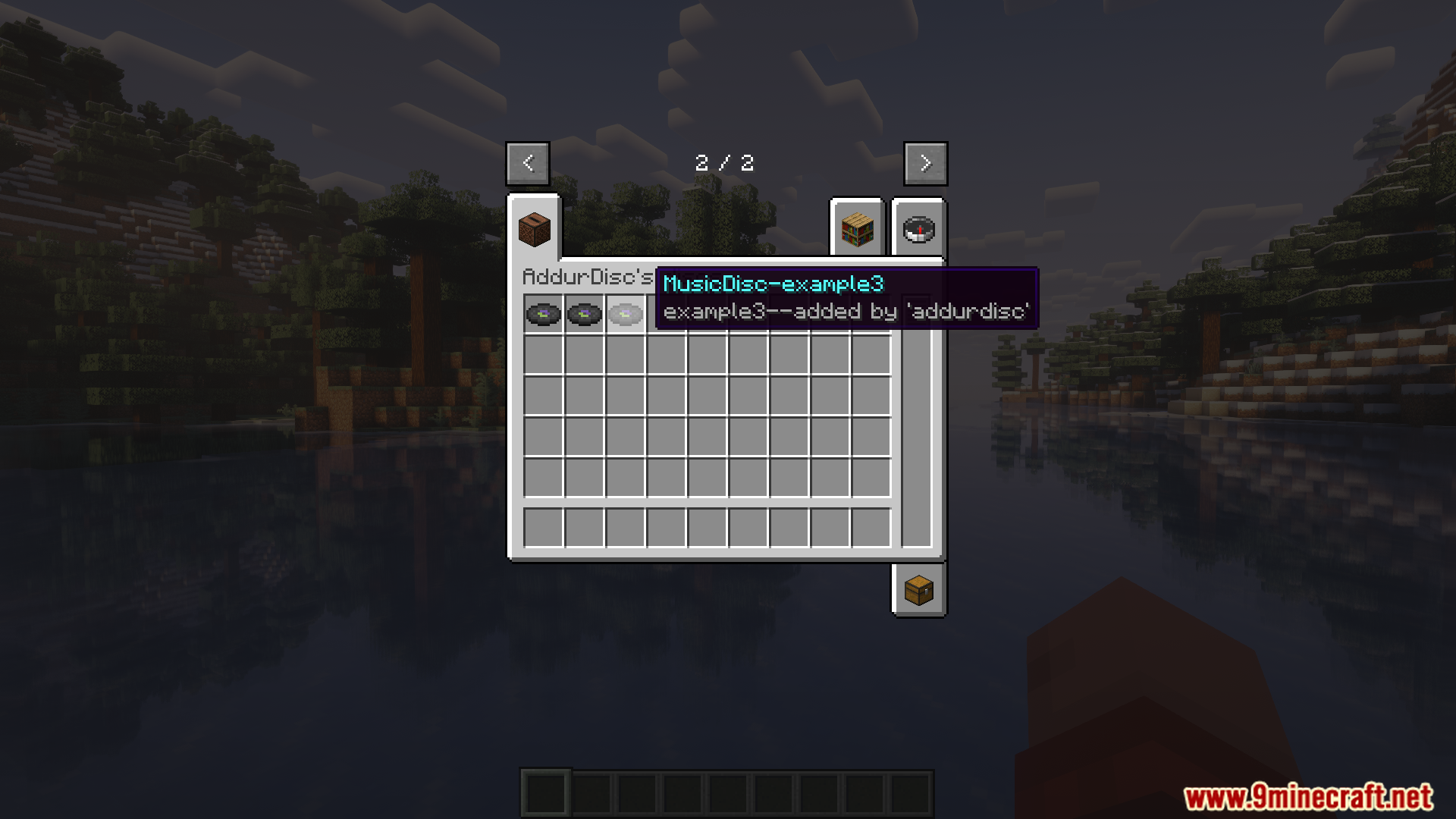
The tooltip for another custom music disc added using the mod.
使用该模组添加的另一张自定义音乐唱片的工具提示。
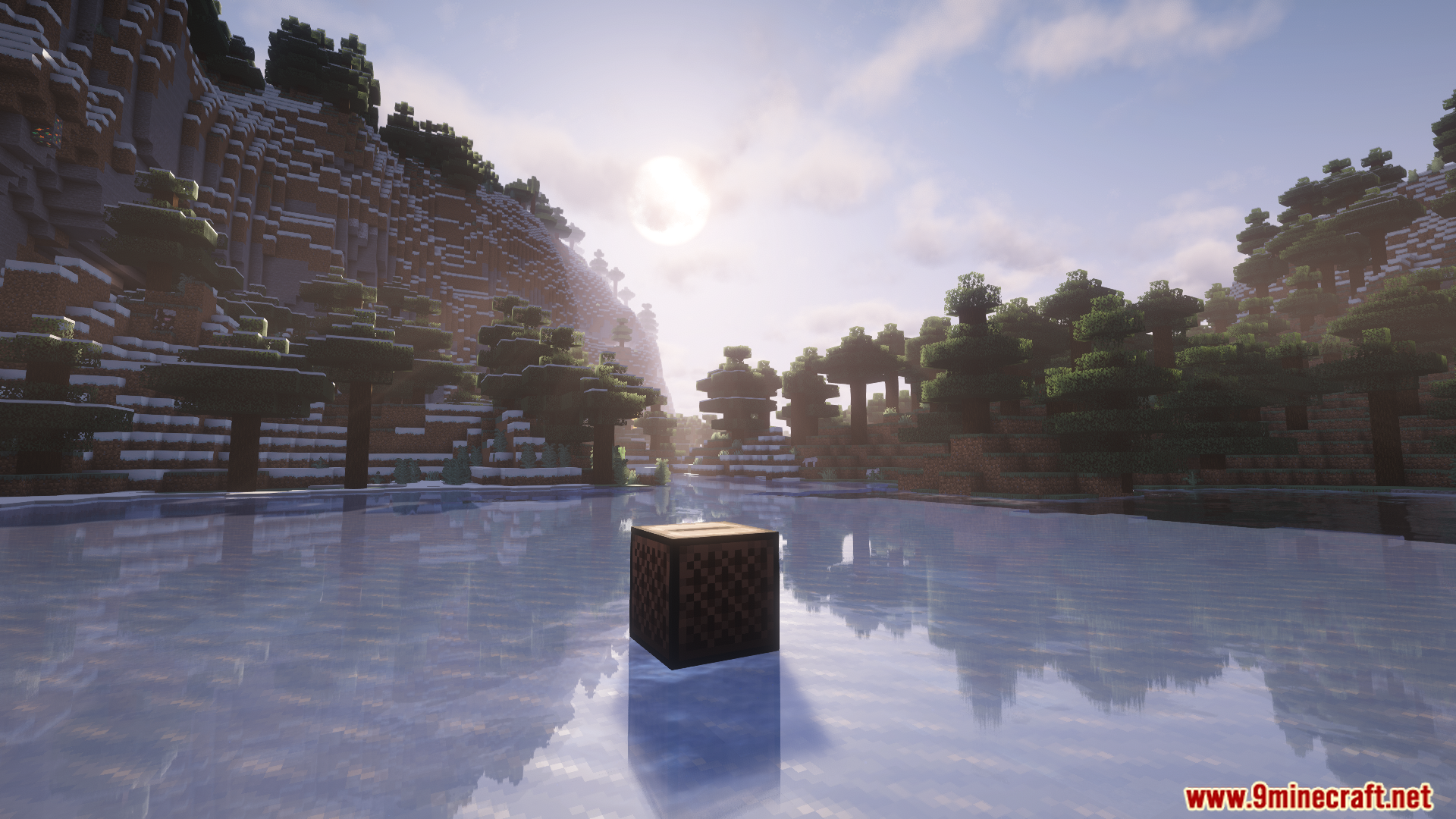
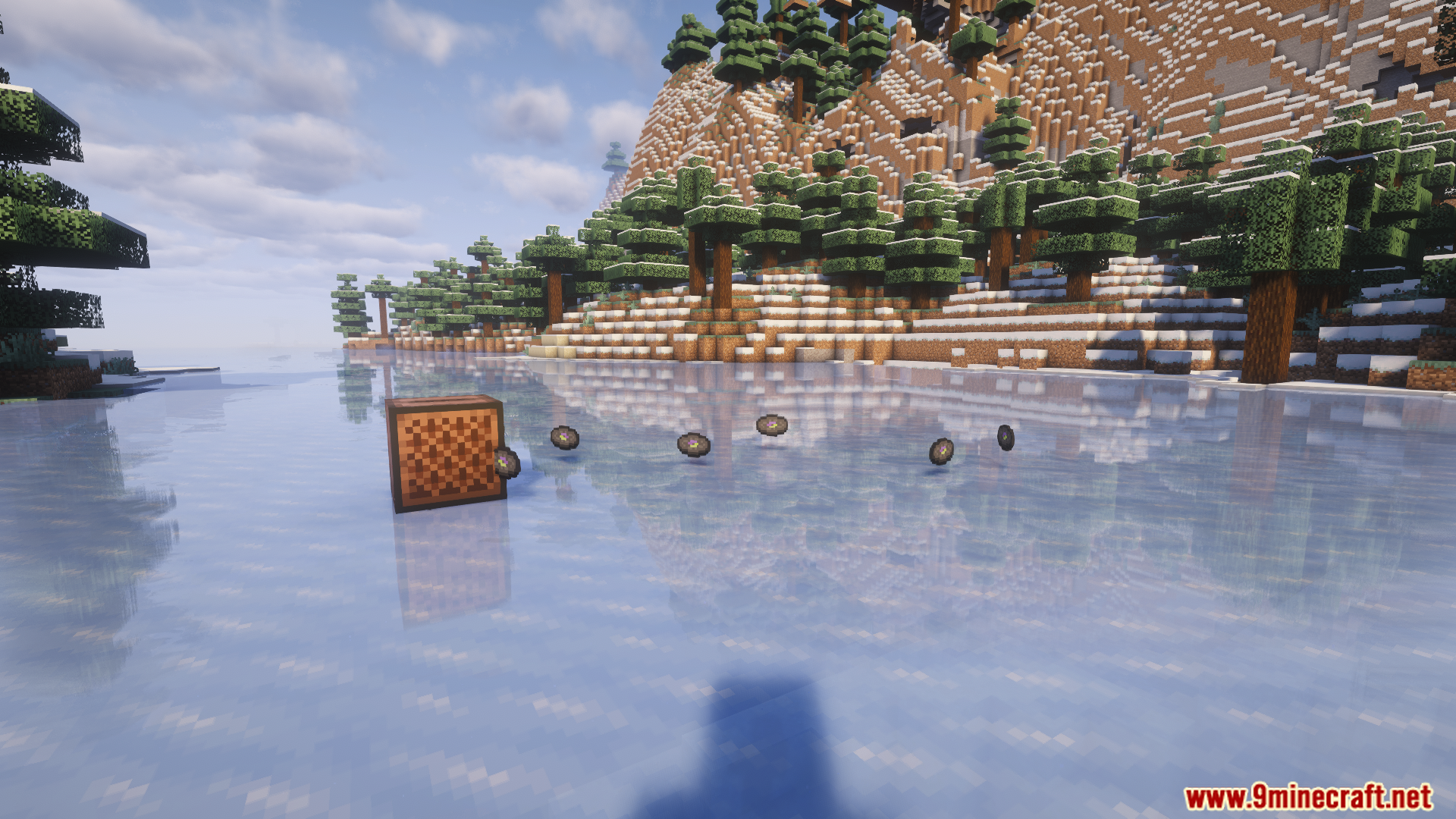
A jukebox sits on a frozen lake, ready to play custom music.
冰湖上的唱片机已准备好播放自定义音乐。
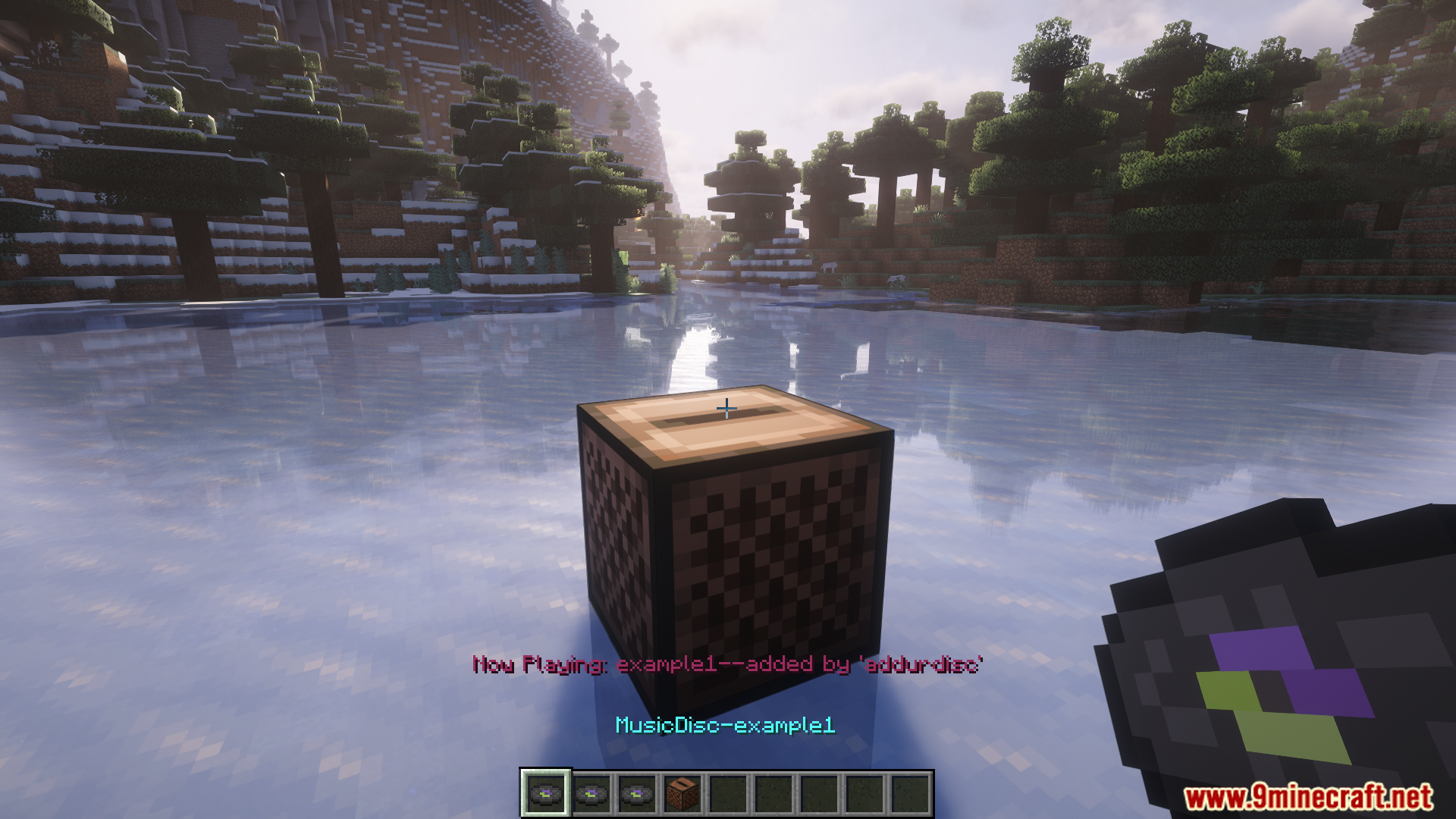
A custom music disc from the AddurDisc mod is placed into a jukebox.
将 AddurDisc 模组的自定义音乐唱片放入唱片机中。
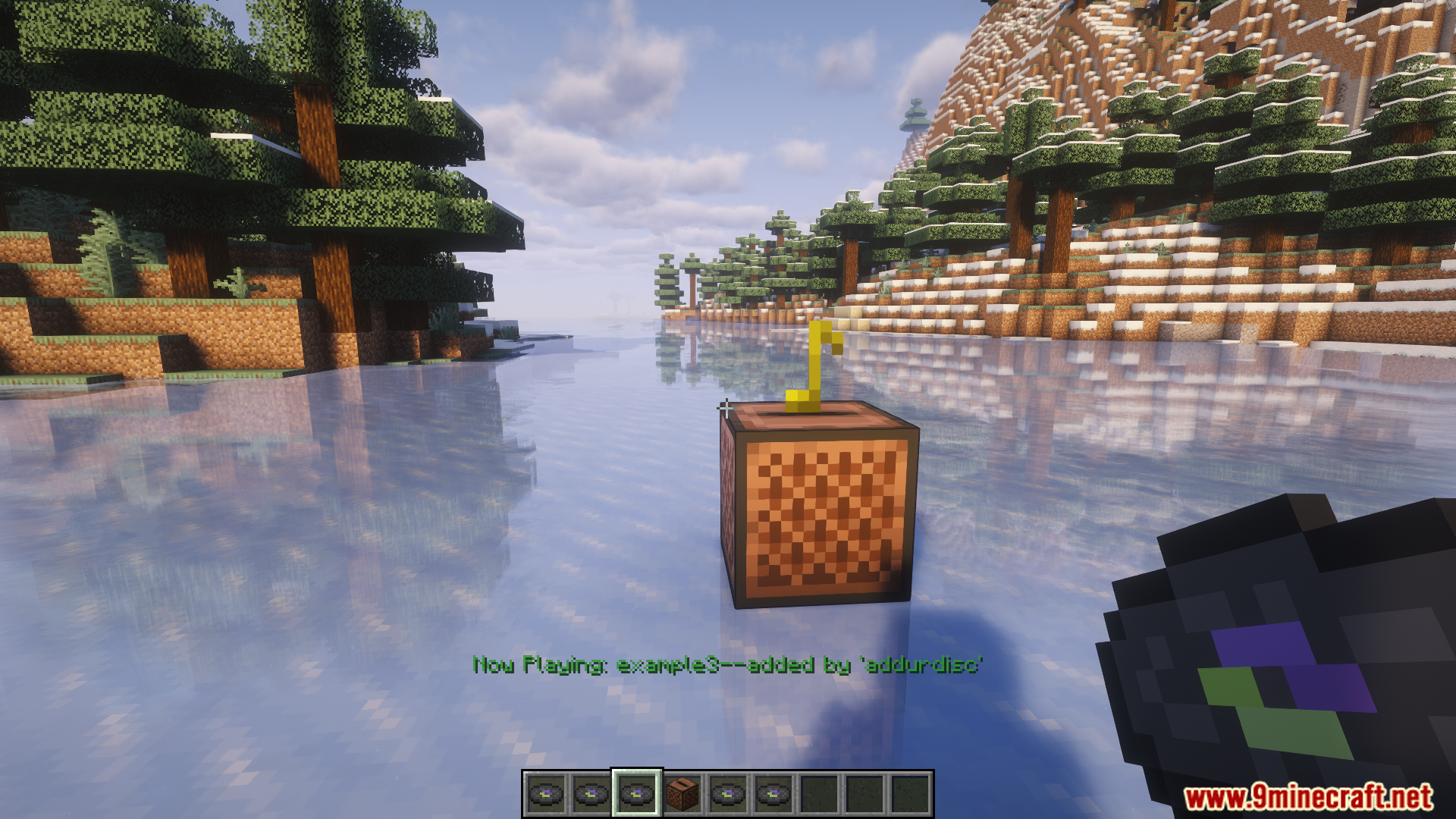
Colorful notes float from a jukebox playing a custom AddurDisc song.
唱片机播放 AddurDisc 自定义歌曲时飘出彩色的音符。
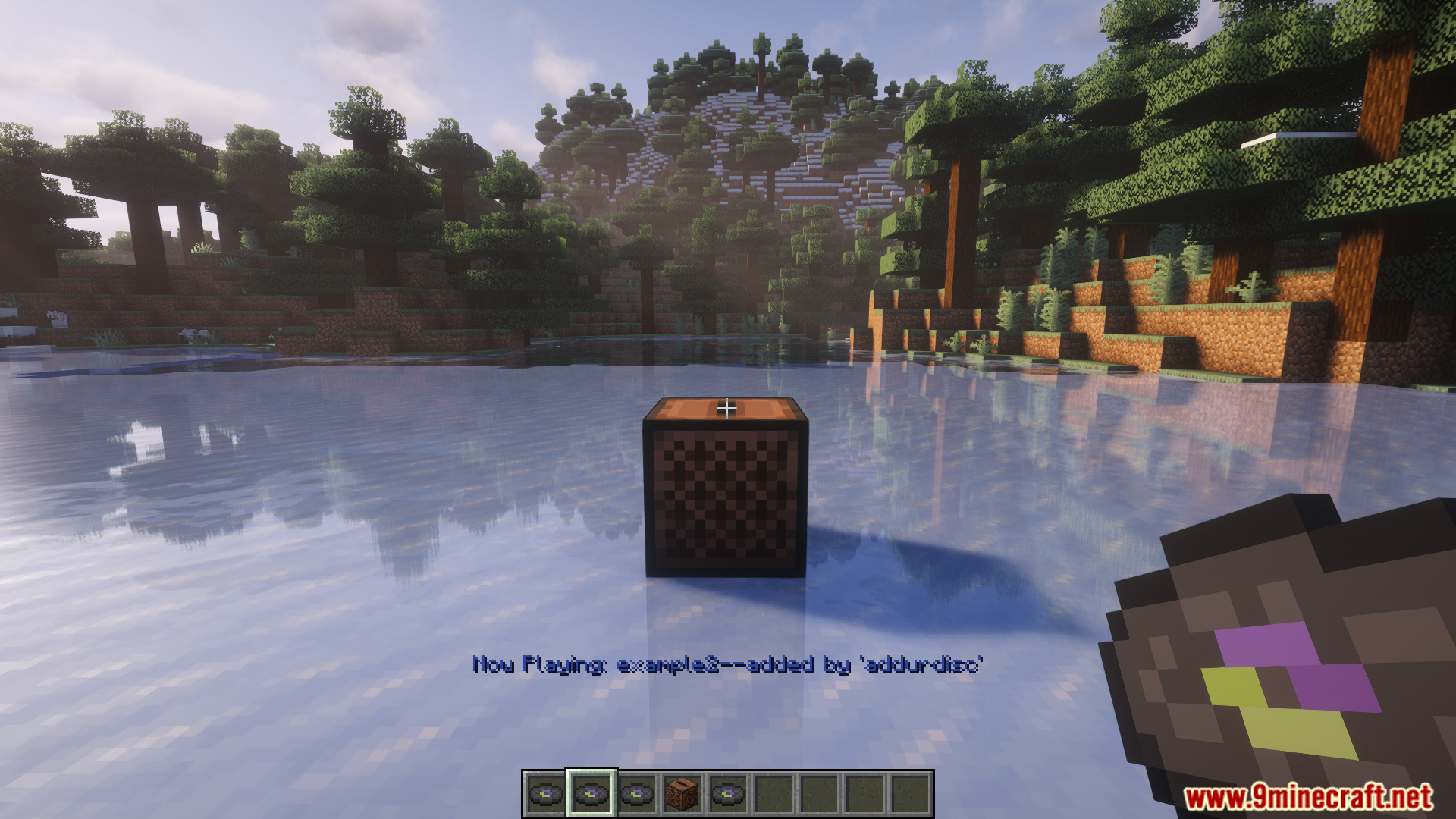
A jukebox plays a custom song on a frozen lake with shaders.
在光影效果下,唱片机在冰湖上播放自定义歌曲。
Enjoying custom music from an AddurDisc disc in a snowy world.
在雪地世界中享受来自 AddurDisc 唱片的自定义音乐。
Placing custom OGG audio files into the correct AddurDisc mod folder.
将自定义 OGG 音频文件放入正确的 AddurDisc 模组文件夹中。

AddurDisc Mod 下载链接

适用于 Minecraft 1.20.1, 1.20

Forge 版本:从服务器 1 下载从服务器 2 下载

Fabric 版本:从服务器 1 下载从服务器 2 下载

适用于 Minecraft 1.19.2

Forge 版本:从服务器 1 下载从服务器 2 下载

适用于 Minecraft 1.18.2

Forge 版本:从服务器 1 下载从服务器 2 下载

Click to rate this post!
[Total: 2 Average: 5]