


MAtmos Mod (1.12.2, 1.7.10) – Hear Your World Come Alive
 309,753
 0
0
 November 7, 2021
🌐 Good news — we've translated this article into other languages!
Or pick the one you like:
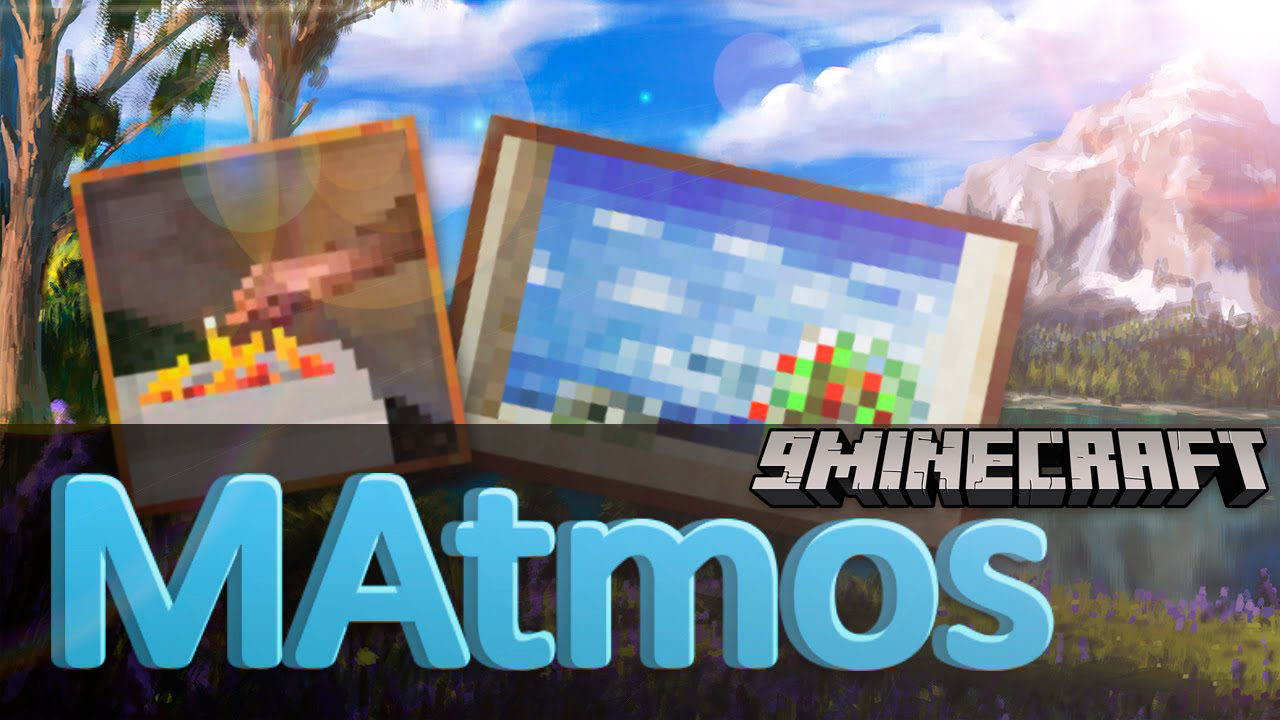
MAtmos Mod generates a sound atmosphere for your Minecraft world. It looks at your surroundings and creates natural noises to match, filling the game’s usual silence. You might hear birds chirping in a forest, the rumble of a nearby lava lake, or gusts of wind on a hilltop.
Features:
- Fills the world with natural sounds that change based on your location.
- Detects whether you are outdoors, indoors, or deep inside a cave to play fitting audio.
- Allows you to use special resource packs called soundpacks to create your own soundscapes.
- Press a key to open a settings menu where you can adjust volume levels for individual sound groups.
- Mix and match sound parts from different soundpacks to create a custom experience.
Example Soundpacks:
- MAtmos 2020 “Zen”: Features high-quality, seamless sound loops with variations for indoor and outdoor environments.
- Default Soundpack: The original soundpack from 2012, updated to work with the current version.
- Rhapsodia: Improves sounds like rain and thunder to be more realistic.
How to Use:
- The mod does not include sounds by default. You need to add soundpacks to your resource packs folder and enable them.
- Press F4 in-game to open the settings menu.
- In the menu, you can adjust the volume levels for different sounds to customize your experience.
Usage:
- In-game, press F7 to open the menu. You can rebind this key in Minecraft keyboard settings.
- Hold down F7 to quickly change the global volume: Look up or down to set the volume.
- In this menu, you can change the volume of each sound set (called Expansions). For instance, if you don’t like having sword sounds, tune down the volume of the corresponding expansion, in this case, interactions_weapons.xml.
- If you set the volume to 0, it disables that Expansion until you change the volume again.
- If for some reason you need to disable MAtmos in-game, open the menu and click on Turn Off. You can also set MAtmos to start disabled in the menu.
How to Install:
New to Minecraft? Follow our step-by-step guide to install Mods on your PC.View Guide
MAtmos Mod Download Links
For Minecraft 1.6.2
For Minecraft 1.6.4
For Minecraft 1.7.10
For Minecraft 1.8.0
Liteloader version: Download from Server 1
For Minecraft 1.12.2
Click to rate this post!
[Total: 1 Average: 1]
You May Also Like







This post has no comments yet. Be the first — your comment will appear here.