
Mod Loading Screen Mod (26.3, 1.20.1) – Never Wonder If Your Modpack Froze

 0


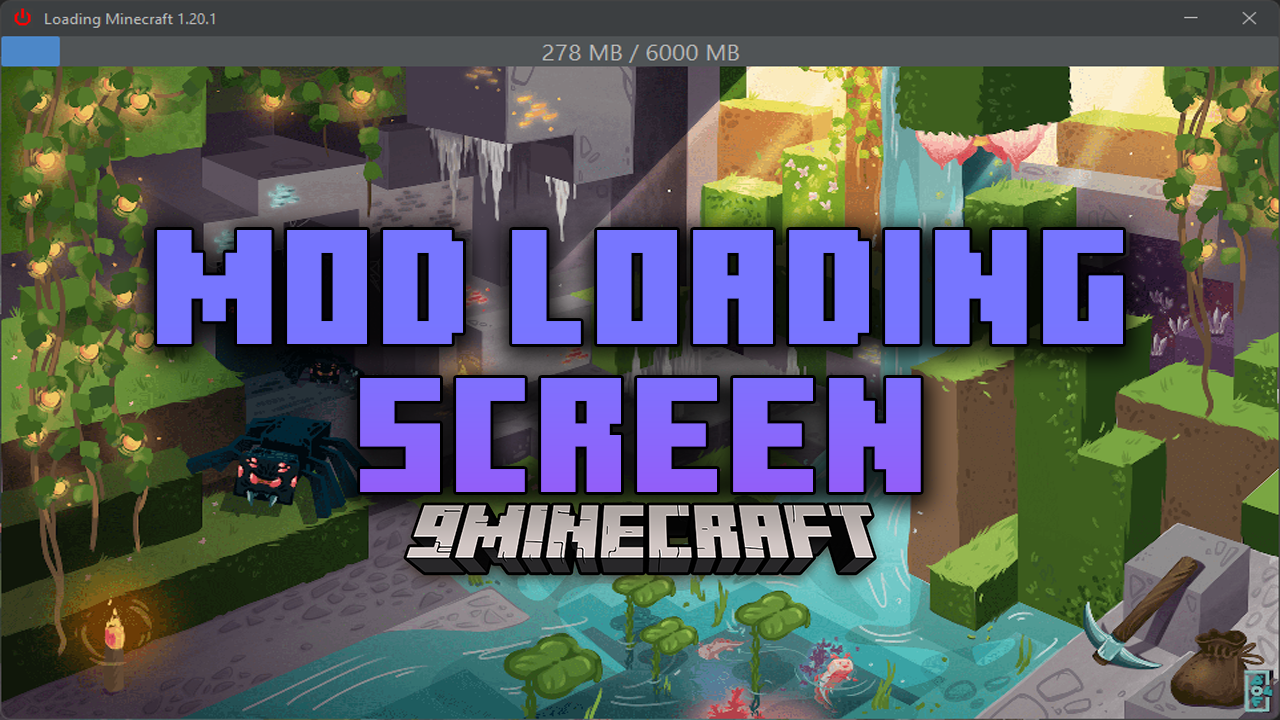
Mod Loading Screen Mod brings an advanced startup screen that shows the loading progress of your mods. It works on all Minecraft versions because it does not even need Minecraft itself to run. This mod only needs Fabric Loader 0.12.0 or later, or Quilt Loader. It also includes a Java agent option to open the screen before the mod loader starts, plus a small API for other mods.
Features:
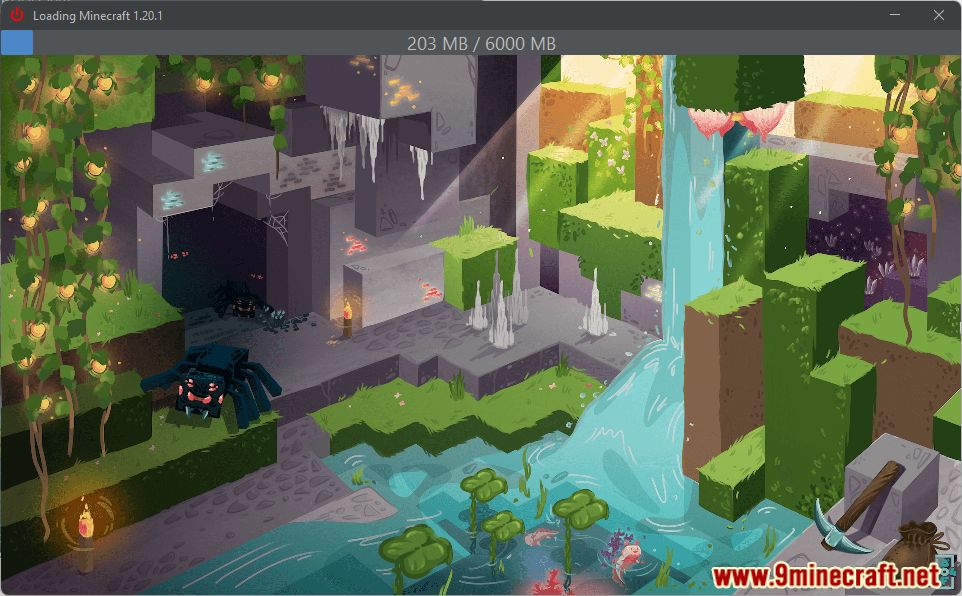
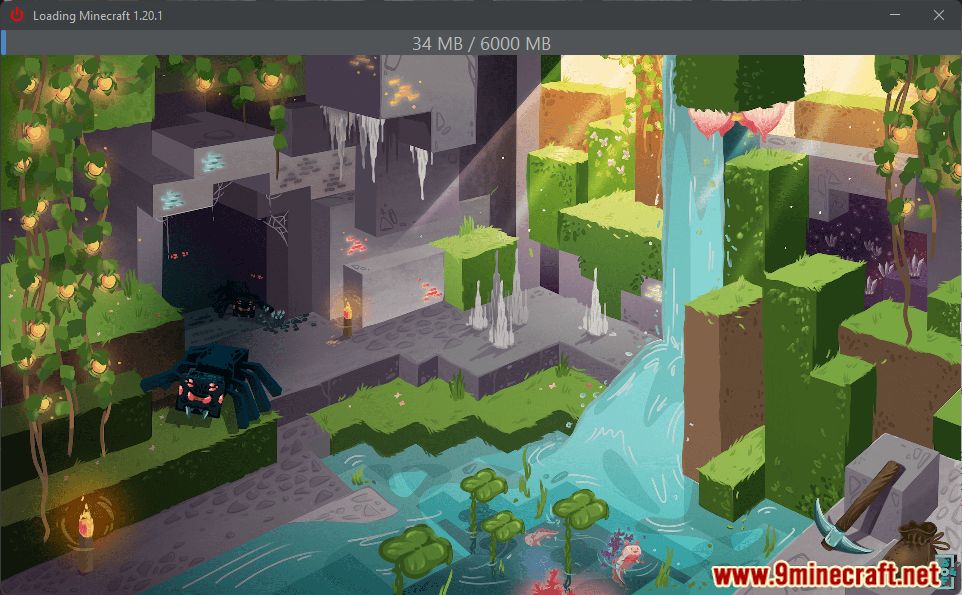
- Mod Loading Progress: Shows an advanced loading screen with the loading progress of your mods as the game starts.
- Java Agent Option: Opens the loading screen before the mod loader even starts, helping modpacks give players a smooth startup.
- Small Mod API: Includes a tiny API of only a few kilobytes through Modrinth Maven, so other mods can bundle it with Jar-in-Jar without packing the full mod.
- Works on all Minecraft versions because it does not even need Minecraft itself to run.
- Needs only Fabric Loader 0.12.0 or later, or Quilt Loader (exact supported Quilt versions are not listed).
- Keeps both forwards and backwards binary compatibility in the API across versions.
- Lets other mods check which API calls are real and which ones return stubs.
- Offers two top-level API classes,
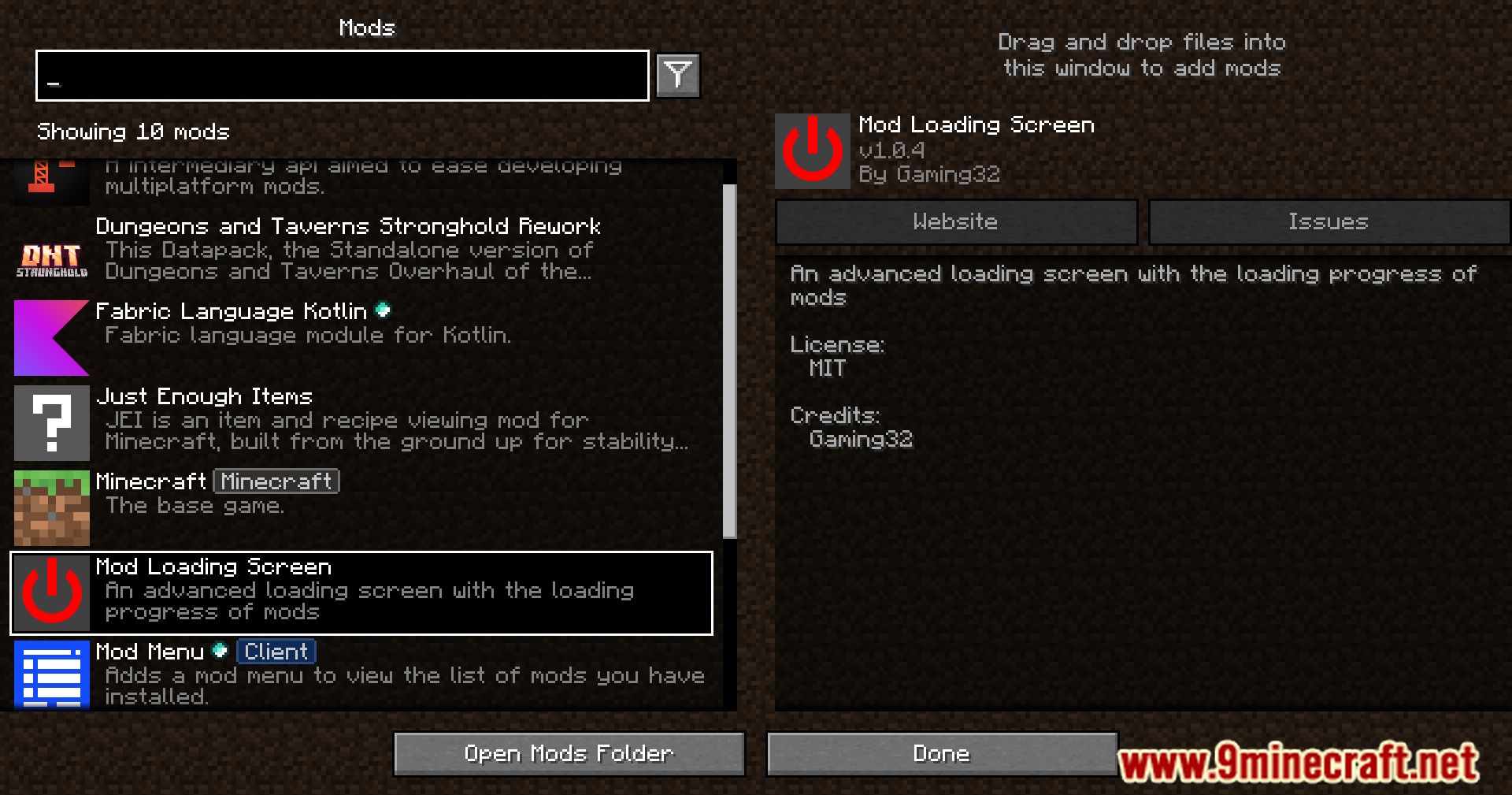
LoadingScreenApiandAvailableFeatures, with full javadocs for both. - The loading screen may not close on its own if you run this mod on a game other than Minecraft.
How to Use:
Using the Java Agent:
- Pass
-javaagent:mod-loading-screen-1.0.4.jaras a JVM argument so the loading screen opens before the mod loader starts. - Do not install this mod as a regular mod when you use the Java agent, so it runs only through the agent.
Using the API:
- Add the Modrinth Maven repository at
https://api.modrinth.com/mavenwith a filter for themaven.modrinthgroup so Gradle can find the API. - Add
include(implementation("maven.modrinth:mod-loading-screen:1.0.4:api"))to your Gradle dependencies usingimplementationinstead ofmodImplementationso only the small API is bundled via Jar-in-Jar. - Use the
LoadingScreenApiandAvailableFeaturesclasses to work with the loading screen and check which API calls are real or return stubs.
Screenshots:

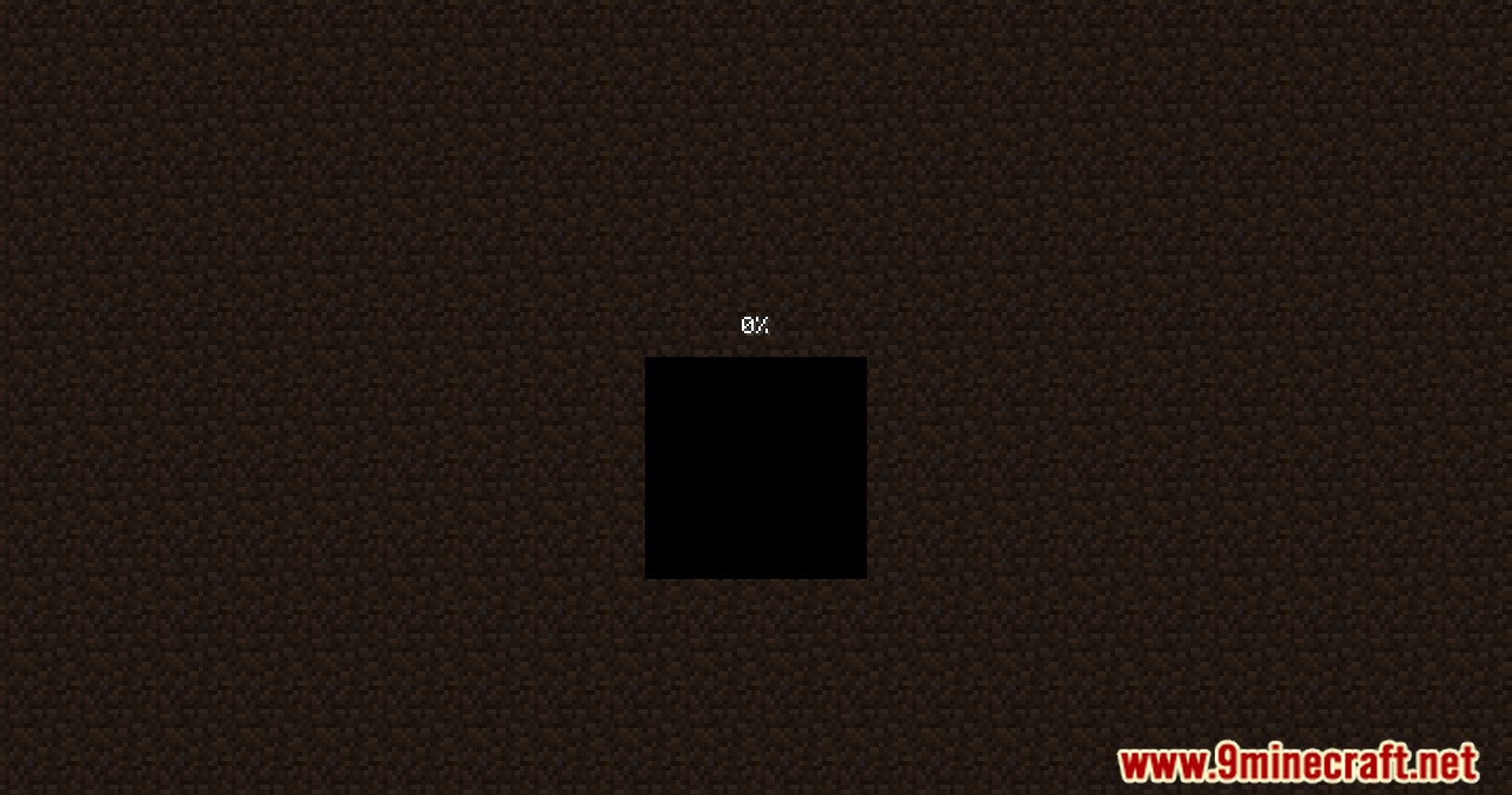
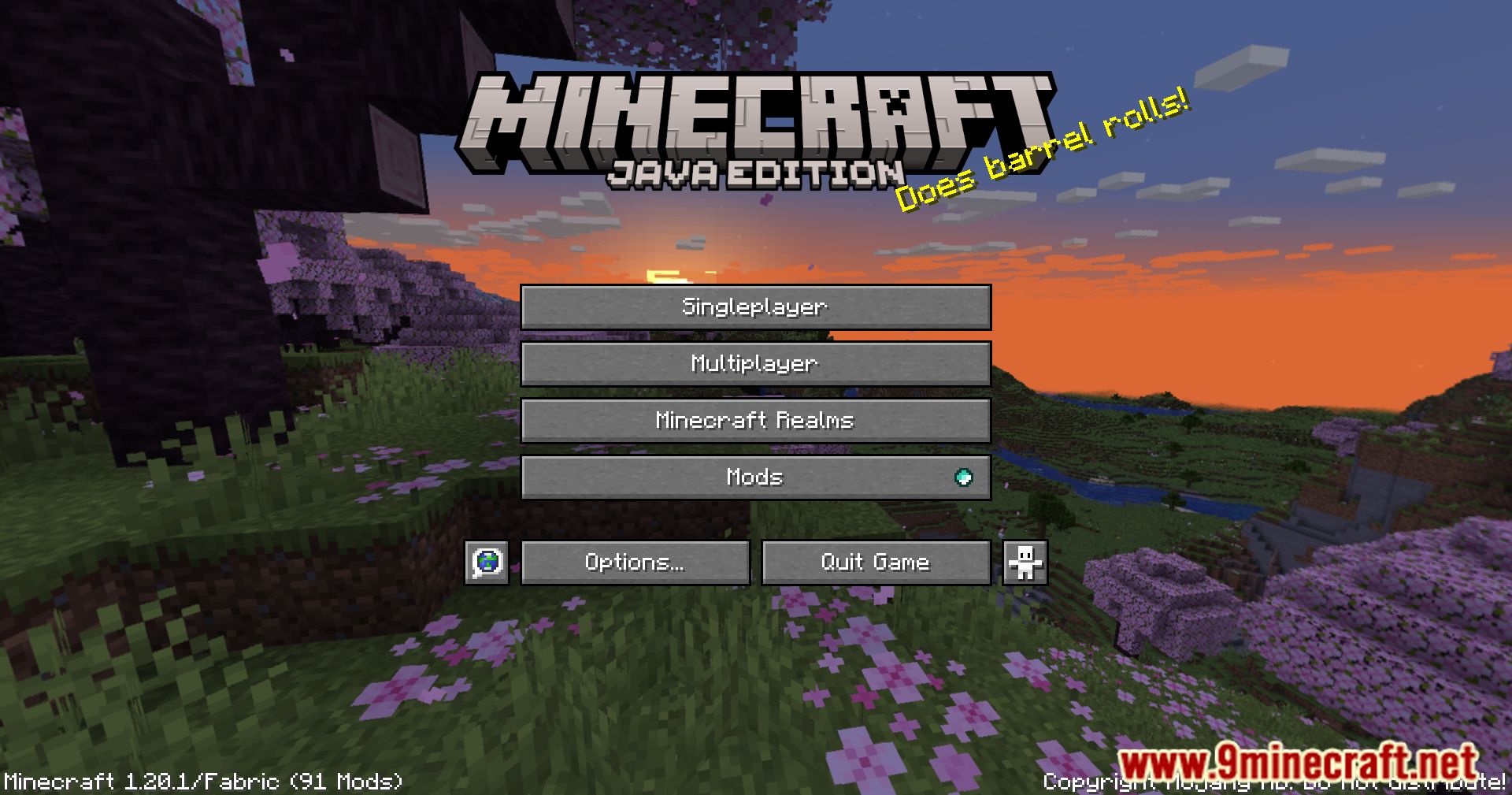
How to Install:
New to Minecraft? Follow our step-by-step guide to install Mods on your PC.View Guide


Mod Loading Screen Mod Download Links
For Minecraft
26.4,
26.3,
26.2
All Versions Covered
26.4
26.3
26.2
26.1.2
26.1.1
26.1
1.21.11
1.21.10
1.21.9
1.21.8
1.21.7
1.21.6
1.21.5
1.21.4
1.21.3
1.21.2
1.21.1
1.21
1.20.6
1.20.5
1.20.4
1.20.3
1.20.2
1.20.1
1.20
1.19.4
1.19.3
1.19.2
1.19.1
1.19
1.18.2
1.18.1
1.18
1.17.1
1.17
1.16.5
1.16.4
1.16.3
1.16.2
1.16.1
1.16
1.15.2
1.15.1
1.15
1.14.4
1.14.3
1.14.2
1.14.1
1.14
1.13.2
1.13.1
1.13
1.12.2
1.12.1
1.12
1.11.2
1.11.1
1.11
1.10.2
1.10.1
1.10
1.9.4
1.9.3
1.9.2
1.9.1
1.9
1.8.9
1.8.8
1.8.7
1.8.6
1.8.5
1.8.4
1.8.3
1.8.2
1.8.1
1.8
1.7.10
1.7.9
1.7.8
1.7.7
1.7.6
1.7.5
1.7.4
1.7.3
1.7.2
1.7.1
1.7
1.6.4
1.6.3
1.6.2
1.6.1
1.6
1.5.2
1.5.1
1.5
1.4.7
1.4.6
1.4.5
1.4.4
1.4.3
1.4.2
1.4.1
1.4
1.3.2
1.3.1
1.3
1.2.5
1.2.4
1.2.3
1.2.2
1.2.1
1.1
1.0
For Minecraft
26.2,
1.21.11,
1.21.5
All Versions Covered
26.2
1.21.11
1.21.5
1.21.4
1.20.6
1.20.5
1.20.4
1.20.3
1.20.2
1.20.1
1.20
1.19.4
1.19.3
1.19.2
1.19.1
1.19
1.18.2
1.18.1
1.18
1.17.1
1.17
1.16.5
1.16.4
1.16.3
1.16.2
1.16.1
1.16
1.15.2
1.15.1
1.15
1.14.4
1.14.3
1.14.2
1.14.1
1.14
1.13.2
1.13.1
1.13
1.12.2
1.12.1
1.12
1.11.2
1.11.1
1.11
1.10.2
1.10.1
1.10
1.9.4
1.9.3
1.9.2
1.9.1
1.9
1.8.9
1.8.8
1.8.7
1.8.6
1.8.5
1.8.4
1.8.3
1.8.2
1.8.1
1.8
1.7.10
1.7.9
1.7.8
1.7.7
1.7.6
1.7.5
1.7.4
1.7.3
1.7.2
1.7.1
1.7
1.6.4
1.6.3
1.6.2
1.6.1
1.6
1.5.2
1.5.1
1.5
1.4.7
1.4.6
1.4.5
1.4.4
1.4.3
1.4.2
1.4.1
1.4
1.3.2
1.3.1
1.3
1.2.5
1.2.4
1.2.3
1.2.2
1.2.1
1.1
1.0
For Minecraft
26.1.2,
26.1.1,
26.1
All Versions Covered
26.1.2
26.1.1
26.1
1.21.11
1.21.10
1.21.9
1.21.8
1.21.7
1.21.6
1.21.5
1.21.4
1.21.3
1.21.2
1.21.1
1.21
1.20.6
1.20.5
1.20.4
1.20.3
1.20.2
1.20.1
1.20
1.19.4
1.19.3
1.19.2
1.19.1
1.19
1.18.2
1.18.1
1.18
1.17.1
1.17
1.16.5
1.16.4
1.16.3
1.16.2
1.16.1
1.16
1.15.2
1.15.1
1.15
1.14.4
1.14.3
1.14.2
1.14.1
1.14
1.13.2
1.13.1
1.13
1.12.2
1.12.1
1.12
1.11.2
1.11.1
1.11
1.10.2
1.10.1
1.10
1.9.4
1.9.3
1.9.2
1.9.1
1.9
1.8.9
1.8.8
1.8.7
1.8.6
1.8.5
1.8.4
1.8.3
1.8.2
1.8.1
1.8
1.7.10
1.7.9
1.7.8
1.7.7
1.7.6
1.7.5
1.7.4
1.7.3
1.7.2
1.7.1
1.7
1.6.4
1.6.3
1.6.2
1.6.1
1.6
1.5.2
1.5.1
1.5
1.4.7
1.4.6
1.4.5
1.4.4
1.4.3
1.4.2
1.4.1
1.4
1.3.2
1.3.1
1.3
1.2.5
1.2.4
1.2.3
1.2.2
1.2.1
1.1
1.0
For Minecraft 1.7.10 –> 1.21.11
For Minecraft 1.21.10, 1.21.9, 1.7.10
For Minecraft 1.7.10 –> 1.21.8
For Minecraft 1.7.10 –> 1.21.5
For Minecraft 1.7.10 –> 1.21.3
For Minecraft 1.7.10 –> 1.21.1
Click to rate this post!
[Total: 1 Average: 5]
You May Also Like
Picked for this page
 Iron Chests Mod (26.3, 1.20.1) – Finally Organize Your Loot
 TL Skin and Cape Mod (26.3, 1.20.1) – TLSkinCape Mod by Tlauncher
 Chisels & Bits Mod (26.1.2, 1.20.1) – The Ultimate of Building Tool
 World Handler – Command GUI Mod (1.21.11, 1.20.1)
 Diagonal Windows Mod (26.3, 1.20.1) – Place Glass Panes Diagonally with Ease
 Block Runner Mod (26.3, 1.20.1) – It’s Time to Use Paths to Run Faster
 Fire Spread Tweaks Mod (26.3, 1.20.1) – Disables Default Fire Spread
 Sleep Sooner Mod (26.3, 1.20.1) – Early Sleep Activation
 Styled Player List Mod (26.3, 1.20.1) – Change Player List Look
 Trident Craft Mod (26.3, 1.20.1) – Craft Tridents With Ease
 Raise Sound Limit Simplified Mod (26.3, 1.20.1) – Fix Audio Cutoffs In Minecraft
 Totem Party Popper Mod (26.3, 1.20.1) – More Intense Totem Animation
Most viewed in Mods over the last 7 days
 Ala Industrial Mod (26.3) – Run Electric Power Grids and Automated Factories
 PleasureCraft Mod (26.3, 1.21.1) – Jenny Mod Remake for Fabric
 Jennycraft Mod (26.3, 1.20.1) – Virtual Girlfriend in Minecraft
 Fapcraft Mod (26.3, 1.12.2) – Comprehensive and Detailed Content
 Jenny Mod (Fapcraft) Official Complete Guide – How to use, Tutorial
 BangCraft Mod (1.20.1) – Jenny, Ellie and Elliot
 Fabric Loader (26.3, 1.20.1) – Fabric Installer for All Minecraft Versions
 The Shooting Star Demo Mod (26.3, 1.20.1) – Vaporize Terrain From Orbit
 Meteor Client Mod (26.3, 1.20.1) – Xray, HUD, Fly
 OptiFine HD (26.3, 1.20.1) – Run Faster, FPS Boost, Shaders Support
 Aristois Client Mod (1.21.4, 1.20.1) – World Class Minecraft Utility
 Prestige Client Mod (1.21.11, 1.21.4) – Powerful Ghost Features for Crystal & Sword PvP
More from Mods
 Fabric Gui ImGui Mod (26.3, 1.21.11) – Clean Custom Menus and In-Game Control
 Multi Item Lib Mod (1.20.1) – Wield Custom Gear with Flawless Hand Animations
 Universe3090 Mod (1.20.1) – Survive Corrupted Dimensions Filled
 Wireless Automate Mod (1.21.1) – Automate Base Logistics Without Messy Pipes
 Vaskars Opus Faction War Quests & Bosses Mod (1.21.11, 1.20.1)
 Multitools and More Mod (26.3, 1.20.1) – Clear Your Hotbar and Travel
 Luxium Let There Be Light Mod (1.20.1) – Stunning Lighting on Low-End Computers
 Soulscraft Tarnished Legacy Mod (1.21.1) – Hunt Relics to Forge Dark Fantasy
 Fetzi’s Displays Mod (26.1.2, 1.20.1) – Turn Rare Gear and Weapons
 Primal Plushies Paleo Pals Mod (1.21.1, 1.20.1) – Decorate Your Base
 Ipla Mod (26.3, 1.20.1) – Showcase Your Favorite Items
 MesdagPortLib Mod (1.20.1) – Run Modern Minecraft Mechanics on Older Versions

This post has no comments yet. Be the first — your comment will appear here.