


Triple Crown Tailor Mod (1.21.11, 1.20.1) – Wear Three Hats at Once
 5
5
 0
0

🌐 Read this article in your language! Choose your preferred language below.
Or pick the one you like:
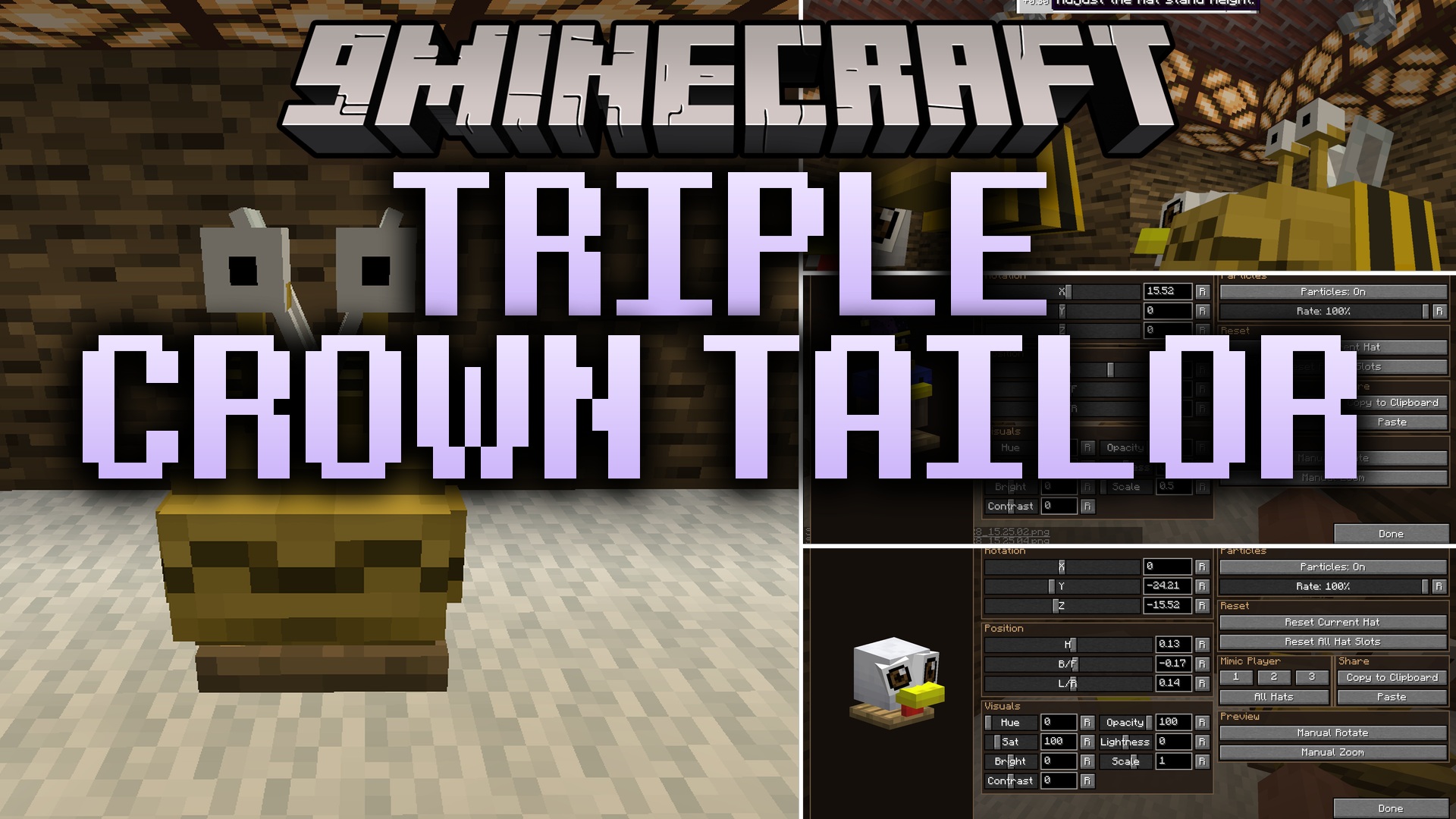
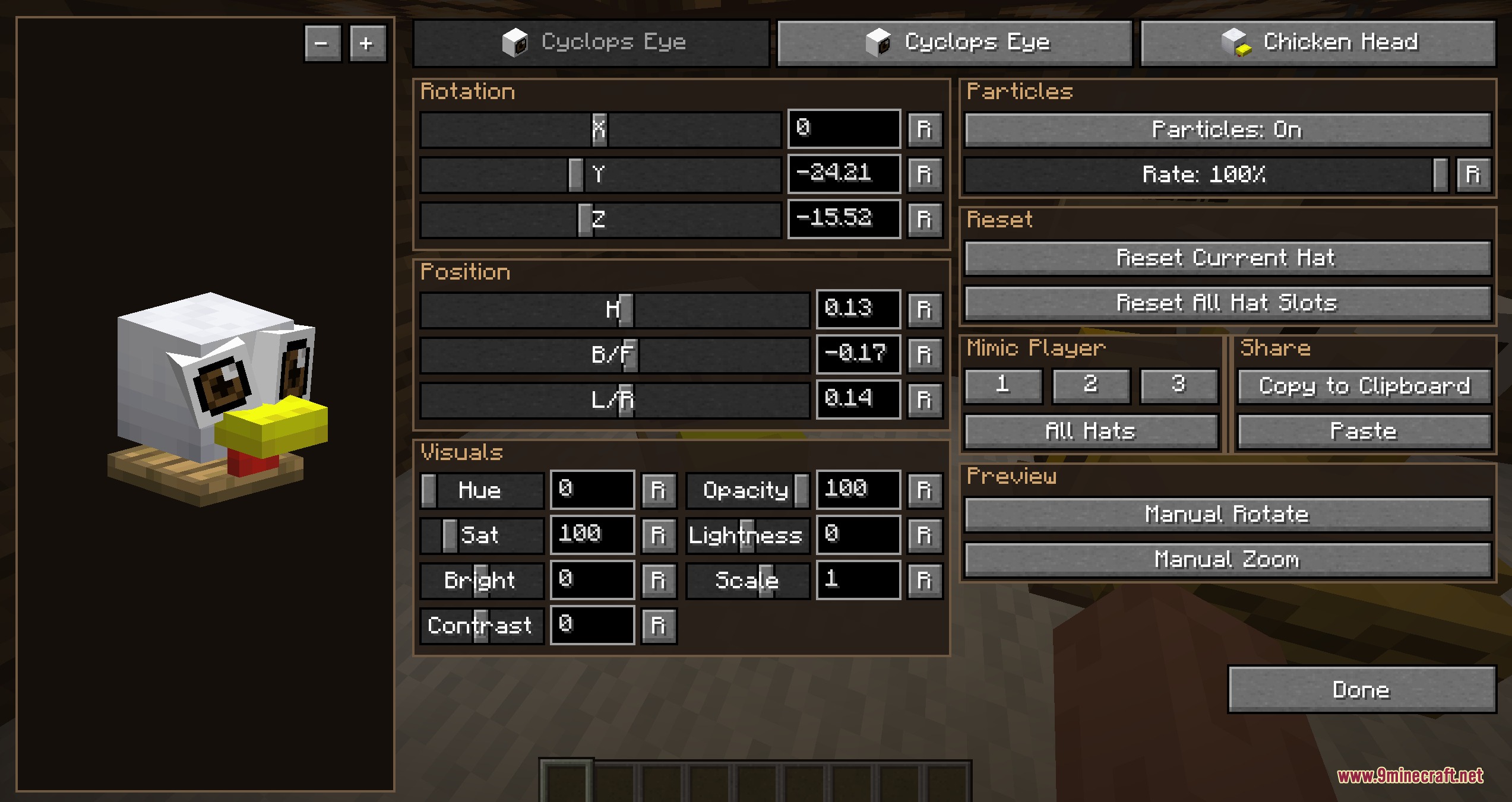
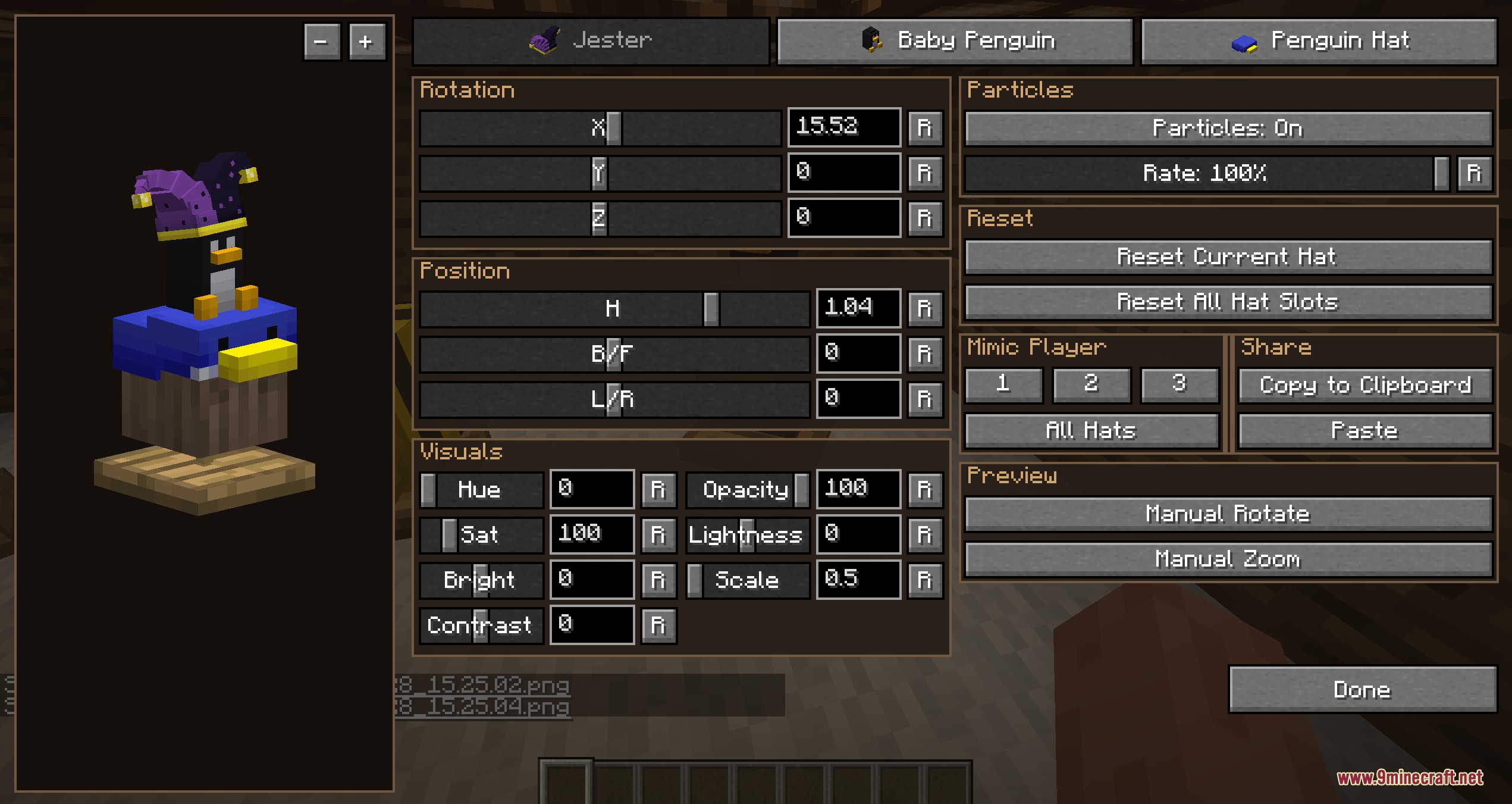
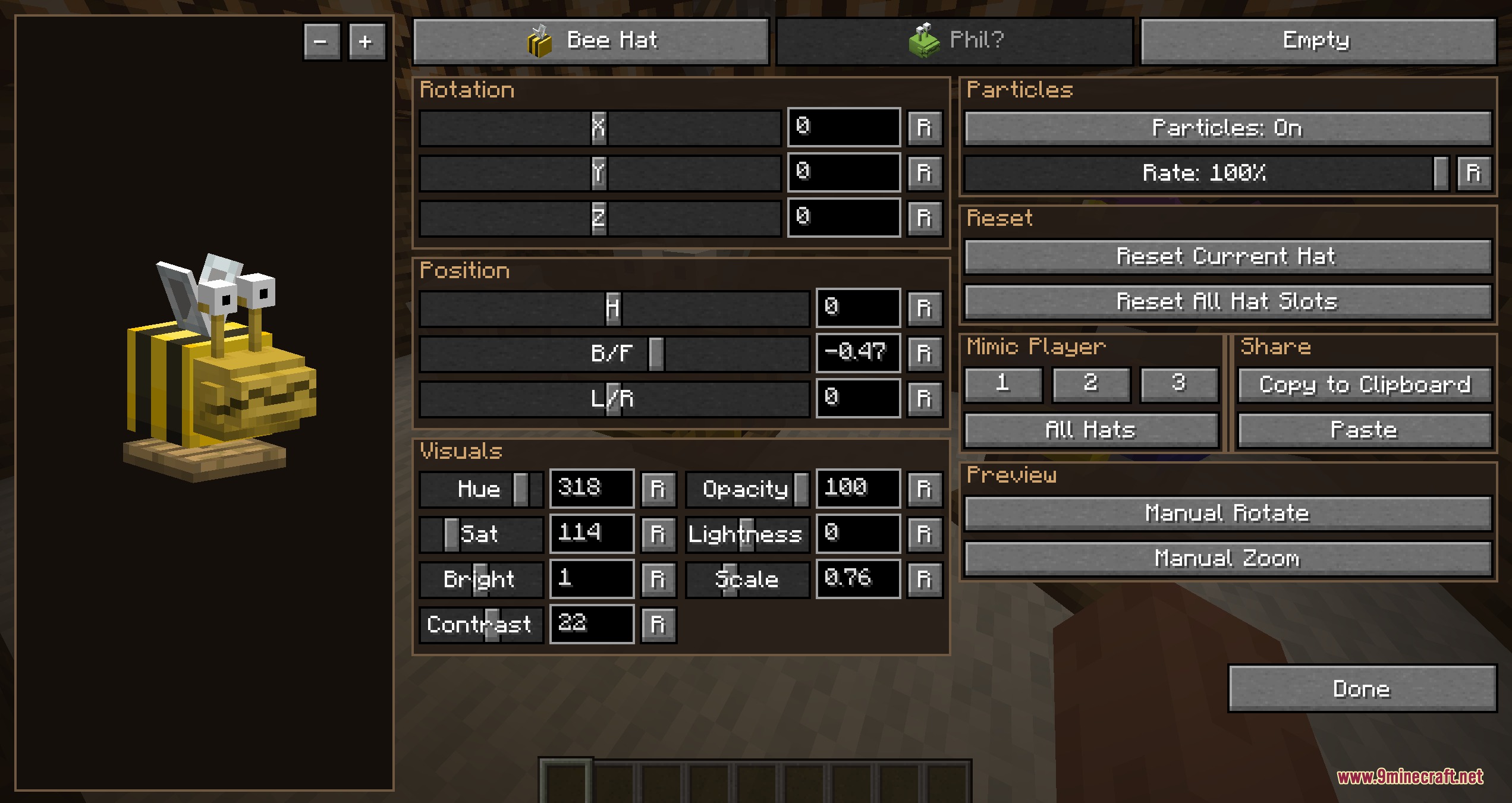
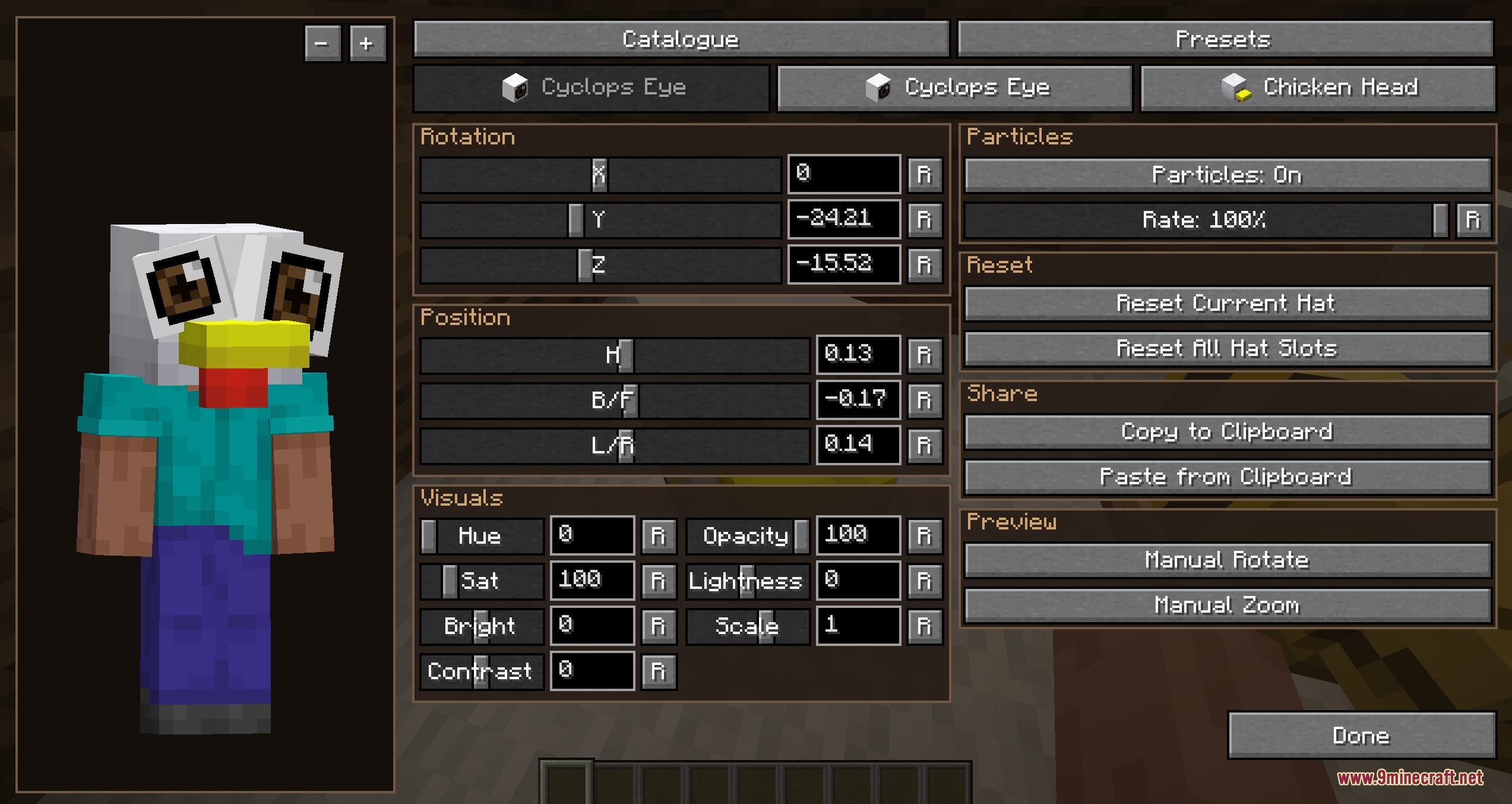
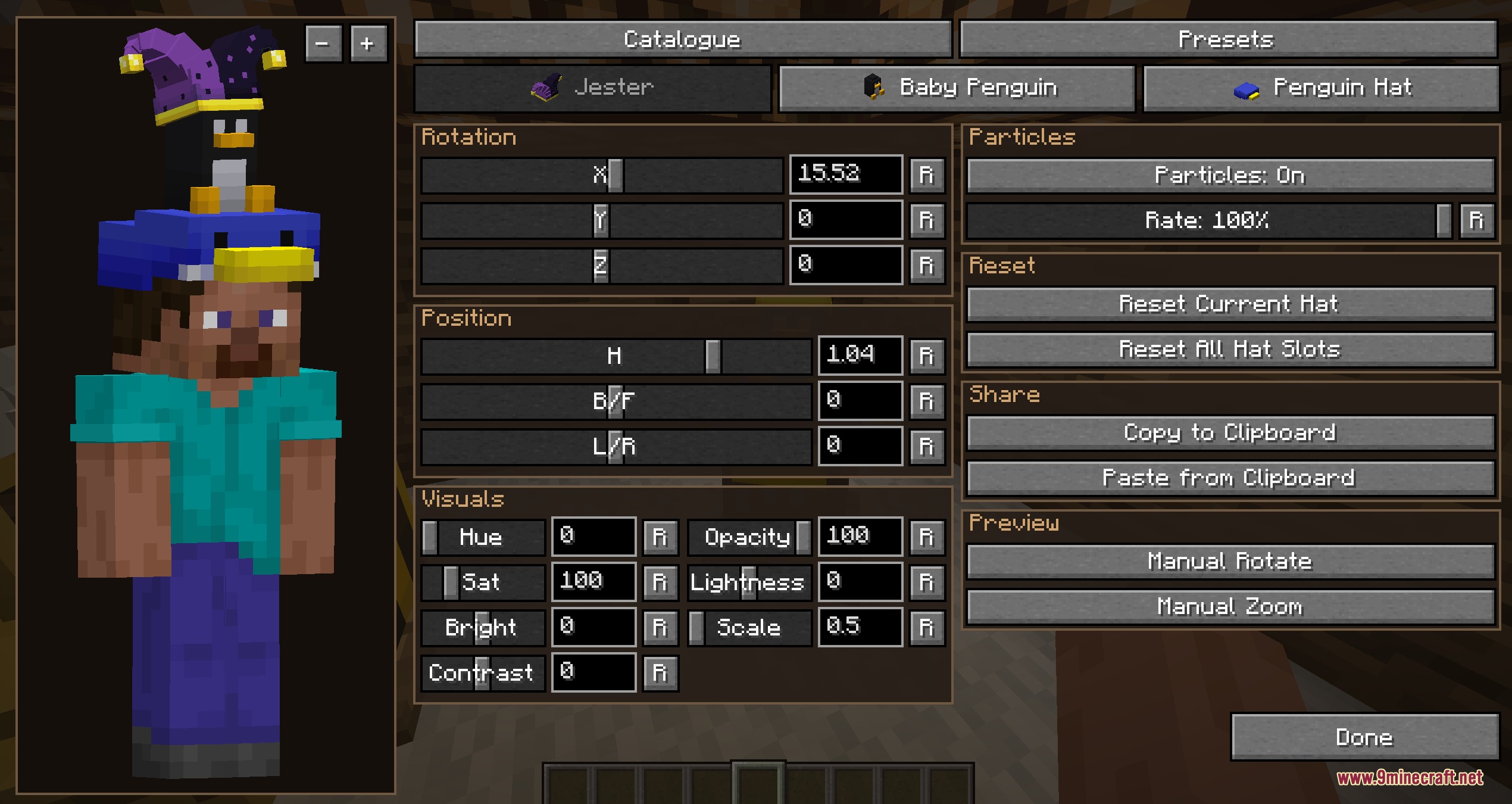
Triple Crown Tailor Mod extends Simple Hats and Accessories by letting you wear up to three hats on your character at the exact same time. It introduces a detailed editing menu to transform the look and fit of every cosmetic headpiece. You can also place hats onto display stands, show custom player heads, and fine-tune colors or particles in real time.
Features:
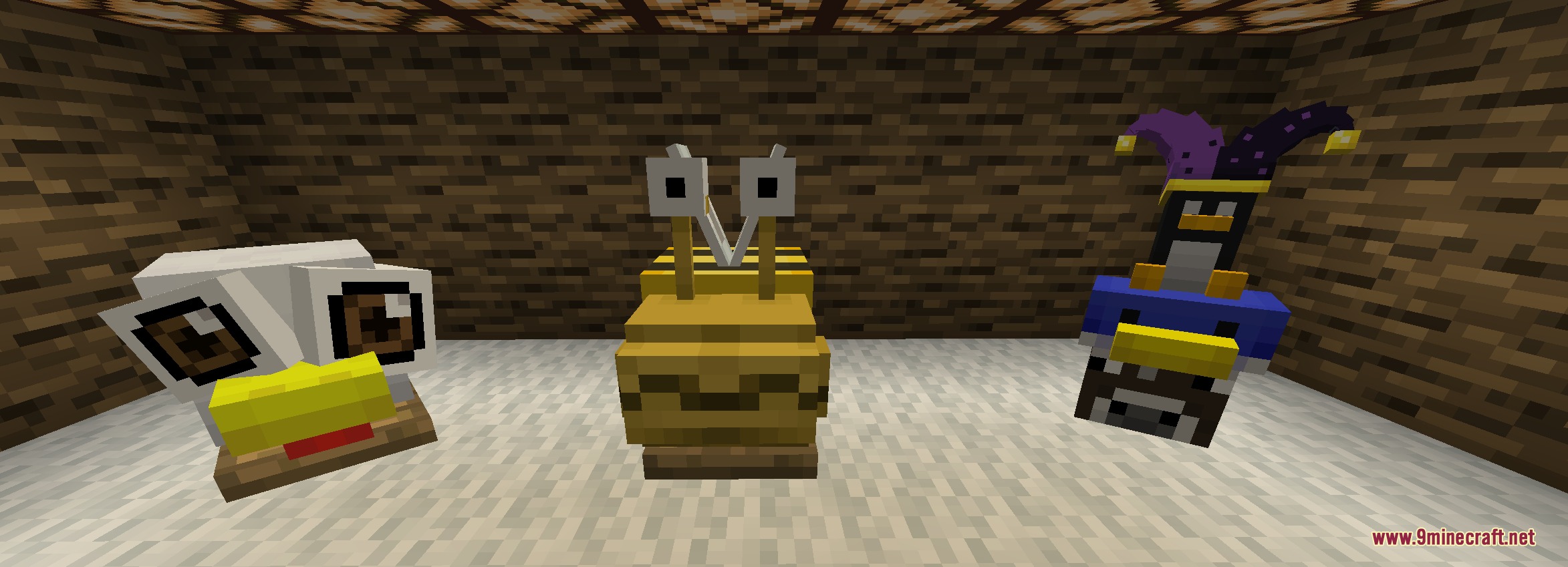
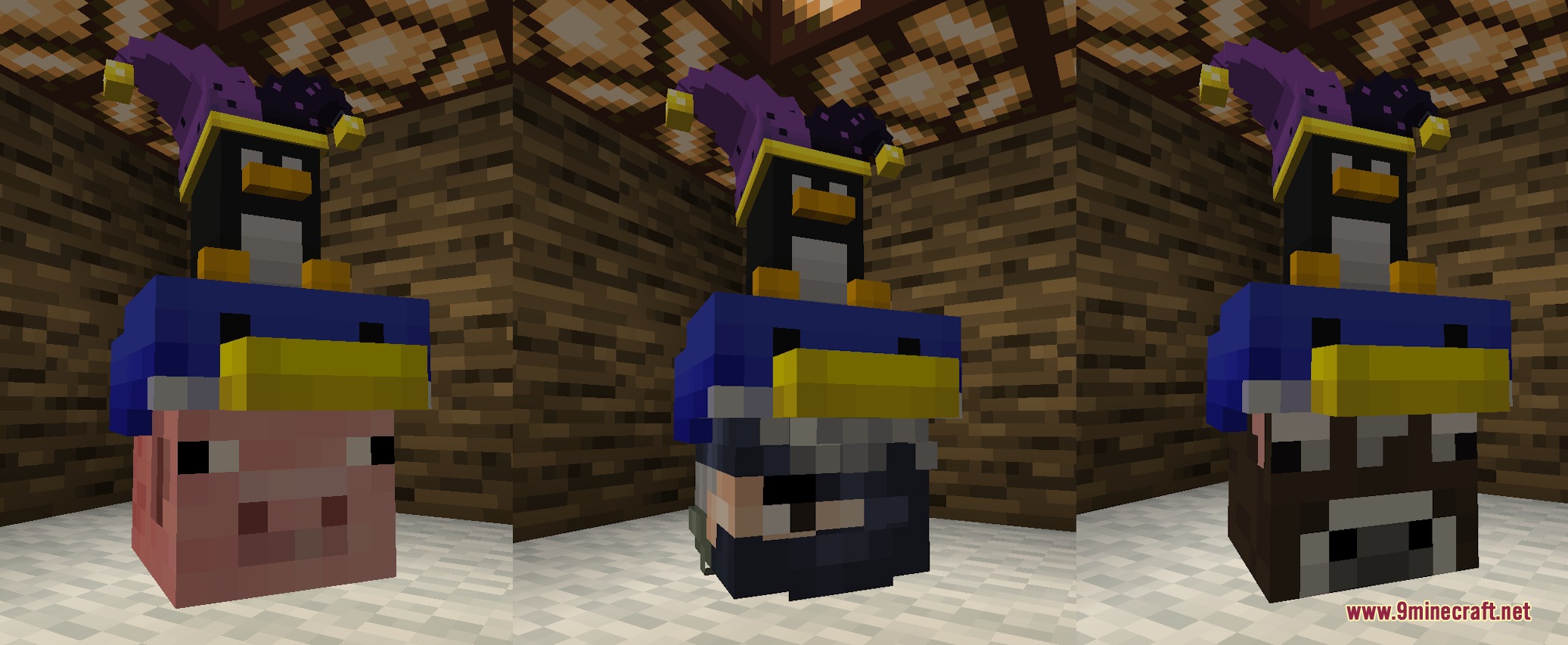
- Renders up to three different hats on your player character at once.
- Opens the Hat Tweaker menu by pressing a hotkey or right-clicking any hat stand.
- Allows full control over hat position, scale, rotation, color, opacity, and particles.
- Shows cosmetic edits to nearby friends in real time.
- Lets you place multiple headpieces onto hat stands for world decoration.
- Copies hat designs directly from friends and their display stands.
- Hat stands can display any player username skin instead of the default stand model.
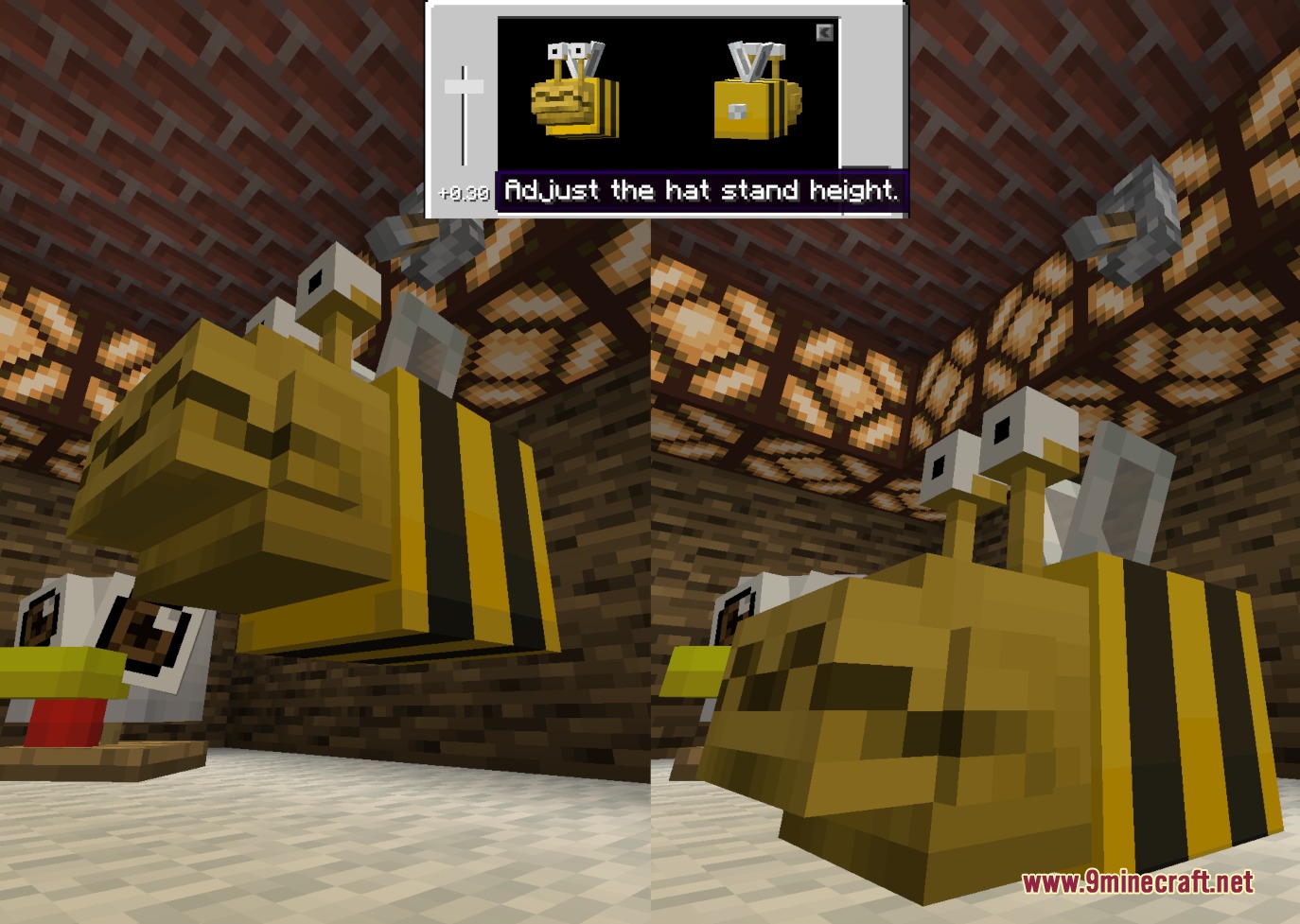
- Includes a height adjuster for displayed hats and player heads.
Customization Options:
- Position and Rotation: Shift hats in 3D space to align cleanly with your skin.
- Scale and Size: Enlarge or shrink headwear to create goofy or tiny accessories.
- Color and Opacity: Change tint shades and transparency levels on compatible hats.
- Particle Controls: Toggle and adjust special effects tied to specific hats.
How to Use:
- Equip hats into your accessory slots.
- Press ; on your keyboard to open the personal Hat Tweaker menu.
- Right-click any hat stand block in the world to open the stand tweaking interface.
- Use the sliders in the menu to change hat position, rotation, scale, color, and particle effects.
- Enter a player’s username in the stand menu to display a custom player skin model.
Screenshots:
How to Install:
New to Minecraft? Follow our step-by-step guide to install Mods on your PC.View Guide
Requirements:



Triple Crown Tailor Mod Download Links
For Minecraft
1.21.11,
1.21.10,
1.21.9
All Versions Covered
1.21.11
1.21.10
1.21.9
1.21.8
1.21.7
1.21.6
1.21.5
1.21.4
1.21.3
1.21.2
1.21.1
1.21
All Versions Covered
1.21.11
1.21.10
1.21.9
1.21.8
1.21.7
1.21.6
1.21.5
1.21.4
1.21.3
1.21.2
1.21.1
1.21
For Minecraft 1.21.1, 1.21
For Minecraft 1.20.1, 1.20
Click to rate this post!
[Total: 0 Average: 0]
You May Also Like

This post has no comments yet. Be the first — your comment will appear here.