


Tuff Factory Schematic (1.21.x) – Simple and Efficient Automatic Tuff Production Design

 0
0 

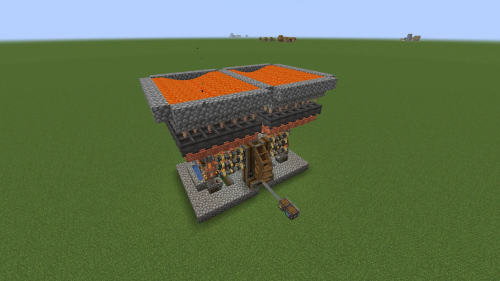
Tuff Factory Schematic adds a compact and efficient resource generator for your industrial builds. This design works with the Create mod to automate the production of tuff blocks using lava and mechanical parts. It fits into very small spaces since the whole machine is only six blocks wide and thirteen blocks high. You can add this setup to your world to get a steady supply of materials without doing any manual mining. The system keeps everything organized by using storage units for the finished items.
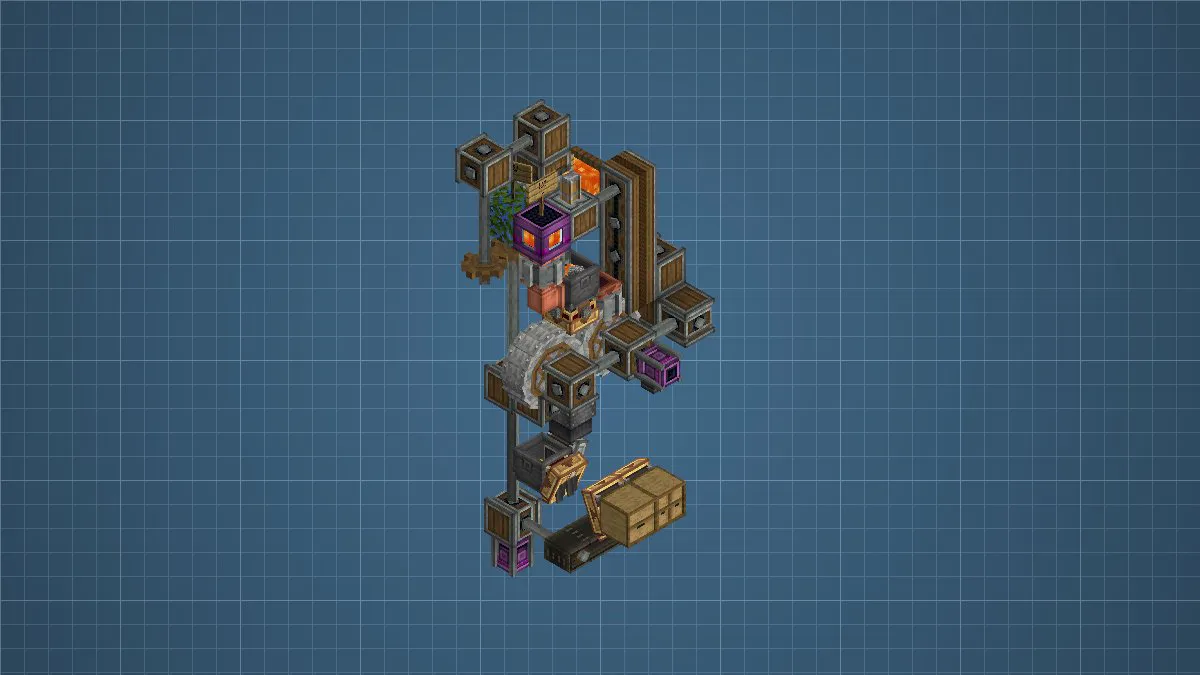
3D Preview:
Features:
- Compact Design: This build only takes up a 6x13x4 block area so it fits into tight factory spaces.
- Uses mechanical components and lava to process tuff blocks automatically.
- Includes storage drawers to keep all your generated resources in one easy place.
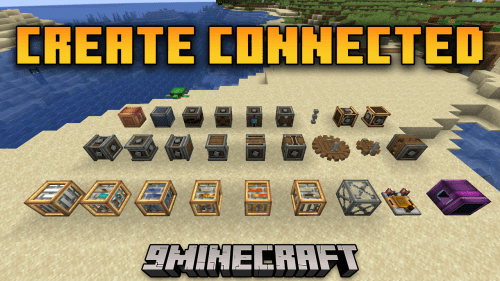
- Works with the Create Connected addon for better mechanical links between parts.
- Requires only 63 total blocks to fully build the entire machine.
- Generates resources constantly as long as the gears are spinning.
- Features a vertical layout that saves valuable floor space in your base.
Schematic Specs:
 Minecraft1.21.x
 Create Mod6.0.10
 Dimensions6×13×4
 Total Blocks63
 Top Blocks Used
Shaft 13Gearbox 6Encased Chain Drive 4Belt 3Parallel Gearbox 3
How to Use:
- Load the schematic file into your Minecraft world using the Schematicannon.
- Place the 63 required blocks according to the blueprint.
- Connect a source of rotational power to the main gears to start the machine.
- Add lava to the processing area to begin the tuff generation cycle.
- Open the storage drawers at the bottom to collect your new tuff blocks.
Requirements:
Tuff Factory Schematic Download Links
For Minecraft 1.21.x
Click to rate this post!
[Total: 0 Average: 0]
You May Also Like


This post has no comments yet. Be the first — your comment will appear here.