
MiniWorld Model – Transforms Functional Blocks with Retro 3D Animations

 0


MiniWorld Model brings classic retro block styles and custom 3D models into Minecraft. This pack revives the look of old-school sandbox building with over one hundred custom models and animated block textures. Players can enjoy nostalgic visual details across many everyday blocks like furnaces, barrels, and work stations.

Features:
- Retro Visual Style: Recreates the nostalgic look of classic block-building games with custom textures.
- Includes 152 custom 3D block models for common decorative and functional blocks.
- Features animated textures that bring life to active stations and blocks.
- Transforms functional blocks with unique working states like open barrels and glowing blast furnaces.
- Updates natural blocks with detailed multi-stage bamboo models and leaf foliage.
- Reworks workstations such as anvils, cartography tables, and bookshelves.
How to Use:
- Place the pack file into your resourcepacks folder and activate it in the resource pack menu.
- Grow bamboo in a jungle biome to see the custom multi-stage growth models and leaf styles.
- Place down a blast furnace and start smelting to see the animated fire texture turn on.
- Craft a barrel and open it to watch the model switch directly to its open-lid state.
- Place a beehive near flowers and check back later to see the full honey state appearance.
- Set up redstone comparators and buttons to see their active and pressed model changes.
Requirements:
- A Minecraft version that supports animated textures
Screenshots:


MiniWorld Model Download Links
Click to rate this post!
[Total: 0 Average: 0]
You May Also Like
Picked for this page
 Arty Reindeer Jenny Mod Model
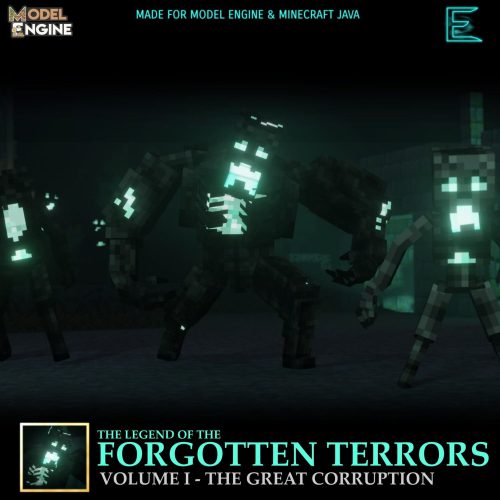 The Forgotten Terrors V1 Model
 Lillith The Demon Model
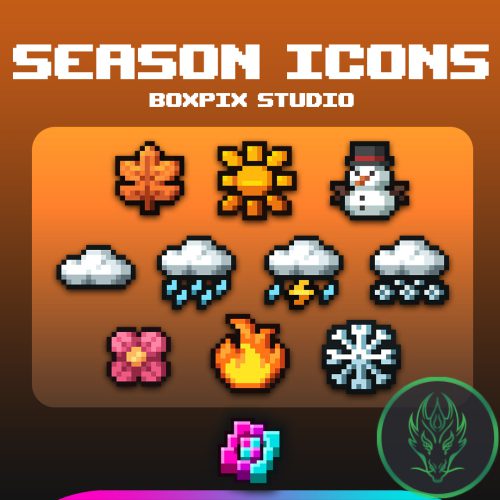 Season Icons Model
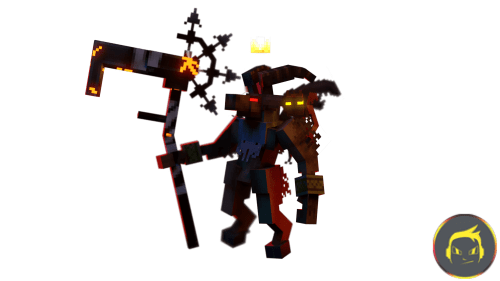 Capra The Goat Demon Model
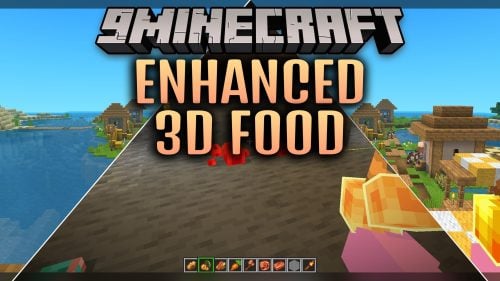 Enhanced 3D Food Model – Transforms Vanilla Food Into Animated 3D Snacks
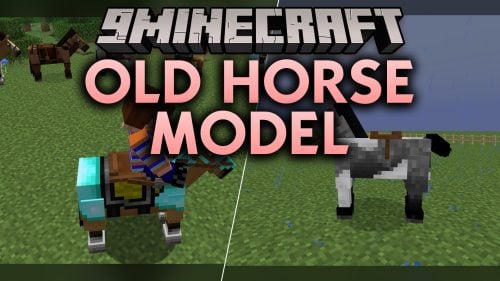 Old Horse Model – Restores Classic Retro Horse Models and Animations
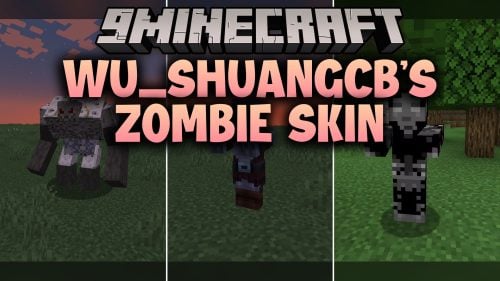 WU_SHUANGCB’s Zombie Skin Model – Transforms Zombies with Heavy Viral Weapons
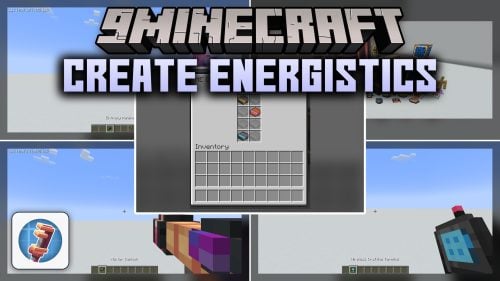 Create Energistics Model – Transforms Digital Storage Into Clockwork Machinery
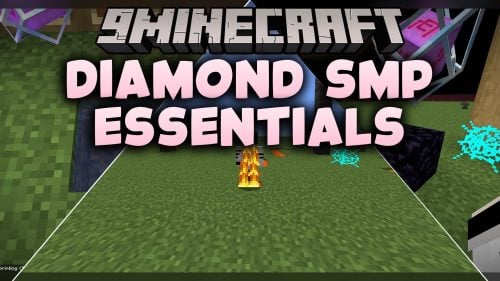 Diamond SMP Essentials Model – Transforms Utility Blocks with 3D Shapes
 Vanilla PVP Essentials Model – Brings Clean 3D Overlays for Combat
 Simplistic 3D Doors Model – Adds Clean Depth to Vanilla Entryways
Most viewed in Models over the last 7 days
 Jenny Mod Skin Pack Mega Collection – 310+ Characters
 The Most Complete Collection of Jenny Mod Resources – Models, Animations, Structures,…
 Albedo Rework Jenny Mod Model
 Power Model – Custom Girl for PleasureCraft Mod
 Ram Model – Custom Girl for PleasureCraft Mod
 100+ Custom Animations For Jenny Mod
 Galath Rework Model – Custom Girl for PleasureCraft Mod
 Steve (Jenny & Zoey) Pack Jenny Mod Model
 Fern Jenny Mod Model
 Albedo Jenny Mod Model
 750 Models Addon for Yes Steve Model Mod
 Alex Model – Custom Girl for PleasureCraft Mod
More from Models
 No Break Particles Model – Clears Screen Clutter During Fast Mining
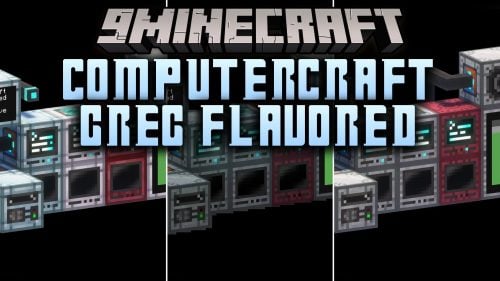 ComputerCraft Greg Flavored Model – Adds Industrial 3D Computer Models
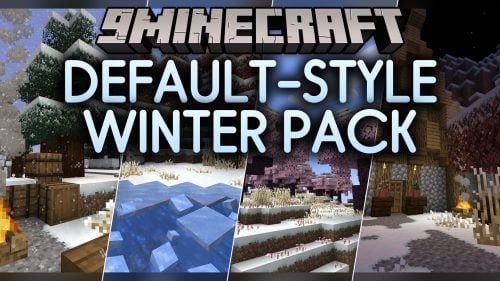 Default-Style Winter Model – Brings Snowy Foliage and Frosty Blocks
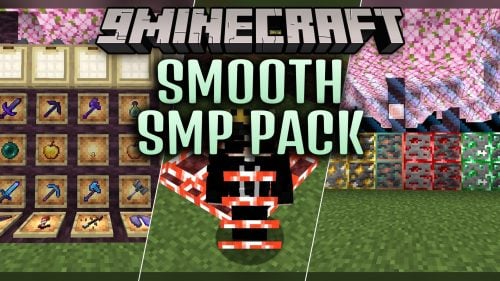 Smooth SMP Model – Adds Clean 3D Shapes and Animated Survival Blocks
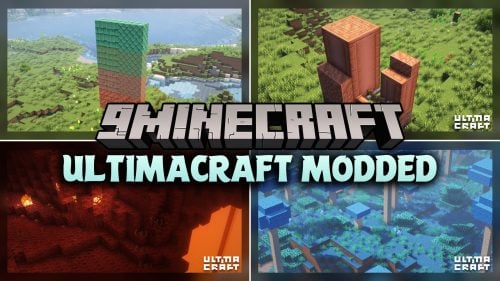 UltimaCraft Modded Model – Transforms Modded Blocks with 3D Depth
 White And Black CPVP Model – Brings Sharp Monochrome Models to Combat Arenas
 Redstone Tweaks Overlaid Model – Adds Clear 3D Redstone Indicators
 3D Dripstone Model – Transforms Pointed Dripstone Into Clean Blocky Shapes
 MacePvP Essentials Model – Adds Clean 3D Blocks for Competitive Battles
 SMP PvP Essentials Model – Adds Animated 3D Blocks for Battles
 Yuushya 16x Model – Adds Realistic 3D Block Shapes and Animated Details
 Anti Xray Model – Blocks Transparent Texture Cheats for Fair Mining

This post has no comments yet. Be the first — your comment will appear here.