
Medieval Clock Tower Schematic (1.21.x) – Tall Stone Tower with Teal Spire
 31
 0


Medieval Clock Tower Schematic provides a tall building with a blue-green roof and a strong stone bottom. This build works as a great landmark for any village or a secret base for a wizard. It features wooden walkways near the top and stands very high above the ground. You can use this structure to watch for enemies or just to make your town look better. The design uses blocks that fit perfectly into any old-style setting. It is ready for you to add to your world using building tools.

3D Preview & Editor:
How to place this schematic
.schem This is a WorldEdit schematic. It pastes instantly on a server or single-player world that has WorldEdit (or FastAsyncWorldEdit).
| 1 | Install WorldEdit — as a plugin on the server, or as a mod for single player. |
| 2 | Drop the .schem file into plugins/WorldEdit/schematics (server) or config/worldedit/schematics (client). |
| 3 | Run //schem load <file name>. |
| 4 | Stand where you want it and run //paste. Add -a to skip air blocks. |
About this build
| 1 | Download the schematic file to your computer. |
| 2 | Place the file into your WorldEdit schematics folder. |
| 3 | Load the build in your game using the load command. |
| 4 | Paste the tower into your world where you want it to stand. |
Features:
- Tall Design: Reaches high into the sky with a total height of 66 blocks.
- Teal Spire: Features a thin, colorful roof that stands out from a long distance.
- Wooden galleries provide a place for players to walk around and look at the view.
- Uses a solid stone base to give the building a strong and heavy look.
- Works well as a town landmark, a mage tower, or a simple lookout point.
- Fits into any medieval or fantasy themed world without needing extra blocks.
- Comes as a schematic file that works with tools like WorldEdit.
Schematic Specs:
 Minecraft1.21.x
 Dimensions21×66×30
 Total Blocks12,841
 Top Blocks Used
Oak Planks 3,810Grass Block 1,103Stripped Jungle Wood 798Stripped Oak Wood 777Stone 760
Medieval Clock Tower Schematic Download Links
For Minecraft 1.21.x
Click to rate this post!
[Total: 0 Average: 0]
You May Also Like
Picked for this page
 Pokémon Temple Arena Japanese Litematica Schematic (1.21.x) – Large Asian Fortress With Fighting Rin
 Netherless Bamboo Farm Schematic (1.21.x) – Auto Bamboo Farm Without Nether Blocks
 Small Red Cottage Schematic (1.21.x) – Compact Medieval House With Crimson Roof
 Watchtower Schematic (1.21.x) – Small Vanilla Tower Build For Your World
 AirShip Easy to Build in Survival Schematic (1.21.x) – Small Medieval Flying Machine Build
 Void Death Schematic (1.21.x) – Simple Redstone Void Trap Build
 Cozy Stable Schematic (1.21.x) – Modern Rustic Wooden Horse Stable Build
 Lichen Farm Schematic (1.21.x) – Compact Vanilla Glow Lichen Farm
 Red Tractor Schematic (1.21.x) – Detailed Farming Vehicle for Modern Cities
 Small House 5 Schematic (1.20.x) – A Simple Vanilla Survival Home
 Medieval Hillside Manor Schematic (1.21.x) – Detailed Dark Timber Medieval Manor Schematic
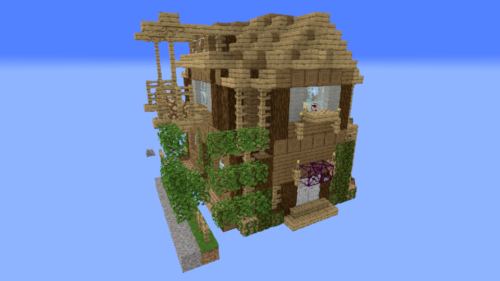 Cottage House Schematic (1.20.x) – Cozy Vanilla Home Build For Your World
Most viewed in Schematics over the last 7 days
 Fastest Bonemeal Farm Donut Smp Schematic (1.21.x) – Fast Redstone Bonemeal Farm Build
 64 Module Cobblestone Farm Schematic (1.21.x) – Massive Automated Stone Gathering Build
 KelpFarmV9.9 Schematic (1.21.x) – Compact And Simple Seaweed Farm Build
 Villager Trading Hall Schematic (1.21.x) – Modern Shop Build For 48 Villagers
 Gold Farm Schematic (1.21.x) – Automatic Nether Roof Gold Farm
 Bamboss V2 800k Bamboo per Hour Schematic (1.21.x) – High Speed Automated Bamboo Farm Schematic
 Bamboo Farm Schematic (1.21.x) – Small Automated Redstone Bamboo Farm
 Best Railgun Tp Trap on Donutsmp Schematic (1.21.x) – Unescapable Multiplayer Redstone Trap Build
 Minutes End Base Before Spoke Null End Video Schematic (1.21.x) – Giant Unstable SMP End Base Schema
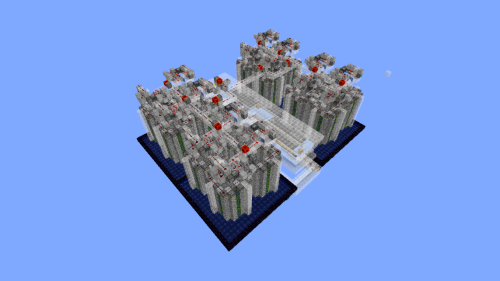 Cobble Farm 50m per Hour Donut SMP Schematic – High Yield Cobblestone Generator Build
 Donut Smp Stash and Regear Schematic (1.21.x) – Large Storage And Regear Room Build
 36 Module Cobble Farm 18m per Hour Donut SMP Schematic (1.21.x) – Massive Automated Stone Generator
More from Schematics
 Minecraft Cherry Blossom Wedding Garden Schematic (1.21.x) – Beautiful Pink Garden and Wedding Altar
 Big Custom Tree Schematic (1.21.x) – Detailed Large Tree for Your World
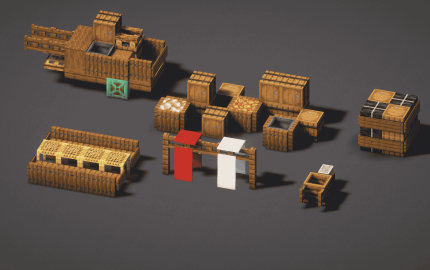 Medieval Decorations Schematic (1.21.x) – Detailed Medieval Builds For Your World
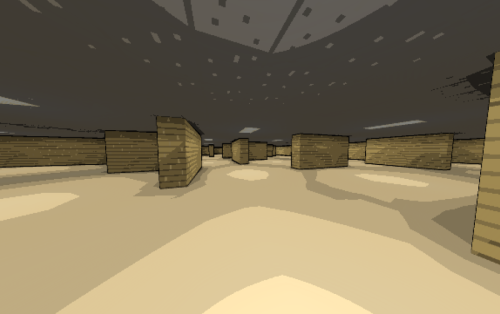 Backroom Schematic (1.21.x) – Large Ancient Maze for Minecraft Worlds
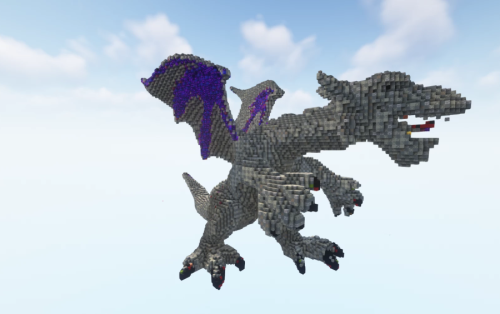 Dragon Spike 3d Schematic (1.21.x) – Build a Massive Fantasy Dragon Statue
 Copper Golem 3d Schematic (1.21.x) – Huge 3D Statue for Fantasy Worlds
 Pid Mud 3d Schematic (1.21.x) – Giant 3D Mud Pig Statue Build
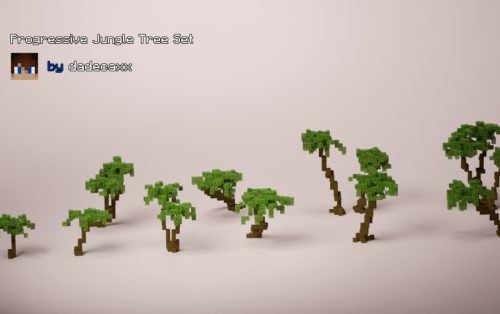 Progressive Jungle Tree Set Schematic (1.21.x) – Custom Tropical Tree Designs for Your World
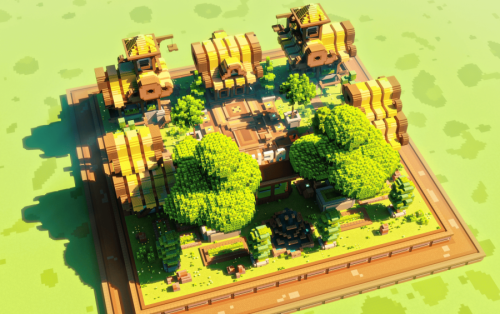 Medieval Economy Spawn Schematic (1.21.x) – A Complete Medieval Hub for Server Spawns
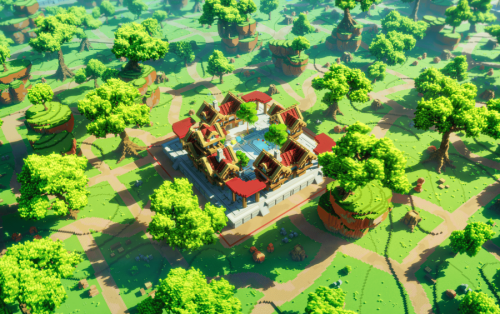 Medieval Spawn with Warzone Schematic (1.21.x) – Massive Medieval Lobby With PvP Warzone
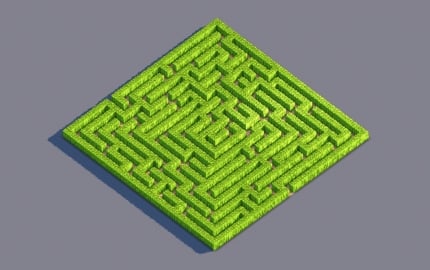 Hedge Maze Garden Decoration Schematic (1.21.x) – Classic Hedge Maze for Castle Gardens
 Mapart Sad Minion Schematic (1.21.x) – Build A Detailed Map Art Minion

This post has no comments yet. Be the first — your comment will appear here.