
Text Poke 3d Schematic (1.21.x) – Large 3D Text Build for Custom Worlds
 20
 0


Text Poke 3d Schematic provides a massive 3D text build for your Minecraft world. This build stands 80 blocks high and works well for server spawns or RPG maps. You can use this schematic to decorate your base or add a mythology theme to your adventure. It comes in both .schem and .litematic formats for easy use.

3D Preview & Editor:
How to place this schematic
.litematic This is a Litematica schematic. You place it with the Litematica mod, which shows the build as a ghost overlay you fill in.
| 1 | Install Litematica (plus MaLiLib) for your Minecraft version. |
| 2 | Put the .litematic file in .minecraft/schematics. |
| 3 | In game press M → Load Schematics, pick the file, then Load. |
| 4 | Position the ghost preview, then build it by hand — or turn on Easy Place to place blocks straight from your hotbar. |
About this build
| 1 | Download the .schem or .litematic file to your computer. |
| 2 | Place the file into your schematics folder within your Minecraft directory or server folder. |
| 3 | Use a tool like WorldEdit or Litematica to load the build into your world. |
| 4 | Choose a large open area because this build is over 300 blocks long. |
| 5 | Paste the schematic and enjoy your new 3D text decoration. |
Features:
- Massive Scale: The build reaches 80 blocks in height and spans over 300 blocks in length.
- Dual Formats: Includes both .schem and .litematic files to work with different world-editing tools.
- Fits into fantasy, RPG, or mythology-themed server lobbies.
- Uses over 58,000 blocks to create a detailed 3D look.
- Works as a decoration for player bases or adventure maps.
- Requires no extra mods as it uses standard vanilla blocks.
Schematic Specs:
 Minecraft1.21.x
 Dimensions32×128×336
 Total Blocks58,570
 Top Blocks Used
Blue Concrete 46,232Yellow Concrete 12,338
Screenshots:


Text Poke 3d Schematic Download Links
For Minecraft 1.21.x
Click to rate this post!
[Total: 0 Average: 0]
QUICK MINECRAFT SURVEY · ONE TAP
Build Tools & Schematics
Where do you usually go to find schematics or build blueprints online?
1 responses · See the full results →
You May Also Like
Picked for this page
 1.07M Kelp Farm Donut Smp Basicredstone V2 Schematic (1.21.x) – Massive Automated Kelp Farm Build
 Medieval Castle Undecorated Interior Schematic (1.21.x) – Medium Sized Medieval Castle With Empty Ro
 Lox V10.2 Kelp Farm Schematic (1.21.x) – Huge Vanilla Kelp Farm Blueprint
 Medieval House 2 from Abfielder Schematic (1.20.x) – Classic Vanilla Home Blueprint For Your World
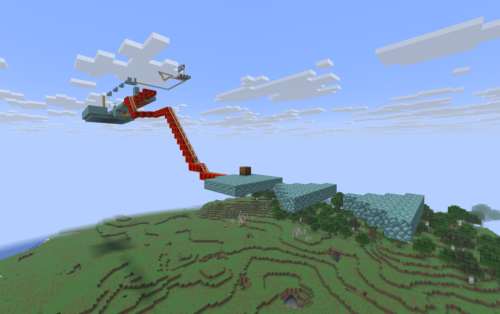 SuperduperParkour Schematic – Large Parkour Obstacle Course Challenge
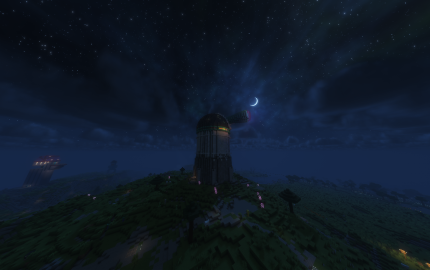 Observatory Schematic (1.21.x) – Detailed Medieval Tower With Space Decor
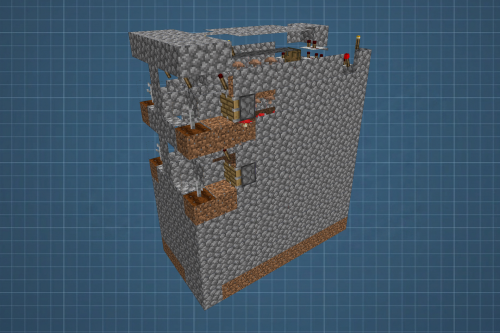 Netherless Mushroom Farm Schematic (1.21.x) – Compact Automatic Mushroom Farm Build
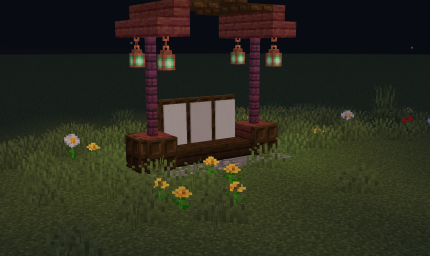 Bench Schematic (1.21.x) – A Small Garden Bench For Your World
 Max Gear Schematic (1.21.x) – Fully Enchanted Netherite Armor And Weapons Chest
 Rustic House Schematic (1.21.x) – Cozy Wooden Home Build For Your World
 Carpet Dupper Schematic (1.21.x) – Automated Vanilla Carpet Duplicator Build
 Sequential Double Dabble Schematic (1.21.x) – Binary To BCD Redstone Converter
Most viewed in Schematics over the last 7 days
 Fastest Bonemeal Farm Donut Smp Schematic (1.21.x) – Fast Redstone Bonemeal Farm Build
 KelpFarmV9.9 Schematic (1.21.x) – Compact And Simple Seaweed Farm Build
 64 Module Cobblestone Farm Schematic (1.21.x) – Massive Automated Stone Gathering Build
 Gold Farm Schematic (1.21.x) – Automatic Nether Roof Gold Farm
 Villager Trading Hall Schematic (1.21.x) – Modern Shop Build For 48 Villagers
 Bamboo Farm Schematic (1.21.x) – Small Automated Redstone Bamboo Farm
 Minutes End Base Before Spoke Null End Video Schematic (1.21.x) – Giant Unstable SMP End Base Schema
 Best Railgun Tp Trap on Donutsmp Schematic (1.21.x) – Unescapable Multiplayer Redstone Trap Build
 36 Module Cobble Farm 18m per Hour Donut SMP Schematic (1.21.x) – Massive Automated Stone Generator
 Bamboss V2 800k Bamboo per Hour Schematic (1.21.x) – High Speed Automated Bamboo Farm Schematic
 Donut Smp Stash and Regear Schematic (1.21.x) – Large Storage And Regear Room Build
 Fastest Kelp Farm Donut Smp Schematic (1.21.x) – Compact Redstone Kelp Farm Design
More from Schematics
 Super Smelter 64 Furnaces V2 Schematic (1.21.x) – Fast And Compact Redstone Smelting System
 Gold Farm Overworld Only Schematic (1.21.x) – Efficient Overworld Gold Farming System
 DonutSMP Flooder Machine Size Fixed Giant Schematic (1.21.x) – Giant Flooding Machine for Minecraft
 Skeleton Pirate Schematic (1.21.x) – Detailed Skeleton Pirate Statue Schematic
 Medieval Workshop Schematic (1.21.x) – Detailed Medieval Building with Curved Roof
 Medieval Snow Survival Schematic (1.20.x) – Cozy Medieval House For Snowy Biomes
 5000 Bamboo per Hour Automatic Farm Uses Slimeblocks and Flying Machine Schematic (1.21.x) – Efficie
 1500 Sugarcane per Hour Automatic Farm Uses Slimeblocks and Flying Machine Schematic (1.21.x) – High
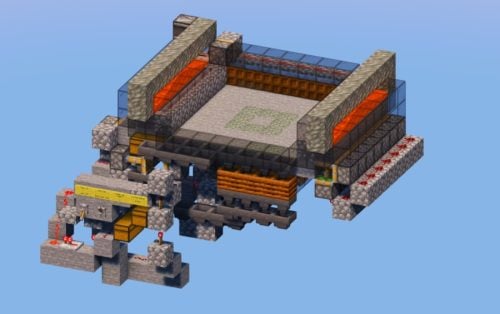 Infinite Moss and Bonemeal Automatic Farm 1500 Bonemeal per Hour or 5000 Moss Azalea Seeds per Hour
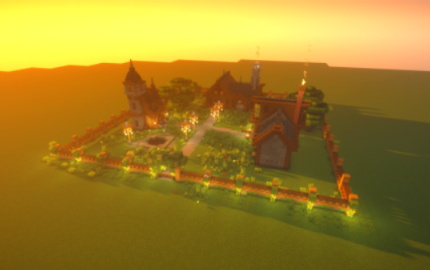 Cozy Medieval Village Schematic (1.20.x) – Build a Beautiful Medieval Town Easily
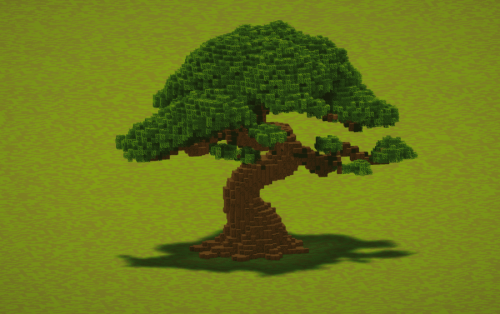 Oak Bonsai Tree Schematic (1.21.x) – Beautiful Large Oak Tree For Garden Projects
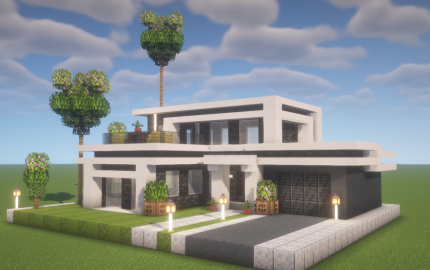 Modern Luxury Villa Schematic (1.20.x) – Elegant Contemporary Home for Your World

This post has no comments yet. Be the first — your comment will appear here.