
Letterblock Mod (26.3, 1.20.1) – Turn Every Adventure Into a Widescreen Film
 7
 0

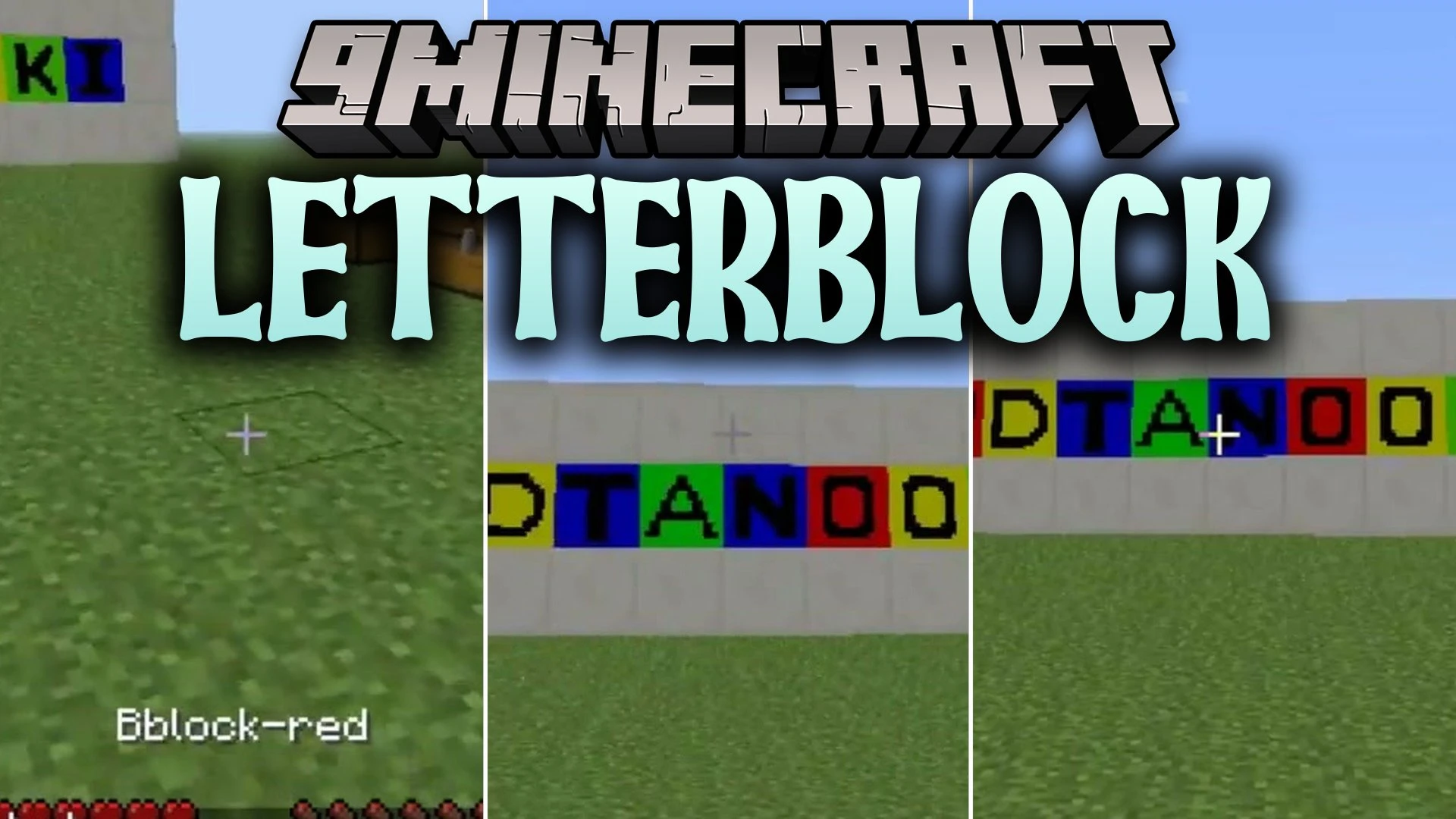
Letterblock Mod adds cinematic movie bars to your screen with a simple key press. It makes your world look like a widescreen film while you play, record videos, or take pictures. The mod keeps your interface, hotbar, and menus safe inside the visible zone so nothing gets covered up. It runs without screen lag or stuttering, even when you run heavy shaders.
Features:
- Movie Borders: Adds top and bottom bars to create a widescreen film look on your screen.
- Smart Interface: Moves your hotbar, chat, and inventory menus inside the view so bars never cover them.
- Smooth Animations: Slides the borders in and out whenever you turn the feature on or off.
- Custom Look: Lets you pick custom aspect ratios, change border colors, or switch between horizontal and vertical bars.
- Adjusts the camera field of view to match the exact shape of your chosen screen ratio.
- Works alongside visual shaders without sudden frame drops or stuttering.
- Adapts to custom heads-up displays added by other mods.
How to Use:
- Press F12 to turn the cinematic borders on or off.
- Press [ to make the bars smaller on your screen.
- Press ] to expand the bars for a wider look.
- Press O to open the in-game settings menu.
- Pick your favorite aspect ratio, border color, or slide animation speed.
Screenshots:


How to Install:
New to Minecraft? Follow our step-by-step guide to install Mods on your PC.View Guide
Requirements:

Letterblock Mod Download Links
For Minecraft
26.3,
26.2,
26.1.2
All Versions Covered
26.3
26.2
26.1.2
26.1.1
26.1
1.21.11
1.21.10
1.21.9
1.21.8
1.21.7
1.21.6
1.21.5
1.21.4
1.21.3
1.21.2
1.21.1
1.21
1.20.6
1.20.5
1.20.4
1.20.3
1.20.2
1.20.1
1.20
All Versions Covered
26.3
26.2
26.1.2
26.1.1
26.1
1.21.11
1.21.10
1.21.9
1.21.8
1.21.7
1.21.6
1.21.5
1.21.4
1.21.3
1.21.2
1.21.1
1.21
1.20.6
1.20.5
1.20.4
1.20.3
1.20.2
1.20.1
1.20
Click to rate this post!
[Total: 0 Average: 0]
You May Also Like
Picked for this page
 Custom Skin Loader Mod (26.3, 1.20.1) – Wear Any Skin You Can Find
 Inventory Totem Mod (26.3, 1.20.1) – Trigger Totems From Storage Slots
 AttributeFix Mod (26.3, 1.20.1) – Play with Massive Stats
 Do A Barrel Roll Mod (26.3, 1.20.1) – Perform Acrobatics and Master Aerial
 Chest Tracker Mod (26.3, 1.20.1) – Find Stored Items Fast
 Signpost Mod (26.3, 1.20.1) – Build a Fast Travel Network
 Sodium Options Mod (26.3, 1.20.1) – Tweak Video Settings Fast
 GUI Clock Mod (26.3, 1.20.1) – Always Know the Exact Time
 Image2Map Mod (26.3, 1.20.1) – Turn Custom Images Into Wall Art
 Simple Compass Mod (26.3, 1.20.1) – Track Waypoints and Never Get Lost
 Antarchy Mod (26.3, 1.20.1) – Defeat Giant Bosses in Infinite Random Dimensions
 Picture Mode Mod (26.3, 1.20.1) – Capture Isometric Screenshots Easily
Most viewed in Mods over the last 7 days
 Ala Industrial Mod (26.3) – Run Electric Power Grids and Automated Factories
 PleasureCraft Mod (26.3, 1.21.1) – Jenny Mod Remake for Fabric
 Jennycraft Mod (26.3, 1.20.1) – Virtual Girlfriend in Minecraft
 Fapcraft Mod (26.3, 1.12.2) – Comprehensive and Detailed Content
 Jenny Mod (Fapcraft) Official Complete Guide – How to use, Tutorial
 Meteor Client Mod (26.3, 1.20.1) – Xray, HUD, Fly
 BangCraft Mod (1.20.1) – Jenny, Ellie and Elliot
 OptiFine HD (26.3, 1.20.1) – Run Faster, FPS Boost, Shaders Support
 CatLean Client Mod (26.2, 1.21.11) – ThunderHack Recode Alternatives
 Fabric Loader (26.3, 1.20.1) – Fabric Installer for All Minecraft Versions
 SeedCrackerX Mod (26.3, 1.20.1) – Find Any World Seed
 SchnurriTV Mod (1.12.2) – Characters and Features
More from Mods
 Arms ‘n Curios Mod (26.1.2, 1.21.1) – Wear Stylish Hats Without Losing Armor
 Kirri’s Computer Mod (26.3, 1.20.1) – Build Working Gaming Setups
 CBC Tank Tower Mod (1.21.1) – Build Realistic Armored Tanks with Rotating
 Yyz’s Backpack Slot Mod (26.3) – Wear Your Backpacks Without Losing Inventory
 Randomly Cutscene Mod (26.3, 26.1.2) – Cinematic Camera Intros When Joining
 Sable Optimized Entities Mod (1.21.1) – Fix Server Lag Spikes From Heavy Mob
 Entity Health Display Mod (1.21.11, 1.21.1) – Show Custom Mob Health Bars
 The Titan Mod (1.7.10) – Battle Giant Roaming Bosses with Custom Weapons
 ModularUI UF Mod (1.12.2) – Build Clean In-Game Menus with Controller Input
 Data Criteria Mod (1.20.1) – Build Custom Advancement Triggers with Simple JSON
 Better Timer by EinFabo Mod (26.3) – Track Speedruns and Survival Playtime
 Polymer Font Utils Mod (1.21.4) – Generate Custom Fonts and Icons

This post has no comments yet. Be the first — your comment will appear here.