
Fast Furnace Stats Spin Off of Apple Stats and Fast Trades Mod (26.3, 1.20.1)
 0
 0

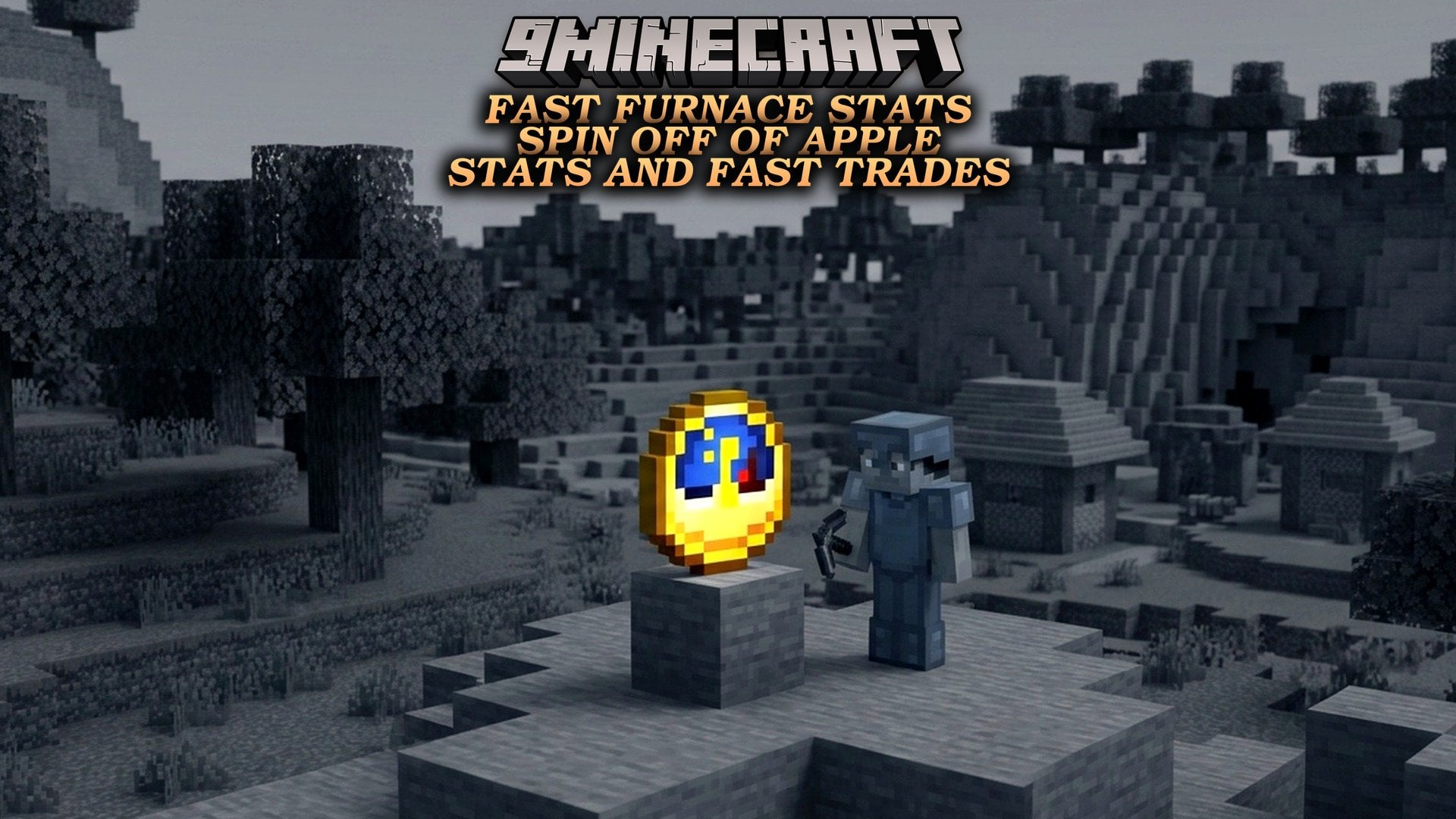
Fast Furnace Stats Spin Off of Apple Stats and Fast Trades Mod lets you use furnaces, blast furnaces, and smokers without opening their menus. You can point at any cooking block to see a live HUD display showing the items inside, fuel timers, cooking progress, and stored XP. The mod turns loading raw ore, adding coal, collecting finished items, and bottling XP into quick single clicks. Running a long row of furnaces in your survival base becomes much faster since you can load and empty everything just by walking past.
Features:
- Live Look-At HUD Display: Point your crosshair at a furnace, blast furnace, or smoker to see its contents right on your screen. The transparent overlay matches the normal furnace layout and shows the ingredient, fuel, output, flame icon, seconds of fuel left, time until the current item finishes, and stored XP.
- One-Click Output & XP Collection: Right-clicking with an empty hand moves the entire output stack straight into your inventory, or collects stored XP if the output slot is empty.
- Instant Ingredient & Fuel Loading: Right-clicking with a smeltable item like raw iron or raw food puts it straight into the top slot, while clicking with a fuel item like coal loads it into the bottom slot.
- Experience Bottling: Right-clicking a furnace with a glass bottle gives you a Bottle o’ Enchanting as long as the block holds at least 7 points of stored XP.
- Handles dual-purpose items like wood logs based on where you aim: clicking the upper half of the block loads them as an ingredient, and clicking the lower half loads them as fuel.
- Keeps your items safe by opening the normal furnace menu instead of losing items if a target slot is already full or holds a different item type.
- Opens the standard vanilla furnace menu whenever you sneak (Shift + right-click) or interact using your off-hand.
- Falls back to the normal menu if you hold an item that cannot be smelted or burned, click with an empty hand when there is no output or XP, or use a glass bottle on a furnace with less than 7 XP.
How to Use:
- Point your crosshair at any furnace, blast furnace, or smoker to check its items, remaining fuel time, smelting timer, and stored XP on the HUD.
- Right-click the block while holding a smeltable item (like raw iron or raw food) to put it directly into the top ingredient slot.
- Right-click while holding a fuel item (like coal) to place it straight into the bottom fuel slot.
- For items that can both burn and smelt (like logs), right-click the upper half of the furnace to load the top slot, or right-click the lower half to load the fuel slot.
- Right-click the furnace with an empty hand to grab the finished output stack, or right-click again with an empty hand to claim any stored XP.
- Right-click the furnace while holding a glass bottle to turn 7 points of stored XP into a Bottle o’ Enchanting.
- Hold Shift and right-click whenever you want to bypass the quick actions and open the standard vanilla furnace menu.
How to Install:
New to Minecraft? Follow our step-by-step guide to install Mods on your PC.View Guide
Requirements:




Fast Furnace Stats Spin Off of Apple Stats and Fast Trades Mod Download Links
For Minecraft 26.3
For Minecraft 1.21.1, 1.21
For Minecraft 1.20.1, 1.20
Click to rate this post!
[Total: 0 Average: 0]
You May Also Like
Picked for this page
 CleanCut Mod (26.3, 1.20.1) – Strike Past Any Plant
 Looot Mod (26.1.2, 1.20.1) – Turn Loot Into Artifacts
 LPCTools Mod (26.3, 1.20.1) – Automate Survival Chores
 Illager Expansions Mod (1.21.1, 1.20.1) – Defend Villages From Harder Raids
 Rapid Rail Artisan Mod (1.21.4, 1.20.1) – Build Massive Train Stations
 Mystical Automation Mod (26.1.2, 1.21.1) – Automate Magical Crop Farms
 Panoramic Sightlines Mod (26.3, 1.20.1) – Play on Big Screens Without Any HUD
 Freedom Chat Mod (26.3, 1.21.11) – Disable Vanilla Chat Reporting
 Traffic Engine Mod (1.20.1) – Build Realistic Modern Roads and City Streets
 Antygravity Mod (1.21.4, 1.20.1) – Flip Gravity Upside Down and Walk
 Homes by Juix Mod (26.3, 1.21.11) – Teleport Back to Your Base From Anywhere
 Tsunami Summon Mod (26.2, 1.20.1) – Survive Massive Walls of Rushing Water
Most viewed in Mods over the last 7 days
 Ala Industrial Mod (26.3) – Run Electric Power Grids and Automated Factories
 PleasureCraft Mod (26.3, 1.21.1) – Jenny Mod Remake for Fabric
 Jennycraft Mod (26.3, 1.20.1) – Virtual Girlfriend in Minecraft
 Fapcraft Mod (26.3, 1.12.2) – Comprehensive and Detailed Content
 Jenny Mod (Fapcraft) Official Complete Guide – How to use, Tutorial
 Meteor Client Mod (26.3, 1.20.1) – Xray, HUD, Fly
 OptiFine HD (26.3, 1.20.1) – Run Faster, FPS Boost, Shaders Support
 BangCraft Mod (1.20.1) – Jenny, Ellie and Elliot
 Fabric Loader (26.3, 1.20.1) – Fabric Installer for All Minecraft Versions
 SeedCrackerX Mod (26.3, 1.20.1) – Find Any World Seed
 Patched Mod (26.3, 1.20.1) – Edit Game Files Without Breaking Packs
 CatLean Client Mod (26.2, 1.21.11) – ThunderHack Recode Alternatives
More from Mods
 Realistic Plumbing Mod (26.3) – Pump Real Water Through Pipes
 Lets Me Cooking Catch Mod (26.3, 1.20.1) – Capture Weakened Mobs
 The Curse of the Nether Mod (1.20.1) – Survive a Spreading Five-Phase Nether
 Biome Based Crops Mod (1.21.1) – Build Custom Greenhouses to Farm Any Climate
 Scrollkeeper’s Sachel Iron’s Spells ‘n Spellbooks Mod (1.21.1, 1.20.1)
 FPS Velocity Mod (26.3, 1.20.1) – Prank Your Friends with Impossible Frame Rates
 Create Intercept Mod (1.21.1) – Chase Massive Tornadoes Without Getting Blown
 See Sign from Far Mod (26.3, 1.21.11) – Read Distant Warning Signs
 Emerald Set Mod (26.3) – Turn Trading Gems Into Reliable Midgame Battle Gear
 Unstable Extras Mod (1.21.11) – Command a Massive Warrior Army
 Stepha Tea’s Claw Addon Mod (1.20.1) – Unleash Wolverine Claws and Feral Rage
 Smooth Screens Mod (26.3) – Add Custom Sliding and Fading Animations

This post has no comments yet. Be the first — your comment will appear here.