


Panoramic Sightlines Mod (26.2, 1.21.11) – Play on Big Screens Without Any HUD
 3
3
 0
0

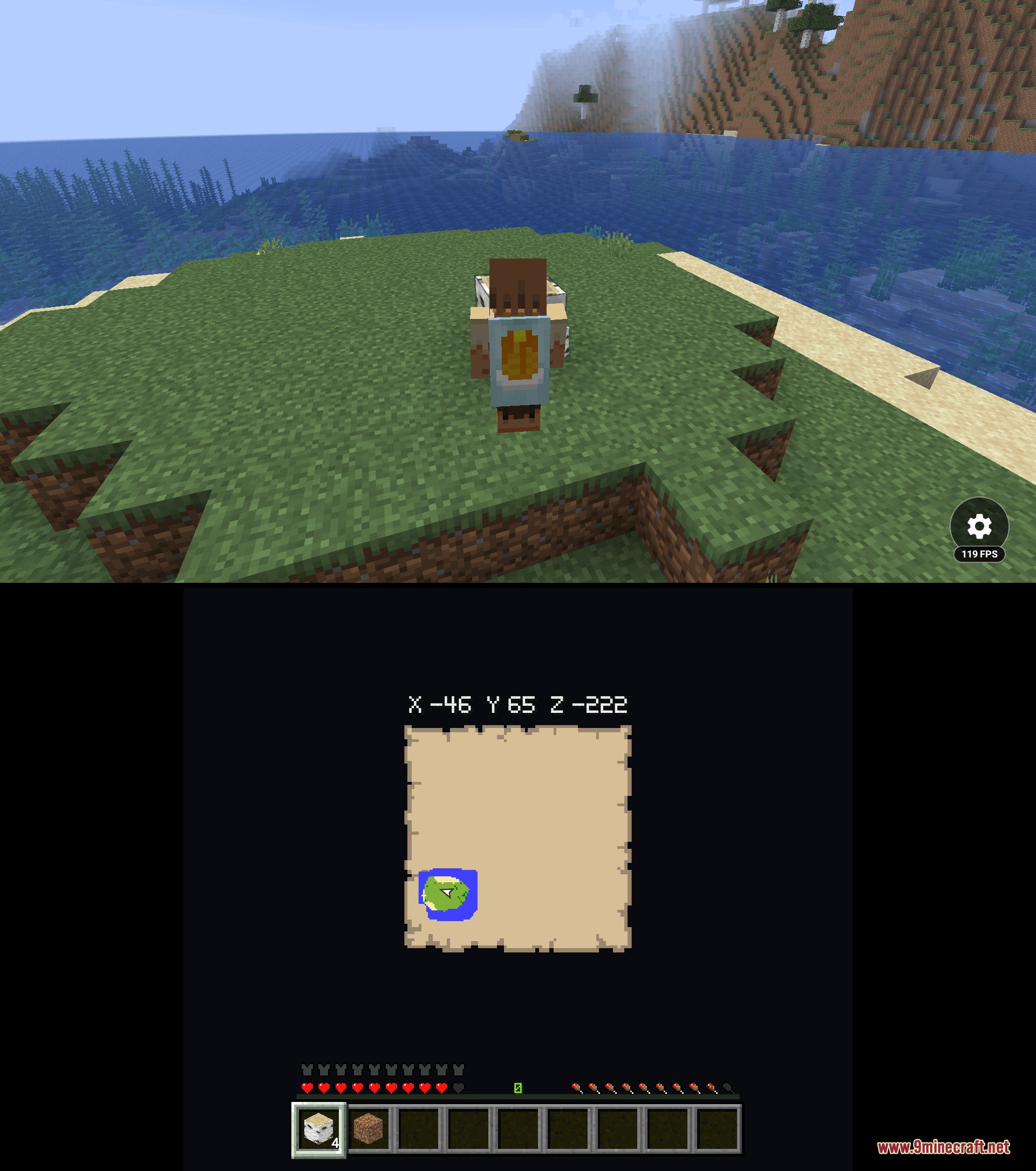
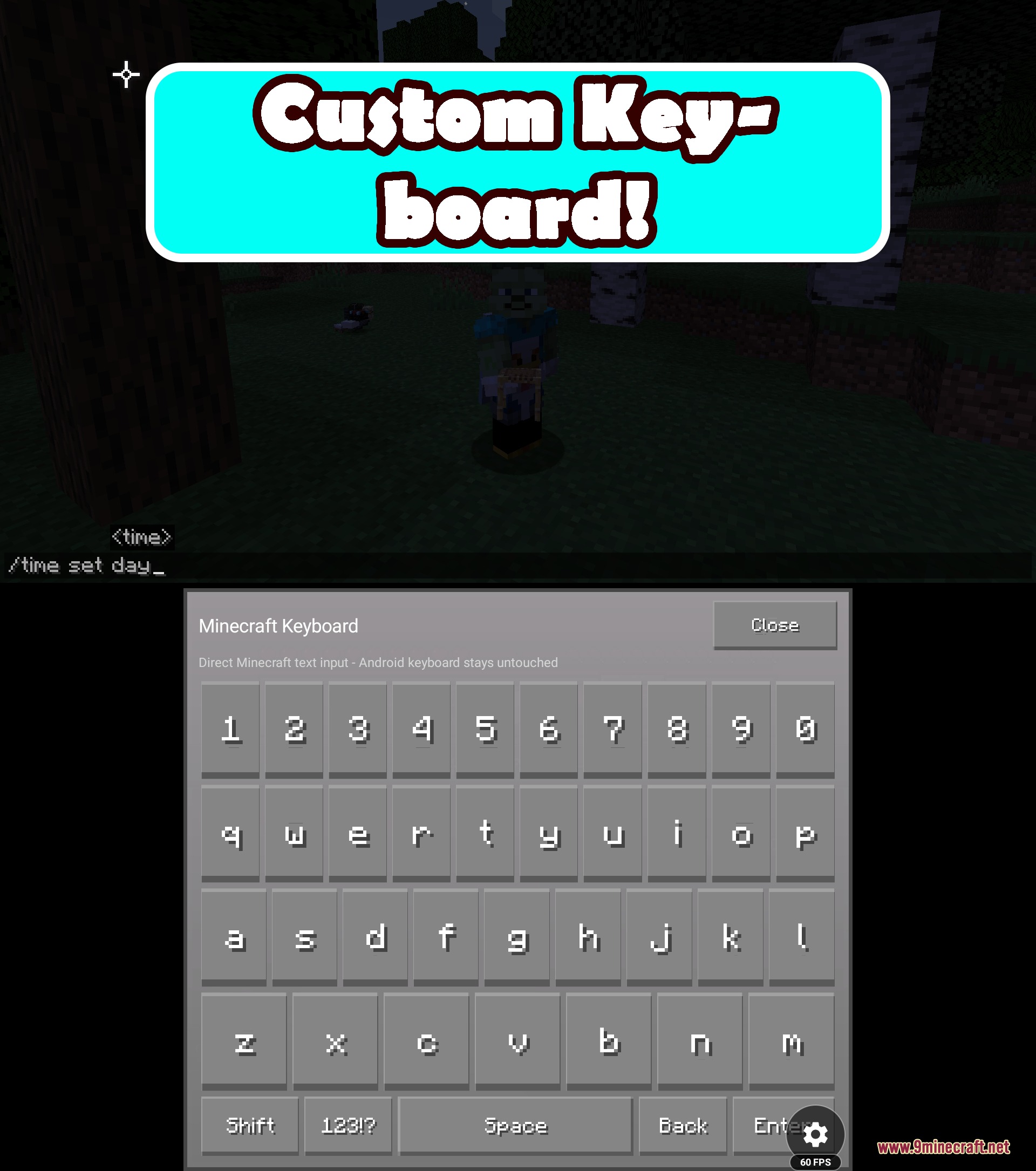
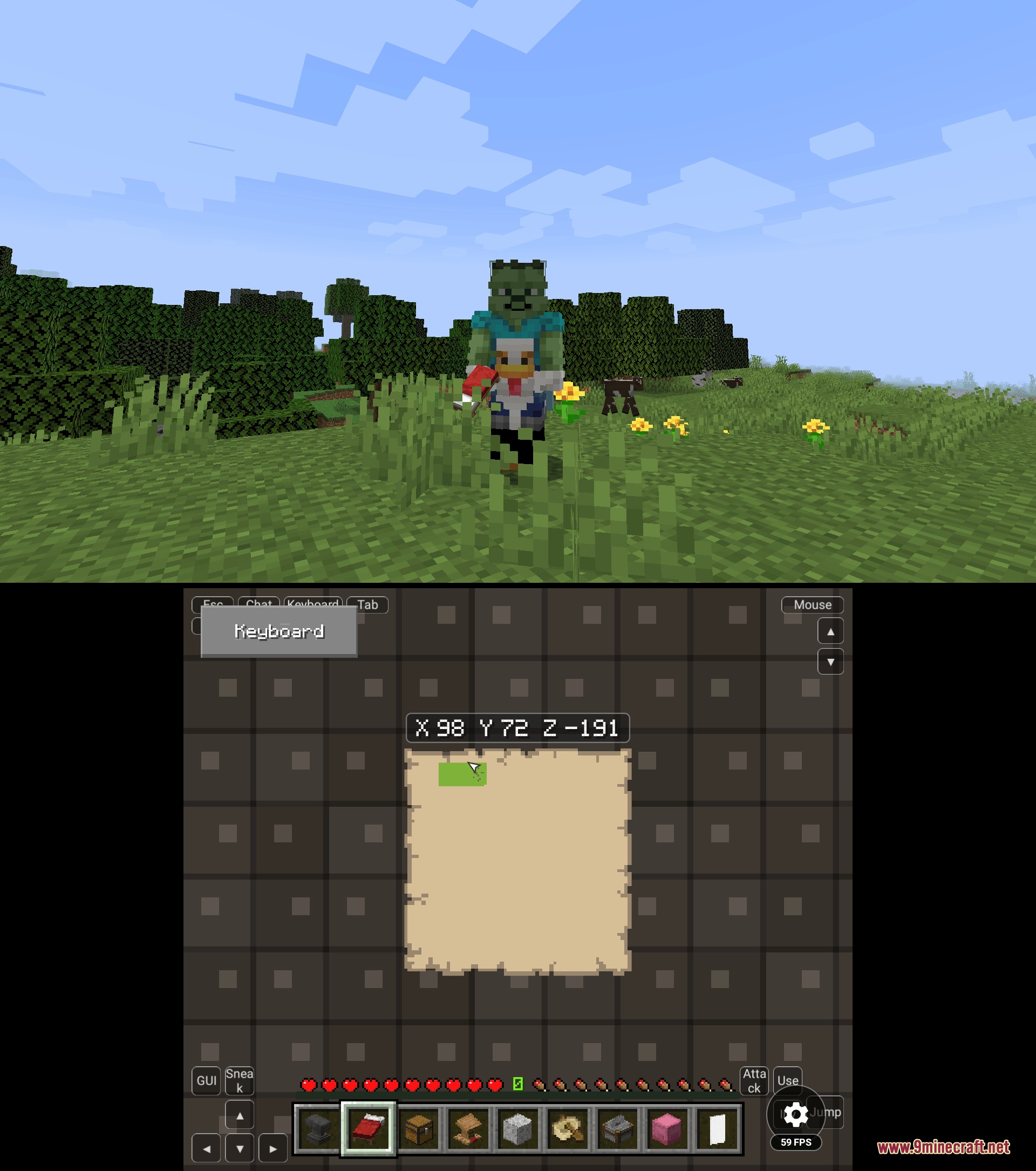
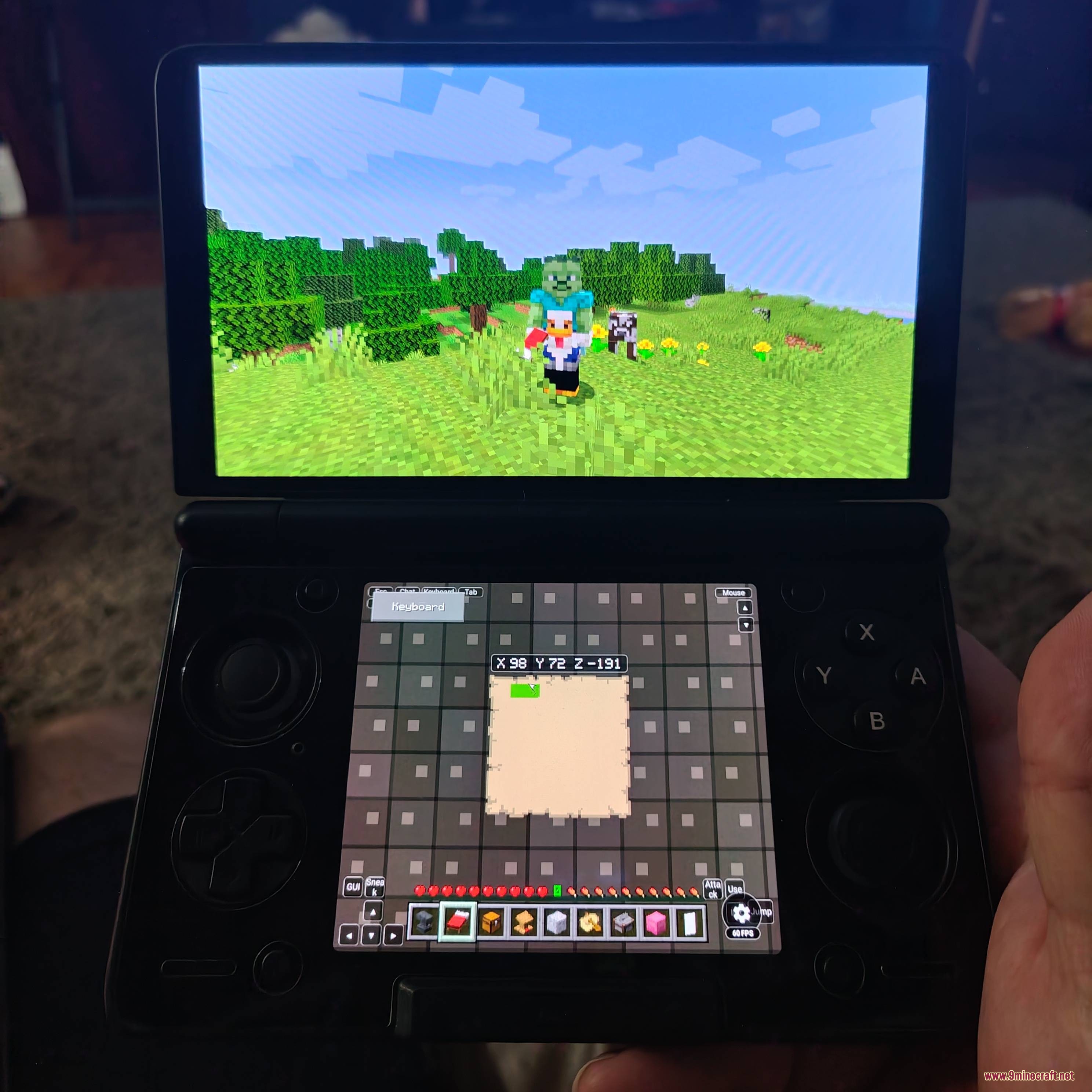
Panoramic Sightlines Mod brings dual-screen functionality to Minecraft when running on Android setups. This mod moves your hotbar, health meters, coordinates, and mini world maps onto your phone screen while sending the main game view to an external monitor or TV. It gives you a clean view of your world on the big screen without any interface clutter blocking your vision. Players can manage their inventory and check navigation details right from their touch device.
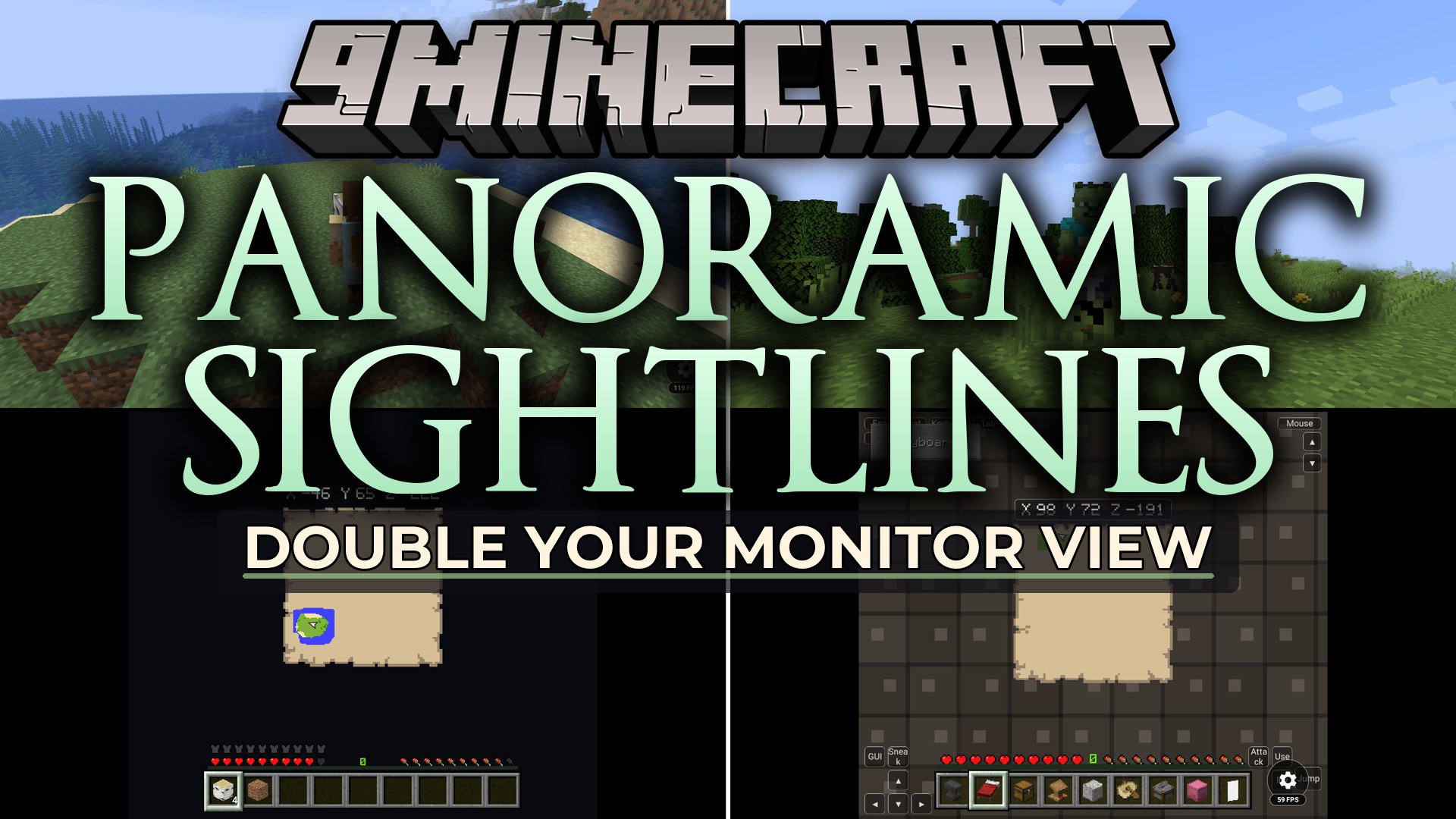
Features:
- Splits the interface between an external monitor and your Android device.
- Hides the hotbar, health, hunger, and armor bars on the main display for a clean view.
- Displays real-time player coordinates on the bottom touch screen.
- Generates live world maps on the handheld screen based on chunk borders.
- Exports item sprites and entity models directly to the mobile renderer.
- Lets you toggle the external screen interface on or off in the settings.
- Syncs player stats and inventory updates between both displays without delay.
How to Use:
- Place the mod file into your instance mods folder inside the Android launcher.
- Connect your Android device to an external screen, dock, or monitor.
- Start the game in dual-screen mode to begin playing.
- Use the in-game settings to turn the bottom-screen map or coordinates on and off.
- Restart the game once if any item textures fail to load on the initial boot.
Screenshots:
How to Install:
New to Minecraft? Follow our step-by-step guide to install Mods on your PC.View Guide
Requirements:


Panoramic Sightlines Mod Download Links
For Minecraft 26.2
For Minecraft
26.1.2,
26.1.1,
26.1
All Versions Covered
26.1.2
26.1.1
26.1
1.21.11
1.21.10
1.21.9
1.21.8
1.21.7
1.21.6
All Versions Covered
26.1.2
26.1.1
26.1
1.21.11
1.21.10
1.21.9
1.21.8
1.21.7
1.21.6
For Minecraft 1.16.5
Click to rate this post!
[Total: 0 Average: 0]
You May Also Like







This post has no comments yet. Be the first — your comment will appear here.