


Morph-o-Tool Mod (1.21.1, 1.20.1) – Always Have the Right Tool
 5,952
5,952
 0
0

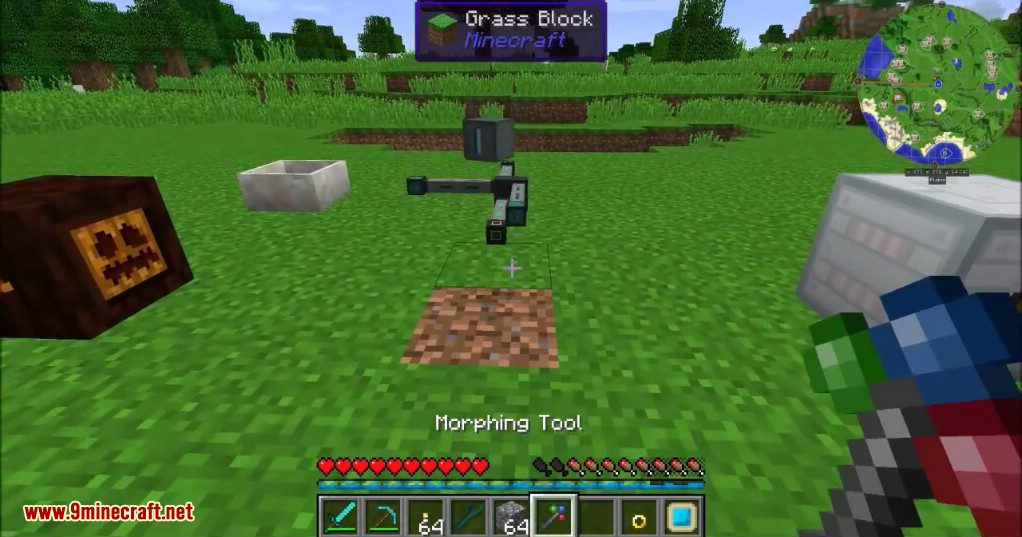
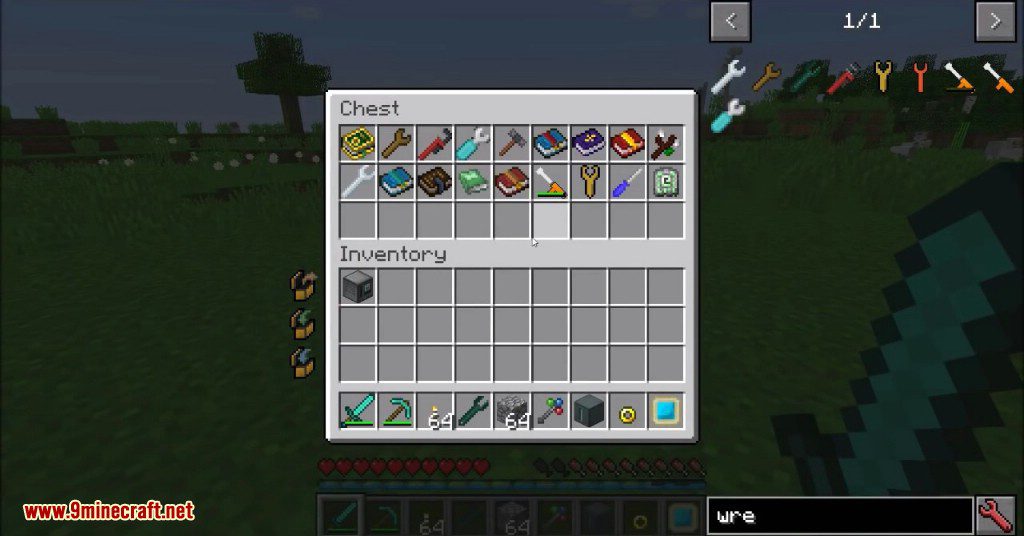
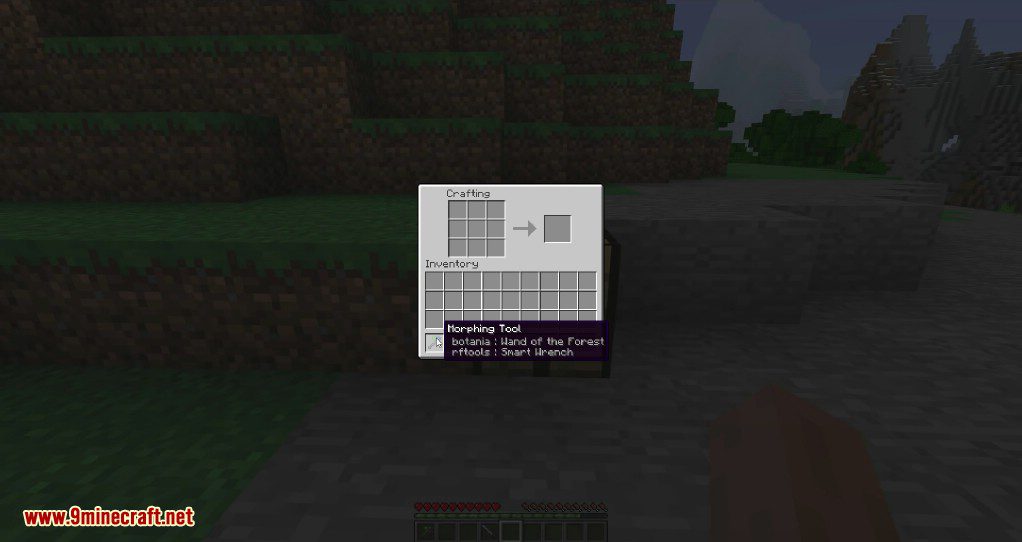
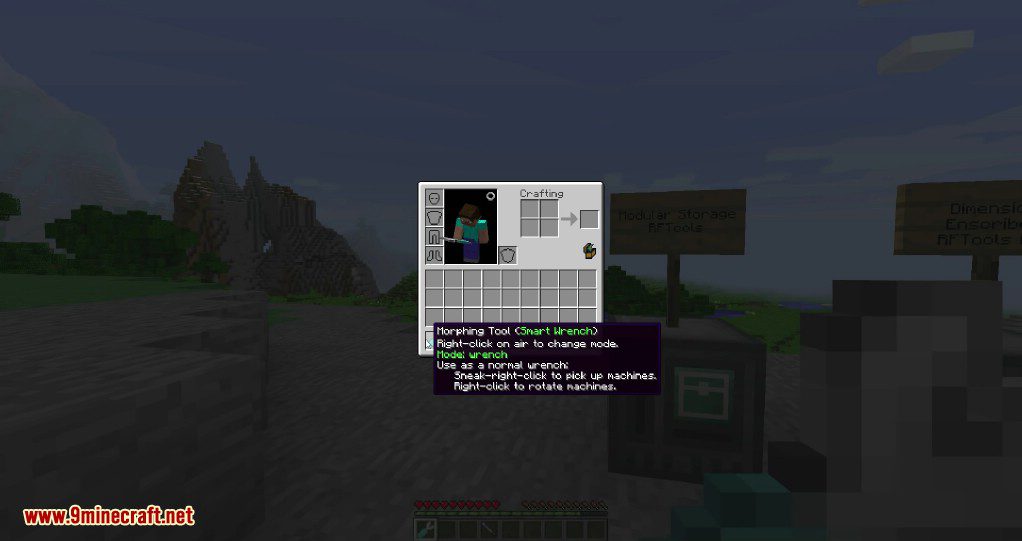
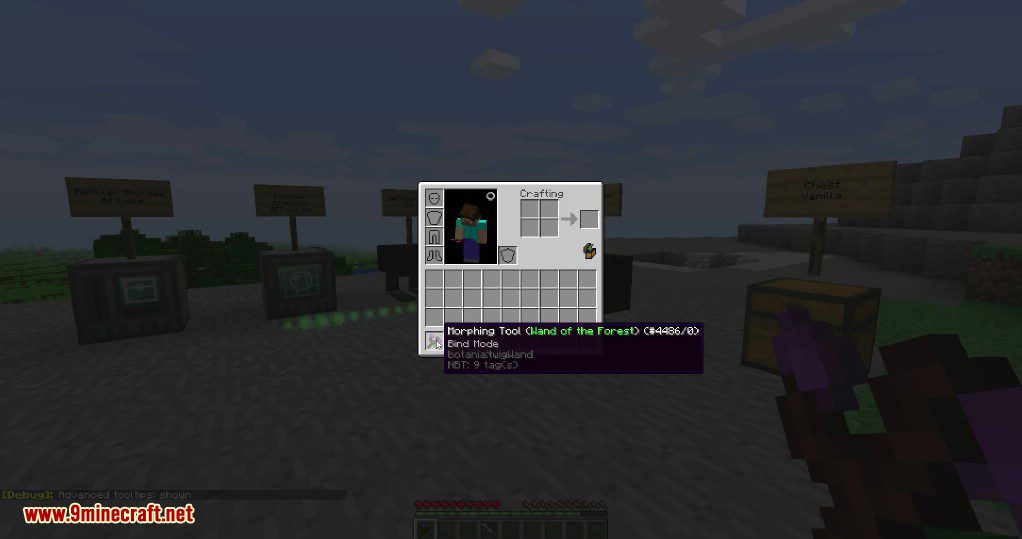
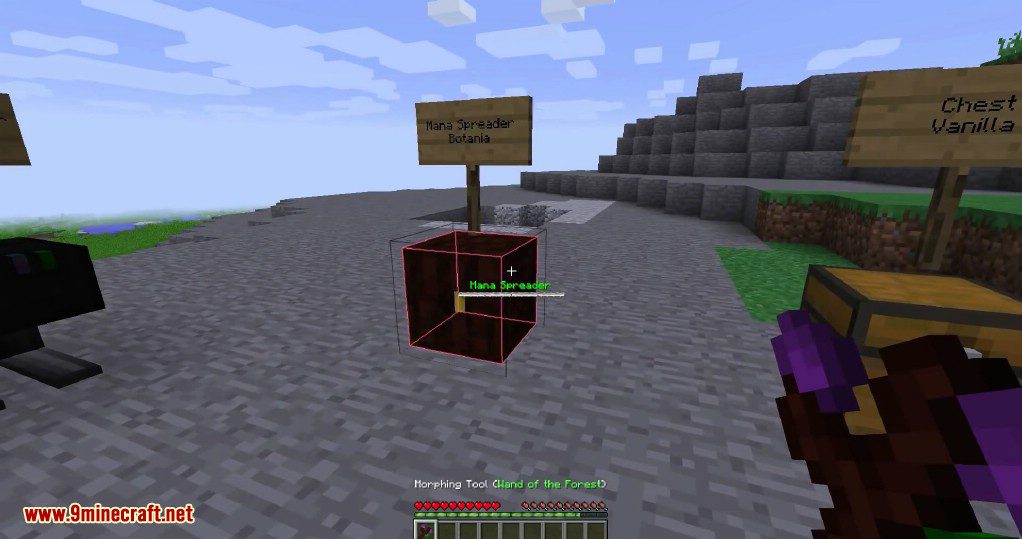
Morph-o-Tool Mod adds a single, powerful item called the Morphing Tool. This tool can copy any wrench, screwdriver, hammer, or special wand you combine it with. It acts as a universal tool, which is perfect for playing with many different mods at once.
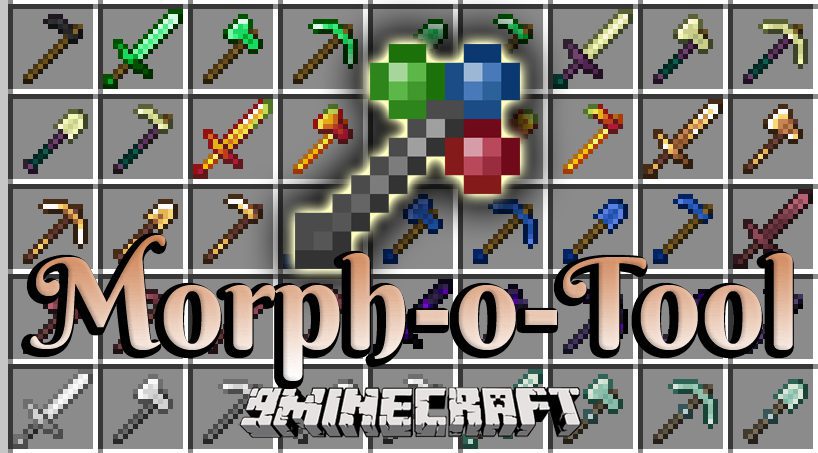
Features:
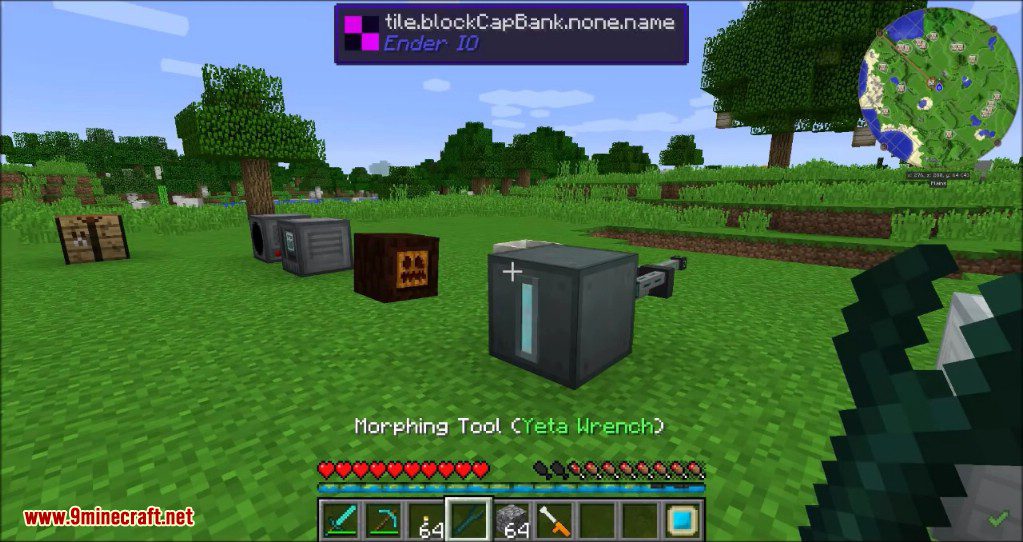
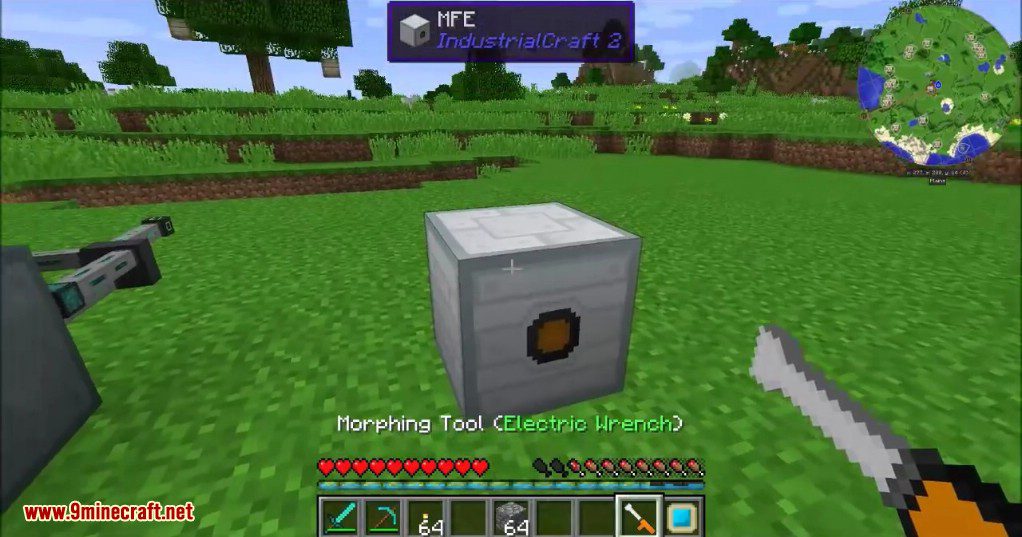
- The Morphing Tool automatically changes into the correct tool when you look at a block from that tool’s mod.
- It becomes the actual item, not a copy, which ensures it works perfectly with all of that item’s features.
- When not morphed, the tool can rotate most vanilla and modded blocks.
- To prevent the tool from changing, you can hold it in your off-hand, as it only morphs when in your main hand by default.
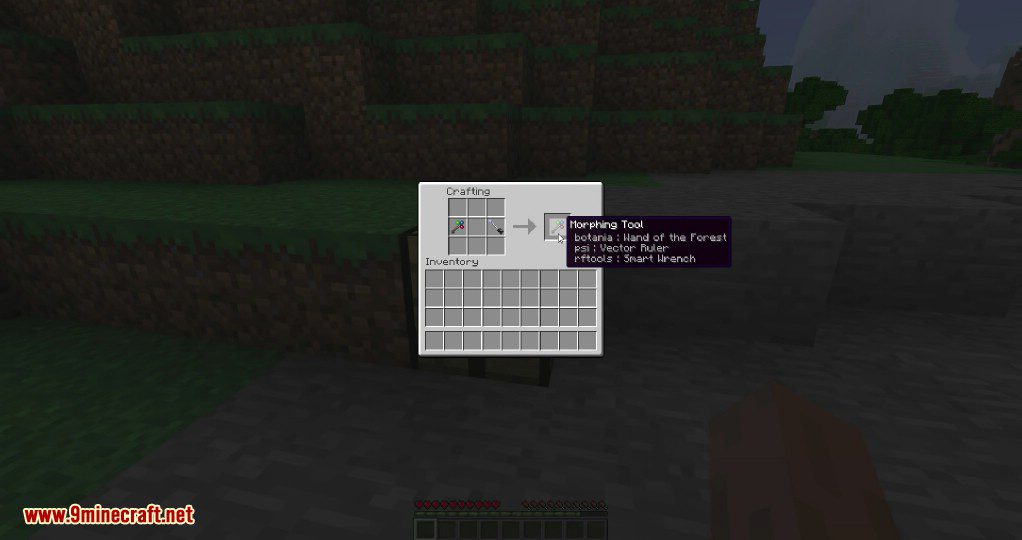
- You can use a morphed tool in crafting recipes, but doing so will remove all other tools stored inside it.
How to Use:
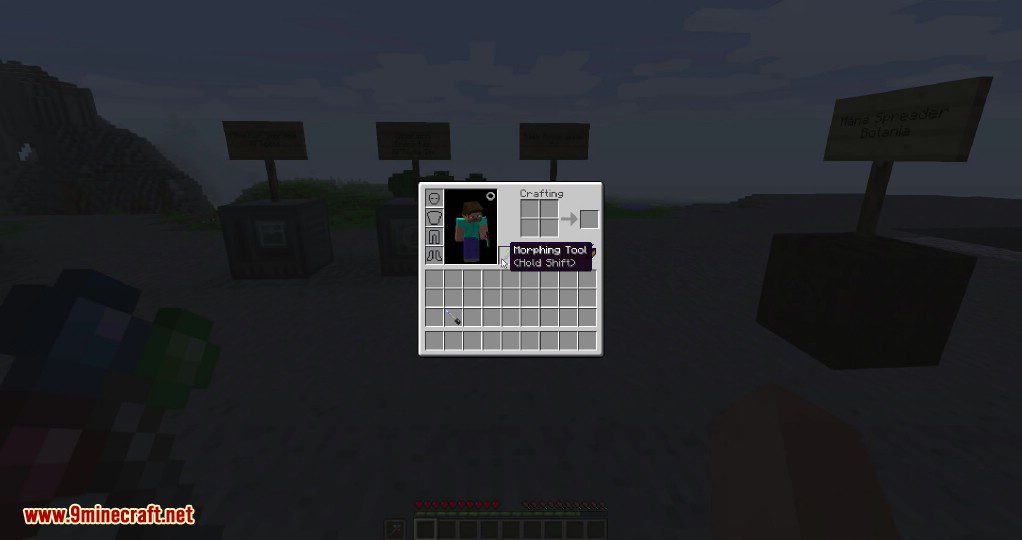
- To add a tool, place the Morphing Tool and the other item together in a crafting grid.
- To manually cycle through all stored tools, hold Shift and use the mouse scroll wheel.
- To remove a specific tool, morph into it, then hold Shift and press your drop key (Q by default).
Configuration:
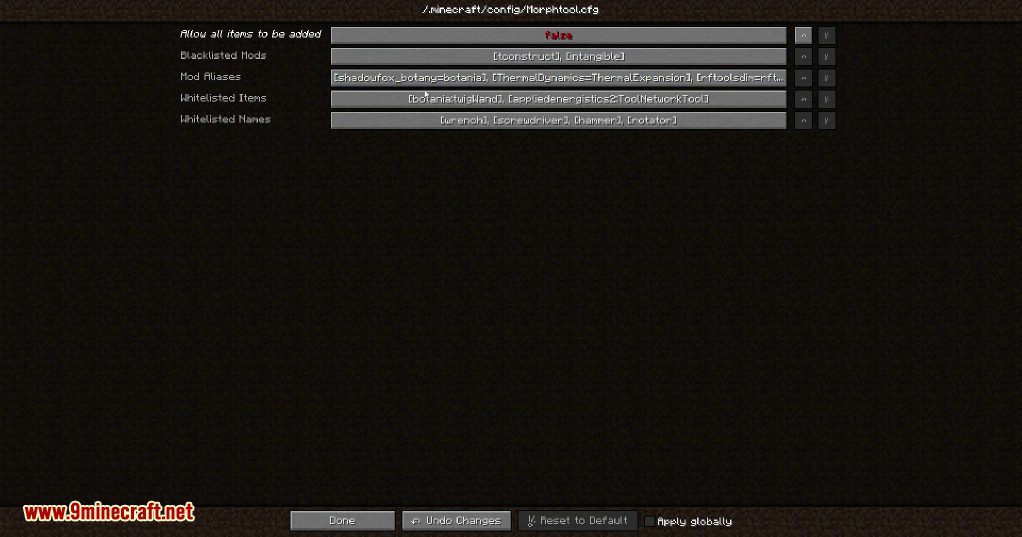
- An option to allow any item to be attached to the tool, which is turned off by default.
- A setting to make the tool morph in the off-hand instead of the main hand.
- A blacklist to prevent items from specific mods from being added.
- A whitelist for items with certain names (like “wrench” or “hammer”) to be attachable.
- A separate whitelist for specific items that don’t have common tool names.
- An alias list that links mods together, so a tool from one mod can work on blocks from a related mod.
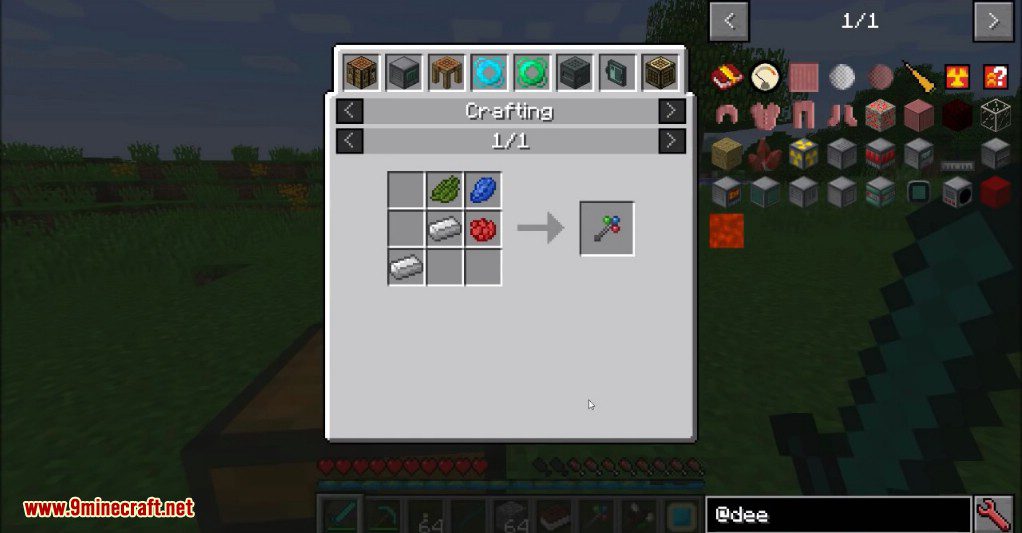
Crafting Recipes:
Screenshots:
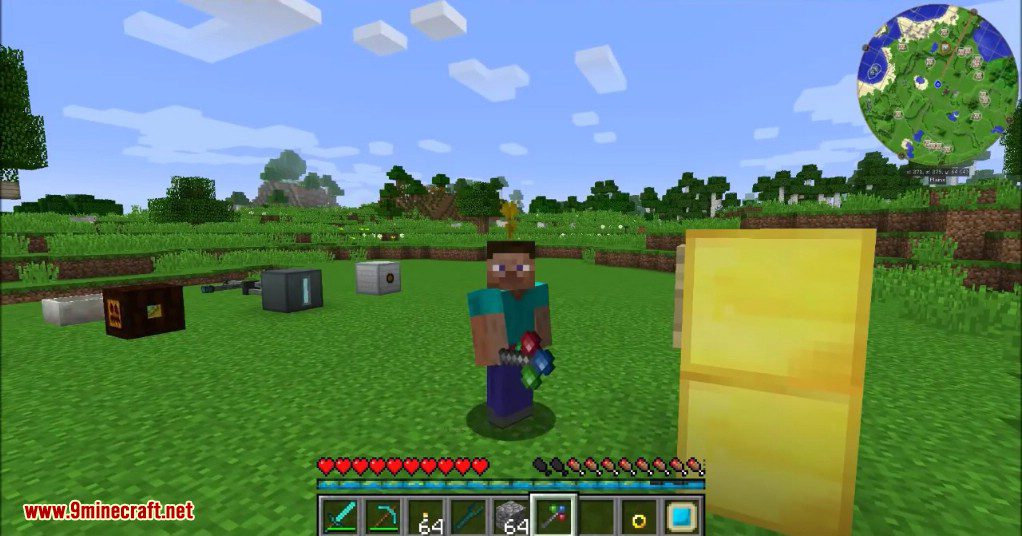
How to Install:
New to Minecraft? Follow our step-by-step guide to install Mods on your PC.View Guide
Requirements:
Morph-o-Tool Mod Download Links
For Minecraft 1.12.2
Forge version: Download from Server 1
For Minecraft 1.15.2
Forge version: Download from Server 1
For Minecraft 1.16.5
Forge version: Download from Server 1
For Minecraft 1.18.1
Forge version: Download from Server 1
For Minecraft 1.18.2
Forge version: Download from Server 1
For Minecraft 1.19.2
Forge version: Download from Server 1 – Download from Server 2
For Minecraft 1.20.1, 1.20
Forge version: Download from Server 1 – Download from Server 2
For Minecraft 1.21.1, 1.21
NeoForge version: Download from Server 1 – Download from Server 2
For the Latest Minecraft Versions
We’ve developed a brand-new version of Morph-o-Tool called Morph-o-Tool 9minecraft Mod with many new features, improvements, and continuous updates for the latest Minecraft versions. Download it here: https://www.9minecraft.net/morph-o-tool-9minecraft-mod/
You May Also Like










This post has no comments yet. Be the first — your comment will appear here.