


Realistic Item Drops Mod (1.21.1, 1.20.1) – Manually Pick Up Your Loot

 0
0 

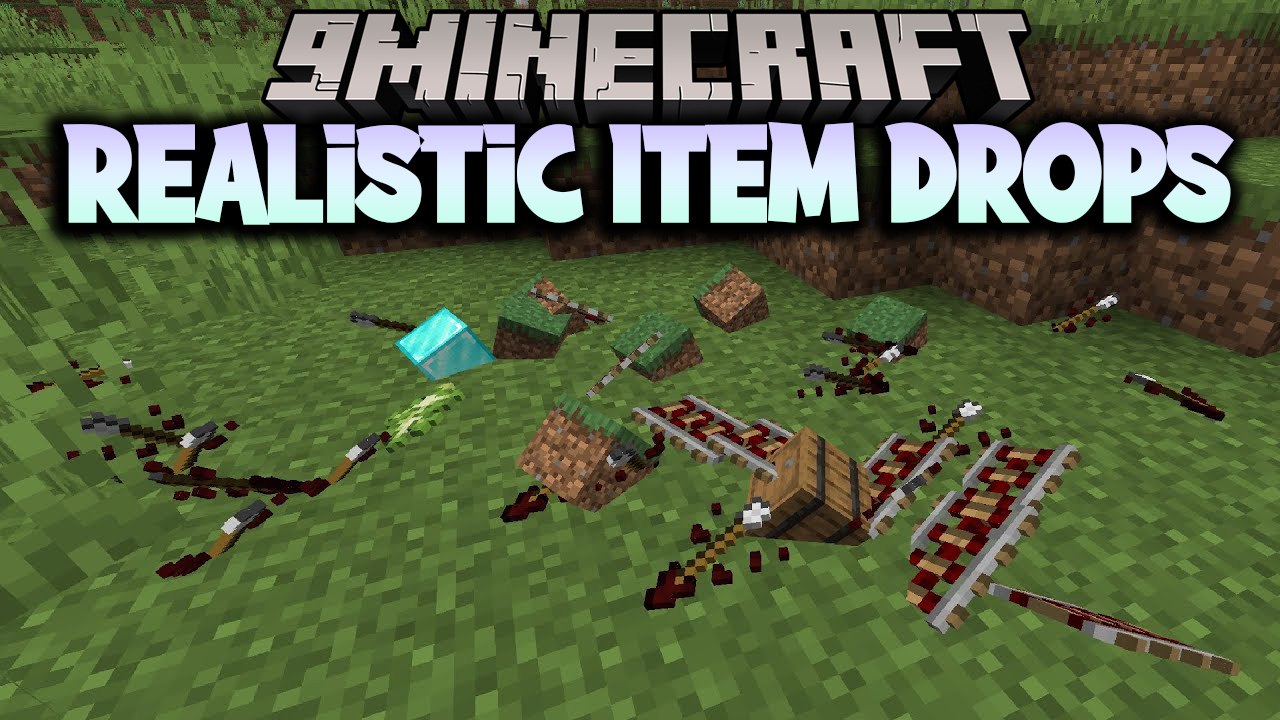
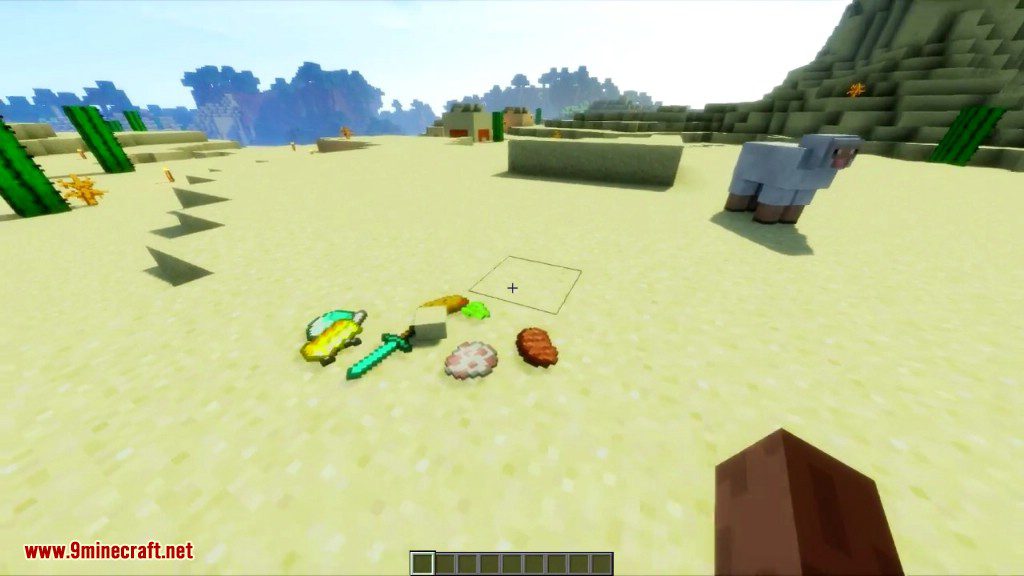
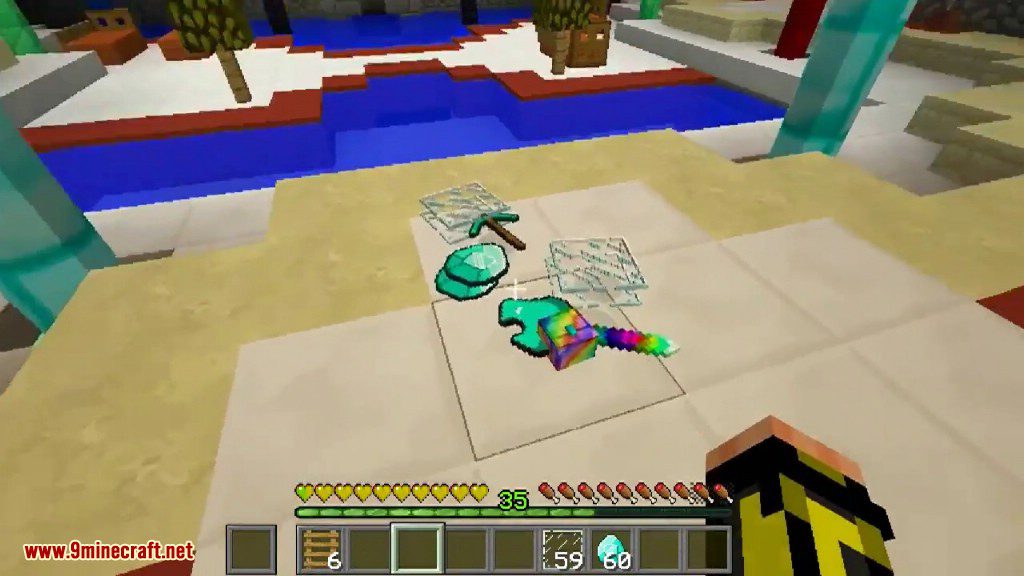
Realistic Item Drops Mod changes how items look and feel when you drop them in Minecraft. Instead of floating in the air, items will now lie flat on the ground. This mod also disables automatic pickup, so you have to right-click to collect items. You can even throw items farther by sprinting, making it easier to share with friends from a distance.
Features:
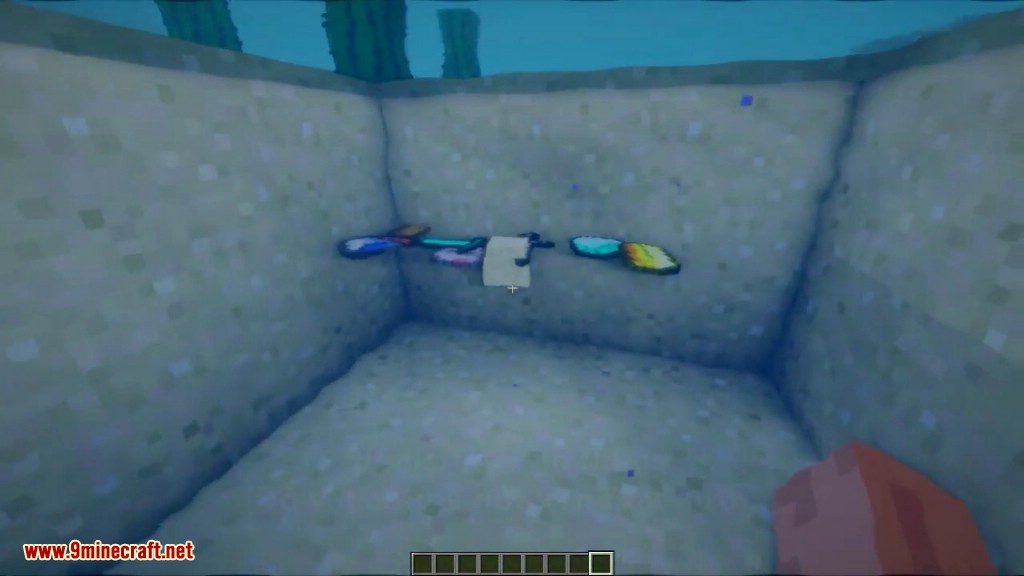
- Makes dropped items lie flat on the ground instead of hovering.
- You must manually pick up items by right-clicking them.
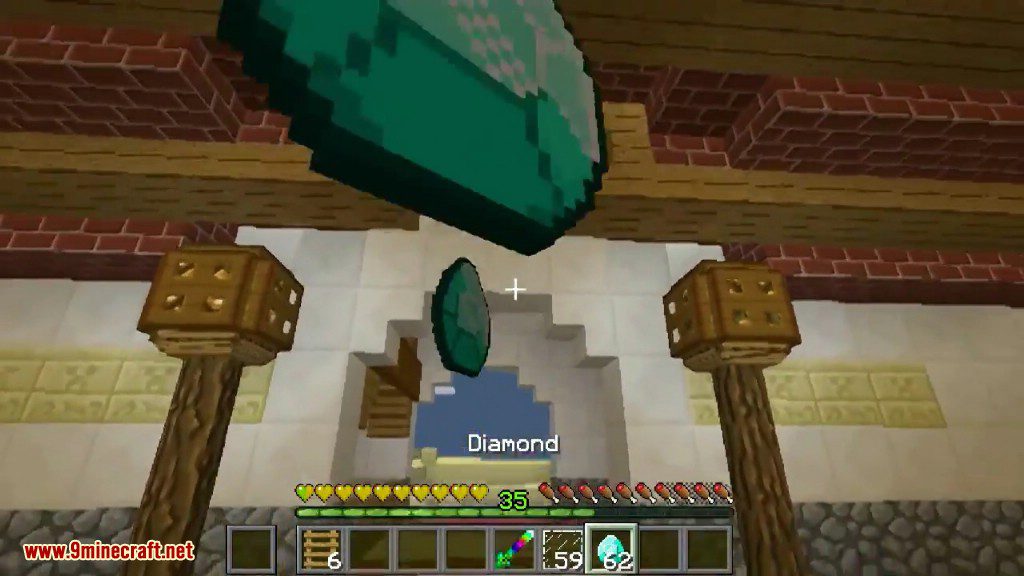
- Throw items a longer distance when you are sprinting.
- Catch items that are thrown to you in mid-air.
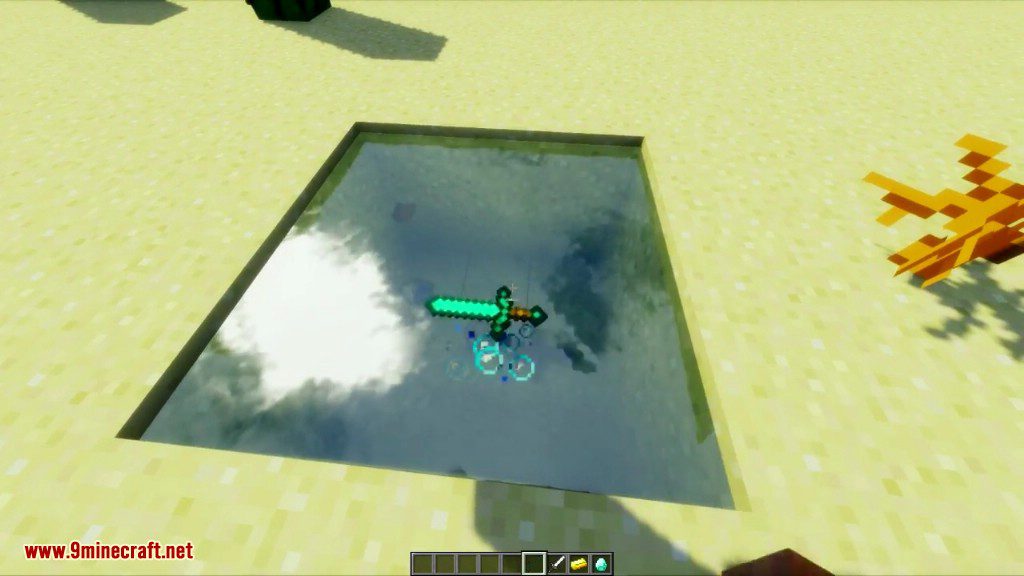
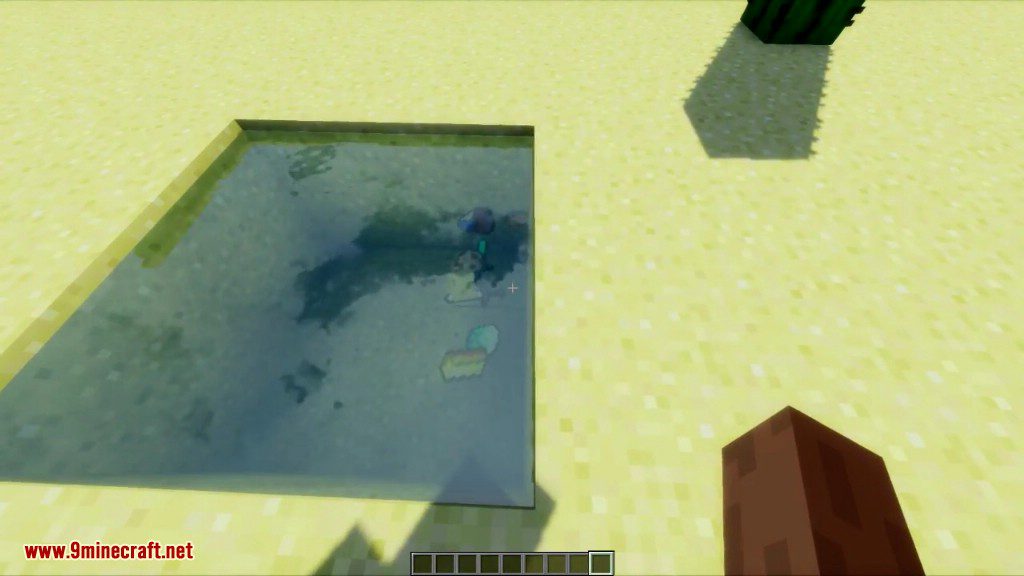
- Dropped items will float on the surface of water and other fluids.
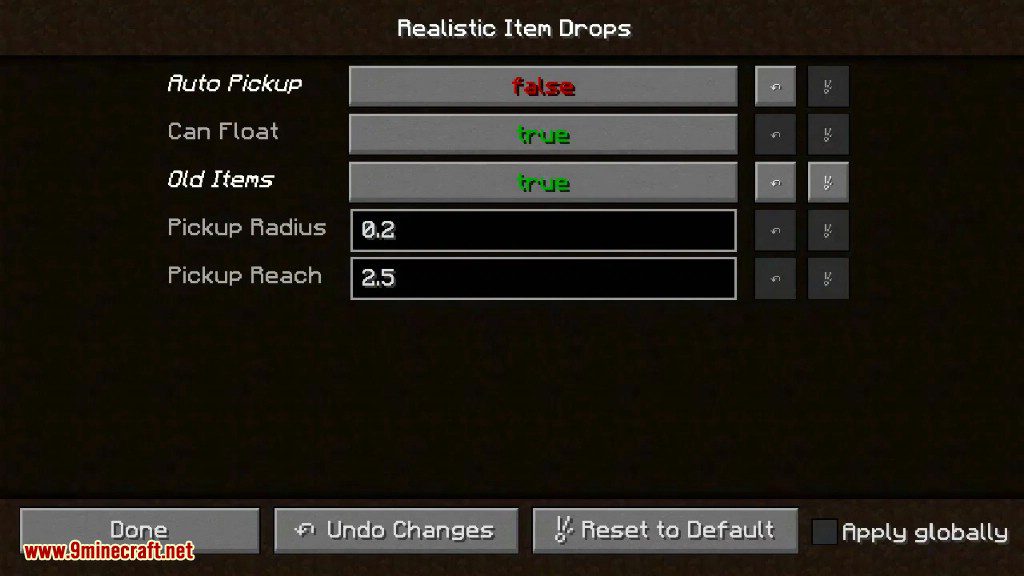
- Includes a configuration menu to adjust all these settings.
How to Use:
- To pick up an item from the ground, aim your crosshair at it and Right-click.
- To throw an item a longer distance, hold it, start sprinting, and press your drop key (Q by default).
Screenshots:

How to Install:
New to Minecraft? Follow our step-by-step guide to install Mods on your PC.View Guide
Realistic Item Drops Mod Download Links
For Minecraft 1.21.1, 1.21
Forge/Fabric/Quilt version: Download from Server 1 – Download from Server 2
For Minecraft 1.20.6
Forge/Fabric/Quilt version: Download from Server 1 – Download from Server 2
For Minecraft 1.20.4, 1.20.2, 1.20.1, 1.20
Forge/Fabric/Quilt version: Download from Server 1 – Download from Server 2
For All Versions from Minecraft 1.16.5 to Minecraft 1.19.3
Forge/Fabric/Quilt version: Download from Server 1 – Download from Server 2
For Minecraft 1.12.2
Forge version: Download from Server 1
You May Also Like







This post has no comments yet. Be the first — your comment will appear here.