


Terraqueous Mod (1.21.1, 1.20.1) – From Fruit Orchards to Sky Castles
 150,293
 0
0


🌐 Read this article in your language! Choose your preferred language below.
Or pick the one you like:
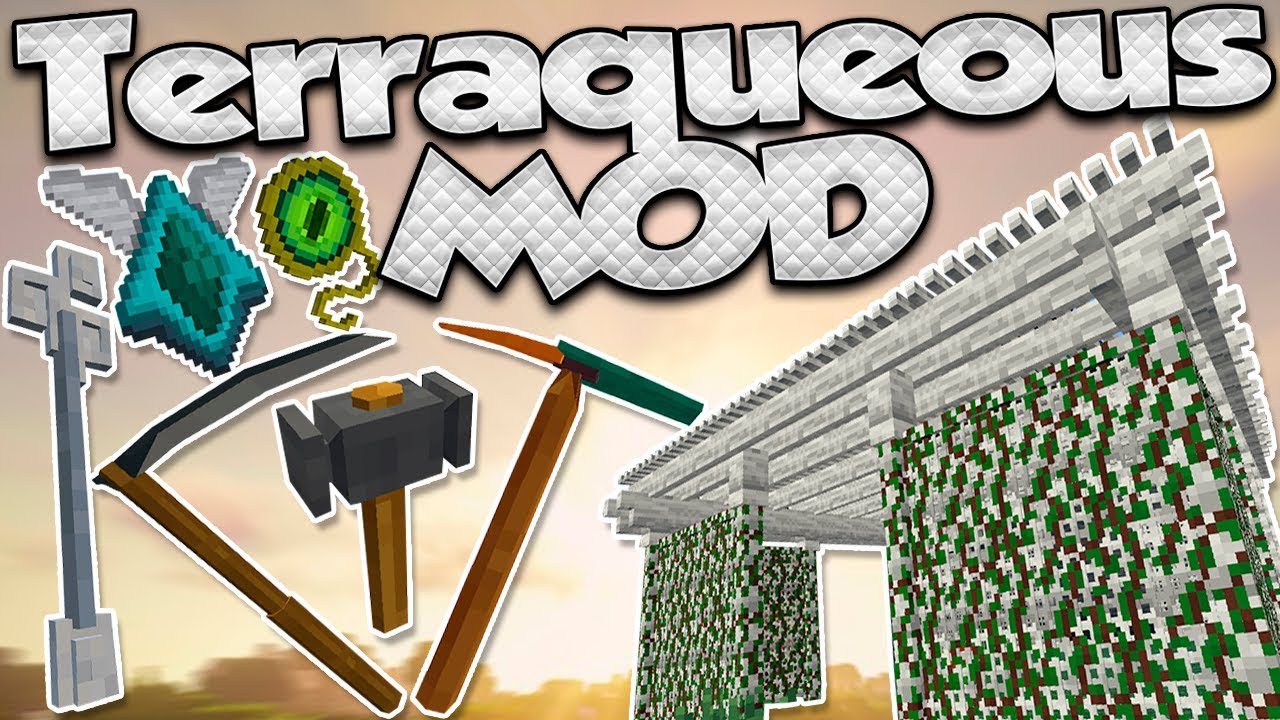
Terraqueous Mod adds many new things to discover and build with in Minecraft. It introduces new fruit trees, each with its own unique wood type for building. You can also find new flowers for dyes, build decorative pergolas, and even walk on clouds using a special talisman. This mod also includes new tools and workstations to make farming and crafting easier.
Features:
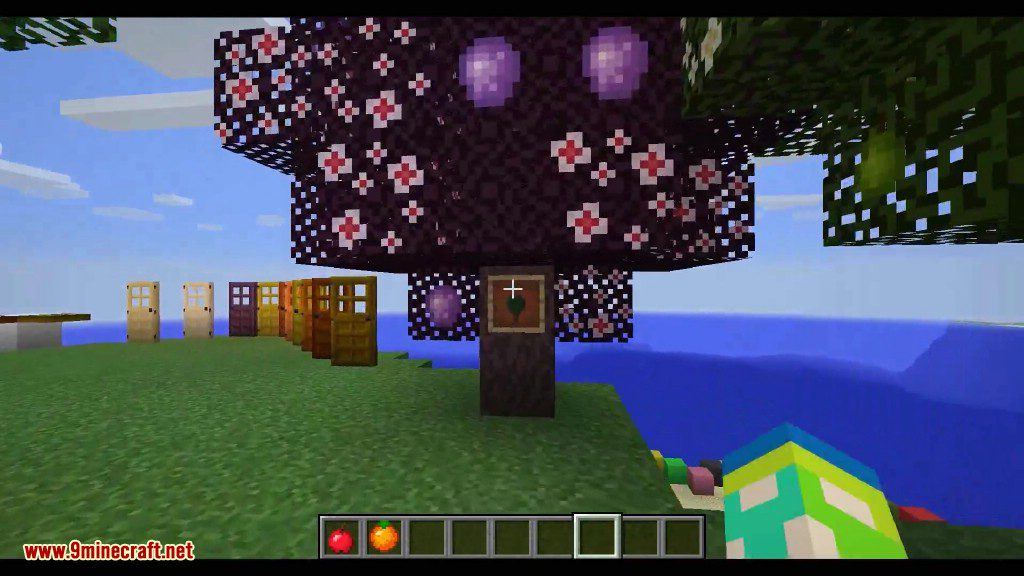
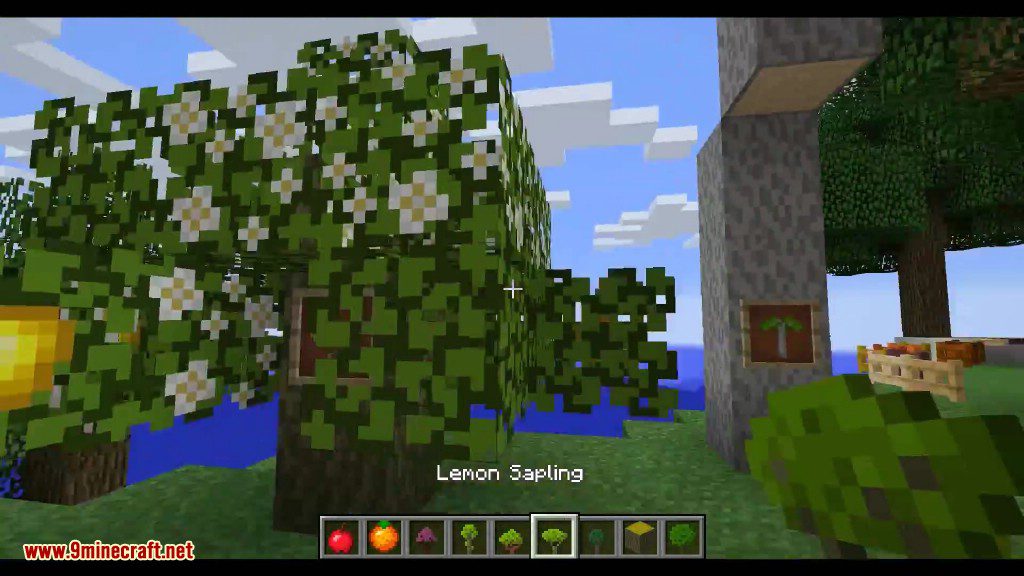
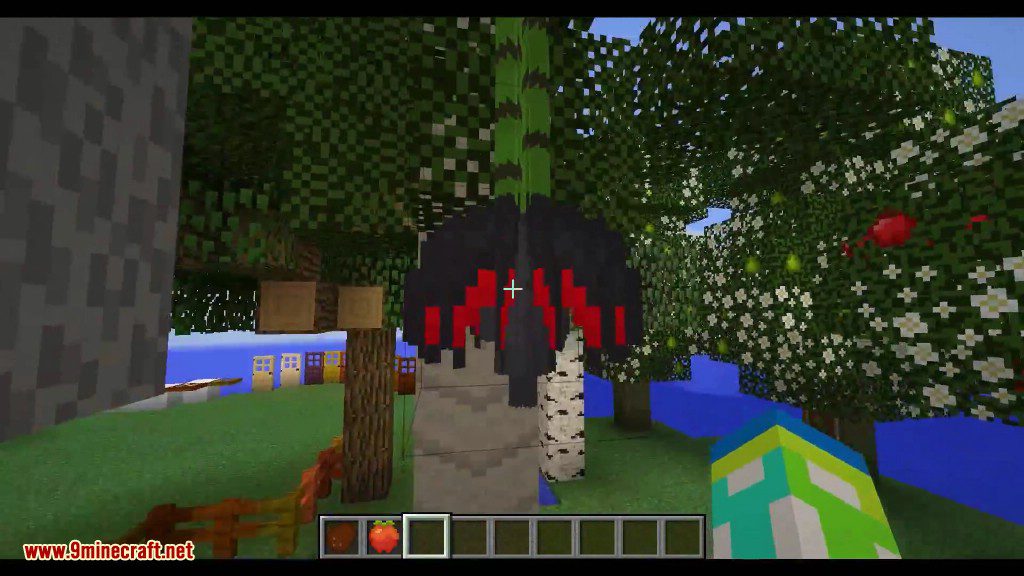
- New Fruit Trees: Discover 11 new types of fruit trees like pear, peach, mango, and banana. Each tree provides a new type of wood for building unique fences, doors, and more.
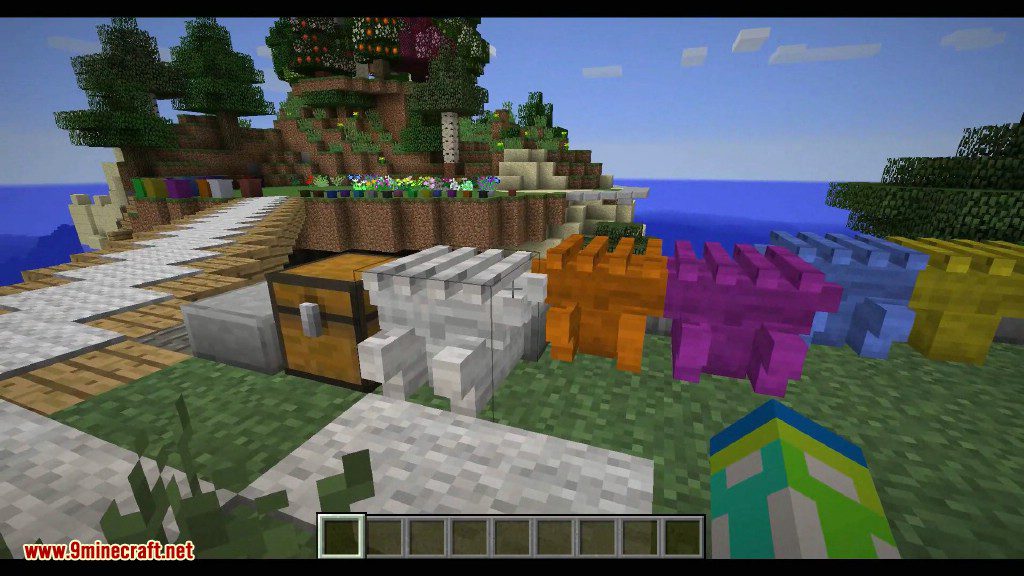
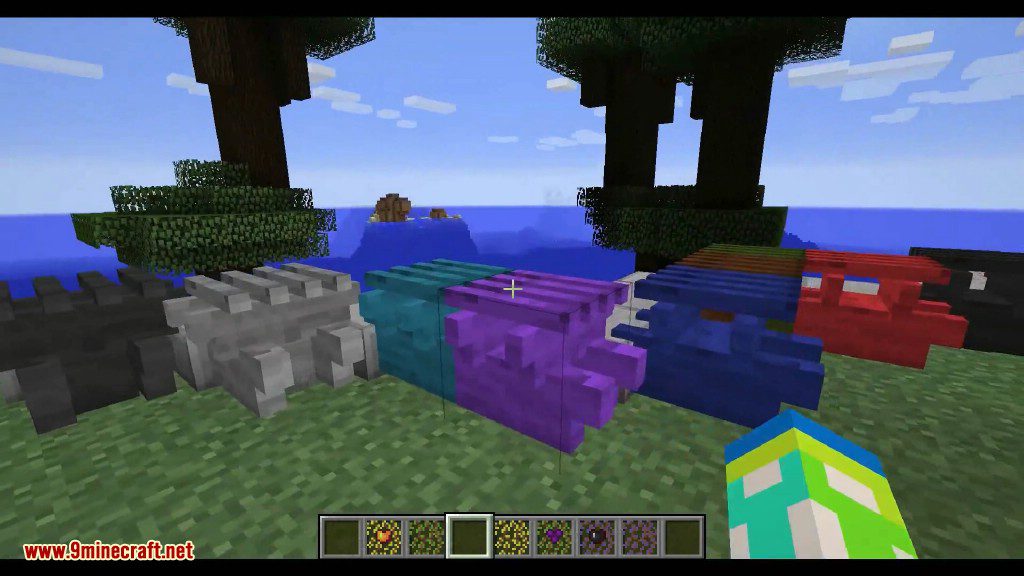
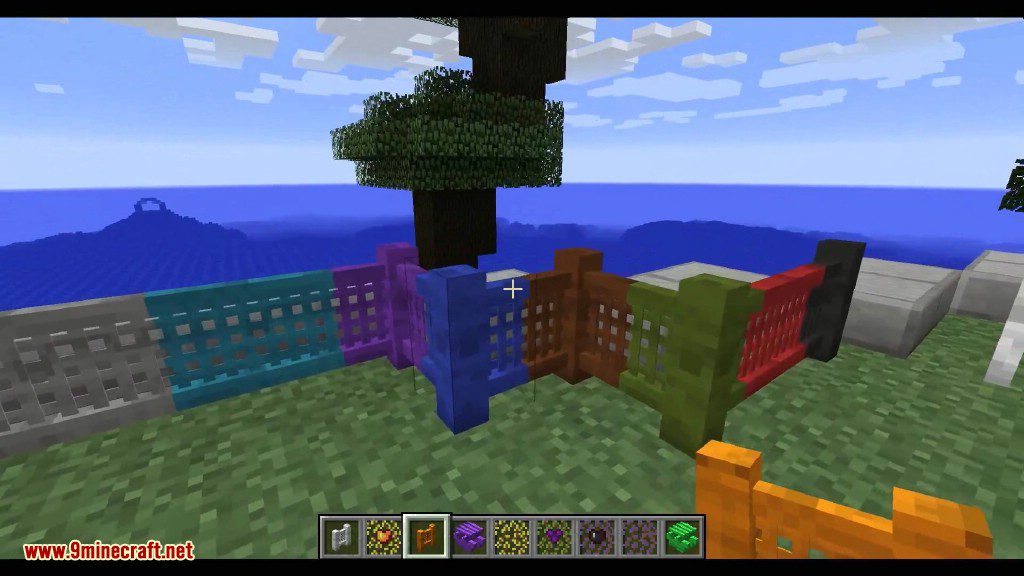
- Pergola Blocks: Build beautiful garden structures with the Roof, Lattice Fence, and Lattice Fence Gate blocks. These blocks connect automatically and come in many colors.
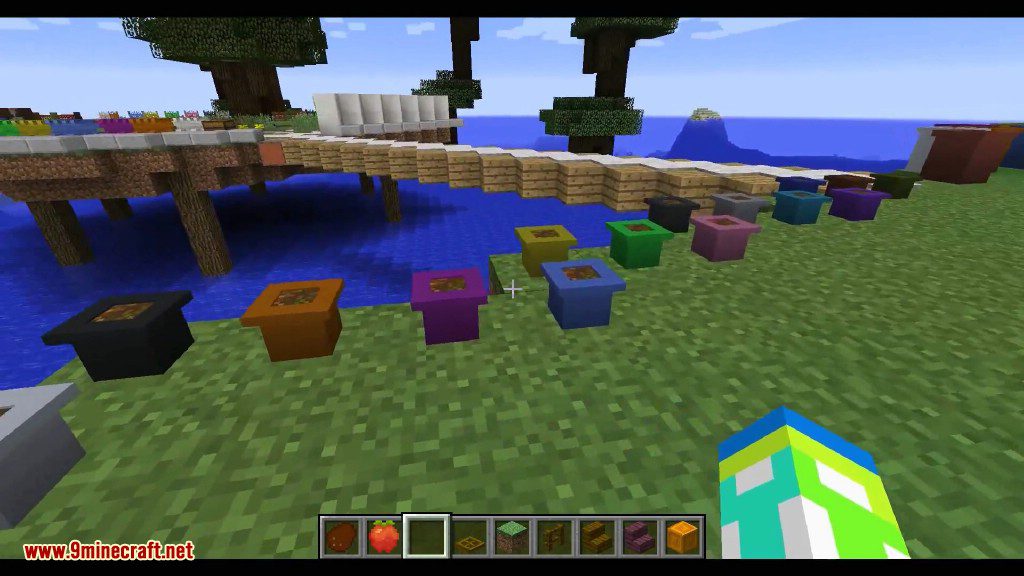
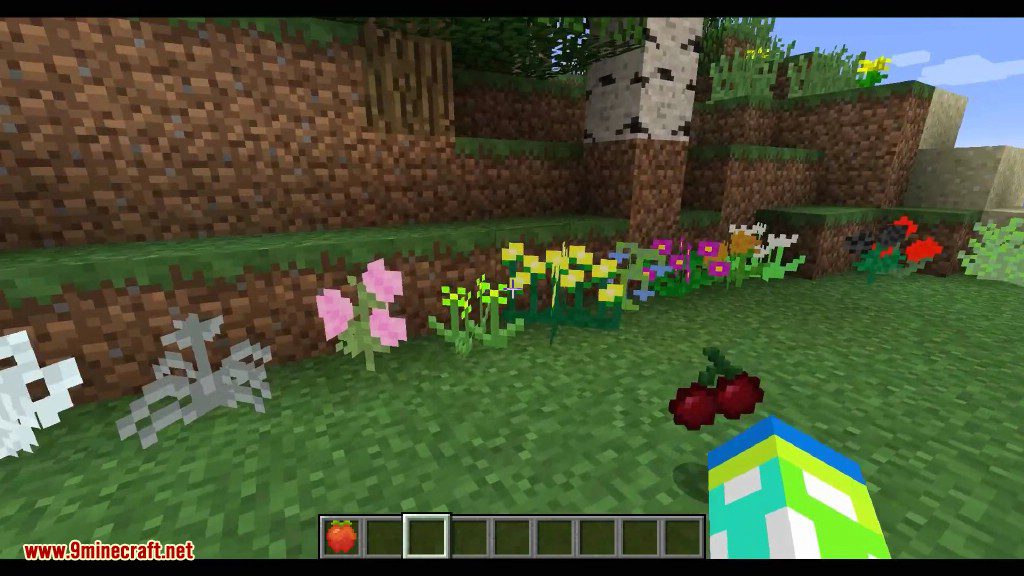
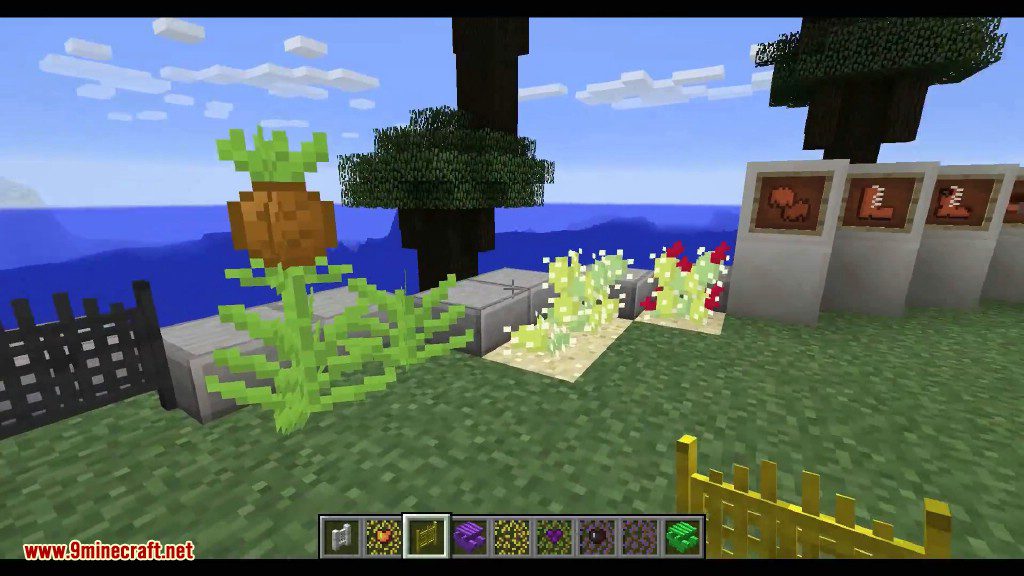
- Flowers and Planters: Find 18 new flowers that can be used for dyes or decoration. Place them in one of the three sizes of pots, or use planters that act like regular dirt for crops.
- Cloud Blocks: The world now generates Light, Dense, and Storm clouds. With a Feather Talisman, you can walk on them, and you can craft decorative cloud blocks to build a house in the sky.
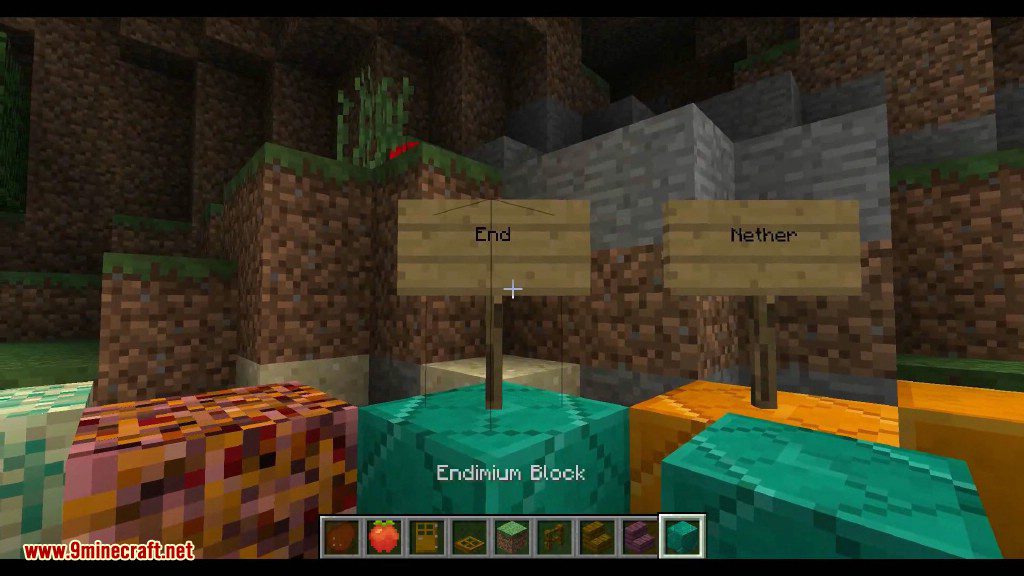
- New Ores: Mine for Burnium in the Nether and Endimium in the End.
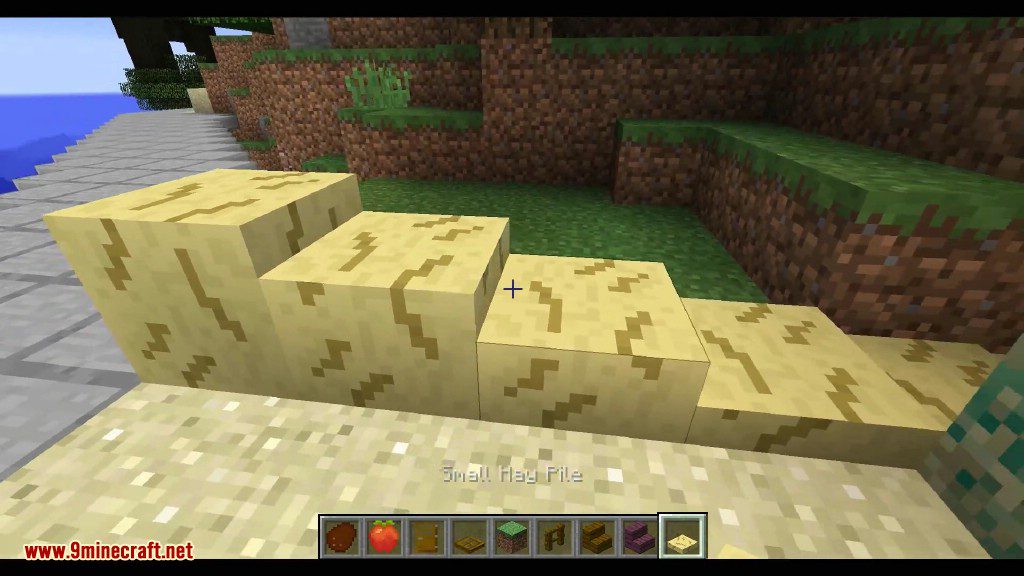
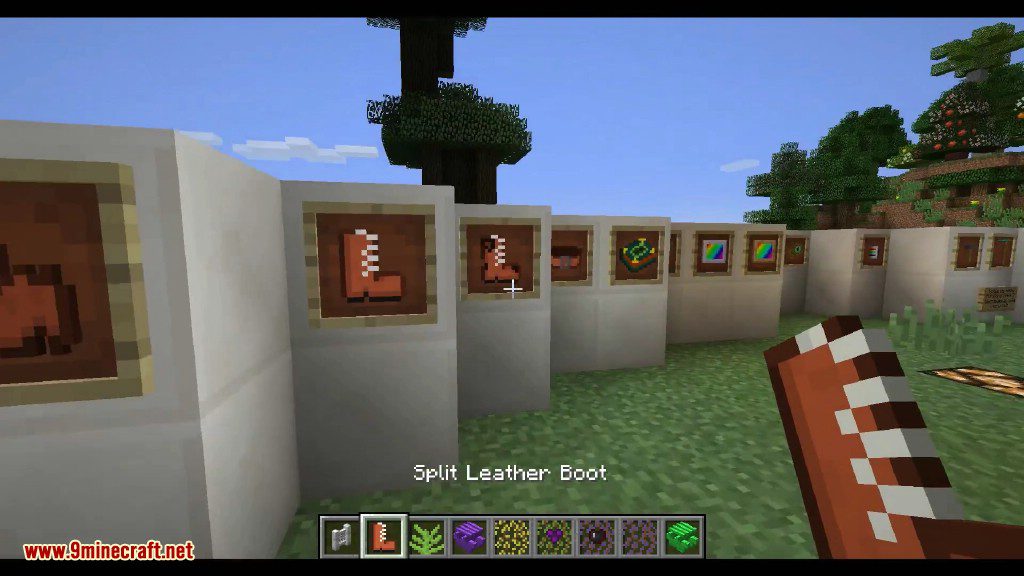
- Decorative Items: Adds a variety of decorative blocks, including concrete columns, colorful paper blocks and lanterns, hay bales, and garden fences.
- Useful Tools & Equipment: Craft new gear like the Multi-Tool that acts as a pickaxe, shovel, and hoe all in one. Use a Scythe to harvest crops quickly or a Staff of the Clouds to place cloud blocks in mid-air.
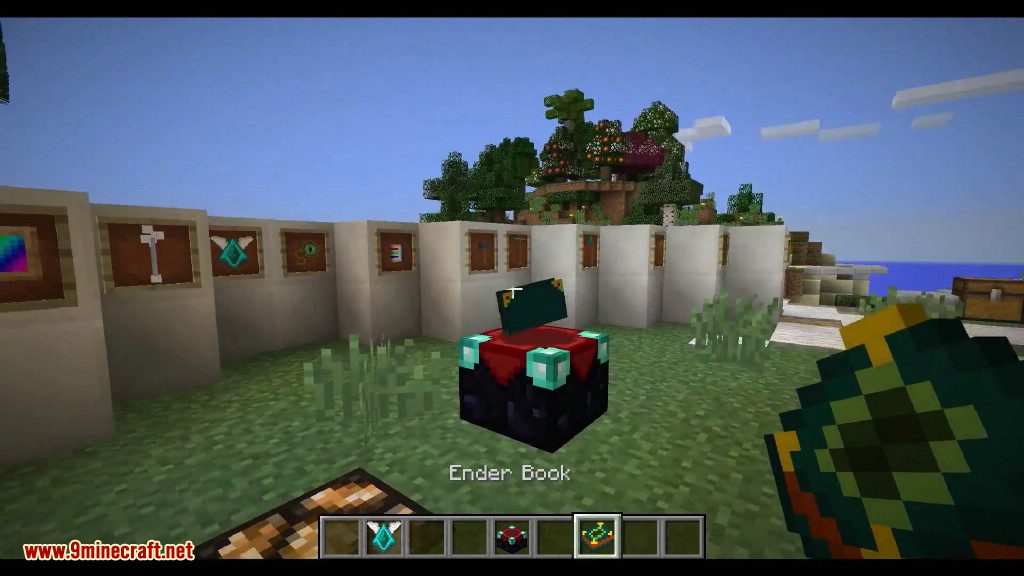
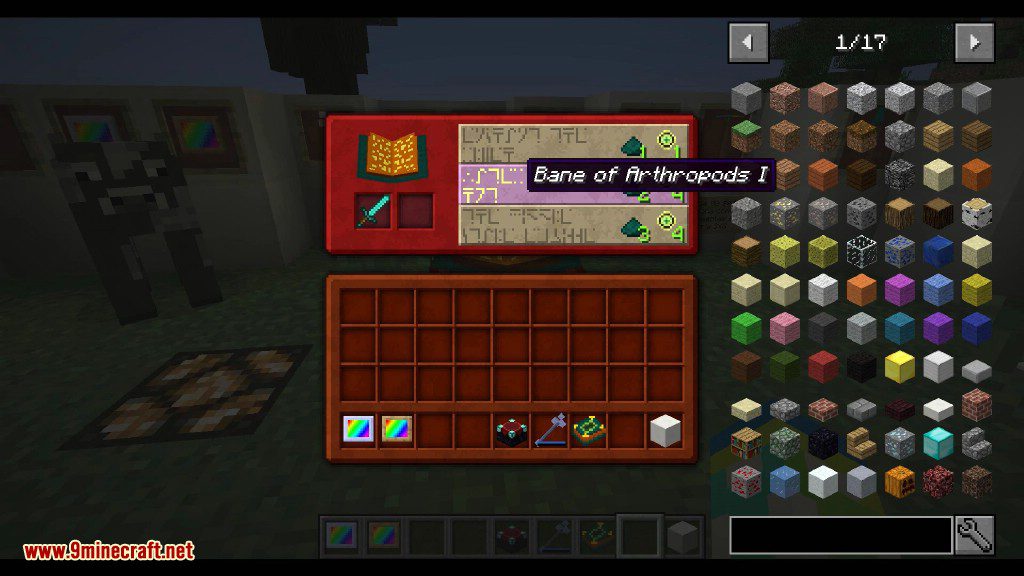
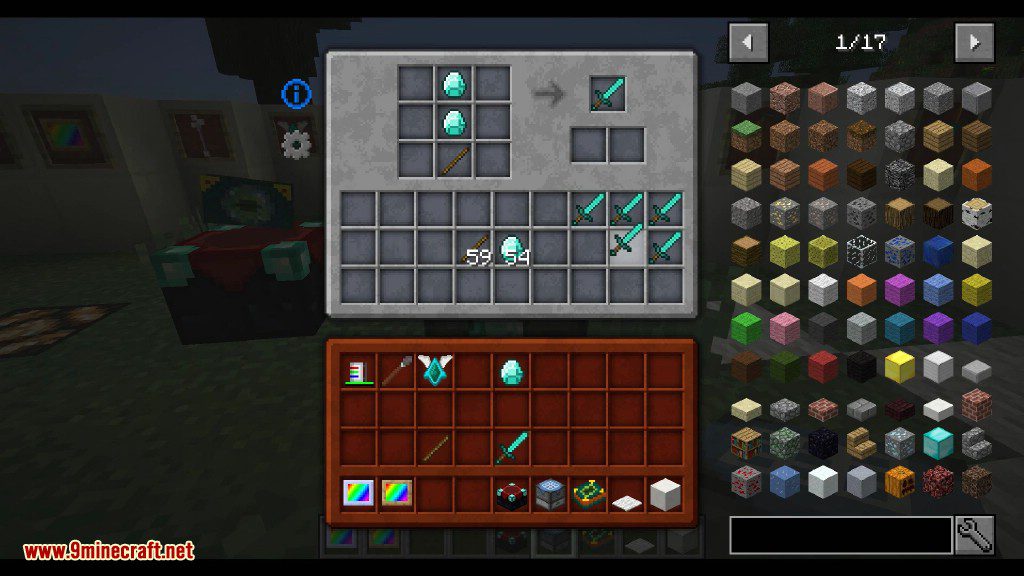
- Special Workstations: The Craft Bench is a crafting table with an inventory for automation, while the Craft Furnace smelts two items at once. The Ender Table lets you see enchantments before you apply them by using an Ender Monocle.
How to Use:
- To walk on the new cloud blocks, equip the Cloud Talisman.
- To see the specific enchantments offered by the Ender Table, use the Ender Monocle.
- To change the color of blocks like wool, glass, or pergolas, use the Colorizer. Shift + Right-Click it in the air to open the color selection menu, or Shift + Right-Click a block to copy its color.
- Keep the Water Pearl in your hotbar to gain the water breathing effect.
Screenshots:
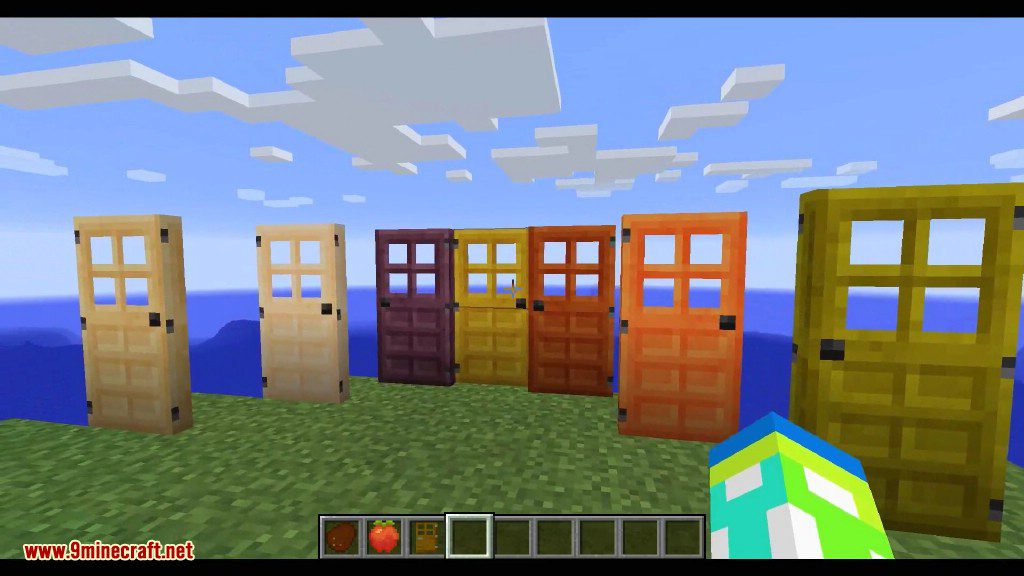
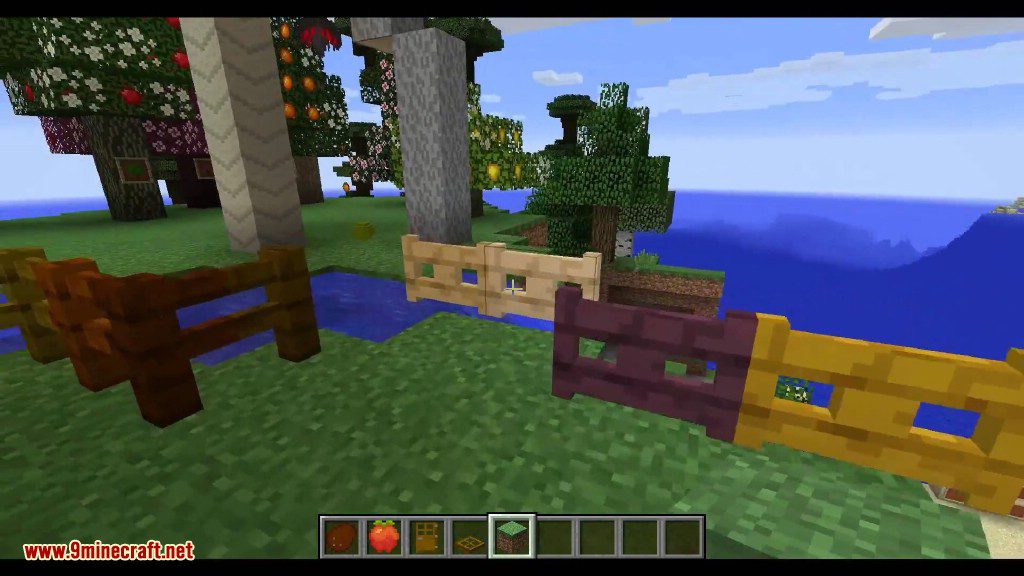
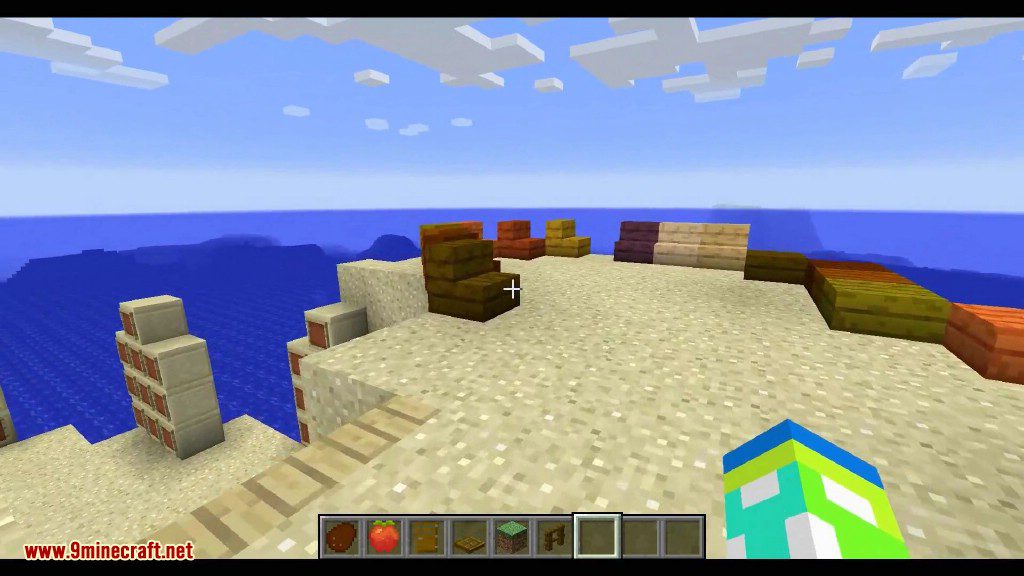
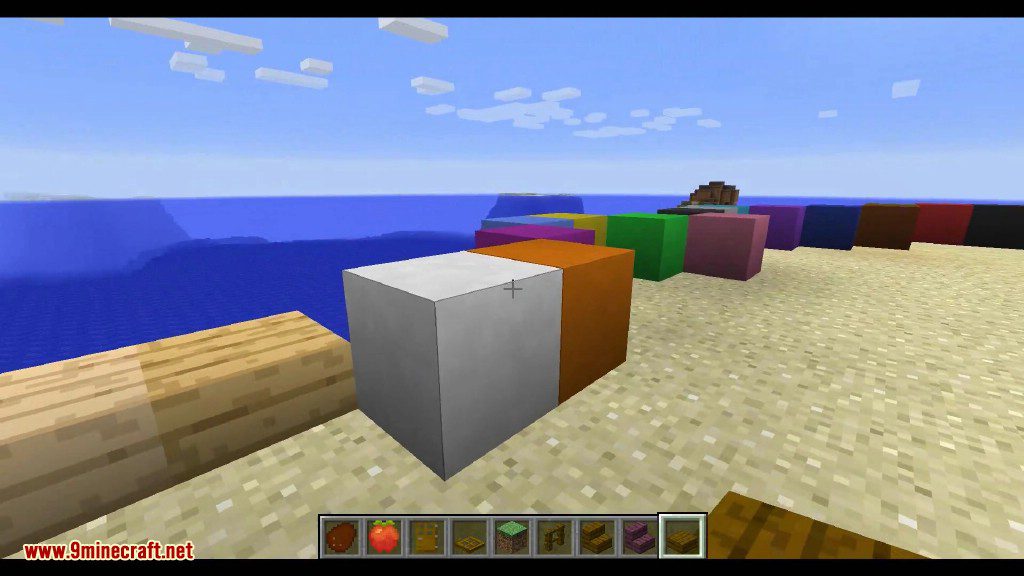
How to Install:
New to Minecraft? Follow our step-by-step guide to install Mods on your PC.View Guide
Requirements:




Terraqueous Mod Download Links
For Minecraft 1.21.1, 1.21
For Minecraft 1.20.4
For Minecraft 1.20.2
For Minecraft 1.20.1, 1.20
For Minecraft 1.19.4
For Minecraft 1.19.3
For Minecraft 1.19.2, 1.19.1
For Minecraft 1.19
For Minecraft 1.18.2
For Minecraft 1.18.1
For Minecraft 1.17.1
For Minecraft 1.16.5
For Minecraft 1.15.2
For Minecraft 1.12.2
For Minecraft 1.8.9
Click to rate this post!
[Total: 1 Average: 5]
You May Also Like











This post has no comments yet. Be the first — your comment will appear here.