


Joy of Painting Mod (26.2, 1.20.1) – Mix Colors, Draw Paintings


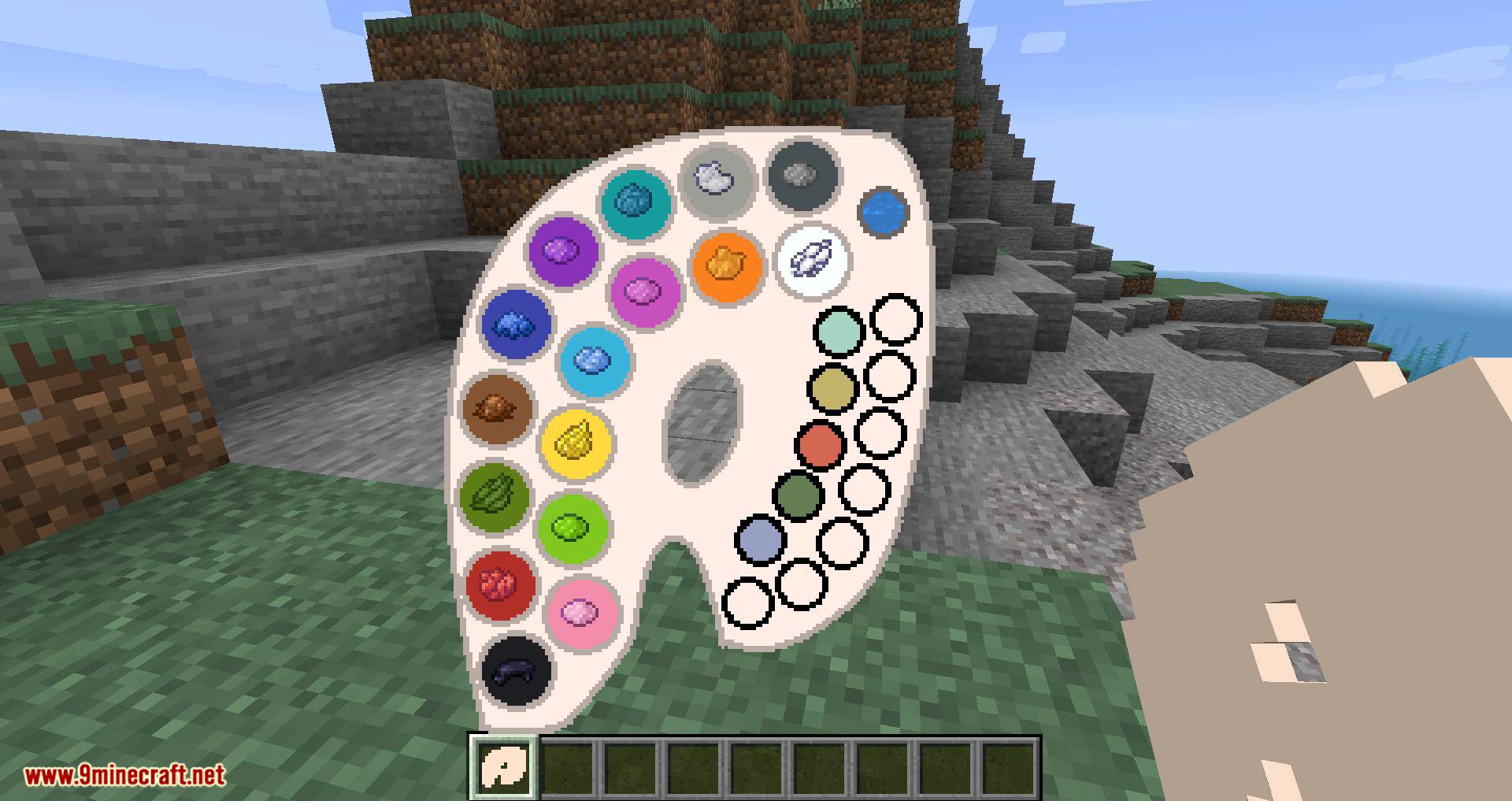
Joy of Painting Mod hands you a blank canvas and a palette and lets you paint the picture yourself, then hang it on a wall the way vanilla paintings hang. Colours are mixed on the palette using the same rules the game already uses for dyeing leather armour, so any of the sixteen million colours is reachable if you can work out the mix. Canvases come in several sizes and shapes, and a finished painting can be signed, copied, or sent to another world as a file.
Features:
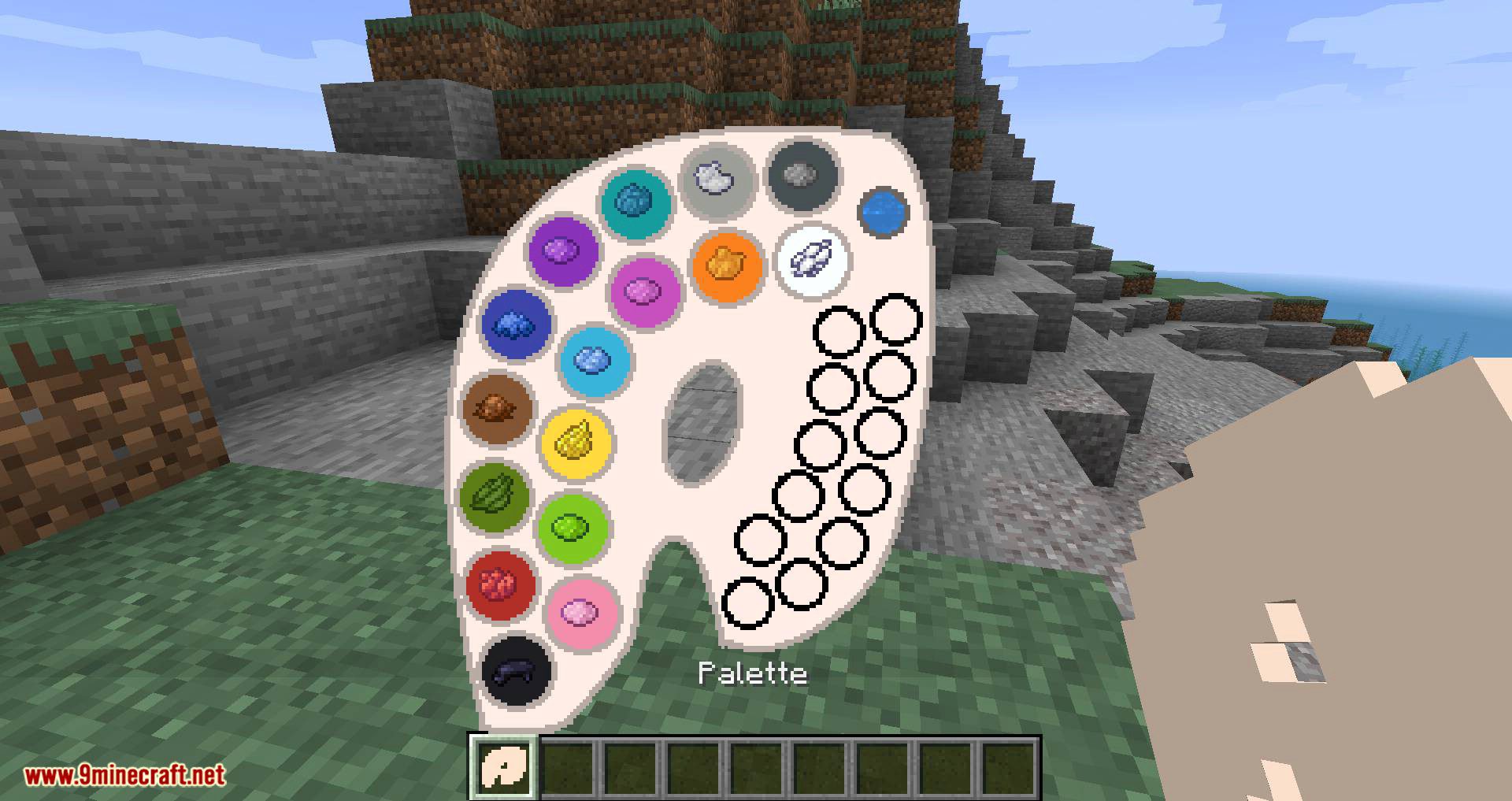
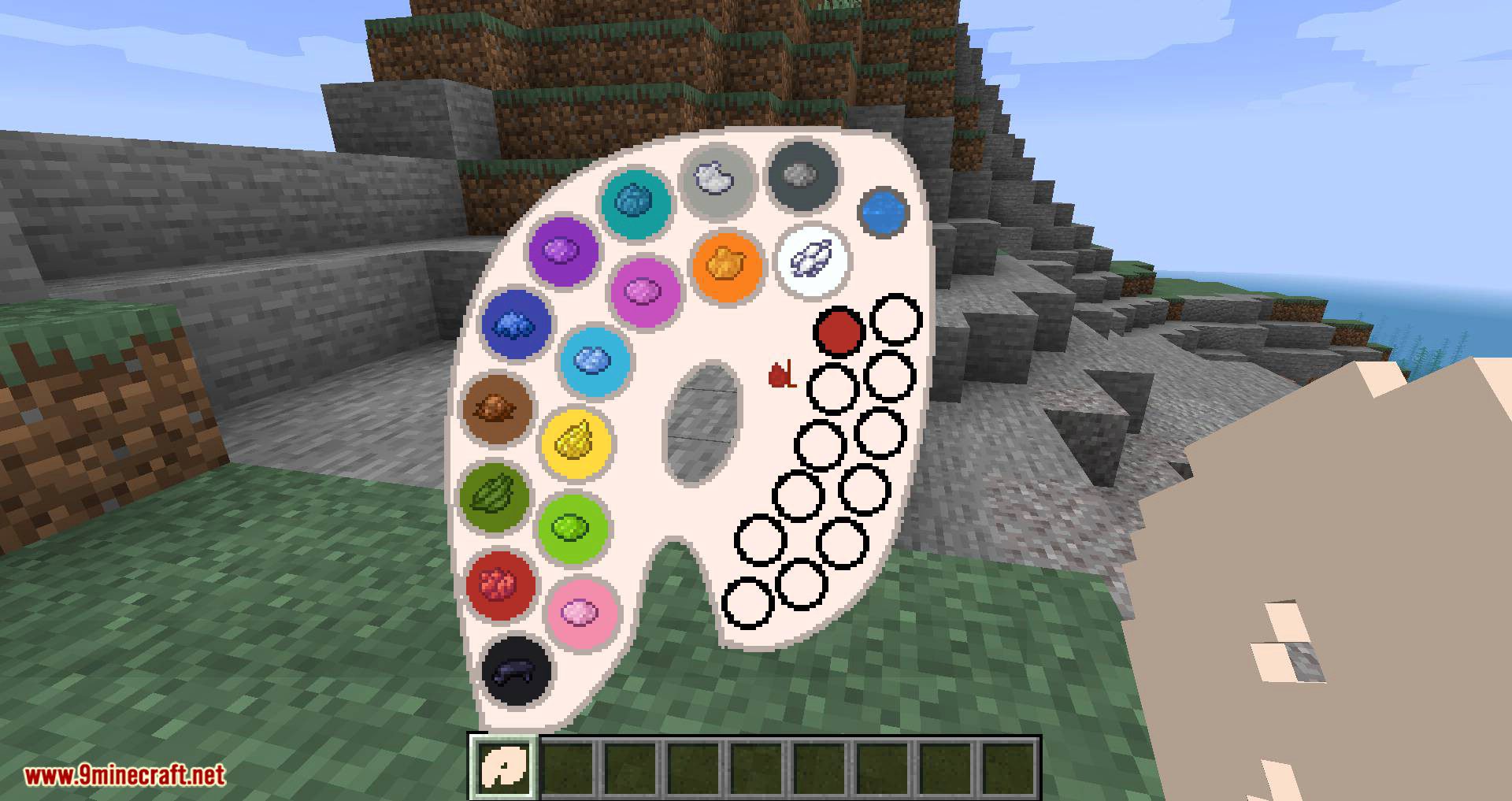
- Colours are mixed on the palette following the vanilla leather dyeing rules, which keeps the whole range reachable.
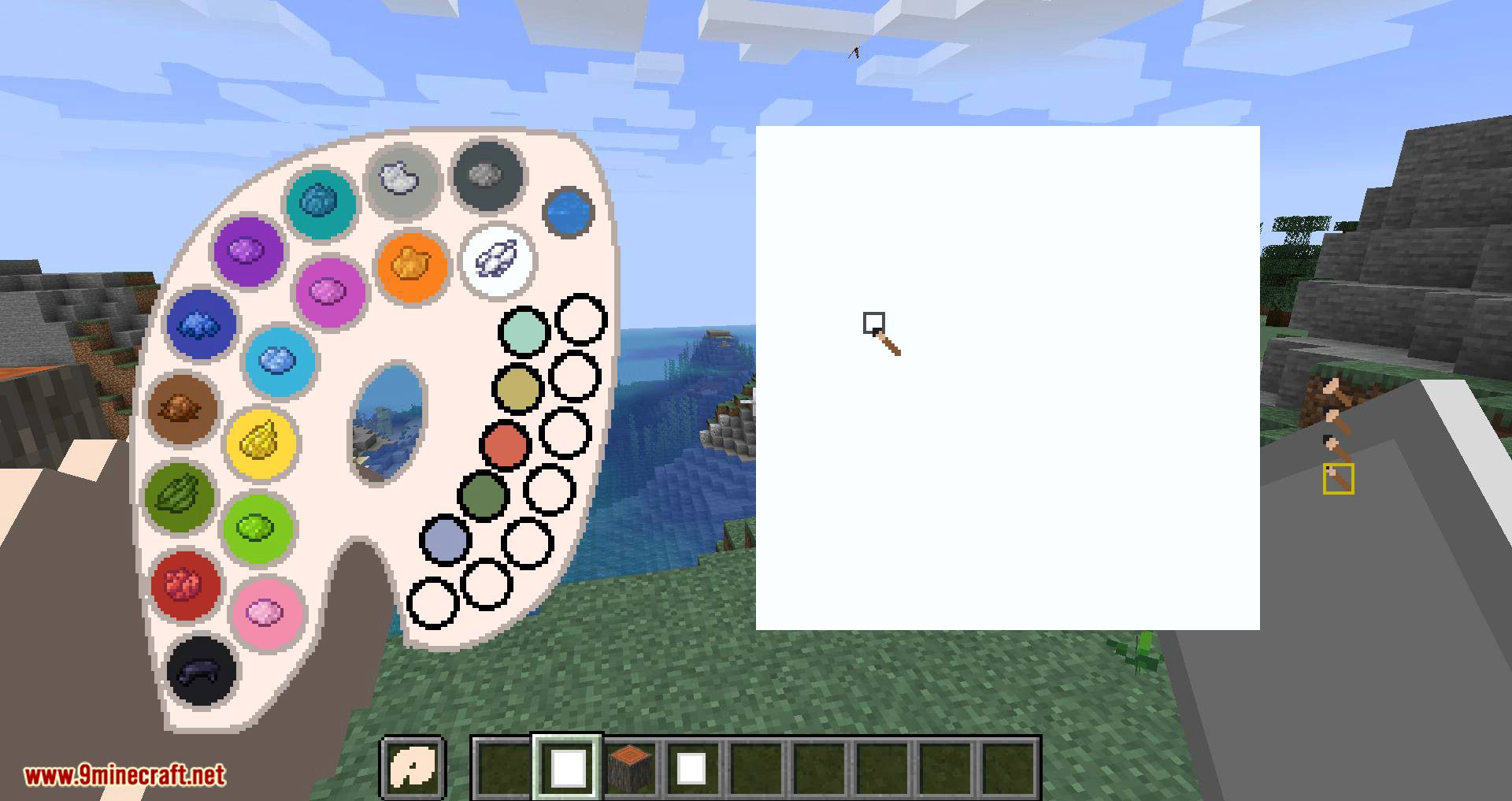
- Four canvas sizes are available: one block, one by two, two by one and two by two.
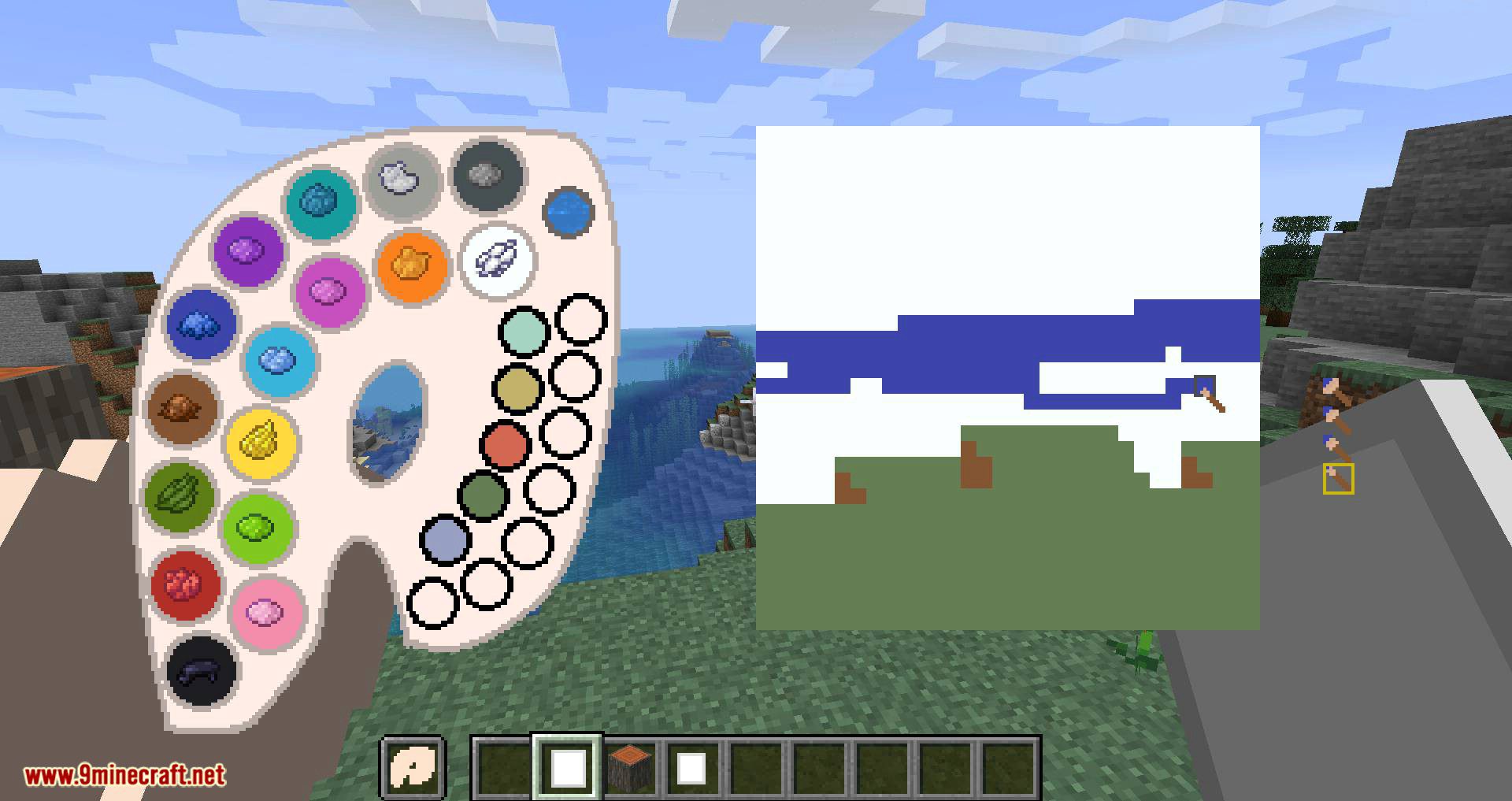
- Brush size and brush opacity both change, set with the mouse wheel or by clicking the panel.
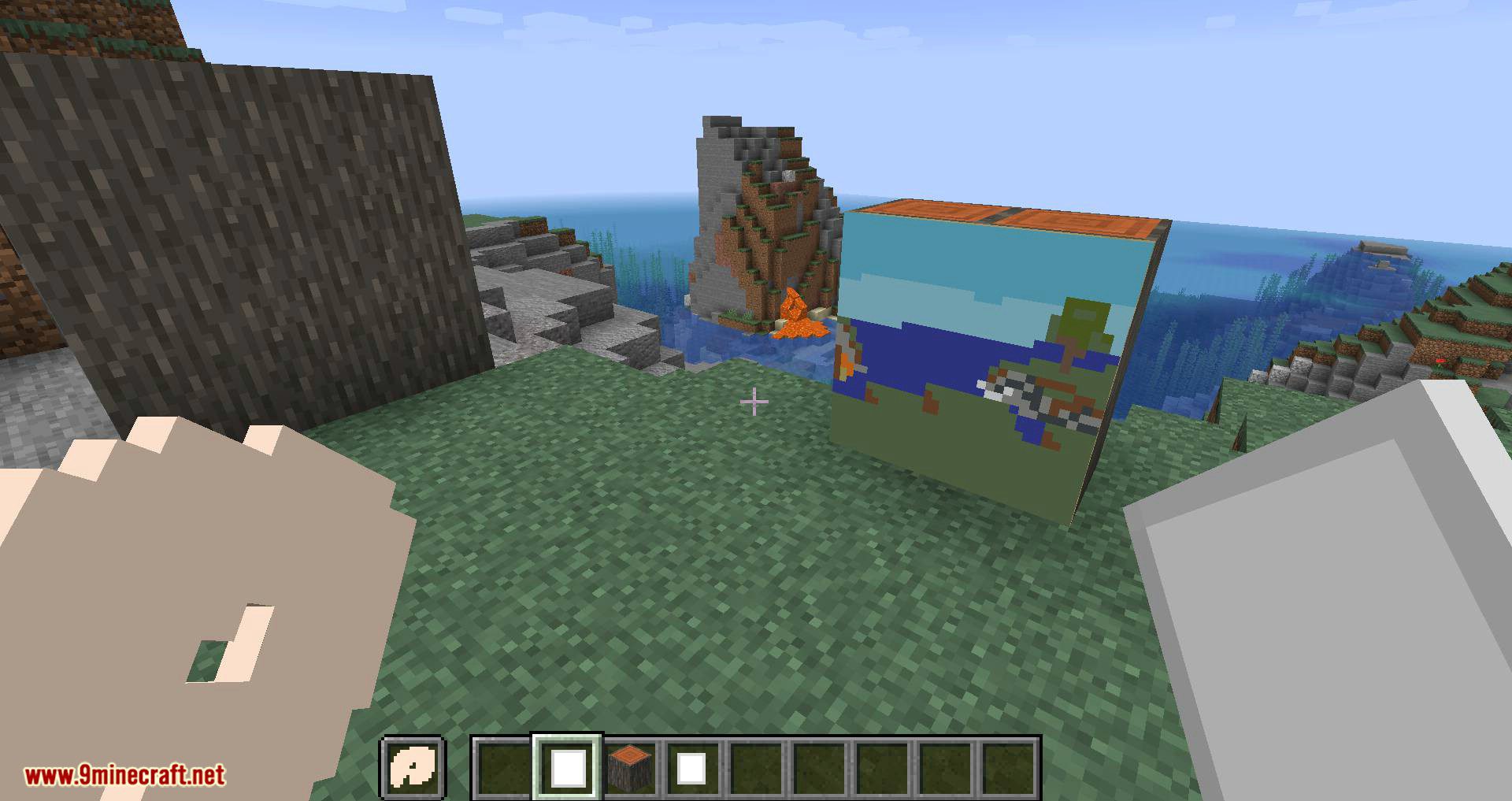
- Finished canvases hang on walls, and the small ones also sit on floors and ceilings.
- A mistake can be undone with
CTRL+Zwhile the painting screen is open. - Paintings show their picture while held in hand and in the inventory, not just once hung.
- Easels can be placed and painted at, which frees your off hand while you work.
- Glass canvases produce paintings with transparent areas, and the side frames can be painted too.
- Signing a painting names it and locks it, after which it stacks up to sixteen and can be copied with a blank canvas.
- A colour picker works on a full palette, and the canvas and palette panels can be dragged aside to keep a reference in view.
How to Use:
- Install Fabric, Forge or NeoForge, then drop the jar into
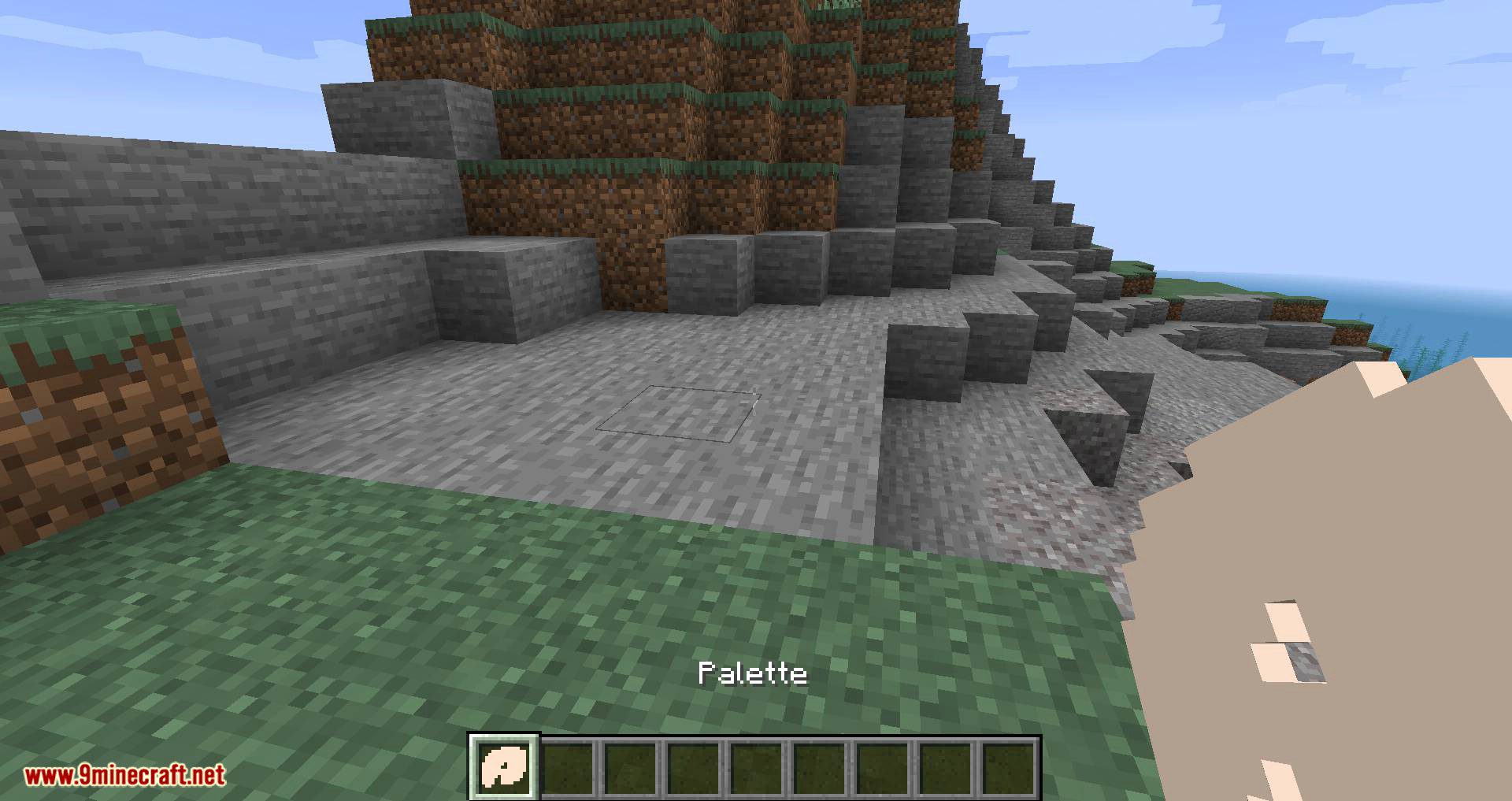
.minecraft/mods. - Craft a palette and a canvas. On versions before 2.0.0 the palette needs at least one dye; from 2.0.0 it takes a brush instead.
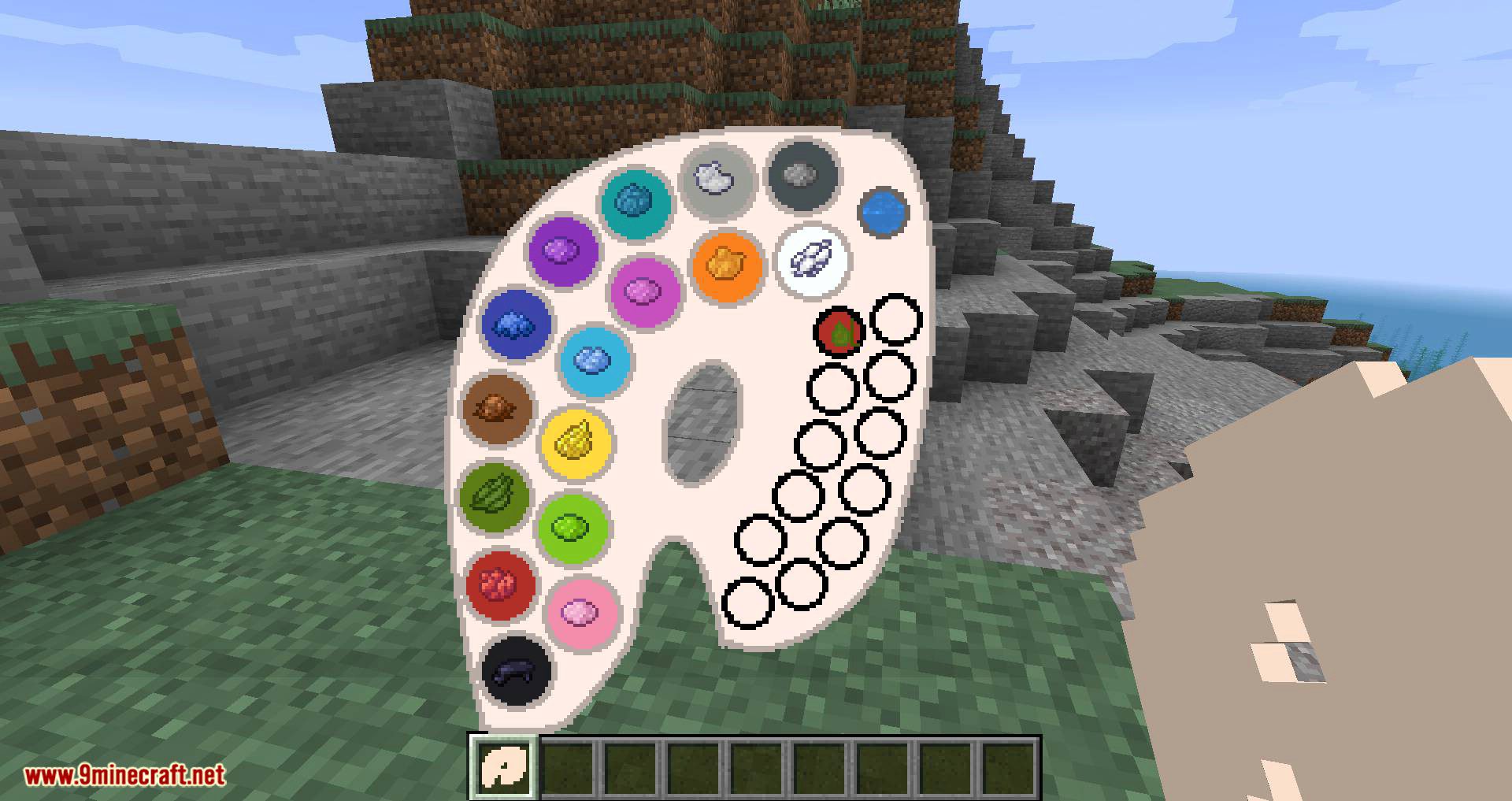
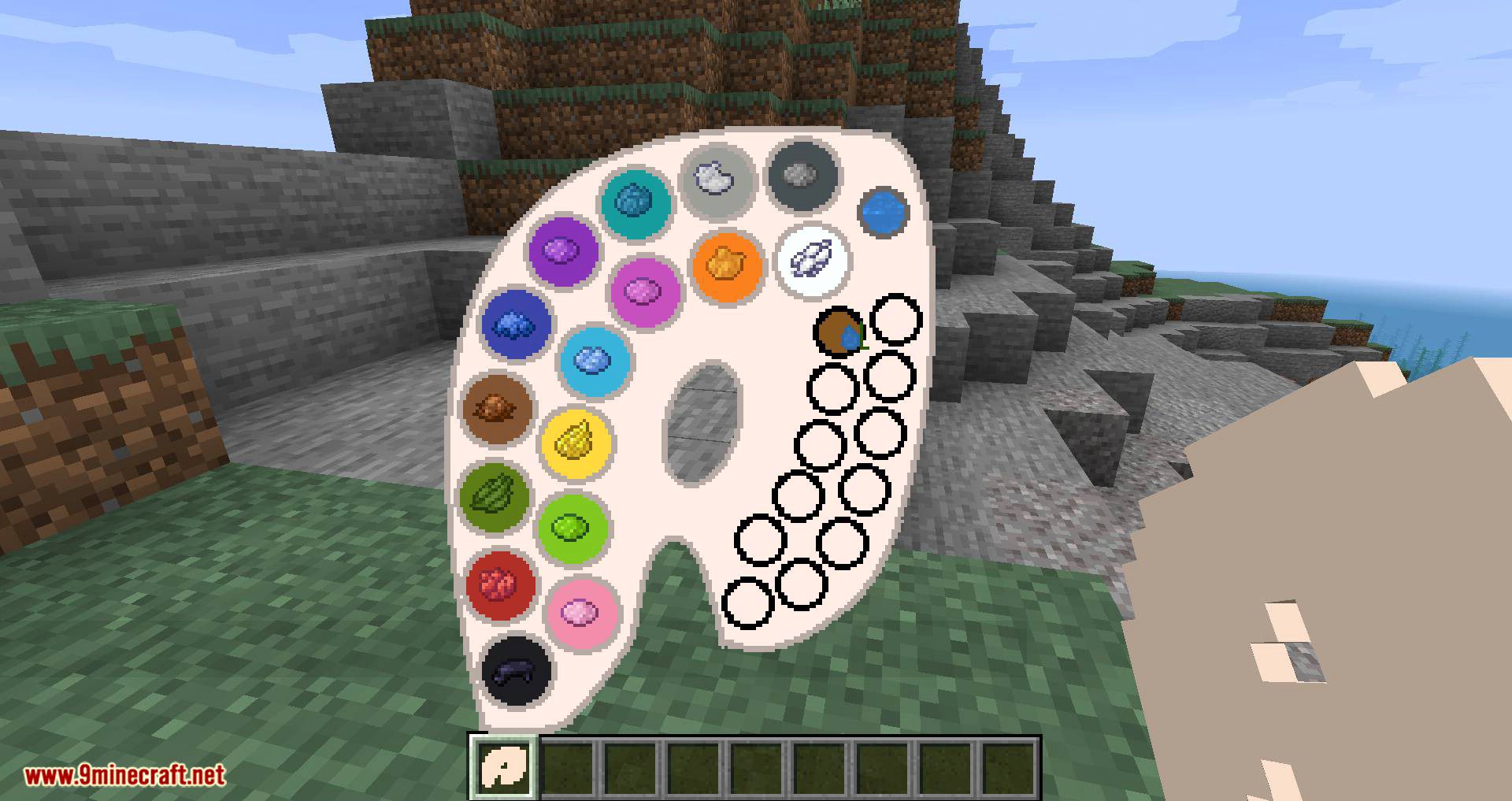
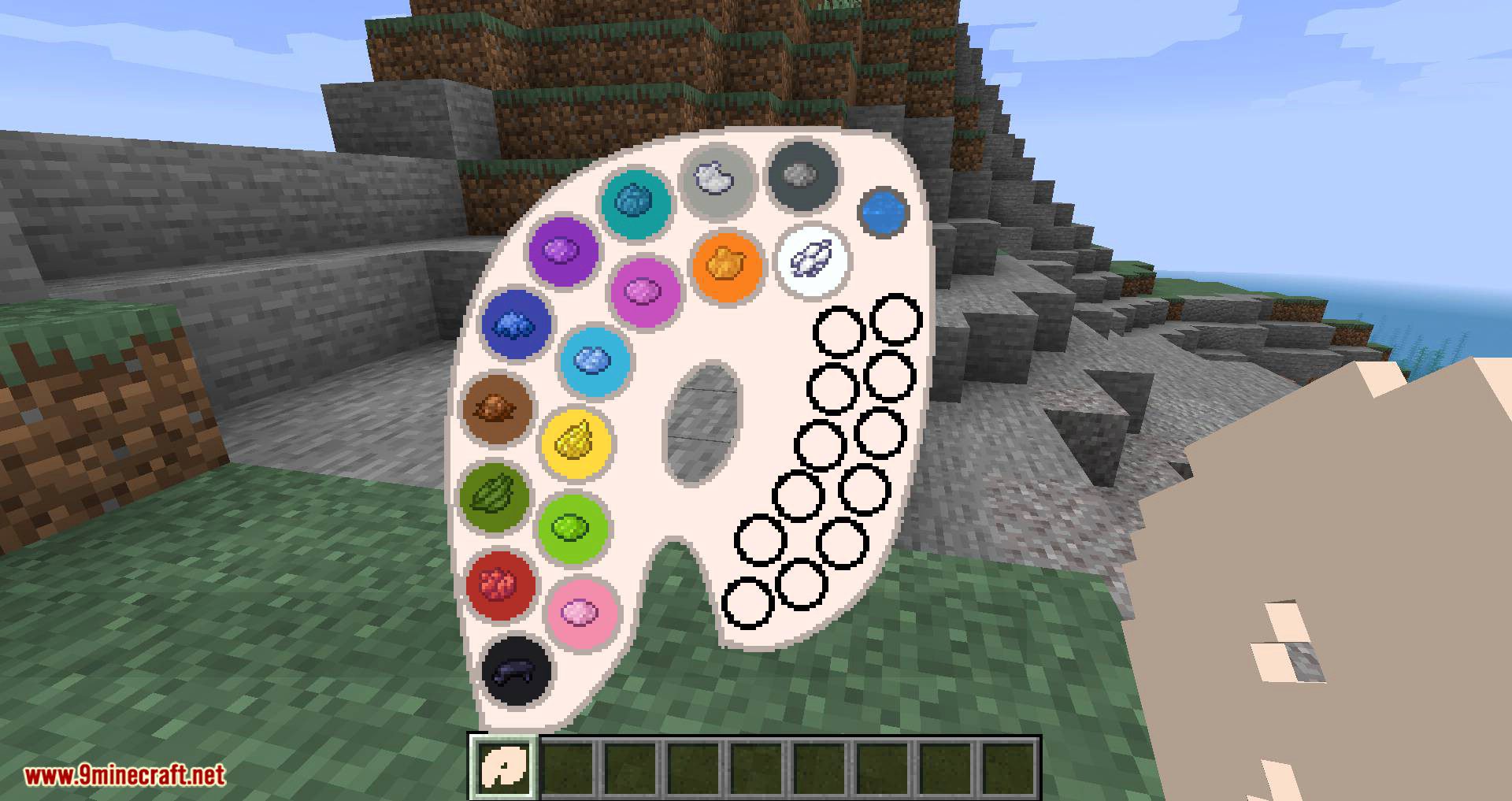
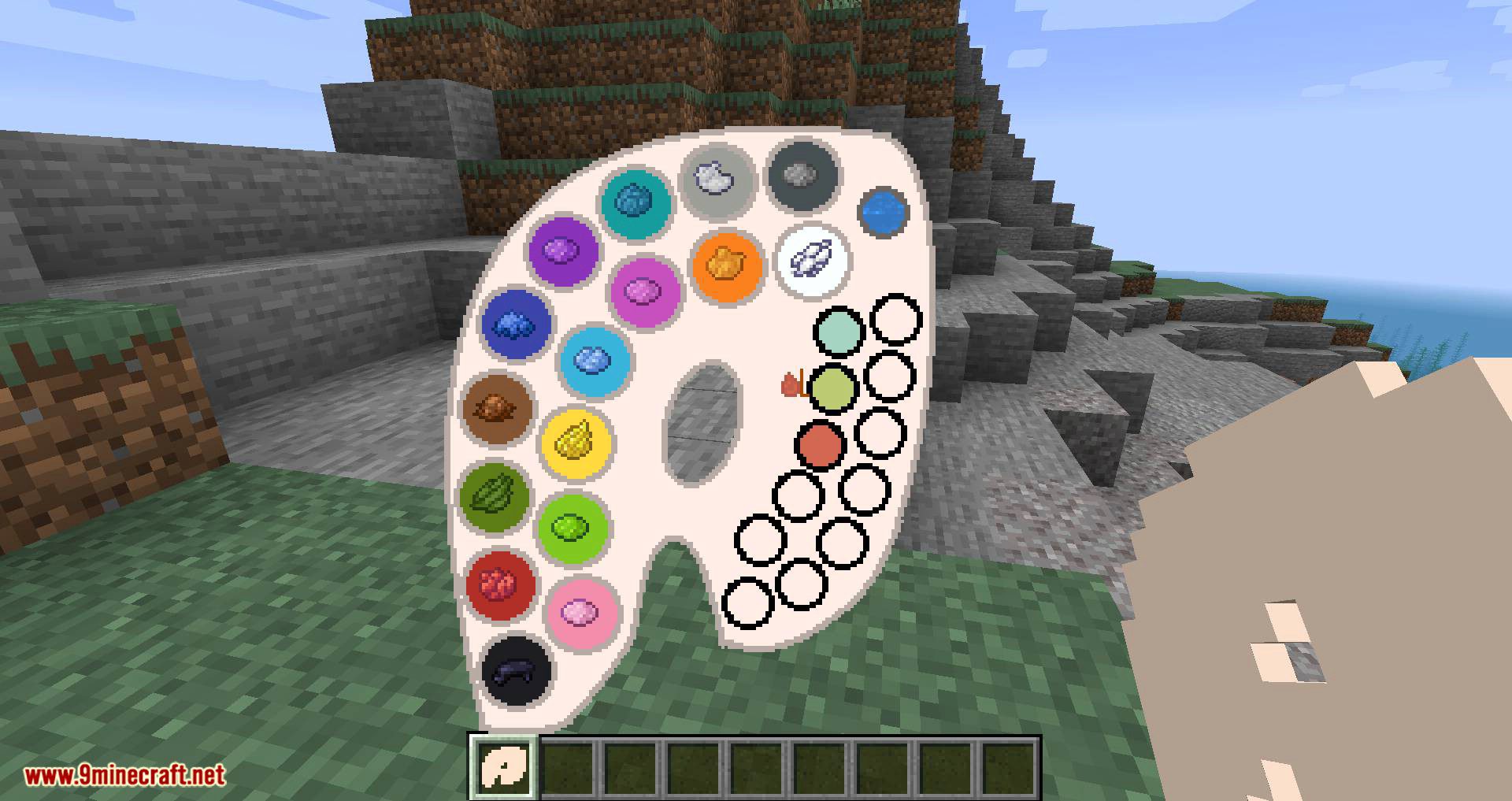
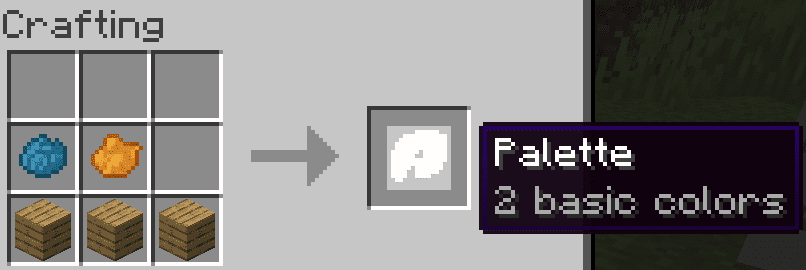
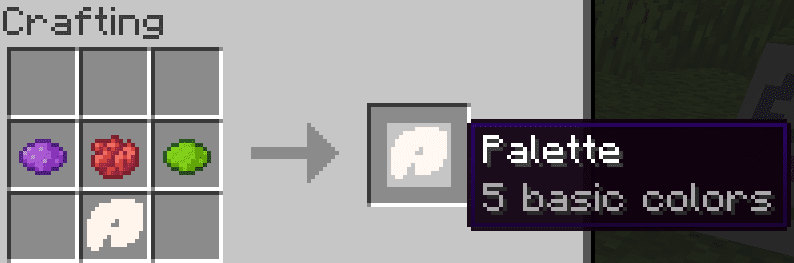
- Fill the palette by crafting it together with dyes it does not already carry. Each dye is one base colour.
- Hold the canvas in one hand and the palette in the other to open the painting screen, or place the canvas on an easel and right click it with the palette.
- Mix your colour on the palette, set the brush size with the wheel, and paint. Press
CTRL+Zto step back. - Sign the painting to name and lock it, then hang it on a wall like a vanilla painting.
Commands:
/paintexport <filename>writes the painting you are holding out to a file./paintimport <filename>reads that file back in, which is how paintings move between worlds and servers.
Screenshots:
Crafting Recipes:
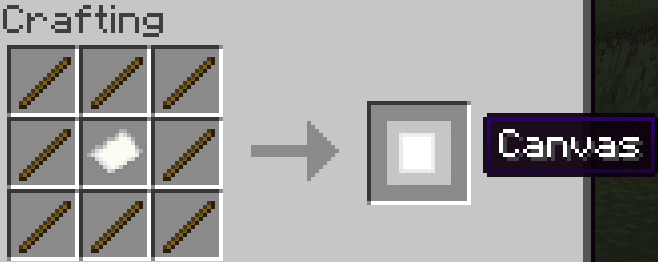
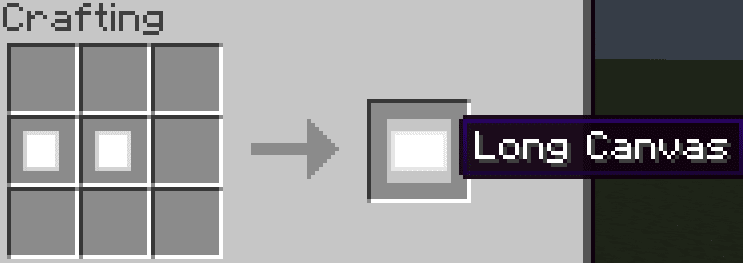
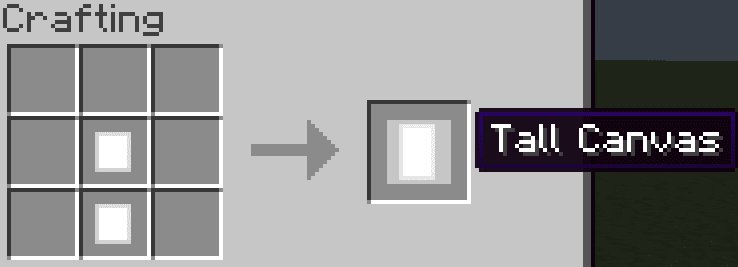
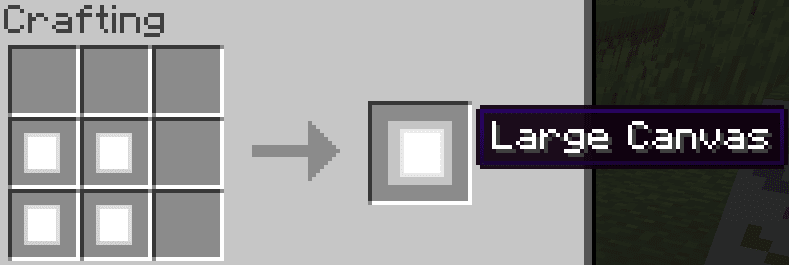
To craft a palette, you need at least one kind of dye
You can fill an existing palette with other dyes later
How to Install:
New to Minecraft? Follow our step-by-step guide to install Mods on your PC.View Guide
Requirements:



Joy of Painting Mod Download Links
For Minecraft 26.2
For Minecraft 26.1.2, 26.1.1, 26.1
For Minecraft 1.21.11
For Minecraft 1.21.10, 1.21.9
For Minecraft 1.21.8, 1.21.7, 1.21.6
For Minecraft 1.21.5
For Minecraft 1.21.4
For Minecraft 1.21.3, 1.21.2
For Minecraft 1.21.1, 1.21
For Minecraft 1.20.6
For Minecraft 1.20.4
For Minecraft 1.20.2
For Minecraft 1.20.1, 1.20
For Minecraft 1.19.4
For Minecraft 1.19.3
For Minecraft 1.19.2
For Minecraft 1.18.2
For Minecraft 1.18.1
For Minecraft 1.17.1
For Minecraft 1.16.5
For Minecraft 1.15.2
For Minecraft 1.12.2
Click to rate this post!
[Total: 11 Average: 3.5]

1 Comment
 What do you think?
Your opinion means a lot - we'd love to hear from you.
What do you think?
Your opinion means a lot - we'd love to hear from you.
You May Also Like



اقا میزنم روی نوشته های ابی برای ماینکرافت ۱.۲۱ نصب نمیشه کمک کنید من نمیتونم نصب کنم