
Callable Horses Mod (1.20.1, 1.19.3) – Never Leave Your Favorite Horse Behind

 0


Callable Horses Mod lets you call your horse from anywhere in your world with one button press, just like in popular RPG games. You can claim a personal horse, donkey, mule, skeleton horse, zombie horse, or llama and summon it to walk or teleport right to you, even across dimensions. This mod also adds a handy stats menu for your mount and includes config options to control death rules, calling range, and allowed dimensions.

Features:
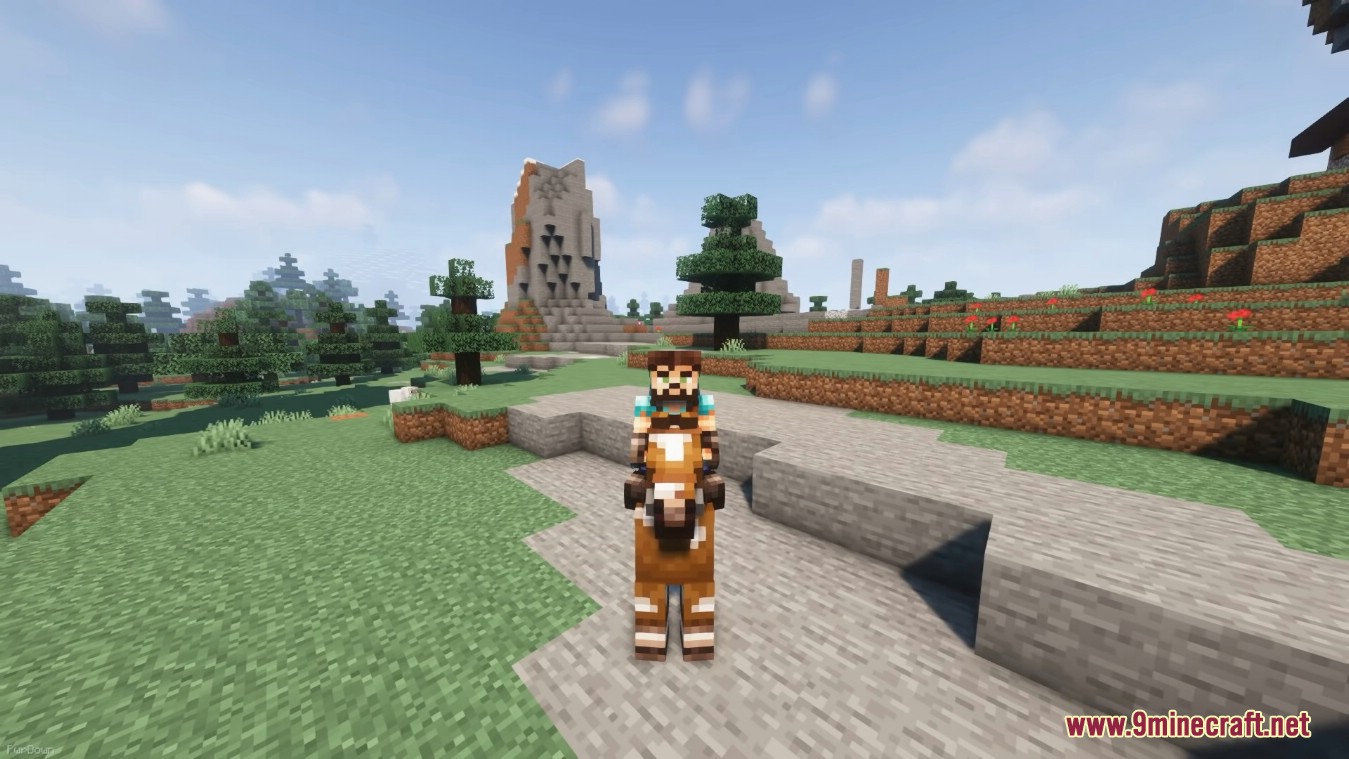
- Personal Mount Claiming: Sit on any unclaimed horse, donkey, mule, skeleton horse, zombie horse, or llama and press P to set it as your personal horse. You can only have one personal horse at a time, and you cannot claim a mount owned by another player.
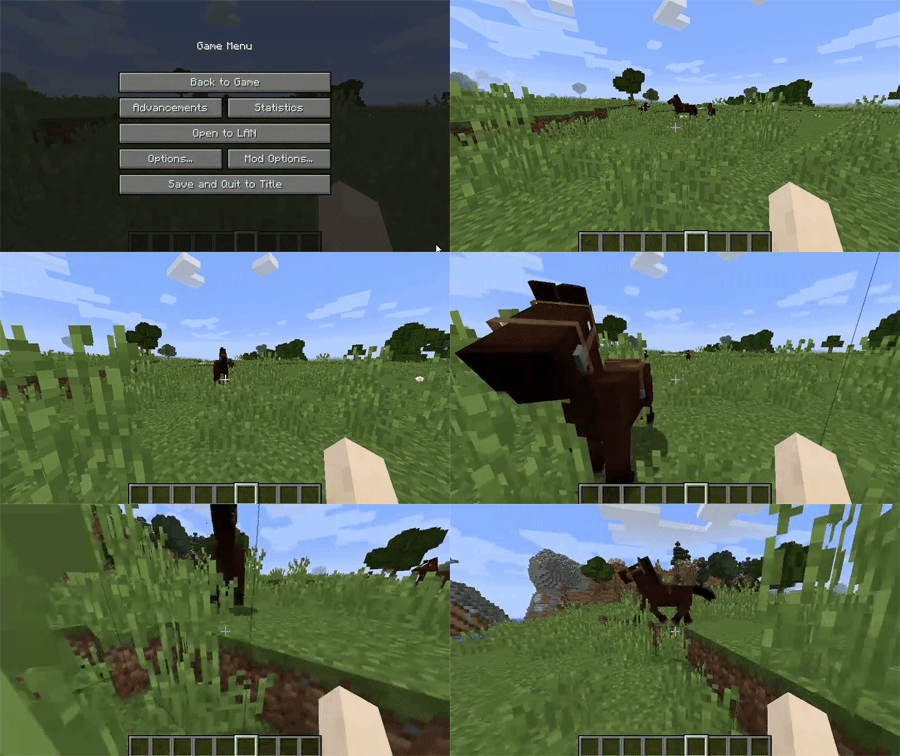
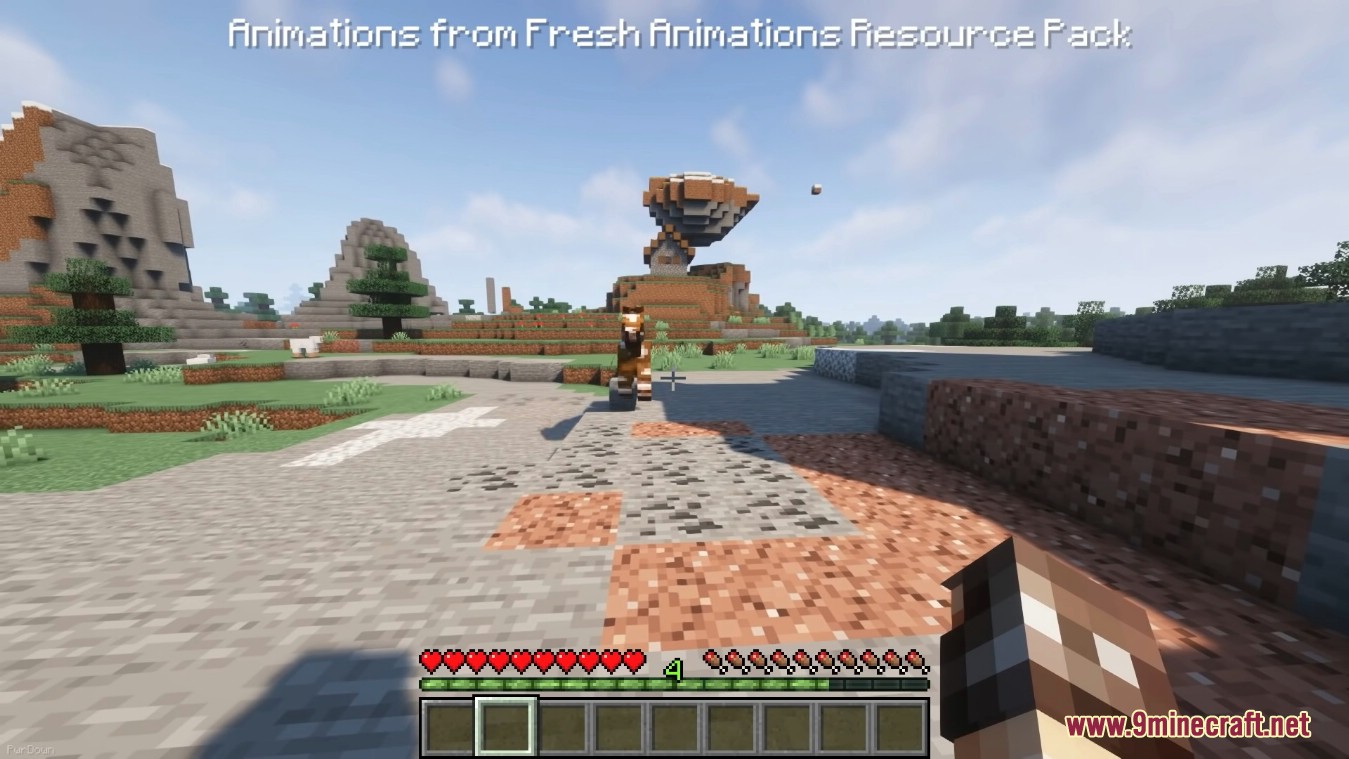
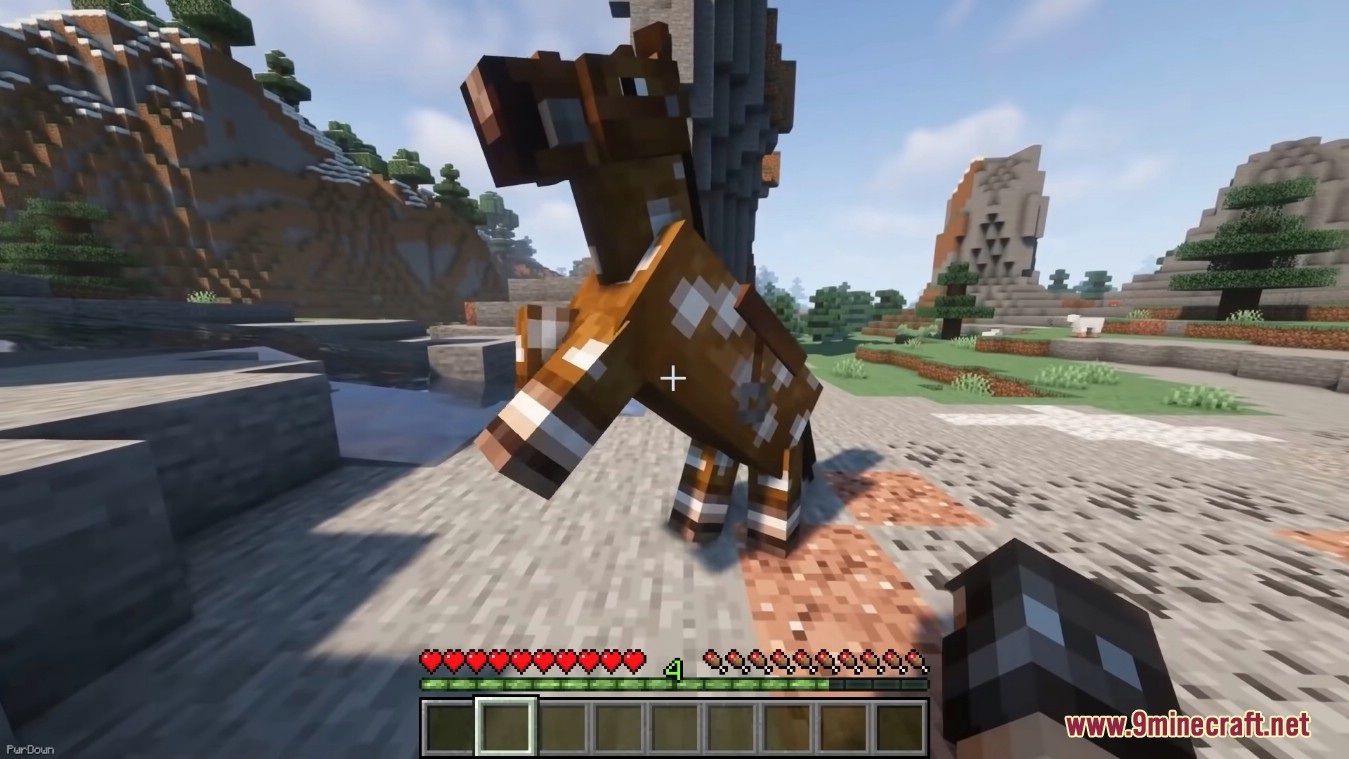
- Instant Horse Calling: Press V to call your personal horse whenever you need it. If your horse is nearby, it walks toward you, and if it is far away, it teleports straight to your spot.
- Cross-Dimension Travel: Lets your personal horse follow you across different dimensions, and you can adjust this behavior in the config.
- Horse Stats Menu: Press K to open a simple screen that shows the stats of your personal horse.
- Works with modded horses too, as long as the mob extends the
AbstractHorseclass. - Keeps only one copy of your personal horse in the world at a time, so any older copy left in unloaded chunks despawns the next time you enter those chunks.
- Stops you from calling your personal horse again if it dies, unless you change the config setting to allow respawns.
- Lets you change all keybinds directly in the Minecraft controls menu.
Configuration:
deathIsPermanent: Set this to false to let your personal horse respawn after it dies. Any items it was wearing do not respawn with it.maxCallingDistance: Set this to any value other than -1 to limit horse calling to that range. This option also accounts for coordinate shifts between dimensions.callableInEveryDimension: Set this to false to allow horse calling only in the dimensions listed incallableDimsWhitelist.enableStatsViewer: Set this to false to turn off the horse stats viewer screen.
How to Use:
- Find a horse, donkey, mule, skeleton horse, zombie horse, llama, or supported modded horse that is not owned by another player, and sit on it.
- Press P while sitting on the mob to set it as your personal horse.
- Press V at any time to call your personal horse; it walks over if it is close by or teleports right to you if it is far away or in another dimension.
- Press K to open the stats menu and view your personal horse’s stats.
- Open the game controls menu if you want to change the default P, V, or K keys.
- Edit the config file if you want to allow horse respawns (
deathIsPermanent), limit calling distance (maxCallingDistance), restrict dimensions (callableInEveryDimensionandcallableDimsWhitelist), or disable the stats menu (enableStatsViewer).
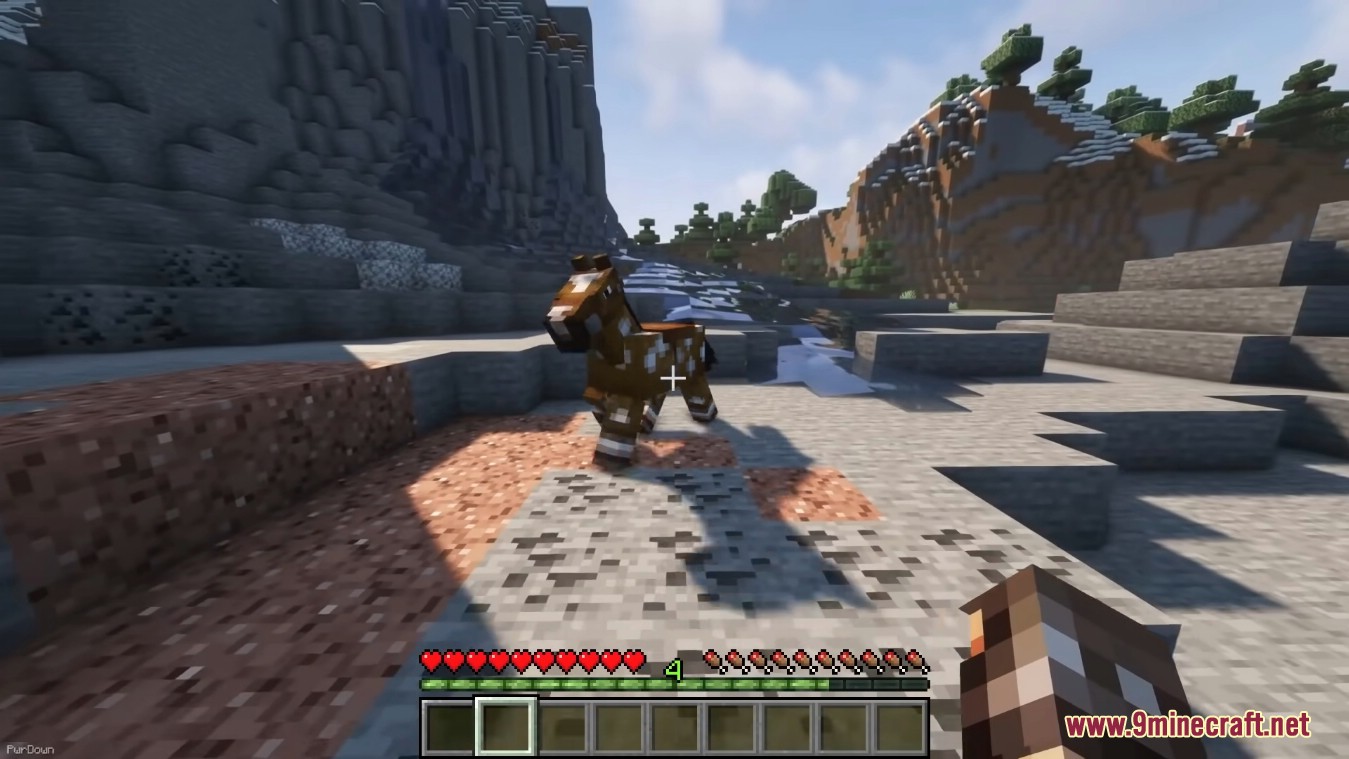
Screenshots:
How to Install:
New to Minecraft? Follow our step-by-step guide to install Mods on your PC.View Guide
Callable Horses Mod Download Links
For Minecraft 1.20.1, 1.20
Forge version: Download from Server 1 – Download from Server 2
For Minecraft 1.19.3
Forge version: Download from Server 1 – Download from Server 2
For Minecraft 1.19.2
Forge version: Download from Server 1 – Download from Server 2
For Minecraft 1.18.2
Forge version: Download from Server 1 – Download from Server 2
For Minecraft 1.16.5
Forge version: Download from Server 1
For Minecraft 1.12.2
Forge version: Download from Server 1
How do you usually discover new mods to try out?
9 responses · See the full results →
You May Also Like
Picked for this page
 Leap Mod (26.1.2, 1.20.1) – Double Jump
 Model Gap Fix Mod (1.21.11, 1.20.1) – Fixing Graphics Bug
 LotTweaks Mod (1.21.11, 1.20.1) – Powerful Toolkit for Builders
 X-Ray World Generation Mod (1.21.10, 1.20.1) – Like Using X-Ray Resource Pack
 Glodium Mod (26.1.2, 1.20.1) – Library for Better Render, Registry System
 Florum Sporum Mod (26.3, 1.20.1) – 96 New Blossoms
 Call Your Dog Mod (26.3, 1.21.1) – Easily Call Dog with A Goat Horn
 Ore Deposits Mod (1.21.11, 1.20.1) – Deposits Where Ores Generate Infinitely
 Elytra Drag Mod (26.3, 1.20.1) – Add Air Brakes to Your Elytra
 Tesseract API Mod (26.1.2, 1.21.1) – Registering Blocks, Items, and Fluids
 Limited Damage Indicator Particle Mod (1.21.4, 1.20.1) – Lag-free Combat
 Torcherino Unofficial Mod (1.21.11, 1.20.1) – Speeds Up Ticks for Nearby Blocks & Entities
Most viewed in Mods over the last 7 days
 Ala Industrial Mod (26.3) – Run Electric Power Grids and Automated Factories
 PleasureCraft Mod (26.3, 1.21.1) – Jenny Mod Remake for Fabric
 Jennycraft Mod (26.3, 1.20.1) – Virtual Girlfriend in Minecraft
 Fapcraft Mod (26.3, 1.12.2) – Comprehensive and Detailed Content
 Jenny Mod (Fapcraft) Official Complete Guide – How to use, Tutorial
 BangCraft Mod (1.20.1) – Jenny, Ellie and Elliot
 Fabric Loader (26.3, 1.20.1) – Fabric Installer for All Minecraft Versions
 The Shooting Star Demo Mod (26.3, 1.20.1) – Vaporize Terrain From Orbit
 Meteor Client Mod (26.3, 1.20.1) – Xray, HUD, Fly
 OptiFine HD (26.3, 1.20.1) – Run Faster, FPS Boost, Shaders Support
 Aristois Client Mod (1.21.4, 1.20.1) – World Class Minecraft Utility
 Prestige Client Mod (1.21.11, 1.21.4) – Powerful Ghost Features for Crystal & Sword PvP
More from Mods
 Chat Guides Mod (26.3, 1.21.11) – Never Memorize Complex Server Commands Again
 TRMT Reimagined the Roads More Travelled Mod (26.3, 1.20.1)
 Morrowless Mod (1.21.1) – Defend Your Shelter From Nightmare Creatures
 THE SLOPSTROSITY Mod (1.21.1) – Battle a Ridiculous Slime Boss
 Decoween Mod (1.21.1, 1.20.1) – Transform Ordinary Survival Bases
 Simply Light 9minecraft Mod (26.3) – Decorate Builds Without Torches
 Alex’s Caves Continued Mod (26.3, 1.20.1) – Conquer Six Massive Underground
 Anvil Uses Mod (26.3, 1.20.1) – Track Item Anvil Usage
 Animal Info Mod (26.3, 1.21.11) – Quick Stats For Your Animals
 Timber Tales Dynamic Tree System Mod (26.3, 1.20.1) – Watch Entire Trees Topple
 Gabou’s Libs Mod (26.3, 1.20.1) – Keep Custom Weather and Survival Mods Stable
 /Sit Mod (26.3, 1.21.1) – Make The Player Sit Down

This post has no comments yet. Be the first — your comment will appear here.