
Spark Mod (26.3, 1.21.1) – Hunt Down Lag Spikes Fast

 0


Spark Mod helps you find the exact cause of lag on Minecraft clients, servers, and proxies. Instead of boosting FPS directly, this mod tracks down what eats up your CPU and RAM, such as slow mods or heavy game tasks. It gives technical data for advanced users while still letting regular players check memory use, tick rates, and overall performance.

Features:
- CPU Profiler: Checks lag, low tick rates, and high CPU load in about 30 seconds with minimal impact on your game.
- Memory Inspection: Takes basic snapshots or full HPROF memory dumps and tracks garbage collection to spot server freezes.
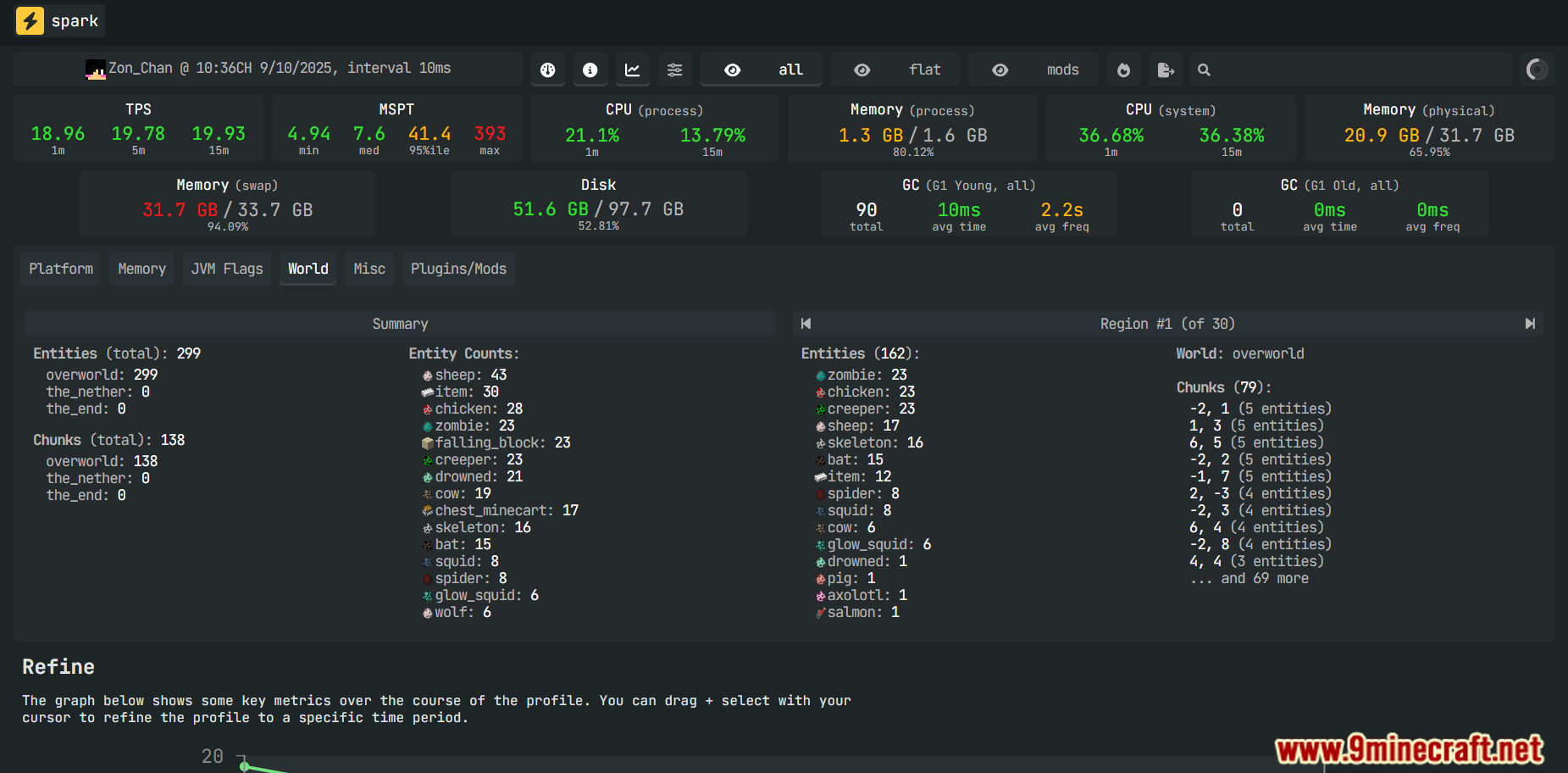
- Server Health Reporting: Reports exact TPS, tick durations, CPU load, RAM use, and free disk space.
- Works right out of the box with no setup or extra config needed.
- Lets you customize scans to watch specific threads, pick sample rates, or record only during lag spikes.
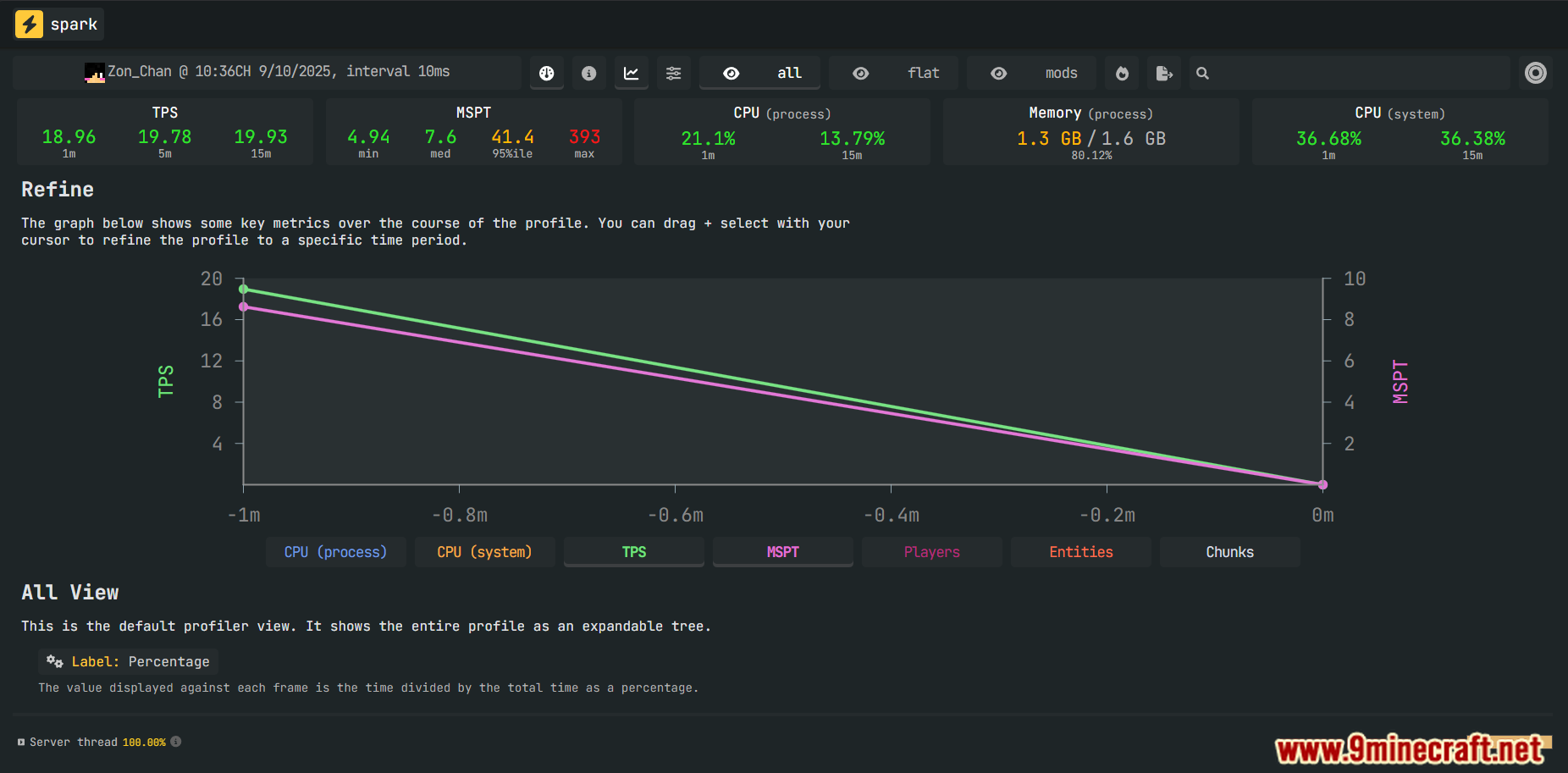
- Builds a clear tree chart in an online viewer so you can read performance data with ease.
- Watches single ticks and sends a report whenever a tick takes too long to finish.
Memory Tools:
- Heap Summary: Takes a quick snapshot of memory use and counts active items for each class.
- Heap Dump: Saves and optionally compresses a complete HPROF file to open in external analysis tools.
- GC Monitoring: Connects garbage collection to server hangs, showing how long cleanups take and how much memory is freed.
Health Metrics:
- TPS and Tick Durations: Measures ticks per second more accurately than the standard
/tpscommand, including minimum, maximum, and average tick times. - System Resources: Tracks CPU use for both the server and the whole machine, along with active memory and disk space.
Spark Mod – Video Showcase
Commands:
/spark sampler: Starts recording CPU load data./spark sampler --stop: Stops the CPU scan and gives you a chat link to view the report./spark heapsummary: Checks memory use and sends a link showing what takes up RAM./spark heapdump: Creates a full memory dump in.hprofformat./spark tps: Shows current tick rate (TPS) stats in chat./spark tickmonitoring: Turns single-tick lag monitoring on or off./spark healthreport: Shows overall server health, including average CPU load, TPS, memory use, and disk space.
How to Use:
- Open the chat box in your game or server console to run profiling commands.
- Type
/spark samplerand let the mod run for about 30 seconds while playing normally. - Type
/spark sampler --stopto finish recording and generate a web link in chat. - Click the link to open the online viewer and check the tree chart for mods or tasks causing lag.
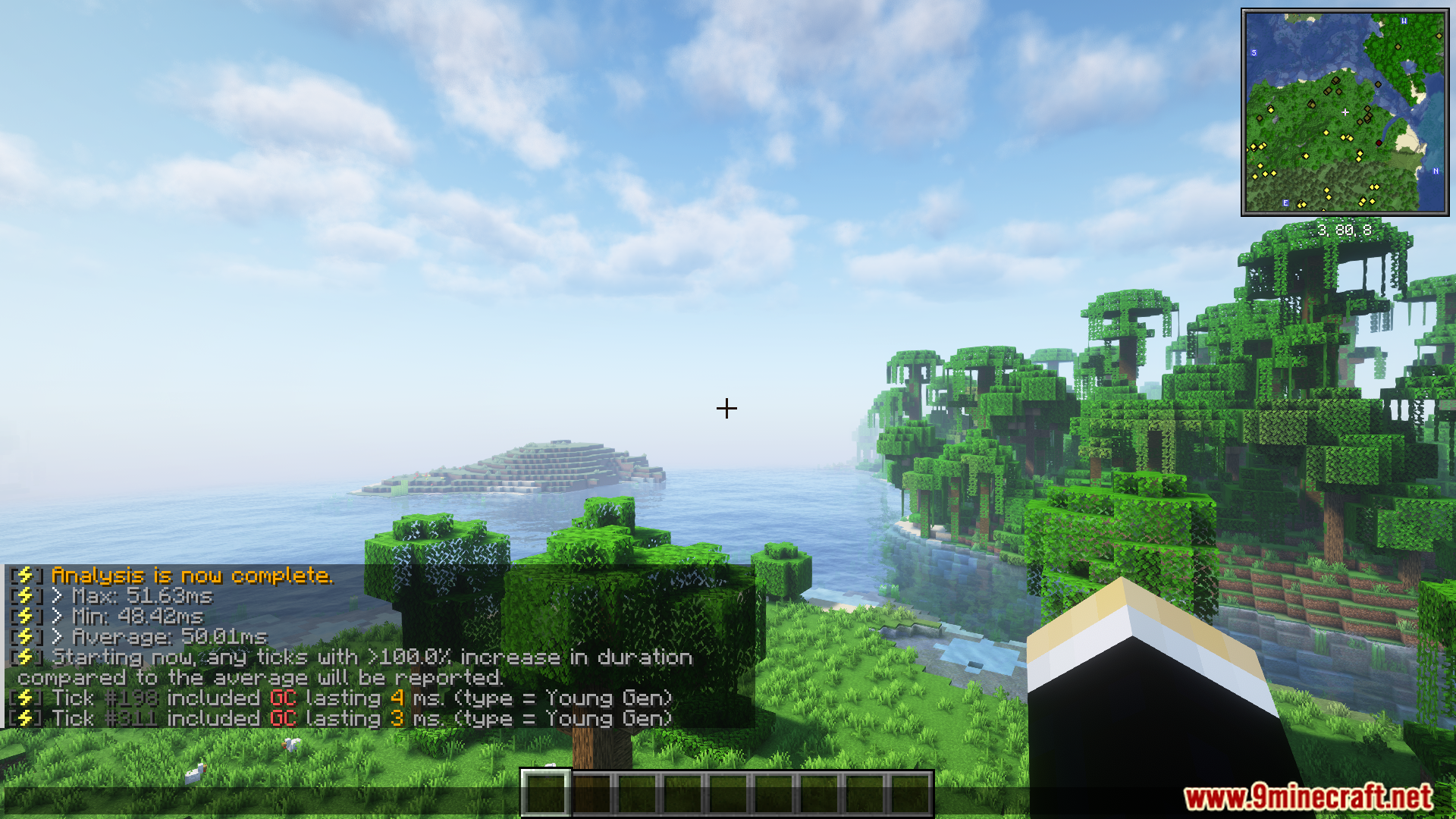
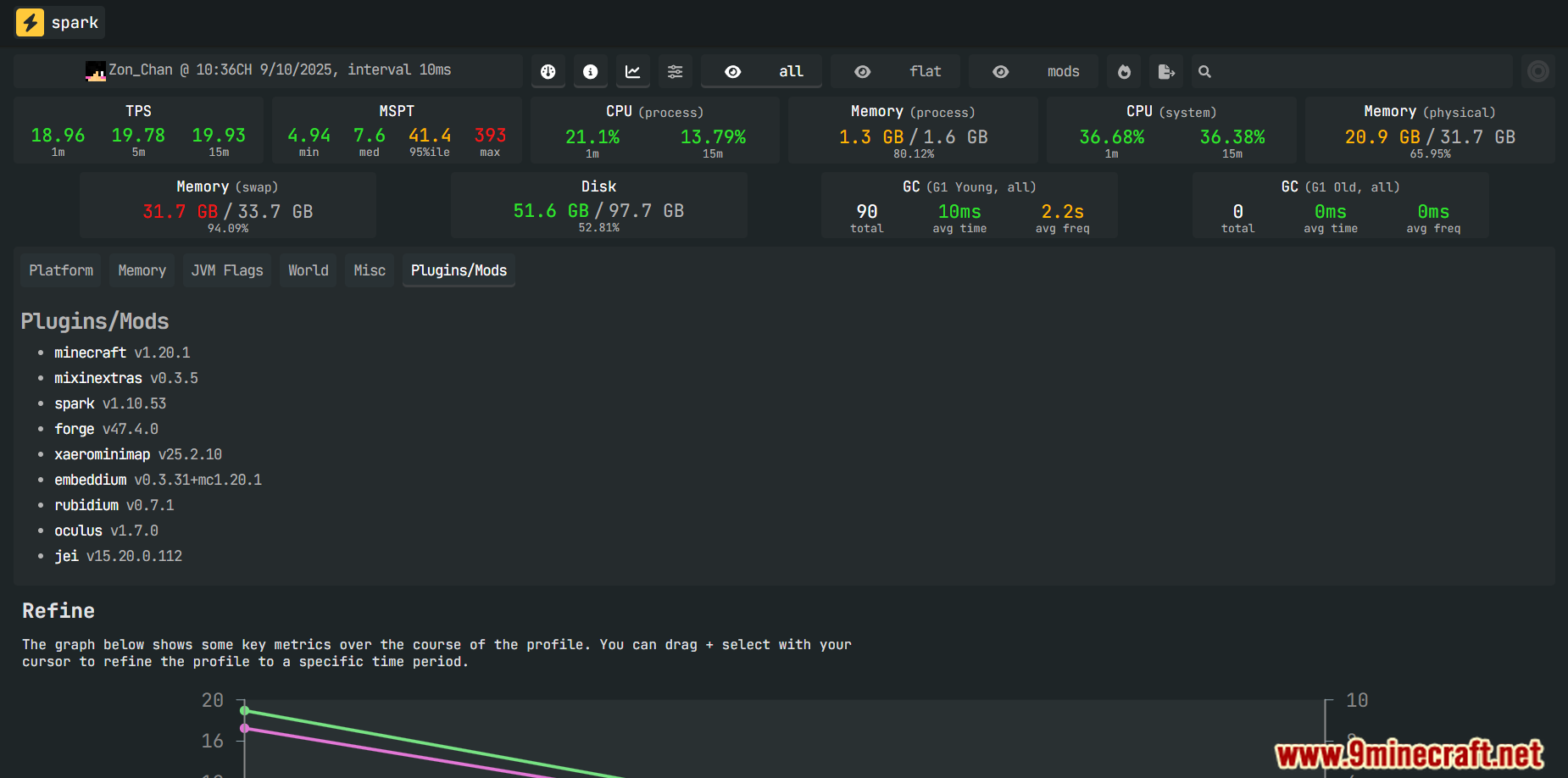
Screenshots:
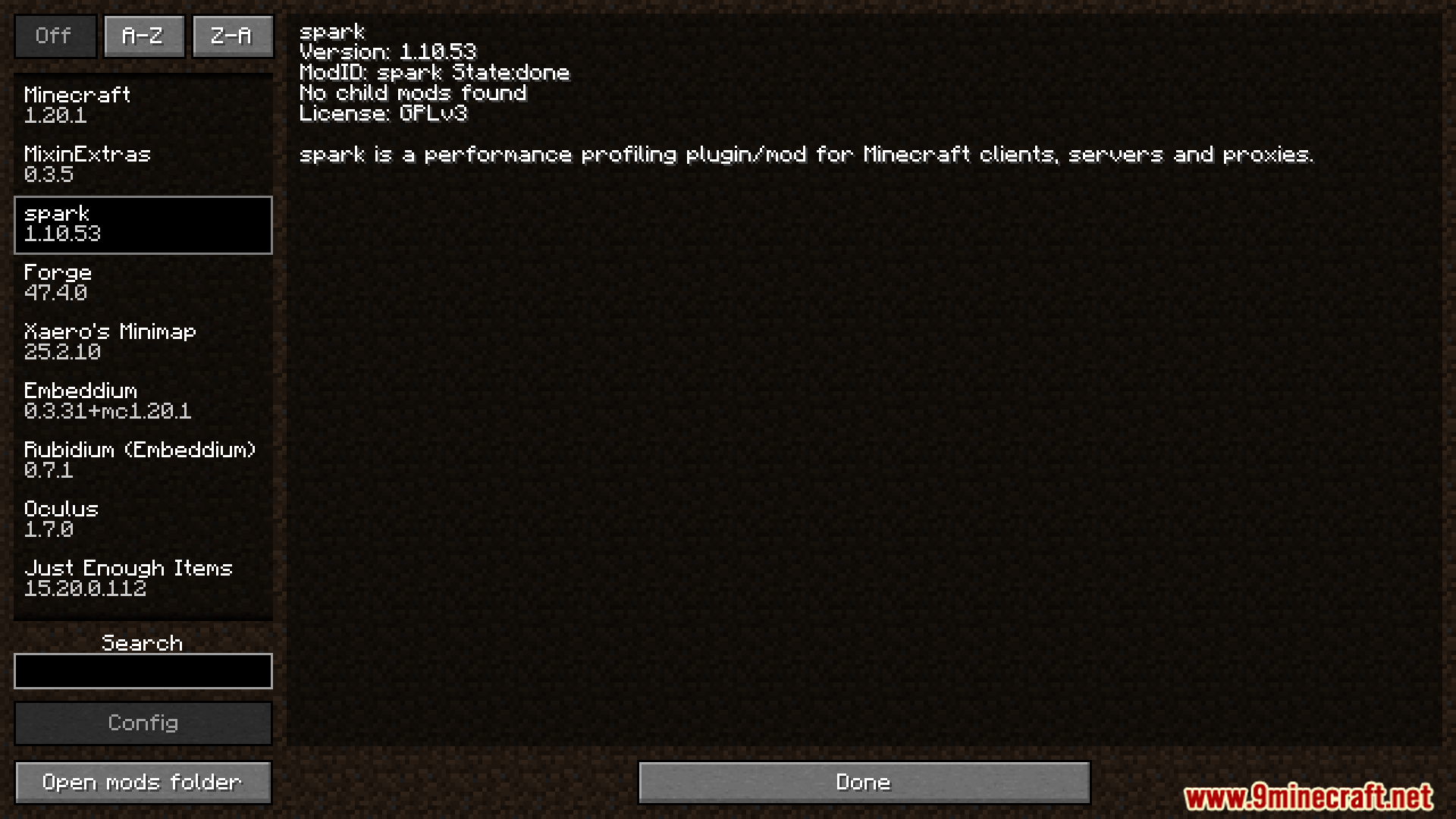
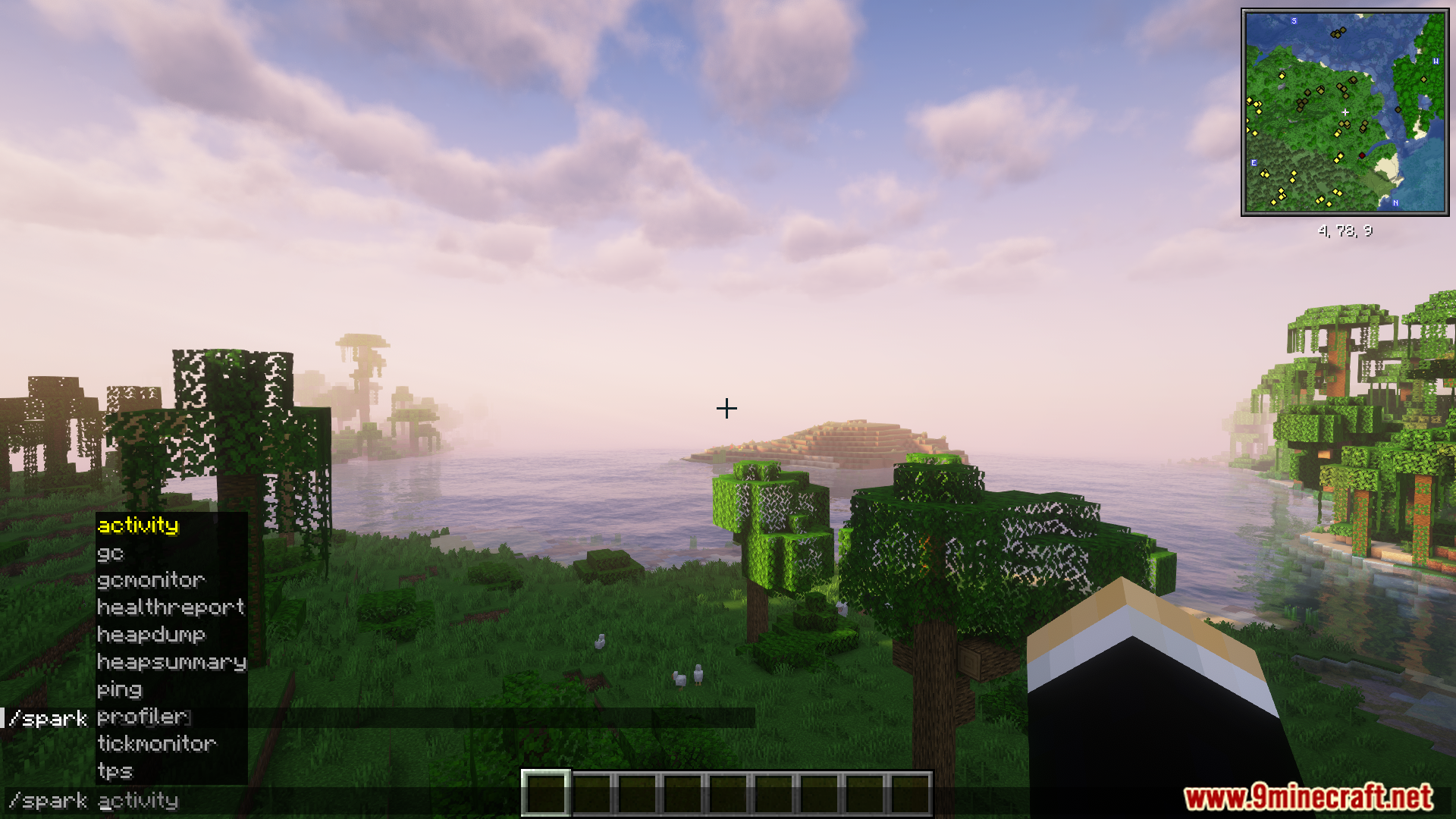
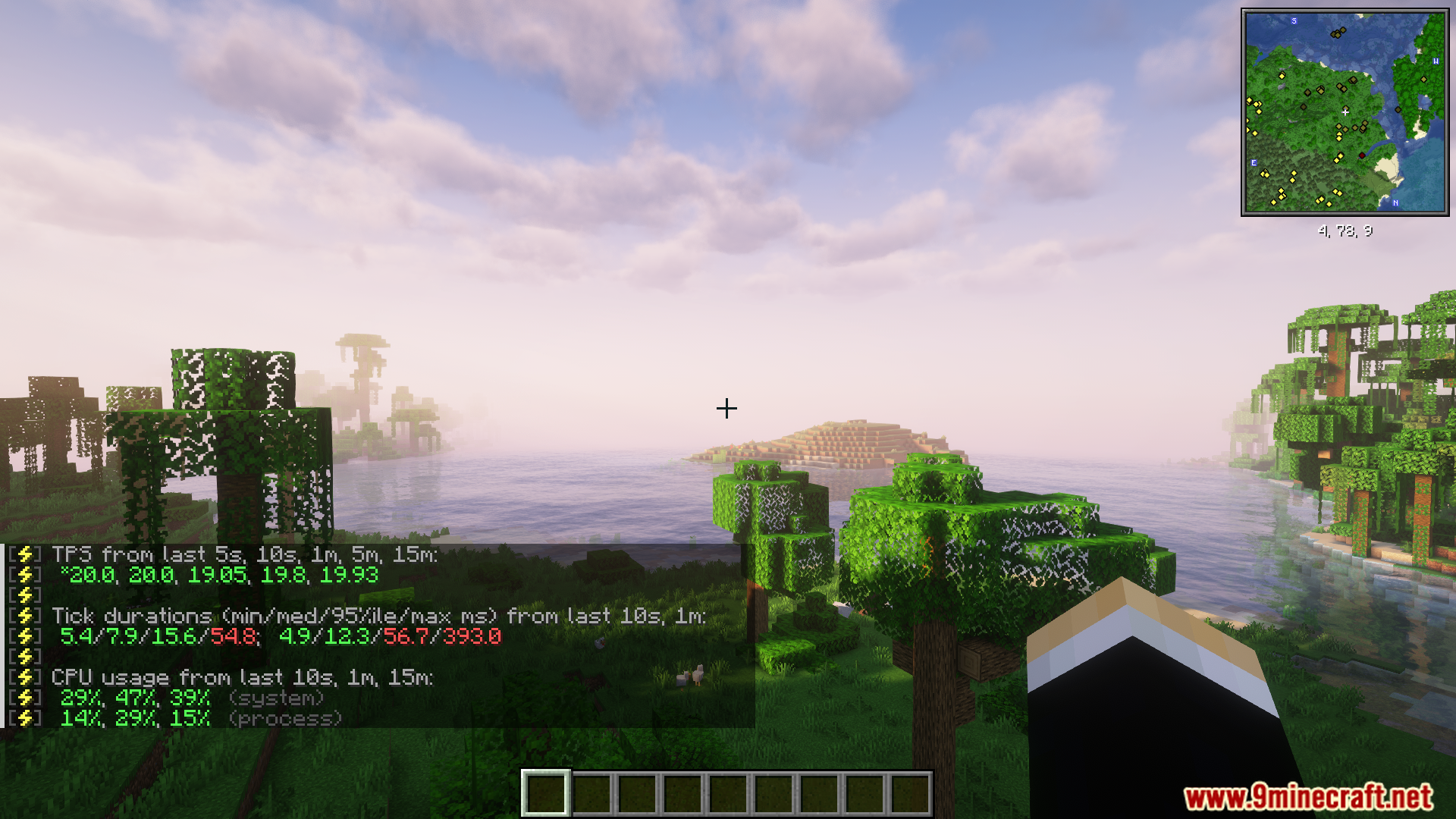
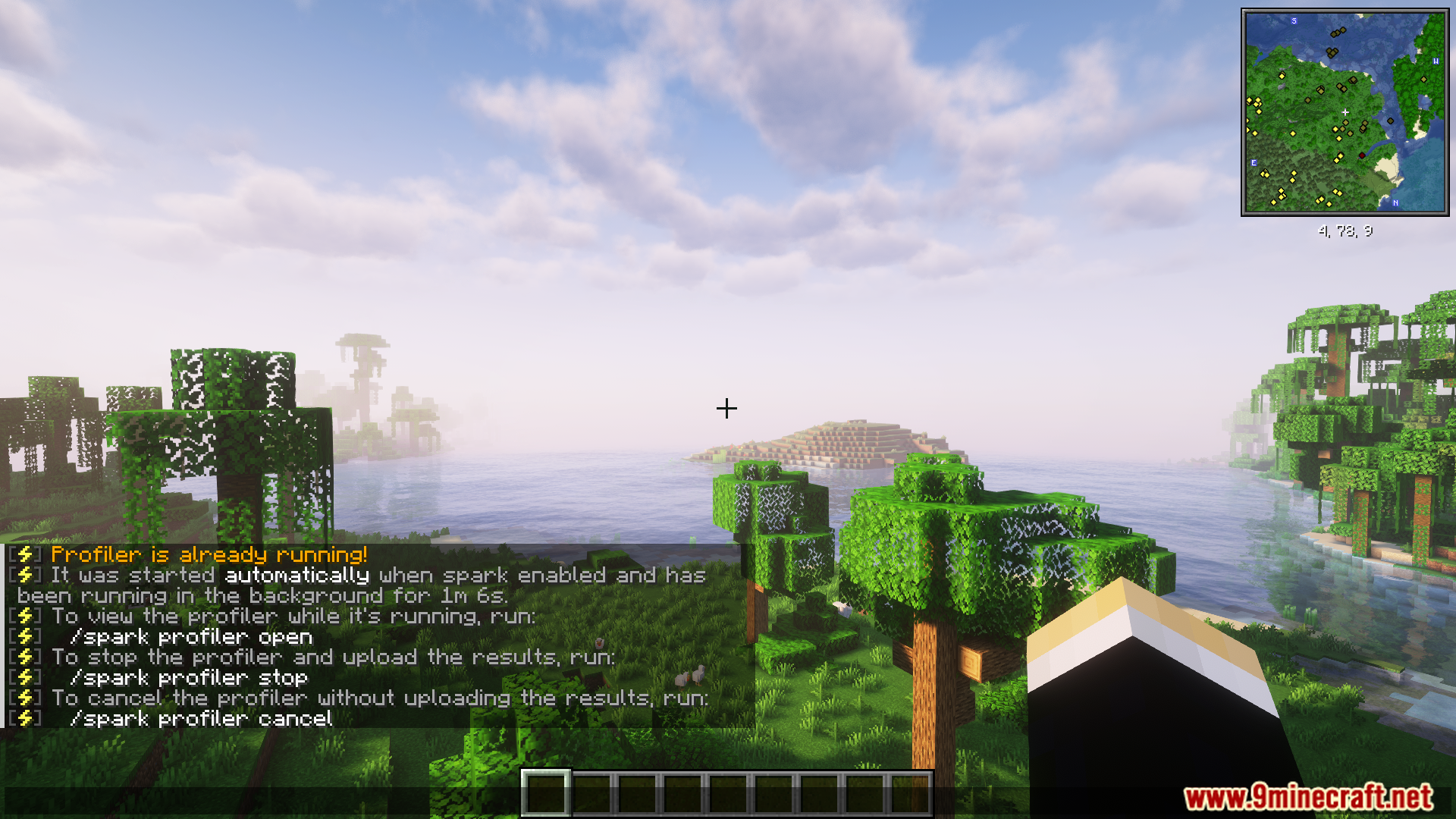
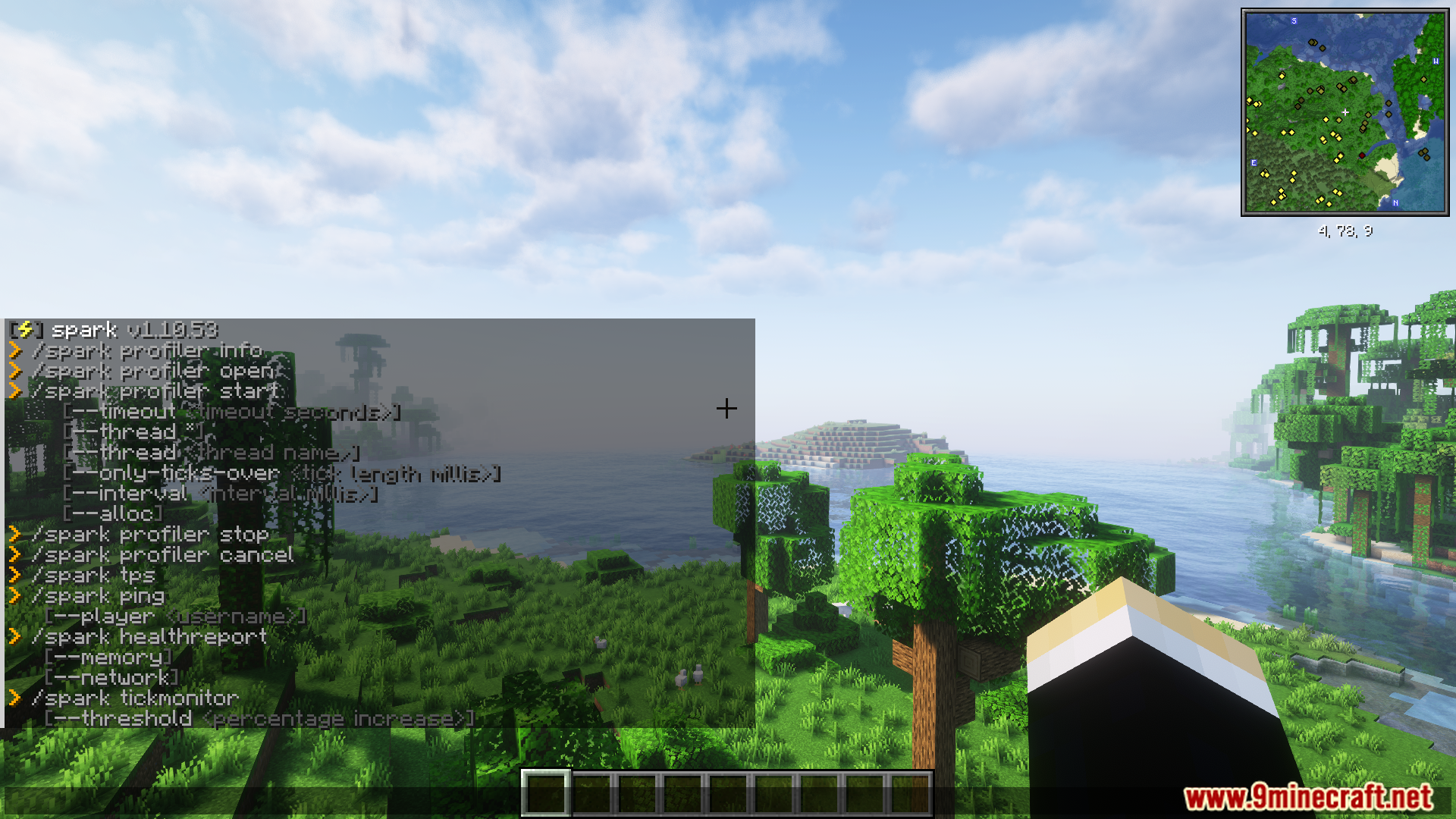
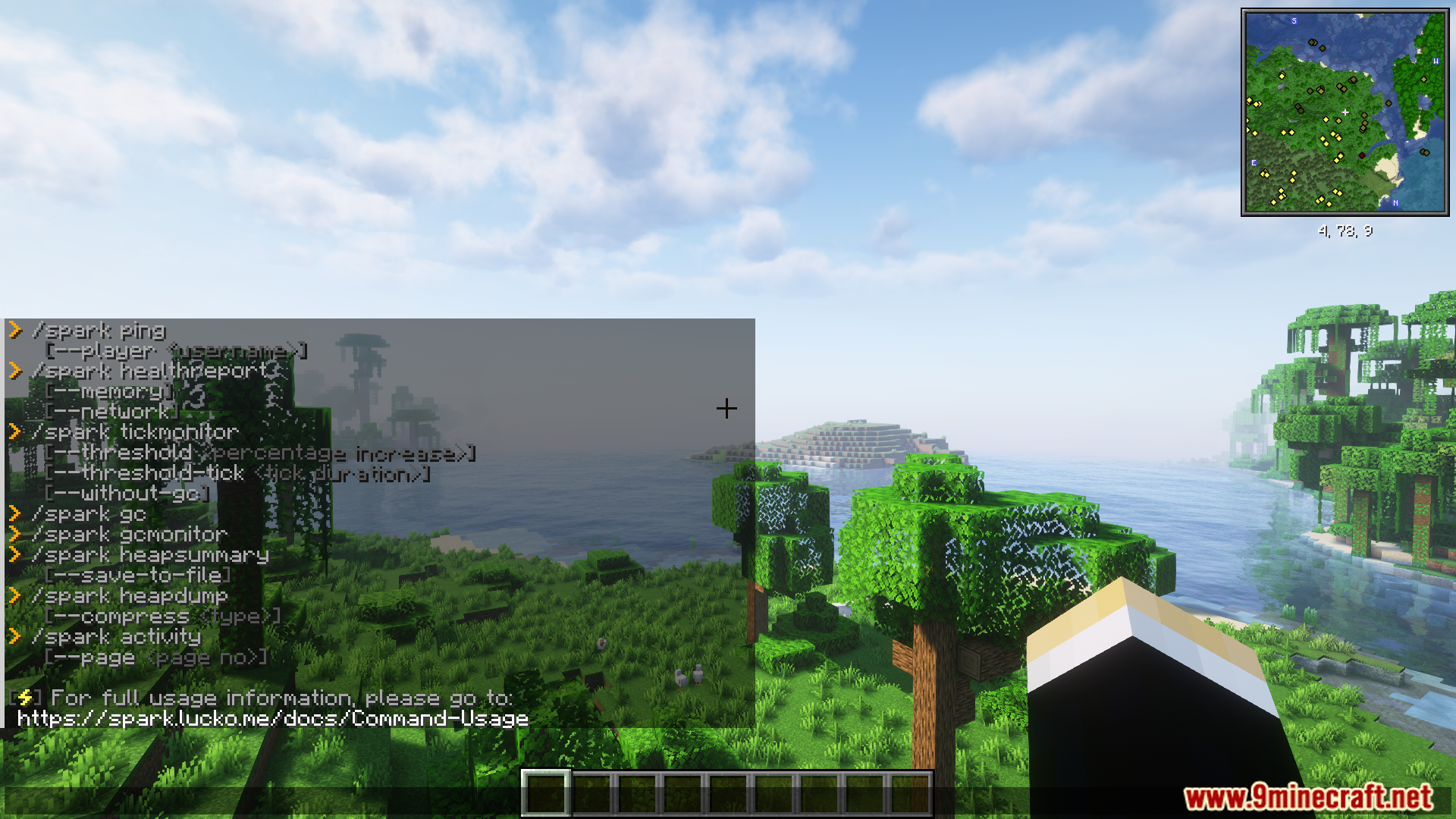
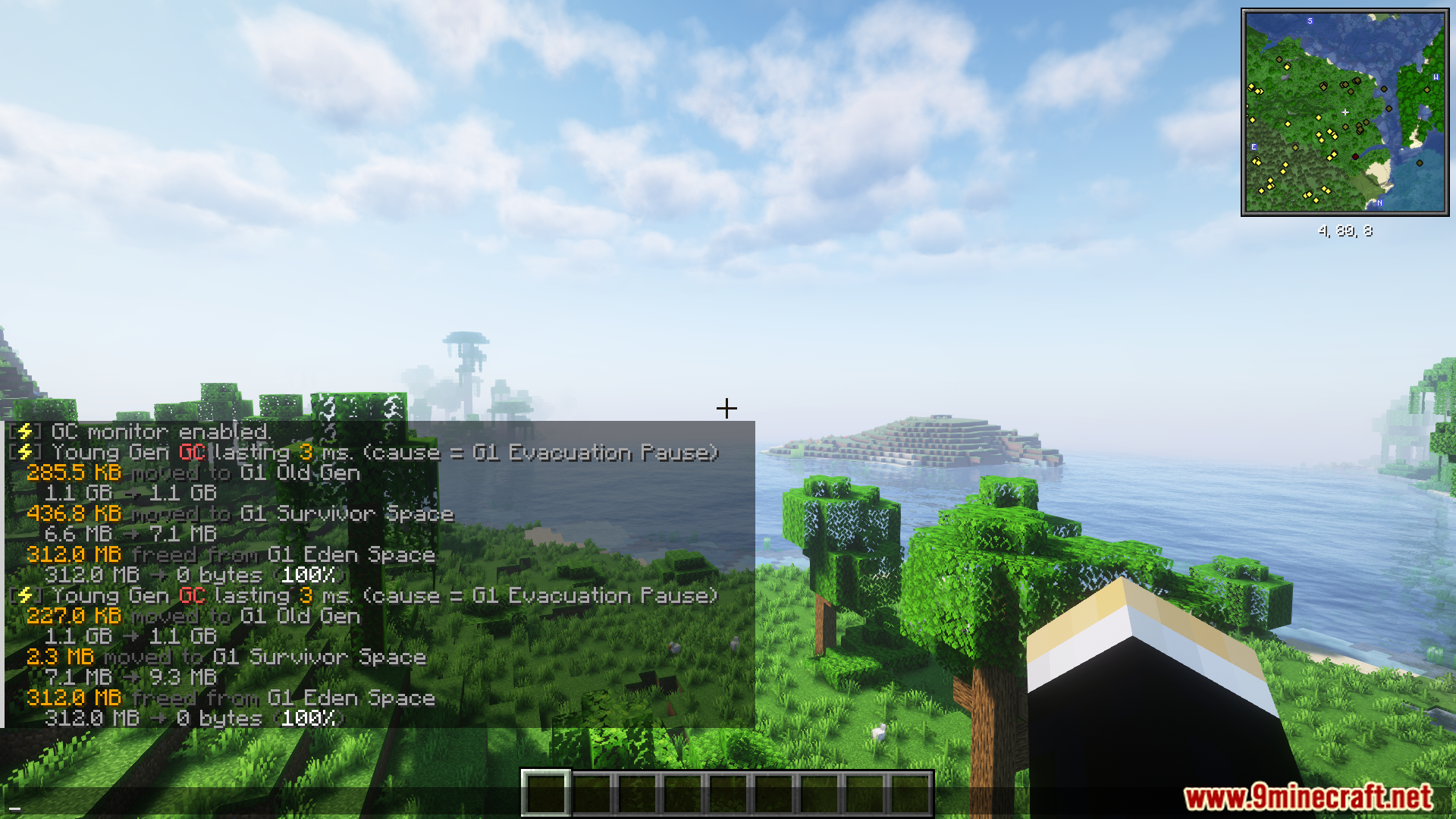
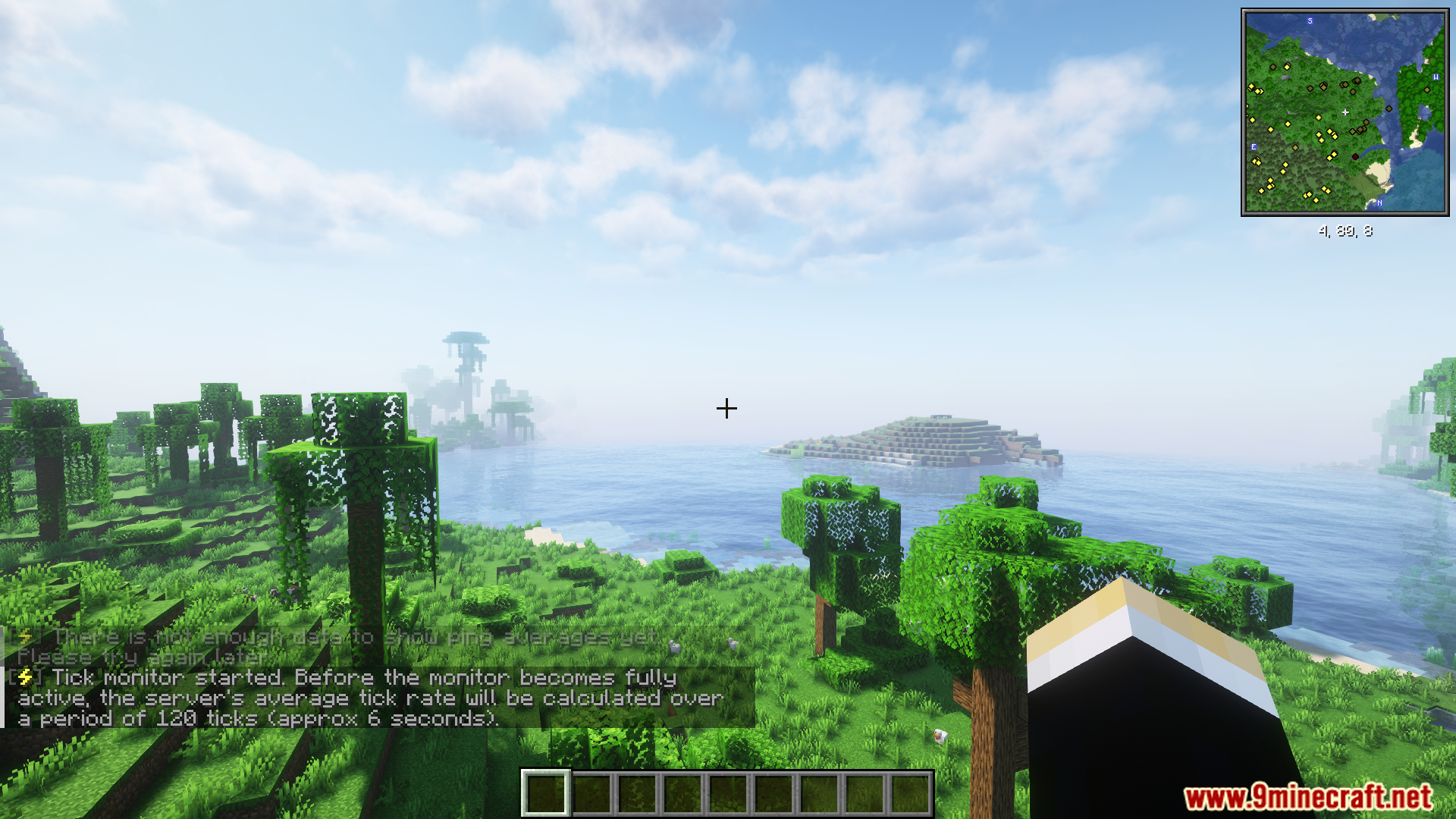
How to Install:
New to Minecraft? Follow our step-by-step guide to install Mods on your PC.View Guide



Spark Mod Download Links
For Minecraft
26.3,
26.2,
26.1.2
All Versions Covered
26.3
26.2
26.1.2
26.1.1
26.1
All Versions Covered
26.3
26.2
26.1.2
26.1.1
26.1
For Minecraft 26.2
For Minecraft 26.1.2, 26.1.1, 26.1
For Minecraft 1.21.11
For Minecraft 1.21.10, 1.21.9
For Minecraft 1.21.8, 1.21.7, 1.21.6
For Minecraft 1.21.5
For Minecraft 1.21.4
For Minecraft 1.21.3, 1.21.2
For Minecraft 1.21.1, 1.21
For Minecraft 1.20.6
For Minecraft 1.20.5
For Minecraft 1.20.4
For Minecraft 1.20.2
For Minecraft 1.20
For Minecraft 1.19.4
For Minecraft 1.19.3
For Minecraft 1.19.2
For Minecraft 1.19
For Minecraft 1.18.2
For Minecraft 1.18.1
For Minecraft 1.17.1
For Minecraft 1.16.5, 1.16.4
For Minecraft 1.12.2
For Minecraft 1.7.10, 1.7.9, 1.7.8
Click to rate this post!
[Total: 1 Average: 5]
QUICK MINECRAFT SURVEY · ONE TAP
Mods & Modpacks
Have you ever created your own Minecraft mod or modpack, even a simple one?
18 responses · See the full results →
You May Also Like
Picked for this page
 FPS Reducer Mod (26.3, 1.20.1) – Reduce Unnecessary GPU and CPU Load
 Mob Battle Mod (26.3, 1.20.1) – Create Easy Mob Fights
 World Edit Mod (26.3, 1.20.1) – A Minecraft Map Editor
 Fast Workbench Mod (26.1.2, 1.20.1) – Caching Recipes in the Crafting Table
 AI Improvements Mod (26.3, 1.20.1) – Performance & Logic Upgrades for Mod AIs
 JAOPCA Mod (26.1.2, 1.20.1) – Just A Ore Processing Compatibility Attempt
 Item Scroller Mod (26.3, 1.20.1) – Moving Items in Inventory GUIs
 Applied Energistics 2 Mod (26.3, 1.20.1) – Advanced Technology
 Clumps Mod (26.3, 1.20.1) – Clumps XP Orbs Together to Reduce Lag
 Packet Fixer Mod (26.3, 1.20.1) – End Crashes From Big Mods
 Bow Infinity Fix Mod (26.3, 1.20.1) – Using A Bow Without Any Arrows
 AE2 Mouse Tweaks Fix Mod (26.1, 1.20.1) – Disables WheelTweak in AE2 Terminals
Most viewed in Mods over the last 7 days
 Ala Industrial Mod (26.3) – Run Electric Power Grids and Automated Factories
 PleasureCraft Mod (26.3, 1.21.1) – Jenny Mod Remake for Fabric
 Jennycraft Mod (26.3, 1.20.1) – Virtual Girlfriend in Minecraft
 Fapcraft Mod (26.3, 1.12.2) – Comprehensive and Detailed Content
 Jenny Mod (Fapcraft) Official Complete Guide – How to use, Tutorial
 BangCraft Mod (1.20.1) – Jenny, Ellie and Elliot
 Fabric Loader (26.3, 1.20.1) – Fabric Installer for All Minecraft Versions
 The Shooting Star Demo Mod (26.3, 1.20.1) – Vaporize Terrain From Orbit
 Meteor Client Mod (26.3, 1.20.1) – Xray, HUD, Fly
 OptiFine HD (26.3, 1.20.1) – Run Faster, FPS Boost, Shaders Support
 Aristois Client Mod (1.21.4, 1.20.1) – World Class Minecraft Utility
 Prestige Client Mod (1.21.11, 1.21.4) – Powerful Ghost Features for Crystal & Sword PvP
More from Mods
 Tempest Almanac Iron’s Spells ‘n Spellbooks Mod (1.21.1, 1.20.1)
 Chat Guides Mod (26.3, 1.21.11) – Never Memorize Complex Server Commands Again
 TRMT Reimagined the Roads More Travelled Mod (26.3, 1.20.1)
 Morrowless Mod (1.21.1) – Defend Your Shelter From Nightmare Creatures
 THE SLOPSTROSITY Mod (1.21.1) – Battle a Ridiculous Slime Boss
 Decoween Mod (1.21.1, 1.20.1) – Transform Ordinary Survival Bases
 Simply Light 9minecraft Mod (26.3) – Decorate Builds Without Torches
 Alex’s Caves Continued Mod (26.3, 1.20.1) – Conquer Six Massive Underground
 Anvil Uses Mod (26.3, 1.20.1) – Track Item Anvil Usage
 Animal Info Mod (26.3, 1.21.11) – Quick Stats For Your Animals
 Timber Tales Dynamic Tree System Mod (26.3, 1.20.1) – Watch Entire Trees Topple
 Gabou’s Libs Mod (26.3, 1.20.1) – Keep Custom Weather and Survival Mods Stable

This post has no comments yet. Be the first — your comment will appear here.