
OpenInv Plugin (1.21, 1.20.1) – Catch Hidden Stolen Items
 10,531
 0


OpenInv Plugin lets you open and manage any player’s inventory or ender chest in real time on a Minecraft server. It works for both online and offline players from anywhere, with no distance or obstacle limits. You can check armor slots, edit items, drop items as another player using the bottom-right slots, and search online players for specific items or enchantments. This plugin also adds tools to open blocked chests and check containers silently without any sound or animation. Permission settings let server admins control read-only views, cross-world access, and player protection.
Features:
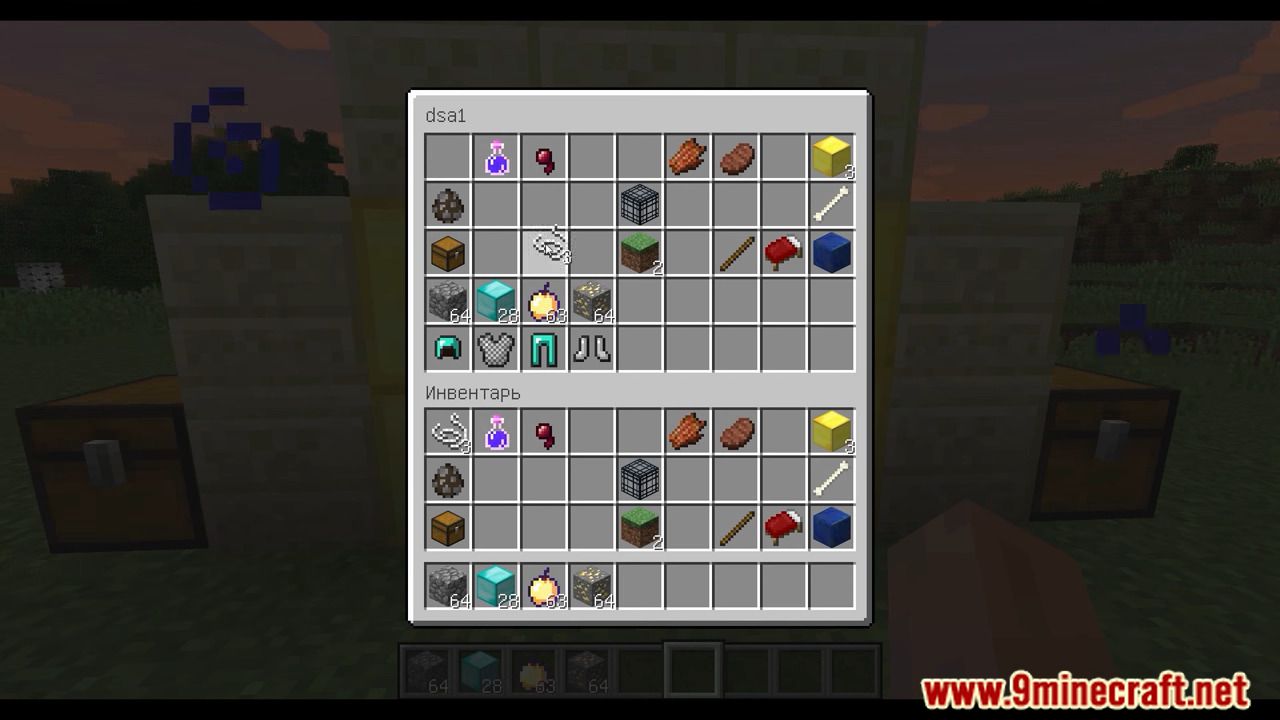
- OpenInv: Opens any player’s inventory in real time, even when they are offline, from anywhere with no distance limits.
- OpenEnder: Opens any player’s ender chest from anywhere, including for offline players.
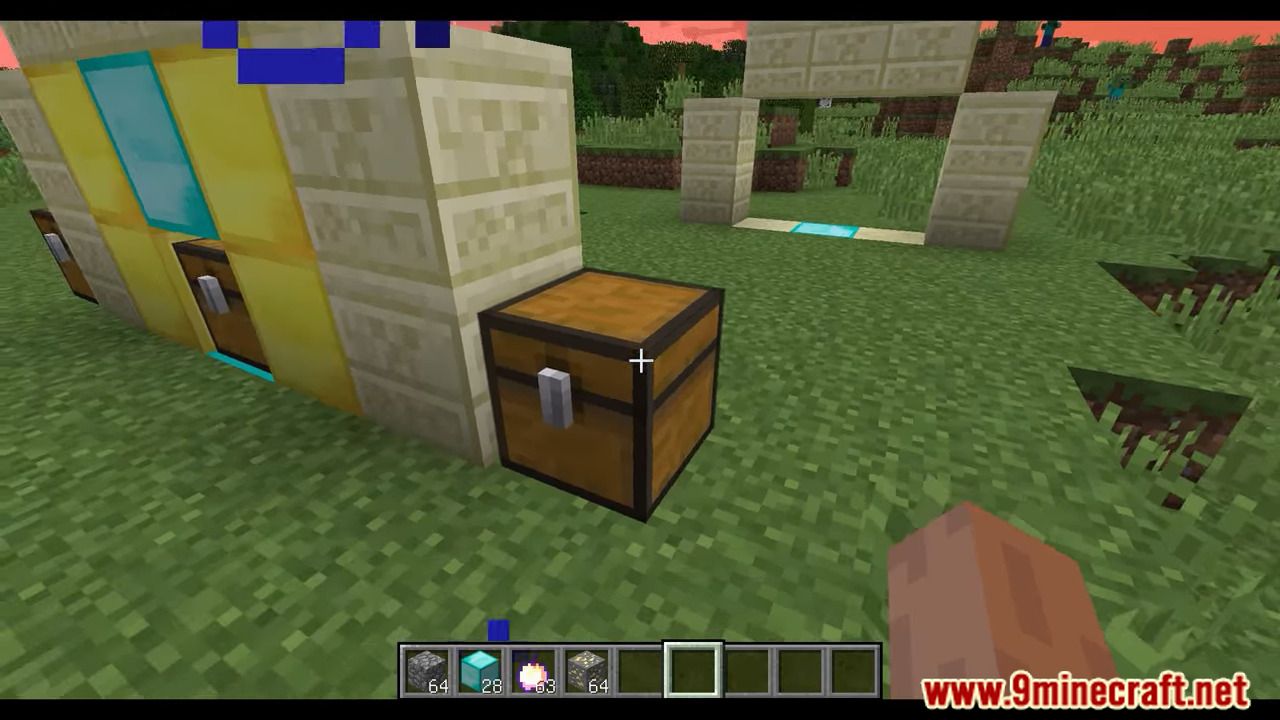
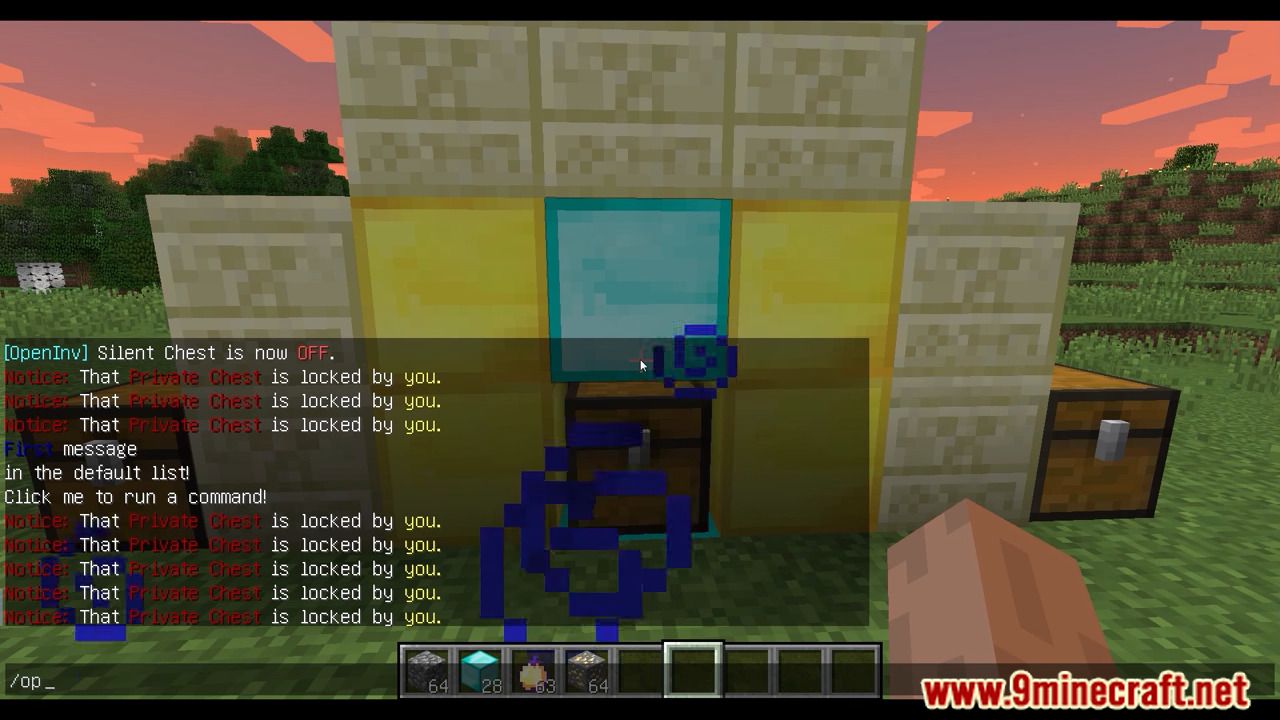
- SilentContainer: Opens chests and other containers silently with no sound or opening animation.
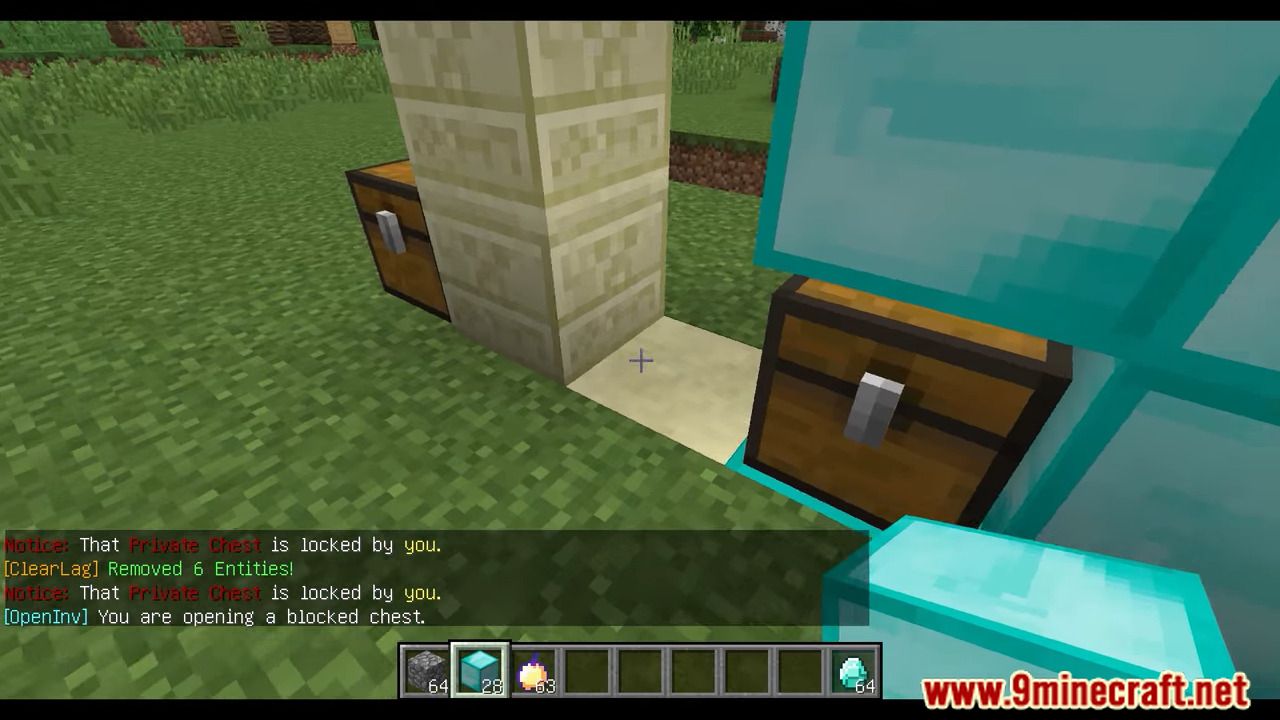
- AnyContainer: Opens chests and containers even when solid blocks or ocelots block them from above.
- Lets server admins edit any player’s inventory, armor slots, and ender chest freely in real time.
- Supports a read-only mode for inventories and ender chests when edit permissions are not granted.
- Lets you drop items as another player by placing them in the unused dropper slots in the bottom right, with an option to disable this via permission.
- Allows placing any item in armor slots when configured through permissions.
- Prevents duplicate slots when opening your own inventory, showing only armor slots if self-opening is allowed.
- Restricts players to opening only their own ender chest unless permission to open everyone’s is granted.
- Includes cross-world access permissions so servers can limit inventory and ender chest checks to the same world.
- Protects players from having their inventories opened with an exempt permission, while an override permission lets admins bypass that protection.
- Includes search tools to find online players who have specific items, minimum item amounts, or enchantments in their inventories or ender chests.
- Reopens the last checked player’s inventory or ender chest when you run the open command without typing a player name.
- Offers full permission support, including options to turn AnyContainer or SilentContainer on by default.
Commands:
/openinv <player>: Opens a player’s inventory (aliases:oi,inv,open). Run it without a name to reopen the last checked inventory./openender <player>: Opens a player’s ender chest (alias:oe). Run it without a name to reopen the last checked ender chest./searchinv <item> [minAmount]: Lists all online players who have a specific item in their inventory (alias:si)./searchender <item> [minAmount]: Lists all online players who have a specific item in their ender chest (alias:se)./searchenchant <[enchantment] [MinLevel]>: Lists all online players who have a specific enchantment (alias:searchenchants)./anycontainer: Toggles AnyContainer mode so you can open blocked containers (aliases:ac,anychest)./silentcontainer: Toggles SilentContainer mode so you can open containers silently (aliases:sc,silent,silentchest).
Permissions:
OpenInv.openinv: Allows using OpenInv.OpenInv.openself: Allows opening your own inventory.OpenInv.editinv: Allows editing player inventories.OpenInv.openender: Allows opening ender chests.OpenInv.openenderall: Allows opening anyone’s ender chest; without this, a player can only open their own.OpenInv.editender: Allows editing ender chests.OpenInv.search: Allows using/searchinvand/searchender.OpenInv.searchenchant: Allows using/searchenchant.OpenInv.crossworld: Allows opening inventories across different worlds.OpenInv.exempt: Protects a player’s inventory from being opened.OpenInv.override: Allows opening any player’s inventory, even protected ones.OpenInv.anychest: Allows opening chests blocked by a block on top.OpenInv.any.default: Turns AnyContainer mode on by default.OpenInv.silent: Allows opening chests silently with no sound or animation.OpenInv.silent.default: Turns SilentContainer mode on by default.
Screenshots:

How to Install:
New to Minecraft? Follow our step-by-step guide to install Plugins on your PC.View Guide
OpenInv Plugin Download Links
For Minecraft Bukkit 1.21, 1.20.6
For Minecraft Bukkit 1.20.1
For Minecraft Bukkit 1.19.4, 1.19.2
For Minecraft Bukkit 1.19.1, 1.18.2
For Minecraft Bukkit 1.19
For Minecraft Bukkit 1.18, 1.17
For Minecraft Bukkit 1.16
For Minecraft Bukkit 1.15
For Minecraft Bukkit 1.14
For Minecraft Bukkit 1.13
For Minecraft Bukkit 1.12
You May Also Like
Picked for this page
 WorldGuard Plugin (26.1.2, 1.20.1) – Bukkit, Spigot, Paper
 Quests Plugin (26.1.2, 1.20.1) – Bukkit, Spigot, Paper
 MultiWorld Plugin (26.1.2, 1.20.1) – Spigot
 Orebfuscator Plugin (26.1.2, 1.20.1) – Bukkit, Spigot, Paper
 ValhallaMMO Plugin (26.1.2, 1.20.1) – Bukkit, Spigot, Paper
 Fancy Holograms Plugin (26.1.2, 1.20.1) – Spigot
 Infinite Villager Trades Plugin (1.21.11, 1.20.1) – Spigot
 SuperVanish Plugin (26.2, 1.20.1) – Bukkit, Spigot, Paper
 UberEnchant Plugin (1.21.11, 1.20.1) – Bukkit, Spigot, Paper
 Interaction Visualizer Plugin (26.1.2, 1.20.1) – Spigot
 BuildPaste Plugin (26.3, 1.20.1) – Bukkit, Spigot, Paper
 BeastWithdraw Plugin (1.21.11, 1.20.1) – Bukkit, Spigot, Paper
Most viewed in Plugins over the last 7 days
 Citizens Plugin (1.21.10, 1.20.1) – The Best NPC Plugin
 Vulcan Anti Cheat Plugin (1.21.8, 1.20.1) – A Powerful Shield Against Cheating
 Citizens2 Plugin (1.21.8, 1.20.1) – Craft Unique NPCs
 WorldEdit Plugin (1.21.11, 1.20.1) – Easy In-Game Minecraft Map Editor
 Displaymotion Plugin (1.21.4) – Amaze Players with Custom Animations and No Client Mods
 Dynmap 9minecraft Plugin (26.3) – A Live Google-Maps-Style View of Your Whole Server
 Grim Anticheat Plugin (26.3, 1.20.1) – Realtime Cheat Detection Plugin
 Ultimate Donut SMP Plugin (26.3, 1.20.1) – Build Teams Trade Goods
 MMOItems Premium Plugin (1.21.8, 1.20.1) – Create Stunning Custom Items
 Oraxen Plugin (1.21.11, 1.20.1) – Transform Your Ideas into Custom Items And Blocks
 MythicCrucible Plugin (1.21.8, 1.20.1) – Addon for MythicMobs
 Ultimate Donut SMP Plugin (26.2, 1.21.11) – Everything Players Need to Trade
More from Plugins
 ArmourShop Plugin (1.21.10) – Let Players Stand Out with Custom Armor Skins
 GeigerCounters Plugin (1.21.10) – Send Players Hunting Buried Caches Across the Map
 GemInfusion Plugin (1.21.10) – Turn Mining Loot Into Custom Gear for Every Player
 InteractibleFurniture Plugin (1.21.10) – Give Players Cozy Homes to Show Off Loot
 PermCleaner Plugin (1.21.10) – Fresh Seasonal Starts Without Losing Earned Ranks
 GunsAndGadgets Plugin (1.21.10) – Turn Survival Fights Into Tactical Firearm Shootouts
 Surgery Plugin (1.21.10) – Turn Player Injuries Into Intense Medical Roleplay
 MarketBlock Plugin (1.21.10) – A Fair Trade Market That Rewards Fresh Harvests
 TFMCCore Plugin (1.21.10) – Custom Item Lore and Animal Whistles for Roleplay Servers
 Economy SMP Plugin (26.2, 1.21.1) – Turn Survival Worlds Into Active Trading
 Audio Navigation Plugin (1.21.10) – Helping Blind Players Explore Every Server
 VFBuilders Plugin (1.21.10) – Give Players Real Workshops to Assemble Vehicles

This post has no comments yet. Be the first — your comment will appear here.