
ServerConfig Updater Mod (1.20.1, 1.19.2) – Apply New World Settings

 0


ServerConfig Updater Mod lets you manage and update server config files inside your Minecraft worlds. Normally, server configs sit inside the world folder, so you cannot update them after you generate a world. This mod fixes that problem by deleting specific server configs when a world loads. The game then creates fresh copies from the default config folder.
Features:
- Deletes chosen server config files automatically when a world loads so the game generates fresh ones from the
defaultconfigfolder. - Lets you add new versions to the main config file and list the exact mod IDs that need a server config update.
- Builds a version history when the game starts and when a world opens.
- Saves a version number right inside the world folder to apply all needed changes from the version history.
How to Use:
- Open the mod config file and add a new version entry.
- List the mod IDs of the server configs you want to update under that version.
- Start the game and load your world so the mod checks the version history and updates the chosen files.
Screenshots:


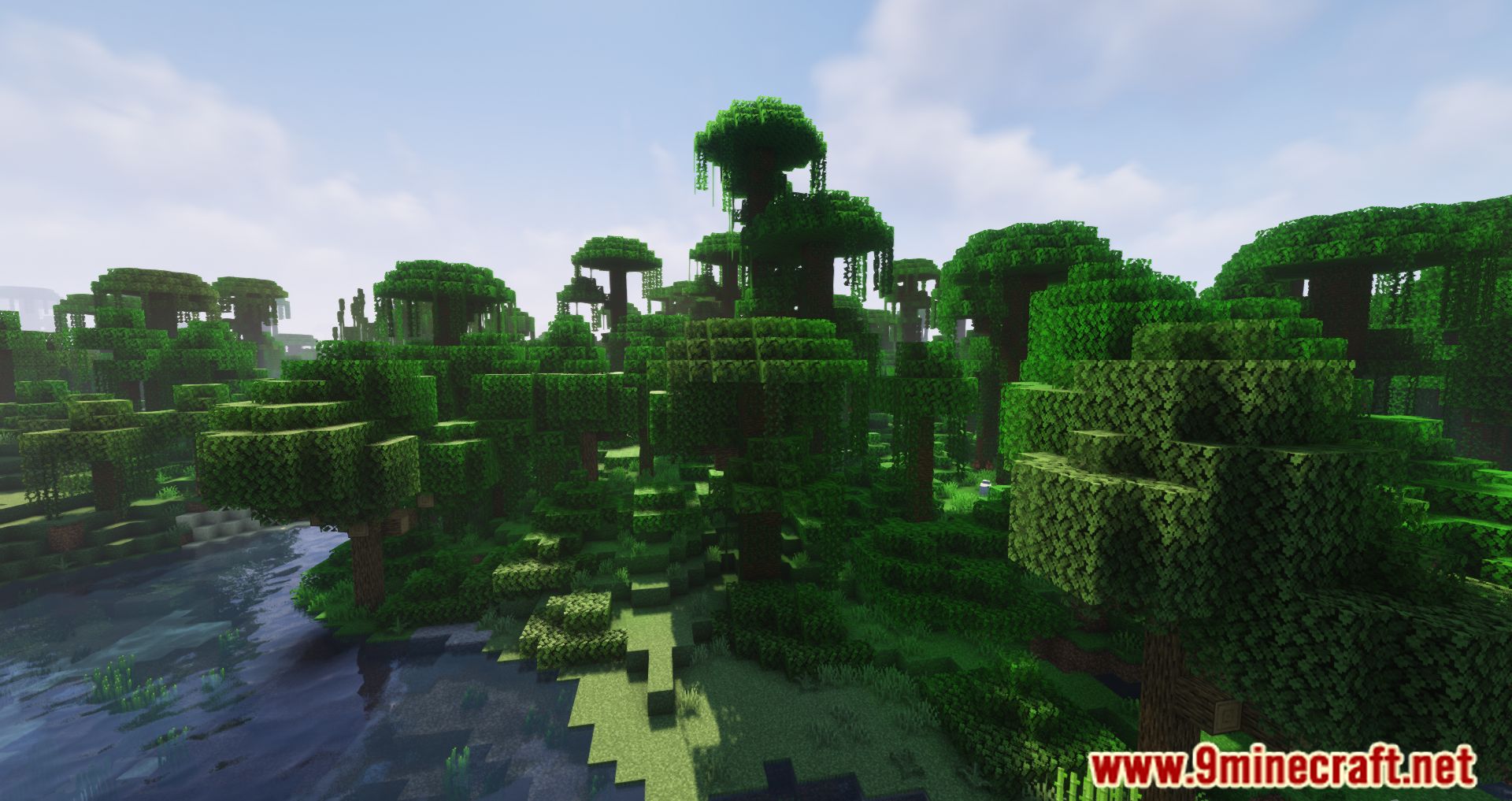
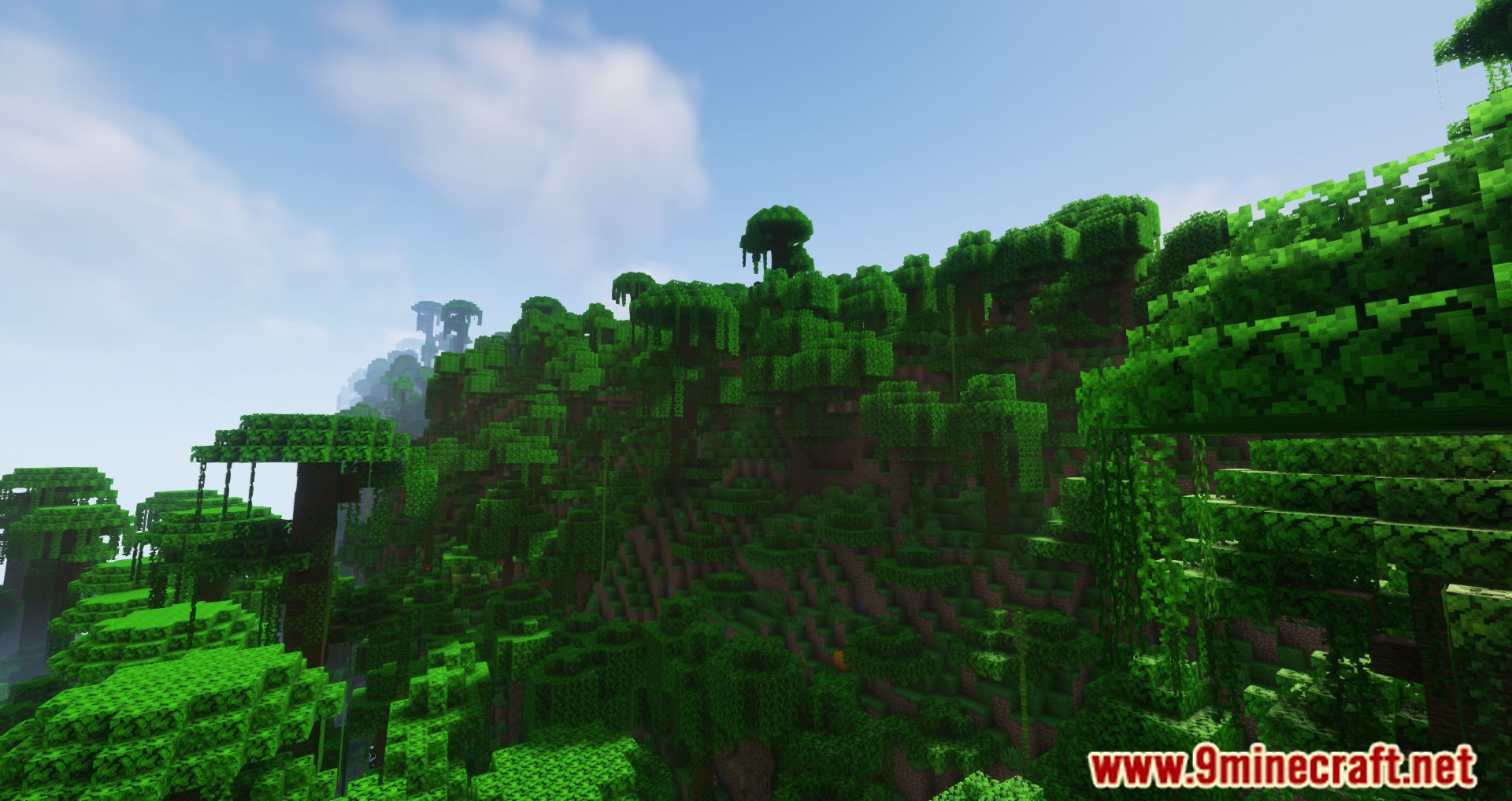
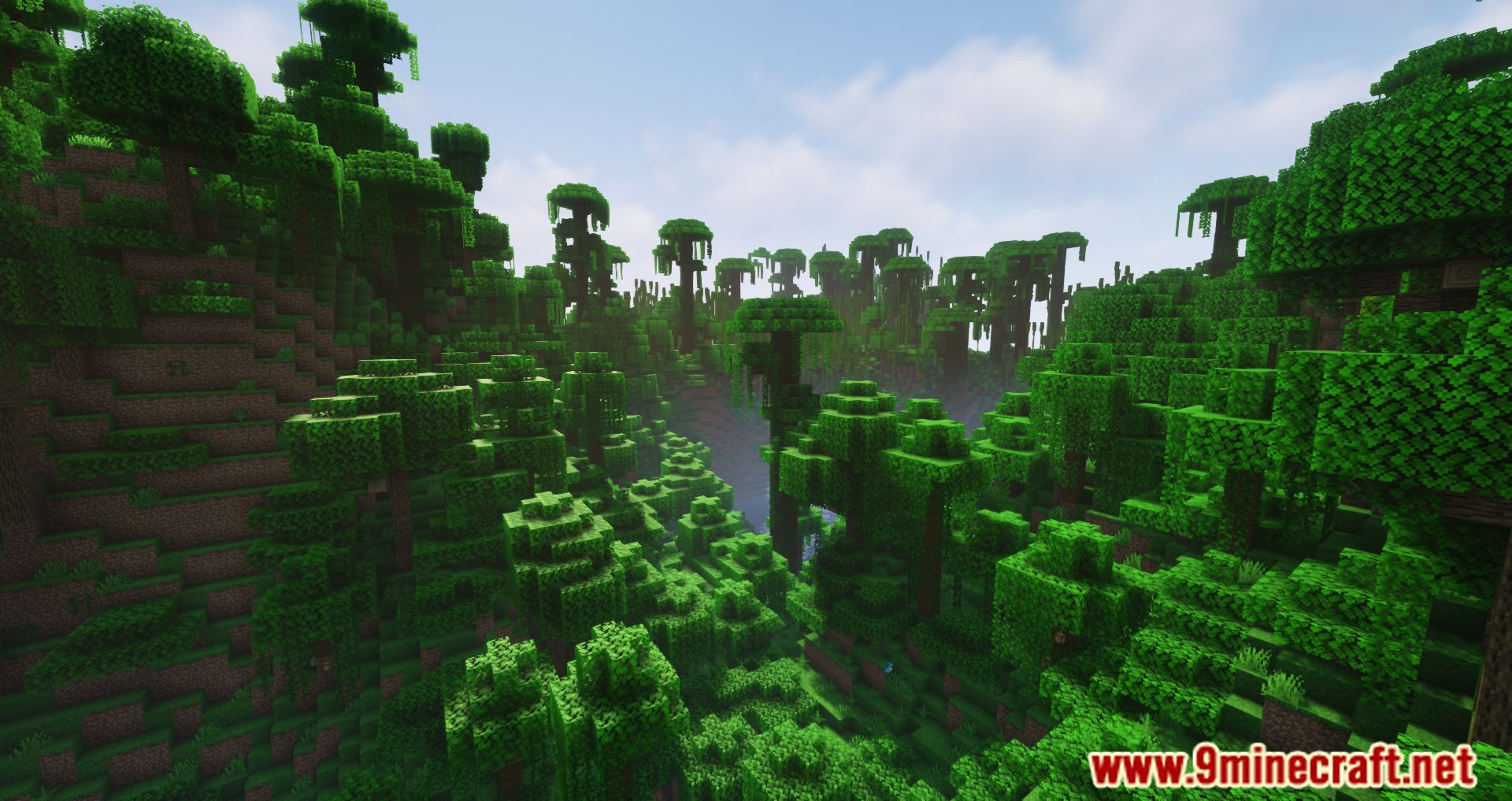
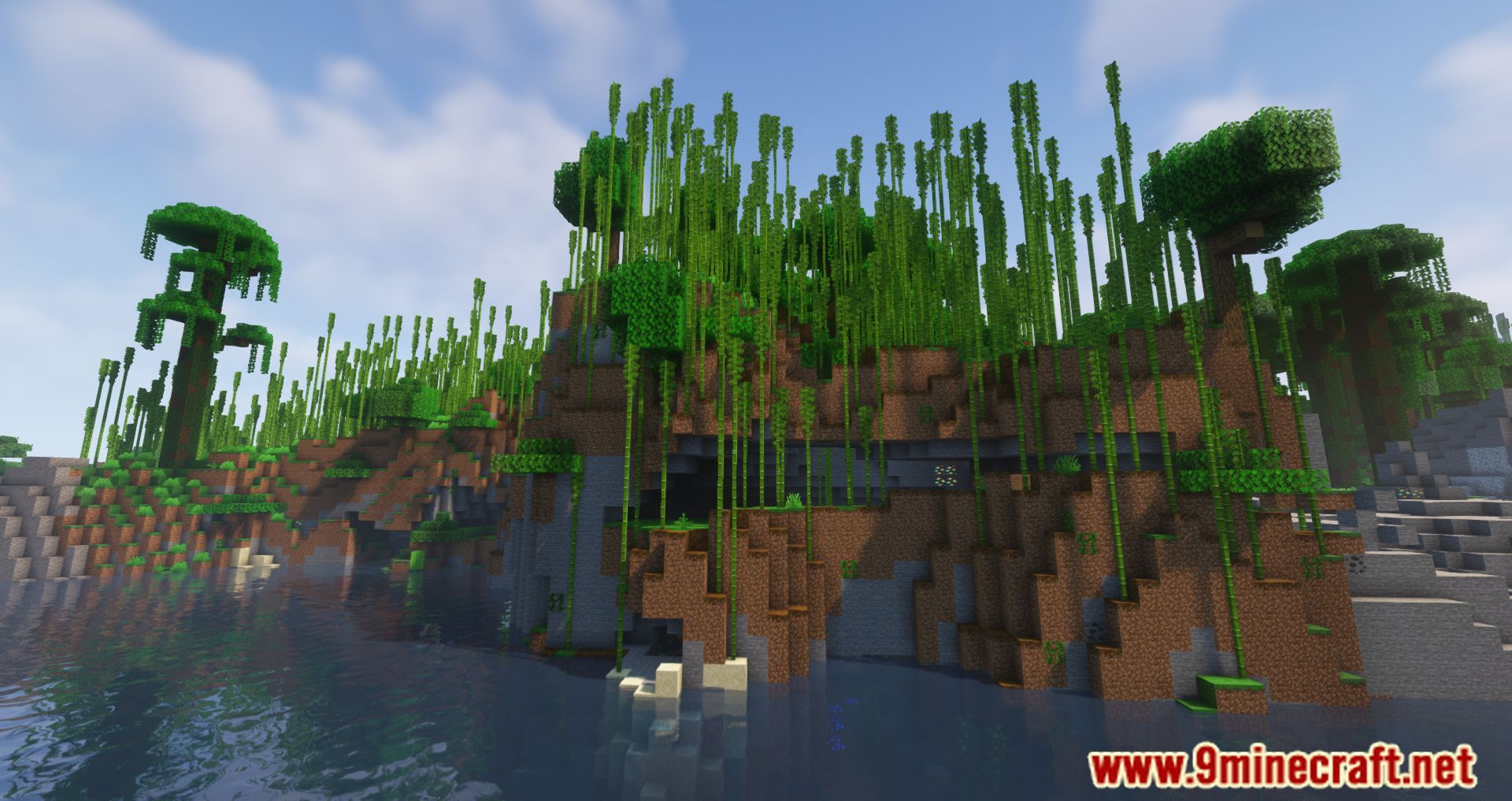

How to Install:
New to Minecraft? Follow our step-by-step guide to install Mods on your PC.View Guide
ServerConfig Updater Mod Download Links
For Minecraft 1.20.1, 1.20
Forge Version: Download from Server 1 – Download from Server 2
For Minecraft 1.19.3, 1.19.2
Forge Version: Download from Server 1 – Download from Server 2
For Minecraft 1.18.2
Forge Version: Download from Server 1 – Download from Server 2
For Minecraft 1.17.1
Forge Version: Download from Server 1
For Minecraft 1.16.5
Forge Version: Download from Server 1 – Download from Server 2
For Minecraft 1.15.2
Forge Version: Download from Server 1
How do you feel about quest books in modpacks?
27 responses · See the full results →
You May Also Like
Picked for this page
 Better Nether Mod (26.3, 1.20.1) – Overhaul and Amplified The Nether
 Immersive Aircraft Mod (26.2, 1.20.1) – Travel, Transport and Explore
 Immersive Vehicles Mod (26.1.2, 1.20.1) – Planes, Automobiles with Realistic Physics
 Click Manaita Mod (26.3, 1.20.1) – Item Multiplication
 Huge Structure Blocks Mod (26.3, 1.20.1) – Pushing Limits With Huge Structure Blocks Mod
 SlashBlade Japanese Addon Pack Mod (1.21.1, 1.20.1) – New Blades New Battles
 Librarian’s Balance Mod (26.3, 1.20.1) – Rebalances Librarian Trades
 Trample Everything Mod (26.3, 1.20.1) – Realistic Interactions In Minecraft
 Raknetify Mod (1.21.11, 1.20.1) – Improved Network Reliability
 Ducky Updater Lib Mod (26.3, 1.20.1) – Check Mod Updates From Modrinth
 Modern Networking Mod (26.3, 1.20.1) – Run Multiplayer Mods Without Errors
 Immersive Convergence Mod (1.20.1) – Run Your Factory Addons Side By Side
Most viewed in Mods over the last 7 days
 Ala Industrial Mod (26.3) – Run Electric Power Grids and Automated Factories
 PleasureCraft Mod (26.3, 1.21.1) – Jenny Mod Remake for Fabric
 Jennycraft Mod (26.3, 1.20.1) – Virtual Girlfriend in Minecraft
 Fapcraft Mod (26.3, 1.12.2) – Comprehensive and Detailed Content
 Jenny Mod (Fapcraft) Official Complete Guide – How to use, Tutorial
 BangCraft Mod (1.20.1) – Jenny, Ellie and Elliot
 Fabric Loader (26.3, 1.20.1) – Fabric Installer for All Minecraft Versions
 Meteor Client Mod (26.3, 1.20.1) – Xray, HUD, Fly
 OptiFine HD (26.3, 1.20.1) – Run Faster, FPS Boost, Shaders Support
 The Shooting Star Demo Mod (26.3, 1.20.1) – Vaporize Terrain From Orbit
 Aristois Client Mod (1.21.4, 1.20.1) – World Class Minecraft Utility
 SchnurriTV Mod (1.12.2) – Characters and Features
More from Mods
 Ender Portal Stone Mod (1.22) – Fast Travel to Distant Biomes and Dungeons
 Chat Spellcheck Mod (26.2) – Never Send Embarrassing Typos to Friends Again
 NovaUtils Mod (26.1.2) – Locate Buried Ores and Inspect Chests Through Walls
 In-Game Account Switcher with Cookies Mod (1.21.11) – Swap Your Alts Without Relaunching
 CrewX Mod (1.8.9) – Dominate Competitive Server Matches Without Lag
 Vanilla Refit Mod (1.21.1) – Build Thinner Walls with Vertical Slabs
 IZeMod Mod (26.2) – Helpful Survival Tools for Everyday Fabric Adventures
 SkullLIB Mod (1.20.1) – Bring Prehistoric Beasts and New Animals to Your World
 EasyGui Mod (1.21.11, 1.21.1) – Build Custom Screen Menus and Animated HUD
 Legacy Wavey Capes Mod (1.8.9) – Watch Your Cape Flow Naturally While Sprinting
 Warrior Cats Events Mod (1.21.1, 1.20.1) – Live As a Wild Clan Cat
 Apex Enchantment Freedom Mod (26.3) – Stack Conflicting Enchantments

This post has no comments yet. Be the first — your comment will appear here.