
AuthMe Reloaded Plugin (1.21, 1.20.1) – Keep Impostors Out of Every Account

 0


AuthMe Reloaded Plugin protects Spigot and CraftBukkit servers with a simple login and register system. Before players log in, this plugin stops them from moving, placing blocks, typing commands, or checking inventories. It guards against username stealing, bot attacks, and fake player names. It also adds login sessions, two-factor authentication, country filtering, and email account recovery. The plugin saves user data in MySQL or SQLite, connects with websites and forums, and runs with or without a permissions plugin. You can change settings and messages in a clear config file, and built-in language files cover many languages.


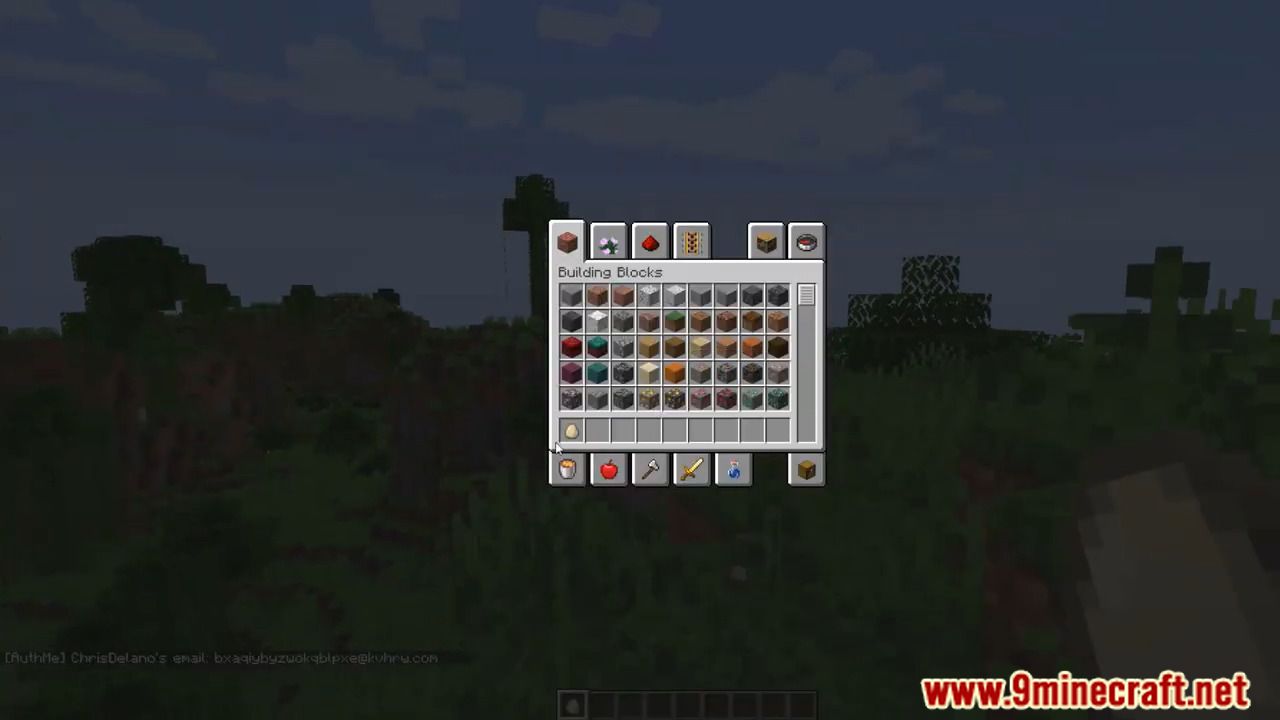

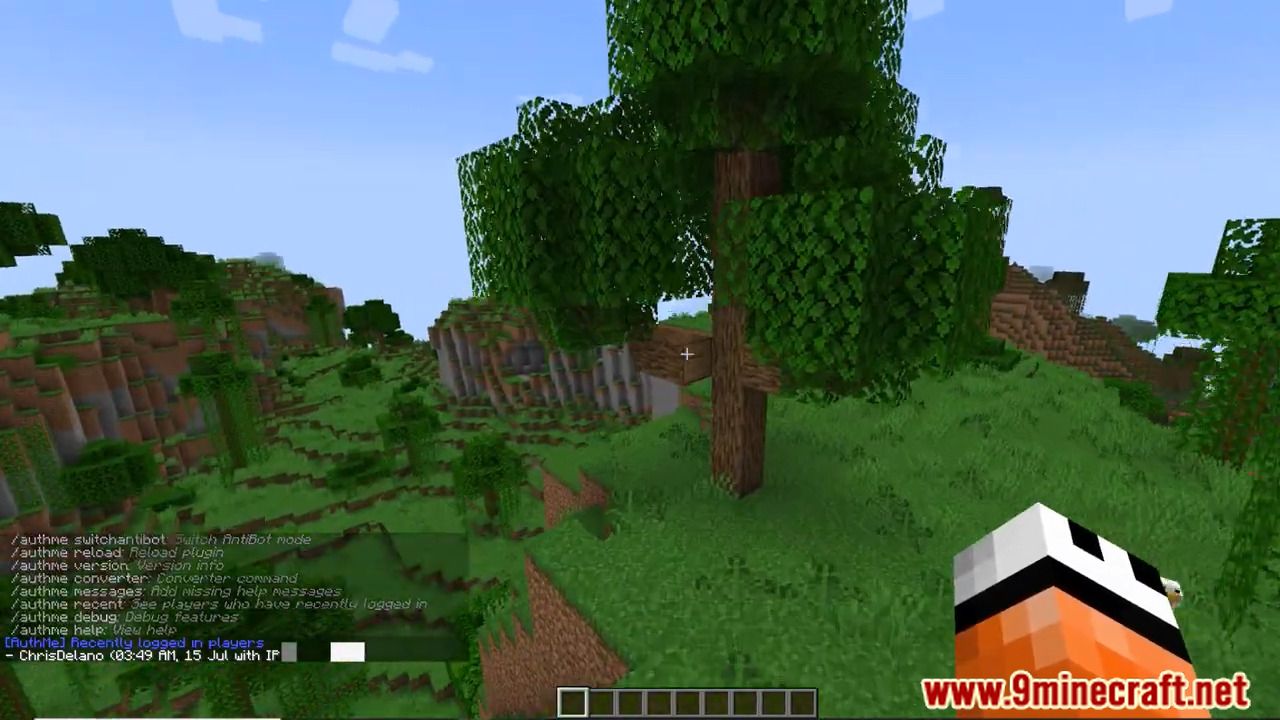
Features:
- Login and Register Protection: Stops players who are not logged in from moving, placing blocks, typing commands, or looking at inventories so nobody can steal usernames.
- Playername Spoof Protection: Kicks players with unusually long or short names before they can join the server.
- Two-Factor Authentication (2FA): Adds an extra security check when players log in.
- E-Mail Recovery System: Lets players get back into lost accounts through a linked email address.
- Includes AntiBot tools to block bot spam and unwanted connections.
- Lets you allow or block players by country using country codes and GeoLite data.
- Supports login sessions so players do not have to log in again during a set time period.
- Protects online players from “Logged in from another location” messages.
- Limits accounts by IP address and player name.
- Saves each player’s quit spot so they do not lose their position when they come back.
- Saves inventories and enchantments in a file while players are not logged in.
- Lets you turn every command and setting on or off in a clear config file.
- Lets you edit almost every plugin message and includes built-in languages such as en, de, br, cz, pl, fr, ru, hu, sk, es, zhtw, fi, zhcn, nl, and more.
Database and Website Integration:
- Supports both MySQL and SQLite databases with query caching and multiple password hash algorithms.
- Connects with many CMS platforms and supports custom MySQL tables and columns for forums and other website scripts.
- Backs up all user password data on its own.
- Converts SQLite data into an
authme.sqlfile that you can import into MySQL. - Imports existing player databases from Rakamak, CrazyLogin, RoyalAuth, and vAuth.
Permissions and Compatibility:
- Switches a player’s permission group while they are not logged in.
- Uses separate permission groups for registered and unregistered players.
- Supports on-join permissions through a transient Vault system and also works without any permissions plugin.
- Works smoothly with NPC and CombatTag plugins.
Commands:
/register: Creates a new player account on the server./login: Logs a player into their account after joining./authme converter sqlitetosql: Converts an SQLite database into an SQL file for MySQL import./authme debug: Opens debug tools for checking plugin data.
Admin Permissions:
authme.admin.*: Gives access to all admin commands.authme.admin.accounts: Shows all accounts linked to a player.authme.admin.antibotmessages: Lets admins see AntiBot messages.authme.admin.backup: Lets admins run the backup command.authme.admin.changemail: Sets or changes a player’s email address.authme.admin.changepassword: Changes a player’s password.authme.admin.converter: Converts old or other plugin data into this plugin’s format.authme.admin.firstspawn: Teleports to the first spawn point set by this plugin.authme.admin.forcelogin: Forces an existing player to log in.authme.admin.getemail: Shows a player’s email address if one is set.authme.admin.getip: Shows a player’s last known IP address.authme.admin.lastlogin: Shows the date and time of a player’s last login.authme.admin.purge: Removes old user data.authme.admin.purgebannedplayers: Removes all data linked to banned players.authme.admin.purgelastpos: Clears a player’s saved last position.authme.admin.purgeplayer: Removes data for a chosen player.authme.admin.register: Registers a new user account.authme.admin.reload: Reloads the plugin config file.authme.admin.seeotheraccounts: Shows other accounts owned by players who log in.authme.admin.seerecent: Lists players who logged in recently.authme.admin.setfirstspawn: Sets the first spawn point for this plugin.authme.admin.setspawn: Sets the main spawn point for this plugin.authme.admin.spawn: Teleports to the plugin’s spawn point.authme.admin.switchantibot: Turns AntiBot protection on or off.authme.admin.totpdisable: Turns off two-factor authentication for a player.authme.admin.totpviewstatus: Checks if a player has two-factor authentication turned on.authme.admin.unregister: Removes an existing player’s account.authme.admin.updatemessages: Lets admins run the update messages command.
General and Bypass Permissions:
authme.allowchatbeforelogin: Lets a player send chat messages before logging in.authme.allowmultipleaccounts: Lets a player register more than one account.authme.bypassantibot: Skips AntiBot protection.authme.bypassbungeesend: Skips BungeeCord server teleporting.authme.bypasscountrycheck: Skips the GeoIP country code check.authme.bypassforcesurvival: Skips forced Survival mode.authme.bypasspurge: Keeps a player’s data from being purged.authme.vip: Lets a player join a full server by kicking another player.
Debug Permissions:
authme.debug.command: Gives access to the/authme debugcommand.authme.debug.country: Opens the country lookup section.authme.debug.db: Lets you view data from the database.authme.debug.group: Lets you view permission groups.authme.debug.limbo: Opens the limbo data viewer.authme.debug.mail: Lets you use the test email sender.authme.debug.mysqldef: Lets you change the nullable setting of MySQL columns.authme.debug.perm: Opens the permission checker.authme.debug.spawn: Lets you view spawn details.authme.debug.stats: Opens the stats section.authme.debug.valid: Lets you use sample validation.
Player Permissions:
authme.player.*: Gives access to all normal player commands.authme.player.canbeforced: Marks players who can be forced to log in.authme.player.captcha: Lets a player use the captcha command.authme.player.changepassword: Lets a player change their password.authme.player.email: Gives access to all email permissions.authme.player.email.add: Lets a player add an email address.authme.player.email.change: Lets a player change their email address.authme.player.email.recover: Lets a player recover an account with their email address.authme.player.email.see: Lets a player see their own email address.authme.player.login: Lets a player use the login command.authme.player.logout: Lets a player use the logout command.authme.player.protection.quickcommandsprotection: Turns on quick command checks when the player joins.authme.player.register: Lets a player use the register command.authme.player.security.verificationcode: Lets a player use email verification codes.authme.player.seeownaccounts: Lets a player see their own other accounts.authme.player.totpadd: Lets a player turn on two-factor authentication.authme.player.totpremove: Lets a player turn off two-factor authentication.authme.player.unregister: Lets a player remove their own account.
How to Use:
- Open the plugin config file to pick
MySQLorSQLiteas your database backend, turn commands or features on and off, and change any messages you want to edit. - Join the server and type
/registerin chat to create your account; this locks your username so nobody else can use it. - Type
/loginin chat whenever you rejoin after your login session ends; once you log in, you can move, place blocks, run commands, and check your inventory again. - To switch an existing SQLite database to MySQL, set
MYSQLas your backend in the config file and run/authme converter sqlitetosql; this creates anauthme.sqlfile ready to import into MySQL.
How to Install:
New to Minecraft? Follow our step-by-step guide to install Plugins on your PC.View Guide
AuthMe Reloaded Plugin Download Links
For Minecraft Bukkit 1.12
For All Versions from Minecraft Bukkit 1.13.2 to Minecraft 1.17.1
For All Versions from Minecraft Bukkit 1.18.2 to Minecraft 1.21
You May Also Like
Picked for this page
 WorldGuard Plugin (26.1.2, 1.20.1) – Bukkit, Spigot, Paper
 Quests Plugin (26.1.2, 1.20.1) – Bukkit, Spigot, Paper
 MultiWorld Plugin (26.1.2, 1.20.1) – Spigot
 Orebfuscator Plugin (26.1.2, 1.20.1) – Bukkit, Spigot, Paper
 ValhallaMMO Plugin (26.1.2, 1.20.1) – Bukkit, Spigot, Paper
 Fancy Holograms Plugin (26.1.2, 1.20.1) – Spigot
 Infinite Villager Trades Plugin (1.21.11, 1.20.1) – Spigot
 SuperVanish Plugin (26.2, 1.20.1) – Bukkit, Spigot, Paper
 UberEnchant Plugin (1.21.11, 1.20.1) – Bukkit, Spigot, Paper
 Interaction Visualizer Plugin (26.1.2, 1.20.1) – Spigot
 BuildPaste Plugin (26.3, 1.20.1) – Bukkit, Spigot, Paper
 BeastWithdraw Plugin (1.21.11, 1.20.1) – Bukkit, Spigot, Paper
Most viewed in Plugins over the last 7 days
 Dynmap 9minecraft Plugin (26.3) – A Live Google-Maps-Style View of Your Whole Server
 Vulcan Anti Cheat Plugin (1.21.8, 1.20.1) – A Powerful Shield Against Cheating
 Citizens Plugin (1.21.10, 1.20.1) – The Best NPC Plugin
 Displaymotion Plugin (1.21.4) – Amaze Players with Custom Animations and No Client Mods
 Ultimate Donut SMP Plugin (26.3, 1.20.1) – Build Teams Trade Goods
 MMOItems Premium Plugin (1.21.8, 1.20.1) – Create Stunning Custom Items
 WorldEdit Plugin (1.21.11, 1.20.1) – Easy In-Game Minecraft Map Editor
 Citizens2 Plugin (1.21.8, 1.20.1) – Craft Unique NPCs
 MythicCrucible Plugin (1.21.8, 1.20.1) – Addon for MythicMobs
 AstralPractice Plugin (1.13) – Turn Idle Lobbies Into Non-Stop Duel Arenas
 MythicMobs Premium Plugin (1.21.9, 1.20.1) – Craft Epic Custom Mobs And Bosses
 Grim Anticheat Plugin (26.3, 1.20.1) – Realtime Cheat Detection Plugin
More from Plugins
 TLibs Plugin (1.21.4) – Custom Gear That Actually Looks Right with Shaders
 Games Plugin (1.21.10) – Gather Around Tavern Tables for High-Stakes Card Games
 Infestations Plugin (1.21.10) – Rally Factions to Purge Spreading Monster Invasions
 Bliss Smp C3 Plugin (1.21.11, 1.21.1) – Turn Survival Battles Into High-Stakes
 Farmer Golem999 Plugin (1.21.11, 1.21.1) – Automate Farm Chores So Towns Never
 TrialRooms Plugin (1.21.10) – Give Players Repeatable Dungeon Raids for Rare Loot
 Research Plugin (1.21.10) – Turn Idle Lecterns Into Secret Recipe Stations
 CompanionPets Plugin (1.21.10) – Give Players Cute Animal Friends to Raise Together
 Voidrp Ui Plugin (1.21) – Modern Clickable Menus for Every Unmodded Player
 Windfall AntiCheat Plugin – Keep Every Fight Fair for Honest Players
 MapGUI Plugin (26.1) – Give Players Clickable Menus Right in Their Hands
 Advanced Admin Mode Plugin (26.3, 1.21.11) – Help Players Quickly

This post has no comments yet. Be the first — your comment will appear here.