
Fabric Seasons Mod (1.21.1, 1.20.1) – Watch Your World Change Across Four
 12,936
 0


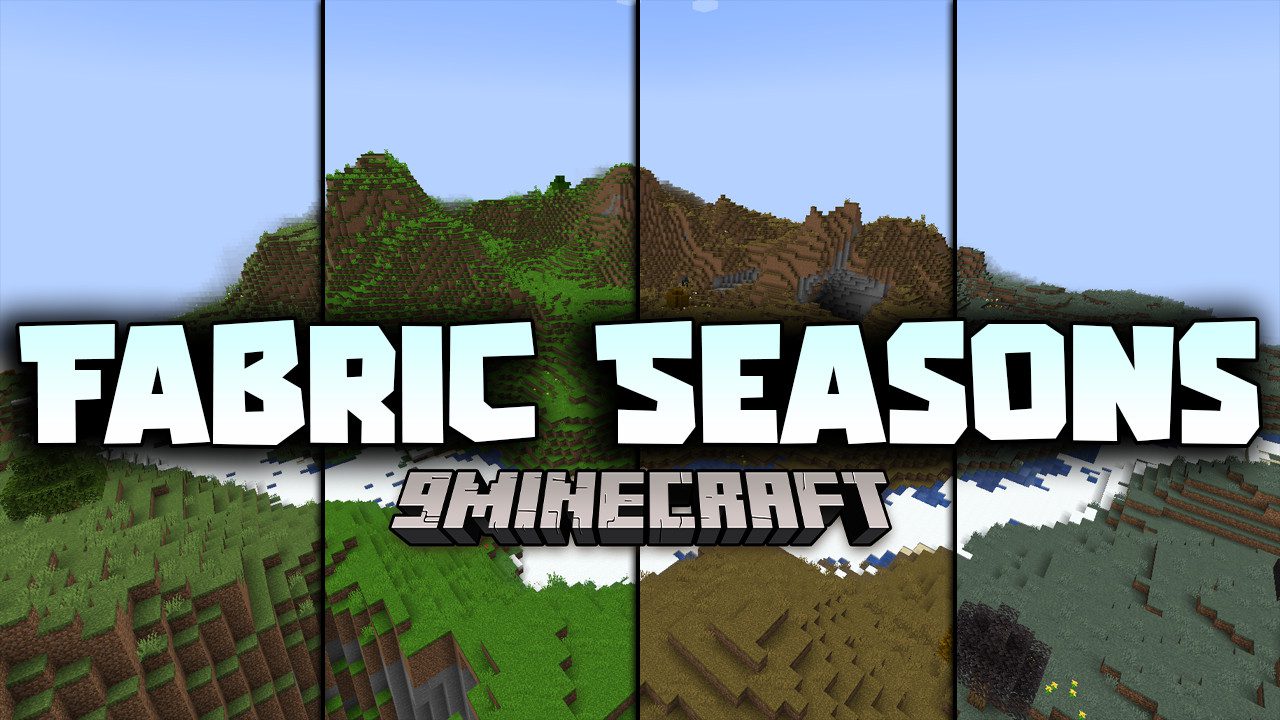
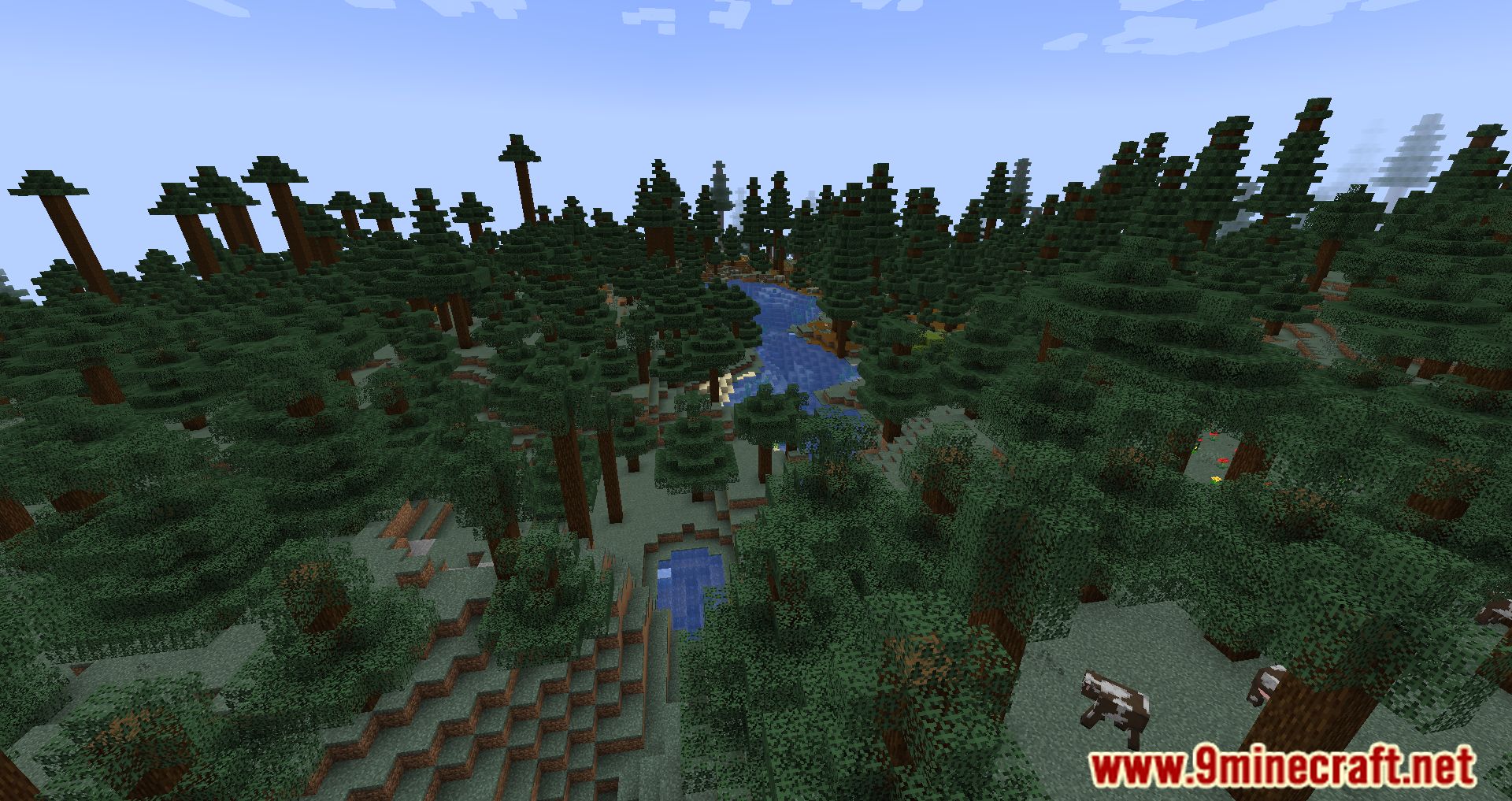
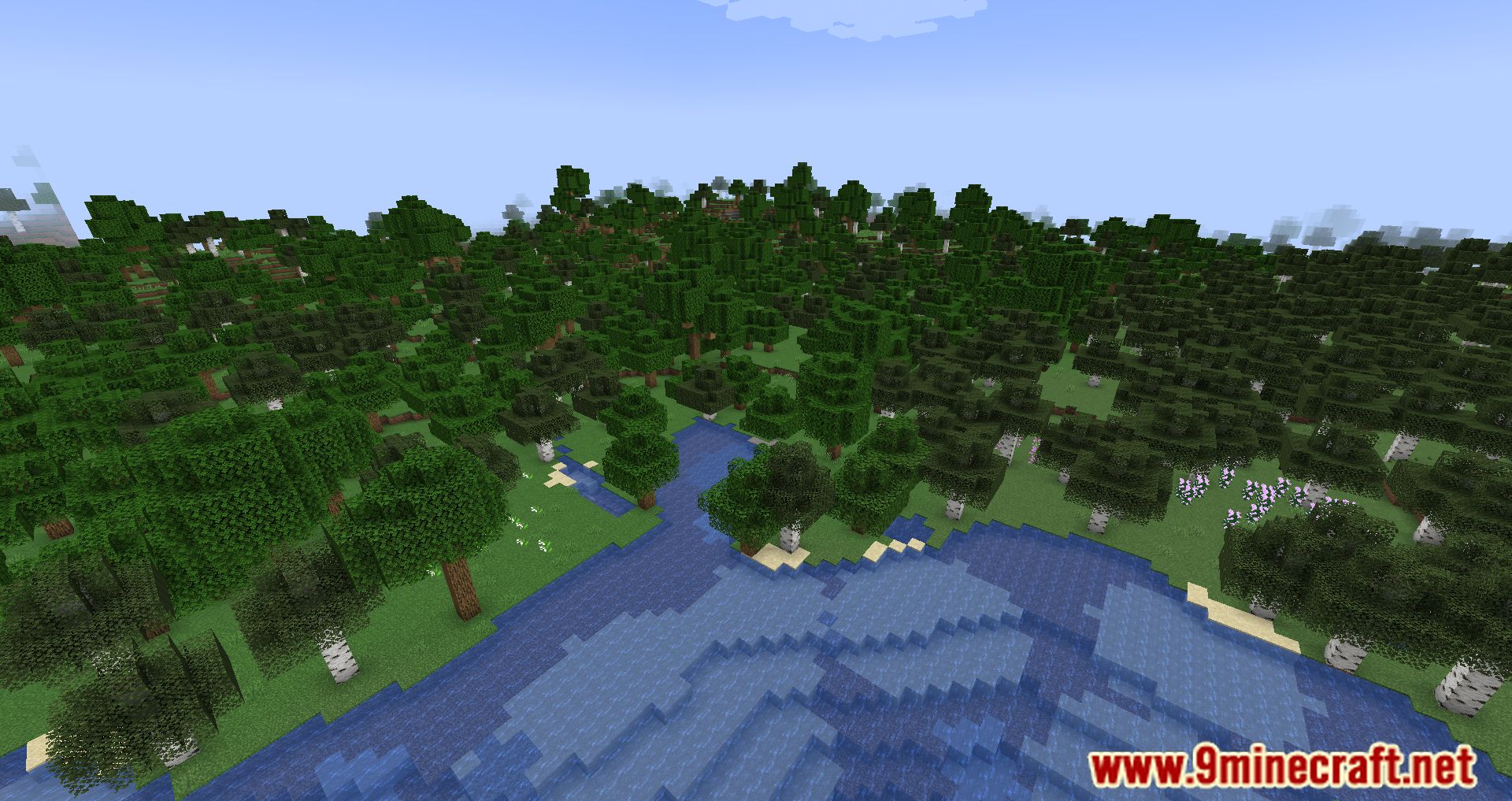
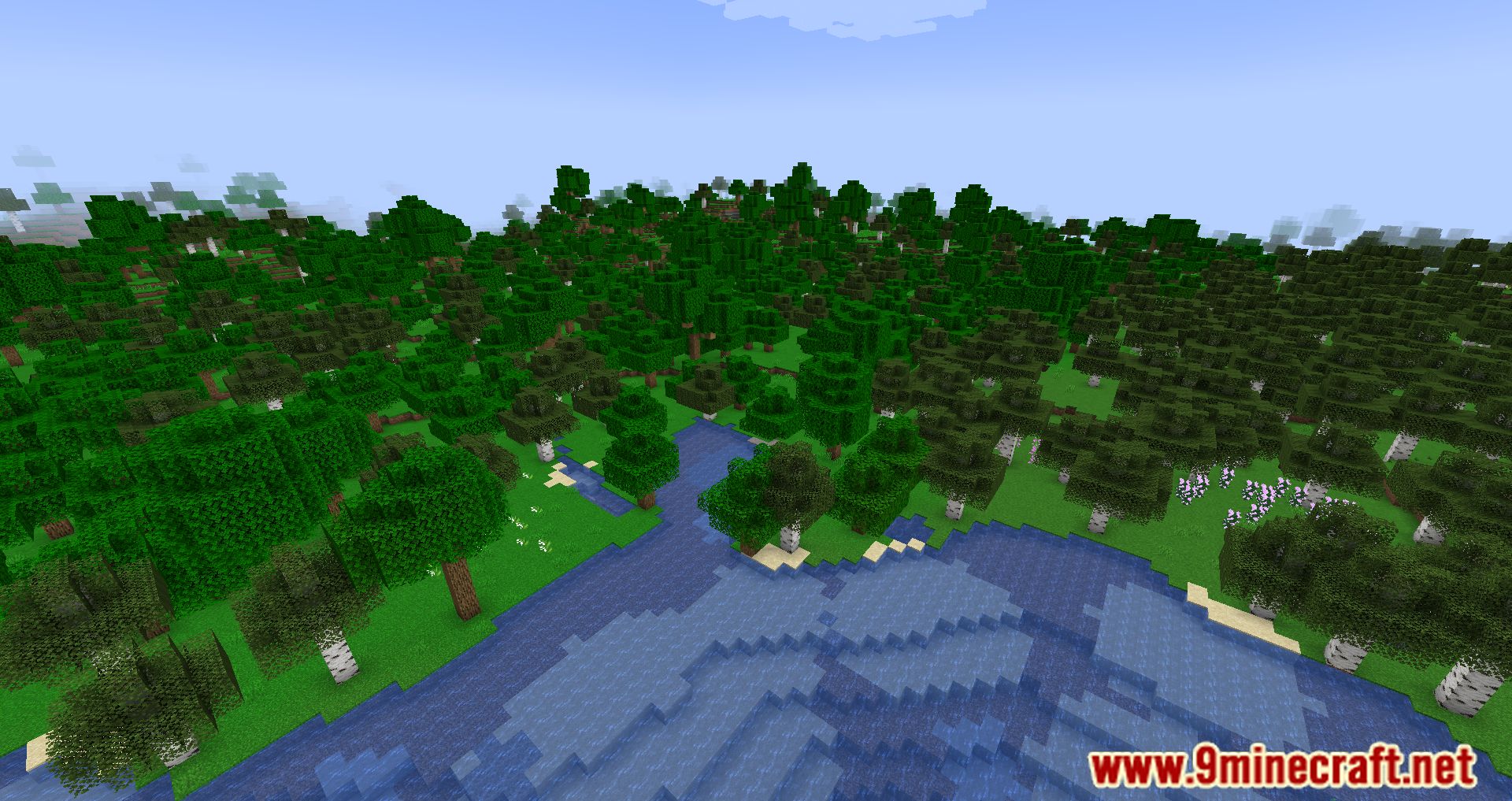
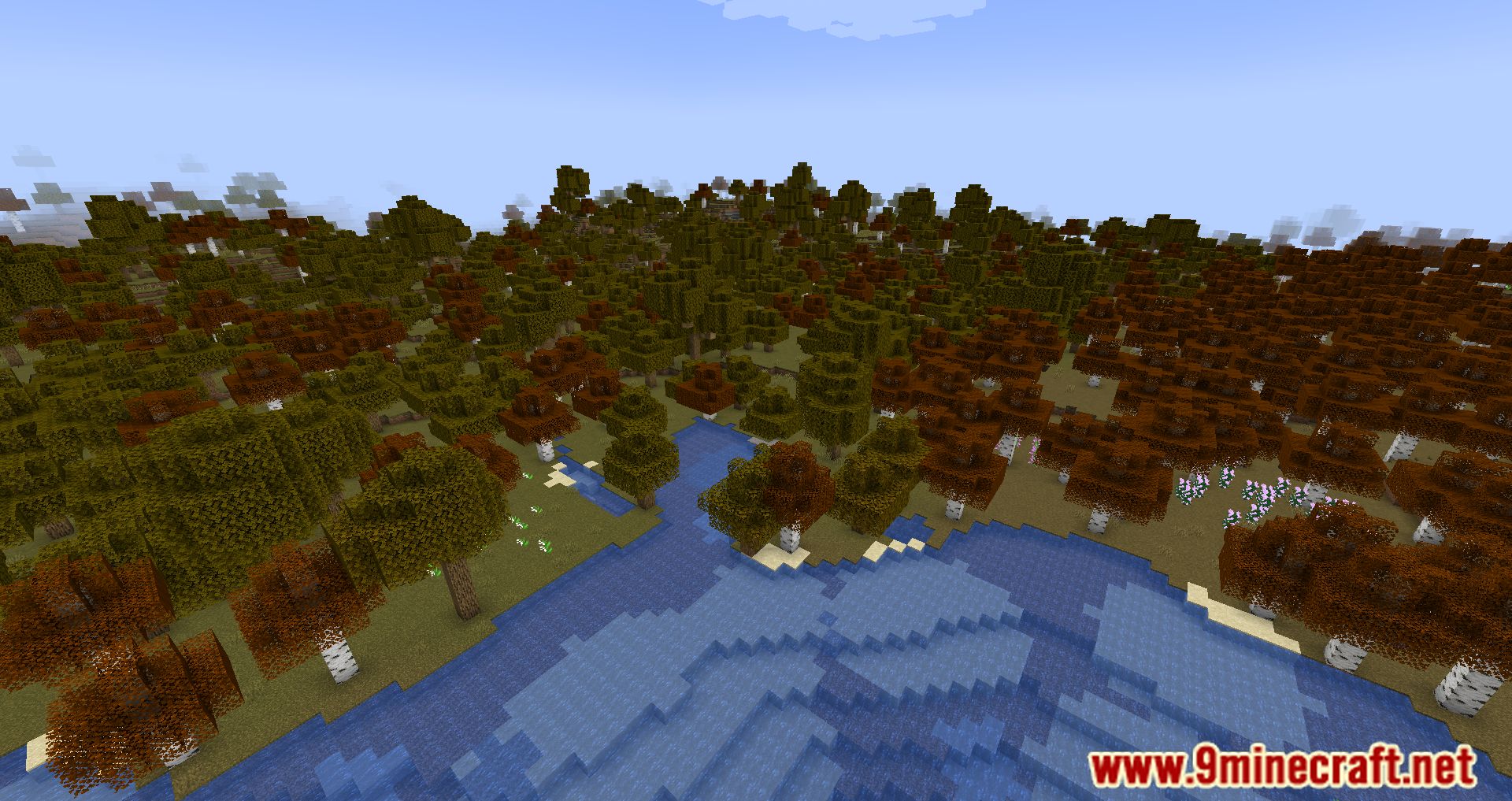
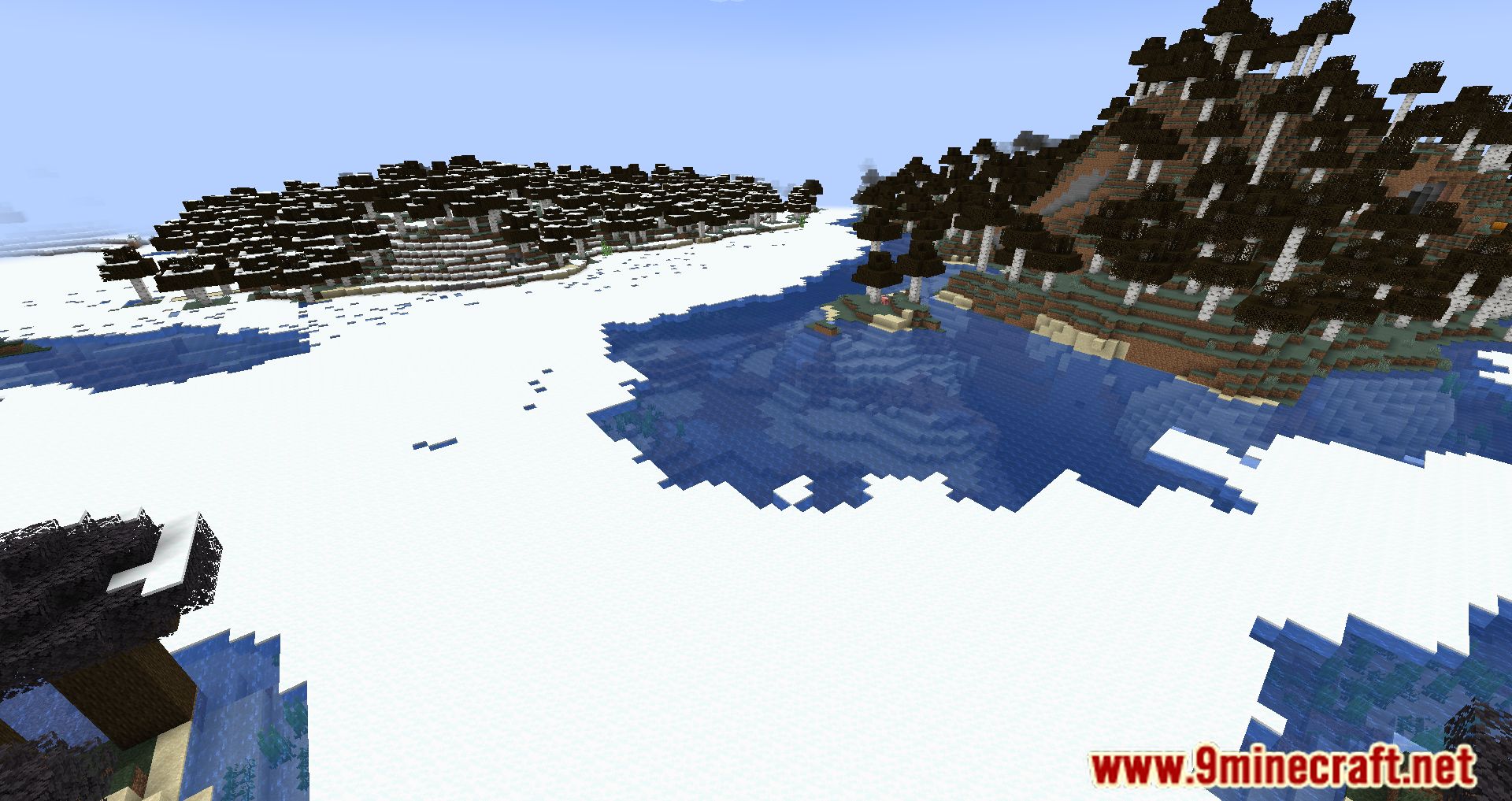
Fabric Seasons Mod adds four seasons to Minecraft that shift as you play. Each season lasts 28 in-game days by default, and world time sets the active season. Biome temperatures change across the year and bring winter snow, frozen blocks, and seasonal rain. Your crops grow at different speeds in each season, and biome colors shift on your screen to match the time of year. This mod has both server and client parts, so you get the full experience when both sides run it.
Features:
- Four Seasons: Adds four seasons to Minecraft, with each season lasting 28 in-game days by default and a configurable length.
- Seasonal Crops: Changes how fast crops grow based on the current season, with pre-set speeds for each individual crop.
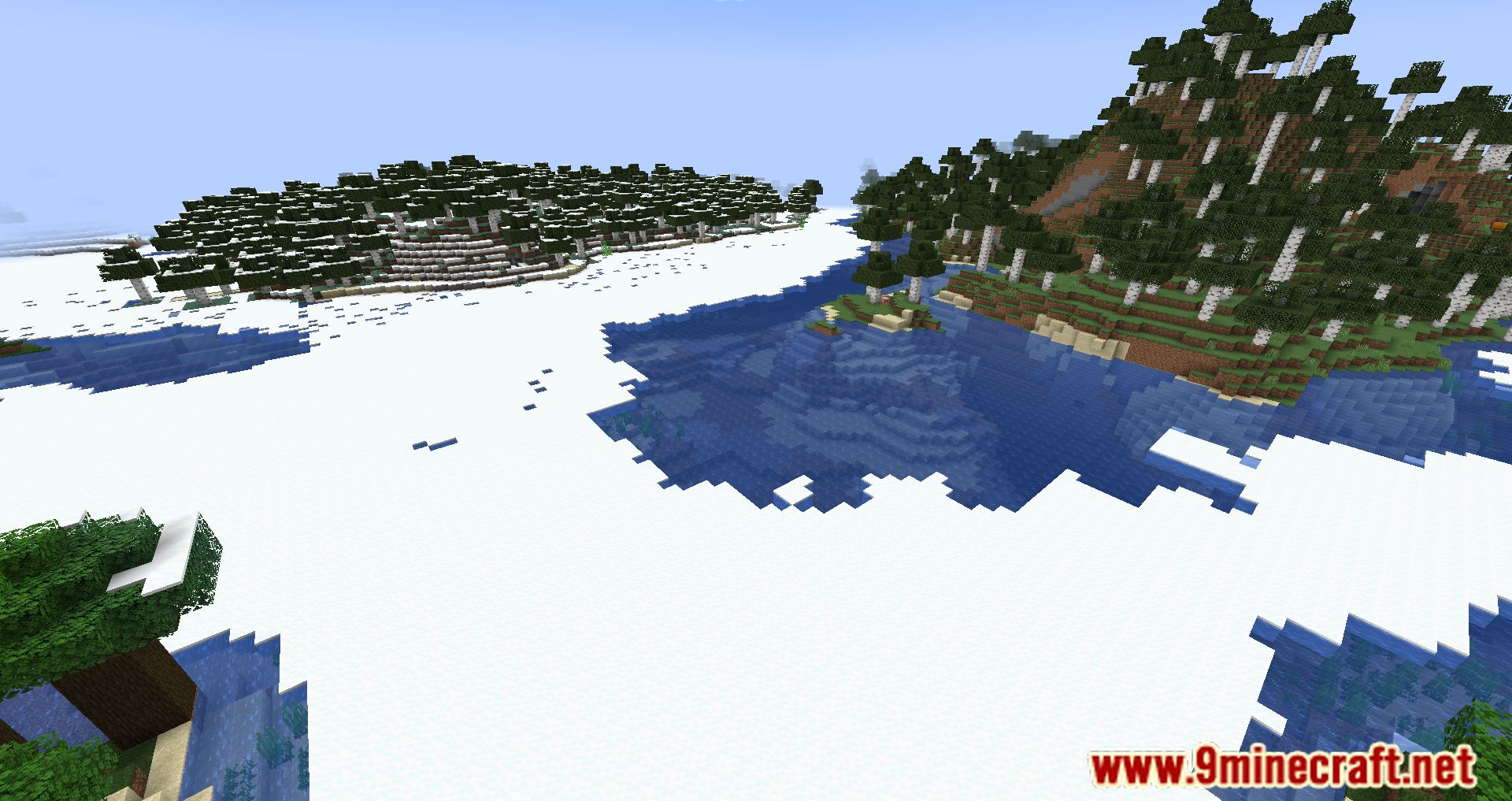
- Server Weather and Freezing: Shifts biome temperatures on the server side to enable winter snow and block freezing.
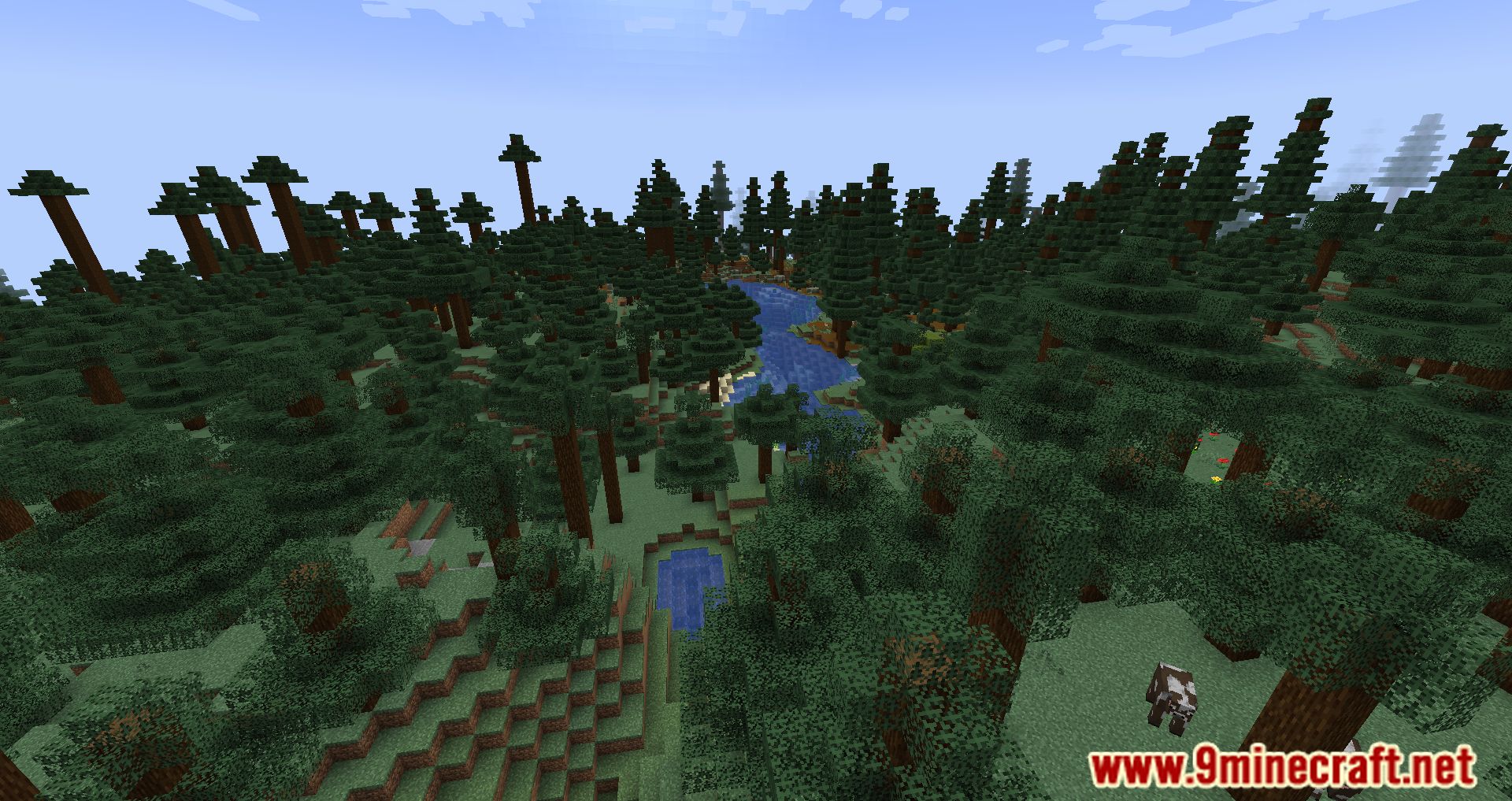
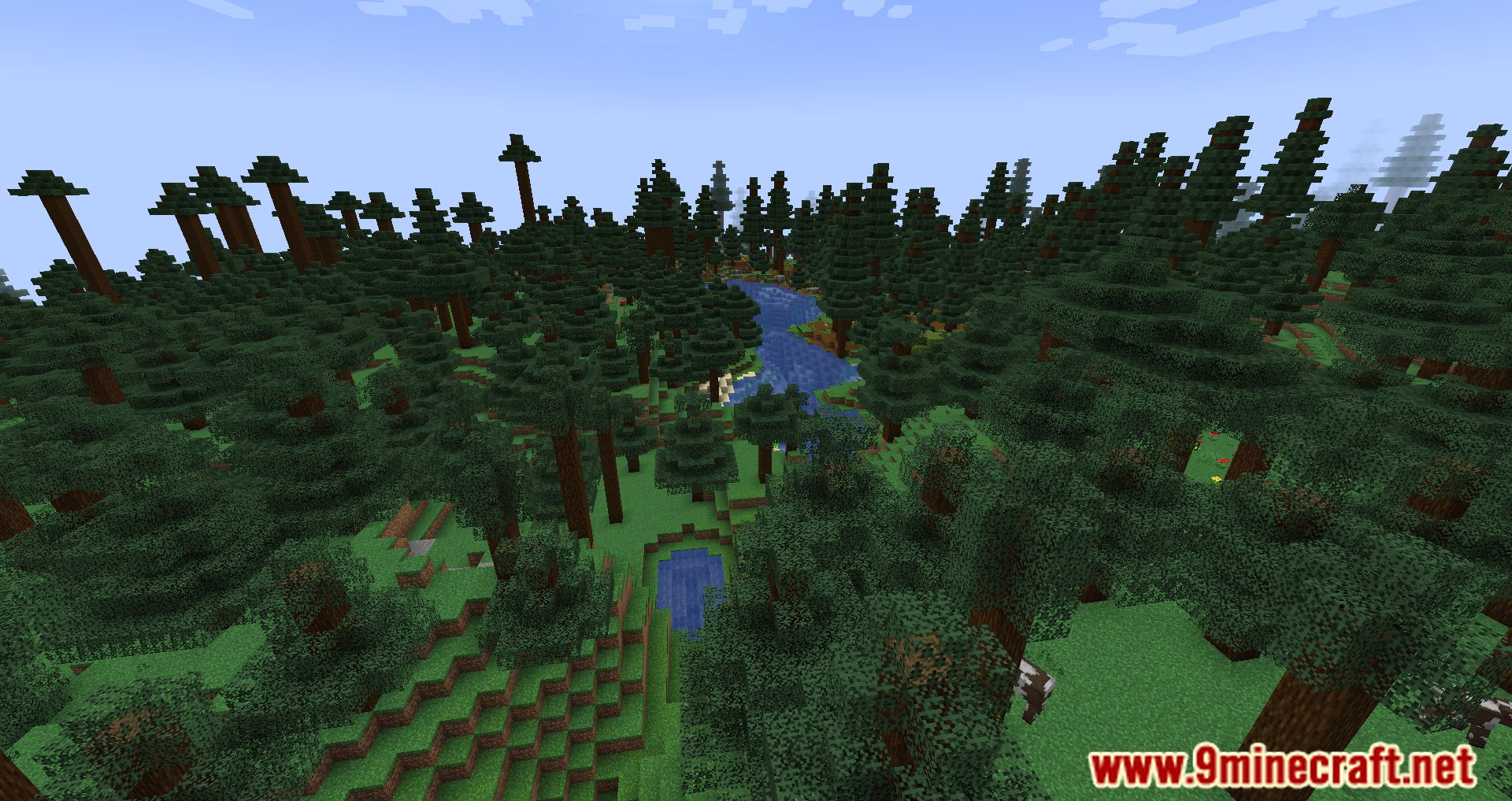
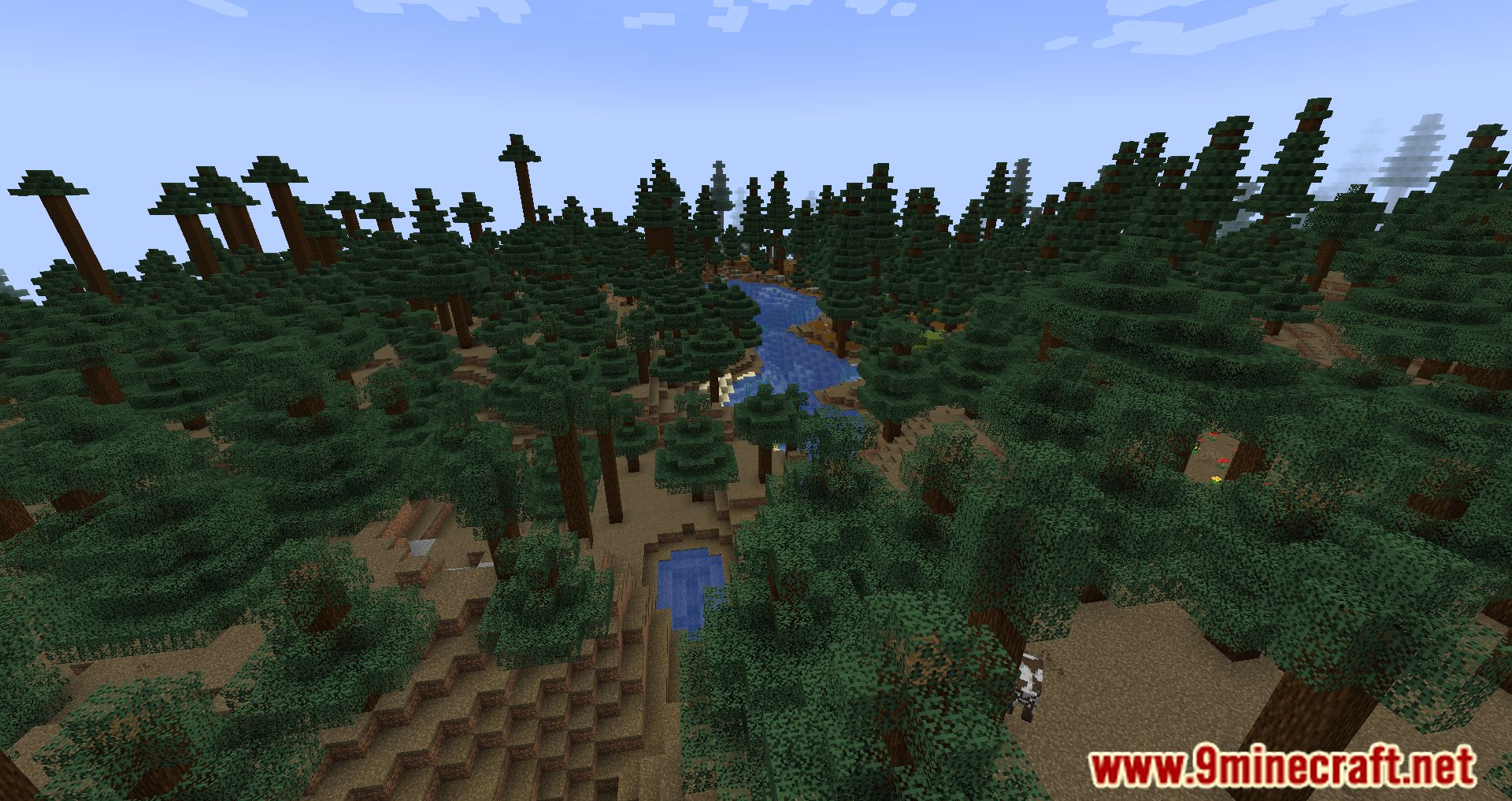
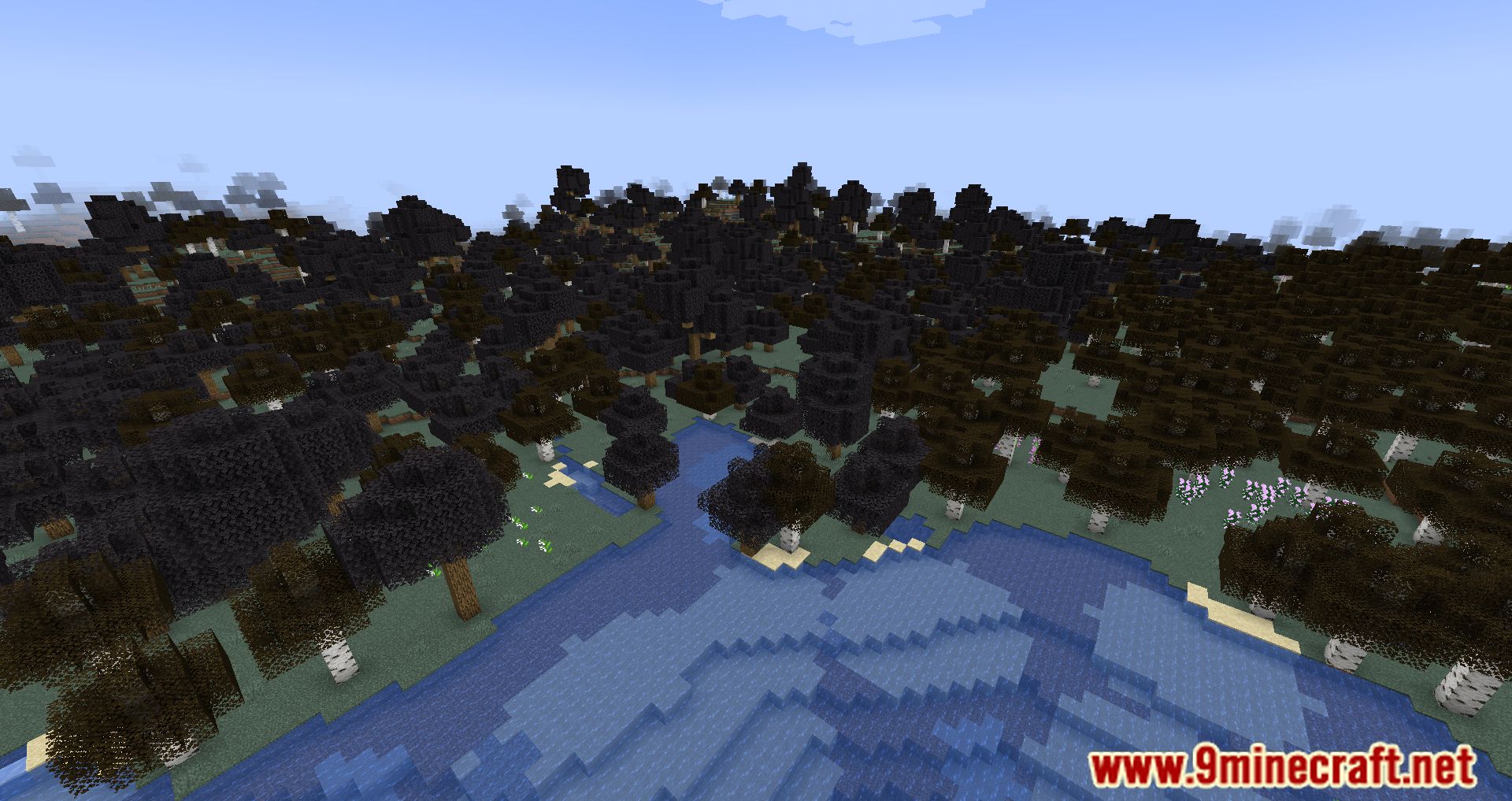
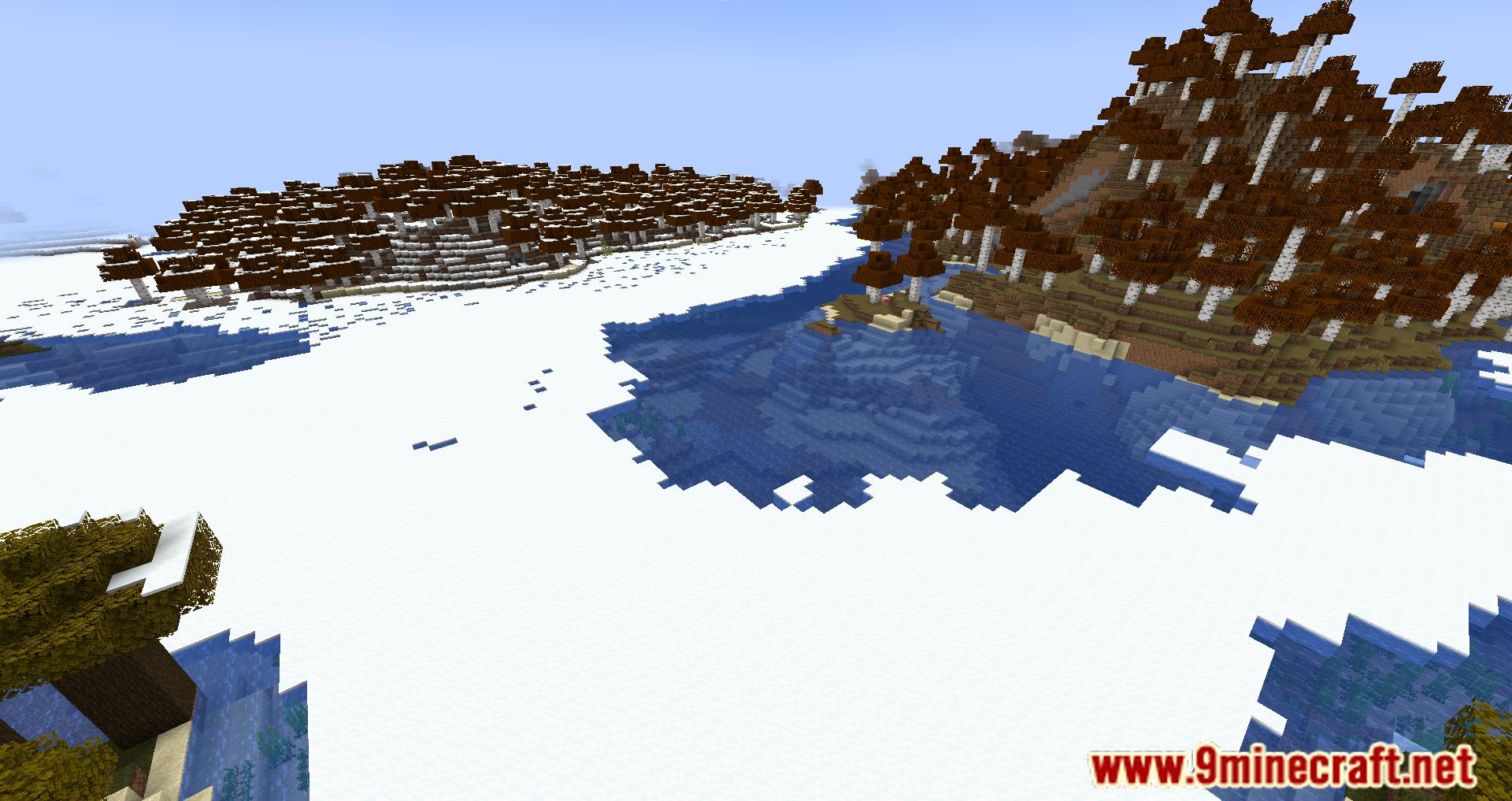
- Client Biome Colors: Applies different biome colormaps on the client side for each season as a visual change that does not physically affect your world.
- Ties the active season to world time, so resetting the world time starts the cycle over at day 1 of spring.
- Keeps biomes close to their original traits during spring.
- Lets you change individual crop growth speeds for the seasons by editing a datapack.
- Splits its features into server and client parts so you can run either side or install both together for the full experience.
Seasonal Biomes:
- Cold Biomes get rain during the summer.
- Temperate Biomes get snow during the winter.
- Tropical Biomes keep a steady season all year round.
- Hot Biomes have a rainy season during the winter.
- Biomes can behave differently based on their original temperature and weather.
How to Use:
- Install Fabric Seasons Mod on both the server and the client to get weather changes, seasonal crops, and biome color shifts together.
- Play in your world as time passes; the season changes every 28 in-game days by default, and this length is configurable.
- Type
/time set 0to reset the world time and return to day 1 of spring. - Edit the datapack if you want to change how fast individual crops grow during the seasons.
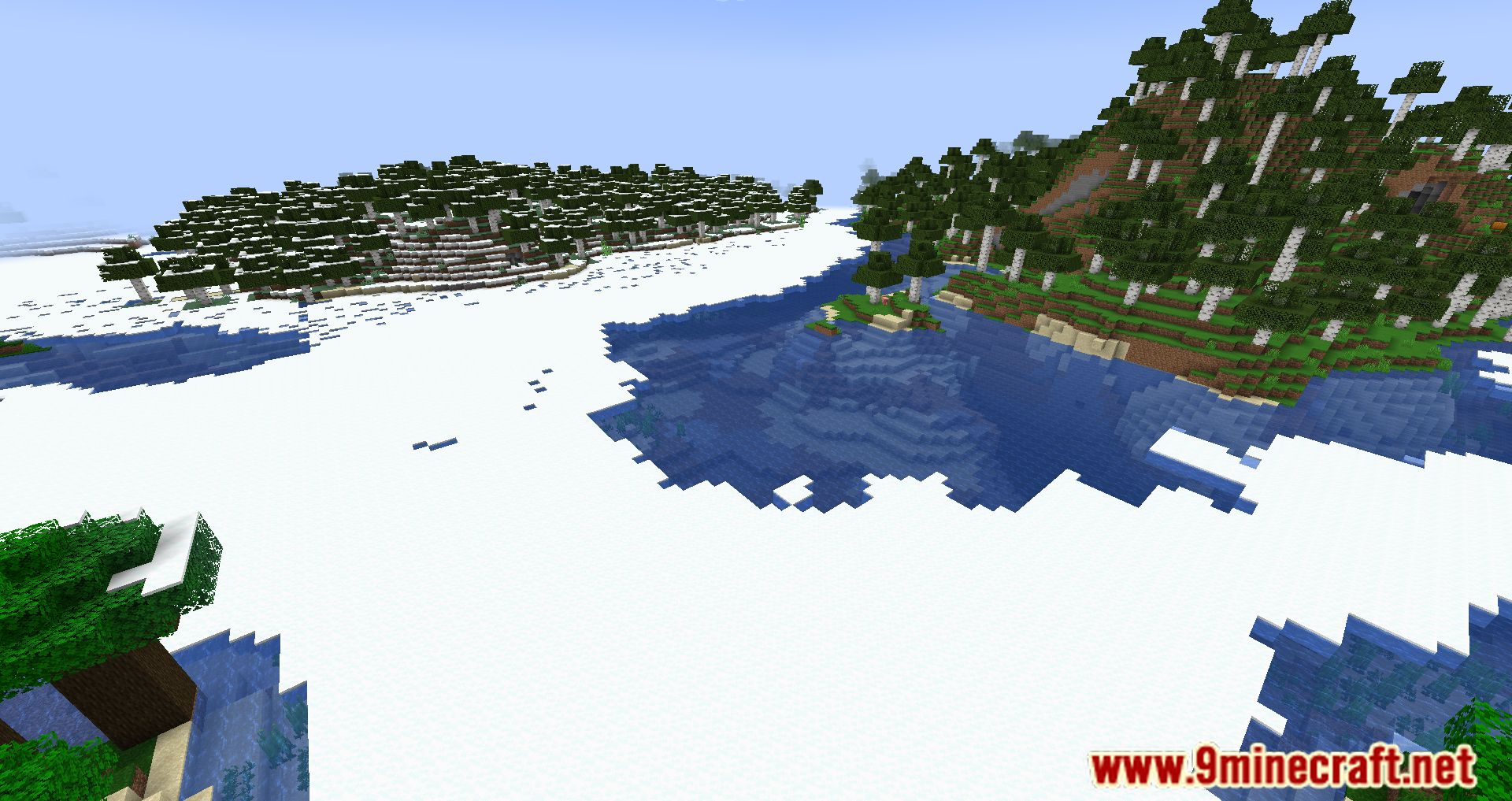
Screenshots:
How to Install:
New to Minecraft? Follow our step-by-step guide to install Mods on your PC.View Guide
Requirements:

Fabric Seasons Mod Download Links
For Minecraft 1.21.1, 1.21
Fabric version: Download from Server 1 – Download from Server 2
For Minecraft 1.20.4
Fabric version: Download from Server 1 – Download from Server 2
For Minecraft 1.20.1, 1.20
Fabric version: Download from Server 1 – Download from Server 2
For Minecraft 1.19.4
Fabric version: Download from Server 1 – Download from Server 2
For Minecraft 1.19.2, 1.19.1, 1.19
Fabric version: Download from Server 1 – Download from Server 2
For Minecraft 1.18.2
Fabric version: Download from Server 1
For Minecraft 1.17.1
Fabric version: Download from Server 1
For Minecraft 1.16.5
Fabric version: Download from Server 2
You May Also Like
Picked for this page
 Fabric API (26.3, 1.20.1) – Play Hundreds of New Mods
 ChocoCraft Mod (26.1.2, 1.20.1) – Chocobos from Final Fantasy
 Better Advancements Mod (26.3, 1.20.1) – New Advancements System
 Entropy: Chaos Mod (1.21.11, 1.20.1) – 120+ Random Events
 Sinytra Connector Mod (1.21.11, 1.20.1) – Fabric Mod Support on Forge and NeoForge
 Fabric Seasons Delight Compat Mod (26.2, 1.20.1) – Farmer’s Delight
 Fabric Seasons Croptopia Compat Mod (26.2, 1.20.1) – Farm Crops By the Season
 Get Off My Lawn ReServed Mod (26.3, 1.20.1) – Claim Land
 Spice of Life Onion Mod (26.3, 1.20.1) – Encourages Dietary Variety
 Fabric Seasons Terraformers Compat Mod (26.2, 1.20.1) – Traverse, Terrestria
 Slumber Mod (26.3, 1.20.1) – Server Freezing When Zero Online
 Immersive Machinery Mod (1.21.1, 1.20.1) – Better Automation
Most viewed in Mods over the last 7 days
 Ala Industrial Mod (26.3) – Run Electric Power Grids and Automated Factories
 PleasureCraft Mod (26.3, 1.21.1) – Jenny Mod Remake for Fabric
 Jennycraft Mod (26.3, 1.20.1) – Virtual Girlfriend in Minecraft
 Fapcraft Mod (26.3, 1.12.2) – Comprehensive and Detailed Content
 Jenny Mod (Fapcraft) Official Complete Guide – How to use, Tutorial
 BangCraft Mod (1.20.1) – Jenny, Ellie and Elliot
 Fabric Loader (26.3, 1.20.1) – Fabric Installer for All Minecraft Versions
 The Shooting Star Demo Mod (26.3, 1.20.1) – Vaporize Terrain From Orbit
 Meteor Client Mod (26.3, 1.20.1) – Xray, HUD, Fly
 OptiFine HD (26.3, 1.20.1) – Run Faster, FPS Boost, Shaders Support
 Aristois Client Mod (1.21.4, 1.20.1) – World Class Minecraft Utility
 Prestige Client Mod (1.21.11, 1.21.4) – Powerful Ghost Features for Crystal & Sword PvP
More from Mods
 Luxium Let There Be Light Mod (1.20.1) – Stunning Lighting on Low-End Computers
 Soulscraft Tarnished Legacy Mod (1.21.1) – Hunt Relics to Forge Dark Fantasy
 Fetzi’s Displays Mod (26.1.2, 1.20.1) – Turn Rare Gear and Weapons
 Primal Plushies Paleo Pals Mod (1.21.1, 1.20.1) – Decorate Your Base
 Ipla Mod (26.3, 1.20.1) – Showcase Your Favorite Items
 MesdagPortLib Mod (1.20.1) – Run Modern Minecraft Mechanics on Older Versions
 Hellion’s API Mod (1.21.11, 1.21.1) – Play Hellion Series Addons Without Crashes
 Terrestria Mod (26.3, 1.20.1) – Highly Detailed Biomes
 Tre’s Tack Library Mod (1.20.1) – Outfit Your Horses with Fully Detailed Tack
 YDM’s coreX Library Mod (1.20.1) – Loot RPG Gear with Random Names
 Gunpowder Recipe Mod (26.3, 1.20.1) – Gunpowder is Craftable
 Villager Timetable Mod (26.3, 1.20.1) – Master Villager Schedules

This post has no comments yet. Be the first — your comment will appear here.