
WI Zoom Mod (26.3, 1.20.1) – Scout Faraway Structures
 82,357
 0


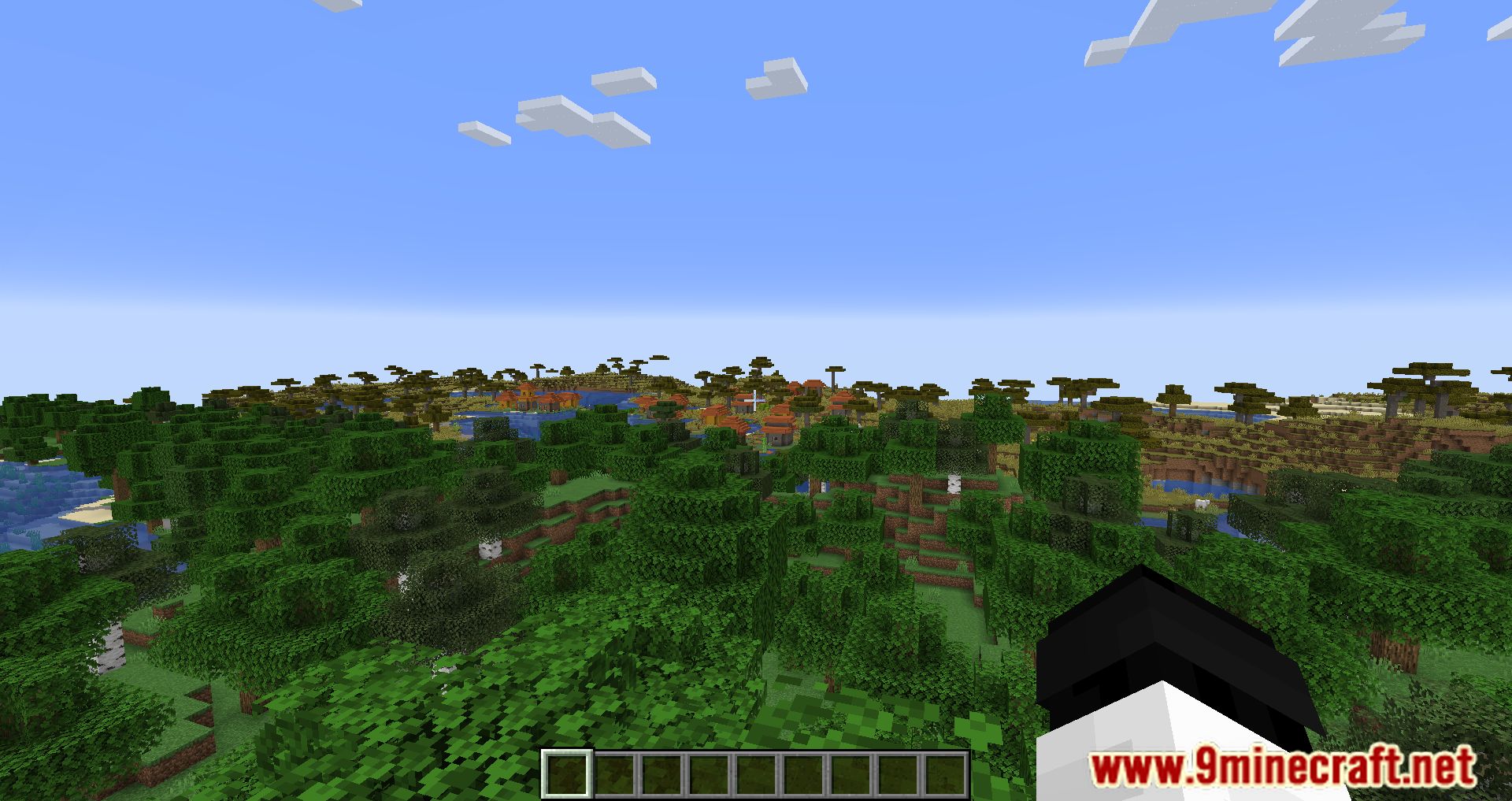
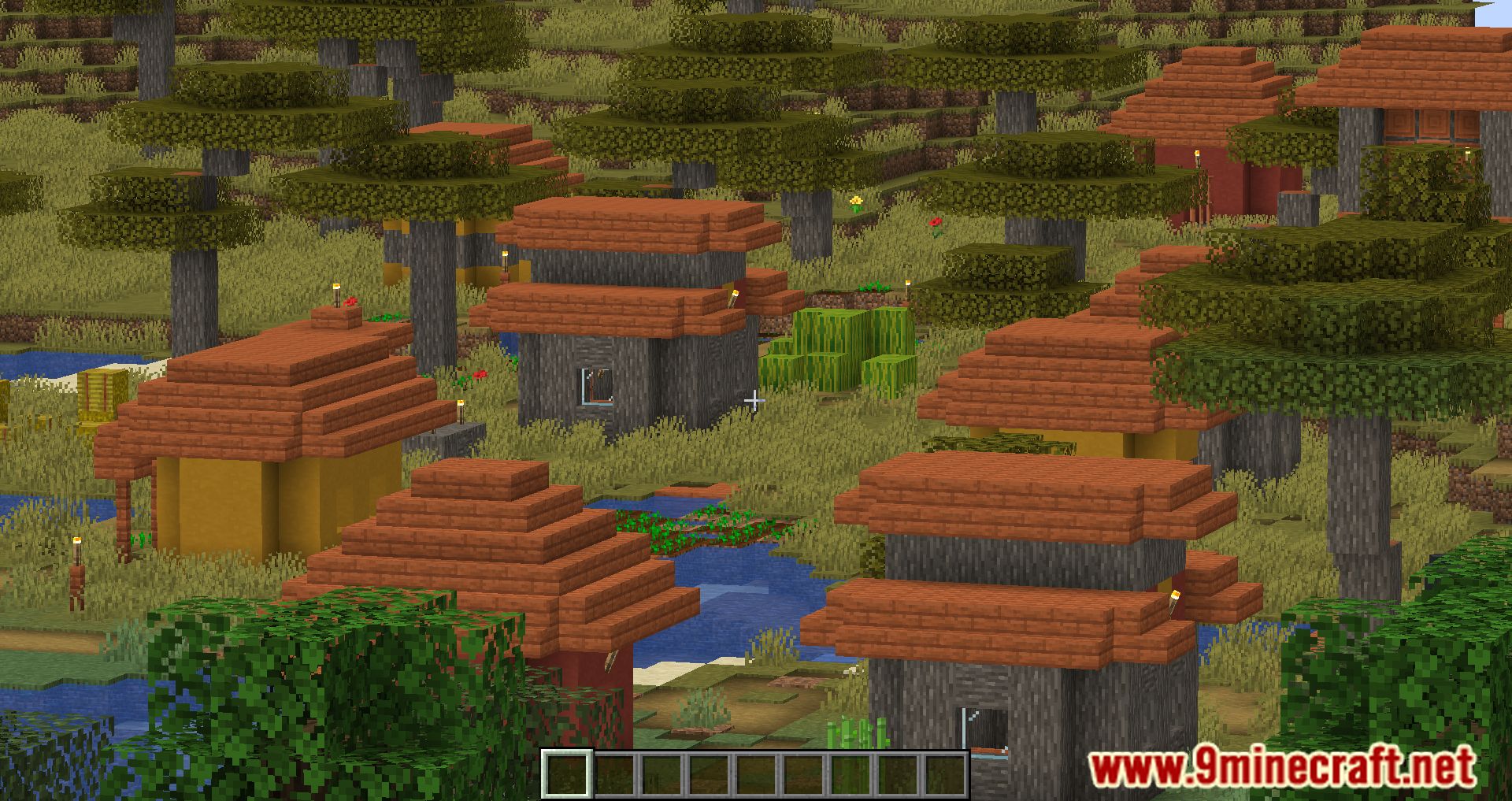
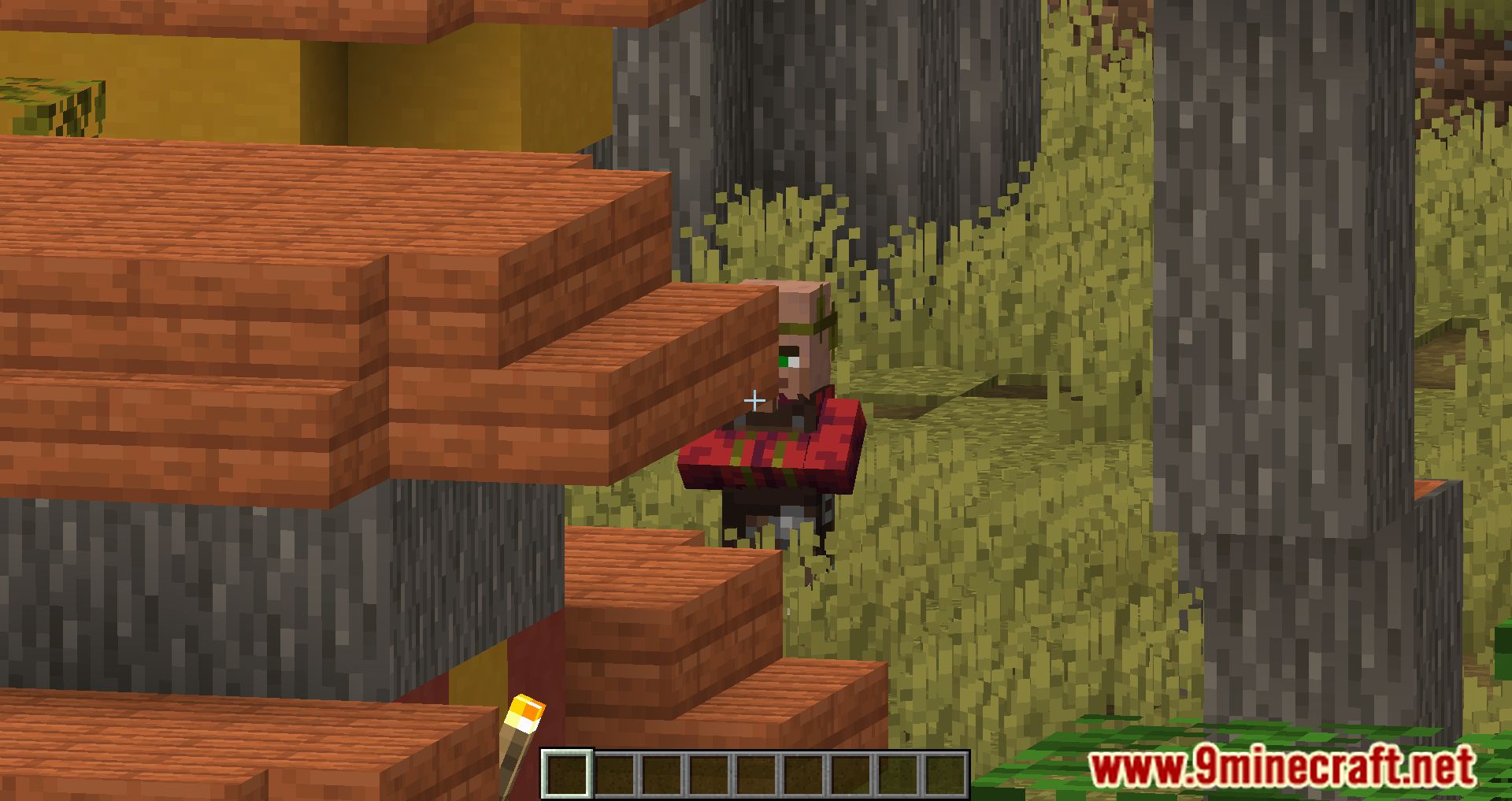
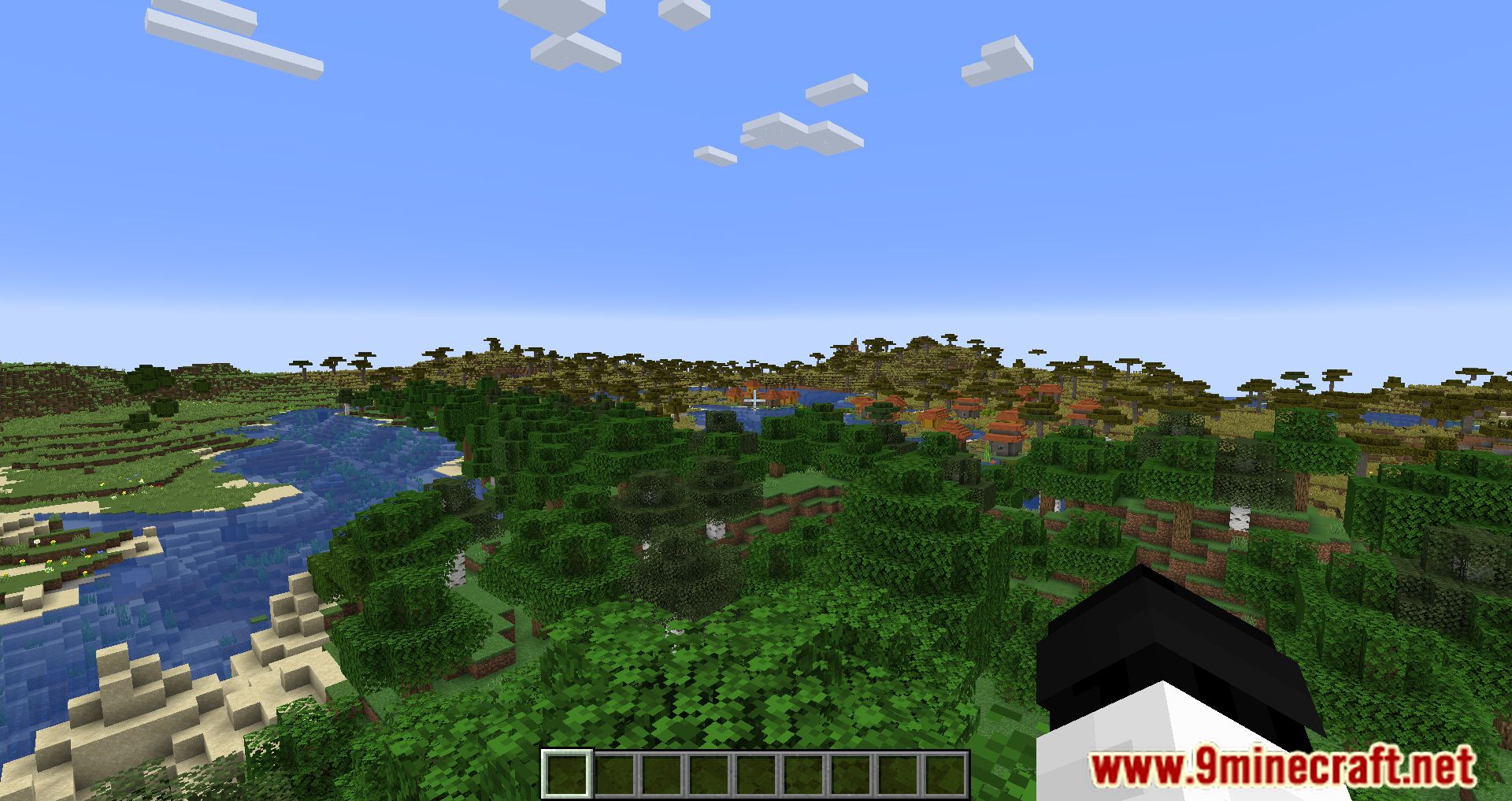
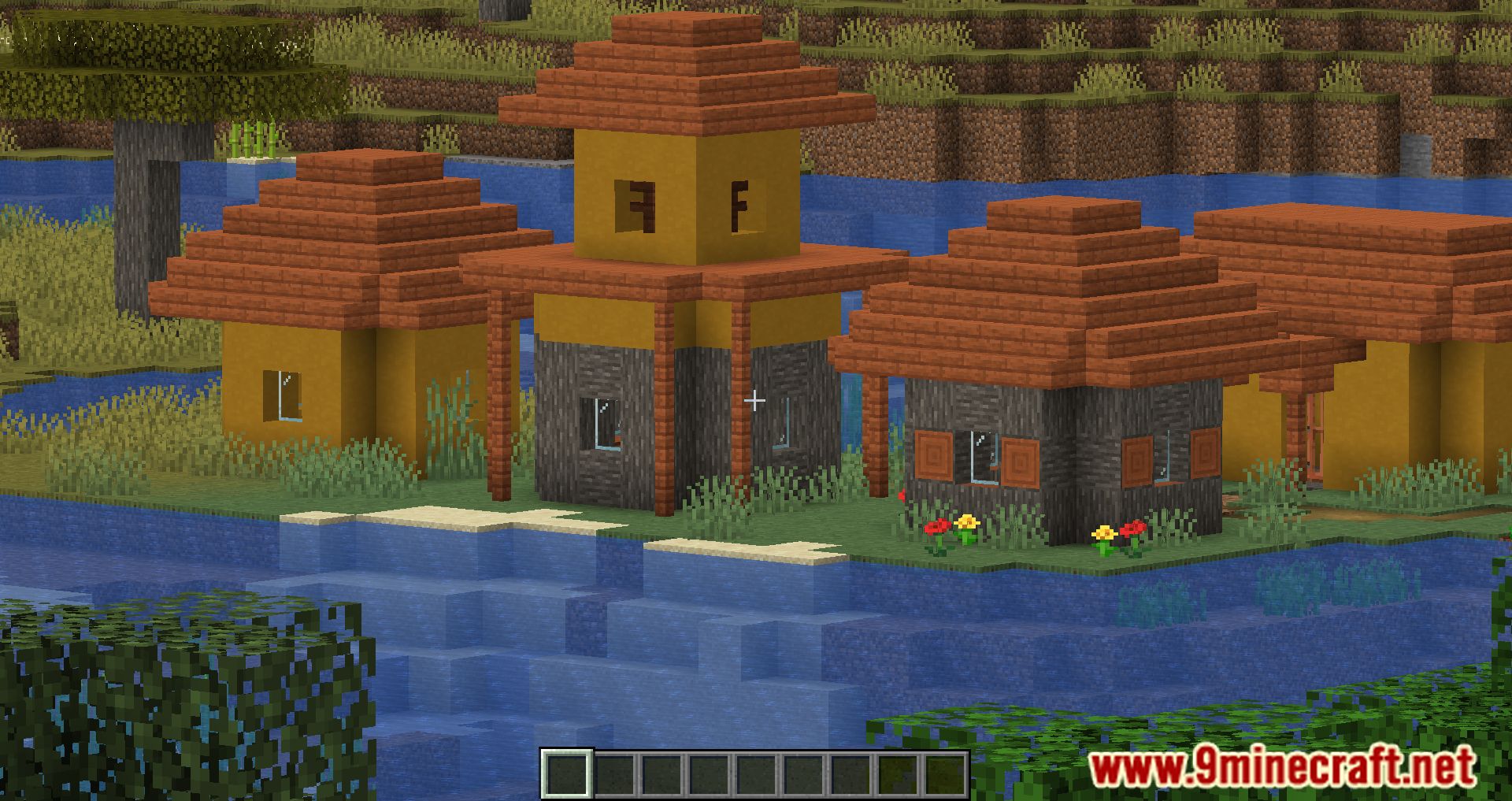
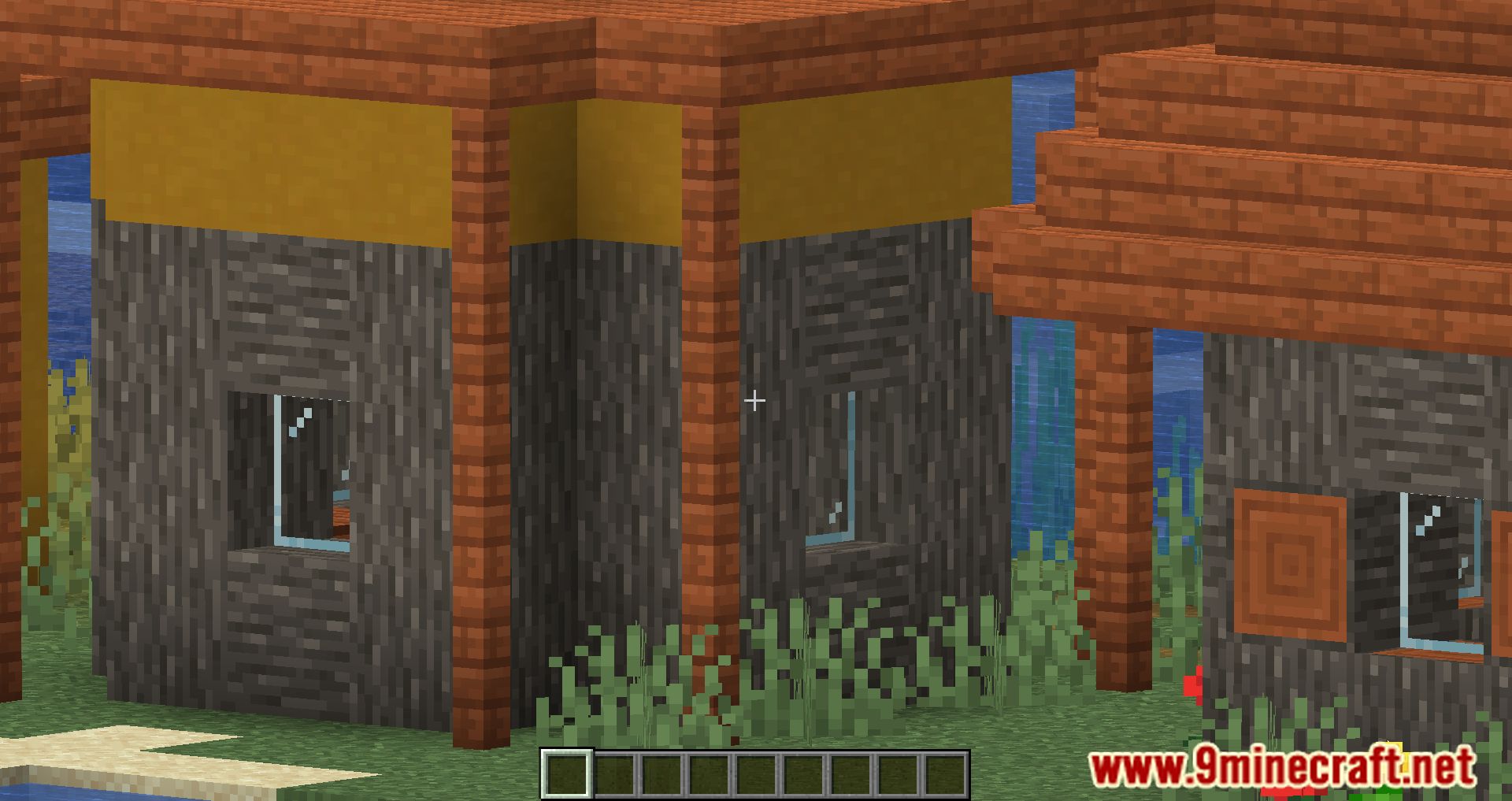
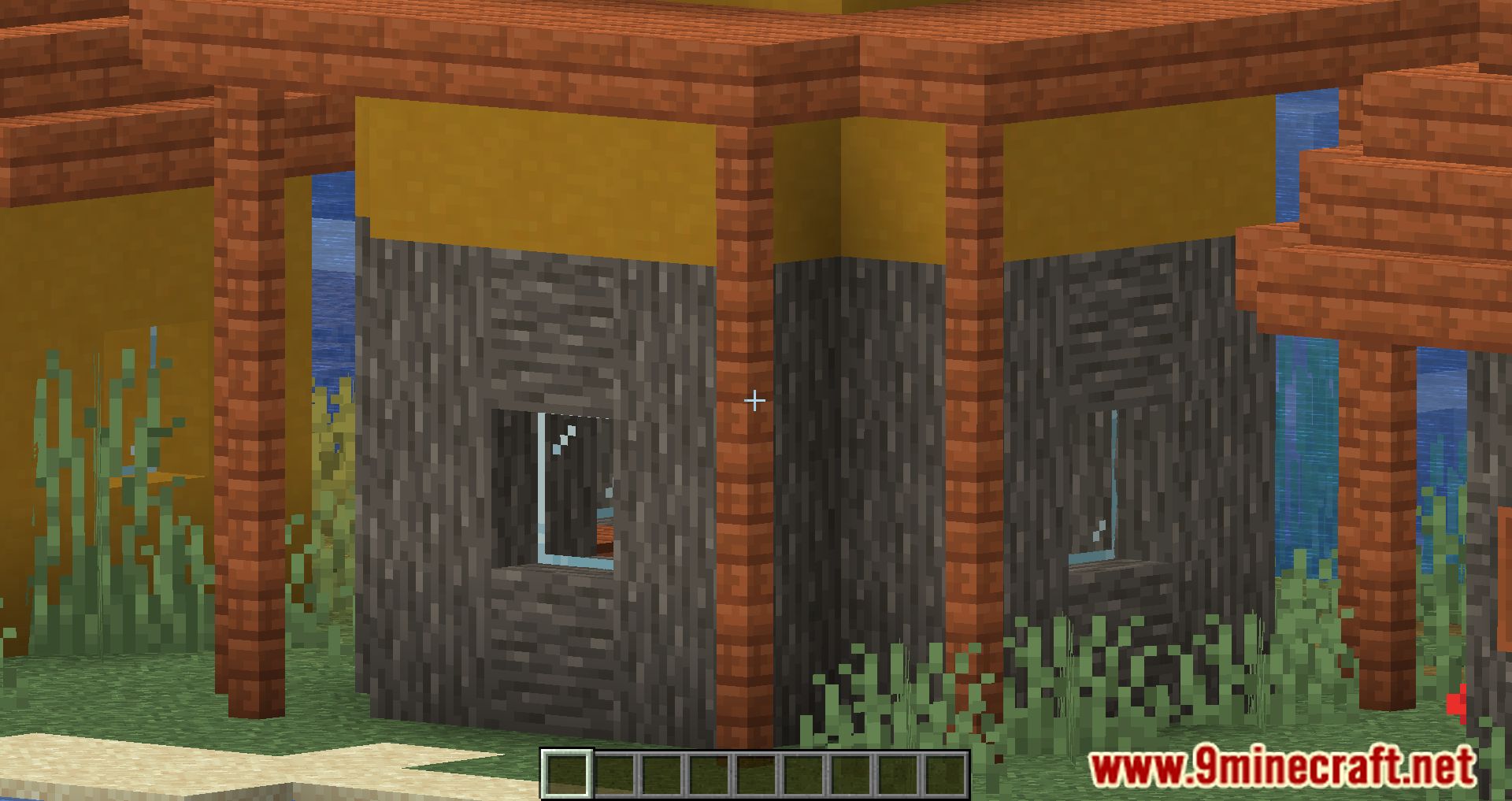
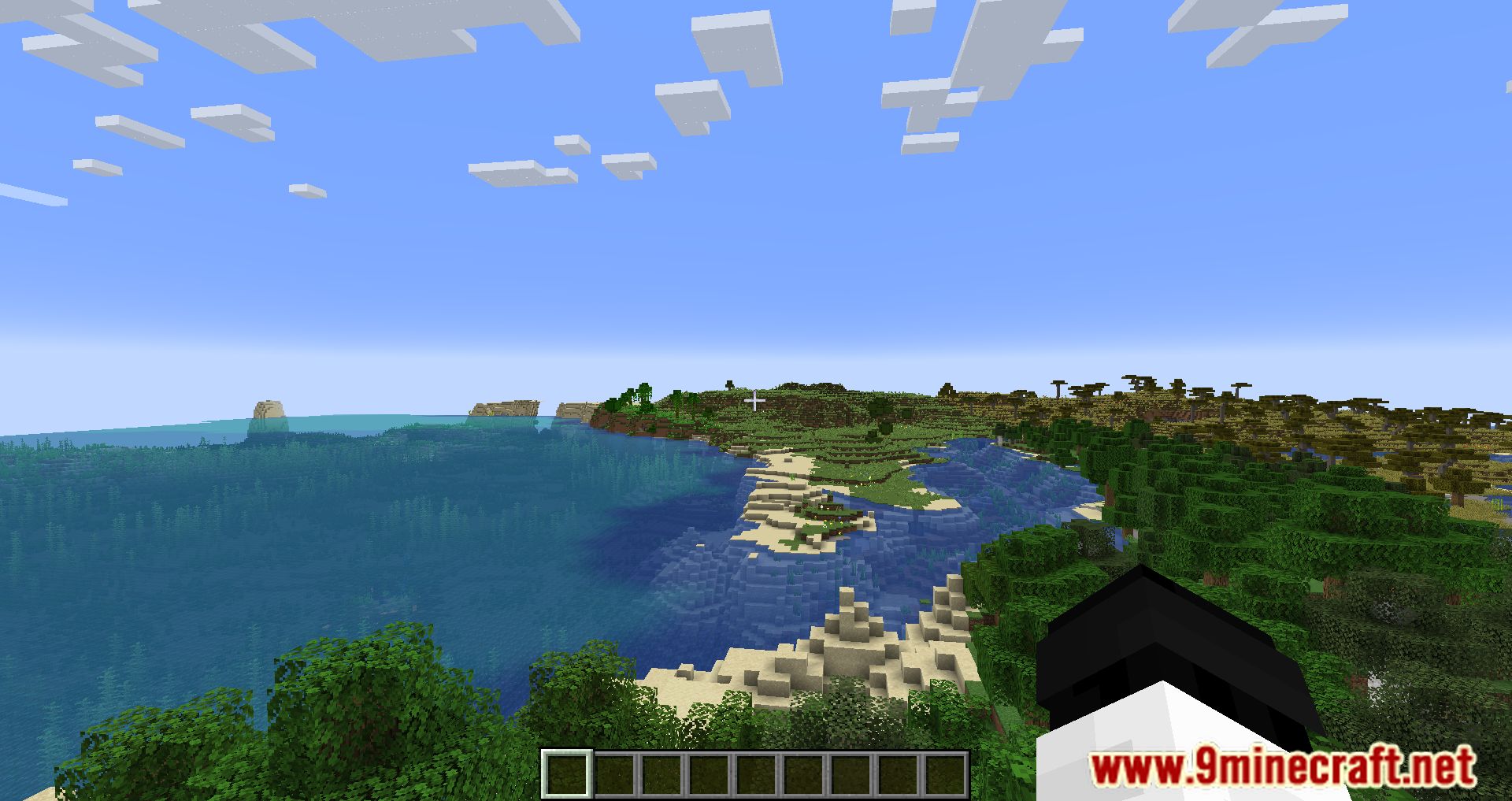
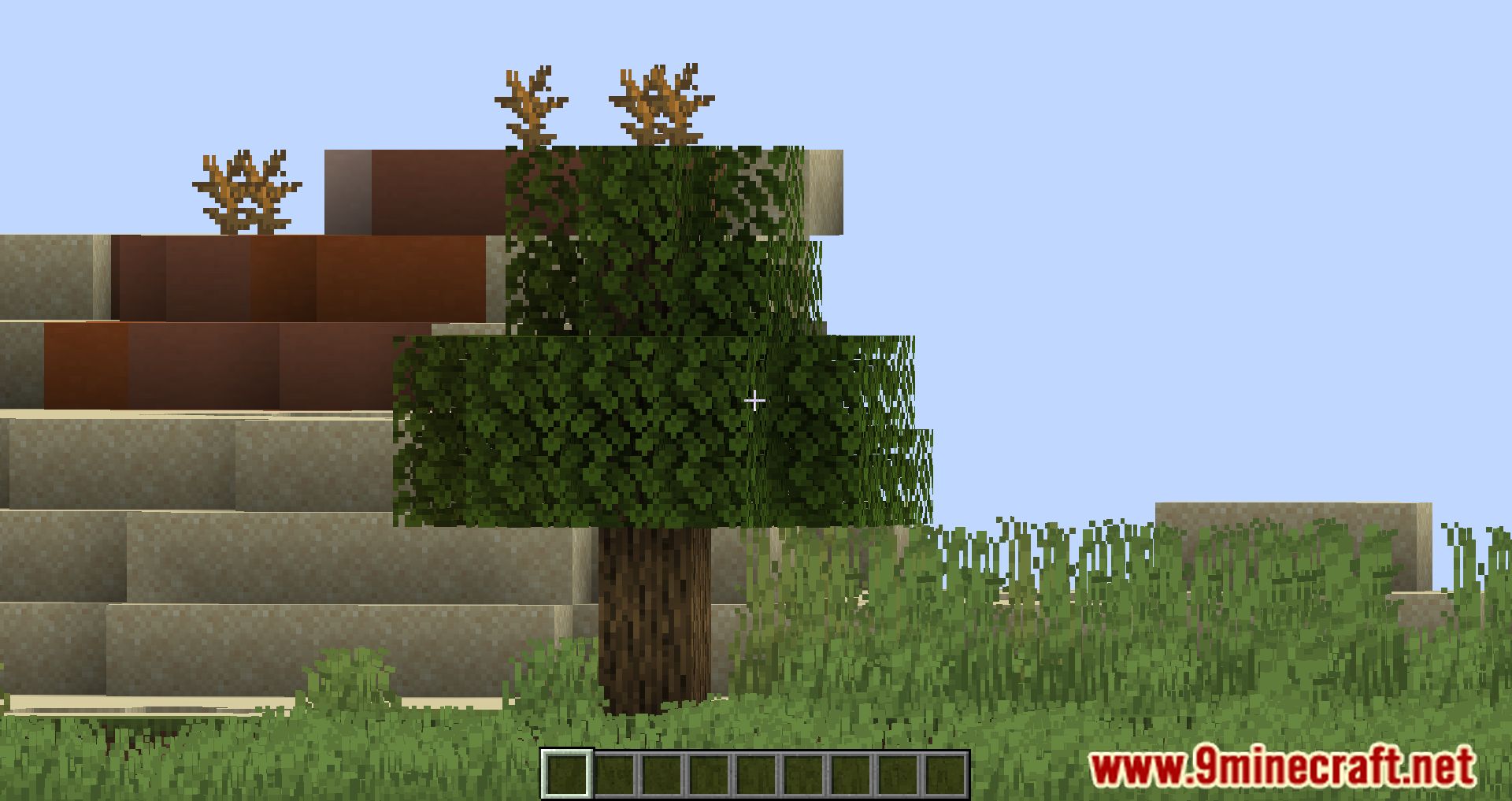
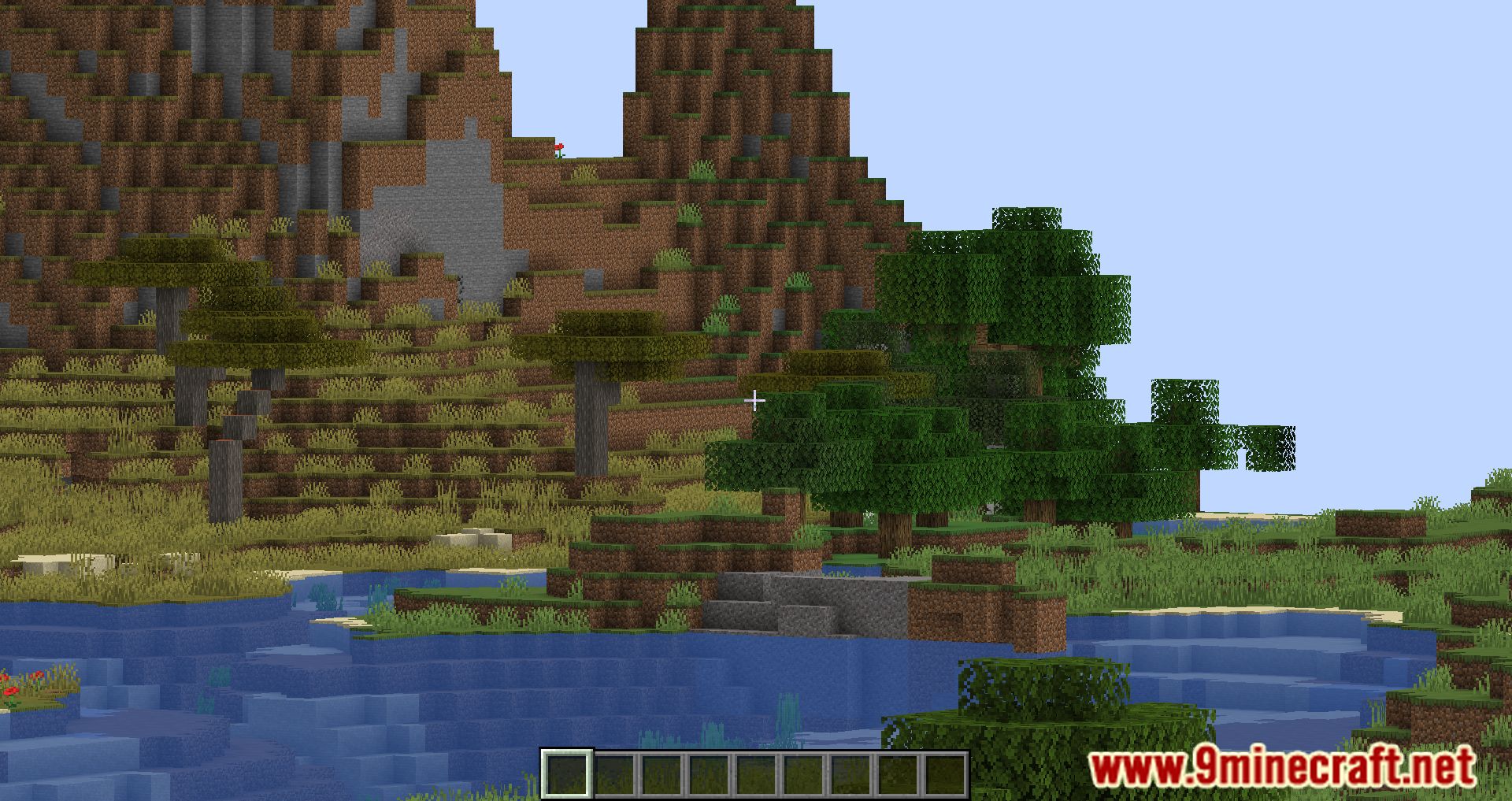
WI Zoom Mod brings the zoom feature from the Wurst Client into Minecraft as a standalone mod. It lets you zoom in and out up to 50x with the mouse wheel, so you can look at distant spots without a spyglass. Unlike OptiFine’s zoom, the camera stays steady and moves smoothly without any wobble, while mouse sensitivity adjusts on its own. This mod works alongside OptiFine and Sodium and includes support for 15 languages. Because the Wurst Client already includes this zoom, running both together causes a crash.

Features:
- Up to 50x Zoom: Lets you zoom in far past the normal view limit to spot distant details clearly.
- Mouse Wheel Control: Lets you scroll the mouse wheel to zoom in and out smoothly to the level you want.
- No Wobbly Camera: Moves the camera in a natural, steady way instead of shaking or wobbling like OptiFine’s zoom.
- No Spyglass Needed: Lets you look at faraway places anytime without crafting or holding a spyglass.
- Adjusts mouse sensitivity automatically while you zoom in so looking around stays smooth.
- Includes a customizable zoom keybind set to V by default.
- Works alongside OptiFine and Sodium, though it cannot run together with the Wurst Client because that client already has this zoom built in and causes a crash.
Supported Languages:
- Azerbaijani (Azerbaijan)
- Chinese (Simplified/Mainland)
- Chinese (Traditional/Taiwan)
- Cantonese (Hong Kong)
- Classical Chinese
- Dutch (Netherlands)
- English (US)
- Estonian (Estonia)
- French (France)
- German (Germany)
- Kurdish
- Portuguese (Brazil)
- Russian (Russia)
- Turkish (Turkey)
- Ukrainian (Ukraine)
How to Use:
- Hold down the V key to turn on the zoom and look closer at distant areas.
- Scroll the Mouse wheel while zooming to zoom in further, up to 50x, or zoom back out.
- To change the zoom keybind, open the Minecraft game menu and click Options to open your settings.
- Click Controls on the Options screen to open the keybind list.
- Find the Zoom keybind and click it to set a new key.
Screenshots:

How to Install:
New to Minecraft? Follow our step-by-step guide to install Mods on your PC.View Guide



WI Zoom Mod Download Links
For Minecraft 26.3
For Minecraft 26.2
For Minecraft 26.1.2, 26.1.1, 26.1
For Minecraft 1.21.11
For Minecraft 1.21.10, 1.21.9
For Minecraft 1.21.8, 1.21.7, 1.21.6
For Minecraft 1.21.5
For Minecraft 1.21.4
For Minecraft 1.21.3, 1.21.2
For Minecraft 1.21.1, 1.21
For Minecraft 1.20.6
For Minecraft 1.20.5
For Minecraft 1.20.4
For Minecraft 1.20.3
For Minecraft 1.20.2
For Minecraft 1.20.1
For Minecraft 1.19.4
For Minecraft 1.19.3
For Minecraft 1.19.2
For Minecraft 1.19.1
For Minecraft 1.19
For Minecraft 1.18.2
For Minecraft 1.17.1
For Minecraft 1.16.5
For Minecraft 1.15.2
For Minecraft 1.14.4
For Minecraft 1.12.2
Click to rate this post!
[Total: 12 Average: 2.1]
You May Also Like
Picked for this page
 Mouse Tweaks Mod (26.3, 1.20.1) – Enhanced Drag and Scroll Actions
 World Edit Mod (26.3, 1.20.1) – A Minecraft Map Editor
 Lighting Wand Mod (26.1.2, 1.20.1) – Showing Light Sources
 Replay Mod (26.3, 1.20.1) – Record, Relive, Share Your Experience
 Chisels & Bits Mod (26.1.2, 1.20.1) – The Ultimate of Building Tool
 Metal Barrels Mod (26.1.2, 1.20.1) – Better than Iron Chest
 KubeJS Library (26.1.2, 1.20.1) – Customize Modpack or Server with JavaScript
 WorldEdit CUI Mod (26.3, 1.20.1) – A Graphical User Interface for WorldEdit
 RPG-Hud Mod (26.2, 1.20.1) – Your Screen Becomes an RPG
 Floralis Mod (26.2, 1.20.1) – 16 New Types of Flowers
 Crafting Tweaks Mod (26.3, 1.20.1) – Extra Functions of Crafting Tables
 Keep My Soil Tilled Mod (26.3, 1.20.1) – Auto-Tilling Logic
Most viewed in Mods over the last 7 days
 Ala Industrial Mod (26.3) – Run Electric Power Grids and Automated Factories
 PleasureCraft Mod (26.3, 1.21.1) – Jenny Mod Remake for Fabric
 Jennycraft Mod (26.3, 1.20.1) – Virtual Girlfriend in Minecraft
 Fapcraft Mod (26.3, 1.12.2) – Comprehensive and Detailed Content
 Jenny Mod (Fapcraft) Official Complete Guide – How to use, Tutorial
 BangCraft Mod (1.20.1) – Jenny, Ellie and Elliot
 Fabric Loader (26.3, 1.20.1) – Fabric Installer for All Minecraft Versions
 The Shooting Star Demo Mod (26.3, 1.20.1) – Vaporize Terrain From Orbit
 Meteor Client Mod (26.3, 1.20.1) – Xray, HUD, Fly
 OptiFine HD (26.3, 1.20.1) – Run Faster, FPS Boost, Shaders Support
 Aristois Client Mod (1.21.4, 1.20.1) – World Class Minecraft Utility
 Prestige Client Mod (1.21.11, 1.21.4) – Powerful Ghost Features for Crystal & Sword PvP
More from Mods
 Tre’s Tack Library Mod (1.20.1) – Outfit Your Horses with Fully Detailed Tack
 YDM’s coreX Library Mod (1.20.1) – Loot RPG Gear with Random Names
 Gunpowder Recipe Mod (26.3, 1.20.1) – Gunpowder is Craftable
 Villager Timetable Mod (26.3, 1.20.1) – Master Villager Schedules
 Artemis Laboratory Blocks Mod (26.3, 1.20.1) – Lab Blocks And Dynamic Decorations
 Fabric ORM Jimmer Mod (26.3, 1.20.1) – Prevent Sudden Server Crashes
 Cafe Core Mod (26.2, 1.21.1) – Bypass Anvil Limits and Tame Pets in Seconds
 GTNH’s Forgelin Mod (1.7.10) – Play Kotlin-Powered Mods on Minecraft 1.7.10
 Nodeflow Mod (26.1.2, 1.21.1) – Wire Custom Redstone Logic on Visual Graph
 Winter Client Mod (1.21.11) – Survive Ruthless PvP on Anarchy Servers
 LARP Client Mod (1.21.11) – Dominate Crystal PvP on Anarchy Servers
 Berlin Client Mod (1.21.11) – Hunt Stashes and Win Crystal Fights

This post has no comments yet. Be the first — your comment will appear here.