
Config Swapper Mod (1.19.2, 1.18.2) – Swap Playstyles on Demand

 0


Config Swapper Mod lets you switch sets of preset config options in Minecraft with one command. It helps you change game modes because it edits text directly inside your actual config files. This mod works with most mods, even ones with custom setups, as long as those files use the TOML format. It adds a command to swap modes and saves your active mode in a mode.json file inside the instance root folder. Each time the game starts, it applies that saved mode automatically to support modpack updates.
Features:
- Lets you switch a group of preset config options at once so you can change game modes with ease.
- Finds and replaces text strings directly inside real config files, so it works with most mods even if they use custom config setups.
- Supports config files in the TOML format, including client, common, and server configs.
- Saves your active mode in a
mode.jsonfile inside the instance root folder and applies it on every game launch to support modpack updates. - Runs
/reloadautomatically right after you switch modes so you do not forget to refresh your game settings. - Makes a
configswapperfolder inside yourconfigdirectory on first launch to keep each mode in its own folder. - Matches your instance root folder layout for standard configs and uses a
serverconfigfolder for server config files. - Needs every mode folder to list all of its own config changes because this mod cannot revert settings from an earlier mode.
- Depends on each individual mod for whether a changed config option works right away or needs a game restart.
Commands:
/mode <modename>: Switches your active config set to the named mode and automatically runs/reload.
How to Use:
- Start the game once so this mod creates a
configswapperfolder inside yourconfigfolder. - Open the
configswapperfolder and make a new folder named after your mode, such asexpert. - Inside your mode folder, mirror the folder layout of your instance root (for example, make a
configfolder with aforge-client.tomlfile inside it to editconfig/forge-client.toml). - Place any server config files inside a folder named
serverconfigwithin your mode folder. - Add the category, key, and value lines you want to change in the same format as the original TOML file; the easiest way is to copy the original file and delete every value you do not want to change.
- List all needed config changes in every mode folder because switching modes does not revert changes from a previous mode.
- Type
/mode <modename>in chat to switch to that mode; this updates the config files, writes the active mode tomode.json, and runs/reloadautomatically. - Restart Minecraft if a specific mod needs a restart for its updated config options to apply.
Screenshots:


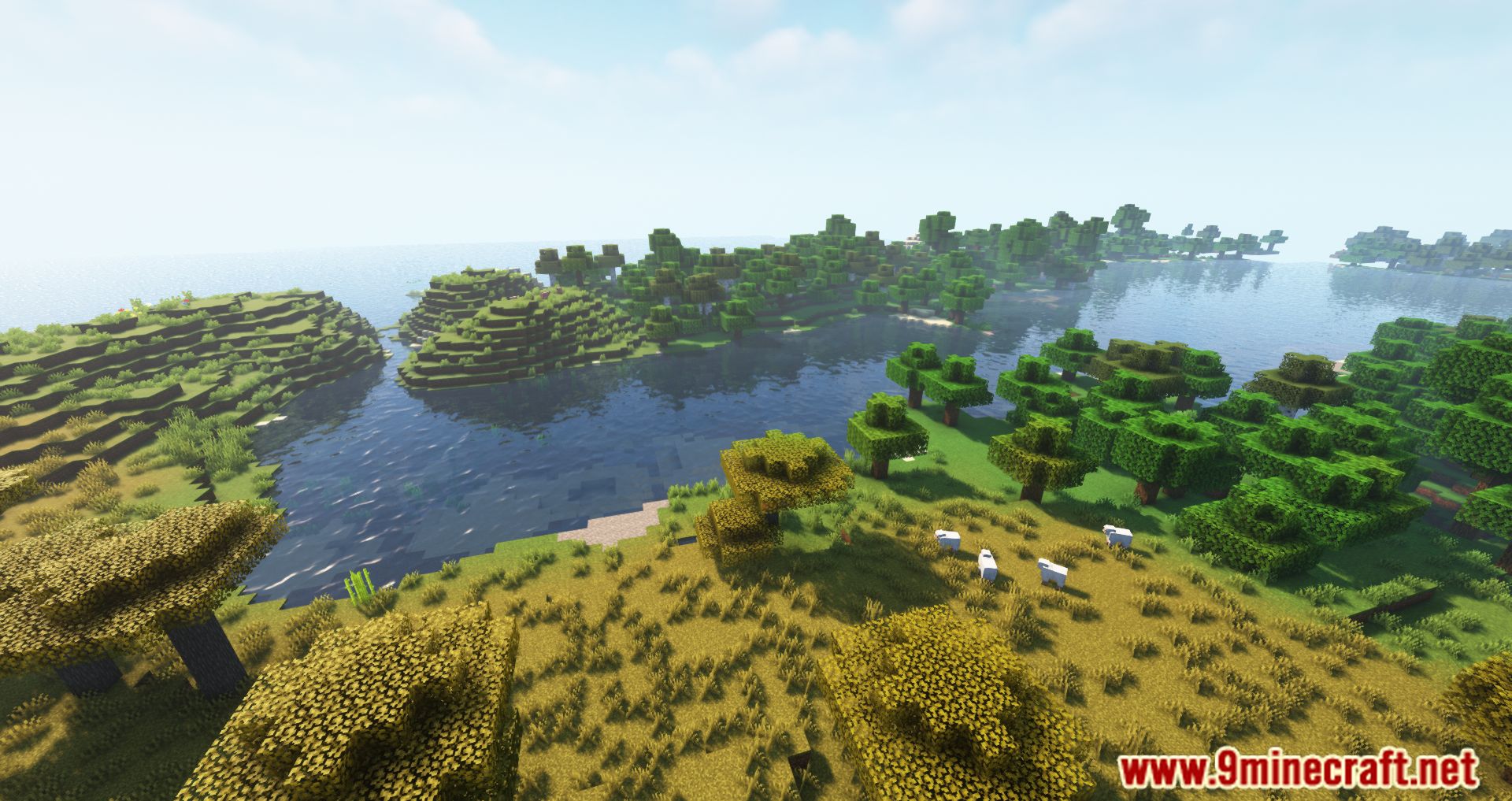
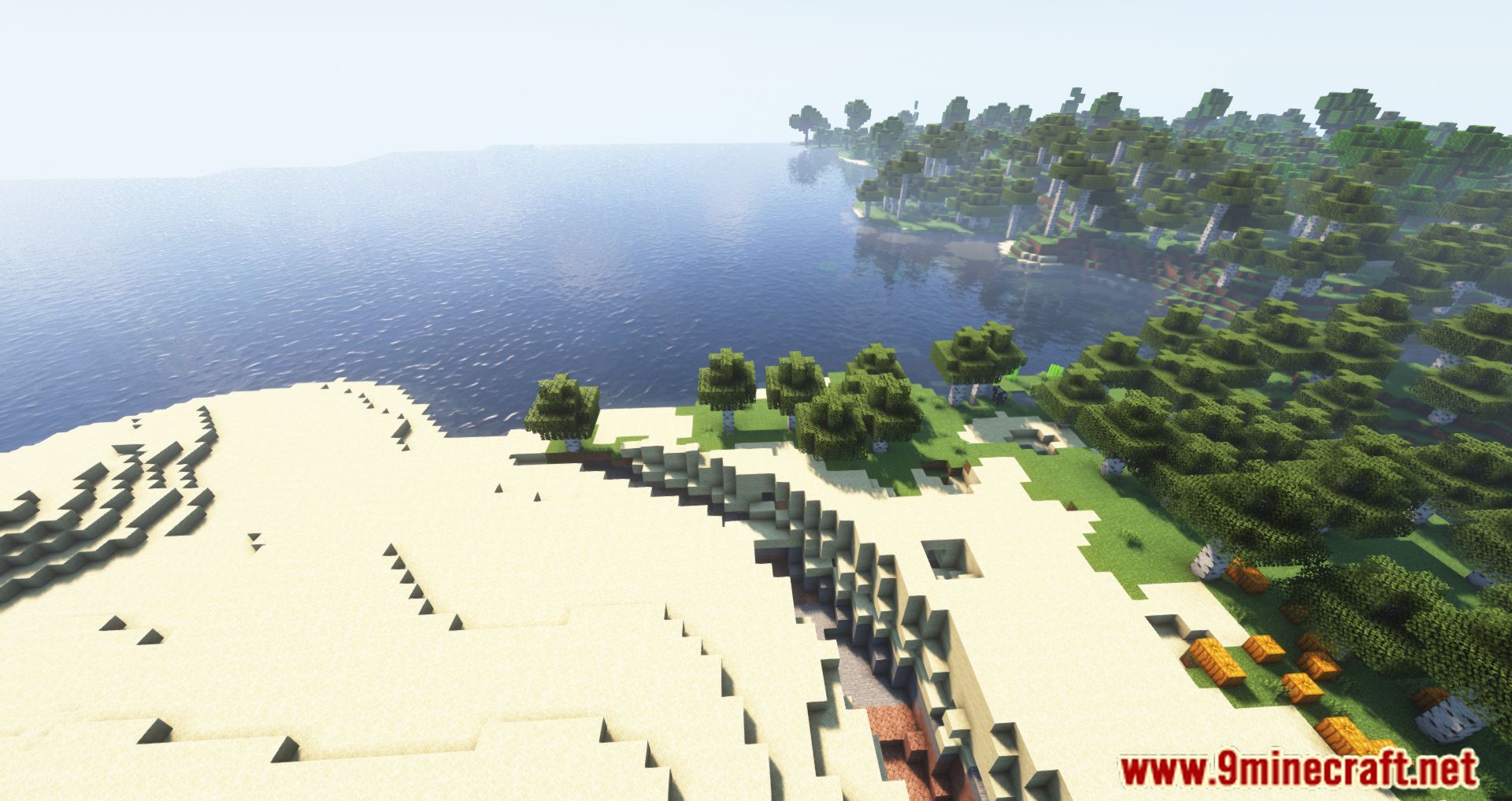
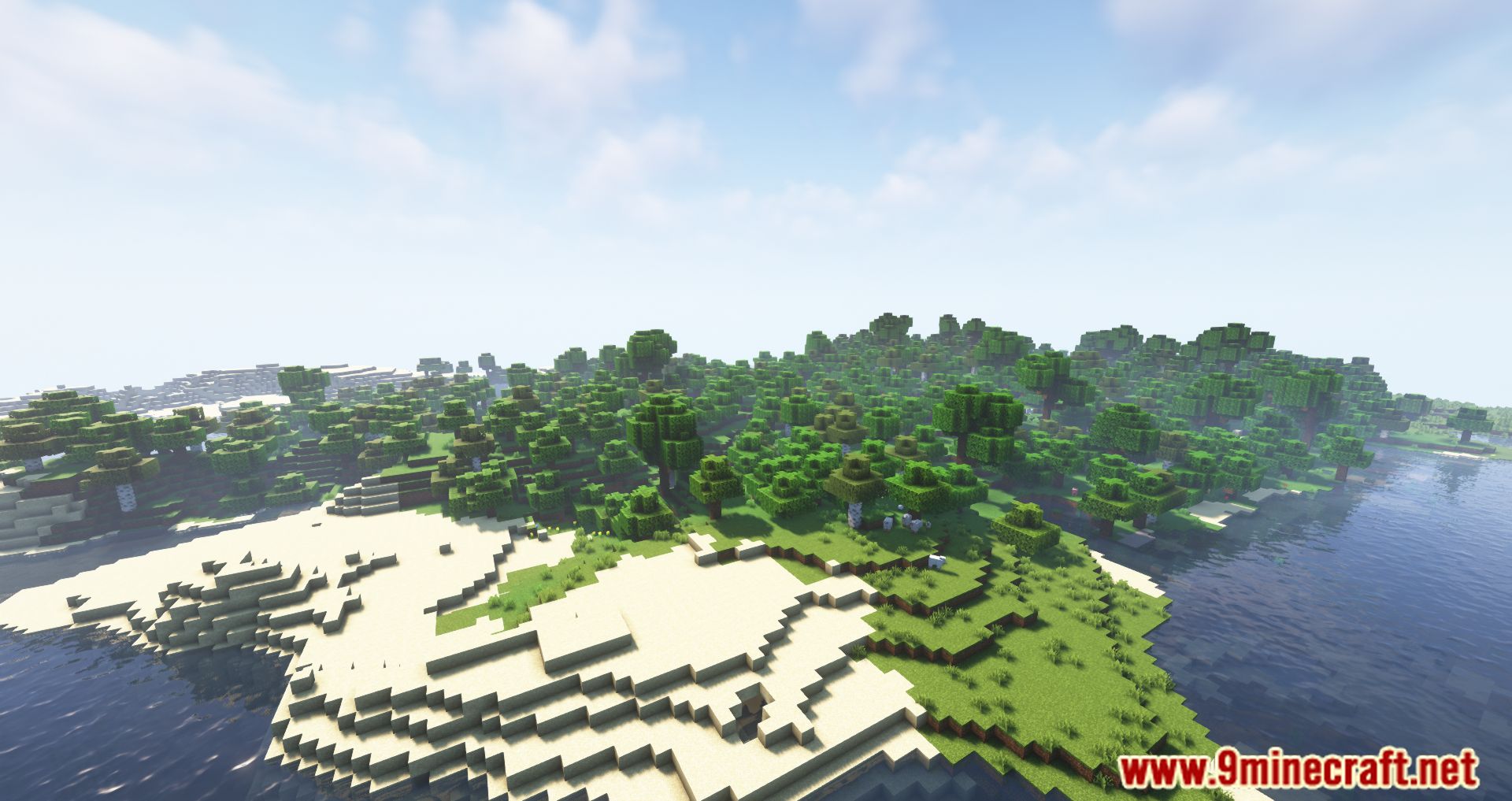
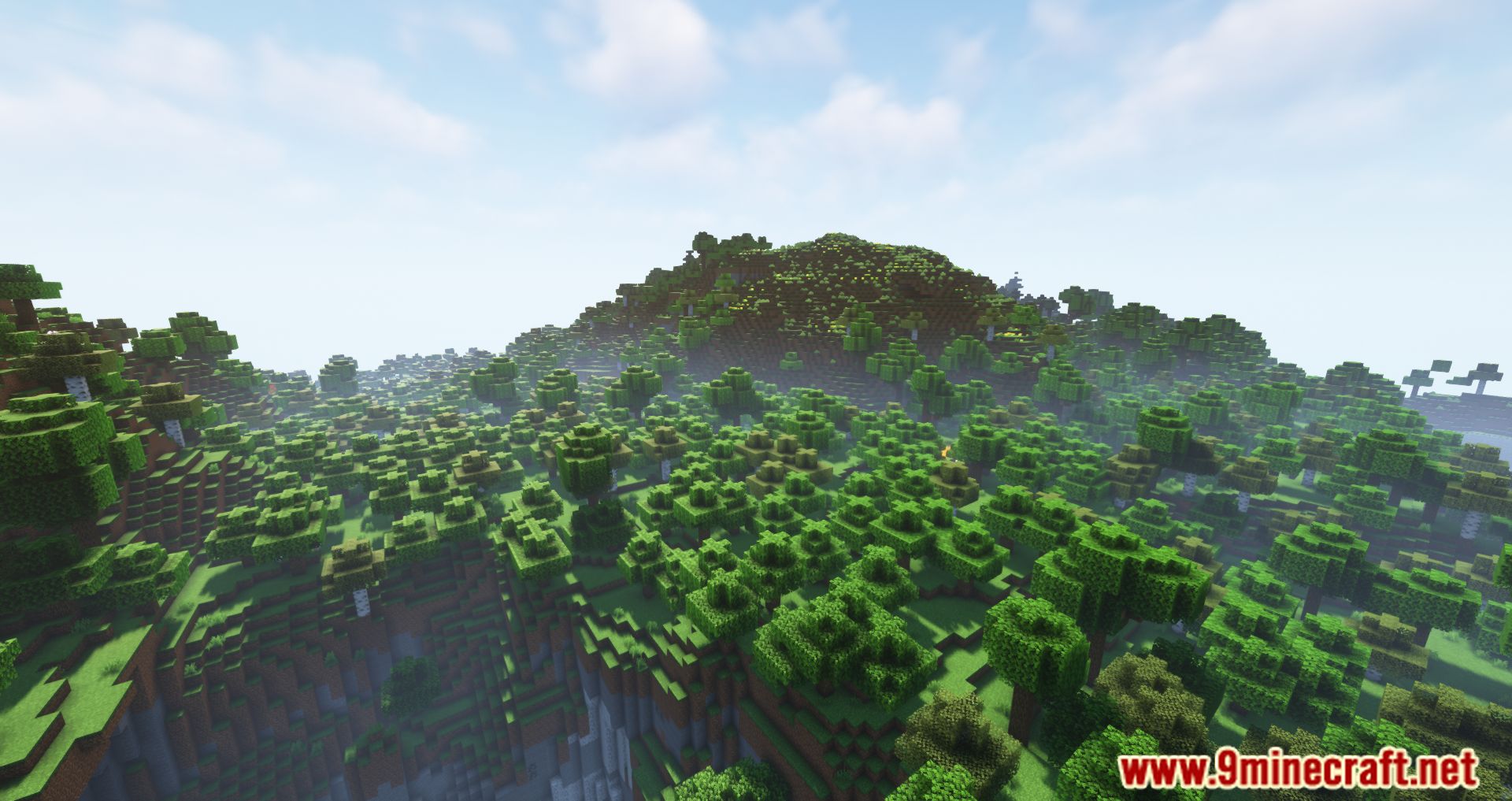

How to Install:
New to Minecraft? Follow our step-by-step guide to install Mods on your PC.View Guide
Config Swapper Mod Download Links
For Minecraft 1.19.2
Forge Version: Download from Server 1
For Minecraft 1.18.2
Forge Version: Download from Server 1
For Minecraft 1.16.5
Forge Version: Download from Server 1
Which launcher do you primarily use to manage and run your modded Minecraft instances?
37 responses · See the full results →
You May Also Like
Picked for this page
 Dark Paintings Mod (26.3, 1.20.1) – Art Gallery in Minecraft
 ExpandAbility Mod (26.3, 1.20.1) – Library for Control Over Vanilla Abilities
 Simple Copper Pipes Mod (26.3, 1.20.1) – Pipes with Multiple Interesting Uses
 Click Manaita Mod (26.3, 1.20.1) – Item Multiplication
 TslatEntityStatus Mod (26.3, 1.20.1) – HUD-Style Entity Status
 Always Sprint Mod (26.3, 1.20.1) – Sprinting Is Always On
 Librarian’s Balance Mod (26.3, 1.20.1) – Rebalances Librarian Trades
 Replay Voice Chat Mod (26.3, 1.20.1) – Records Voice Chat and Player Icons
 Limitless Banners Mod (1.21.11, 1.20.1) – Increased Banner Pattern Limit
 Easy NPC Core Mod (26.3, 1.20.1) – Core Functionallity for Easy NPC Mod
 Reliquary Reincarnations Mod (26.3, 1.20.1) – Magical Tools And Artifacts
 Immersive Convergence Mod (1.20.1) – Run Your Factory Addons Side By Side
Most viewed in Mods over the last 7 days
 Ala Industrial Mod (26.3) – Run Electric Power Grids and Automated Factories
 PleasureCraft Mod (26.3, 1.21.1) – Jenny Mod Remake for Fabric
 Jennycraft Mod (26.3, 1.20.1) – Virtual Girlfriend in Minecraft
 Fapcraft Mod (26.3, 1.12.2) – Comprehensive and Detailed Content
 Jenny Mod (Fapcraft) Official Complete Guide – How to use, Tutorial
 BangCraft Mod (1.20.1) – Jenny, Ellie and Elliot
 Fabric Loader (26.3, 1.20.1) – Fabric Installer for All Minecraft Versions
 The Shooting Star Demo Mod (26.3, 1.20.1) – Vaporize Terrain From Orbit
 Meteor Client Mod (26.3, 1.20.1) – Xray, HUD, Fly
 OptiFine HD (26.3, 1.20.1) – Run Faster, FPS Boost, Shaders Support
 Aristois Client Mod (1.21.4, 1.20.1) – World Class Minecraft Utility
 Prestige Client Mod (1.21.11, 1.21.4) – Powerful Ghost Features for Crystal & Sword PvP
More from Mods
 The Graveyard Mod (26.3, 1.20.1) – Cemeteries in Minecraft
 Enhanced Overlay Mod (26.3, 1.21.11) – Remove Screen Clutter
 Flint Mod (1.21.11) – Run DiamondFire Community Addons Without Crashing
 Not Just Sandwich Mod (26.3, 1.20.1) – Edibles, Sandwiches
 Waddles Mod (26.3, 1.20.1) – Make Icy Biomes Feel Alive
 Artemis’ Thin Logs Mod (26.3, 1.20.1) – Build Custom Trees and Detailed Wood
 Asterion Mod (26.3, 1.20.1) – Survive Ancient Mazes and Slay the Legendary Minotaur
 Passthrough Signs Mod (26.3, 1.20.1) – Right-Click Through Wall Signs
 Packing Tape Mod (26.3, 1.20.1) – Move Chests, Machines
 No XP Anvils Mod (26.3, 1.20.1) – Repair And Enchant Without XP
 Naruto Shippuden Mod (26.3, 1.16.5) – Immerse Yourself in The World of Ninja
 Araxer’s Bestiary Mod (26.3, 1.20.1) – Build an In-Game Encyclopedia of Every Mob

This post has no comments yet. Be the first — your comment will appear here.