
VoidGen Plugin (26.1.2, 1.20.1) – Build Custom Void Worlds Without Lag

 0


VoidGen Plugin lets server owners create countless custom void worlds using a powerful and lightweight generator system. It handles all aspects of how you set up and manage empty worlds on your server.

Features:
- Enables server owners to create custom void worlds with a lightweight generator system.
- Supports the latest Minecraft versions.
- Works as a direct fork to keep world generation running smoothly on newer server software.
- Handles all aspects of empty world creation without heavy performance loss.
Commands:
/mv create <world_name> <env> -g VoidGen:<parameters> -t FLAT: creates a new custom void world using Multiverse./mv import <world_name> <env> -g VoidGen:<parameters> -t FLAT: imports an existing world with the generator./mv env: lists all possible environments for world creation.
How to Use:
- Install the plugin on a server running Bukkit, Spigot, or Paper.
- Reload your server if you are using VoidGen for your default world without world management plugins.
- Use world management plugins like Multiverse to create or import worlds with custom parameters.
- Adjust the
level-typein theserver.propertiesfile toFLATif you want void darkness to start at Y=0.
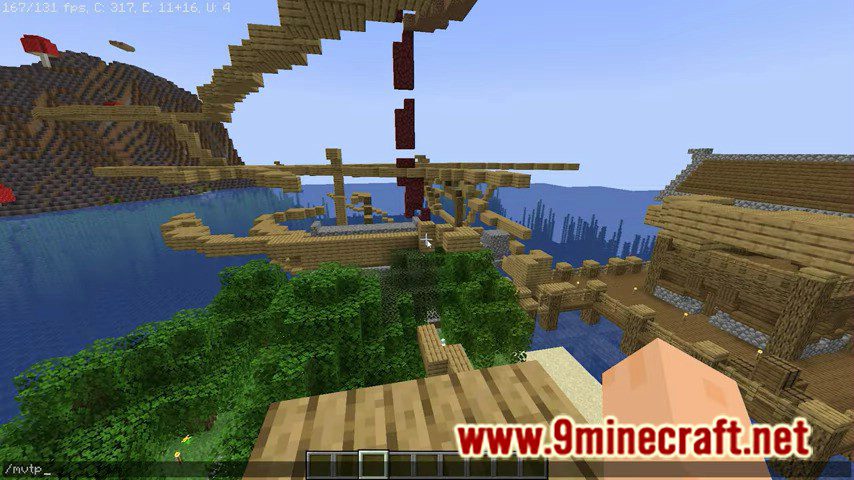
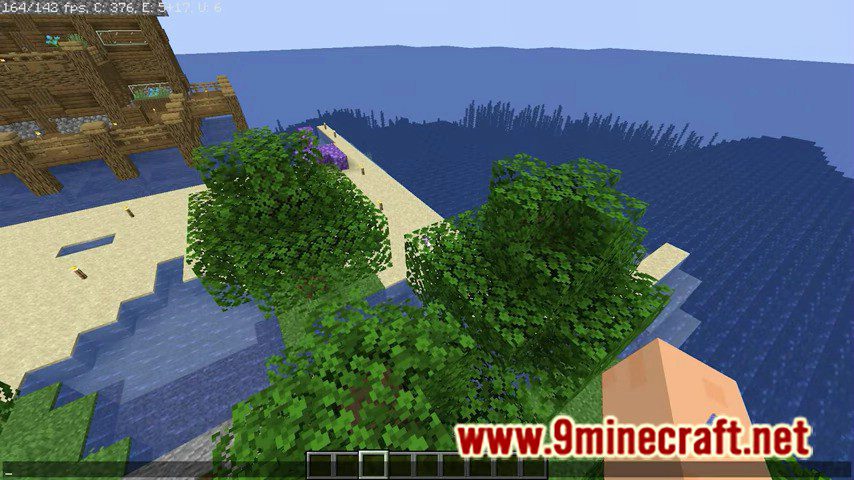
Screenshots:



How to Install:
New to Minecraft? Follow our step-by-step guide to install Plugins on your PC.View Guide
Requirements:

VoidGen Plugin Download Links
For Minecraft
26.1.2,
26.1.1,
26.1
All Versions Covered
26.1.2
26.1.1
26.1
1.21.11
1.21.10
1.21.9
1.21.8
1.21.7
1.21.6
1.21.5
1.21.4
1.21.3
1.21.2
1.21.1
1.21
1.20.6
1.20.5
1.20.4
1.20.3
1.20.2
1.20.1
1.20
1.19.4
1.19.3
1.19.2
1.19.1
1.19
1.18.2
1.18.1
1.18
1.17.1
1.17
1.16.5
1.16
All Versions Covered
26.1.2
26.1.1
26.1
1.21.11
1.21.10
1.21.9
1.21.8
1.21.7
1.21.6
1.21.5
1.21.4
1.21.3
1.21.2
1.21.1
1.21
1.20.6
1.20.5
1.20.4
1.20.3
1.20.2
1.20.1
1.20
1.19.4
1.19.3
1.19.2
1.19.1
1.19
1.18.2
1.18.1
1.18
1.17.1
1.17
1.16.5
1.16
For Minecraft
1.21.11,
1.21.10,
1.21.9
All Versions Covered
1.21.11
1.21.10
1.21.9
1.21.8
1.21.7
1.21.6
1.21.5
1.21.4
1.21.1
1.21
1.20.6
1.20.5
1.20.4
1.20.3
1.20.2
1.20.1
1.20
1.19.4
1.19.3
1.19.2
1.19.1
1.19
1.18.2
1.18.1
1.18
1.17.1
1.17
1.16.5
1.16
All Versions Covered
1.21.11
1.21.10
1.21.9
1.21.8
1.21.7
1.21.6
1.21.5
1.21.4
1.21.1
1.21
1.20.6
1.20.5
1.20.4
1.20.3
1.20.2
1.20.1
1.20
1.19.4
1.19.3
1.19.2
1.19.1
1.19
1.18.2
1.18.1
1.18
1.17.1
1.17
1.16.5
1.16
For Minecraft
1.21.5,
1.21.4,
1.21.3
All Versions Covered
1.21.5
1.21.4
1.21.3
1.21.2
1.20.6
1.20.5
1.20.4
1.20.3
1.20.2
1.20.1
1.20
1.19.4
1.19.3
1.19.2
1.19.1
1.19
1.18.2
1.18.1
1.18
1.17.1
1.17
1.16.5
1.16
1.15.2
1.15.1
1.15
1.14.4
1.14.3
1.14.2
1.14.1
1.14
1.13.2
1.13.1
1.13
1.12.2
1.12.1
1.12
1.11.2
1.11.1
1.11
1.10.2
1.10.1
1.10
1.9.4
1.9.3
1.9.2
1.9.1
1.9
1.8.9
1.8.8
For Minecraft All versions
Click to rate this post!
[Total: 1 Average: 1]
You May Also Like
Picked for this page
 Quests Plugin (26.1.2, 1.20.1) – Bukkit, Spigot, Paper
 MultiWorld Plugin (26.1.2, 1.20.1) – Spigot
 Spawn Plugin (26.1.2, 1.21.1) – Spigot
 Orebfuscator Plugin (26.1.2, 1.20.1) – Bukkit, Spigot, Paper
 TAB Plugin (26.3, 1.20.1) – Make an Awesome Animated Tablist
 ValhallaMMO Plugin (26.1.2, 1.20.1) – Bukkit, Spigot, Paper
 SuperVanish Plugin (26.2, 1.20.1) – Bukkit, Spigot, Paper
 Interaction Visualizer Plugin (26.1.2, 1.20.1) – Spigot
 Grim Anticheat Plugin (26.3, 1.20.1) – Realtime Cheat Detection Plugin
 Aj Leaderboards Plugin (26.1.2, 1.20.1) – Spigot
 BentoBox Plugin (26.1.2, 1.20.1) – Spigot
 DiSky Plugin (26.1.2, 1.20.1) – Spigot
Most viewed in Plugins over the last 7 days
 Dynmap 9minecraft Plugin (26.3) – A Live Google-Maps-Style View of Your Whole Server
 Vulcan Anti Cheat Plugin (1.21.8, 1.20.1) – A Powerful Shield Against Cheating
 Citizens Plugin (1.21.10, 1.20.1) – The Best NPC Plugin
 Displaymotion Plugin (1.21.4) – Amaze Players with Custom Animations and No Client Mods
 MMOItems Premium Plugin (1.21.8, 1.20.1) – Create Stunning Custom Items
 Citizens2 Plugin (1.21.8, 1.20.1) – Craft Unique NPCs
 MythicCrucible Plugin (1.21.8, 1.20.1) – Addon for MythicMobs
 Fish Rework Fishing Plugin (26.3, 1.21.1) – Turn Simple Fishing
 L Claim Plugin (26.3, 1.20.1) – Build Protected Towns and Trade Peacefully
 MythicMobs Premium Plugin (1.21.9, 1.20.1) – Craft Epic Custom Mobs And Bosses
 Ultimate Donut SMP Plugin (26.3, 1.20.1) – Build Teams Trade Goods
 RaspberryJuice Plugin (1.21) – Turn Your World Into a Shared Coding Playground
More from Plugins
 Emotify Plugin (26.3, 1.21.1) – Share Animated Emojis Without Typing in Chat
 Logger Plugin (1.13) – Catch Rule Breakers Fast So Honest Players Stay Safe
 MineTinker Plugin (1.21) – Deep Gear Progression That Keeps Survival Players Hooked
 JEI Recipe Bridge Plugin (26.3, 1.21.11) – Let Players Browse Server Recipes
 BuildPaste Plugin (26.3, 1.20.1) – Bukkit, Spigot, Paper
 Orbitalstrike Cannon Plugin (26.3, 1.21.1) – Turn Server Base Raids
 Better Baby Pets Plugin (26.3, 1.21.1) – Raise Adorable Animal Buddies
 Geyser Plugin (26.3, 1.20.1) – Java and Bedrock Cross-Compatibility
 Authmebia Plugin (26.3, 1.21.11) – Protect Player Accounts with Friendly Login
 SeichiAssist Plugin (1.18) – Turn Giant Digging Projects Into Community Fun
 WorldBorderAPI Plugin (26.2) – Give Every Player Their Own Personal World Boundary
 RealIP Plugin (1.16) – Keep Griefers and Banned Trolls From Coming Back

This post has no comments yet. Be the first — your comment will appear here.