
Reload Audio Driver Mod (1.20.2, 1.20.1) – Switch Audio in Real Time
 1,289
 0


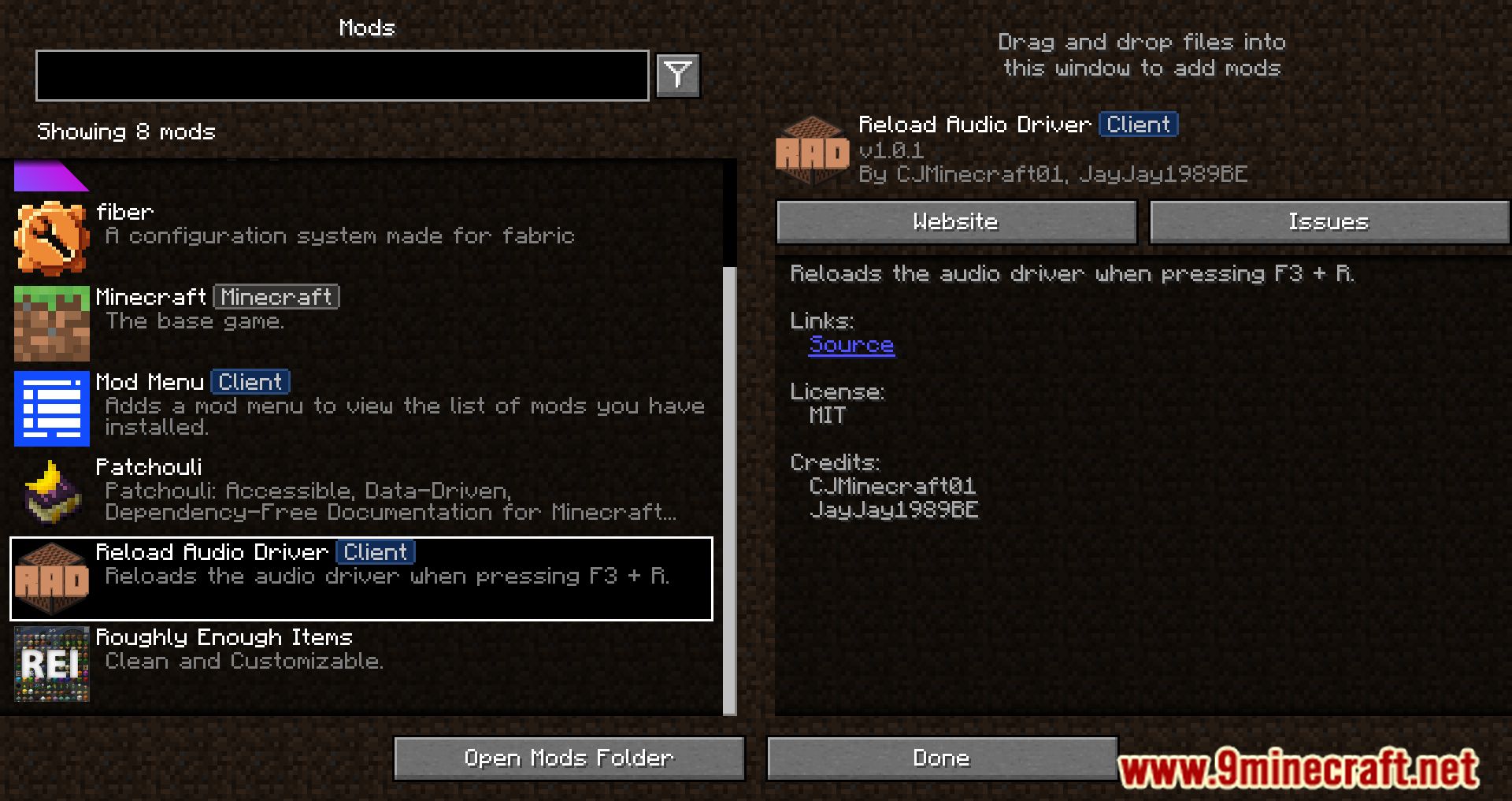
Reload Audio Driver Mod lets you reload the audio driver and sound library right inside the game with one quick shortcut. If you have bad headphones or select the wrong audio device, this mod fixes your sound in a few milliseconds without a game restart. It runs on the client side only and works well in large modpacks where reloading thousands of textures takes too long. The new shortcut also shows up in the in-game debug help list when you need a reminder.

Features:
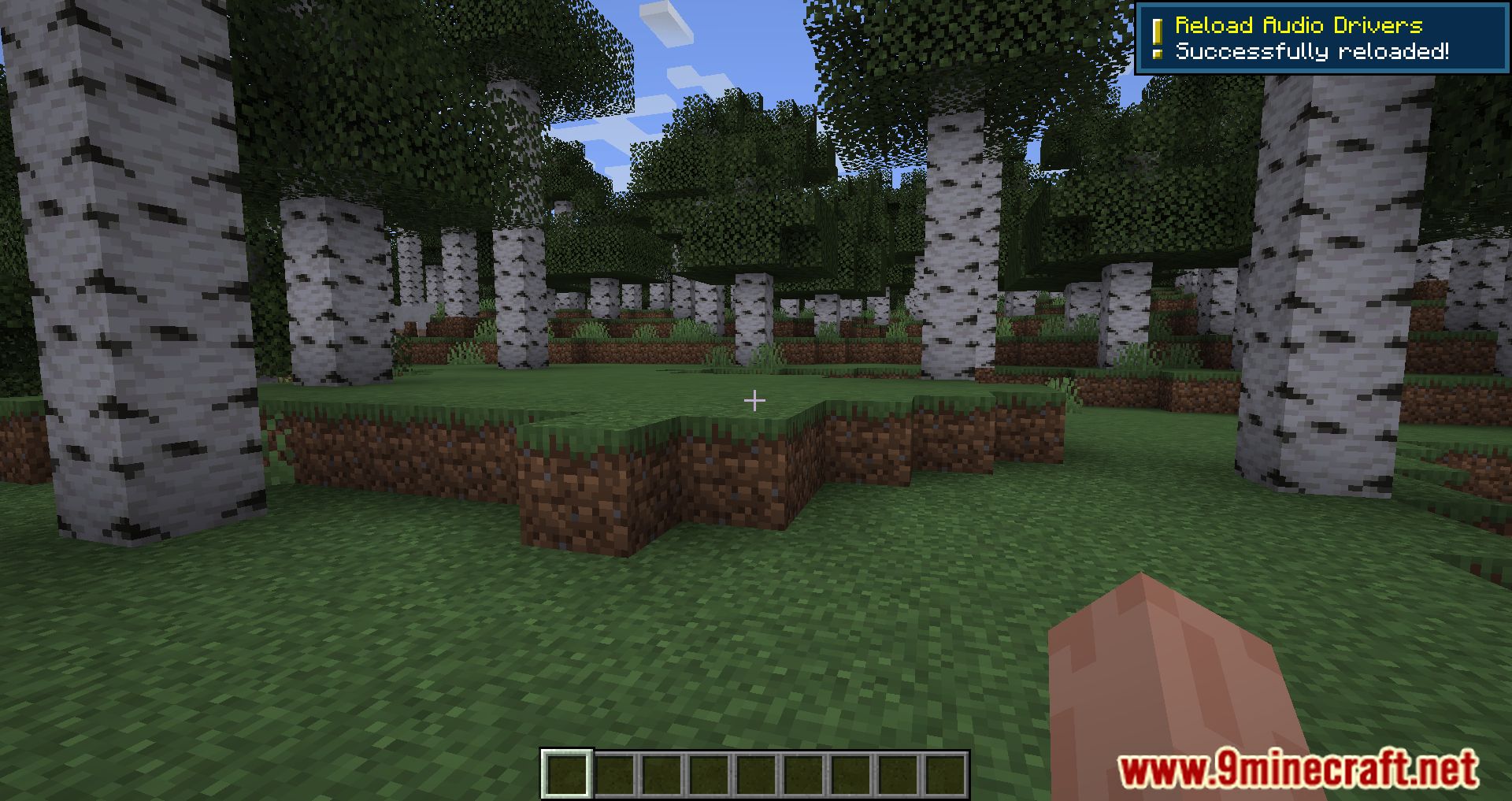
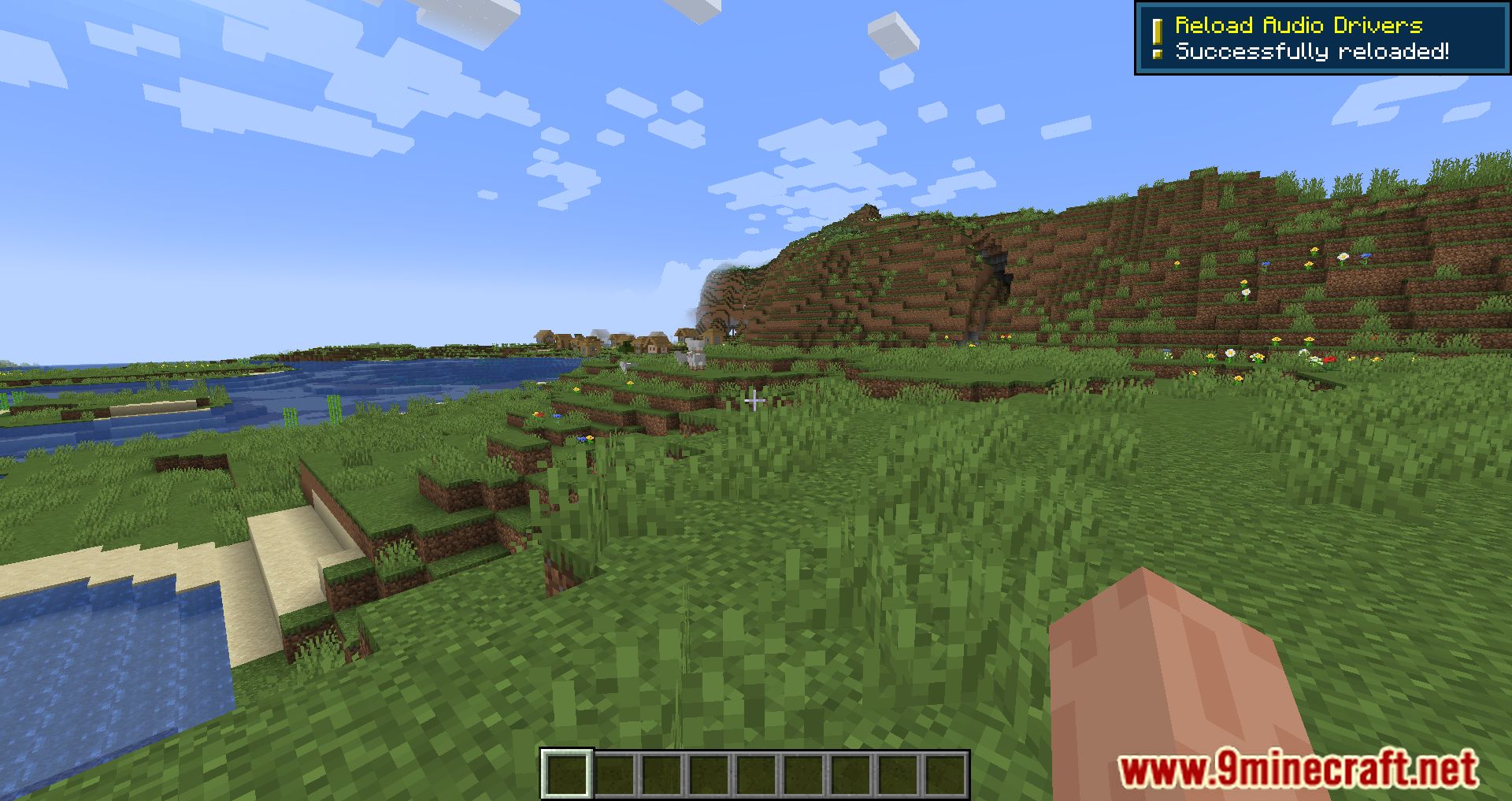
- Reloads the game’s audio driver and sound library in a few milliseconds when you press F3 + R.
- Fixes sound issues from bad headphones or the wrong audio device without restarting the game.
- Saves time in large modpacks by updating sound on its own instead of reloading thousands of textures with F3 + T.
- Runs on the client side only, so servers do not need this mod installed.
- Appears in the in-game debug help list when you press F3 + Q.
How to Use:
- Choose your headphones or speakers in your computer’s sound settings while Minecraft is open.
- Return to the game and press F3 + R on your keyboard to reload the audio driver.
- Wait a few milliseconds as the game updates its sound library and sends audio to your selected device.
- Press F3 + Q anytime to open the debug help list and check the reload shortcut.
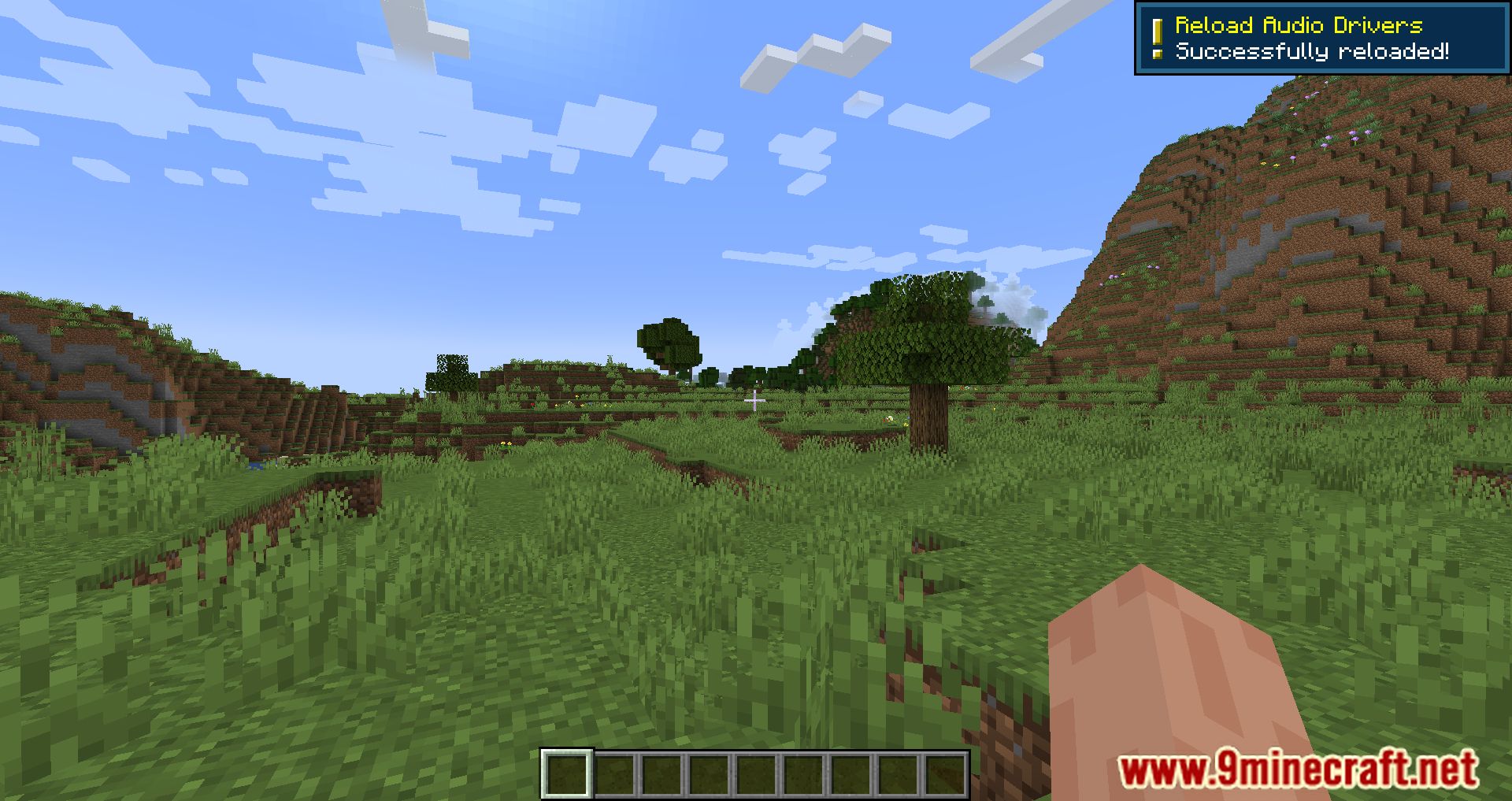
Screenshots:
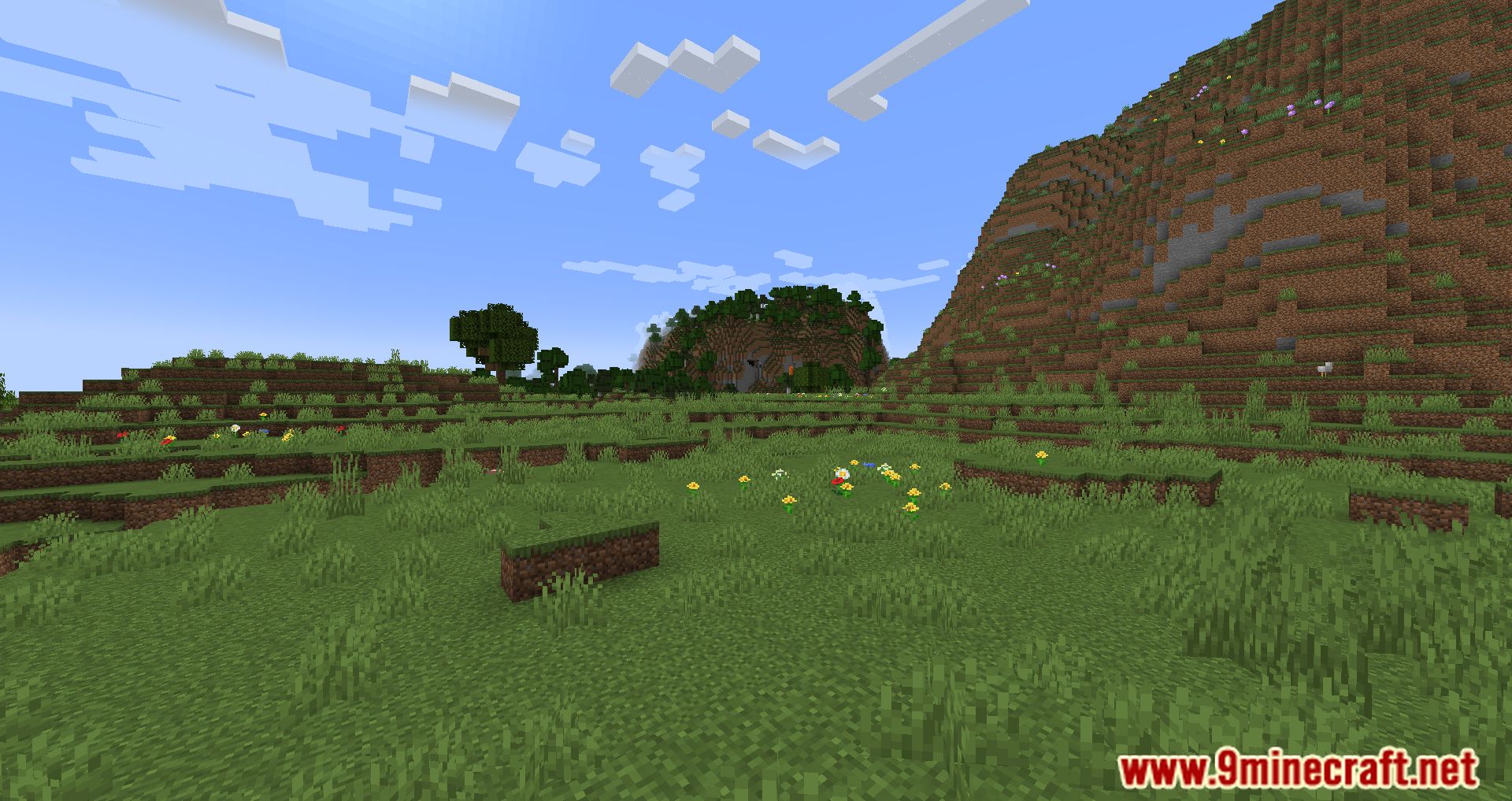
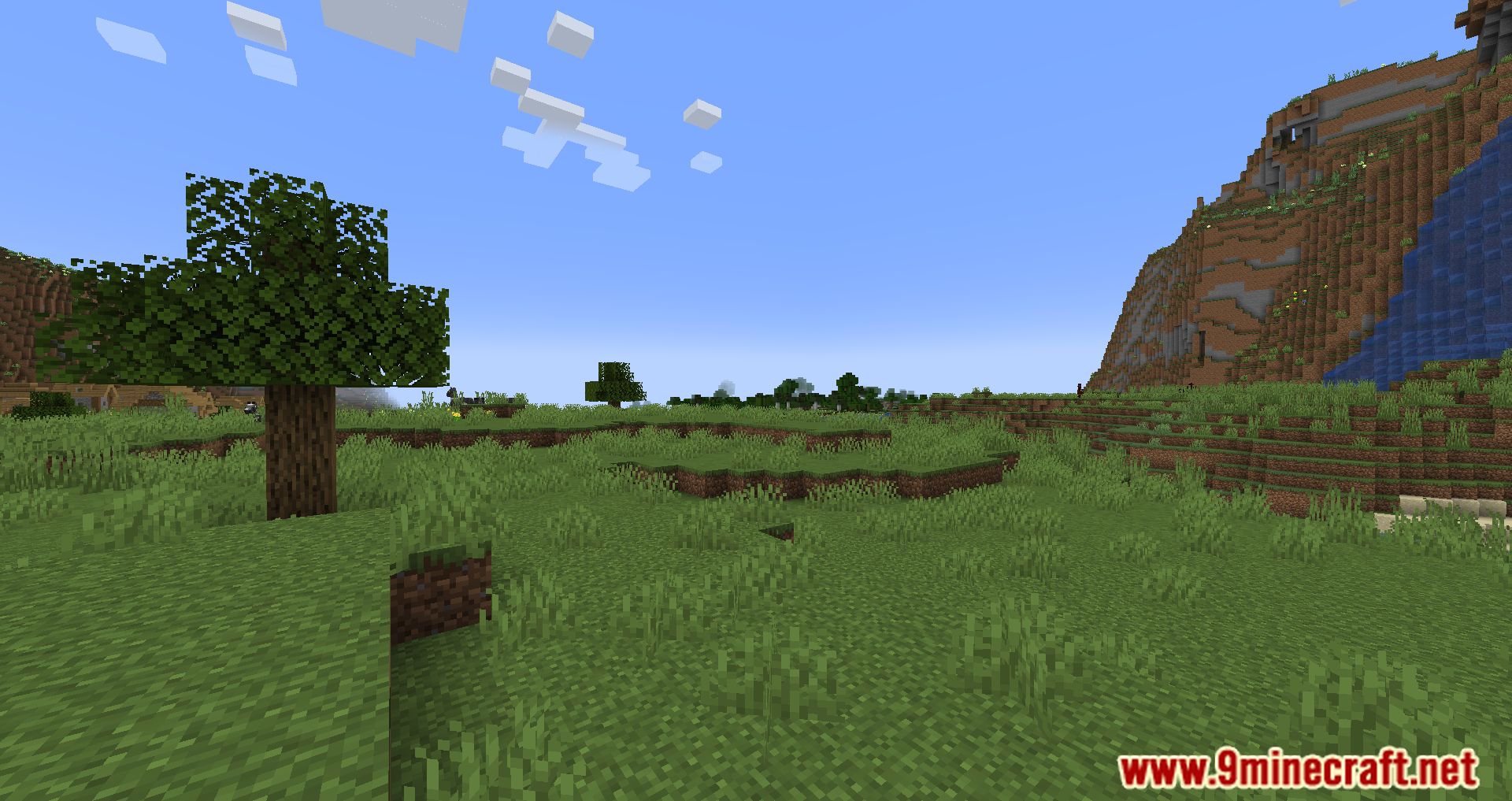
How to Install:
New to Minecraft? Follow our step-by-step guide to install Mods on your PC.View Guide
Reload Audio Driver Mod Download Links
For Minecraft 1.20.2, 1.20.1, 1.20
Fabric version: Download from Server 1 – Download from Server 2
For Minecraft 1.19.4, 1.19.3
Fabric version: Download from Server 1 – Download from Server 2
For Minecraft 1.19.2, 1.19.1, 1.19
Fabric version: Download from Server 1 – Download from Server 2
For Minecraft 1.18.2, 1.18.1
Fabric version: Download from Server 1 – Download from Server 2
For Minecraft 1.17.1
Forge version: Download from Server 1 – Download from Server 2
Fabric version: Download from Server 1 – Download from Server 2
For Minecraft 1.16.5
Forge version: Download from Server 1 – Download from Server 2
Fabric version: Download from Server 1 – Download from Server 2
For Minecraft 1.15.2
Forge version: Download from Server 1 – Download from Server 2
Fabric version: Download from Server 1 – Download from Server 2
For Minecraft 1.14.4
Forge version: Download from Server 1 – Download from Server 2
Fabric version: Download from Server 1 – Download from Server 2
For Minecraft 1.12.2
Forge version: Download from Server 1 – Download from Server 2
How often do you play pre-made modpacks instead of making your own?
43 responses · See the full results →
You May Also Like
Picked for this page
 NoFog Mod (26.2, 1.20.1) – Increased Render Distance
 VsnGamer’s Elevator Mod (1.21.11, 1.20.1) – Rise To New Heights
 HCsCR Mod (26.1.2, 1.20.1) – Haram Clientside Crystal Remover
 Leashable Players Mod (26.2, 1.20.1) – Leash Your Friends
 Effect Timer Plus Mod (26.3, 1.20.1) – Monitor Your Minecraft Status Effects
 Random Bone Meal Flowers Mod (26.3, 1.20.1) – Biome-Free Flower Spawning
 VanillaConfig Mod (26.3, 1.20.1) – Library for TreSet’s Mods
 No More Score Mod (1.21.11, 1.20.1) – Remove Score Points Displayed on Death Screen
 Fabric Kotlin Extensions Mod (26.2, 1.20.1) – Adds Extra Kotlin Libraries
 VM Translation Update Mod (26.1.2, 1.20.1) – Provides In-game Notifications
 Sodium Chinese Localization Mod (26.3, 1.20.1) – Sodium Translation
 Hyrule Terrors Mod (1.21.1, 1.20.1) – Wield The Master Sword Against Zelda Monsters
Most viewed in Mods over the last 7 days
 Ala Industrial Mod (26.3) – Run Electric Power Grids and Automated Factories
 PleasureCraft Mod (26.3, 1.21.1) – Jenny Mod Remake for Fabric
 Jennycraft Mod (26.3, 1.20.1) – Virtual Girlfriend in Minecraft
 Fapcraft Mod (26.3, 1.12.2) – Comprehensive and Detailed Content
 Jenny Mod (Fapcraft) Official Complete Guide – How to use, Tutorial
 BangCraft Mod (1.20.1) – Jenny, Ellie and Elliot
 Fabric Loader (26.3, 1.20.1) – Fabric Installer for All Minecraft Versions
 Meteor Client Mod (26.3, 1.20.1) – Xray, HUD, Fly
 The Shooting Star Demo Mod (26.3, 1.20.1) – Vaporize Terrain From Orbit
 OptiFine HD (26.3, 1.20.1) – Run Faster, FPS Boost, Shaders Support
 Aristois Client Mod (1.21.4, 1.20.1) – World Class Minecraft Utility
 SchnurriTV Mod (1.12.2) – Characters and Features
More from Mods
 Universe3090 Mod (1.20.1) – Survive Corrupted Dimensions Filled
 Wireless Automate Mod (1.21.1) – Automate Base Logistics Without Messy Pipes
 Vaskars Opus Faction War Quests & Bosses Mod (1.21.11, 1.20.1)
 Multitools and More Mod (26.3, 1.20.1) – Clear Your Hotbar and Travel
 Luxium Let There Be Light Mod (1.20.1) – Stunning Lighting on Low-End Computers
 Soulscraft Tarnished Legacy Mod (1.21.1) – Hunt Relics to Forge Dark Fantasy
 Fetzi’s Displays Mod (26.1.2, 1.20.1) – Turn Rare Gear and Weapons
 Primal Plushies Paleo Pals Mod (1.21.1, 1.20.1) – Decorate Your Base
 Ipla Mod (26.3, 1.20.1) – Showcase Your Favorite Items
 MesdagPortLib Mod (1.20.1) – Run Modern Minecraft Mechanics on Older Versions
 Hellion’s API Mod (1.21.11, 1.21.1) – Play Hellion Series Addons Without Crashes
 Terrestria Mod (26.3, 1.20.1) – Highly Detailed Biomes

This post has no comments yet. Be the first — your comment will appear here.