
Cosmetica Mod (26.3, 1.20.1) – Style Your Character with Unique Capes
 24,728
 0


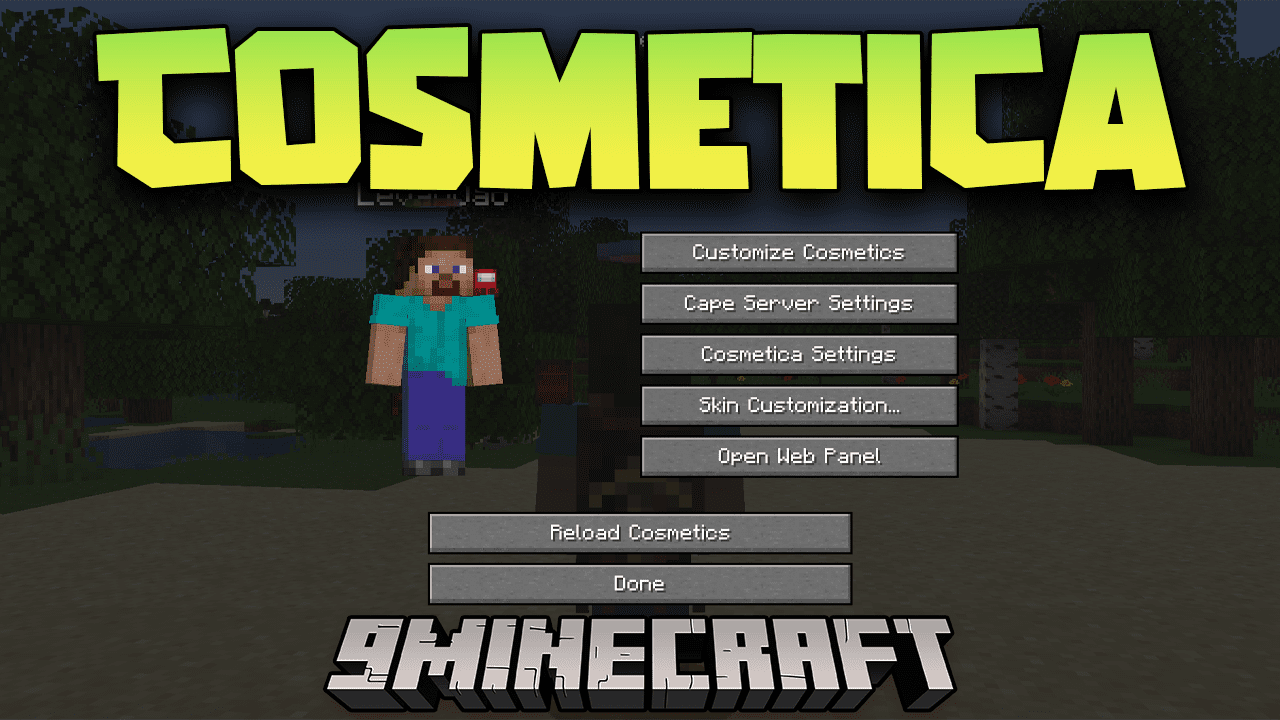
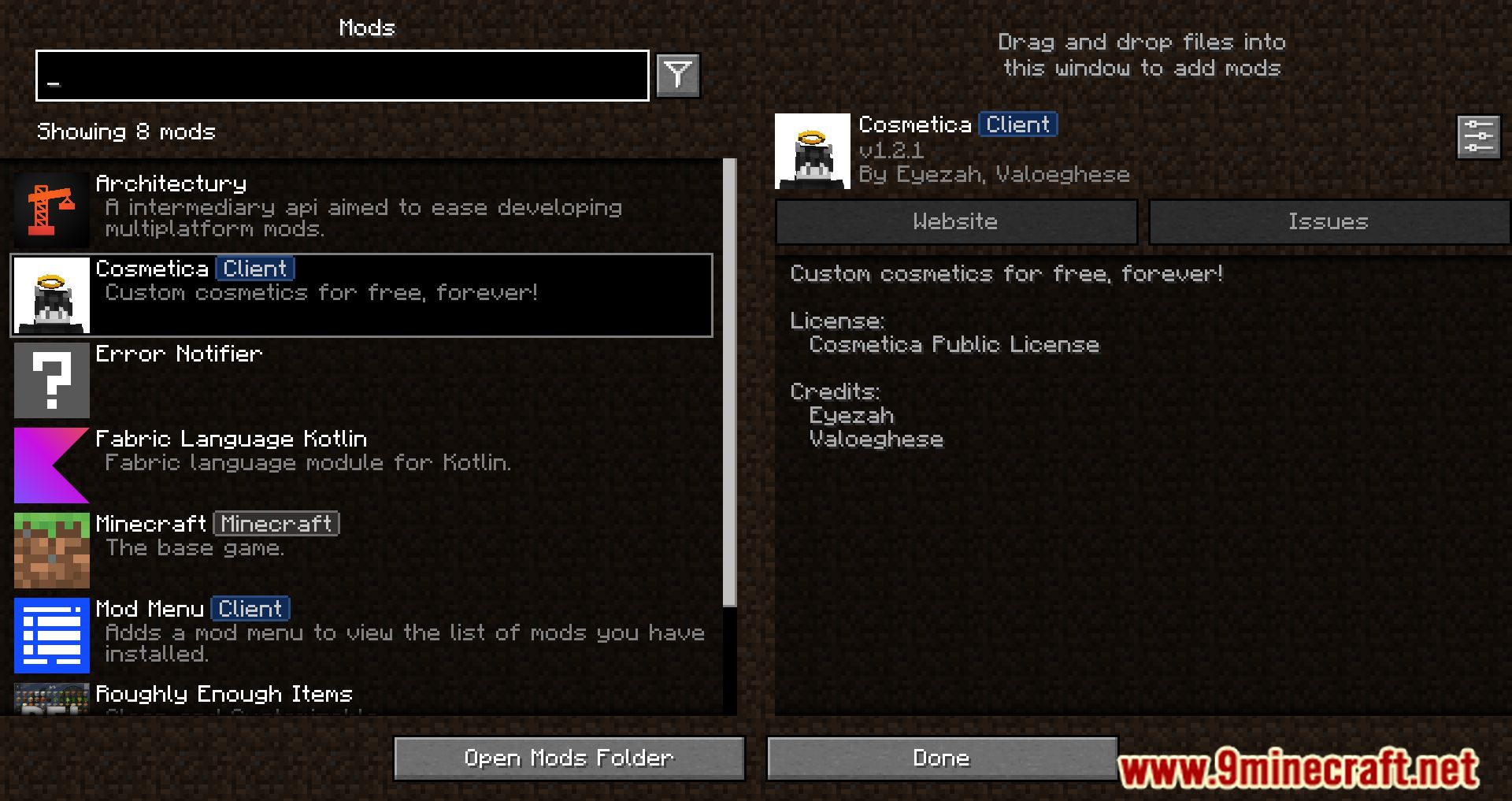
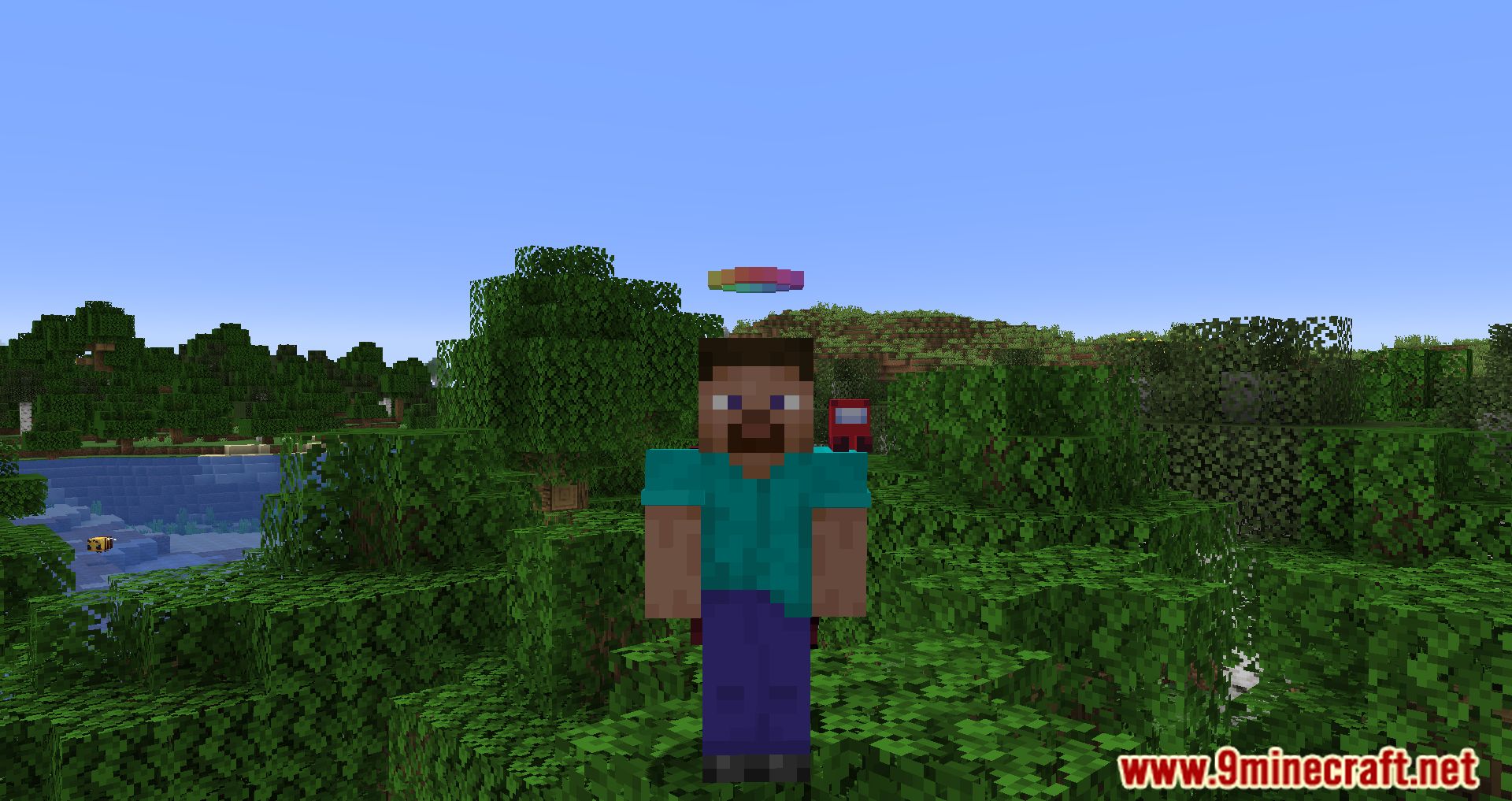
Cosmetica Mod lets you customize your player skin on a whole new level with capes, hats, shoulder accessories, and much more. This mod brings free cosmetics to the game, offering interactive catalogues so you can browse, preview, and apply items directly on your character.
Features:
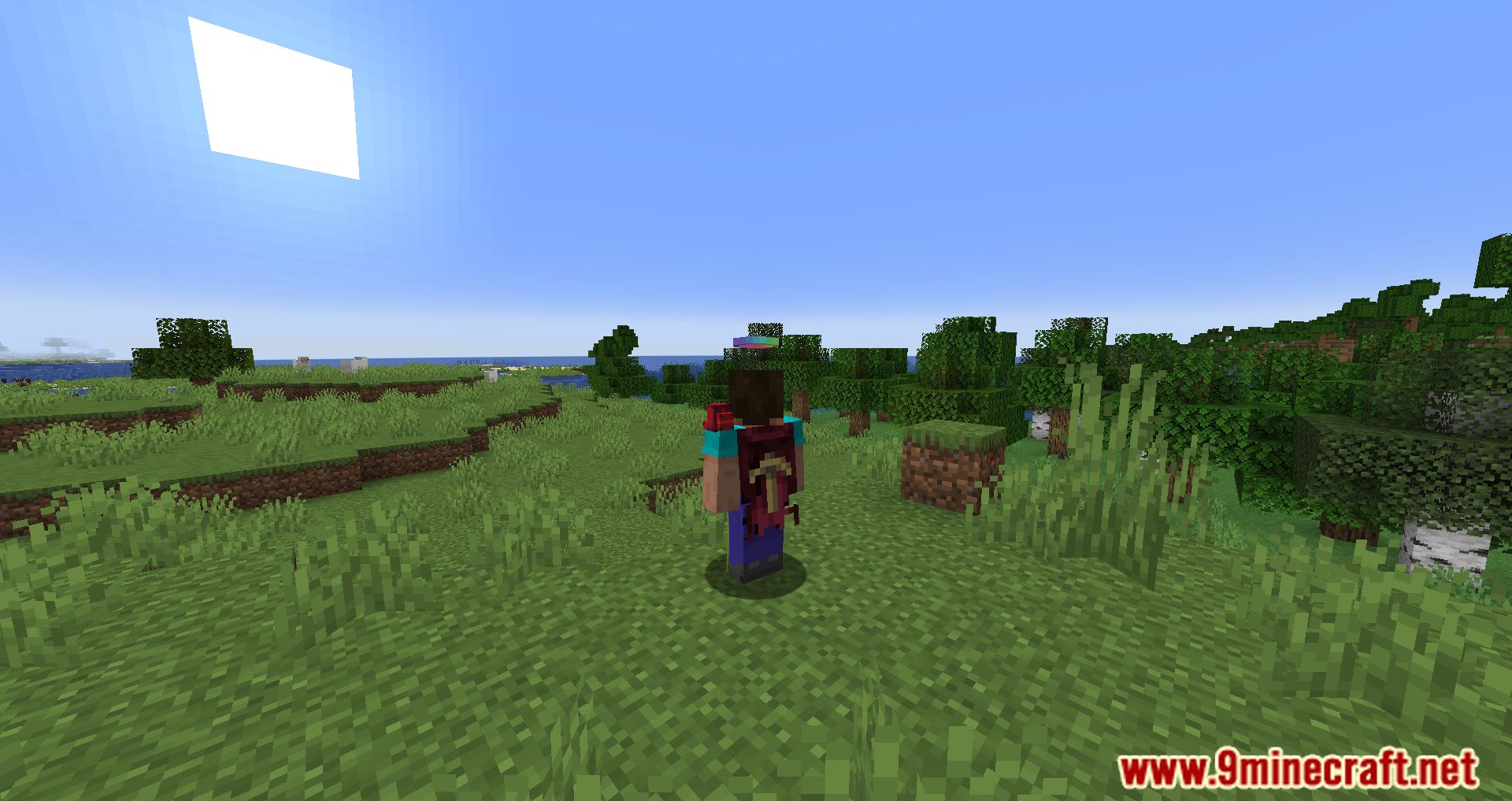
- Custom capes and elytras: Supports legal capes and elytras up to 2048×1024 resolution.
- Animated capes: Adds support for custom animated capes up to 1024×512 resolution.
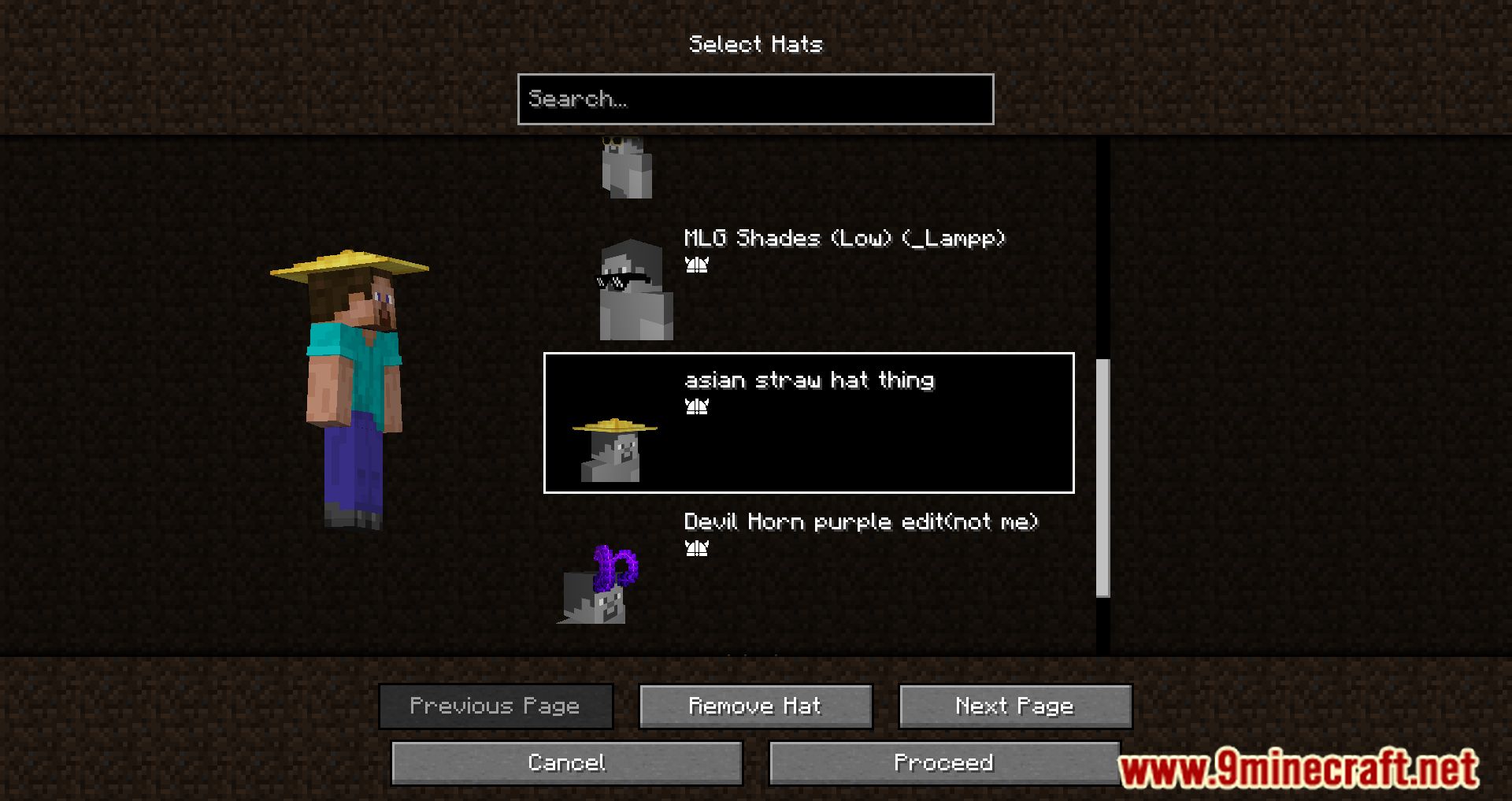
- Custom hats: Lets you wear unique hats on your character.
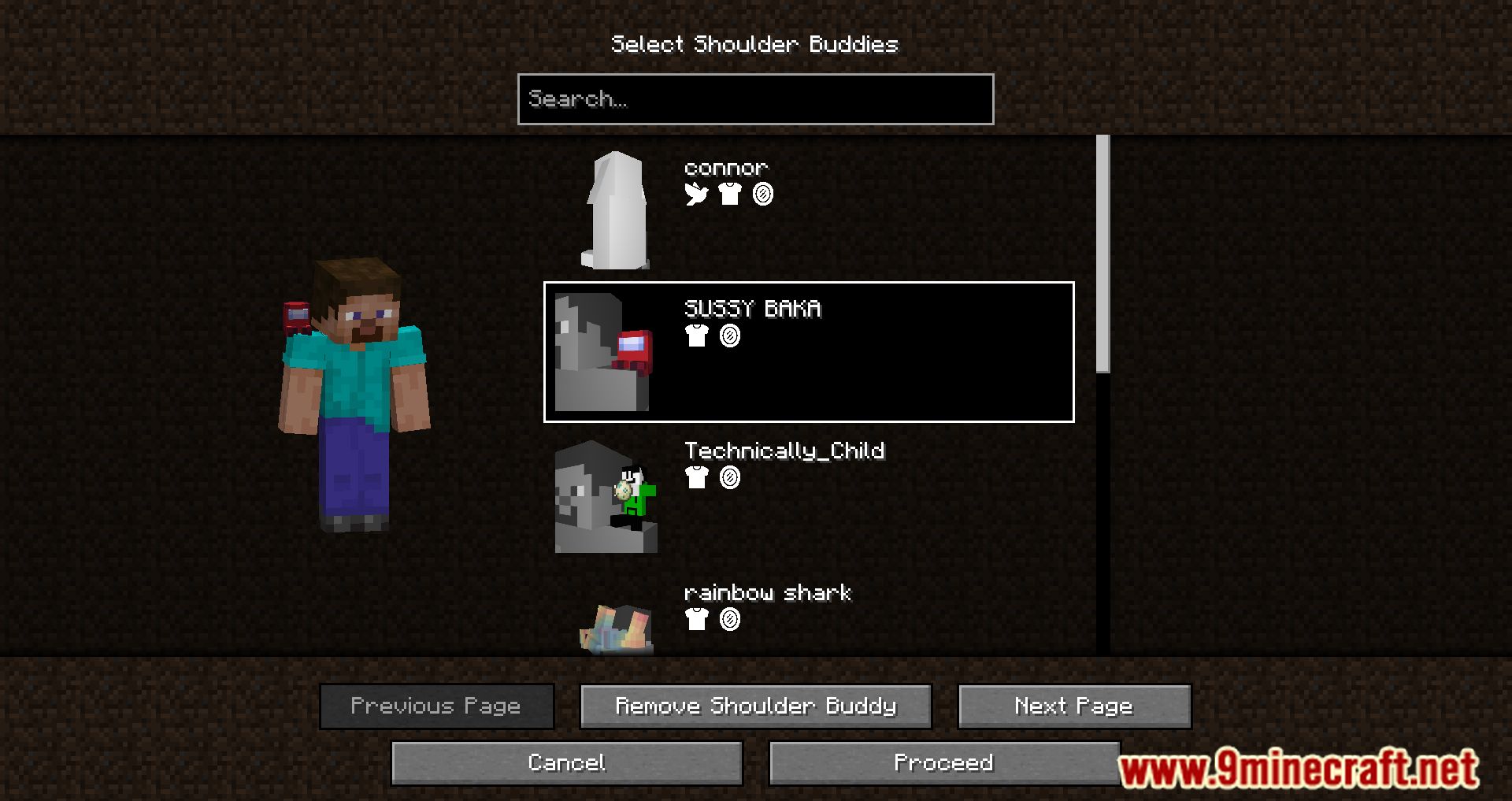
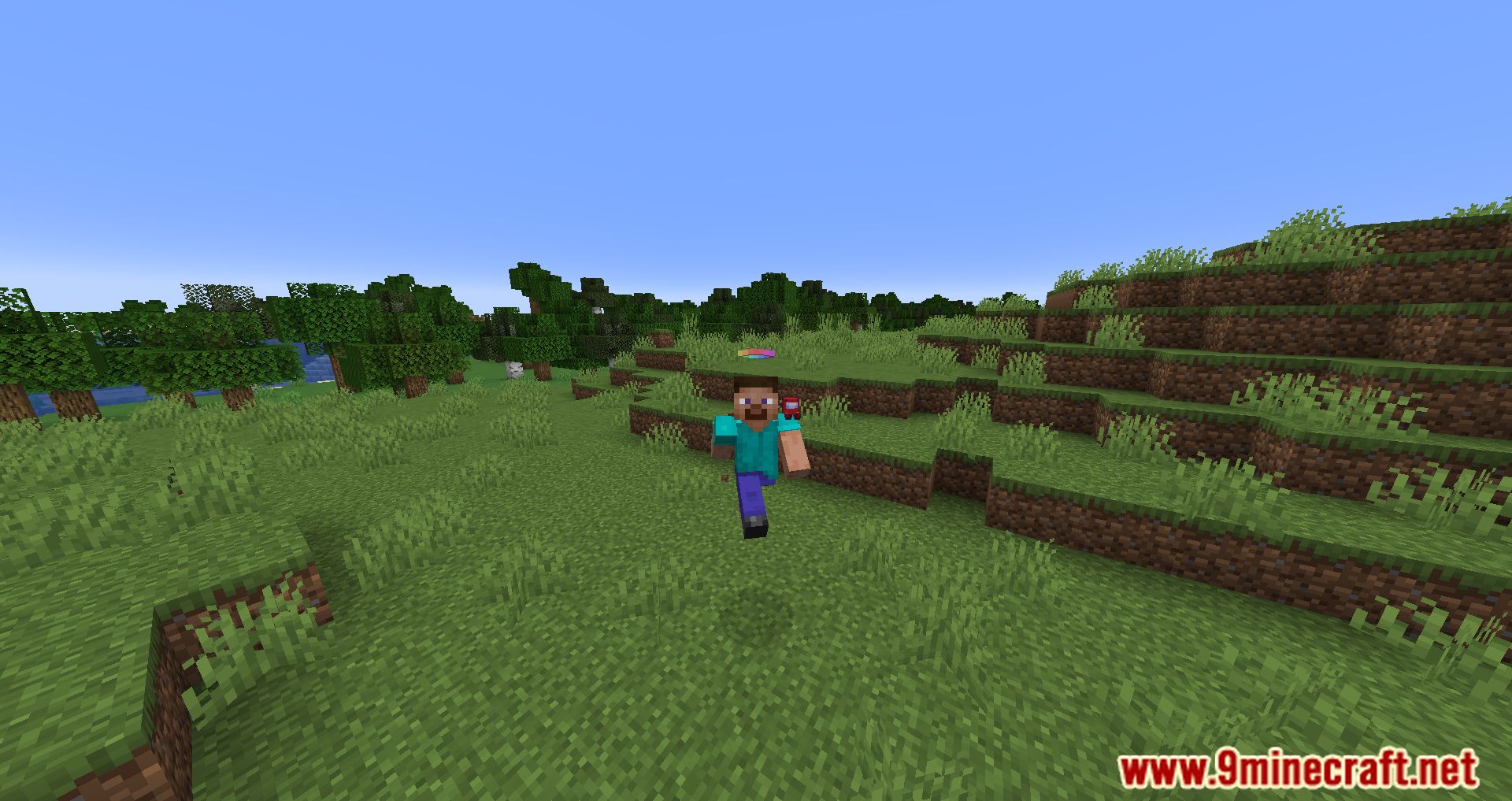
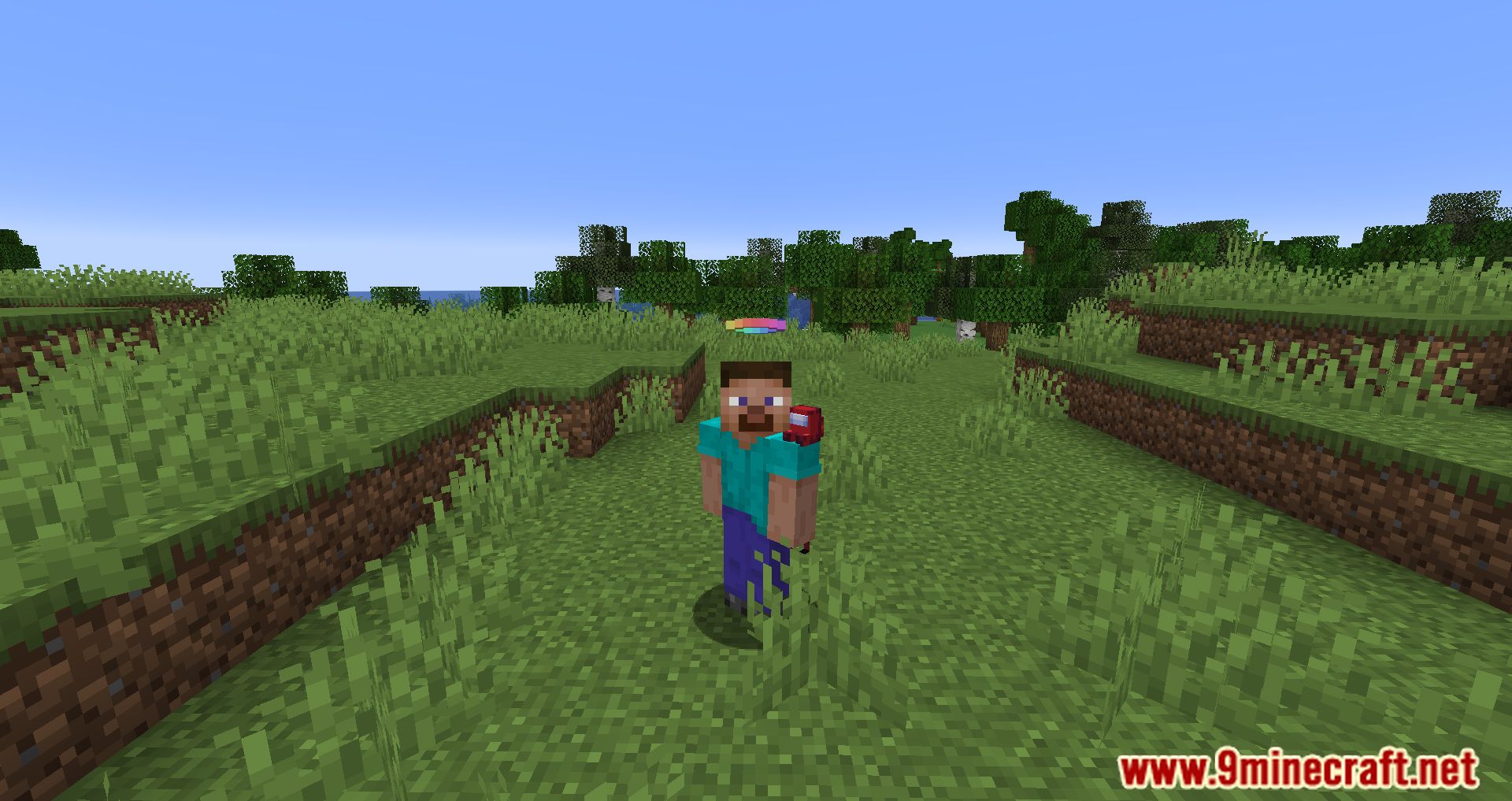
- Shoulder buddies: Equips your character with companion shoulder accessories.
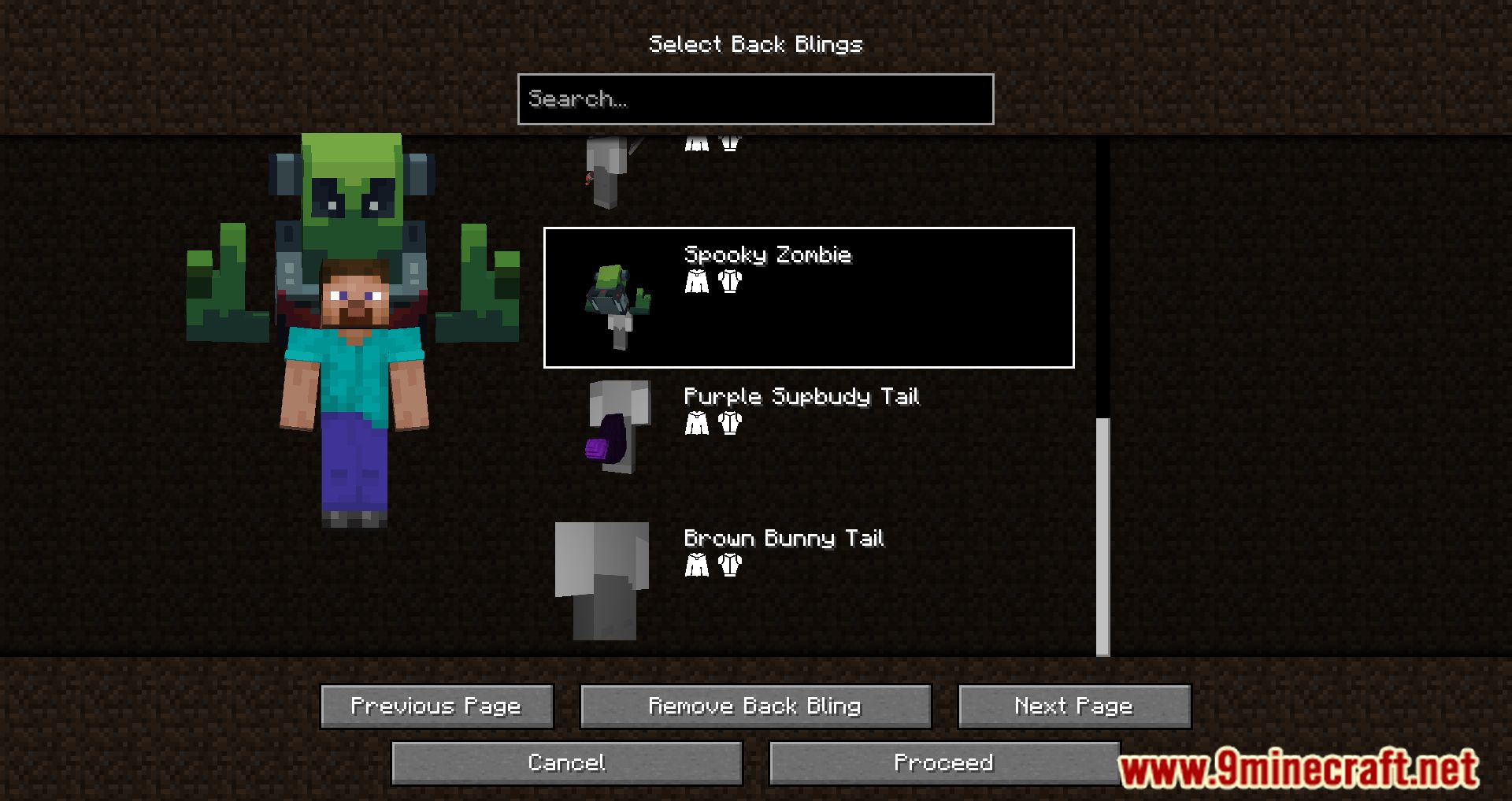
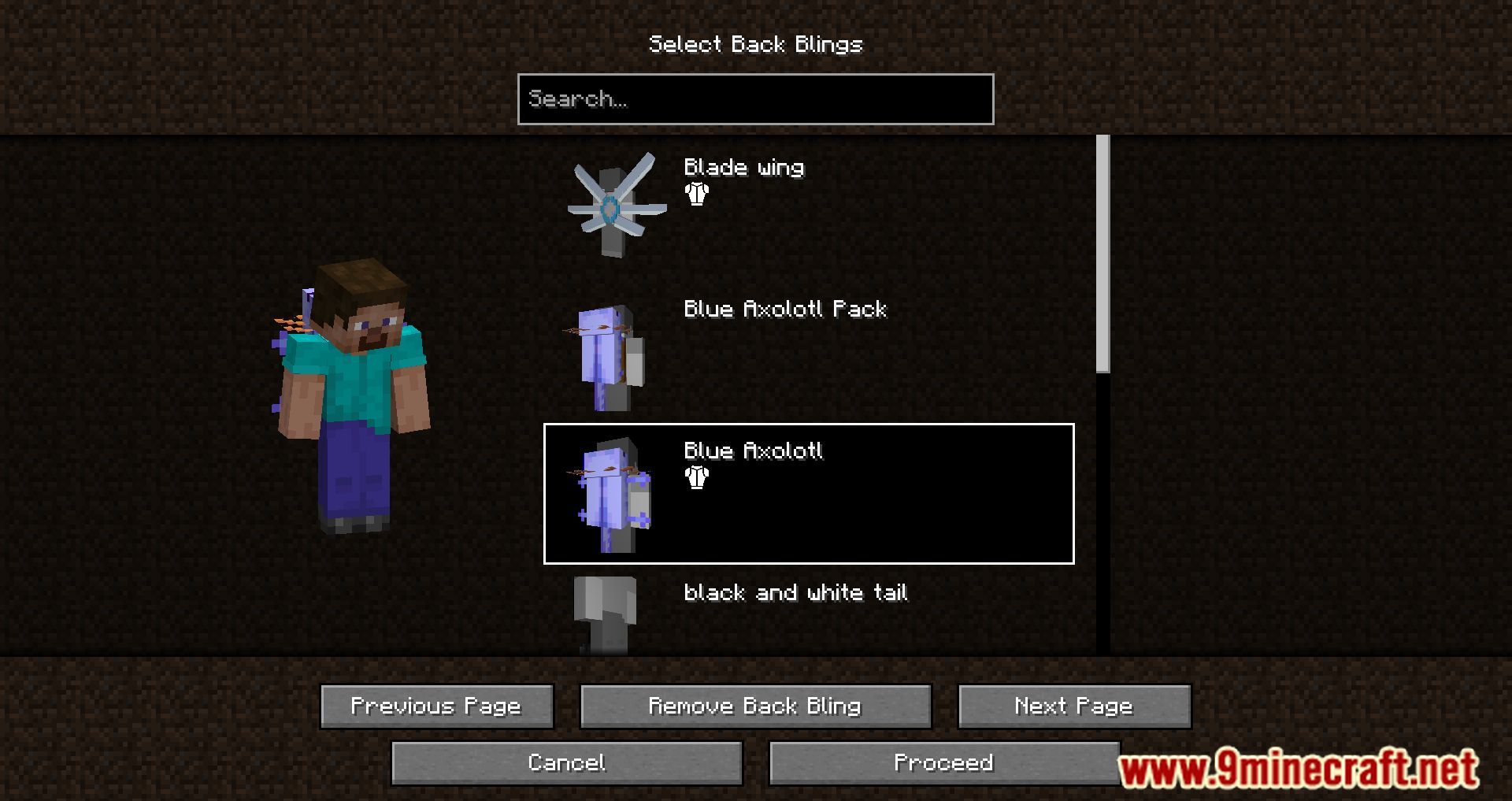
- Back blings: Adds custom back accessories to your skin.
- Custom lore: Displays a second nametag above your head for your Discord tag, Twitch URL, pronouns, or title.
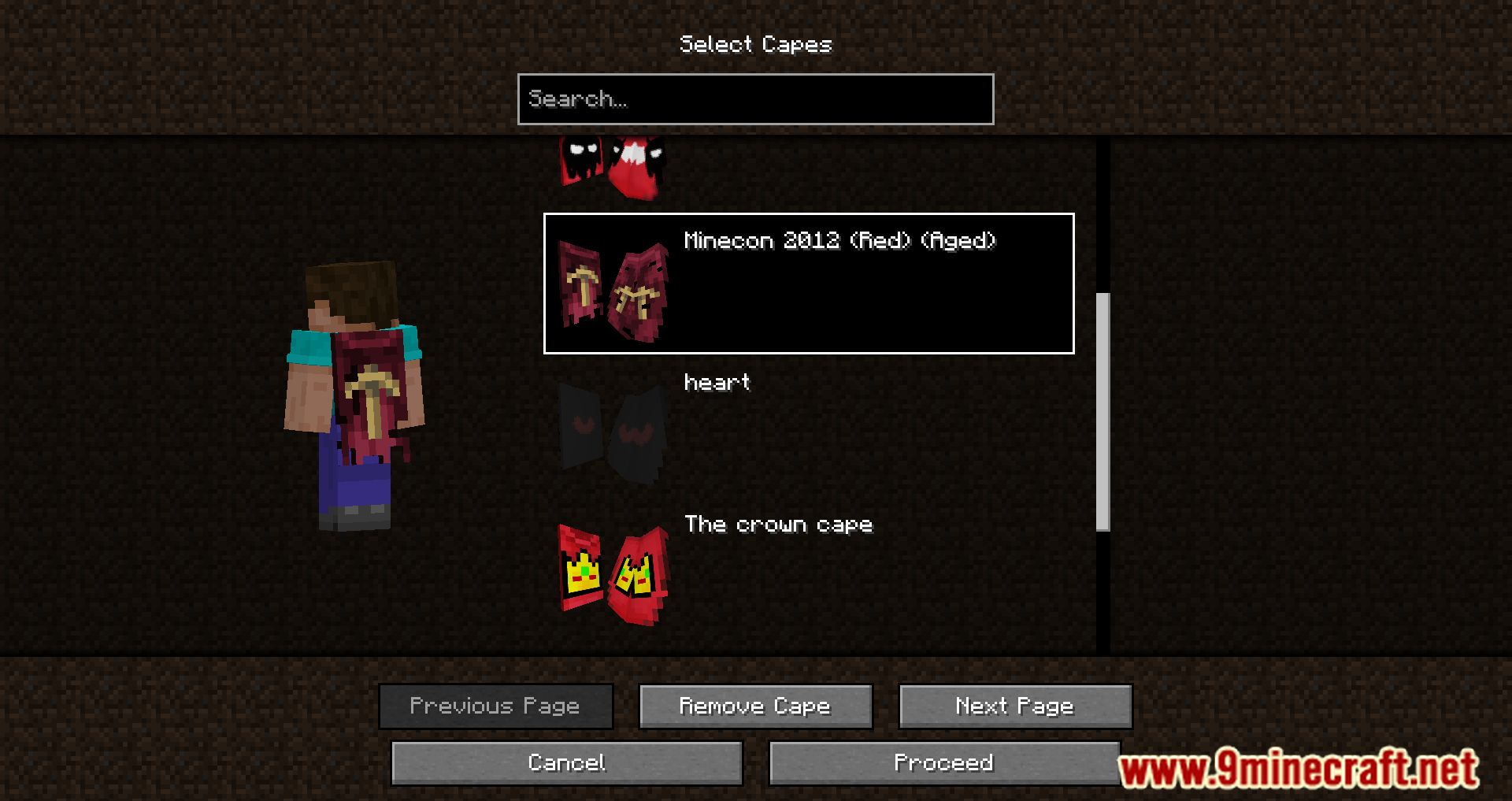
- Interactive online and in-game catalogues let you browse and preview cosmetics on your skin before equipping them.
- Support for third-party capes from Cloaks+, OptiFine, LabyMod, Mantle, MinecraftCapes.net, Arc Capes, Wyntills, Lunar Client, and 5zig with individual configurations.
- Secure and easy-to-use login system that requires no password entry.
- Optional region-specific effects apply cosmetic styles based on your country of origin.
- All cosmetics are completely free to use.
- Users can design and upload their own custom cosmetics.
- Nearly all features can be disabled if preferred.
Customizing Cosmetics:
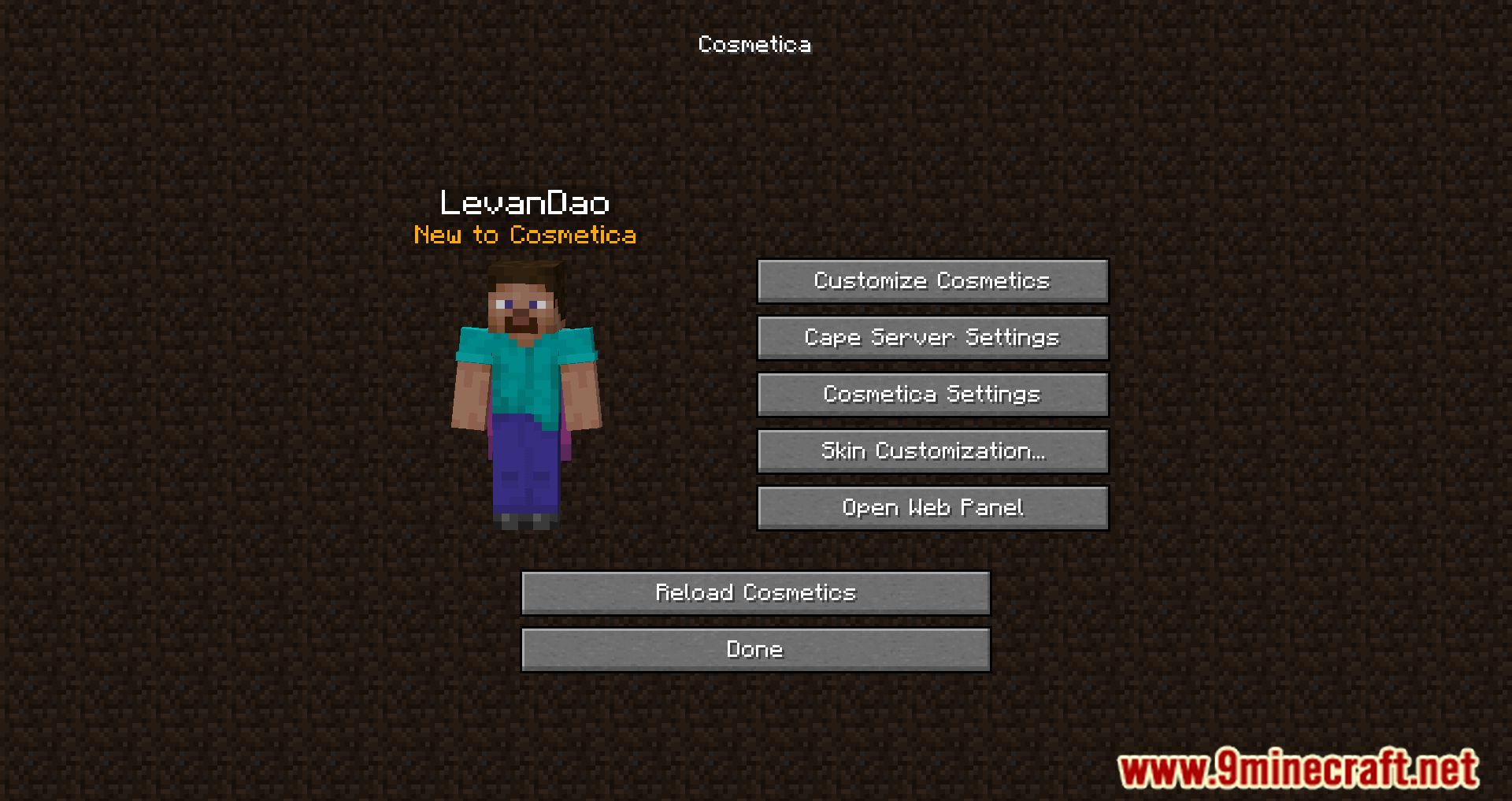
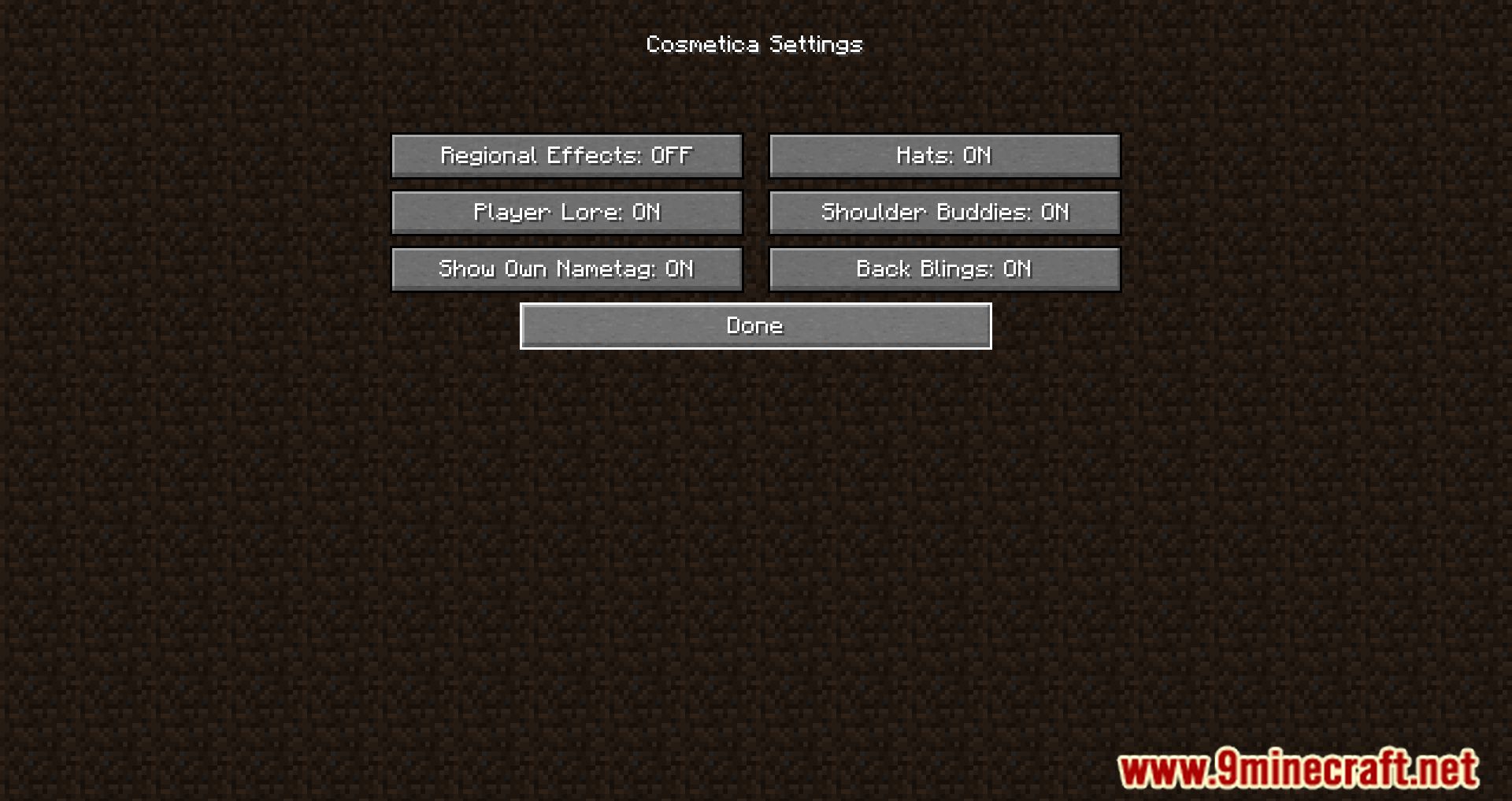
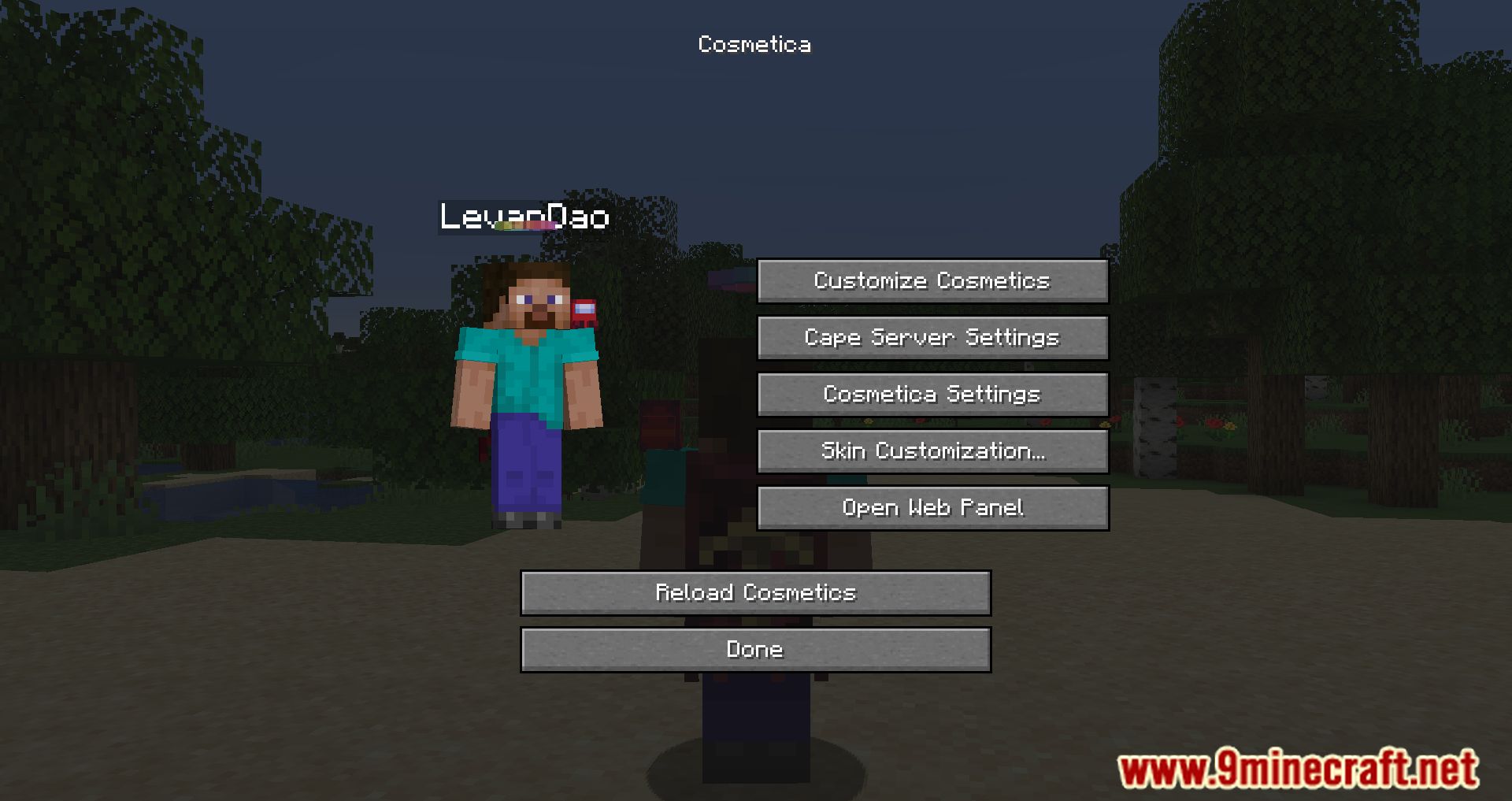
- Replaces the default skin customization screen with new mod settings.
- Opens the catalog to modify cosmetics directly from the settings menu.
- Allows pressing Right Shift to quickly open the customization menu while playing in-game.
How to Use:
- Open the game menu and access the skin customization screen, which now displays the mod settings.
- Click the customization option to open the interactive catalog and browse available accessories.
- Press Right Shift while playing in-game to open the menu instantly.
- Select and equip your preferred capes, hats, and shoulder buddies to update your character look.
Configuration:
.minecraft/config/cosmetica: Location folder for extra mod configuration files used by modpack creators and advanced users.show-welcome-message: Controls the tutorial shown when customizing cosmetics for the first time.honestly-believe-me-i-know-what-the-heck-i-am-doing-trust-me-bro-ask-joe-if-you-dont-believe-me: Controls update notifications from the mod API.show-nametag-in-third-person: Controls whether your own nametag is visible in third-person view.paranoid-https: Forces all API requests to use HTTPS instead of HTTP.add-cosmetica-splash-message: Controls whether a random funny message appears on the title screen.regional-effects-prompt: Controls whether the region-specific effects prompt appears to new users.enable-back-blings: Toggles back blings on or off for new users.enable-lore: Toggles custom lore nametags on or off.enable-special-icons: Switches between special icons and classic icons.starter-cape-id: Defines the starter cape assigned to new players.enable-icons: Toggles icon visibility.enable-offline-icons: Toggles offline icon visibility.enable-shoulder-buddies: Toggles shoulder buddies on or off.online-activity: Controls online status visibility.enable-hats: Toggles custom hats on or off.
Screenshots:
How to Install:
New to Minecraft? Follow our step-by-step guide to install Mods on your PC.View Guide
Requirements:




Cosmetica Mod Download Links
For Minecraft 26.3
For Minecraft 26.2
For Minecraft 26.1.2, 26.1.1, 26.1
For Minecraft 1.21.11
For Minecraft 1.21.8, 1.21.7, 1.21.6
For Minecraft 1.21.4
For Minecraft 1.21.1, 1.21
For Minecraft 1.20.6
For Minecraft 1.20.4
For Minecraft 1.20.2
For Minecraft 1.20.1, 1.20
For Minecraft 1.19.4
For Minecraft 1.19.3
For Minecraft 1.19.2, 1.19.1, 1.19
For Minecraft 1.19
For Minecraft 1.18.2, 1.18.1
For Minecraft 1.18.1
For Minecraft 1.17.1
For Minecraft 1.16.5
Click to rate this post!
[Total: 3 Average: 1.7]
QUICK MINECRAFT SURVEY · ONE TAP
Mods & Modpacks
What is your stance on mods that feel 'overpowered' or break vanilla balance?
15 responses · See the full results →
You May Also Like
Picked for this page
 Wurst Client Mod (26.3, 1.20.1) – The Best Bypass for Minecraft
 Pat Pat Mod (26.3, 1.20.1) – Allows You Pat Mobs
 TelePass Mod (26.2, 1.20.1) – Teleport to a Player Using a Compass
 TorchBow Mod (26.1.2, 1.20.1) – Lighting Your Way
 MixinTrace Mod (26.2, 1.20.1) – Utilities For Crash Reports
 StorageBox Mod (26.3, 1.20.1) – Store A Large Number of One Item
 More Babies Mod (26.3, 1.21.1) – Cuteness Appeared In The World
 Happy Trails Mod (1.21.11, 1.20.1) – Control Movement Speed
 Hunger Remover Mod (26.2, 1.20.1) – Simplifying Minecraft Survival
 Deepslate Instamine Mod (26.2, 1.20.1) – Instantly Break Deepslate
 Replaceitem Maze World Mod (26.3, 1.20.1) – The World Is A Maze!
 Named Traders Mod (26.3, 1.20.1) – Name Traders To Prevent Despawning
Most viewed in Mods over the last 7 days
 Ala Industrial Mod (26.3) – Run Electric Power Grids and Automated Factories
 PleasureCraft Mod (26.3, 1.21.1) – Jenny Mod Remake for Fabric
 Jennycraft Mod (26.3, 1.20.1) – Virtual Girlfriend in Minecraft
 Fapcraft Mod (26.3, 1.12.2) – Comprehensive and Detailed Content
 Jenny Mod (Fapcraft) Official Complete Guide – How to use, Tutorial
 BangCraft Mod (1.20.1) – Jenny, Ellie and Elliot
 Fabric Loader (26.3, 1.20.1) – Fabric Installer for All Minecraft Versions
 The Shooting Star Demo Mod (26.3, 1.20.1) – Vaporize Terrain From Orbit
 Meteor Client Mod (26.3, 1.20.1) – Xray, HUD, Fly
 OptiFine HD (26.3, 1.20.1) – Run Faster, FPS Boost, Shaders Support
 Aristois Client Mod (1.21.4, 1.20.1) – World Class Minecraft Utility
 Prestige Client Mod (1.21.11, 1.21.4) – Powerful Ghost Features for Crystal & Sword PvP
More from Mods
 Automobility Autoradio Mod (26.3, 26.1.2) – Trade Custom Mixtapes with Friends
 Towers of the Wild 9minecraft Mod (26.3, 26.2) – Climb Tall Towers for Loot
 Ender Storage 9minecraft Mod (26.3, 26.2) – Send Loot Back Home From Any Dimension
 Snad 9minecraft Mod (26.3, 26.2) – Build Faster Sugar Cane and Nether Wart Farms
 Together Forever Unofficial Mod (1.12.2) – Share Team Advancements
 GroovyDuvet Mod (1.21.11, 1.20.1) – Run Groovy Scripted Addons Without Game
 Swing Through Grass 9minecraft Mod (26.3, 26.2) – Fight Mobs Without Breaking Tall Grass
 Improved Boss Bars 9minecraft Mod (26.3) – Unique Health Bars for Every Boss Fight
 Cozy’s Improved Wolves Mod (26.3, 1.20.1) – Bond with Loyal Dogs That Never Die
 Rctapi Fix Mod (1.21.1) – Fight Cobblemon Trainers Without Any Server Crashes
 XinexLib Mod (1.21.1) – Keep Your Ultreon Studios Mods Running
 Libvulpes – Fixed Mod (1.12.2) – Launch Rockets with Fewer Bugs

This post has no comments yet. Be the first — your comment will appear here.