


Project Light Client (26.x, 1.21) – No Lag Optifine for MCPE


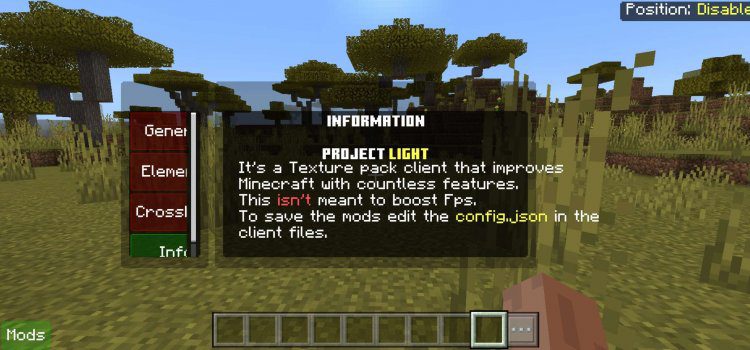
Project Light Client is a superb client for MCPE/Bedrock, offering a mod menu, customizable settings, and a host of other features. It improves Minecraft with countless features; this isn’t meant to boost FPS only. The only drawback is the mod menu’s size, but overall, it excels at all Minecraft-related tasks.

Screenshots:
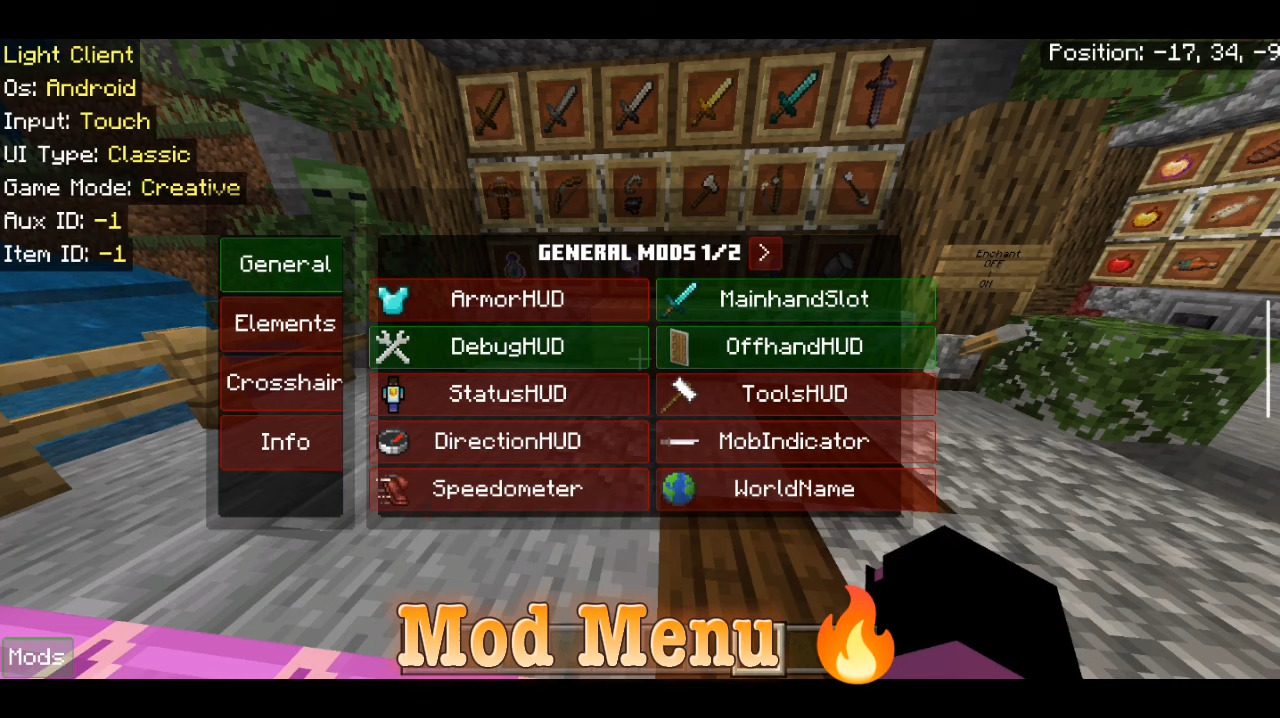
Mod Menu:
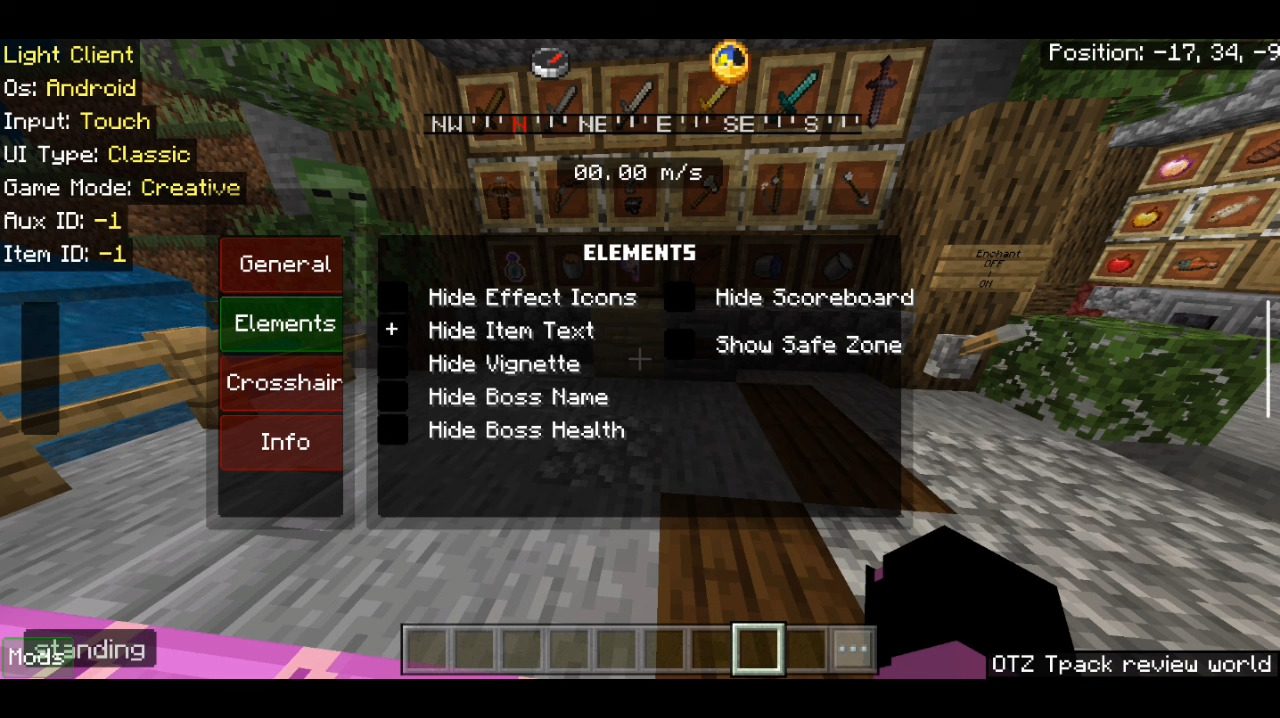
Elements Settings:
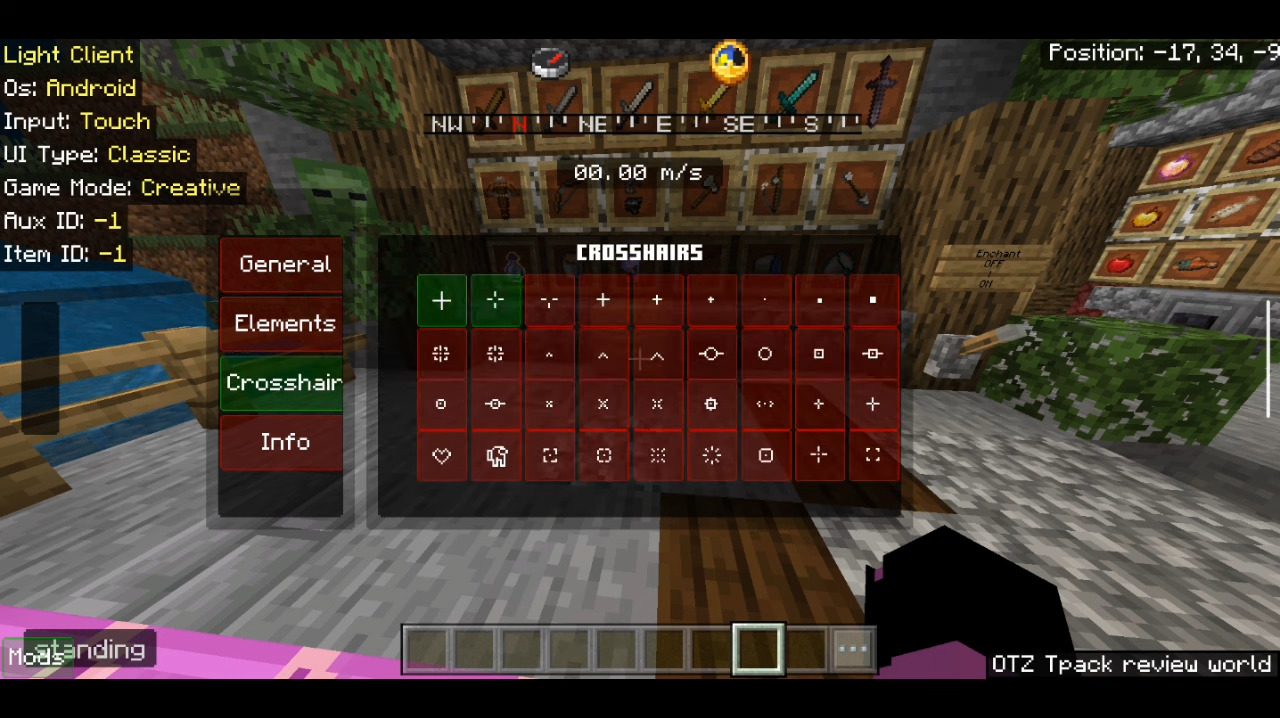
Custom Crosshairs:
Simple Texture:
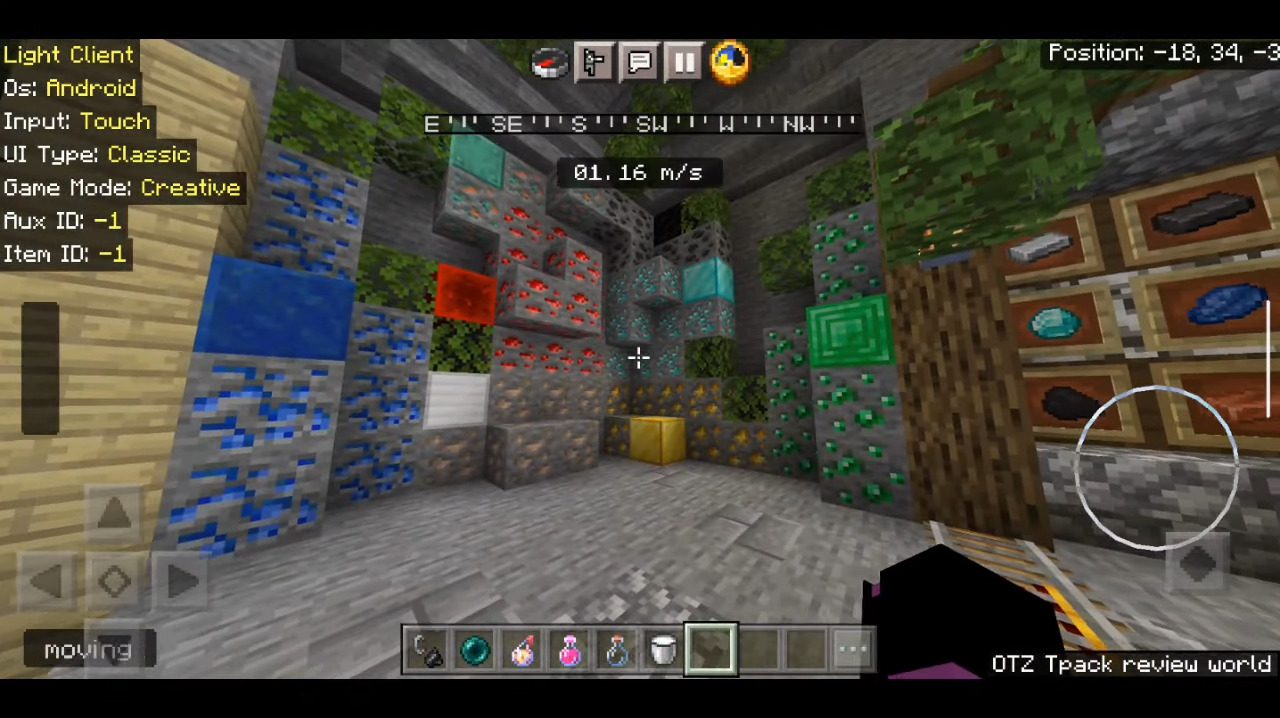
Fewer Particles:
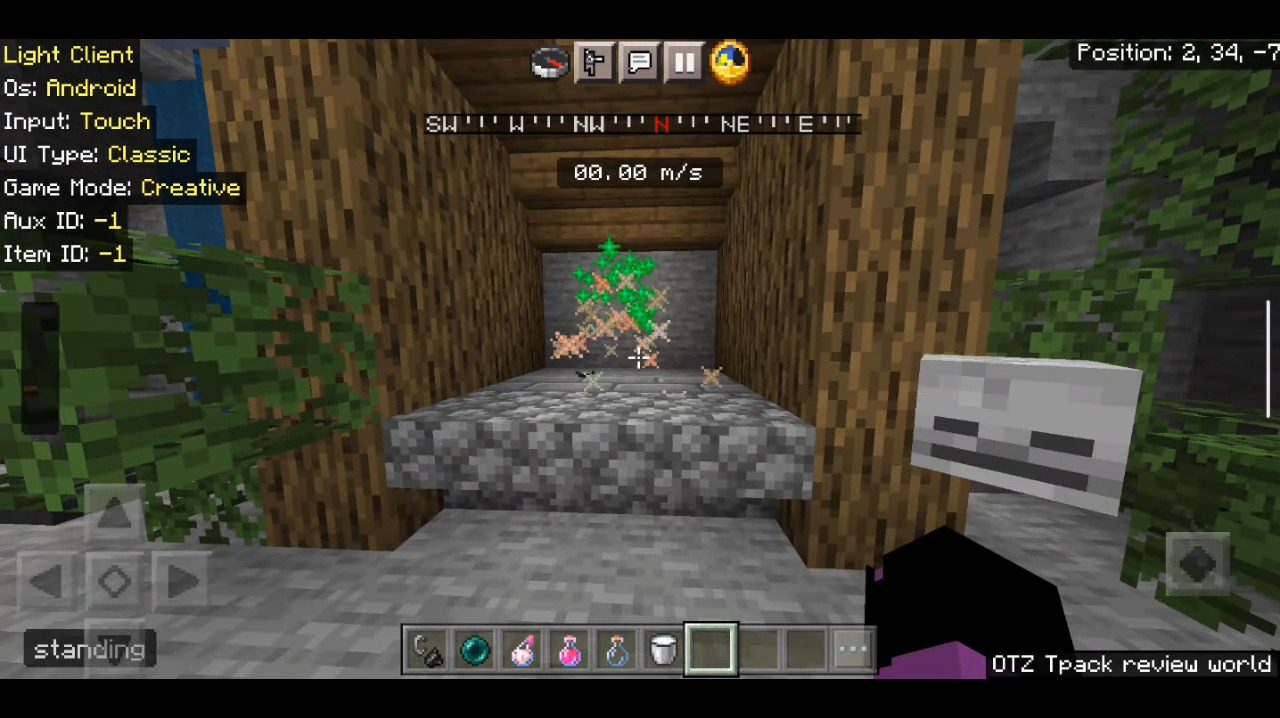
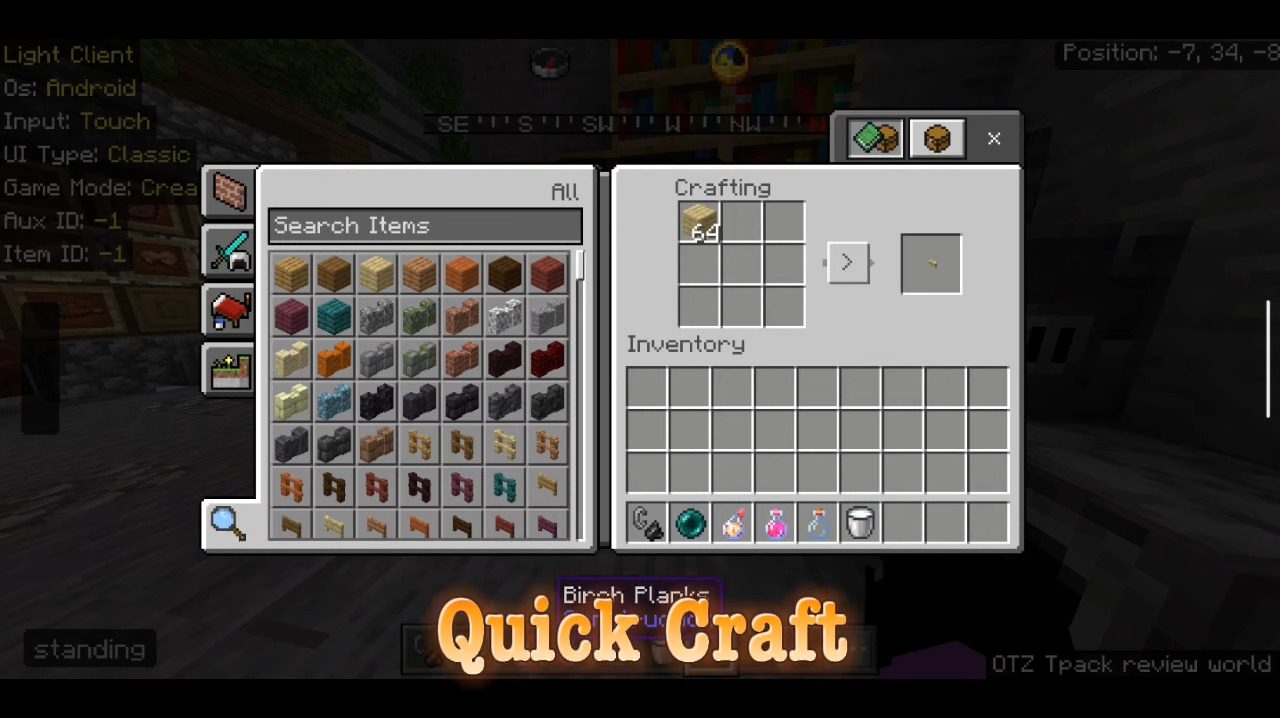
Quick Craft:
Installation Note:
- Step 1: Download the pack.
- Step 2: Open the pack.
- Step 3: Add the pack to your resource packs, as high as possible.
- Step 4: Set the GUI scale as low as possible.
Project Light Client Download Links
You may also like
For Minecraft PE/Bedrock 1.21, 1.20
mcpack: Download from server 1 – Download from server 2
For Minecraft PE/Bedrock 1.19
mcpack: Download from server 1 – Download from server 2
For Minecraft 26.30+
Click to rate this post!
[Total: 83 Average: 4.2]

3 Comments
 What do you think?
Your opinion means a lot - we'd love to hear from you.
What do you think?
Your opinion means a lot - we'd love to hear from you.
You May Also Like








I love Minecraft
Eh good enough
Best client this best