


Controlify Mod (26.2, 1.20.1) – Leave Your Keyboard Behind
 4,105
4,105
 0
0

🌐 Read this article in your language! Choose your preferred language below.
Or pick the one you like:
Controlify Mod adds full controller support to Minecraft: Java Edition, making it easy for anyone to play without a keyboard and mouse. The mod works right away with smart default settings. It automatically detects your controller and shows the correct button icons in the game. You can also use special features like vibration, gyro aiming, and even HD haptics on supported controllers.

Features:
- Works with a wide range of controllers, including Xbox, PlayStation, Nintendo Switch, and Steam Deck.
- Automatically identifies your controller and displays matching button icons on the screen.
- Adds vibration feedback for in-game actions like taking damage or breaking blocks.
- Use your controller’s gyroscope for more precise aiming.
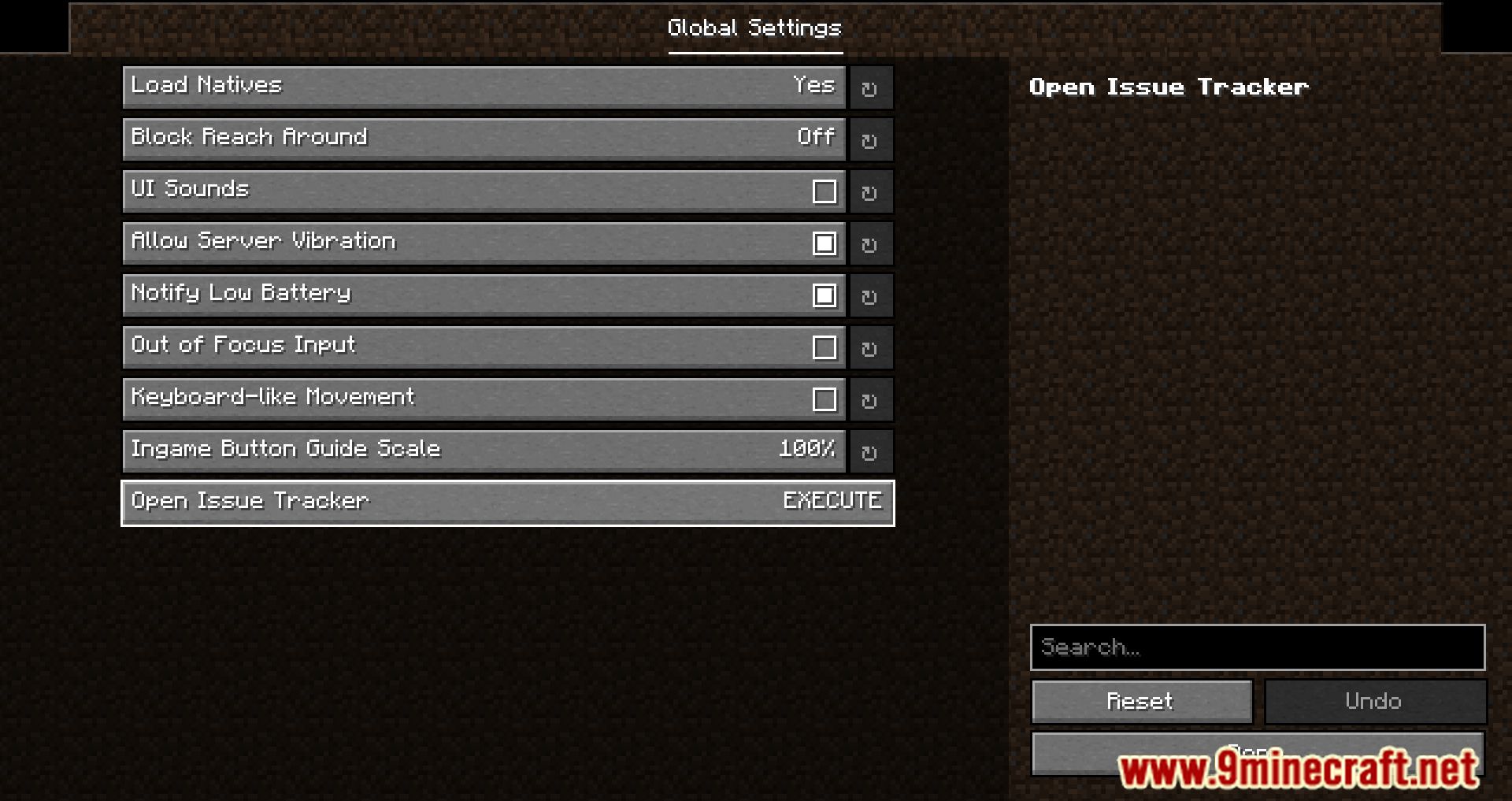
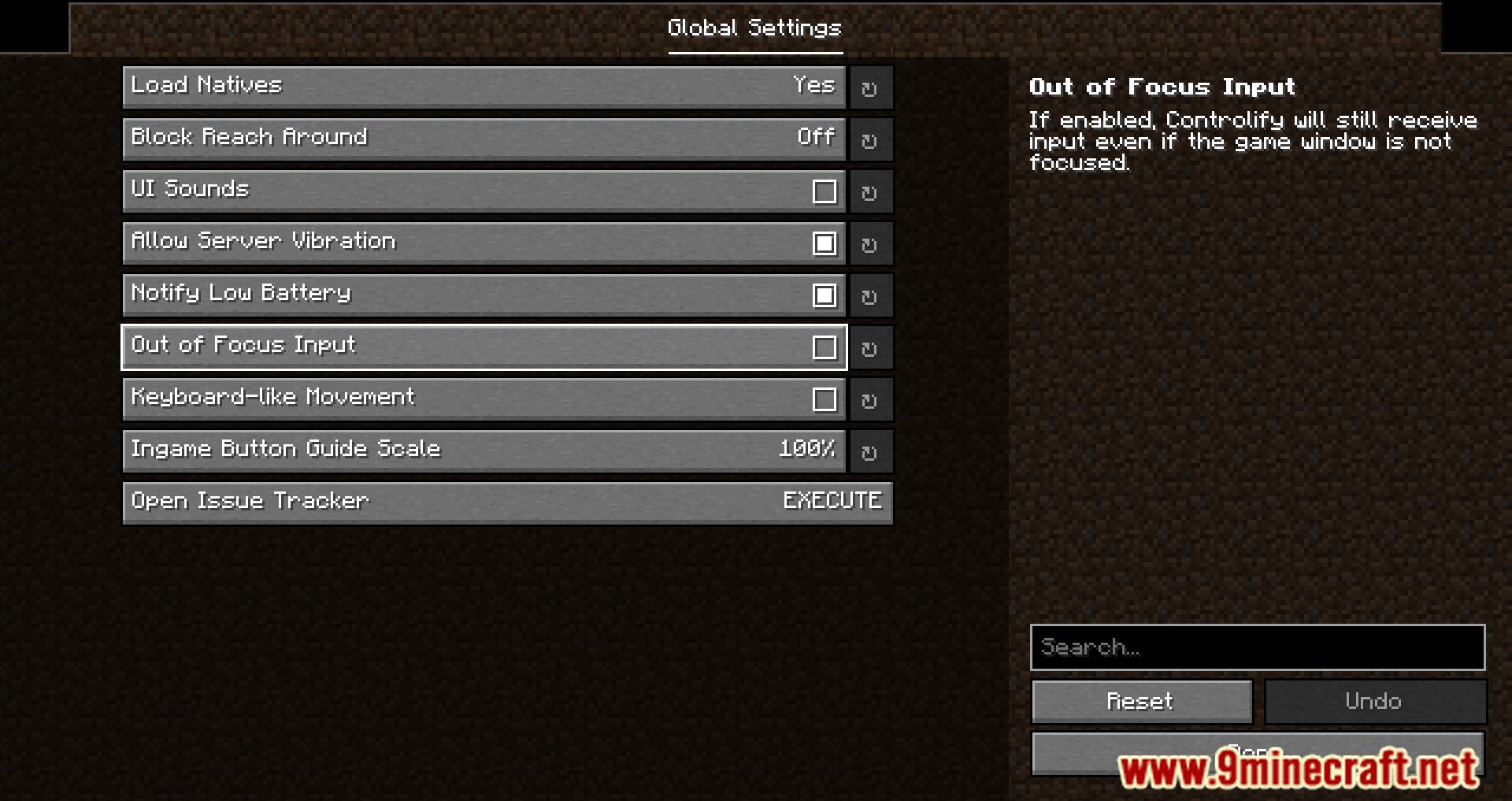
- Navigate all game menus and inventories easily with your controller.
- Features a handy radial menu to assign actions and free up buttons.
- Includes a full on-screen keyboard so you can type in chat with your controller.
- Supports advanced features like HD haptics and adaptive triggers on DualSense controllers.
- Lets you connect and set up other devices like flight sticks and racing wheels.
- Compatible with other mods like Sodium and Iris.
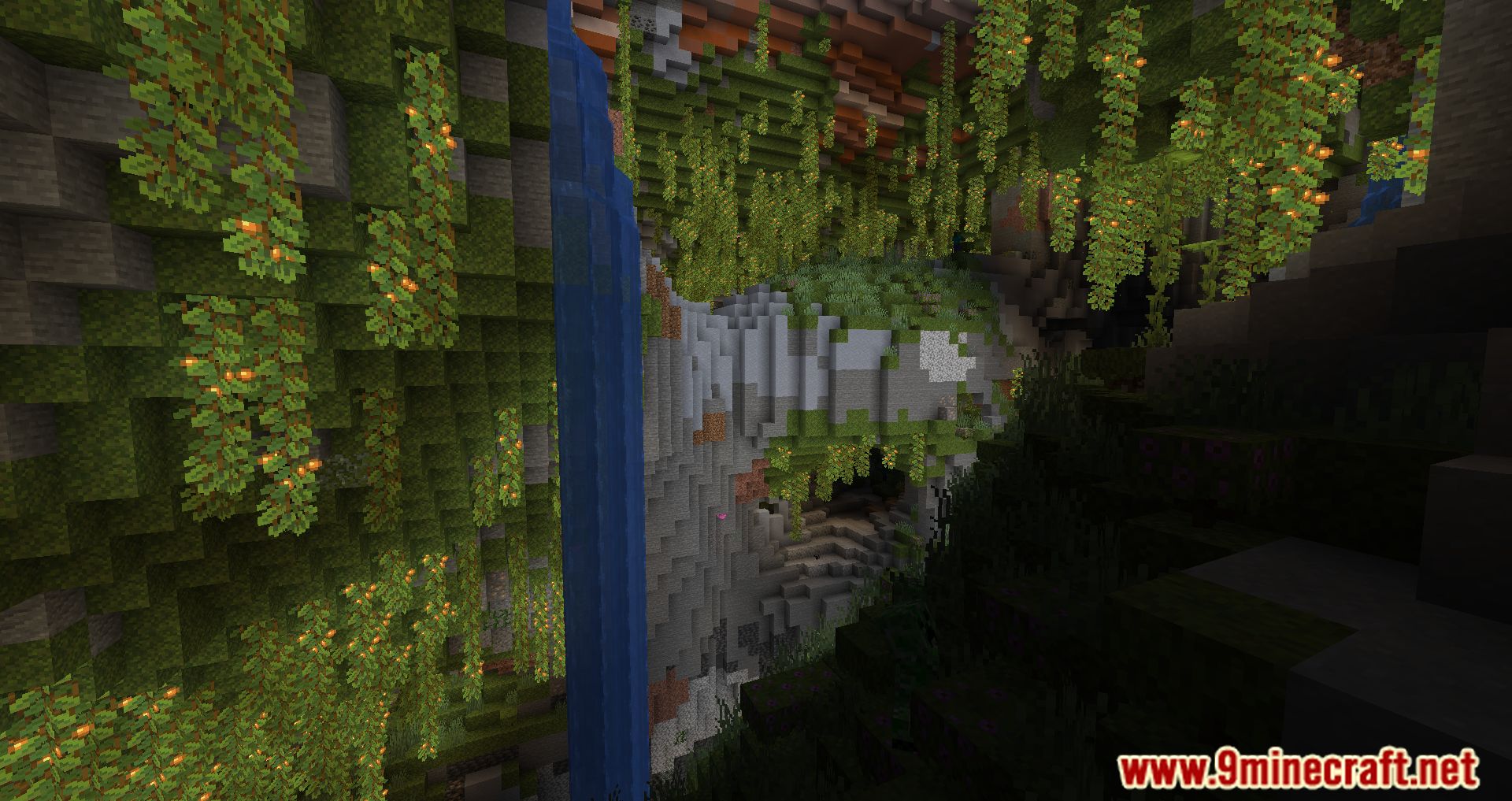
Screenshots:


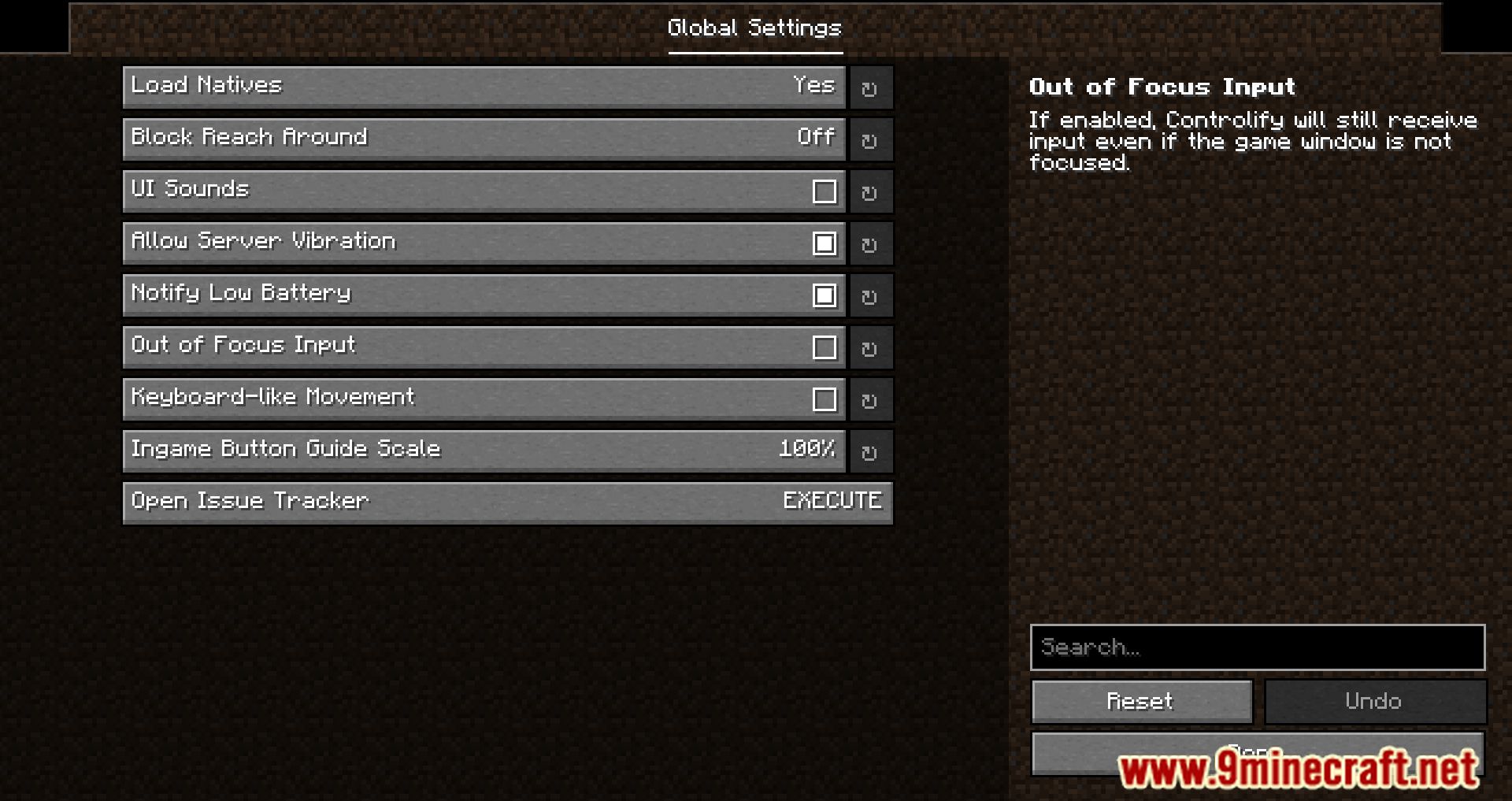
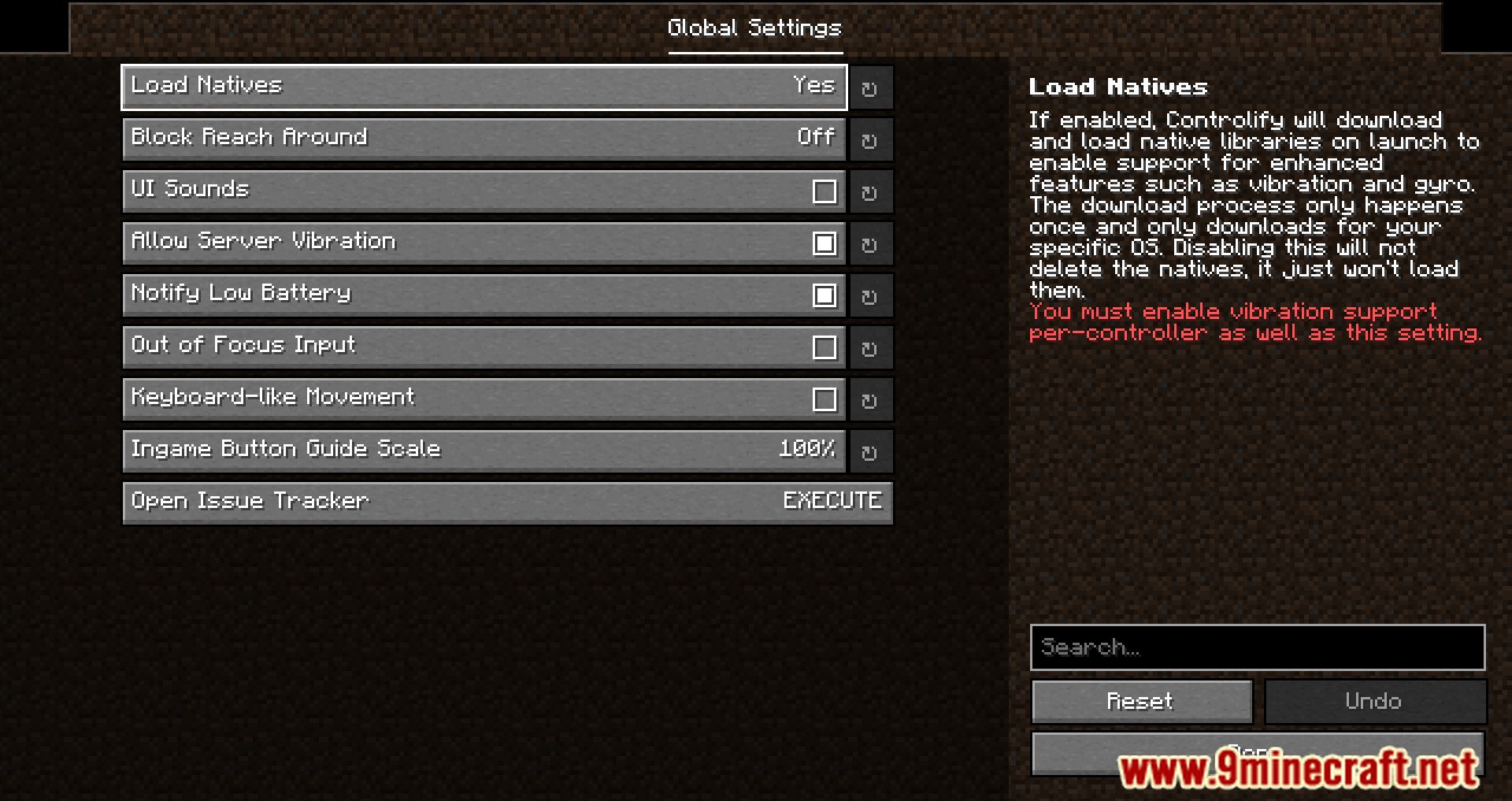
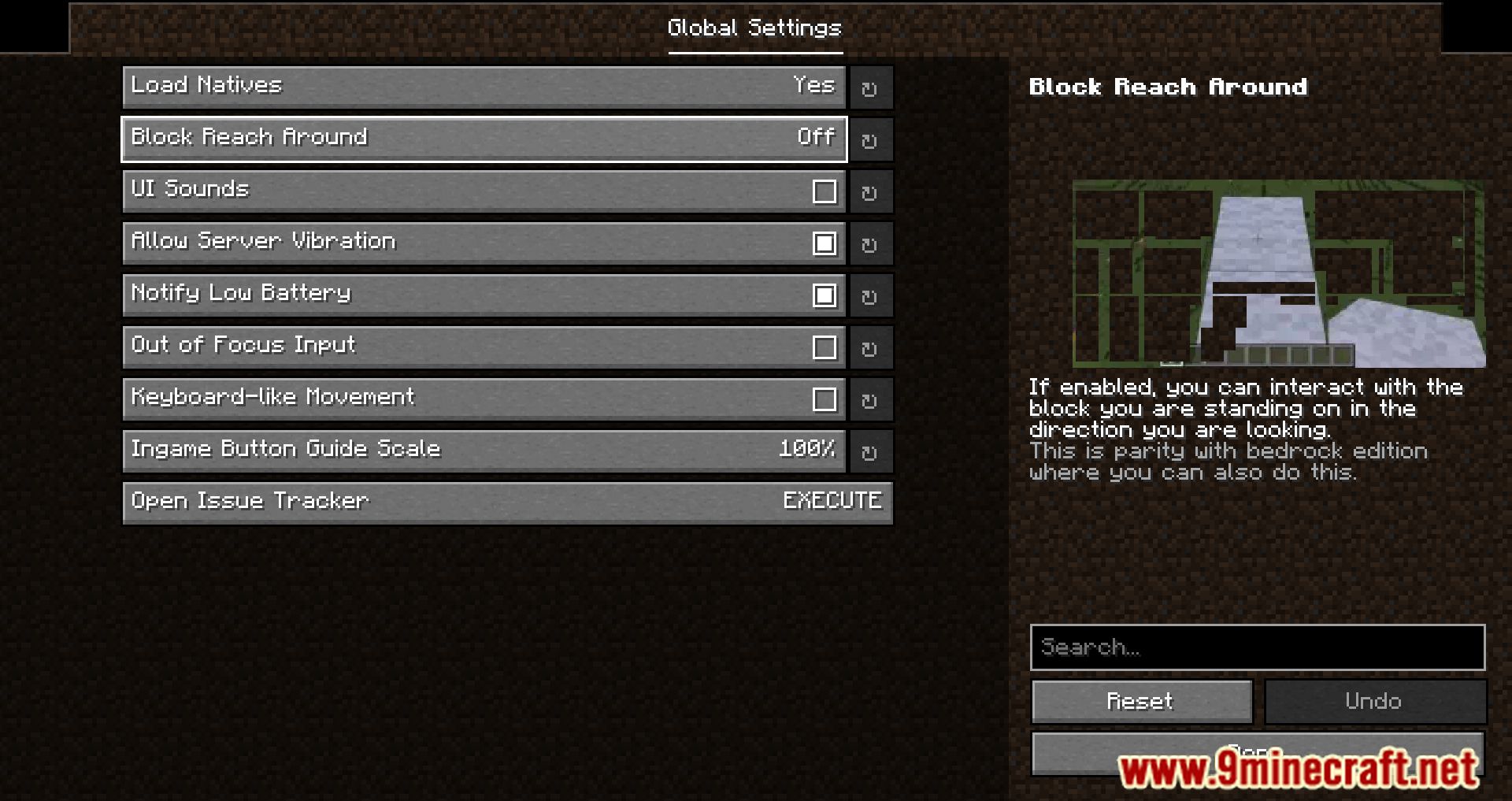
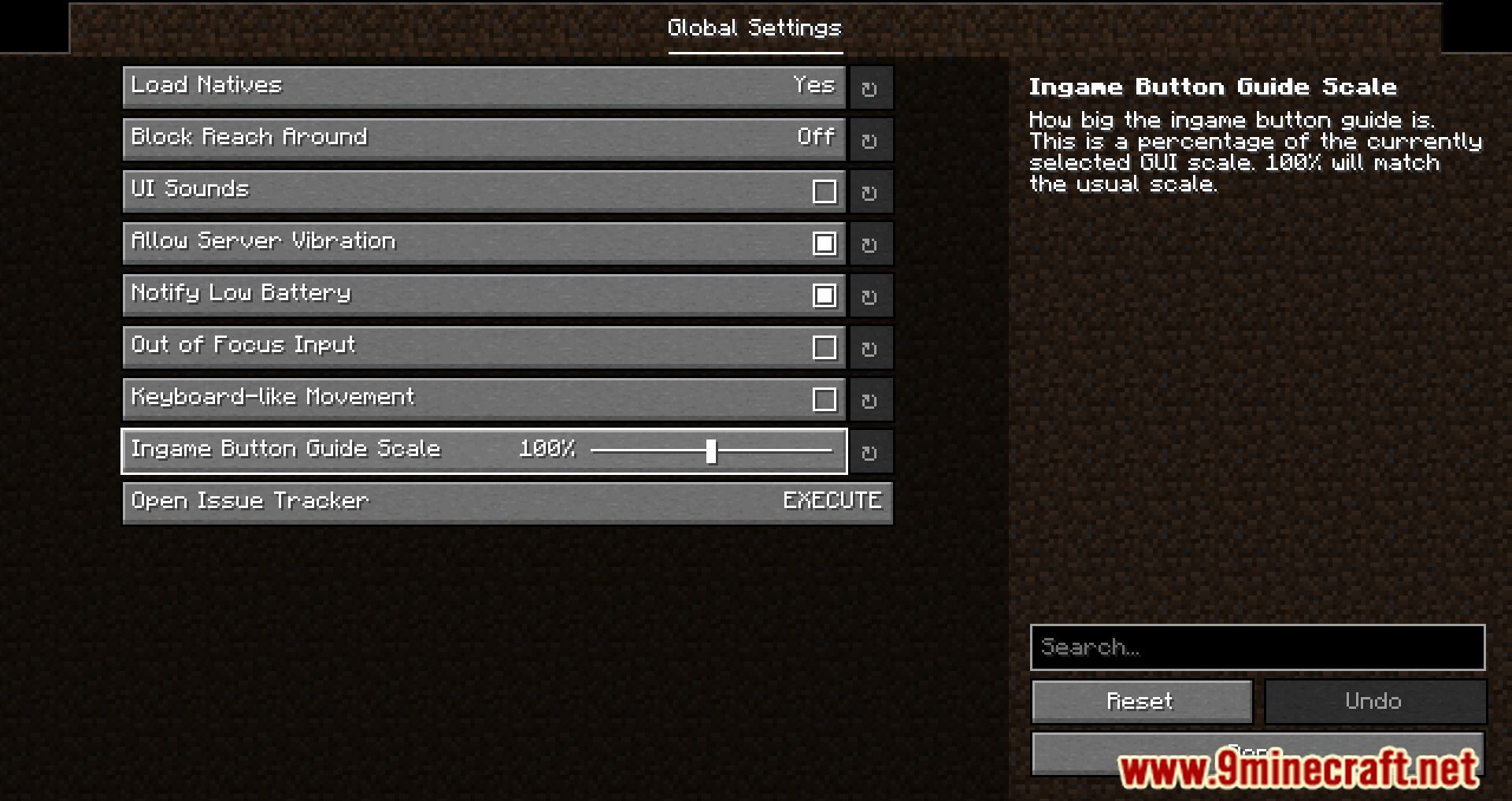



How to Install:
New to Minecraft? Follow our step-by-step guide to install Mods on your PC.View Guide
Requirements:





Controlify Mod Download Links
For Minecraft 26.2
For Minecraft 26.1.2, 26.1.1, 26.1
For Minecraft
1.21.11,
1.21.5,
1.21.4
All Versions Covered
1.21.11
1.21.5
1.21.4
1.21.1
1.21
All Versions Covered
1.21.11
1.21.5
1.21.4
1.21.1
1.21
For Minecraft 1.21.10, 1.21.9
For Minecraft 1.21.8, 1.21.7, 1.21.6
For Minecraft 1.21.5
For Minecraft 1.21.4
For Minecraft 1.21.3, 1.21.2
For Minecraft 1.21.1, 1.21
For Minecraft 1.20.6
For Minecraft 1.20.4
For Minecraft 1.20.2
For Minecraft 1.20.1, 1.20
For Minecraft 1.19.4
Click to rate this post!
[Total: 1 Average: 5]
You May Also Like









This post has no comments yet. Be the first — your comment will appear here.