
X-Enchantment Mod (1.20.2, 1.18.2) – Trigger Unique Bonuses with Full Armor Sets

 0


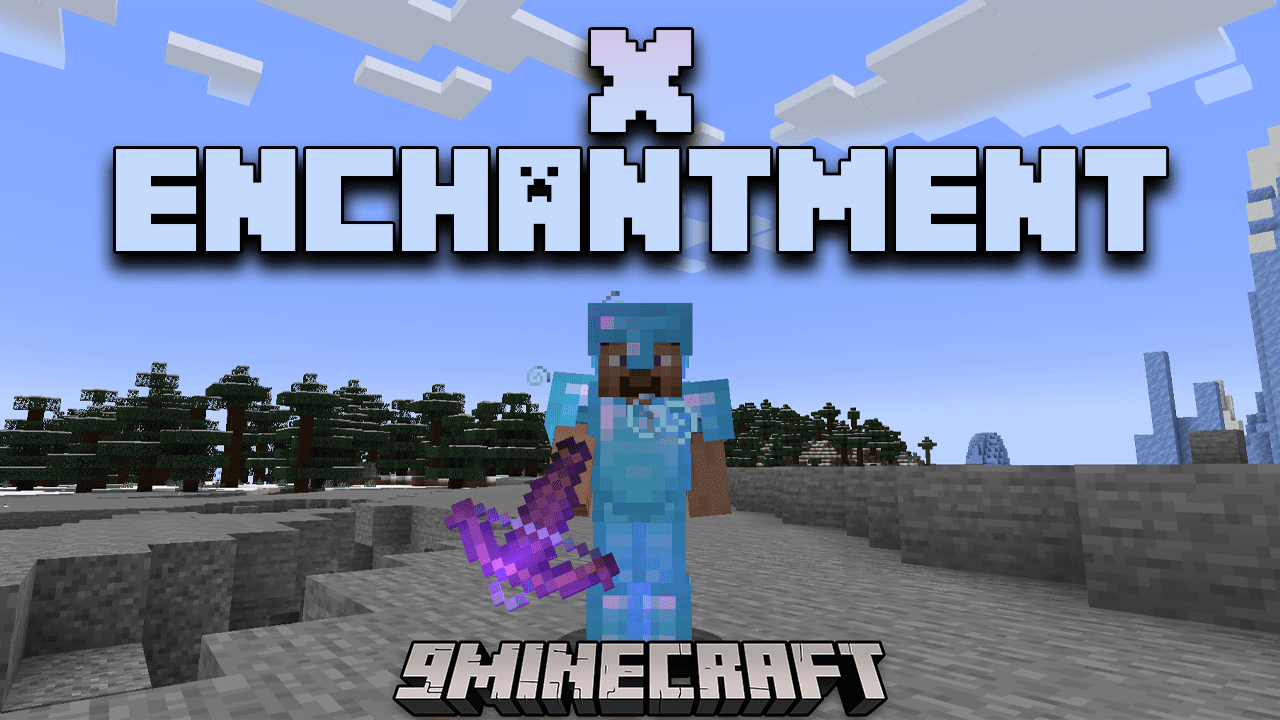
X-Enchantment Mod adds new enchantments and curses to Minecraft so you can grow stronger, especially in modpacks. This mod divides its magic into Normal, Halo, and Special types across fighting, utility, and curse groups. Halo enchantments activate when you wear a matching gear set in the right slots, and a built-in config menu lets you tweak settings on both Fabric and Forge. You can also use info mods like EnchantmentDesc to read what each enchantment does.
Requires:
Features:
- Adds Normal enchantments in Gold, White, and Red tiers that work like regular Minecraft enchantments.
- Introduces Halo enchantments in Gold and White tiers that activate when you wear the right gear pieces in their proper slots as a set.
- Includes Special enchantments in the Purple tier that appear mostly on enchanted books.
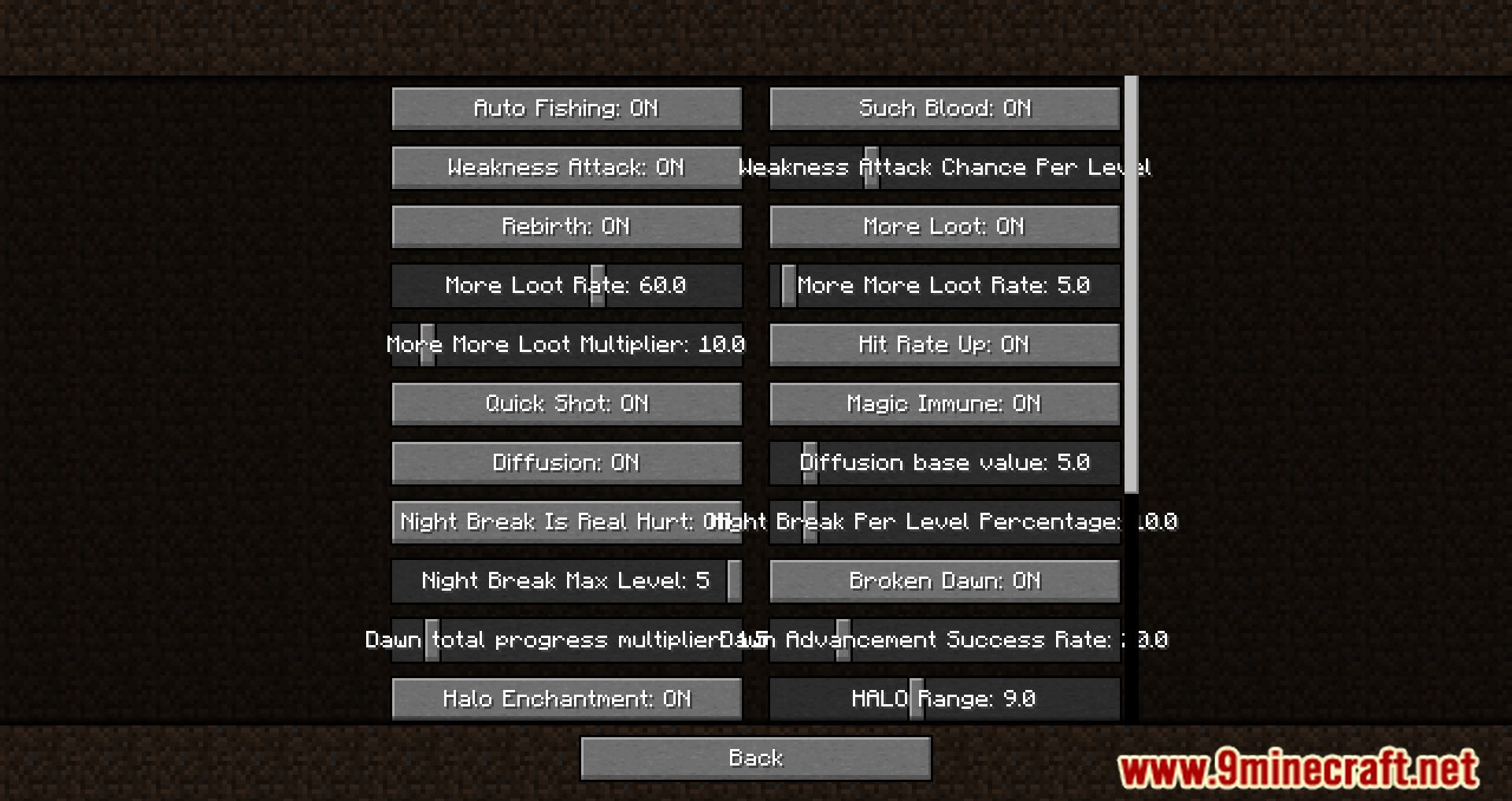
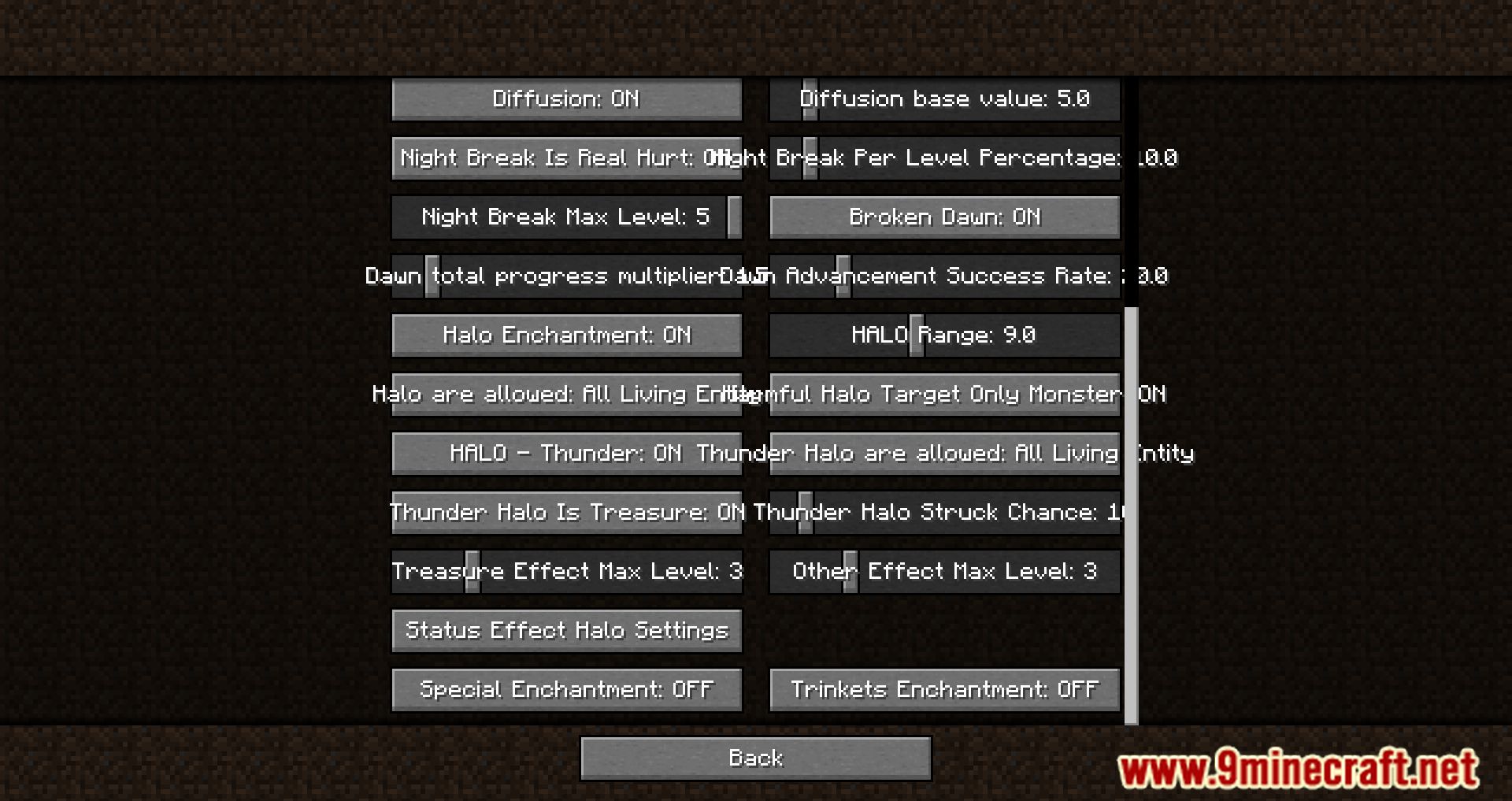
- Offers a built-in config menu so you can tweak enchantment settings to fit your world or modpack.
- Works with info mods like EnchantmentDesc so you can view full descriptions for every enchantment in-game.
Fighting Enchantments:
- Night Break
- More Loot
- Rebirth
- Magic Immune
Other Enchantments:
- Broken Dawn
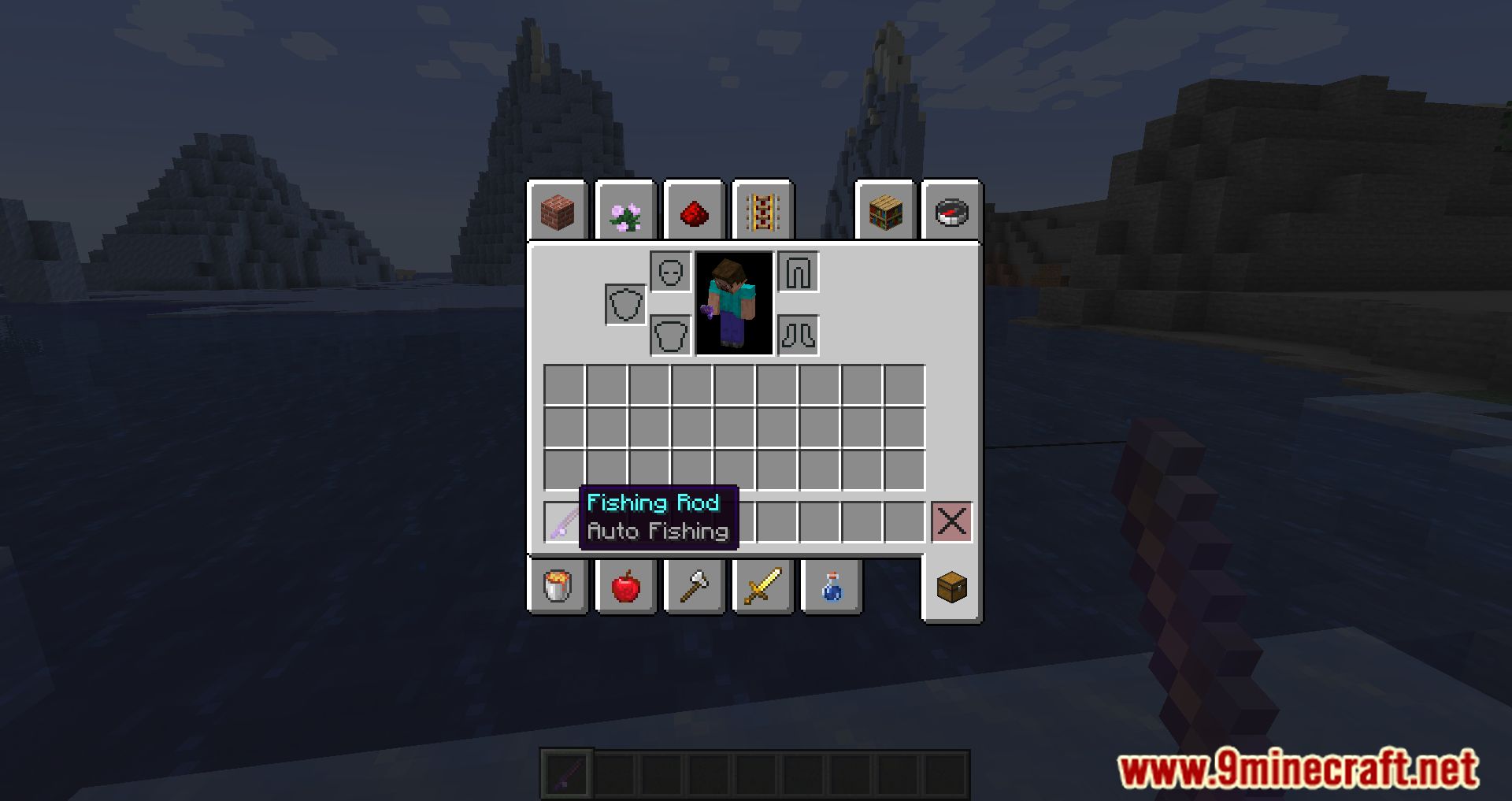
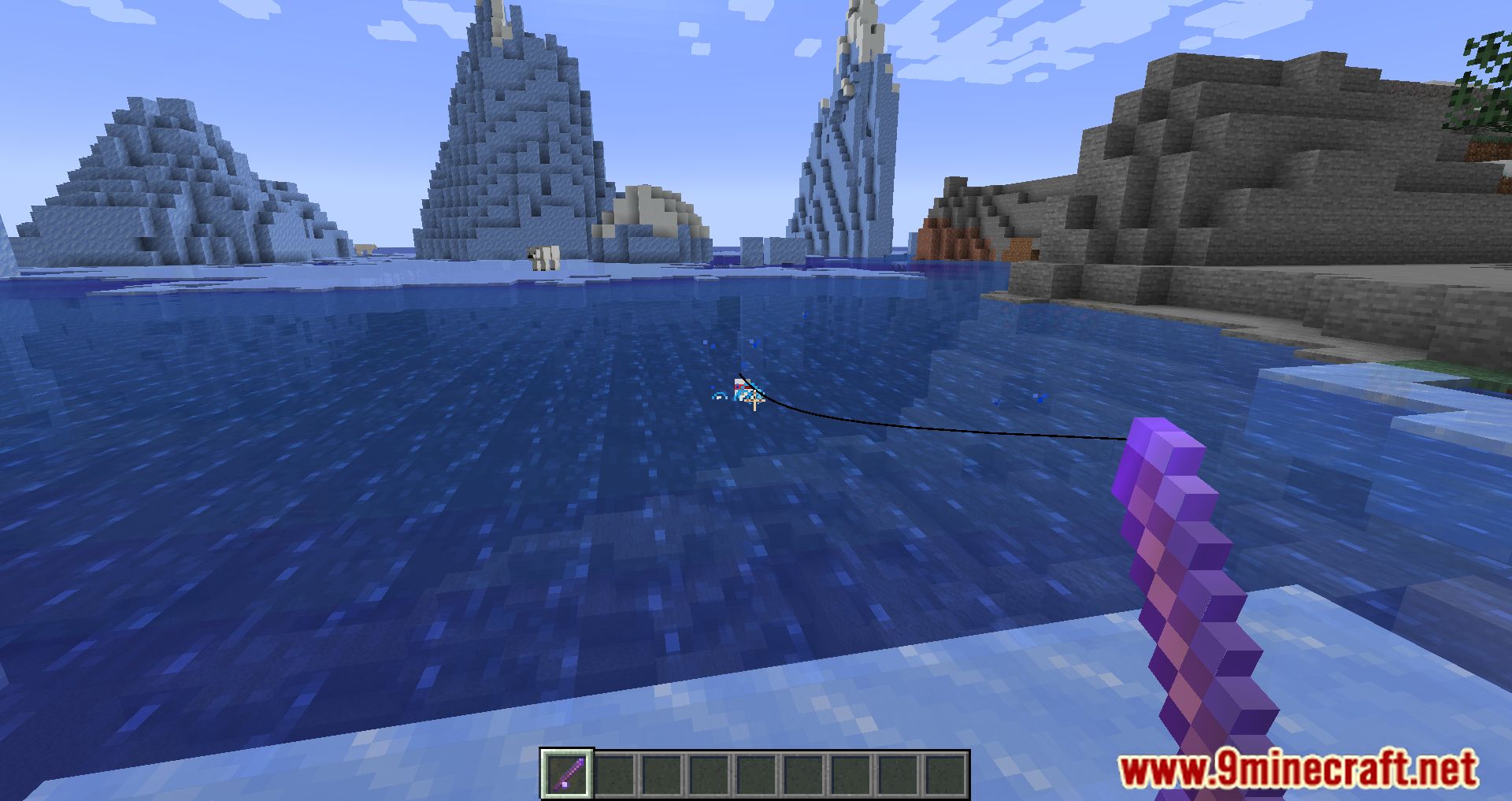
- Auto Fishing
- Climber
- Blessing
- Curse Killer
Curse Enchantments:
- Regicide
- Thin
- Insanity
- Decayed Blade/Armor
How to Use:
- Apply Normal enchantments like regular Minecraft enchantments, or look for enchanted books to get Special purple enchantments.
- Wear the correct pieces of a gear set in their proper slots to trigger Halo enchantment effects.
- Press the Z key on Forge to open the config menu and adjust enchantment settings.
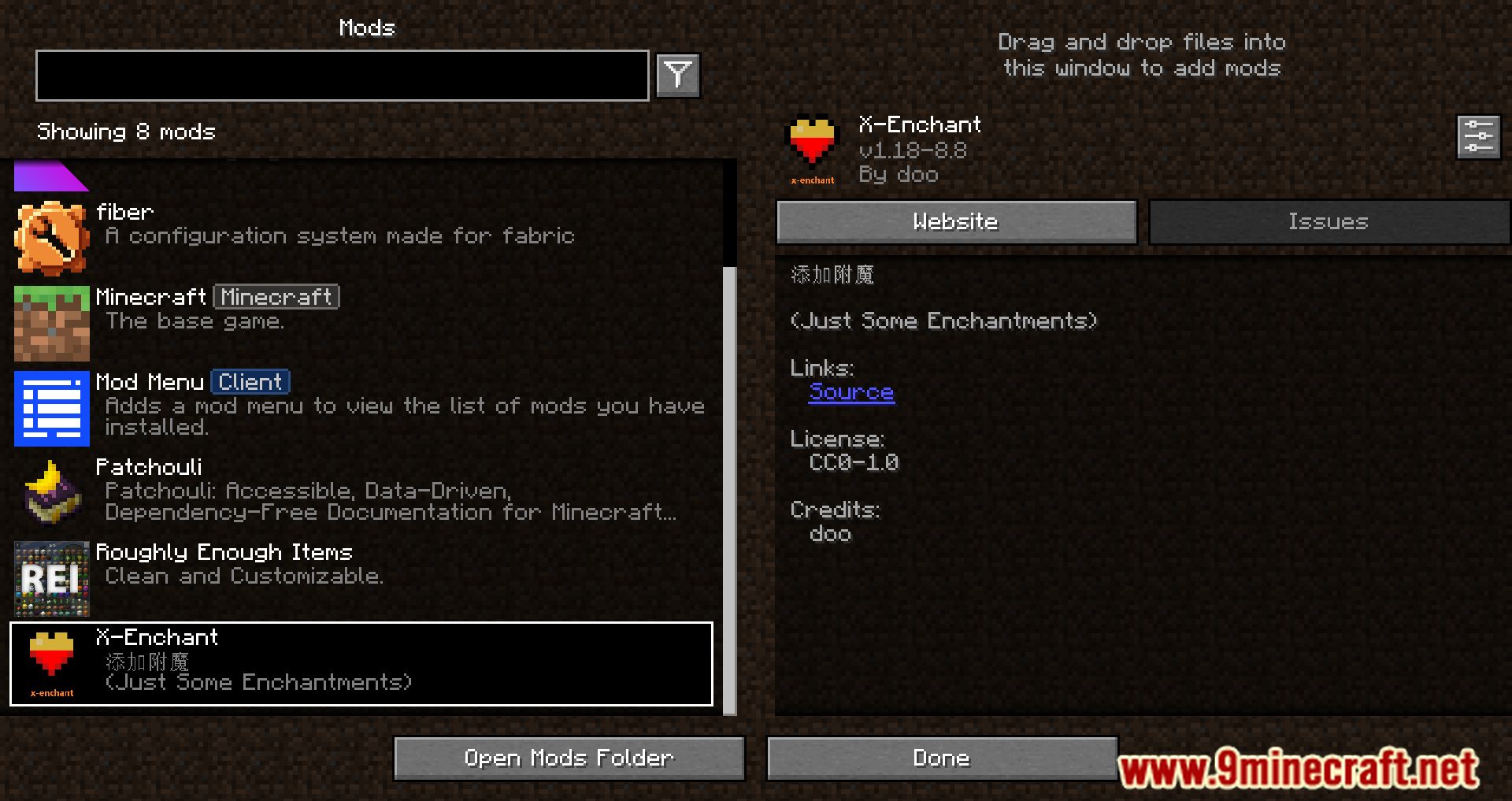
- Open the Mod Menu on Fabric to reach the config menu and change enchantment options.
- Pair X-Enchantment Mod with an info mod like EnchantmentDesc to view full descriptions of each enchantment in-game.
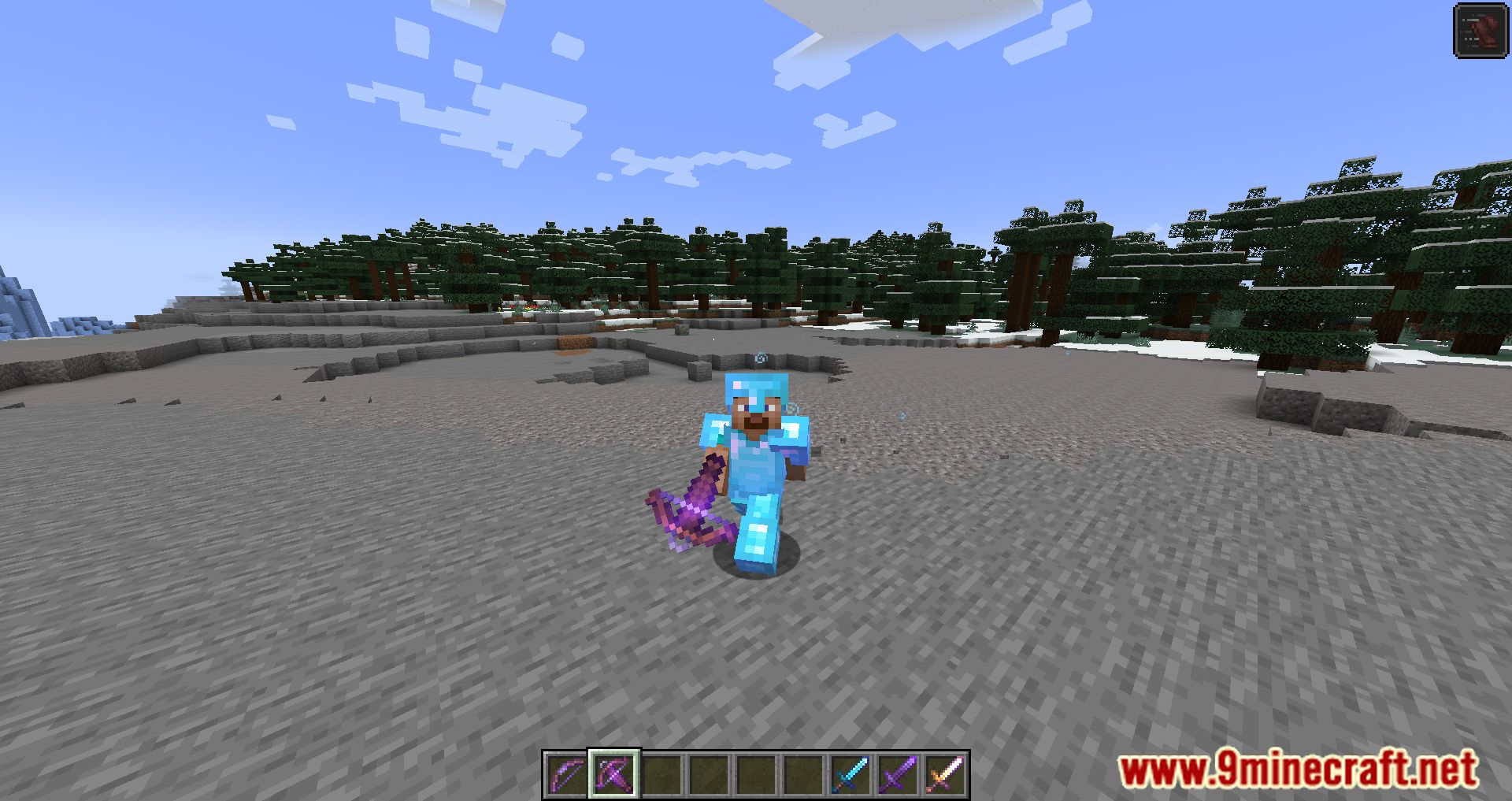
Screenshots:
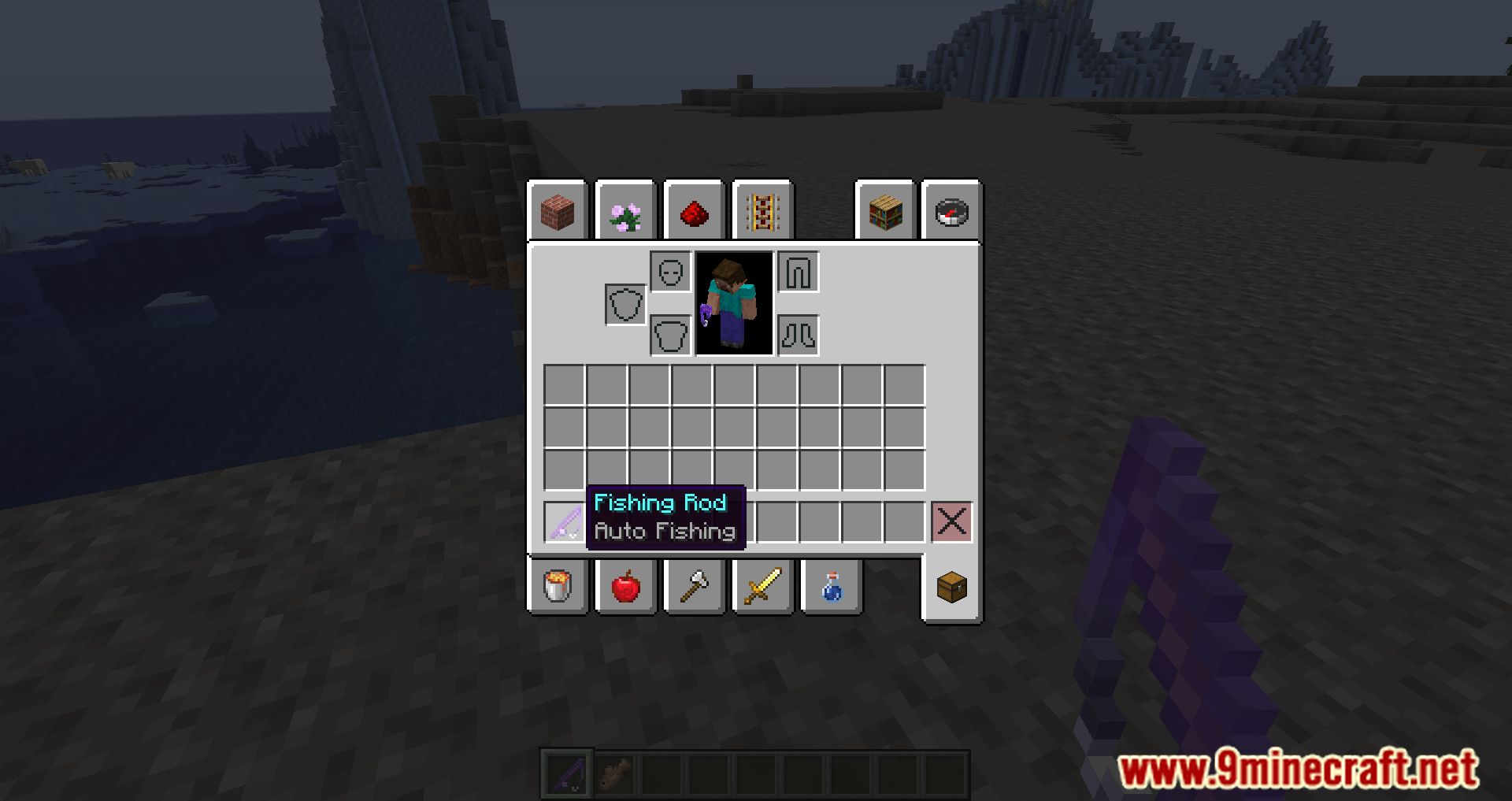
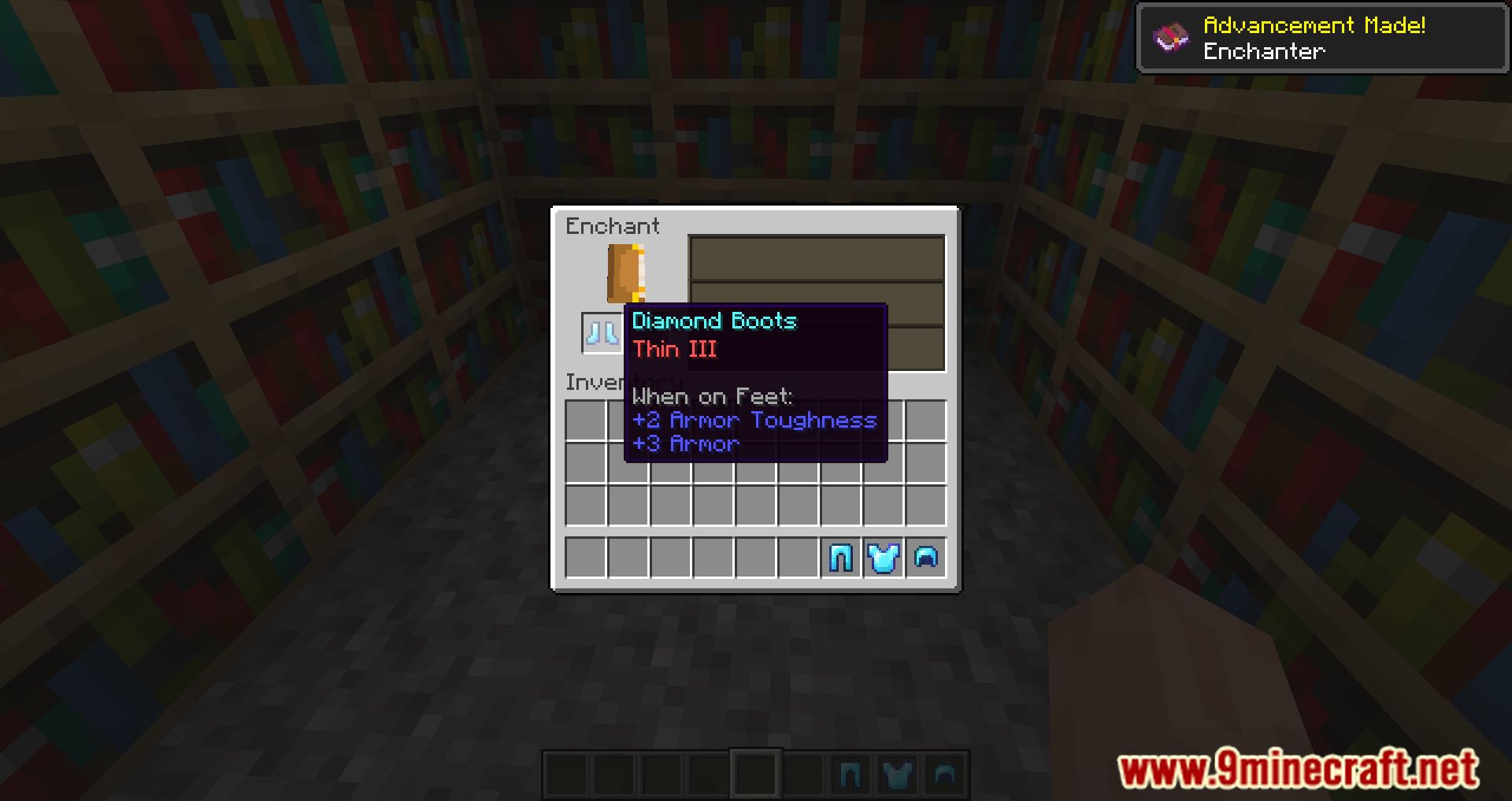
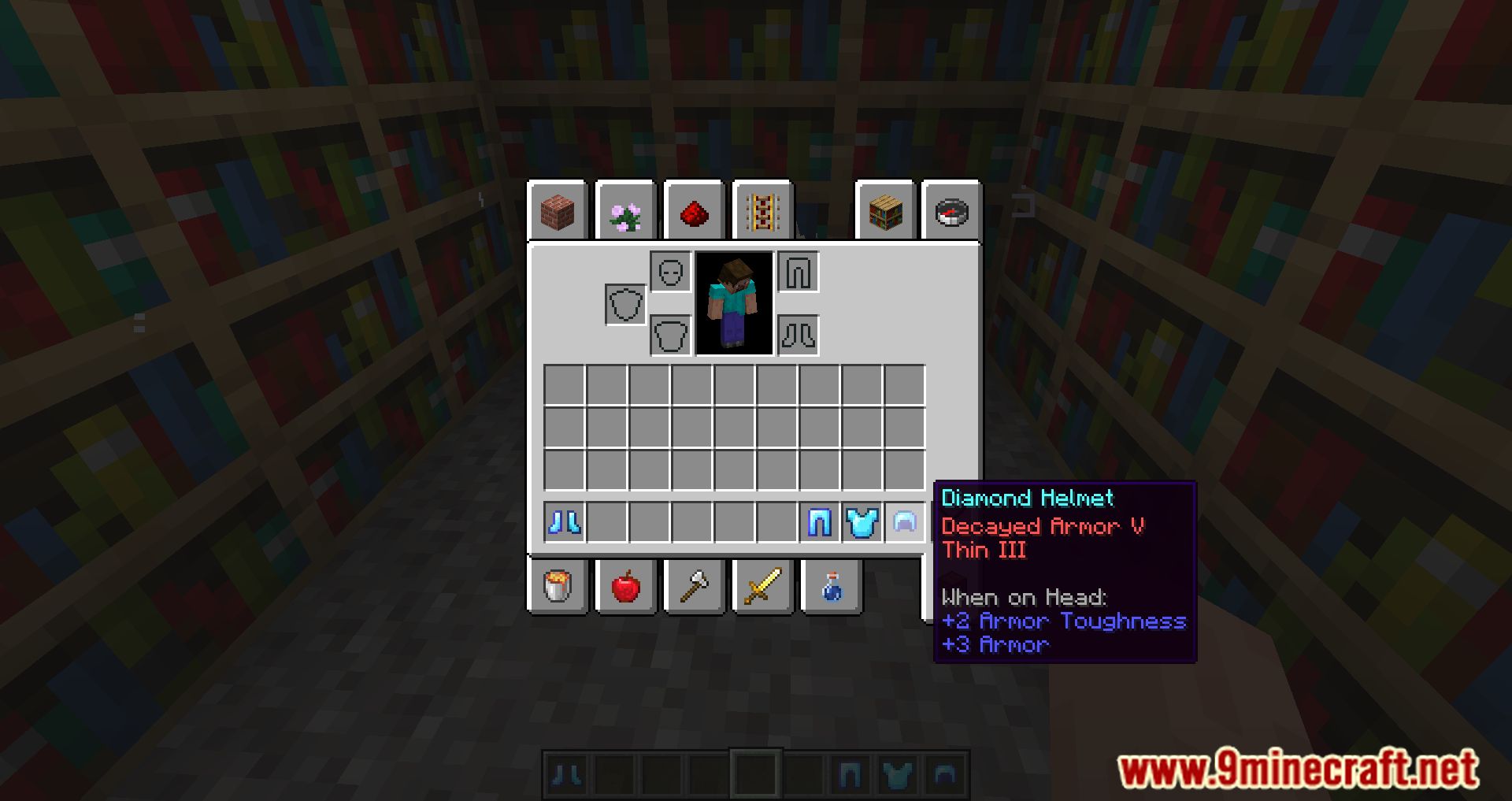
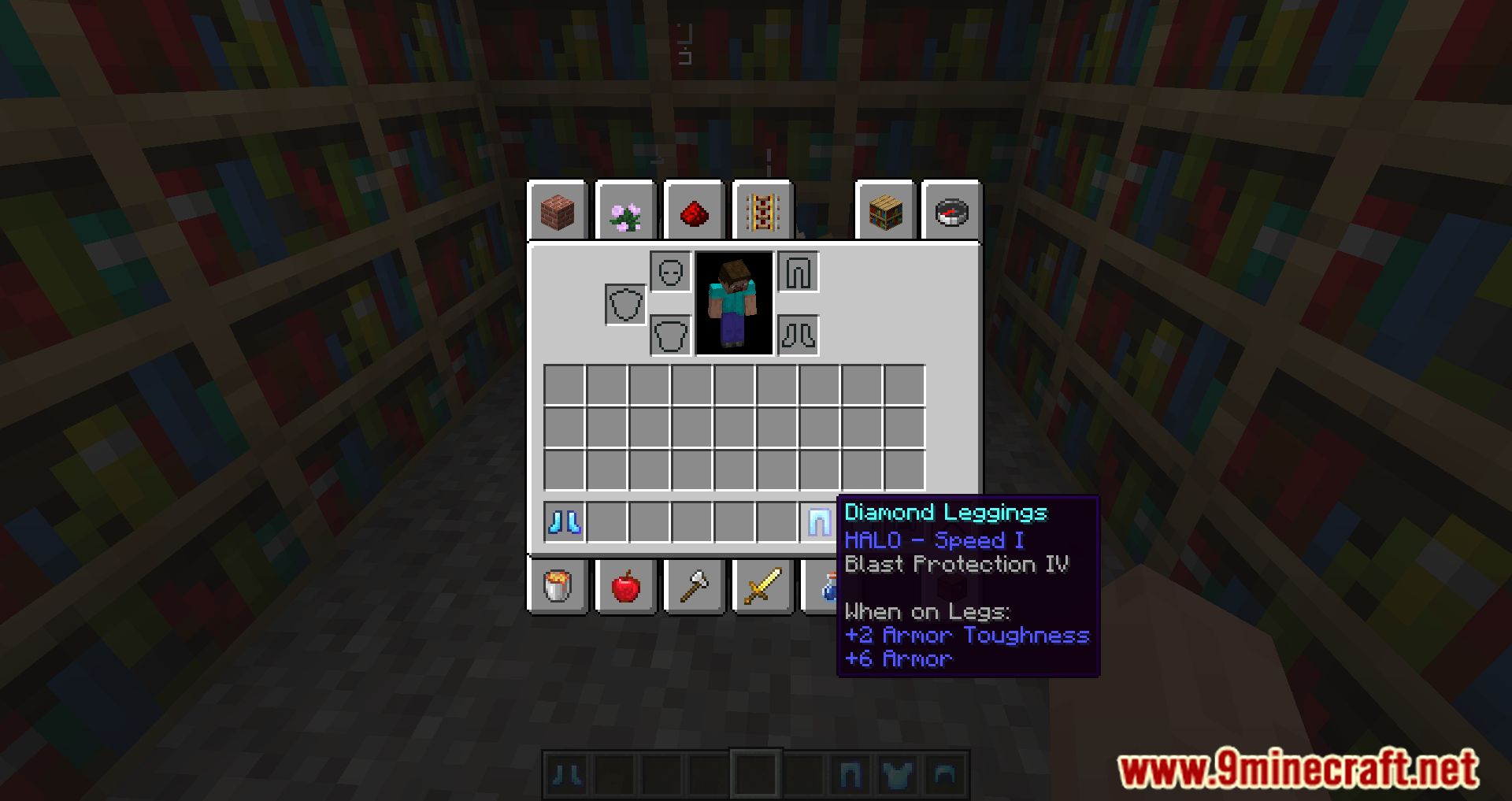
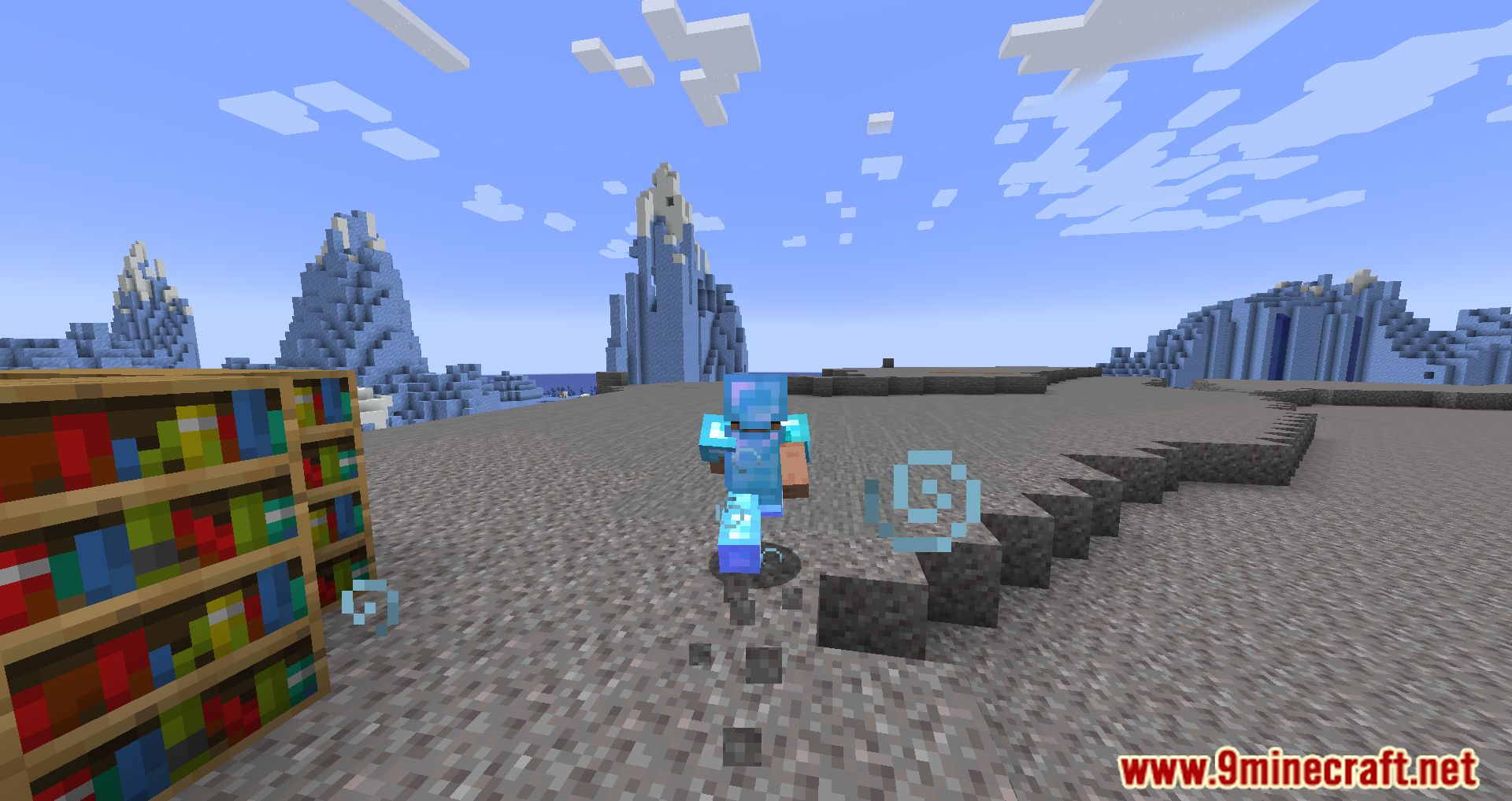
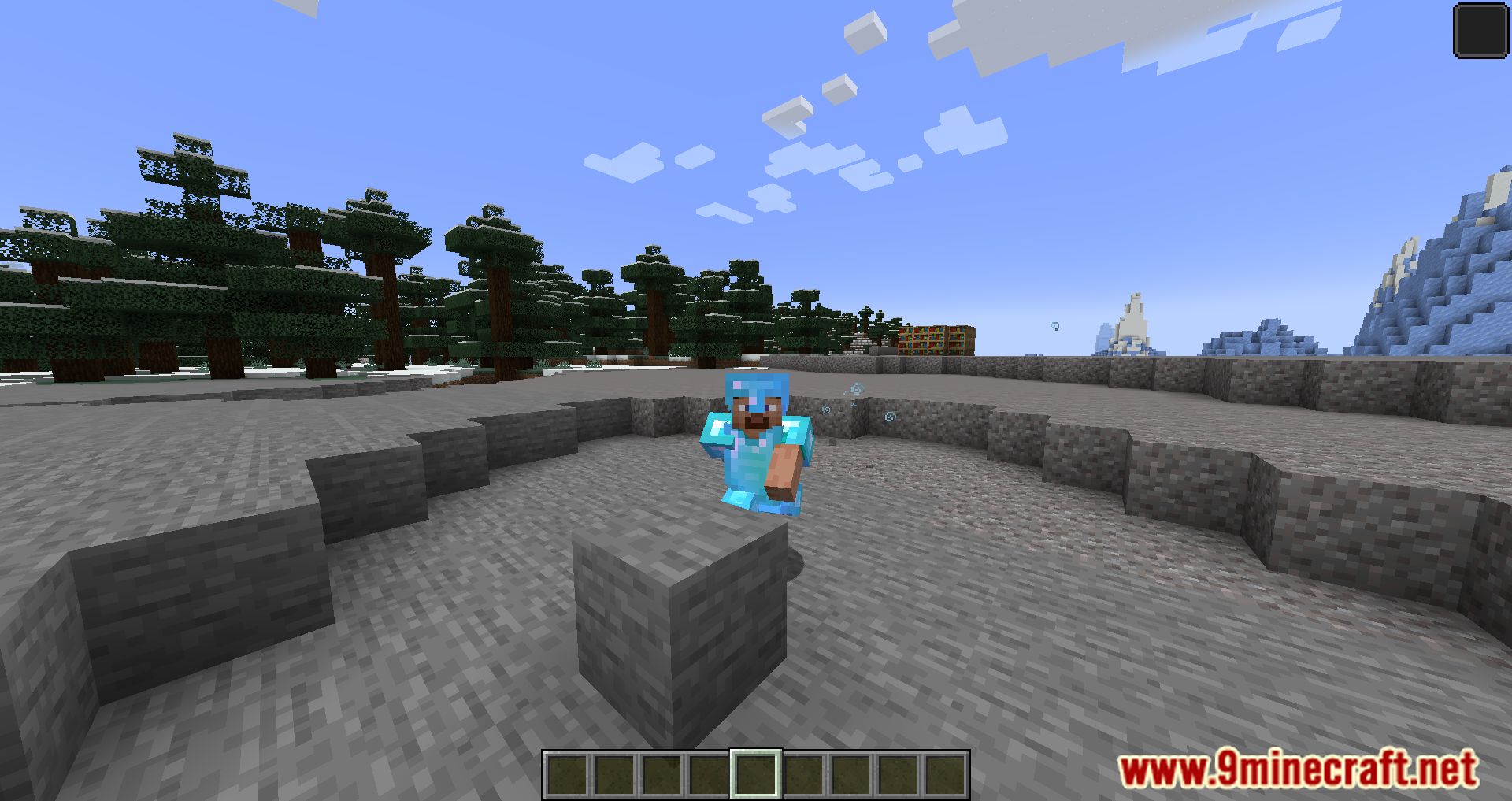
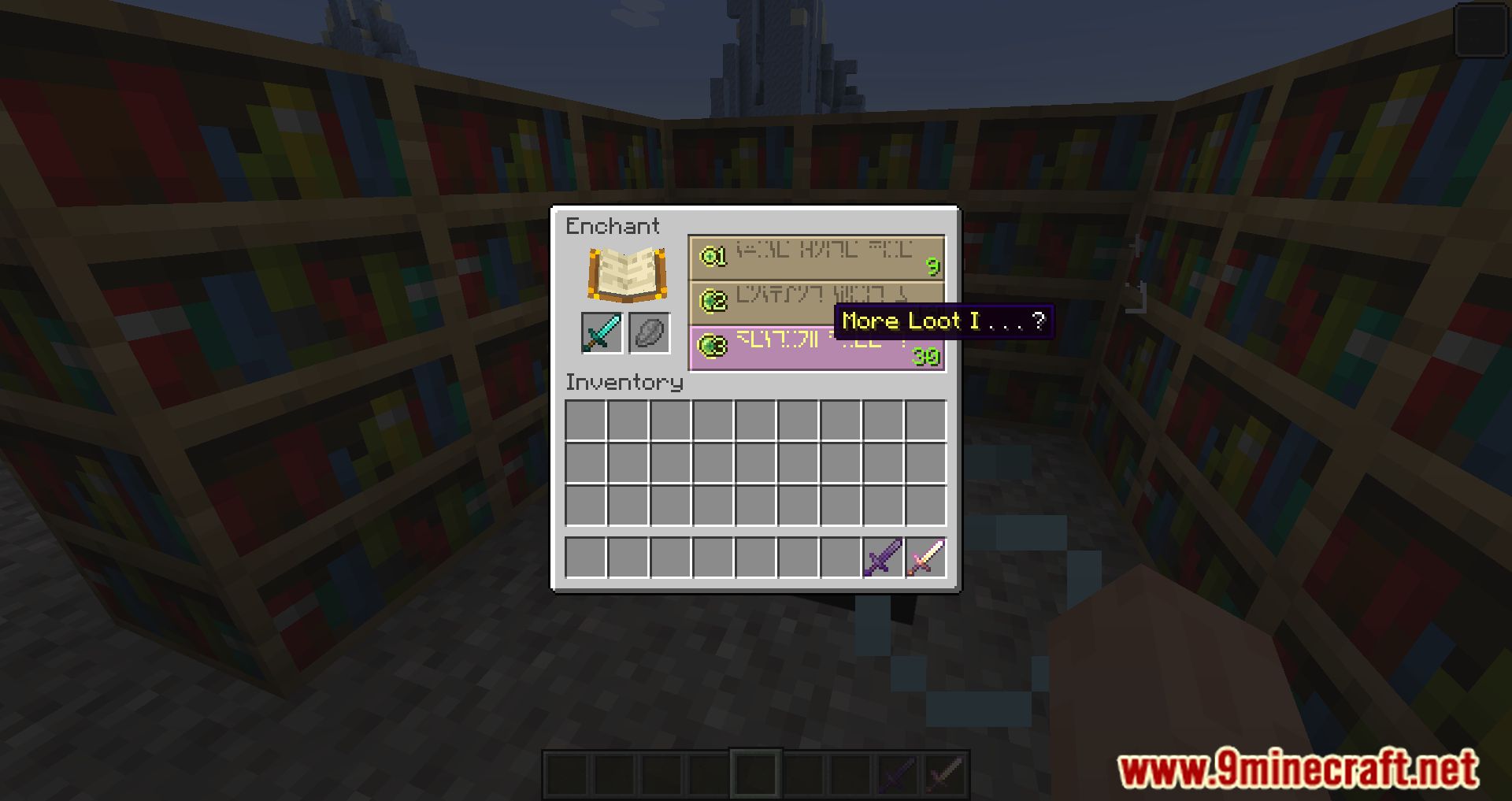
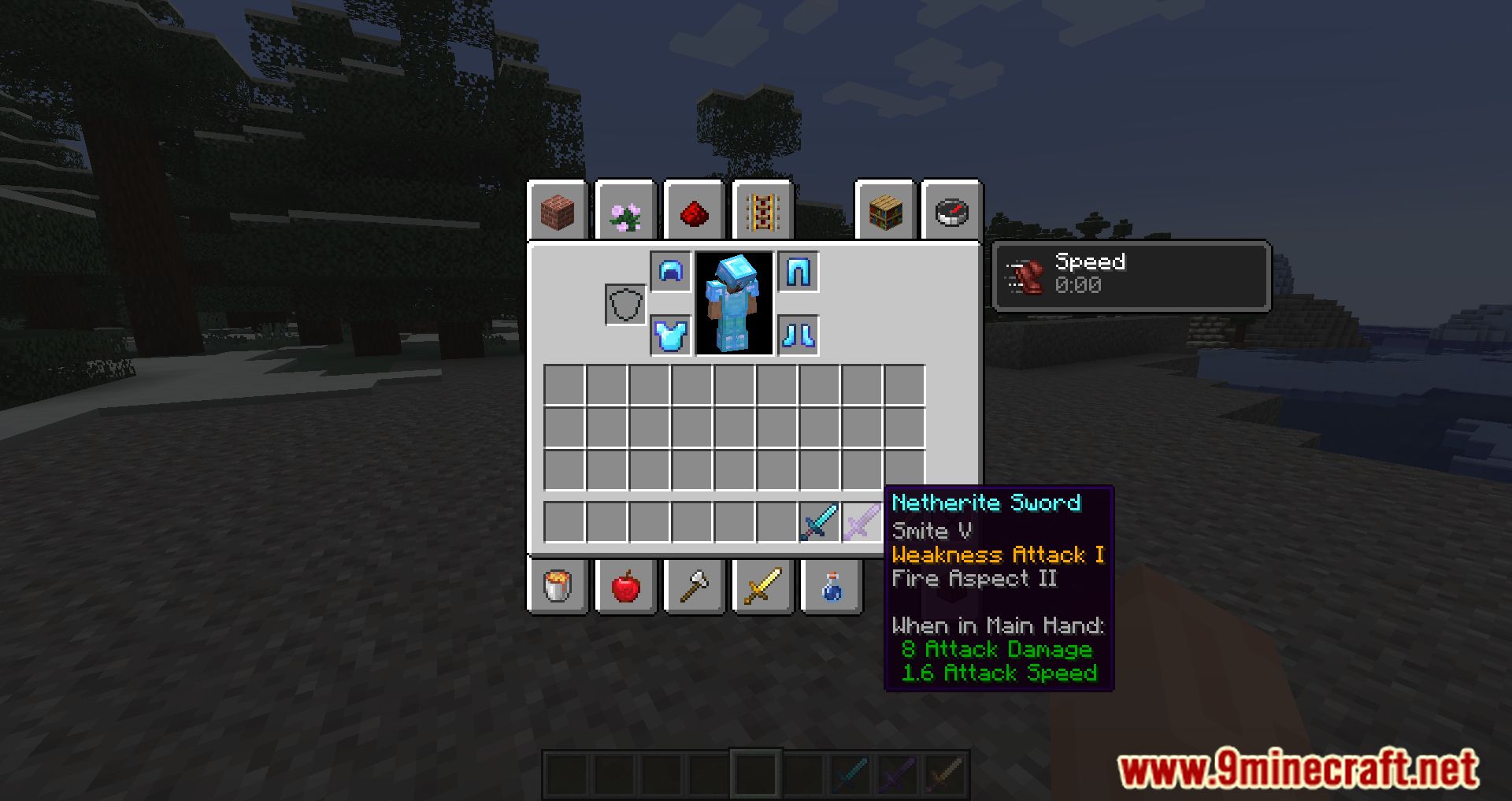
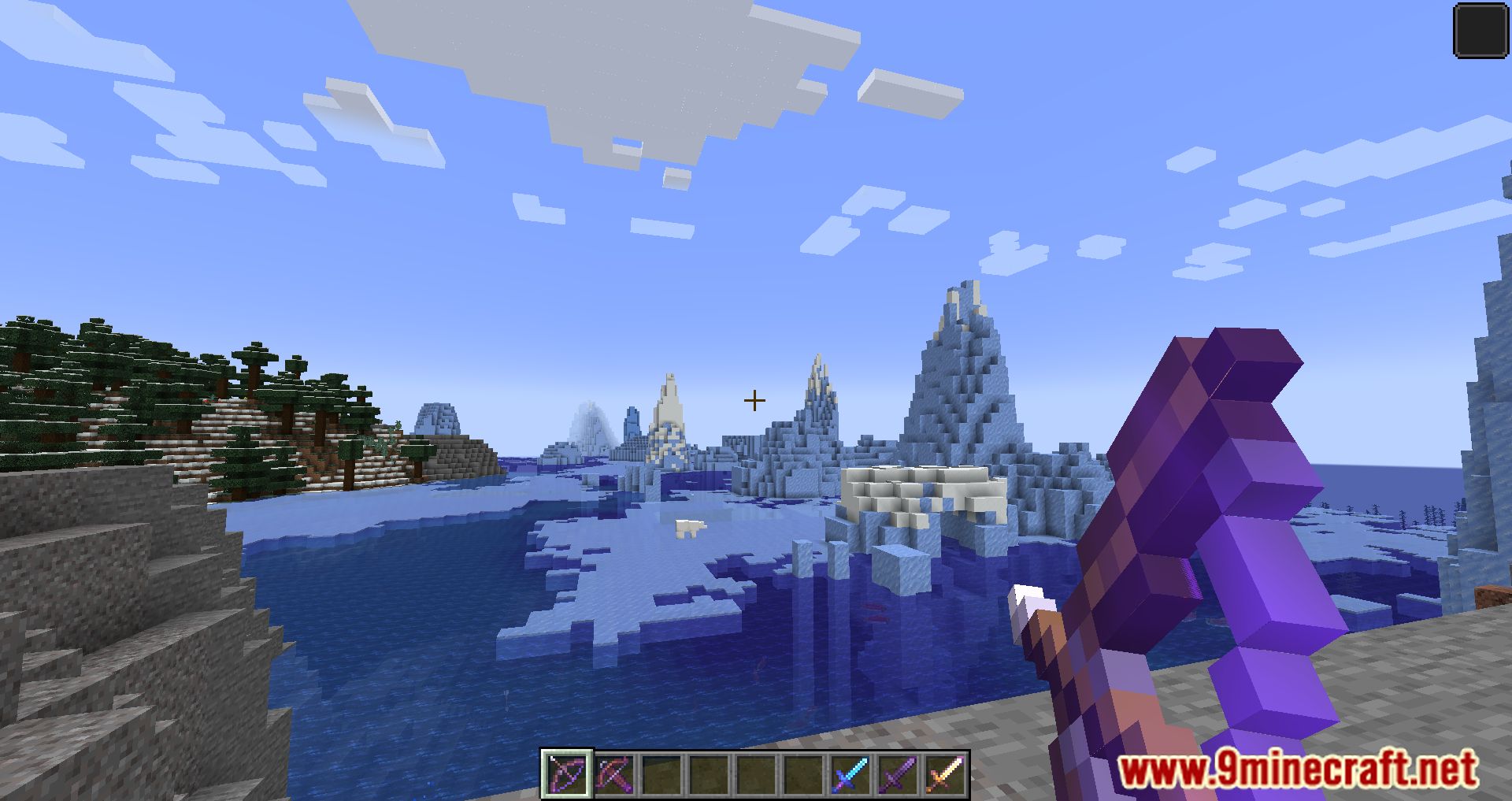
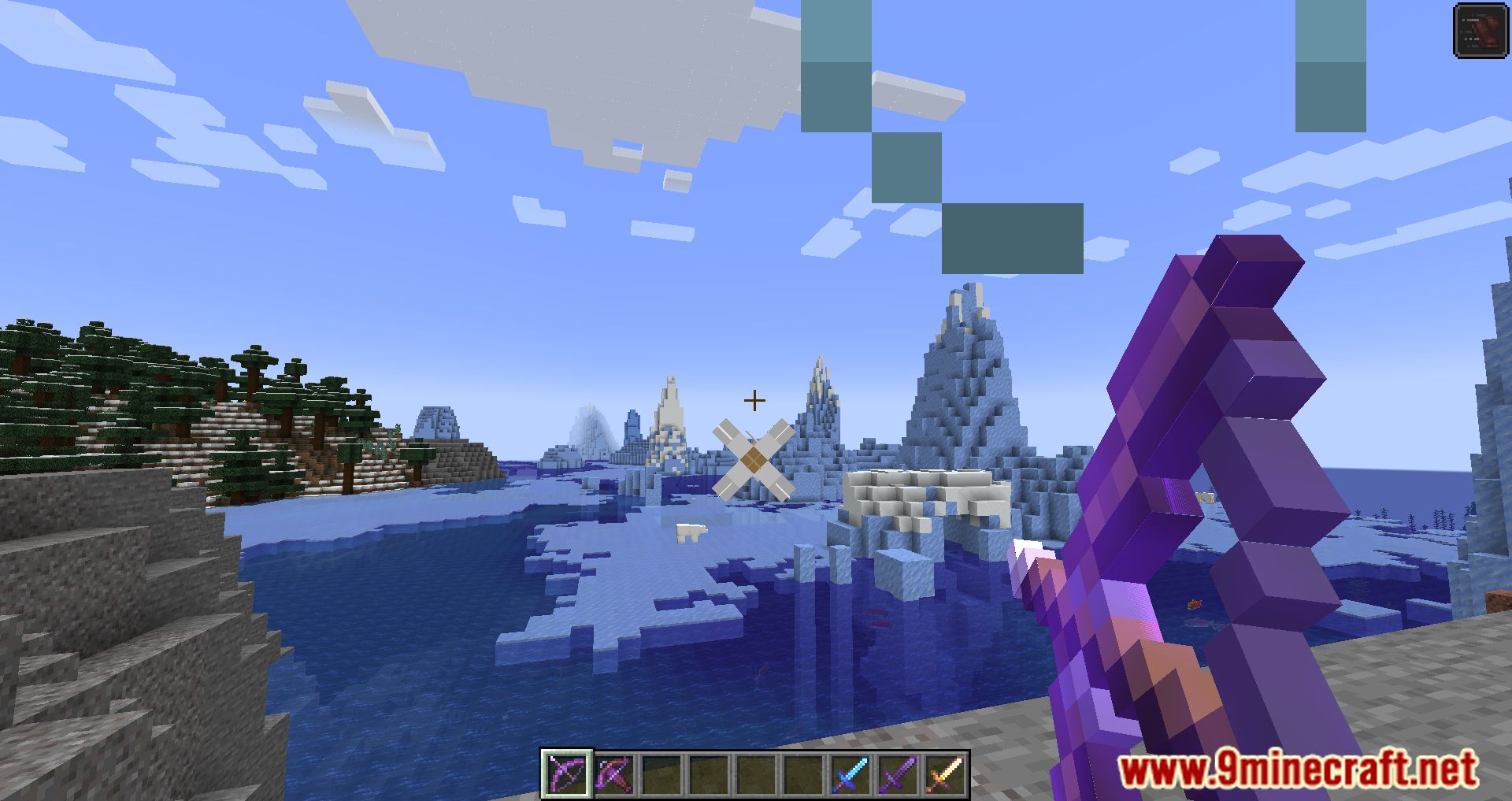
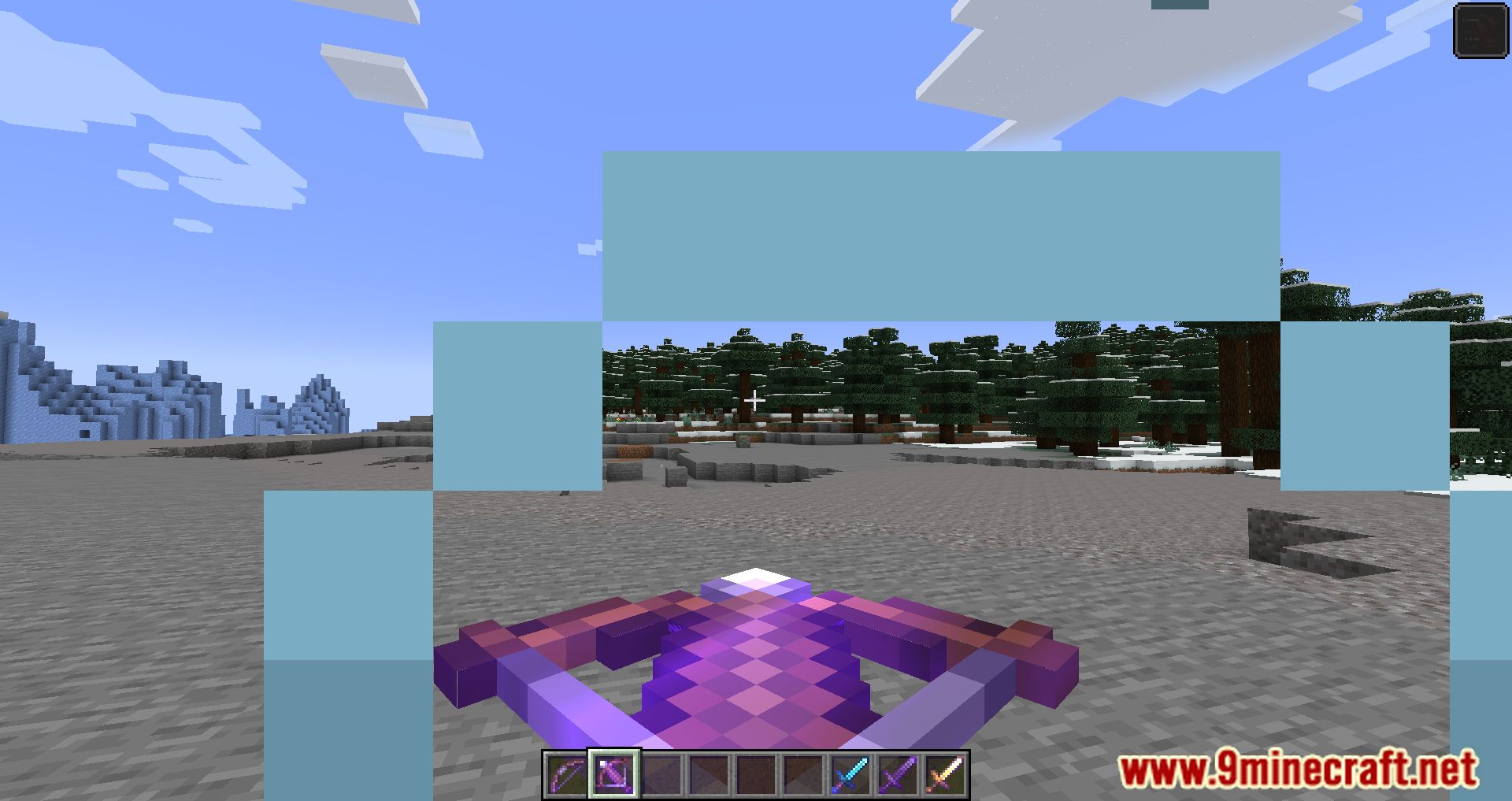
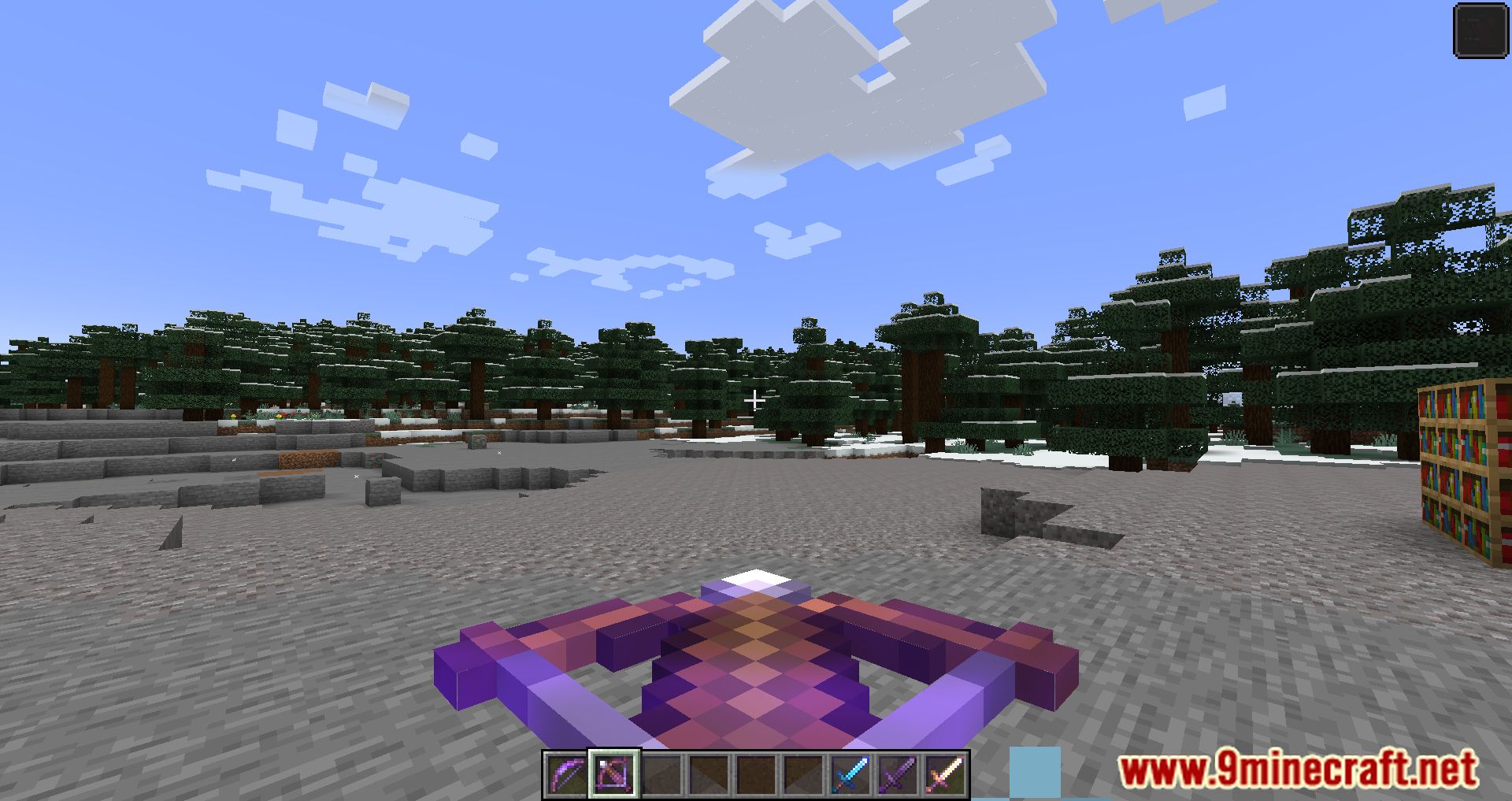
How to Install:
New to Minecraft? Follow our step-by-step guide to install Mods on your PC.View Guide
X-Enchantment Mod Download Links
For Minecraft 1.20.2
Fabric version: Download from Server 1 – Download from Server 2
Forge version: Download from Server 1 – Download from Server 2
For Minecraft 1.20.1
Fabric version: Download from Server 1 – Download from Server 2
Forge version: Download from Server 1 – Download from Server 2
For All Versions from Minecraft 1.17.1 to Minecraft 1.18.2
Fabric version: Download from Server 1 – Download from Server 2
For Minecraft 1.16.5
Fabric version: Download from Server 1 – Download from Server 2
Who do you usually play modded Minecraft with?
21 responses · See the full results →
You May Also Like
Picked for this page
 Dis-Enchanting Table Mod (26.3, 1.20.1) – Recover Enchantments
 Xaero’s Map Server Utils Mod (26.3, 1.20.1) – Fair-Play Mode Controls
 AlwaysEat Mod (26.3, 1.20.1) – Makes All Food Always Edible
 DarkSpawn Mod (26.3, 1.20.1) – RPG Teleport to Spawn or Lobby
 Death Swap Mod (26.3, 1.20.1) – Randomly Swaps Players
 Bee Fix Mod (26.1, 1.20.1) – Fixes The Bugs
 Endercon Mod (26.3, 1.20.1) – Reimagined Biomes and New Additions
 Copper Hopper Mod (26.3, 1.20.1) – Hopper That Acts as a Simple Item Filter
 FPS Boost Mod (26.1.2, 1.20.1) – Optimize Minecraft For Smoother Gameplay
 Wiretap Mod (26.1.2, 1.20.1) – Adds A Microphone And A Speaker Block
 3rd Life Mod (1.21.4, 1.20.1) – Steal Player Lives to Avoid Permadeath
 TFC Tumbleweed Mod (1.20.1, 1.20) – Desert Atmosphere
Most viewed in Mods over the last 7 days
 Ala Industrial Mod (26.3) – Run Electric Power Grids and Automated Factories
 PleasureCraft Mod (26.3, 1.21.1) – Jenny Mod Remake for Fabric
 Jennycraft Mod (26.3, 1.20.1) – Virtual Girlfriend in Minecraft
 Fapcraft Mod (26.3, 1.12.2) – Comprehensive and Detailed Content
 Jenny Mod (Fapcraft) Official Complete Guide – How to use, Tutorial
 BangCraft Mod (1.20.1) – Jenny, Ellie and Elliot
 Fabric Loader (26.3, 1.20.1) – Fabric Installer for All Minecraft Versions
 The Shooting Star Demo Mod (26.3, 1.20.1) – Vaporize Terrain From Orbit
 Meteor Client Mod (26.3, 1.20.1) – Xray, HUD, Fly
 OptiFine HD (26.3, 1.20.1) – Run Faster, FPS Boost, Shaders Support
 Aristois Client Mod (1.21.4, 1.20.1) – World Class Minecraft Utility
 Prestige Client Mod (1.21.11, 1.21.4) – Powerful Ghost Features for Crystal & Sword PvP
More from Mods
 Freelook Perspective Mod (26.3, 1.21.1) – Watch Your Back While Sprinting
 FAUNA Engine Mod (1.21.1, 1.20.1) – Powering Legendary Dragons
 Avali Nexus Mod (26.3) – Settle Frozen Frontiers with High-Tech Bird Tribes
 Orient’s Hotpot Chronicles Mod (1.20.1) – Boil Fresh Hotpot Meals Over Open Flames
 Far Lands Traveler Mod (26.1.2) – Survive the Long Trek to the Edge of the World
 Beli’s SkyLyrics Mod (1.21.11) – Sing Along to Desktop Tracks Projected in the Night Sky
 Explainstone and Songmelyn Mod (1.21.1) – Broadcast Custom Music Across Your Base
 Rockstar Shaders Mod (26.3) – Cast Ray-Traced Light Across Vast Distant Horizons
 ERYDON Mod (1.20.1) – Design Grand Courtyards with Carved Marble Pillars
 Infinity Bound Mod (1.21.1) – Snap Away Enemies with Legendary Superhero Gear
 Legacy Gecko Lib Fabric Mod (1.16.5) – Power Animated Creatures in Modpacks
 The Man from the Shadow Horror Mod (1.20.1) – Fight Hallucinations to Survive

This post has no comments yet. Be the first — your comment will appear here.