
Armor Stand Editor Mod (26.3, 1.20.1) – Pose Armor Stands Without Commands
 3,379
 0

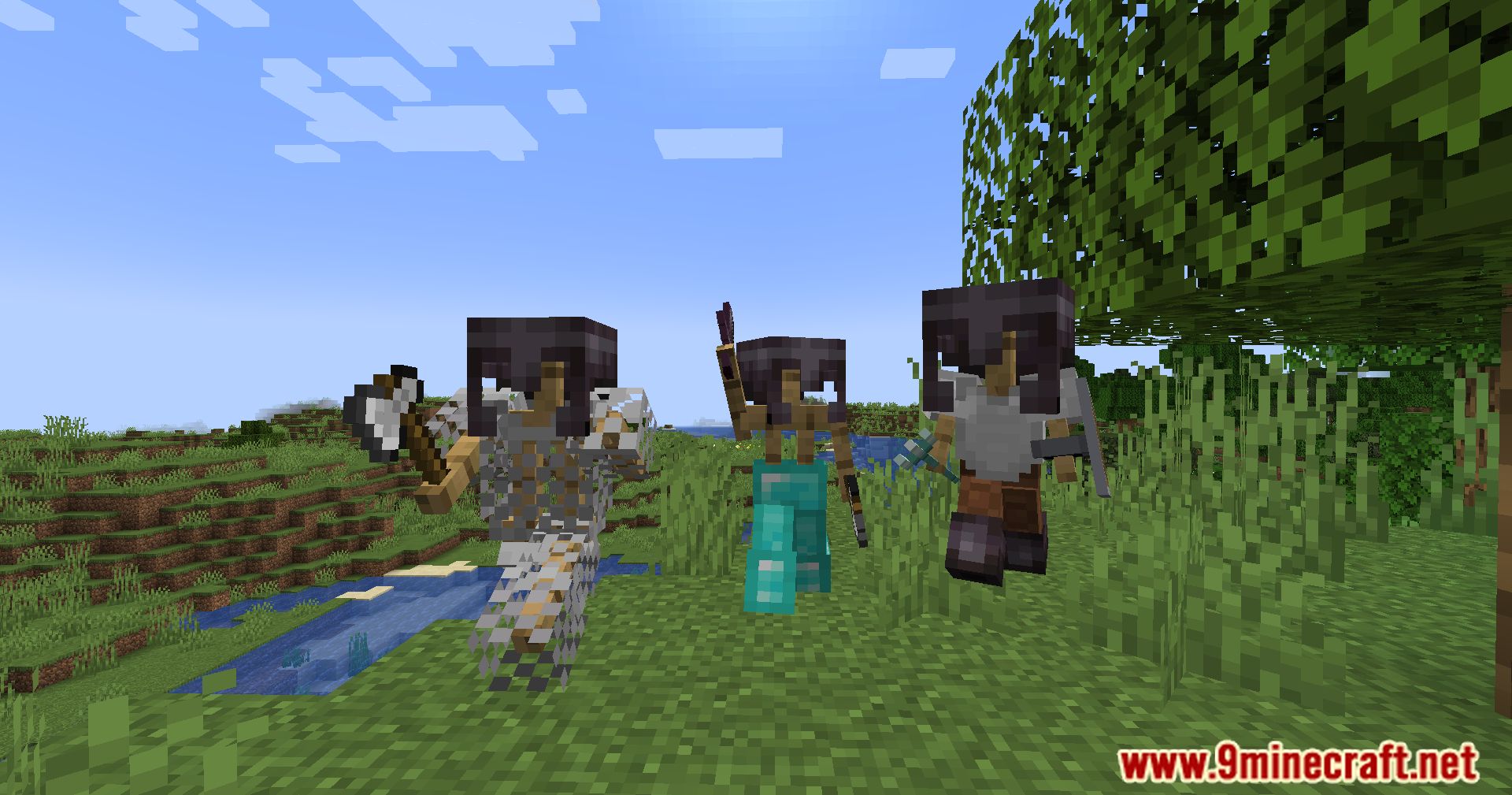
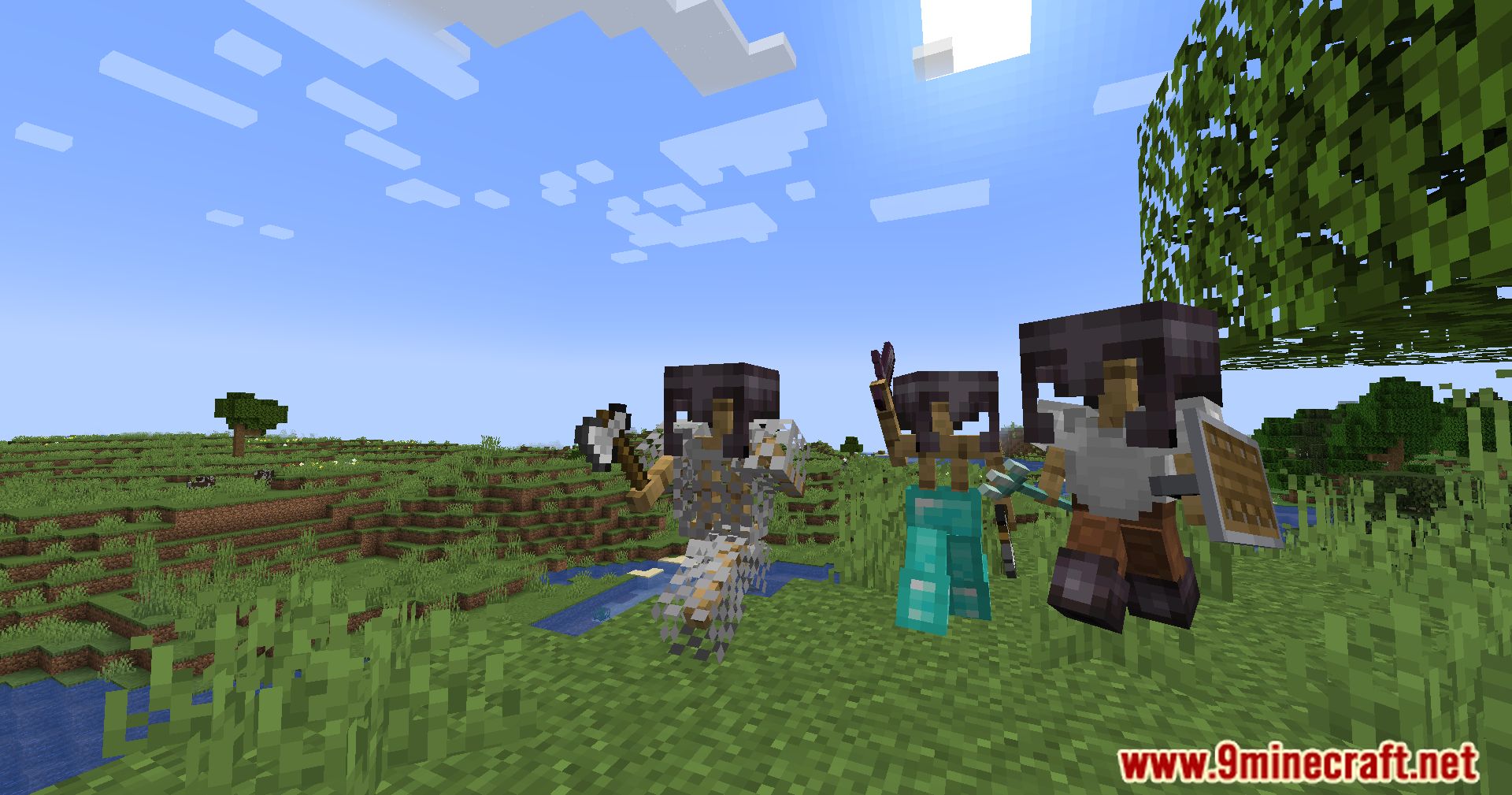
Armor Stand Editor Mod lets you change the look and pose of armor stands in survival mode without needing commands or external websites. It works smoothly on singleplayer worlds and multiplayer servers while keeping your inventory safe during use.
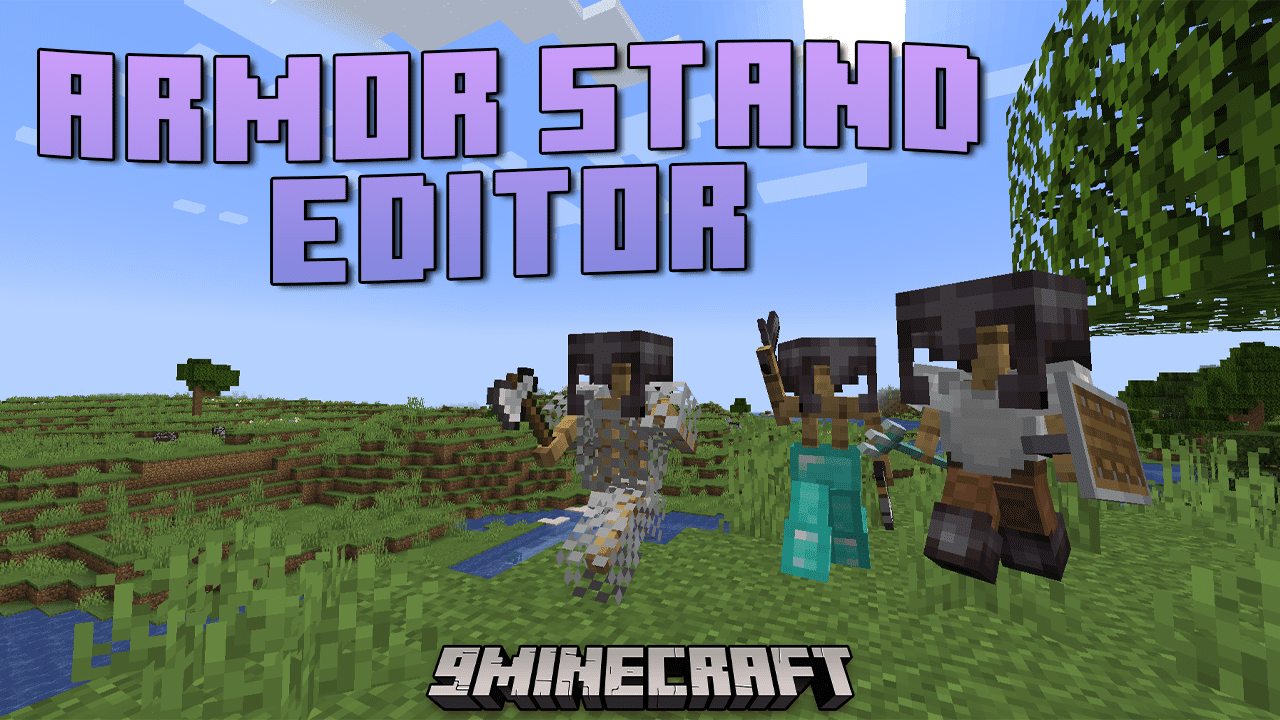
Features:
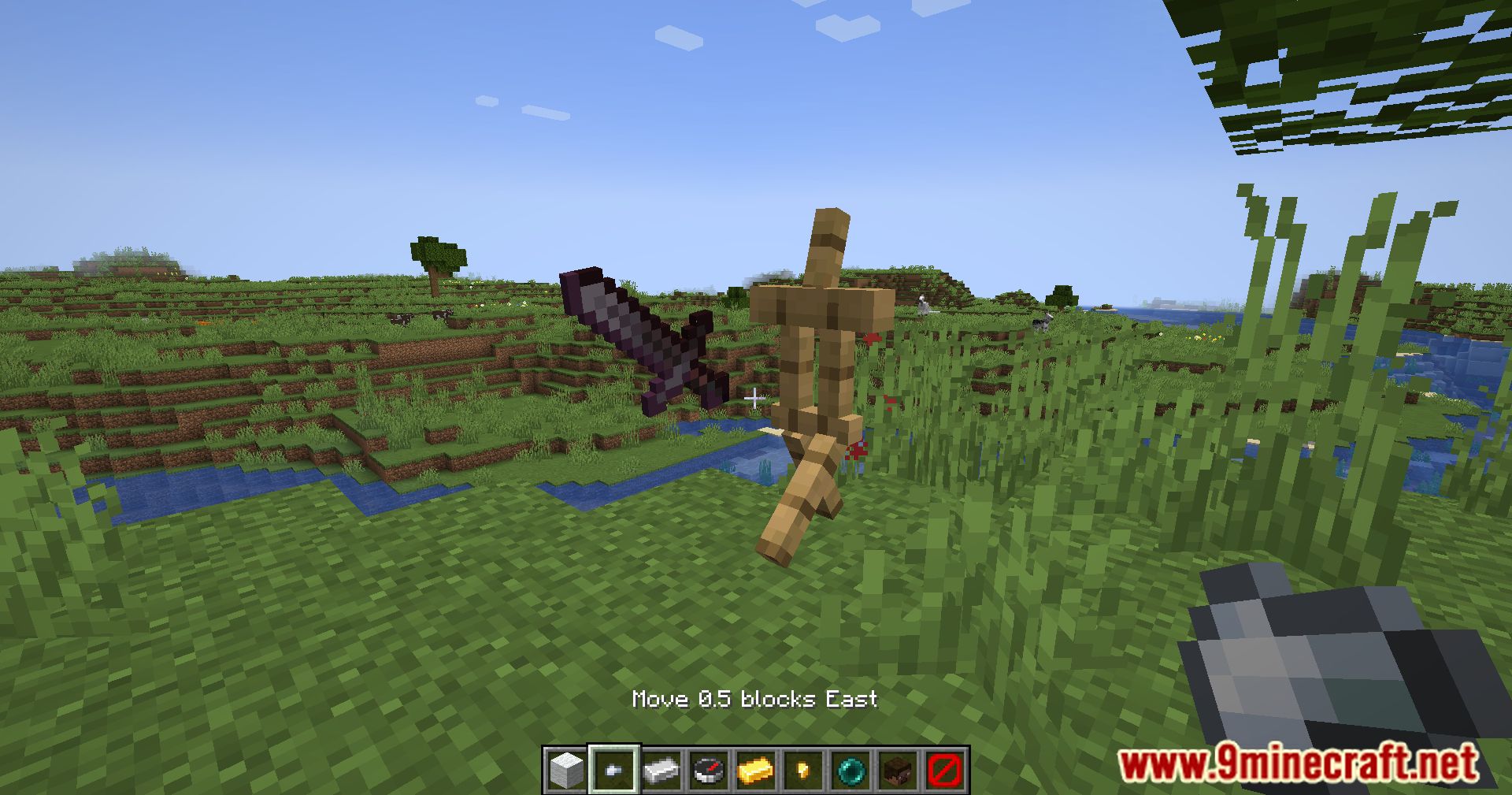
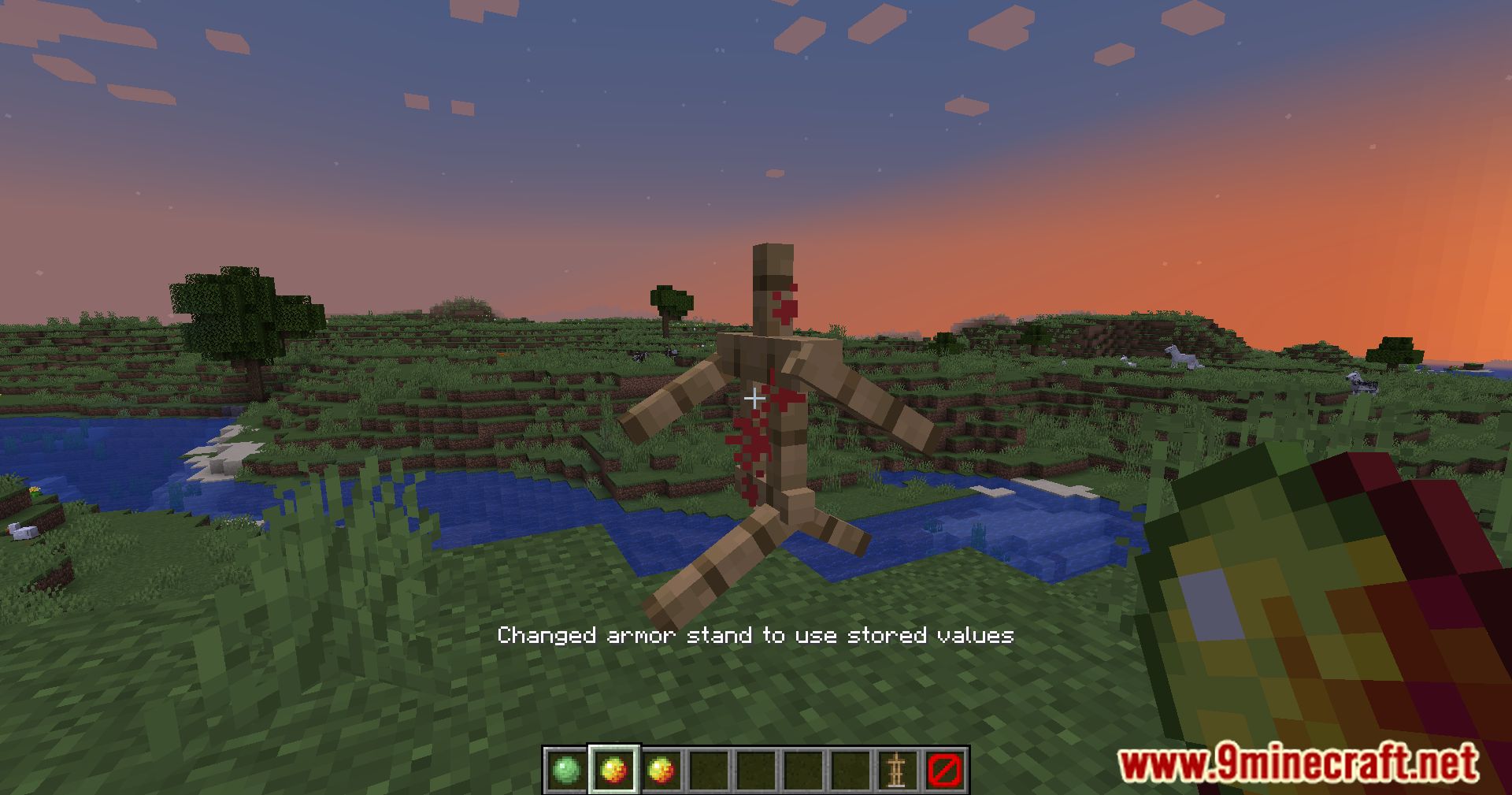
- Opens the editor menu in your hotbar when you right-click an armor stand while holding flint or another configured item.
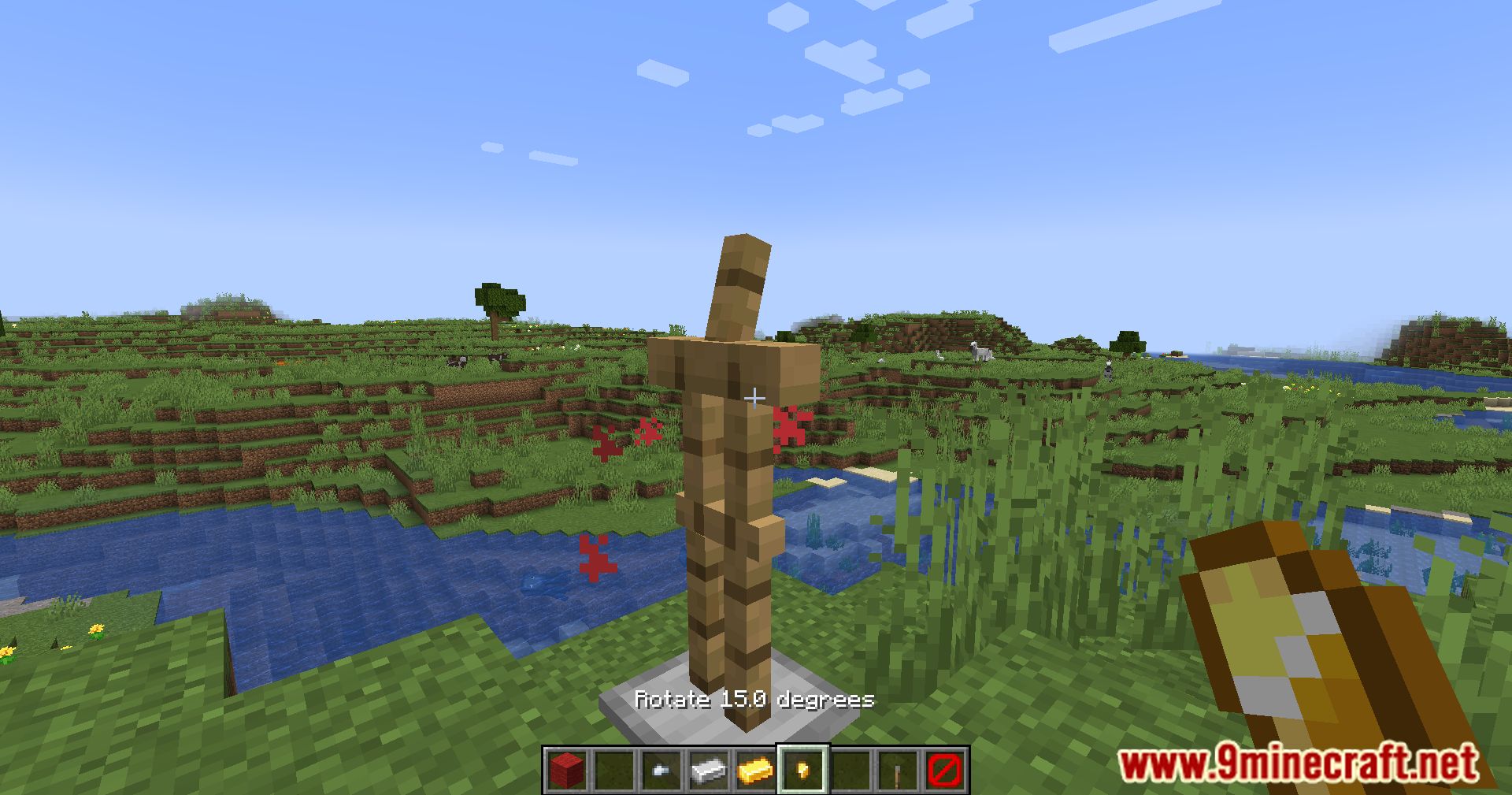
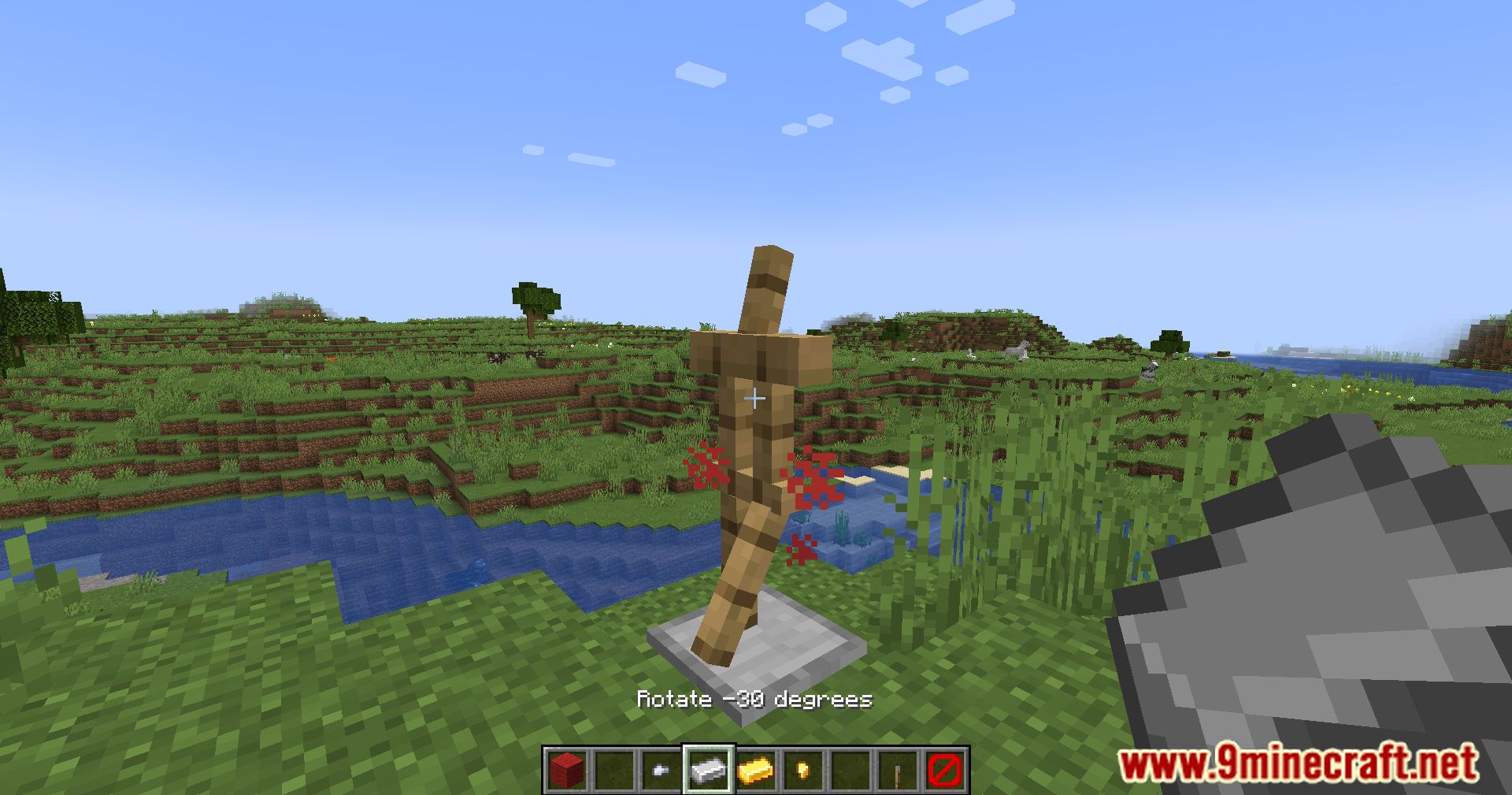
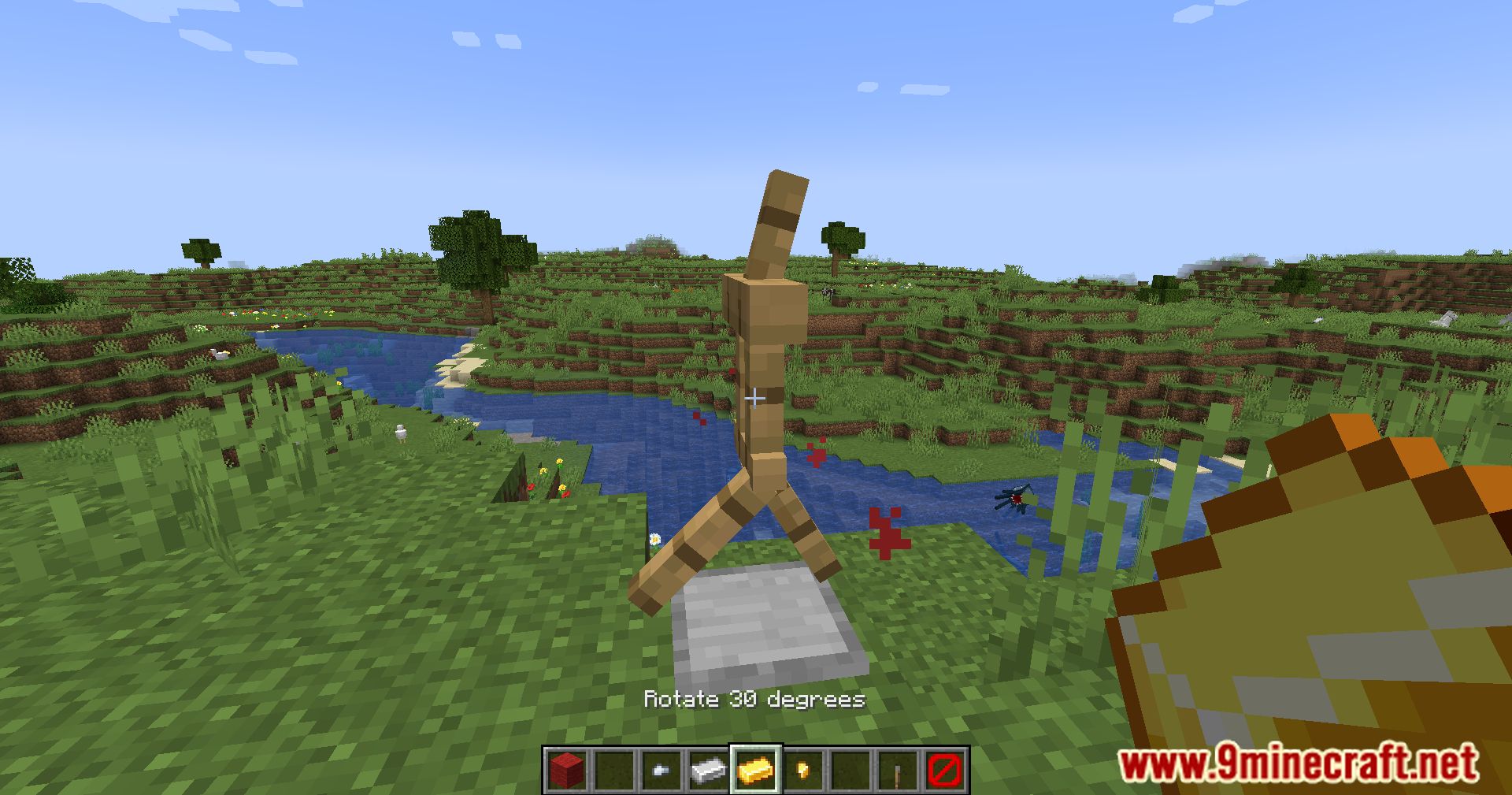
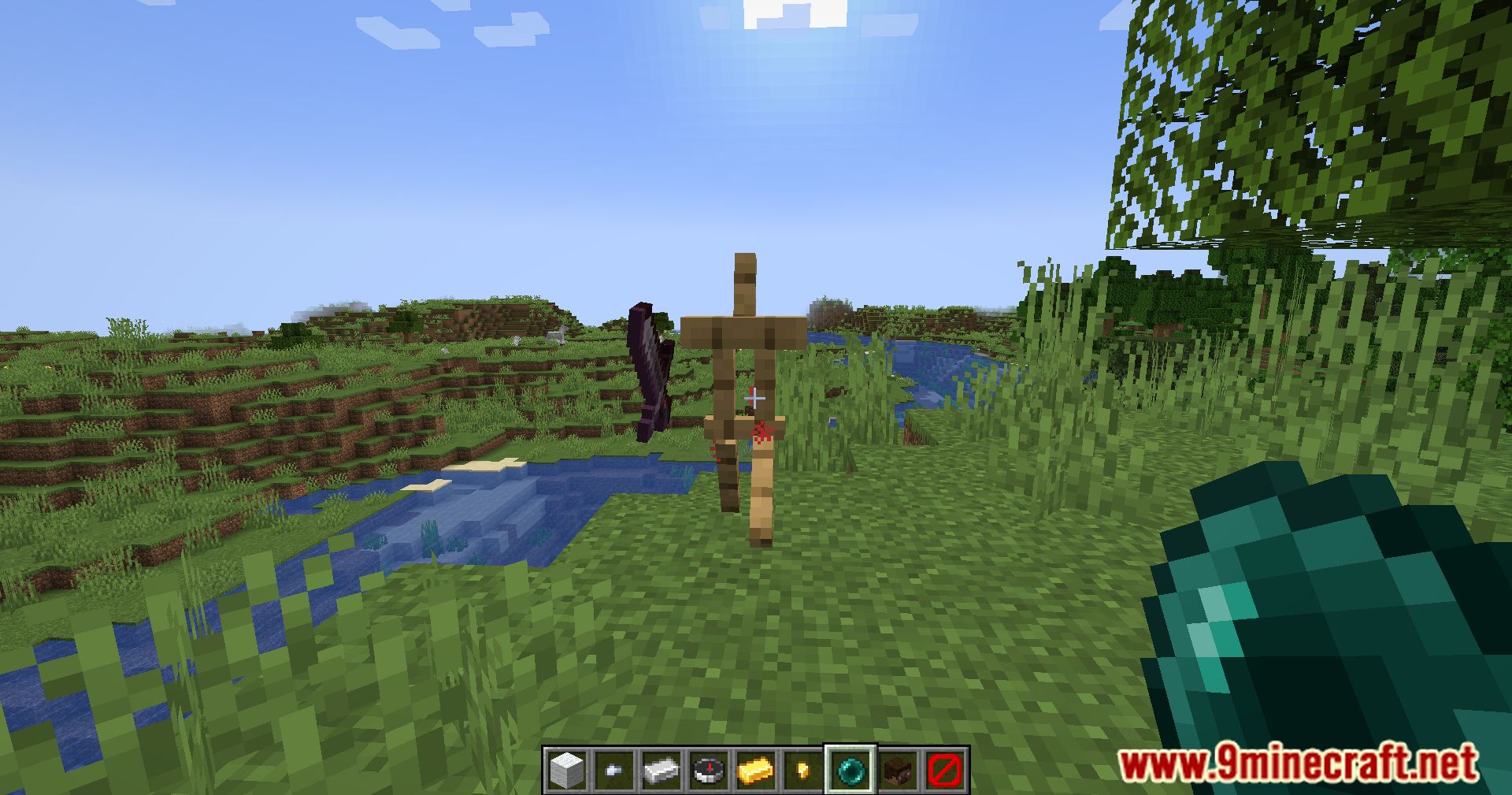
- Lets you rotate limbs, adjust angles, and mirror poses using simple actions and scroll wheel controls.
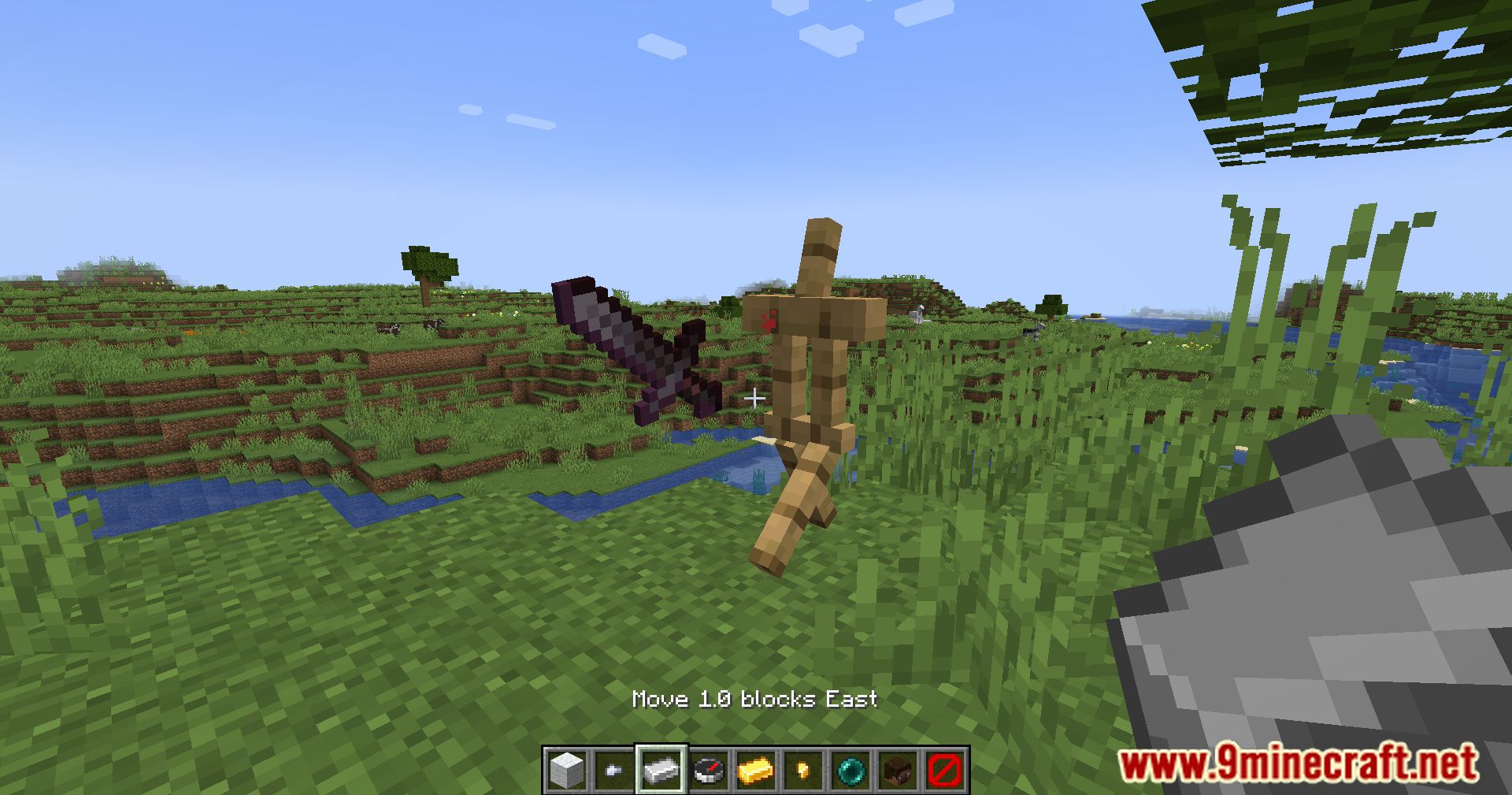
- Provides precise directional controls and sensitivity settings to position armor stands exactly where you want them.
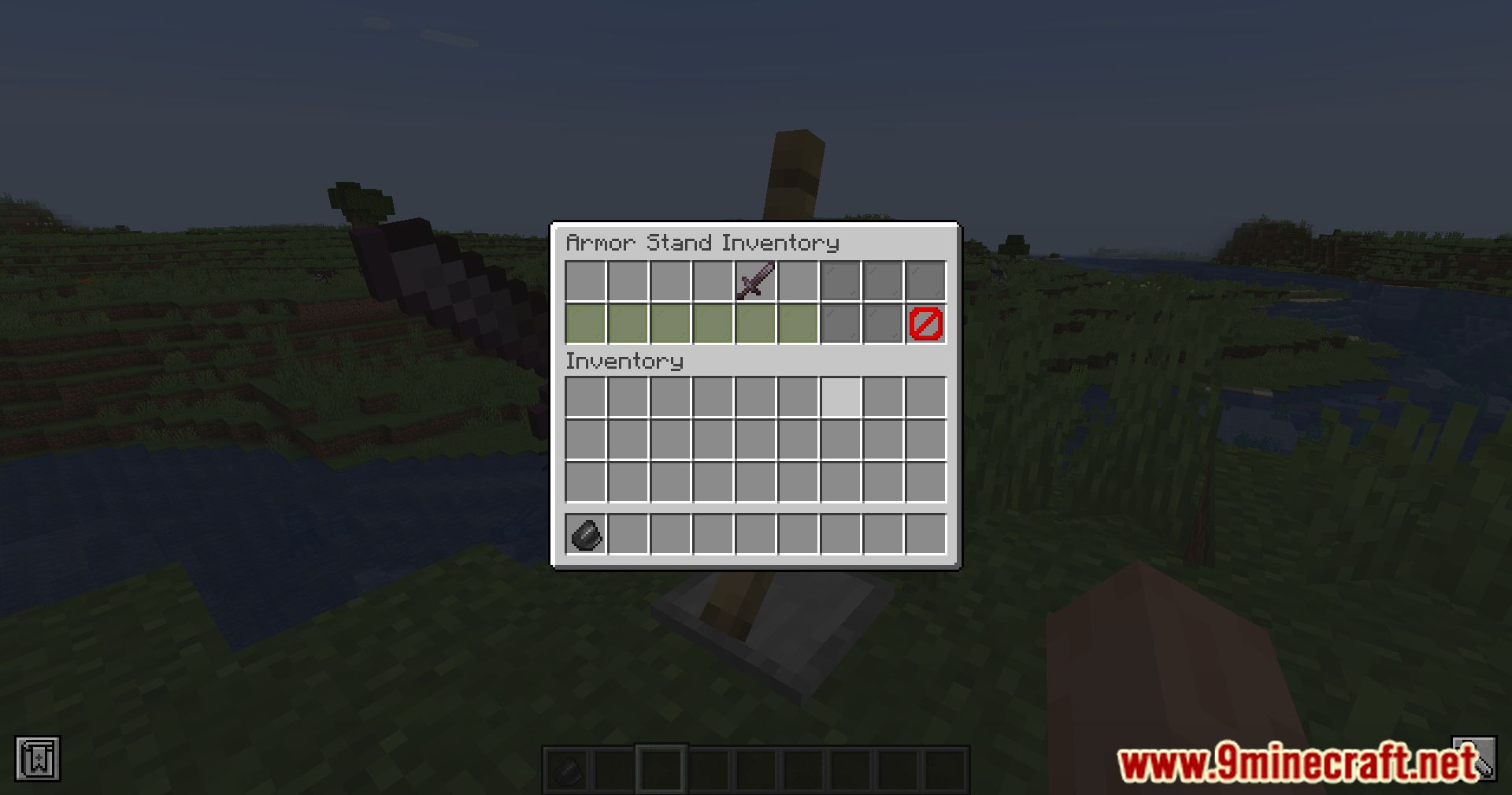
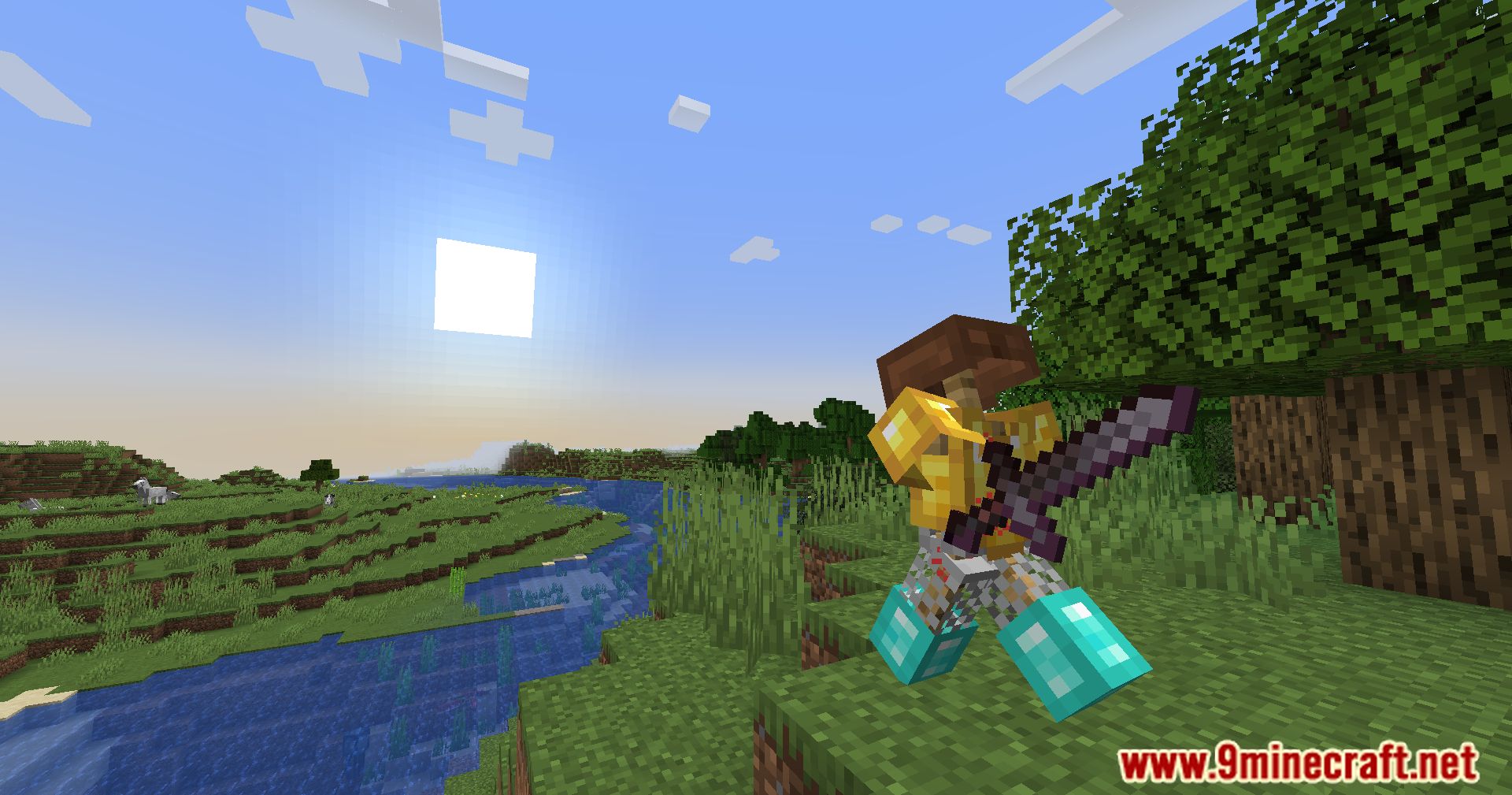
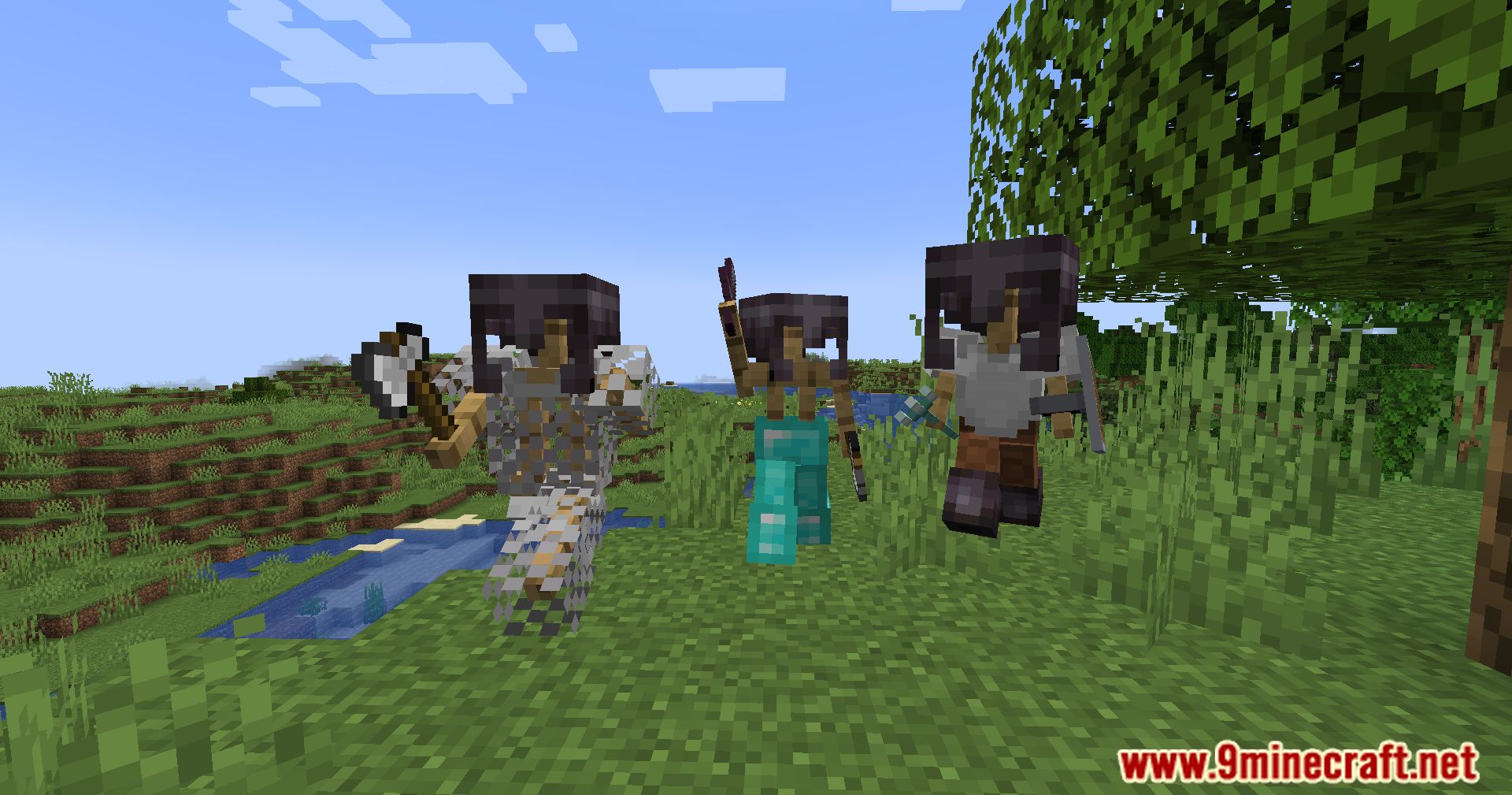
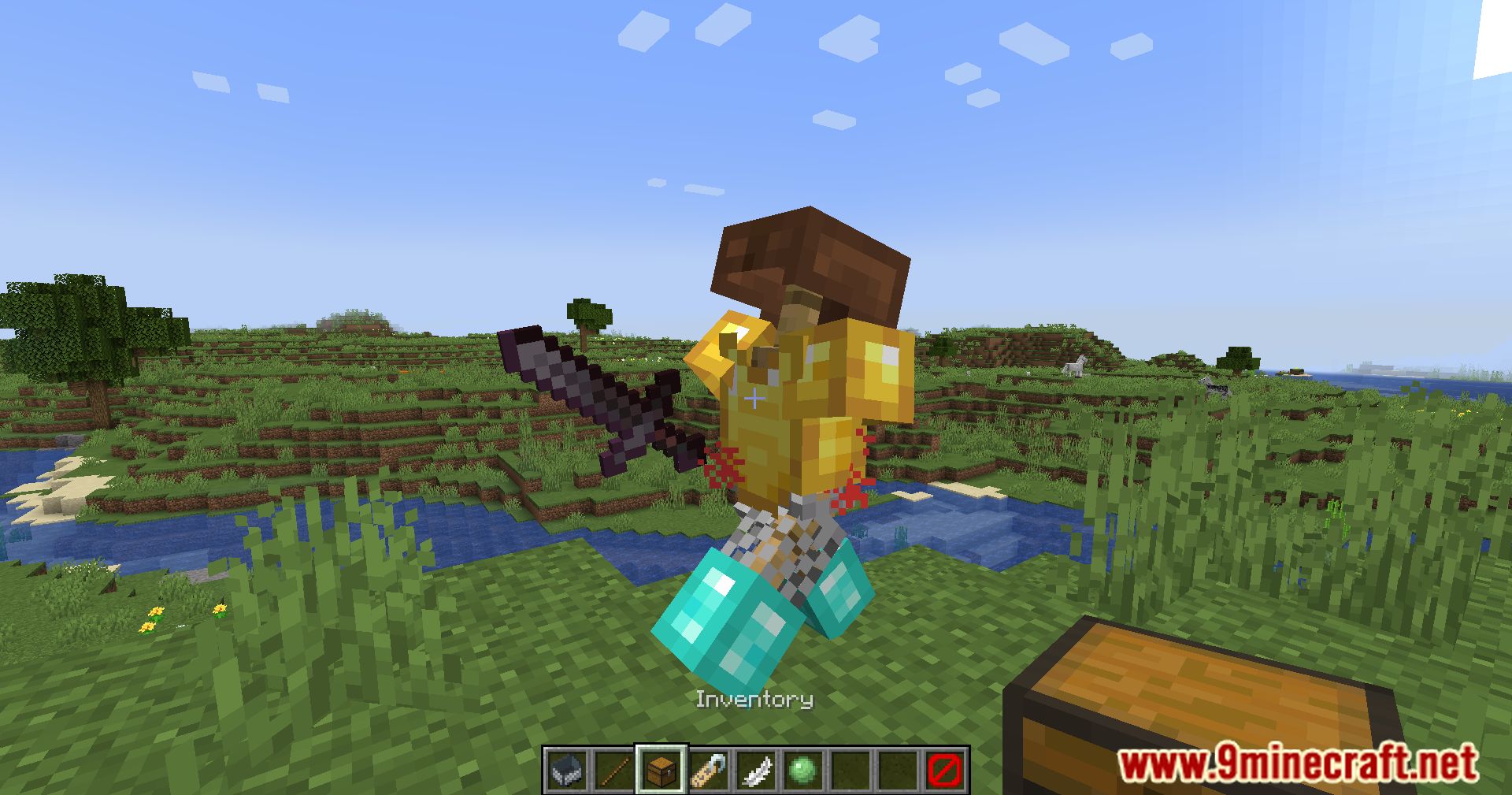
- Allows you to equip armor and items through a familiar inventory interface.
- Includes built-in presets and customization options for different poses.
- Supports Fabric and Quilt with server-side installation so vanilla players can use all features in multiplayer.
Commands:
/armorstandeditor: Manages mod permissions and editor settings using subcommands.
How to Use:
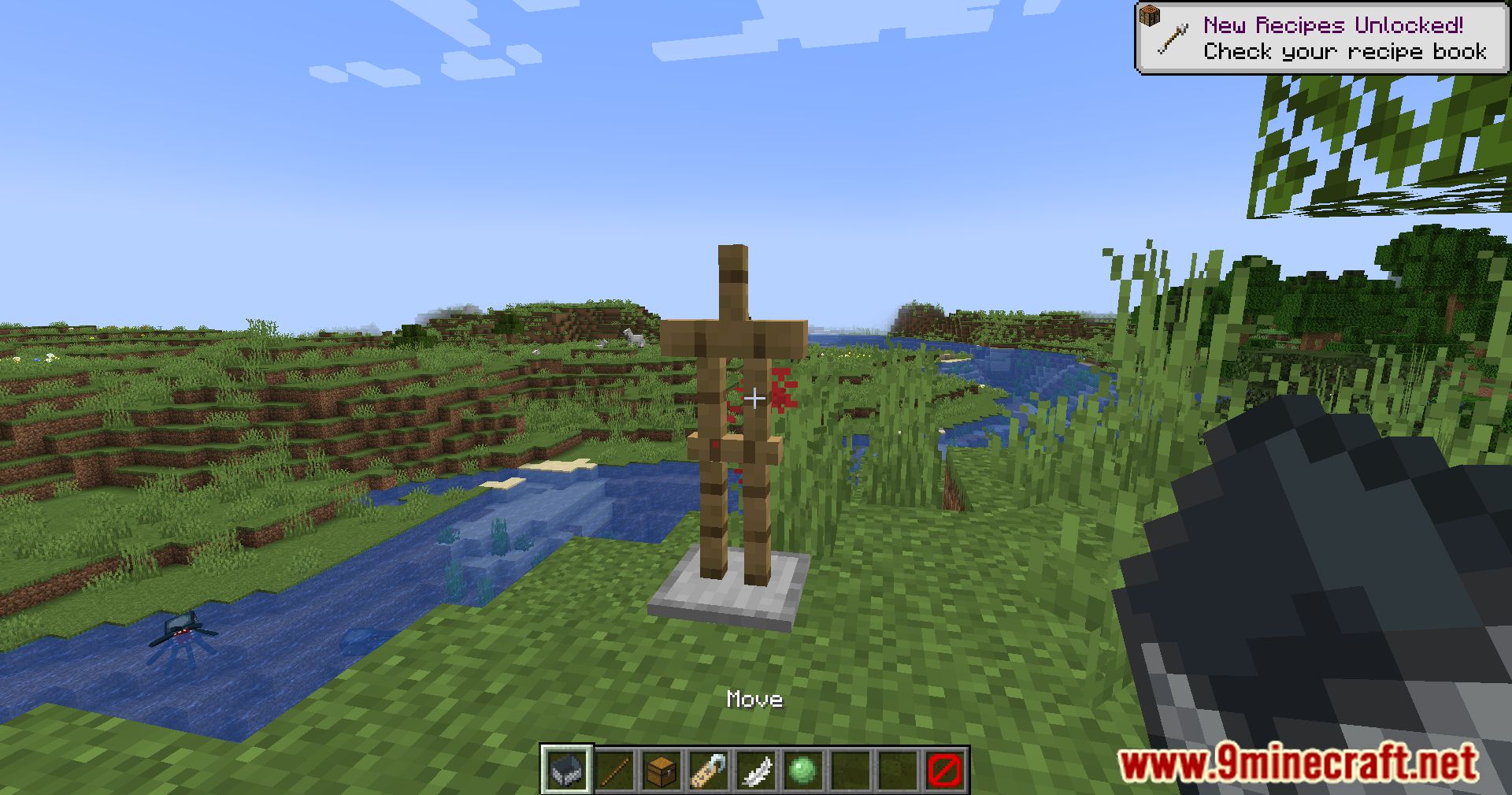
- Hold flint in your hand and right-click an armor stand to open the editing menu in your hotbar.
- Sneak and use the scroll wheel to change angle values or movement options up and down.
- Click the barrier icon on the right side to go back, or press Q to close the menu completely.
Screenshots:
How to Install:
New to Minecraft? Follow our step-by-step guide to install Mods on your PC.View Guide


Armor Stand Editor Mod Download Links
For Minecraft 26.3
For Minecraft 26.2
For Minecraft 26.1.2, 26.1.1, 26.1
For Minecraft 1.21.11
For Minecraft 1.21.10, 1.21.9
For Minecraft 1.21.8, 1.21.7, 1.21.6
For Minecraft 1.21.5
For Minecraft 1.21.4
For Minecraft 1.21.3, 1.21.2
For Minecraft 1.21.1, 1.21
For Minecraft 1.20.6
For Minecraft 1.20.4
For Minecraft 1.20.2
For Minecraft 1.20.1, 1.20
For Minecraft 1.19.4
For Minecraft 1.19.3
For Minecraft 1.19.2
For Minecraft 1.19.1
For Minecraft 1.19
For Minecraft 1.18.2
For Minecraft 1.18.1
For Minecraft 1.17.1
For Minecraft 1.16.5
Click to rate this post!
[Total: 0 Average: 0]
You May Also Like
Picked for this page
 Jade Mod (26.3, 1.20.1) – Hwyla/WAILA Fork
 GeOre Mod (26.1.2, 1.20.1) – Cultivation Of Ore Crystals
 Weaker Spiderwebs Mod (26.3, 1.20.1) – Easier to Break Spiderwebs
 LDLib Mod (26.3, 1.20.1) – Custom Rendering, Modular GUI
 Portable Crafting Table Mod (26.3, 1.20.1) – Handheld Crafting Device
 DnT Stronghold Overhaul Mod (26.3, 1.20.1) – Over 400 New Rooms
 MineMenu Mod (26.1.2, 1.20.1) – Make Your Life Easier
 Styled Nicknames Mod (26.3, 1.20.1) – Nickname Customization
 Always Sprint Mod (26.3, 1.20.1) – Sprinting Is Always On
 Anti Tool Break Mod (26.1.2, 1.20.1) – Preserve Your Tools Before They Break
 Chat Tools Mod (26.3, 1.20.1) – Advanced Tools and Customization Chat Options
 Pv-Addon-Sculk Mod (26.3, 1.20.1) – Wardens Detect Player Mic Audio
Most viewed in Mods over the last 7 days
 Ala Industrial Mod (26.3) – Run Electric Power Grids and Automated Factories
 PleasureCraft Mod (26.3, 1.21.1) – Jenny Mod Remake for Fabric
 Jennycraft Mod (26.3, 1.20.1) – Virtual Girlfriend in Minecraft
 Fapcraft Mod (26.3, 1.12.2) – Comprehensive and Detailed Content
 Jenny Mod (Fapcraft) Official Complete Guide – How to use, Tutorial
 BangCraft Mod (1.20.1) – Jenny, Ellie and Elliot
 Fabric Loader (26.3, 1.20.1) – Fabric Installer for All Minecraft Versions
 The Shooting Star Demo Mod (26.3, 1.20.1) – Vaporize Terrain From Orbit
 Meteor Client Mod (26.3, 1.20.1) – Xray, HUD, Fly
 OptiFine HD (26.3, 1.20.1) – Run Faster, FPS Boost, Shaders Support
 Aristois Client Mod (1.21.4, 1.20.1) – World Class Minecraft Utility
 Prestige Client Mod (1.21.11, 1.21.4) – Powerful Ghost Features for Crystal & Sword PvP
More from Mods
 Shade & Saturation Slider Mod (26.2, 1.21.11) – Make Every Biome Vibrant
 Cataclysm X Yung’s Better Nether Fortresses Compat Mod (1.21.1, 1.20.1)
 Patchouli 9minecraft Mod (26.3) – Read Mod Guides Without Leaving Minecraft
 Paintings ++ 9minecraft Mod (26.3) – Pick the Exact Painting You Want
 owo-lib 9minecraft Mod (26.3) – Run Your Favorite Mods Without Errors
 Moonlight 9minecraft Lib (26.3, 26.2) – Run Complex Mods Without Errors
 Load My Tags 9minecraft Mod (26.3) – Mix Mods Without Breaking Recipes
 Kambrik 9minecraft Mod (26.3) – Run Kotlin Mods Without Game Lag
 Fast Paintings 9minecraft Mod (26.3, 26.2) – Place Wall Art Exactly Where You Want It
 Bonsai Trees 9minecraft Mod (26.3, 26.2) – Automate Wood Farming in Tiny Pots
 Enhanced Block Entities 9minecraft Mod (26.3) – Build Lag-Free Storage Rooms
 Better Nether 9minecraft Mod (26.3, 26.2) – Survive Forever in the Nether

This post has no comments yet. Be the first — your comment will appear here.