
Server Hats Mod (1.20.2, 1.20.1) – Turn Everyday Blocks Into Quirky Headwear

 0


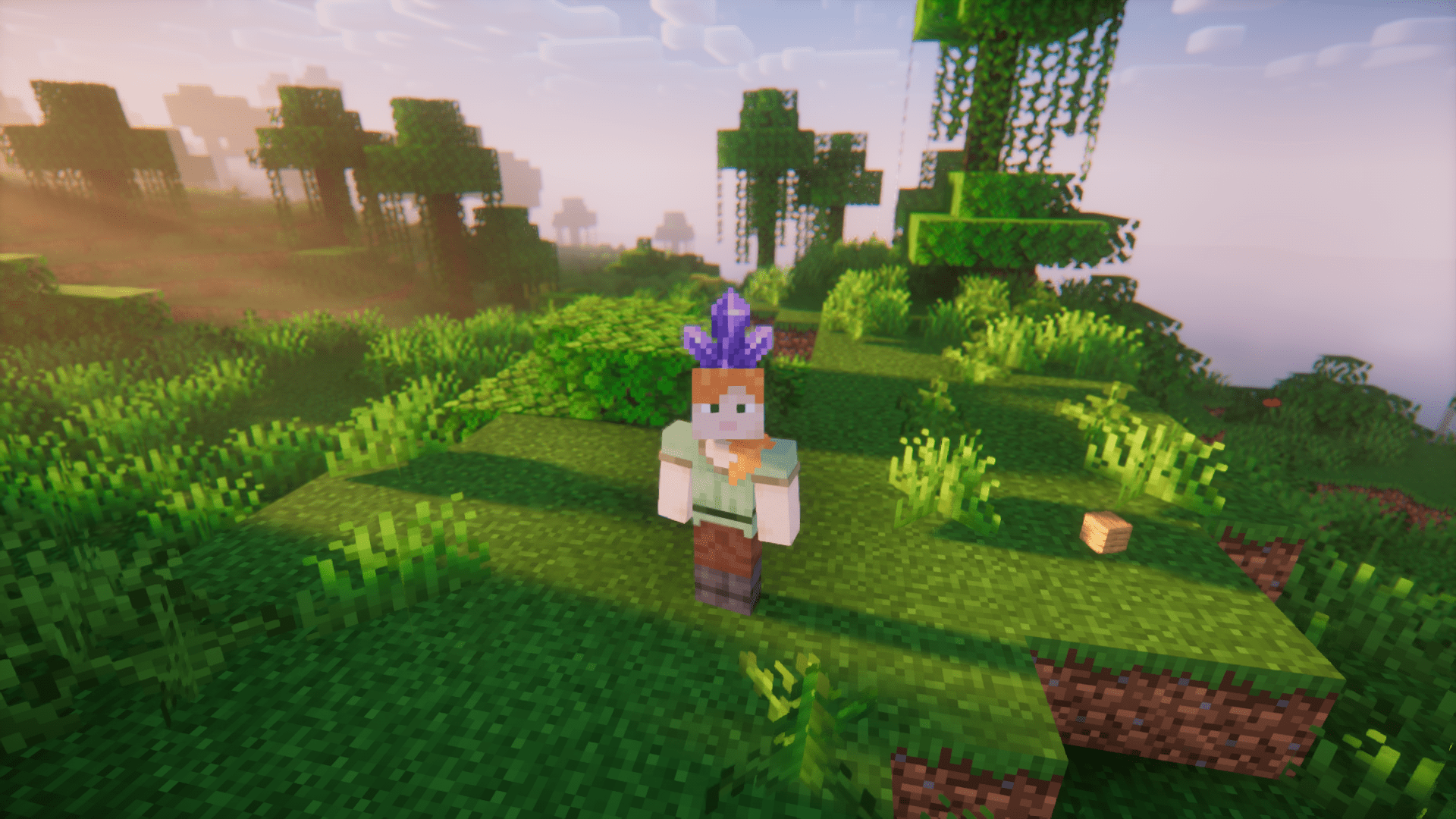
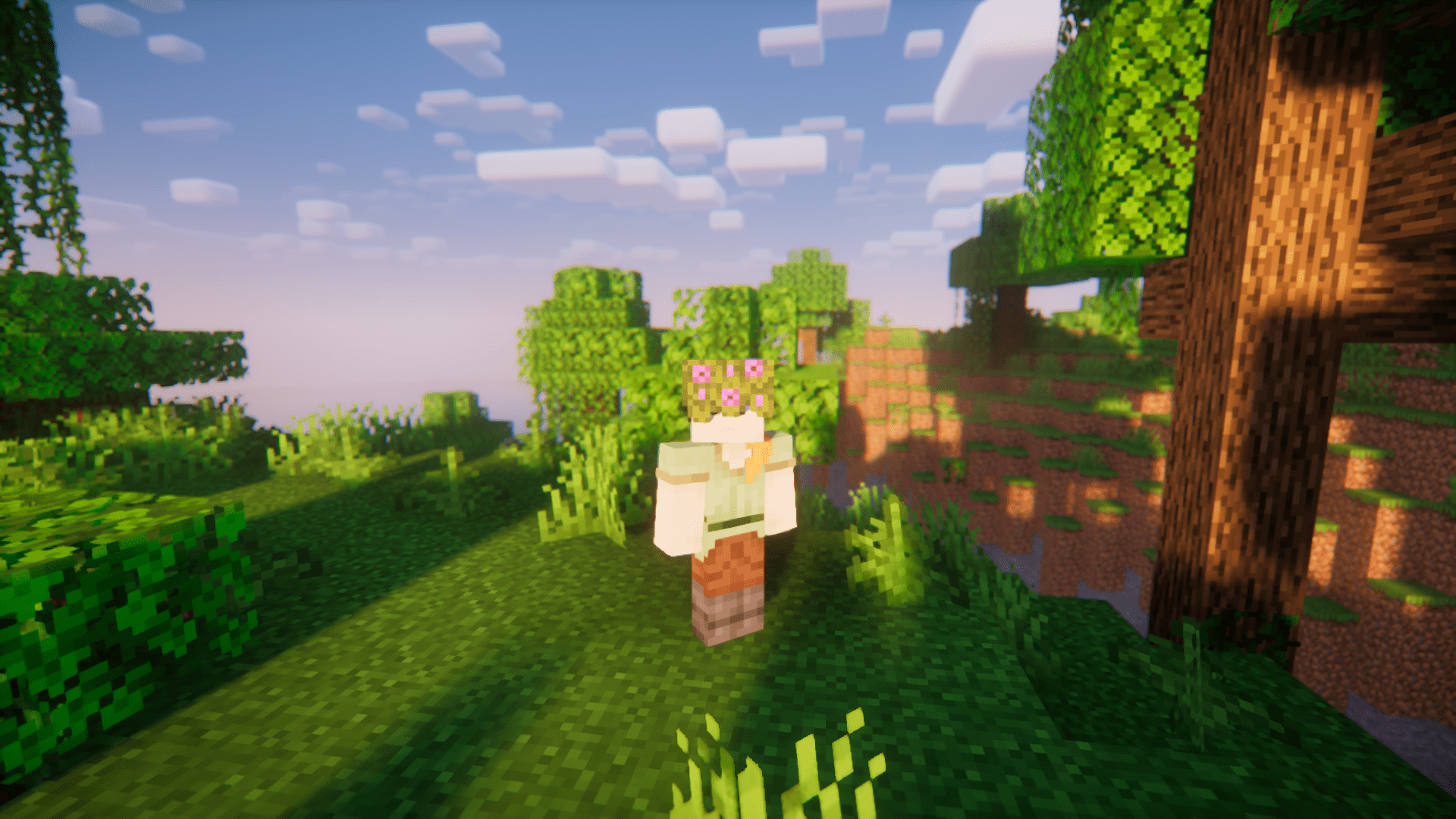
Server Hats Mod lets you wear regular blocks and items as hats on your head. You place allowed items like beds, banners, glass blocks, or amethyst clusters straight into your helmet slot without typing any commands. The mod also supports dispensers, curse enchantments on an anvil, and custom item lists that can include every item in the game. Shift-clicking never equips hats, so you do not put building blocks on your head by mistake. This server-side Fabric mod requires Fabric API and lets you adjust every setting through a config file or an in-game command.
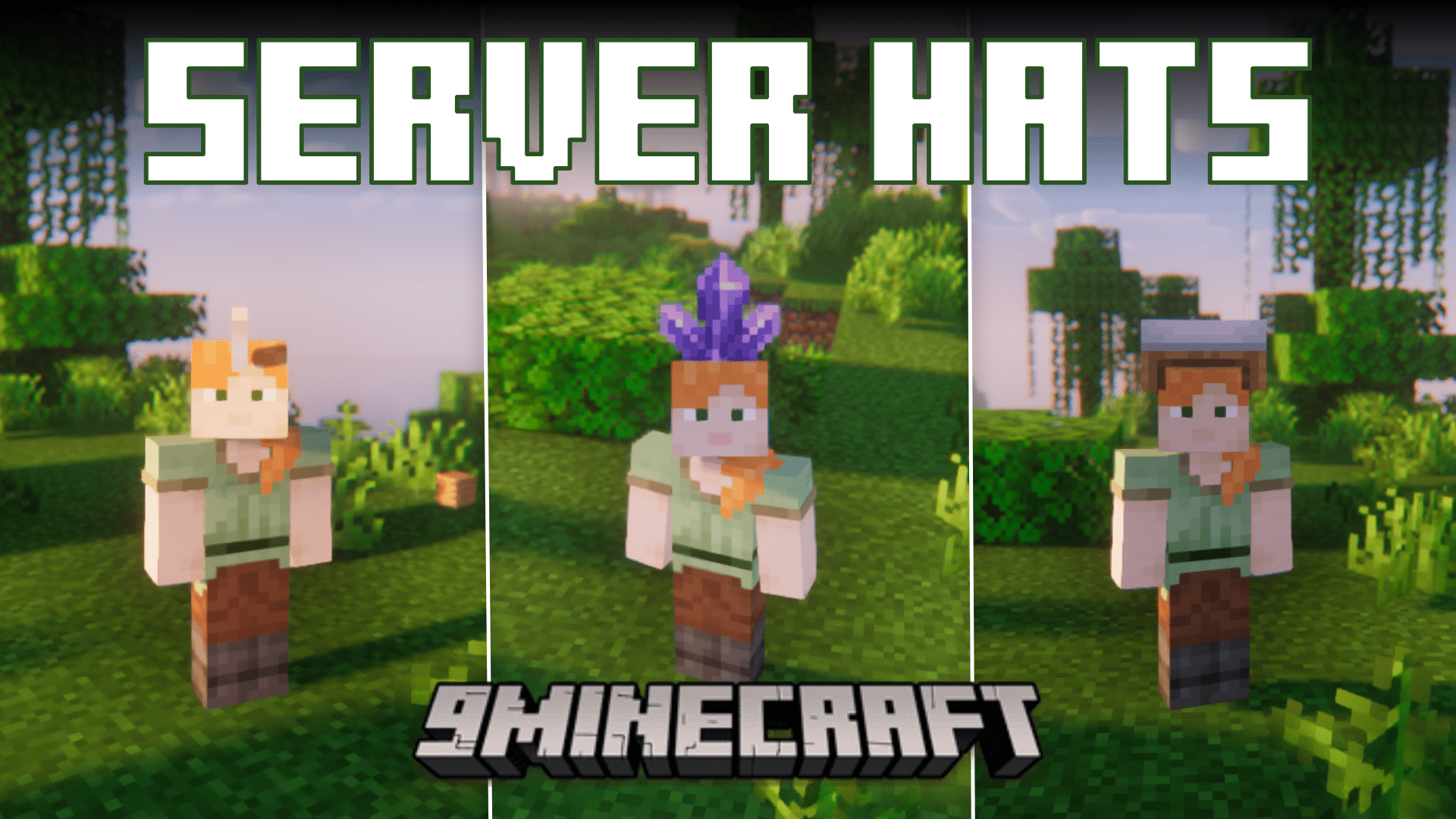
Features:
- Direct Helmet Equipping: Lets you place allowed items and blocks straight into your helmet slot without using commands.
- Custom Hat List: Lets you add or remove any item from the allowed list, or turn on every item in the game to work as a hat.
- Dispenser Support: Allows dispensers to equip hat items directly onto players.
- Curse Enchantments: Lets you enchant hat items with curse enchantments on an anvil.
- Prevents shift-clicking from moving hat items into the helmet slot, so you never put building blocks on your head by accident.
- Works on the server side for Fabric with Fabric API and lets you adjust all settings using a configuration file or an in-game command.
Default Items with Special Rendering:
- Banners
- Fence gates
- Amethyst clusters and buds
- Beds
- Feather
- End rod
- Lightning rod
- Spyglass
- Lead
- Bone
- Cod
- Conduit
Extra Default Block Hats:
- Glass blocks (including tinted glass and stained glass)
- Azalea bushes
- Scaffolding
- Big dripleaf
- Slime blocks and honey blocks
- Composter
Commands:
/hats: Lets you change mod settings, adjust features, and edit which items work as hats.
How to Use:
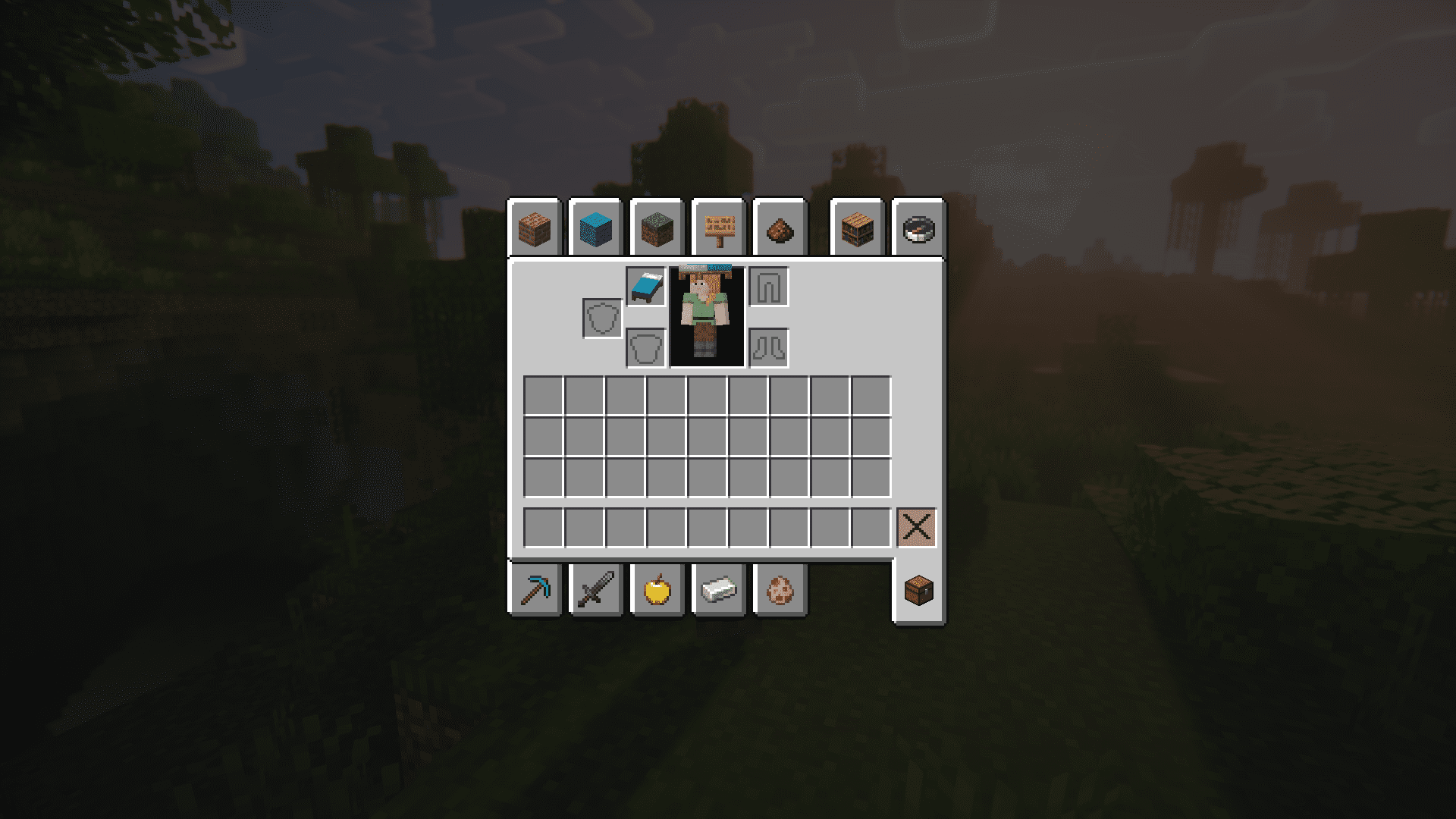
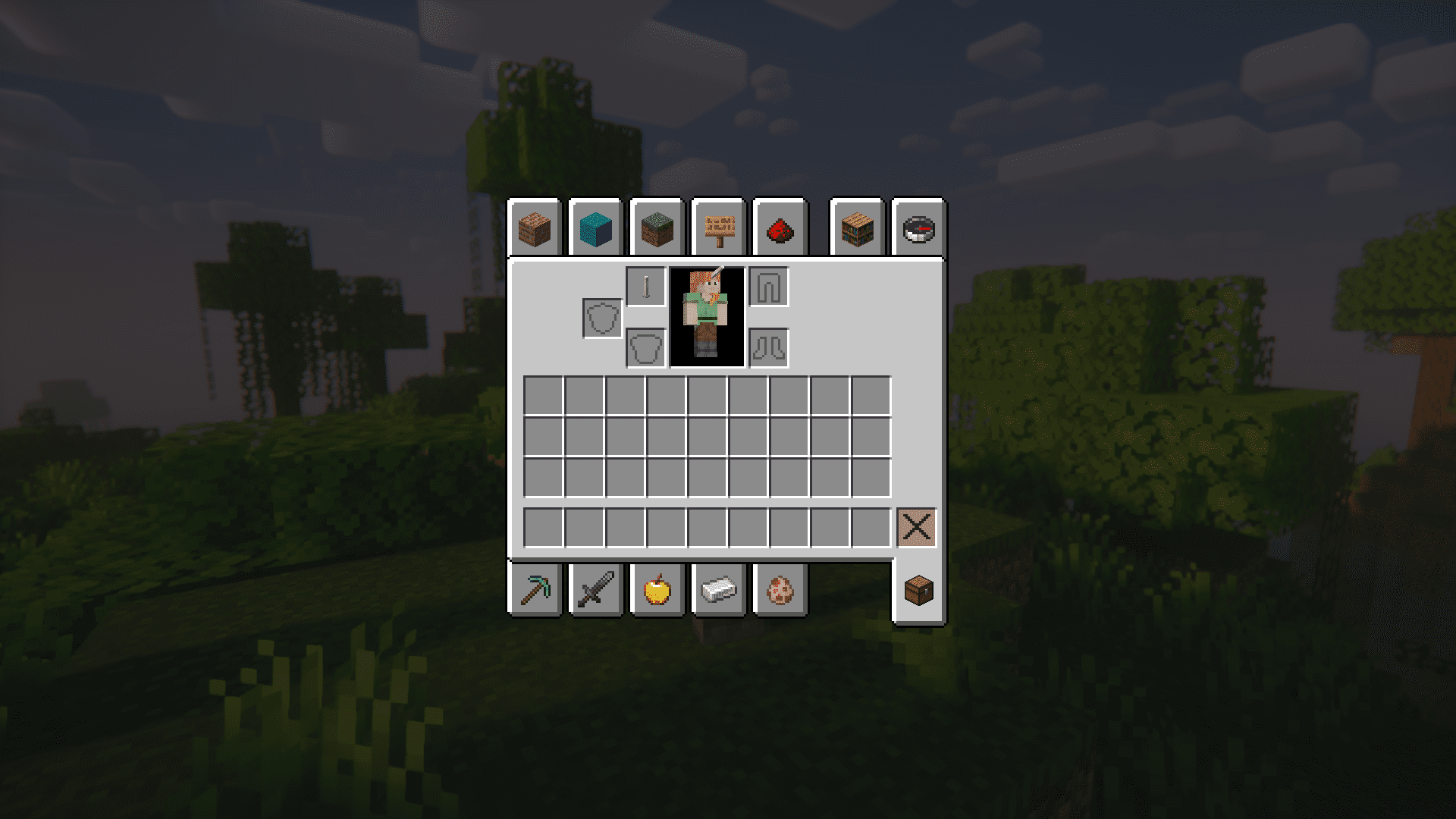
- Open your inventory and drag any allowed item or block straight into your helmet slot to wear it as a hat.
- Avoid holding Shift while clicking a hat item, since shift-clicking will not equip it into your helmet slot.
- Load an allowed hat item into a dispenser to place it onto a player’s head.
- Combine a hat item with a curse enchantment on an anvil to surprise friends in multiplayer.
- Type
/hatsin chat or edit the configuration file to add or remove items, enable every item in the game as a hat, or change other settings.
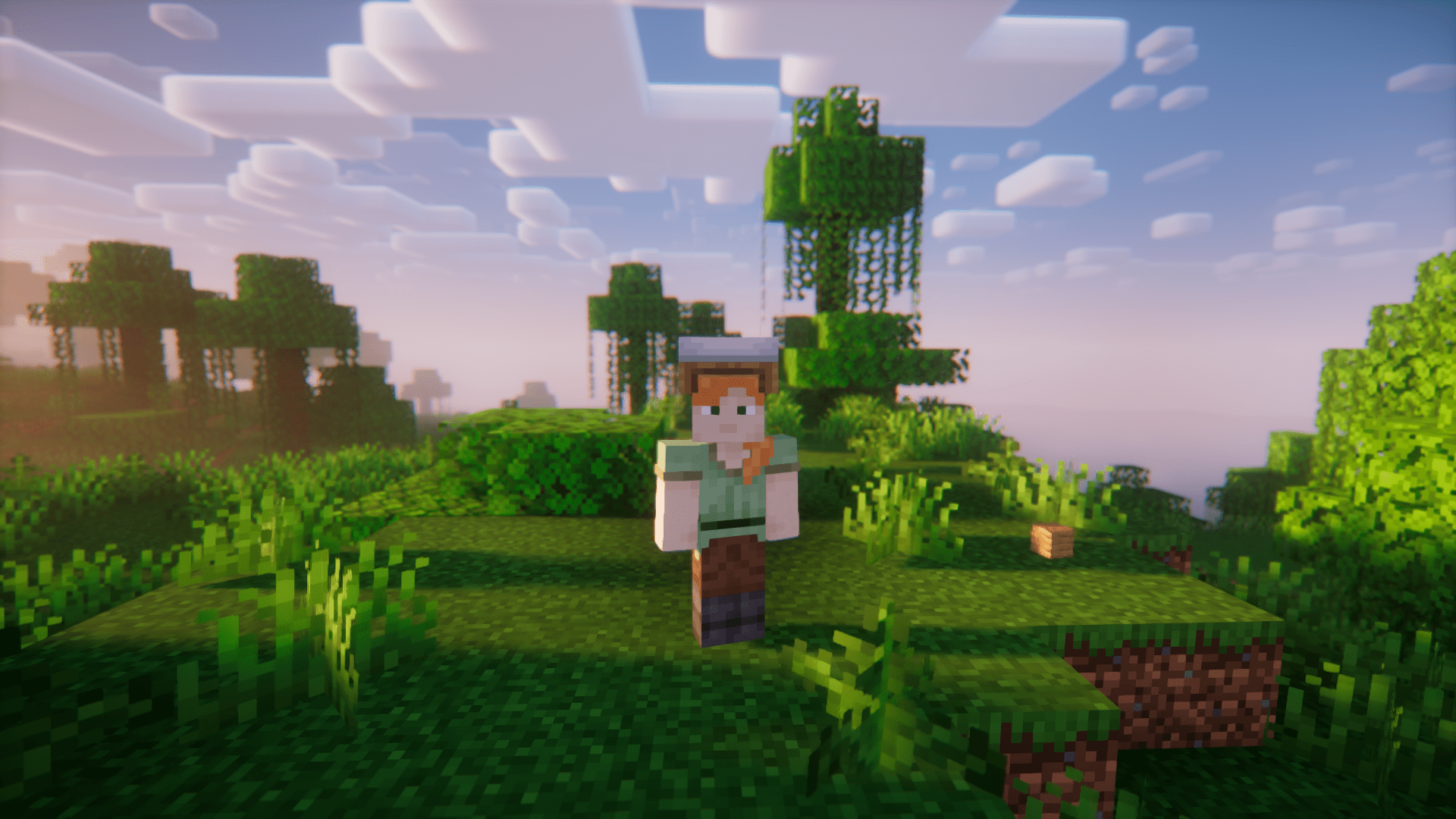
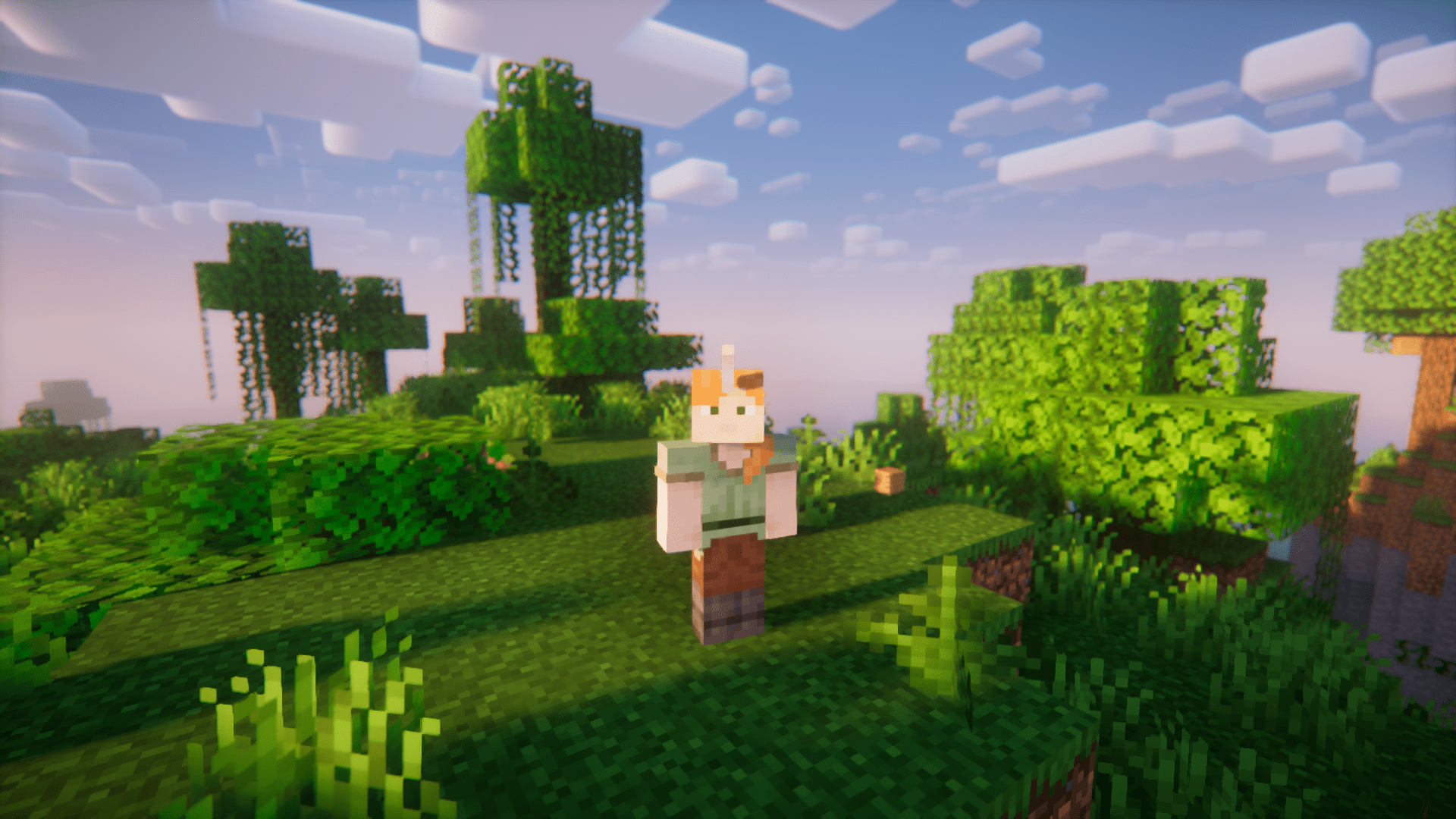
Screenshots:
How to Install:
New to Minecraft? Follow our step-by-step guide to install Mods on your PC.View Guide
Server Hats Mod Download Links
For Minecraft 1.20.2
Fabric/Quilt version: Download from Server 1 – Download from Server 2
For Minecraft 1.20.1, 1.20
Fabric/Quilt version: Download from Server 1 – Download from Server 2
For Minecraft 1.19.4
Fabric/Quilt version: Download from Server 1 – Download from Server 2
For Minecraft 1.19.2
Fabric/Quilt version: Download from Server 1 – Download from Server 2
For Minecraft 1.18.2
Fabric version: Download from Server 1 – Download from Server 2
For Minecraft 1.17.1
Fabric version: Download from Server 1 – Download from Server 2
You May Also Like
Picked for this page
 Silent Gear Mod (26.1.2, 1.20.1) – Exclusive Gears
 I Am Music Player Mod (1.20.1, 1.19.4) – Play Your Own Music Directly Inside Minecraft
 Third Person Mod (26.2, 1.20.1) – Dynamic Third Person Camera
 Horse Statistics Mod (26.3, 1.20.1) – Attribute Display, Taming Assistance
 Cinderscapes Mod (26.2, 1.20.1) – An Expansion of Nether Biomes
 TAB Mod (1.21.11, 1.20.1) – An All-In-One Solution That Works
 Solar Apocalypse: Refabricated Mod (26.2, 1.20.1) – Starts a Solar Apocalypse
 Simple Hammers Mod (26.3, 1.20.1) – Perfect Tools For Builders And Miners
 BetterShields Mod (26.3, 1.20.1) – Fixes Shield Bugs
 Fancy Block Particles Renewed Mod (26.1.2, 1.20.1) – 3D Digging Particles
 Raknetify Mod (1.21.11, 1.20.1) – Improved Network Reliability
 Hide Item Frame Mod (26.3, 1.20.1) – Equipped Item Frames Turn Invisible
Most viewed in Mods over the last 7 days
 Ala Industrial Mod (26.3) – Run Electric Power Grids and Automated Factories
 PleasureCraft Mod (26.3, 1.21.1) – Jenny Mod Remake for Fabric
 Jennycraft Mod (26.3, 1.20.1) – Virtual Girlfriend in Minecraft
 Fapcraft Mod (26.3, 1.12.2) – Comprehensive and Detailed Content
 Jenny Mod (Fapcraft) Official Complete Guide – How to use, Tutorial
 BangCraft Mod (1.20.1) – Jenny, Ellie and Elliot
 Fabric Loader (26.3, 1.20.1) – Fabric Installer for All Minecraft Versions
 The Shooting Star Demo Mod (26.3, 1.20.1) – Vaporize Terrain From Orbit
 Meteor Client Mod (26.3, 1.20.1) – Xray, HUD, Fly
 OptiFine HD (26.3, 1.20.1) – Run Faster, FPS Boost, Shaders Support
 Aristois Client Mod (1.21.4, 1.20.1) – World Class Minecraft Utility
 Prestige Client Mod (1.21.11, 1.21.4) – Powerful Ghost Features for Crystal & Sword PvP
More from Mods
 MTR Navigation Mod (1.21.1) – Plan Railway Trips and Never Miss a Train Stop
 TheHouse Mod (1.21.11) – Host Casino Tables and Track Every Bet in Real Time
 CinematicInteractions Mod (1.21.1) – Watch Your Hands Work at Every Crafting Table
 Earth Platform Mod (1.21.1) – Travel Across Real Continents in a True Scale World
 Taunahi Mod (26.1.2) – Automate Daily Farming and Slayers in Hypixel Skyblock
 HORROR Fake Join Leave Messages Mod (1.20.1) – Trigger Creepy Chat Scares
 Bons Voyage Mod (1.20.1) – Teleport Across Biomes Through Hidden Waystones
 Orbital Railgun UPDATED Mod (26.3) – Flatten Giant Landscapes From Space
 Automobility Autoradio Mod (26.3, 26.1.2) – Trade Custom Mixtapes with Friends
 Towers of the Wild 9minecraft Mod (26.3, 26.2) – Climb Tall Towers for Loot
 Ender Storage 9minecraft Mod (26.3, 26.2) – Send Loot Back Home From Any Dimension
 Snad 9minecraft Mod (26.3, 26.2) – Build Faster Sugar Cane and Nether Wart Farms

This post has no comments yet. Be the first — your comment will appear here.