
Better Brightness Slider Mod (1.20.4, 1.20.1) – Explore Deep Caves
 1,330
 0


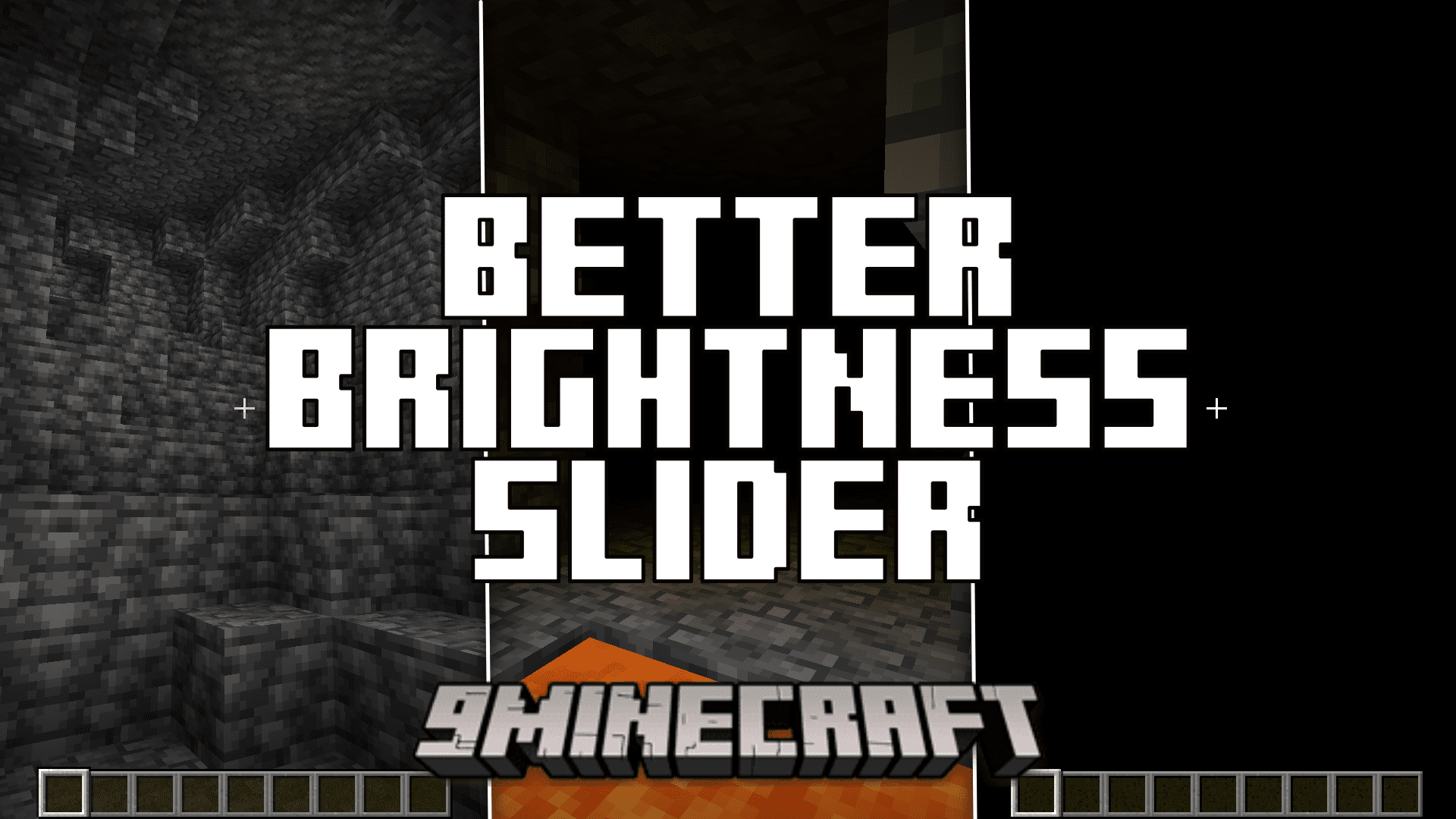
Better Brightness Slider Mod expands the default brightness slider in Minecraft from 0%–100% to a much wider range. You can drag the slider down to -100% for pitch-black caves or push it up to 1200% for fullbright vision. This clientside mod runs only on your end, so multiplayer servers do not need it installed. It also works smoothly with Optifine and Rubidium.
Requires:
Features:
- Expands the standard video settings brightness slider beyond its normal 0% to 100% limits.
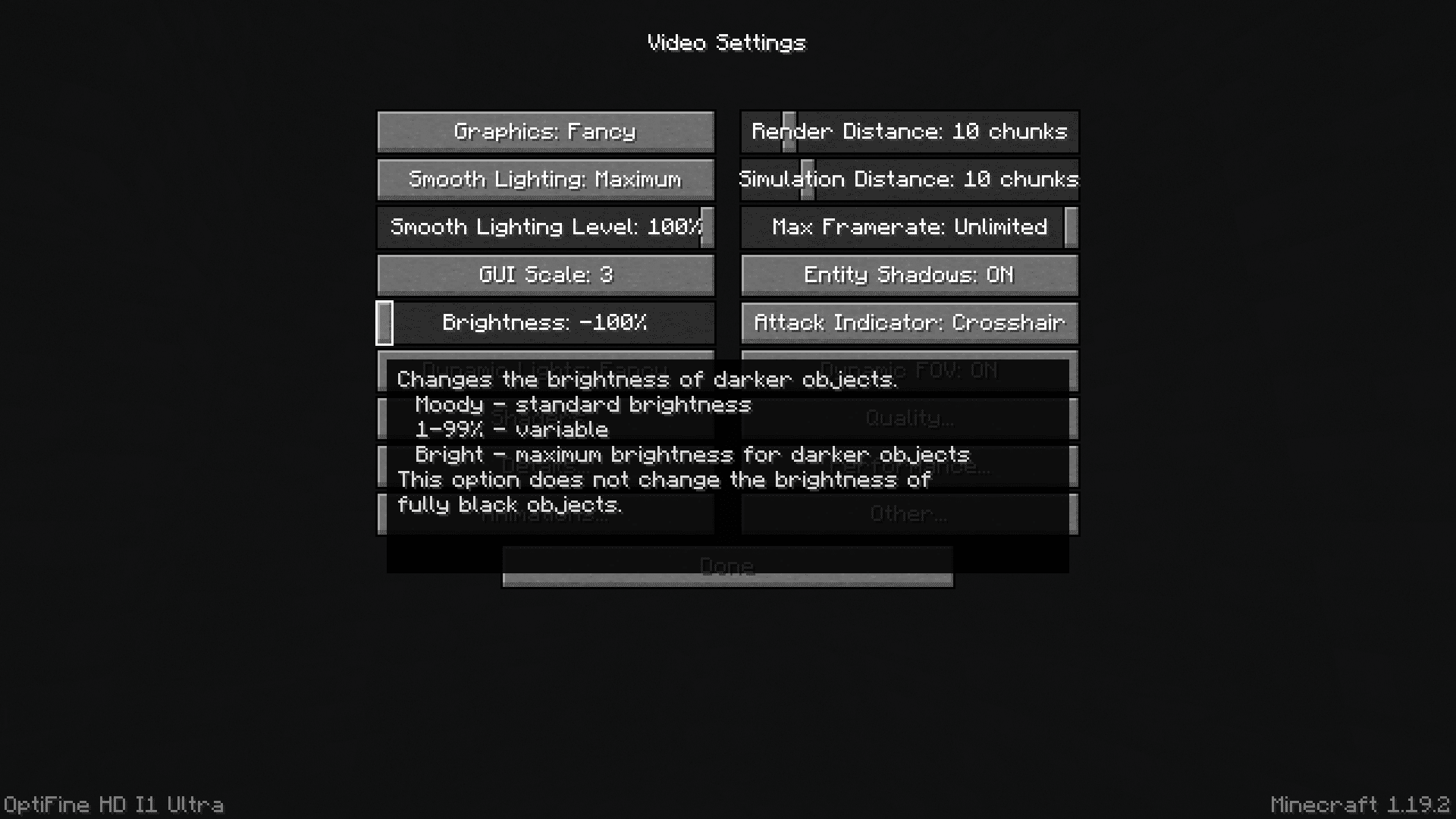
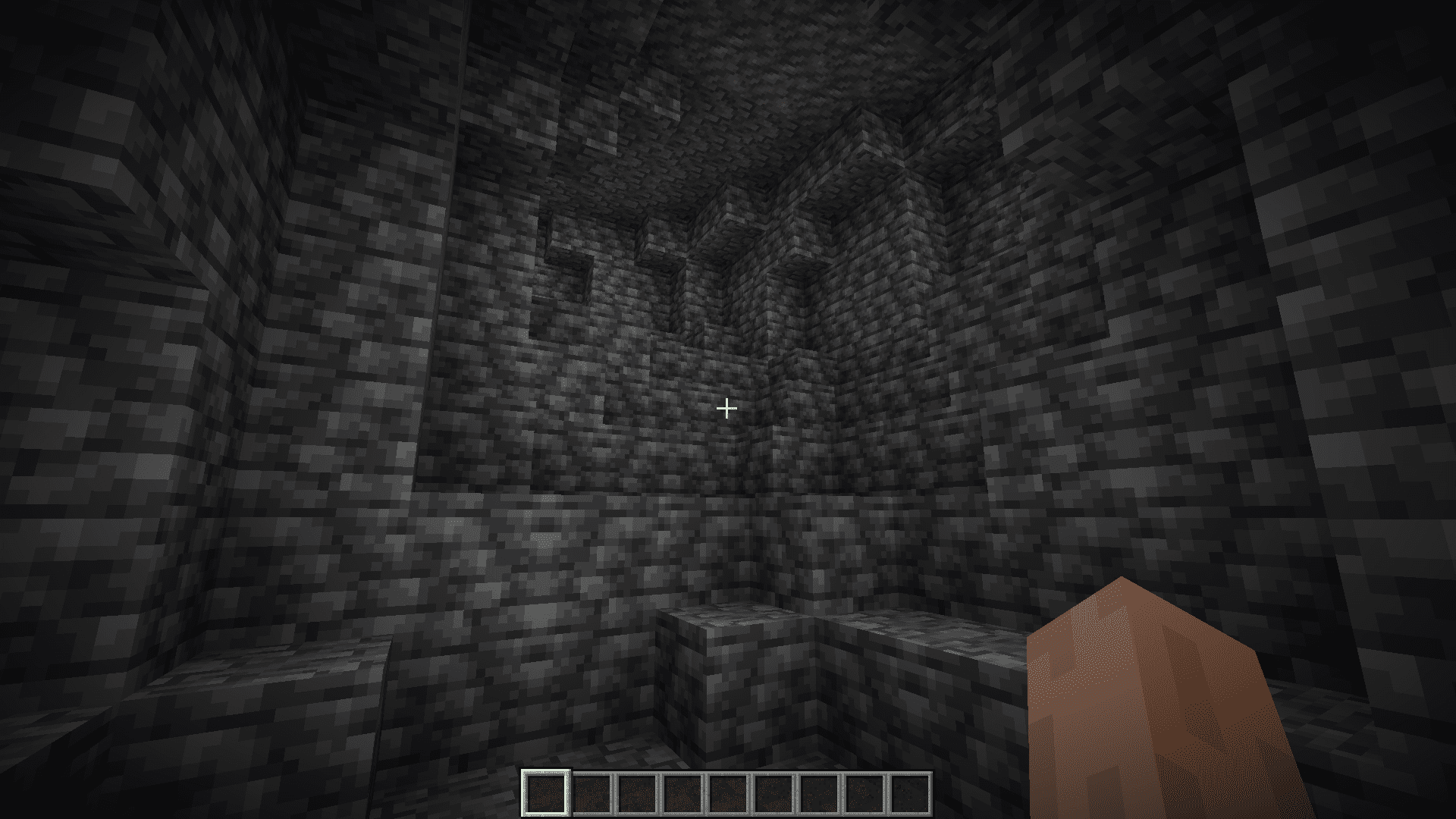
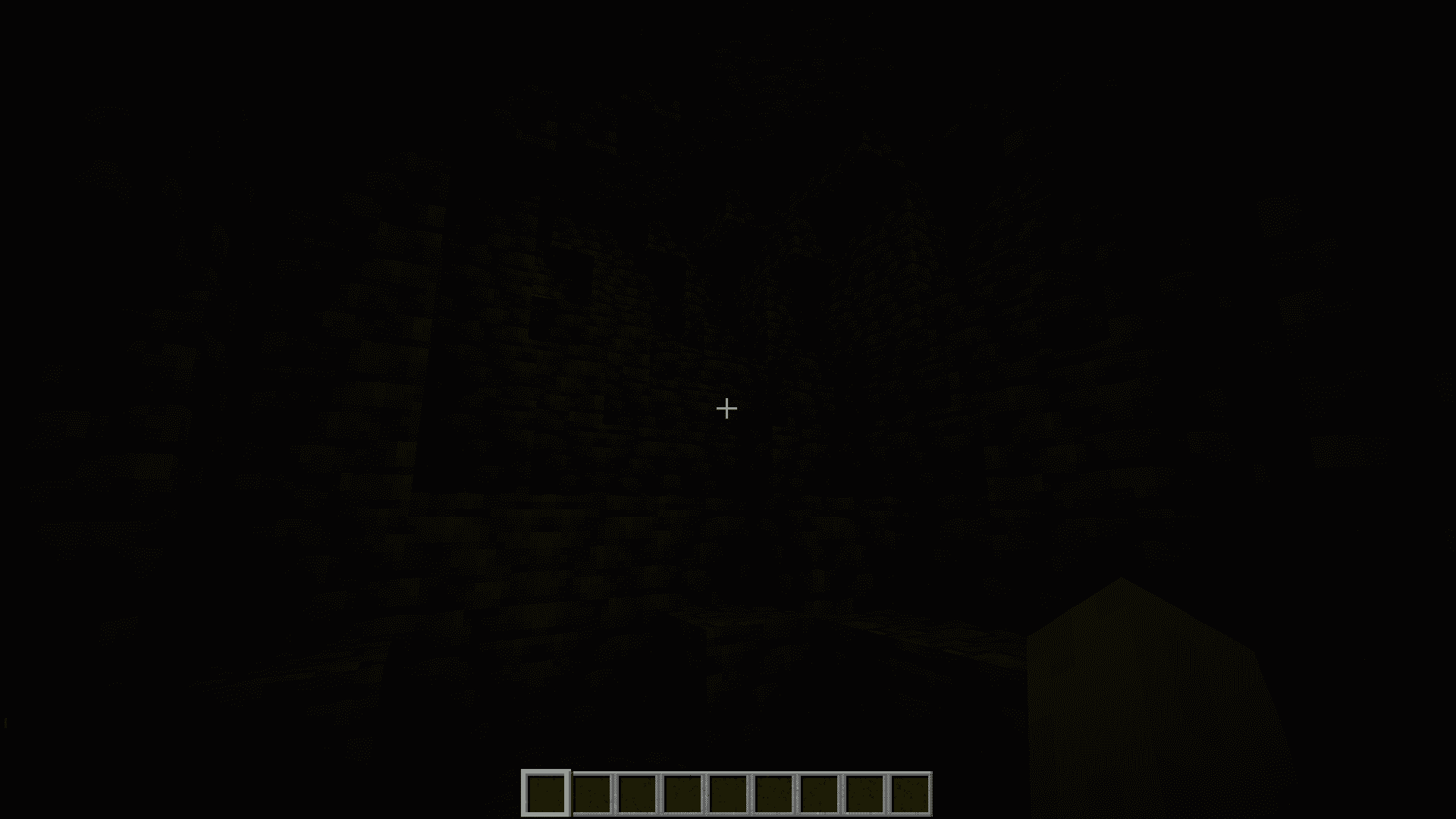
- Lets you lower brightness down to -100% to make dark caves and nights pitch black.
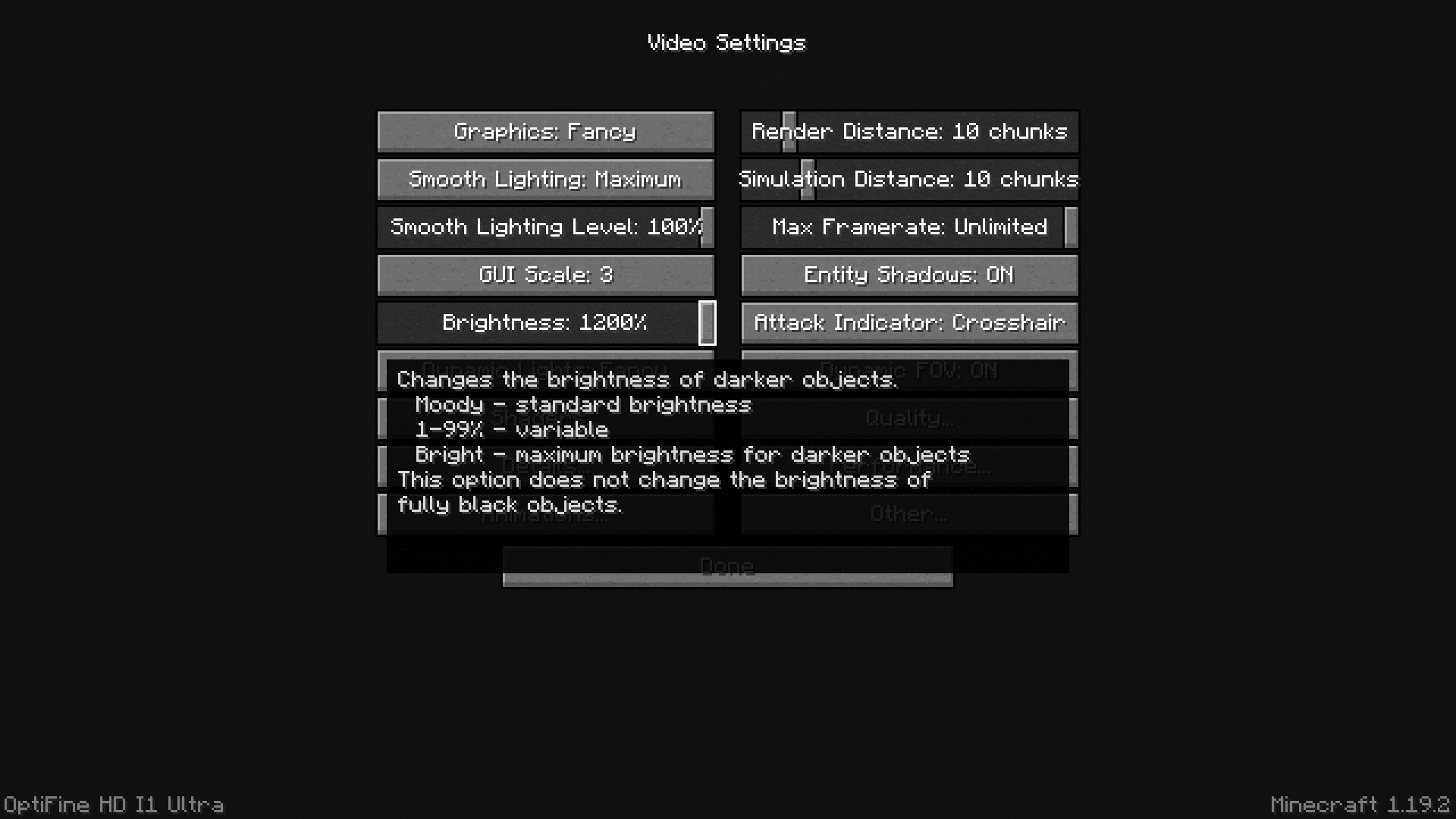
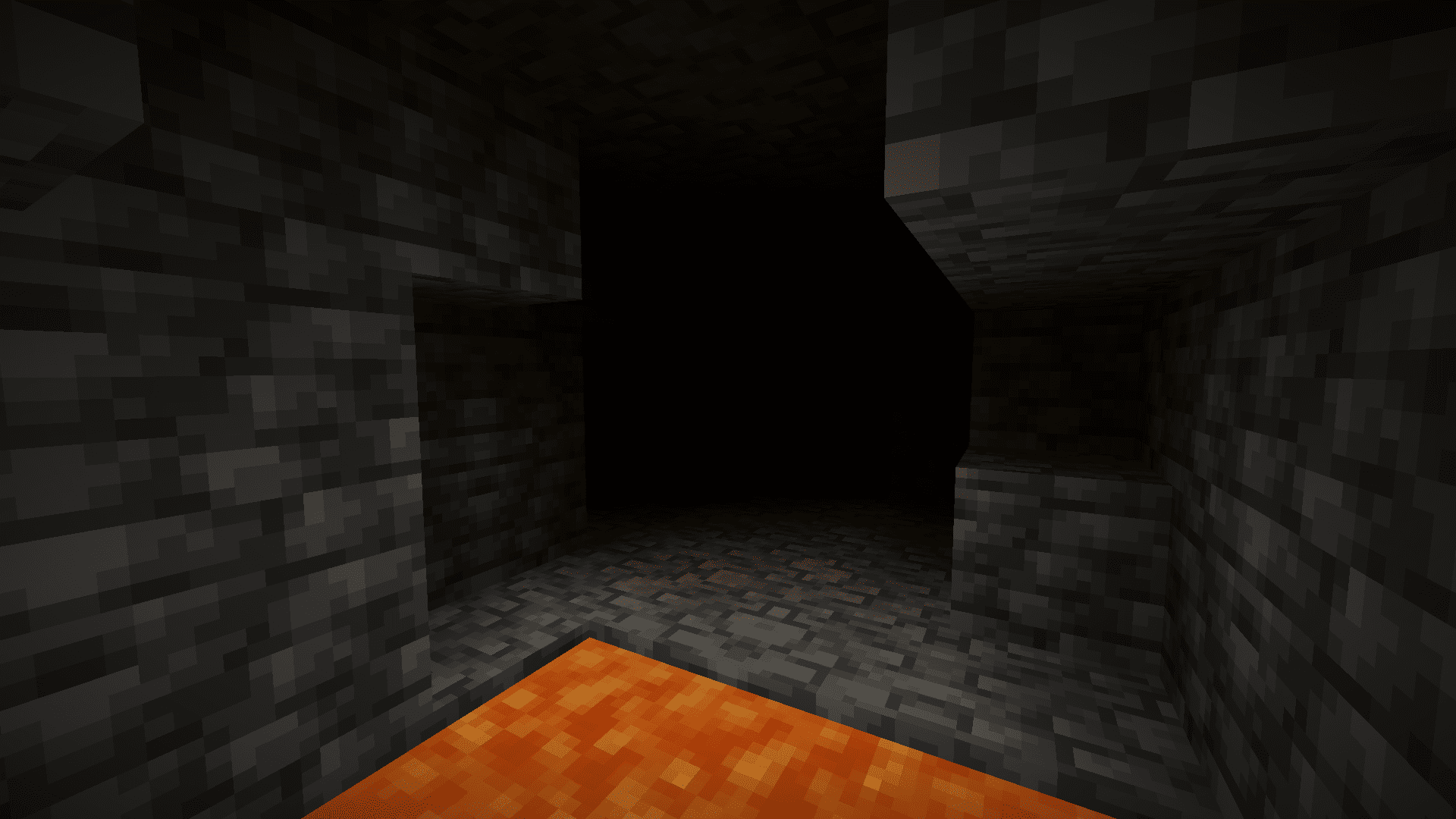
- Lets you raise brightness up to 1200% for fullbright vision that removes darkness and lights up every block.
- Ports the expanded brightness slider feature from Boosted Brightness.
- Runs as a clientside mod, so you can join multiplayer servers without installing it on the server.
- Works together with Optifine and Rubidium.
How to Use:
- Open the Video Settings menu from the main menu or pause screen to access lighting options.
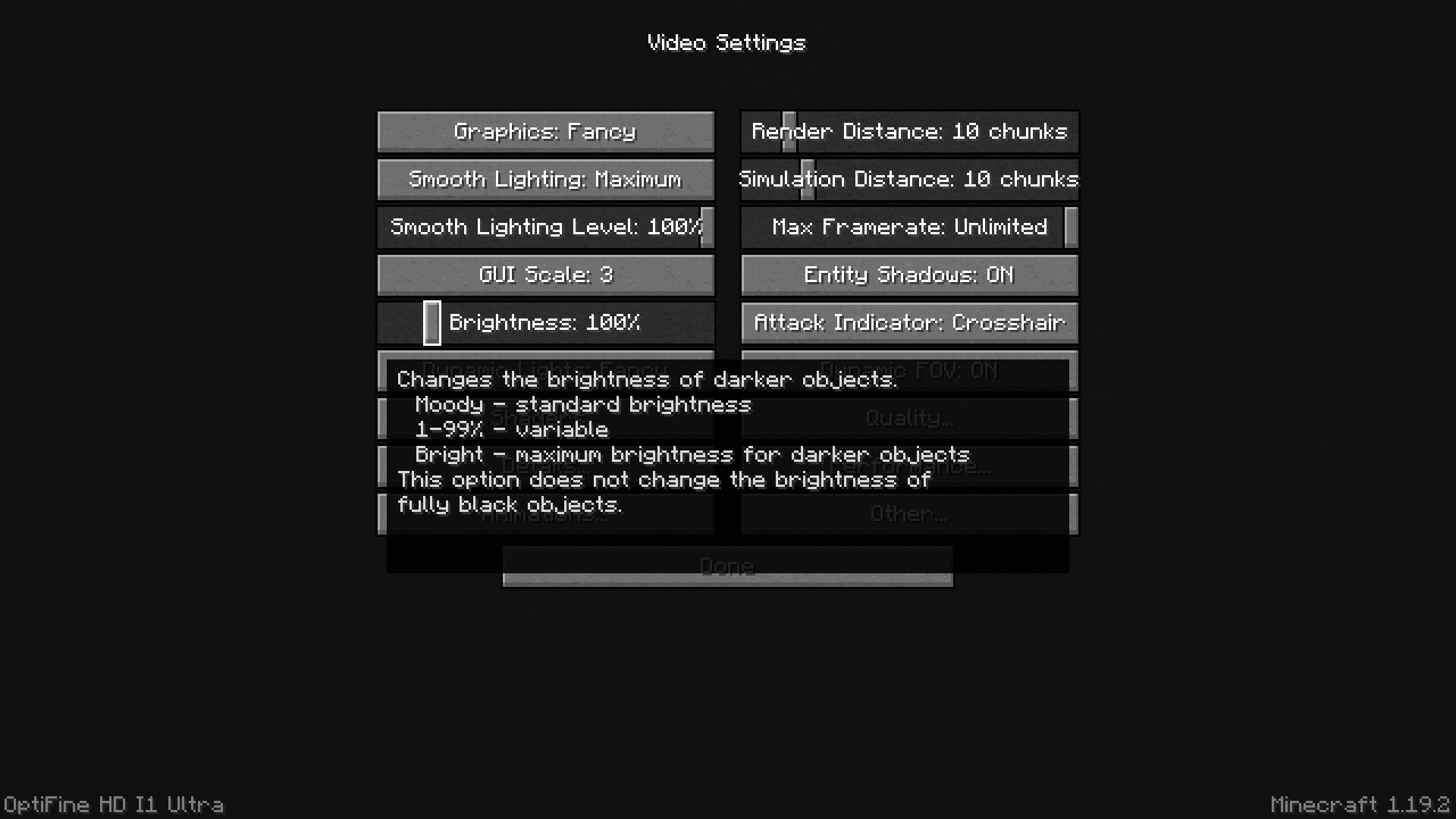
- Find the Brightness slider and drag it down to -100% for dark gameplay or up to 1200% for fullbright vision.
- Close the settings menu and return to your world to see the new lighting level apply right away.
Screenshots:
How to Install:
New to Minecraft? Follow our step-by-step guide to install Mods on your PC.View Guide
Requirements:

Better Brightness Slider Mod Download Links
For Minecraft 1.20.4, 1.20.3
Forge/Neoforge version: Download from Server 1 – Download from Server 2
For Minecraft 1.20.2, 1.20.1, 1.20
Forge/Neoforge version: Download from Server 1 – Download from Server 2
For Minecraft 1.19.4
Forge/Neoforge version: Download from Server 1 – Download from Server 2
For Minecraft 1.18.2
Forge/Neoforge version: Download from Server 1 – Download from Server 2
For Minecraft 1.16.5
Forge/Neoforge version: Download from Server 1 – Download from Server 2
How do you usually play Minecraft?
48 responses · See the full results →
You May Also Like
Picked for this page
 Curios API (26.3, 1.20.1) – Library for TheIllusiveC4’s Mods
 Armor Hud Mod (26.3, 1.20.1) – Real-Time Gear Monitoring
 Bactro Mod (26.3, 1.20.1) – QoL Utilities
 Expanded Axe Enchanting Mod (26.2, 1.20.1) – New Enchantments for Axes
 Extract Poison Mod (26.3, 1.20.1) – Harvest Poison from Certain Mobs
 Magma Monsters Mod (1.21.1, 1.20.1) – Lava Lakes Now Fight Back
 Day Dream Mod (26.2, 1.20.1) – Strategic Time Management
 Global Options Mod (26.2, 1.20.1) – Common Options
 Clover Mod (1.21.10, 1.20.1) – View Pronouns & Name Colors
 Reflex AntiLag Mod (26.3, 1.20.1) – Gain a Split-Second Edge in Combat
 Fabric Exporter Mod (26.2, 1.20.1) – Adds A Prometheus Exporter With General Server Metrics
 No More Pop-Ups Mod (26.3, 1.20.1) – Clean UI Without Warnings
Most viewed in Mods over the last 7 days
 Ala Industrial Mod (26.3) – Run Electric Power Grids and Automated Factories
 PleasureCraft Mod (26.3, 1.21.1) – Jenny Mod Remake for Fabric
 Jennycraft Mod (26.3, 1.20.1) – Virtual Girlfriend in Minecraft
 Fapcraft Mod (26.3, 1.12.2) – Comprehensive and Detailed Content
 Jenny Mod (Fapcraft) Official Complete Guide – How to use, Tutorial
 BangCraft Mod (1.20.1) – Jenny, Ellie and Elliot
 Fabric Loader (26.3, 1.20.1) – Fabric Installer for All Minecraft Versions
 The Shooting Star Demo Mod (26.3, 1.20.1) – Vaporize Terrain From Orbit
 Meteor Client Mod (26.3, 1.20.1) – Xray, HUD, Fly
 OptiFine HD (26.3, 1.20.1) – Run Faster, FPS Boost, Shaders Support
 Aristois Client Mod (1.21.4, 1.20.1) – World Class Minecraft Utility
 Prestige Client Mod (1.21.11, 1.21.4) – Powerful Ghost Features for Crystal & Sword PvP
More from Mods
 FAUNA Engine Mod (1.21.1, 1.20.1) – Powering Legendary Dragons
 Avali Nexus Mod (26.3) – Settle Frozen Frontiers with High-Tech Bird Tribes
 Orient’s Hotpot Chronicles Mod (1.20.1) – Boil Fresh Hotpot Meals Over Open Flames
 Far Lands Traveler Mod (26.1.2) – Survive the Long Trek to the Edge of the World
 Beli’s SkyLyrics Mod (1.21.11) – Sing Along to Desktop Tracks Projected in the Night Sky
 Explainstone and Songmelyn Mod (1.21.1) – Broadcast Custom Music Across Your Base
 Rockstar Shaders Mod (26.3) – Cast Ray-Traced Light Across Vast Distant Horizons
 ERYDON Mod (1.20.1) – Design Grand Courtyards with Carved Marble Pillars
 Infinity Bound Mod (1.21.1) – Snap Away Enemies with Legendary Superhero Gear
 Legacy Gecko Lib Fabric Mod (1.16.5) – Power Animated Creatures in Modpacks
 The Man from the Shadow Horror Mod (1.20.1) – Fight Hallucinations to Survive
 Shade & Saturation Slider Mod (26.2, 1.21.11) – Make Every Biome Vibrant

This post has no comments yet. Be the first — your comment will appear here.