


OpenComputers Mod (1.12.2, 1.7.10) – Code Robots to Do Anything
 5,022
5,022
 0
0


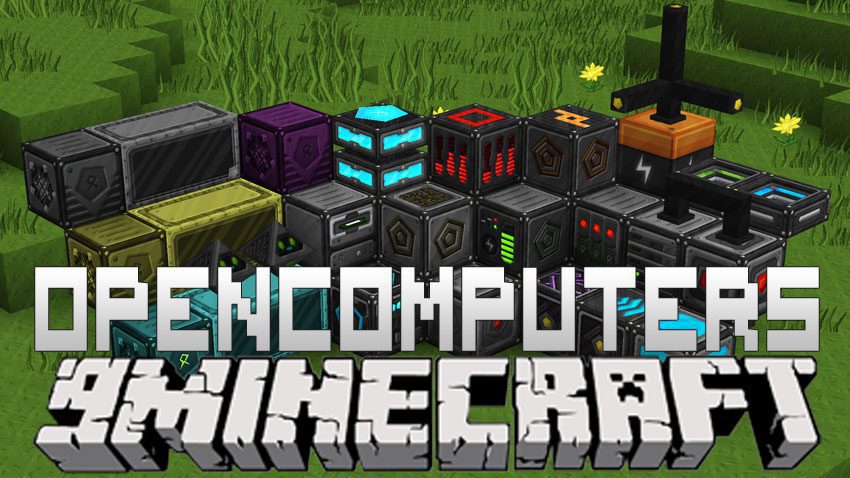
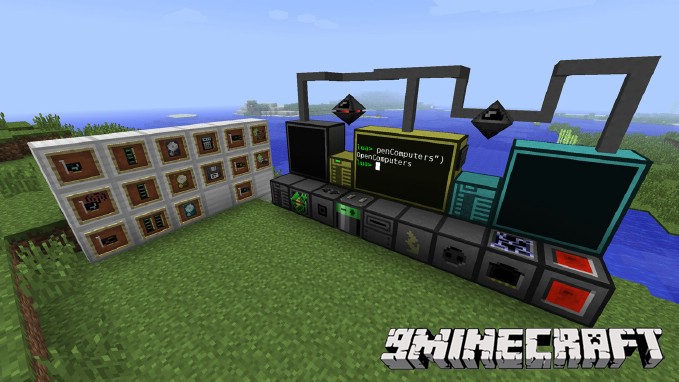
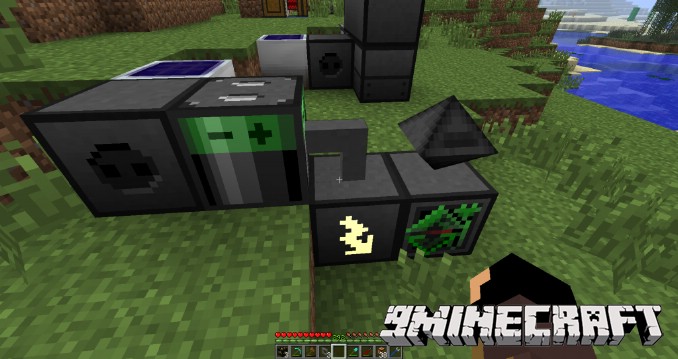
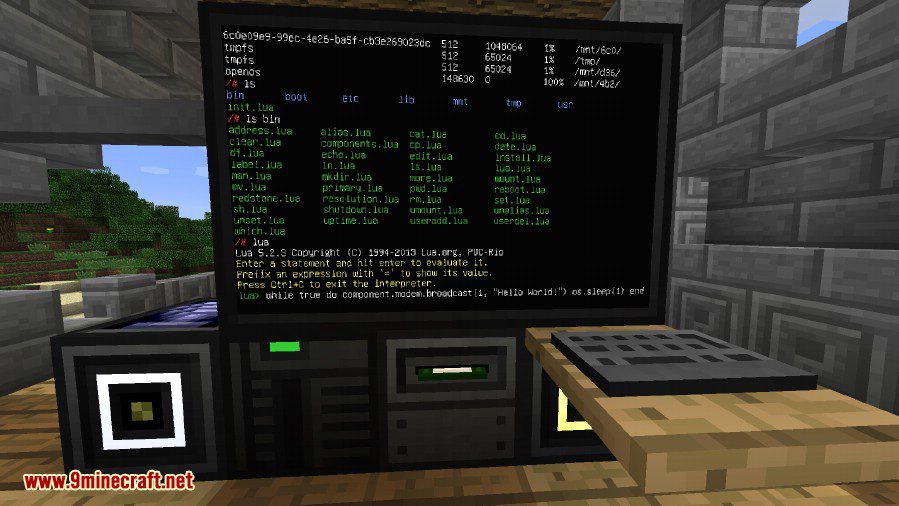
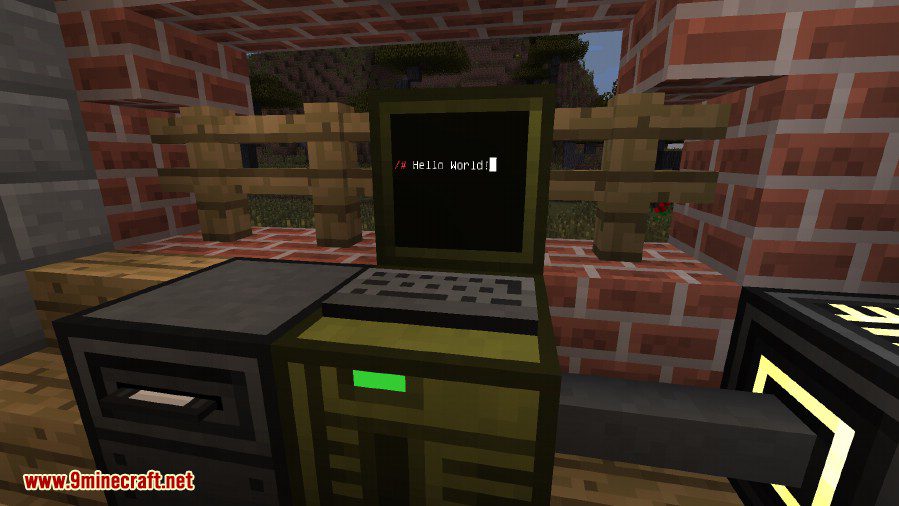
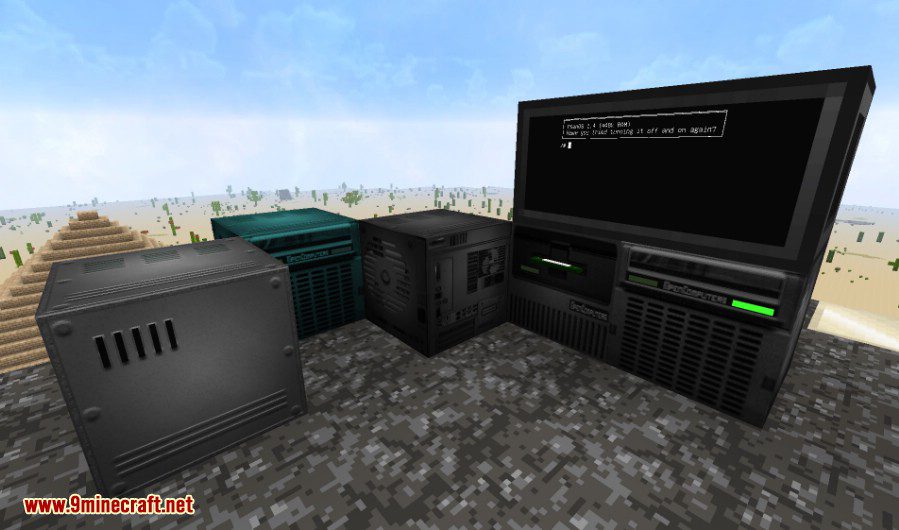
OpenComputers Mod adds programmable computers and robots to your Minecraft world. These computers are highly modular, allowing you to build them with parts like graphics cards, network cards, and redstone cards. You can write programs for them using the Lua language. The computers are also persistent, meaning they will continue running their programs right where they left off even after you save and reload the world. This mod is designed to fit well in survival mode, offering automation possibilities when used with other mods.
Features:
Computers and Devices
- Program computers and robots using the Lua programming language.
- Computers save their state, so they resume tasks after a world is reloaded.
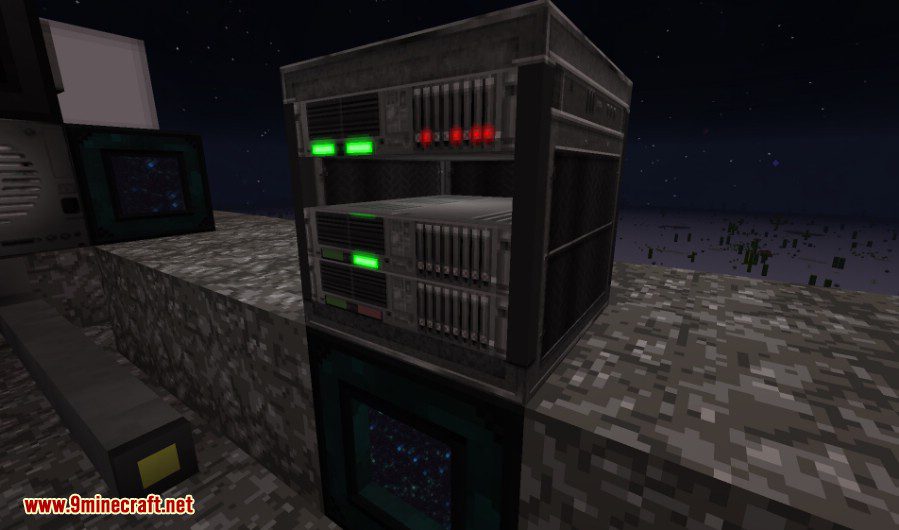
- Build different types of computer devices, including stationary computers, servers that act as four computers in one, cheaper microcontrollers, and portable tablets.
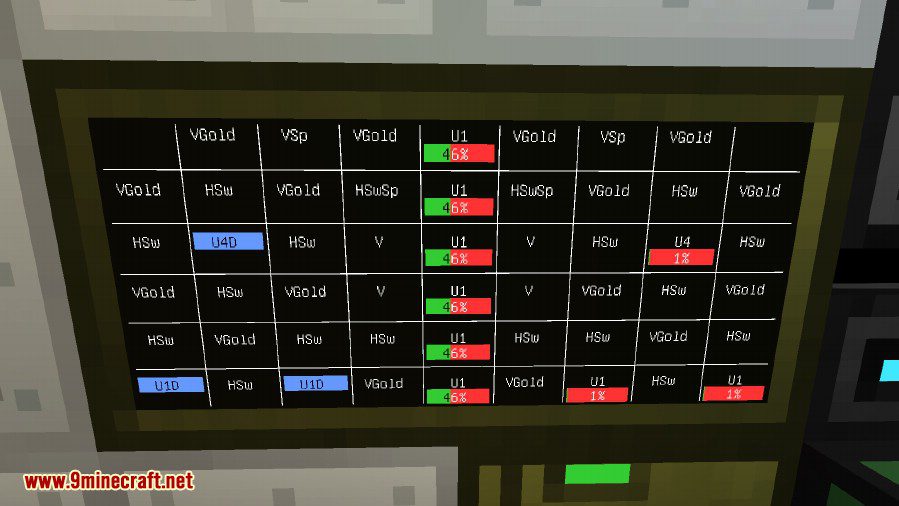
- Use hologram projectors to display 3D images and 3D printers to create custom decorative blocks.
Robots and Drones
- Deploy robots that can move around, interact with the world, and use tools just like a player.
- Use drones, which are more mobile than robots and can perform unique actions like leashing animals.
Modularity and Progression
- Build your computers and devices from various components.
- Choose from multiple tiers of computer cases, screens, graphics cards, and network cards.
- Progress by building better, faster, and more powerful computers as you gather resources.
Integration with Other Mods
- The mod is designed to work with many other mods, accepting power from common energy systems like RF and EU.
- It supports bundled redstone from other popular redstone mods.
- Use the Adapter block to allow computers to interact with blocks from other mods, reading information like energy levels.
Configuration:
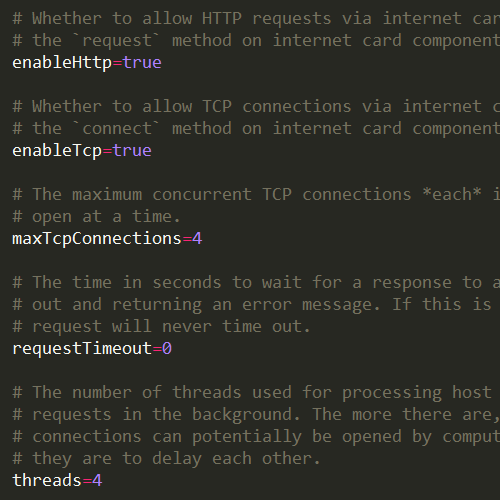
Most things in OpenComputers are configurable. Don’t like the power requirements? Change them or disabled them entirely. Screens not rendering from far enough away? Increase the render distance. The config file is heavily documented, so it should be pretty clear from each config entry’s comment what it does.
Aside from general configuration, it is also possible to adjust each of the item recipes in OpenComputers via recipe files – no need for Minetweaker! There are also a few different recipes set available, have a look in the config/opencomputers directory.
Screenshots:
How to Install:
New to Minecraft? Follow our step-by-step guide to install Mods on your PC.View Guide
OpenComputers Mod Download Links
For Minecraft 1.7.10
Forge version: Download from Server 1
For Minecraft 1.8.9
Forge version: Download from Server 1
For Minecraft 1.9.4
Forge version: Download from Server 1
For Minecraft 1.10.2
Forge version: Download from Server 1
For Minecraft 1.11.2
Forge version: Download from Server 1
For Minecraft 1.12.2
Forge version: Download from Server 1
You May Also Like







This post has no comments yet. Be the first — your comment will appear here.