
Modern Beta Mod (1.12.2) – Explore Nostalgic Old School Worlds
 2,110
 0


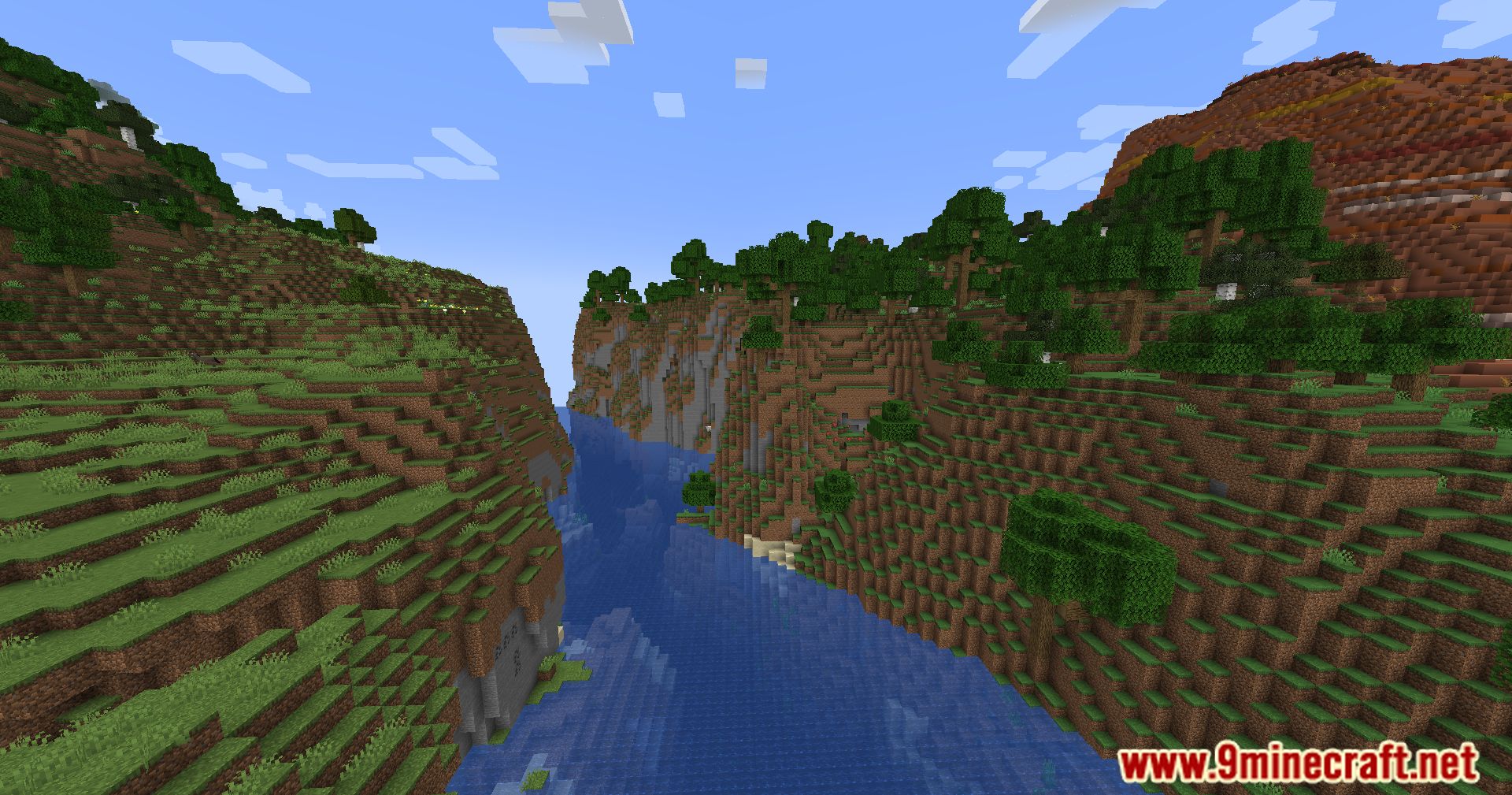
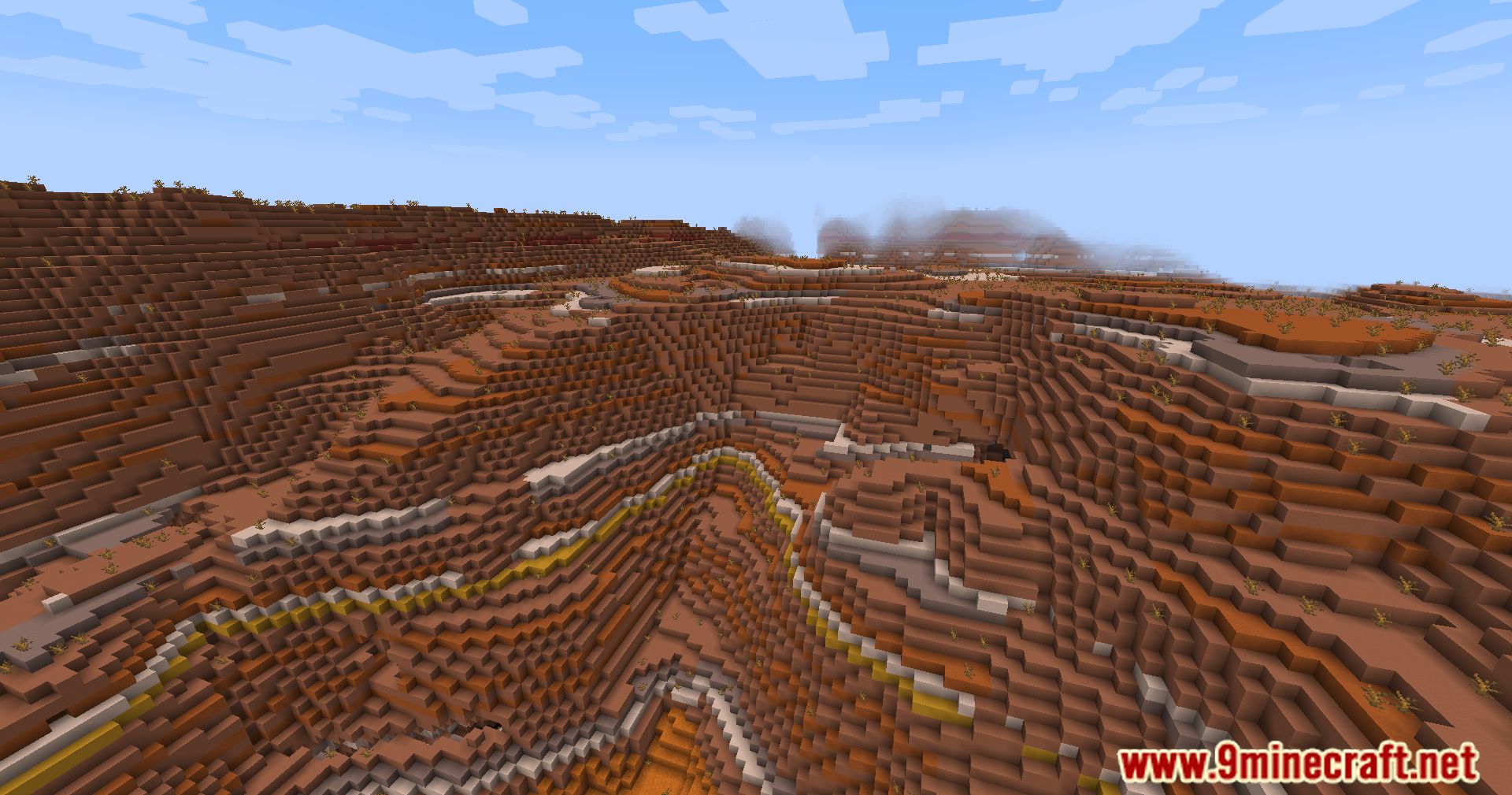
Modern Beta Mod brings classic world generation styles back to modern Minecraft versions. It adds faithful re-implements of old terrain generators from Beta, Alpha, Infdev, and Indev versions so players can experience nostalgic landscapes again. The mod also lets you customize world generation, adjust biome settings, and enjoy classic sky and fog colors.
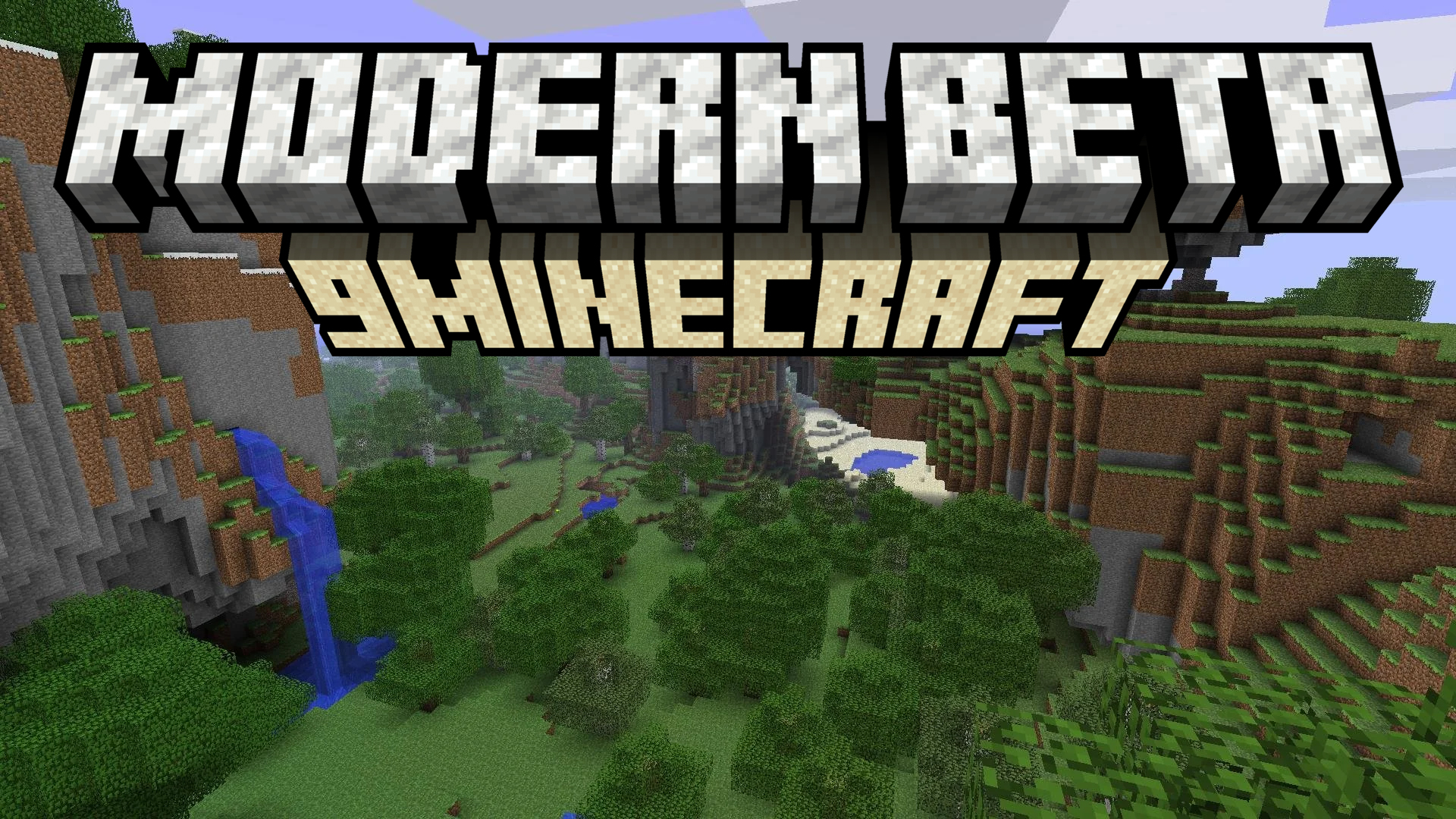
Features:
- Terrain Generators: Includes options for Beta 1.7.3, Alpha 1.1.2_01, multiple Infdev and Indev versions, Classic 0.0.23a, Beta Skylands, and Pocket Edition v0.6.0.
- Biome Generators: Offers Beta 1.7.3, Pocket Edition v0.6.0, single or fixed biomes, and vanilla 1.12.2 compatibility with modded biomes.
- Customization: Lets you mix and match terrain and biome generators, use Classic Nether terrain, and customize world generation directly in-game.
- Rendering Options: Brings accurate Beta sky and fog colors, smooth biome color transitions, and adjustable cloud height.
- Server Support: Works on servers so players can join without needing the mod installed on their clients.
- Provides built-in and shareable world generation presets.
- Includes an in-game terrain and biome generation previewer before world creation.
- Features commands for inspecting and editing generator settings in-game.
- Supports extended height limits when using compatible mods like Depths Update or Cubic Chunks.
Commands:
/modernbeta: Inspects and edits generator settings in-game.
How to Use:
- Install the mod on your Forge 1.12.2 client or server.
- Open the world creation menu and select the Modern Beta world type.
- Choose your preferred terrain and biome generators using the in-game GUI or previewer.
- Adjust generator settings and presets before loading into your nostalgic world.
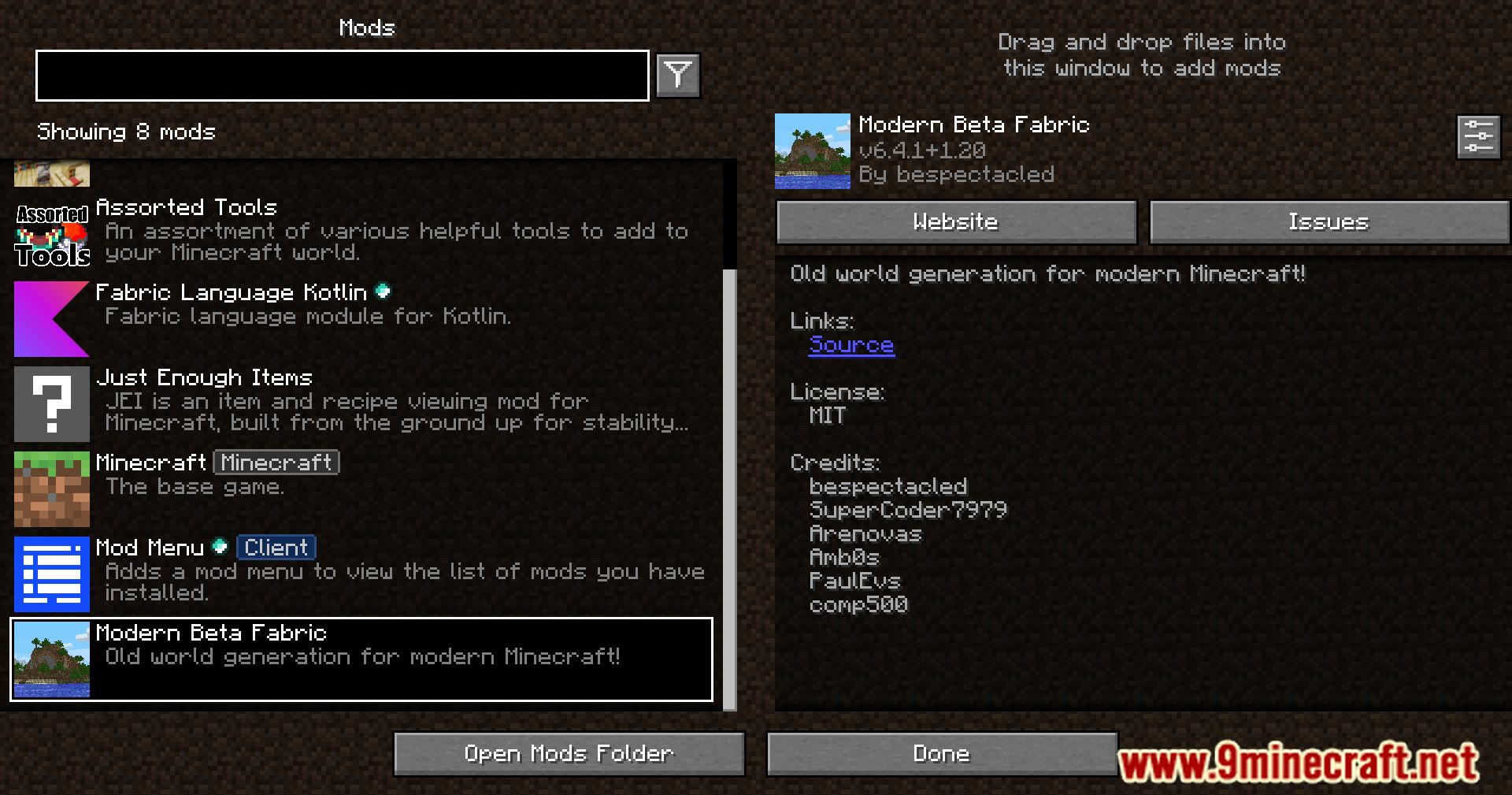
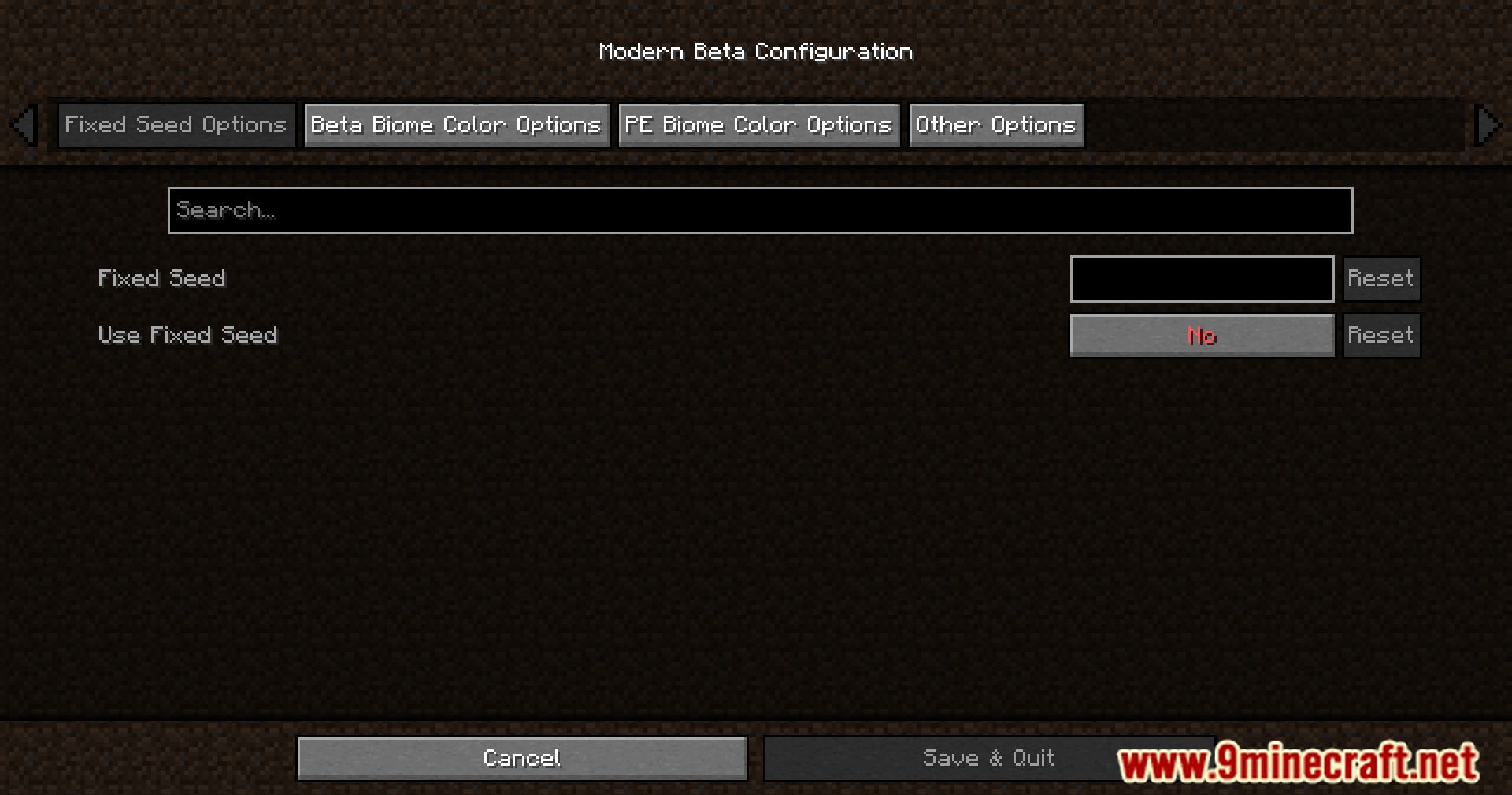
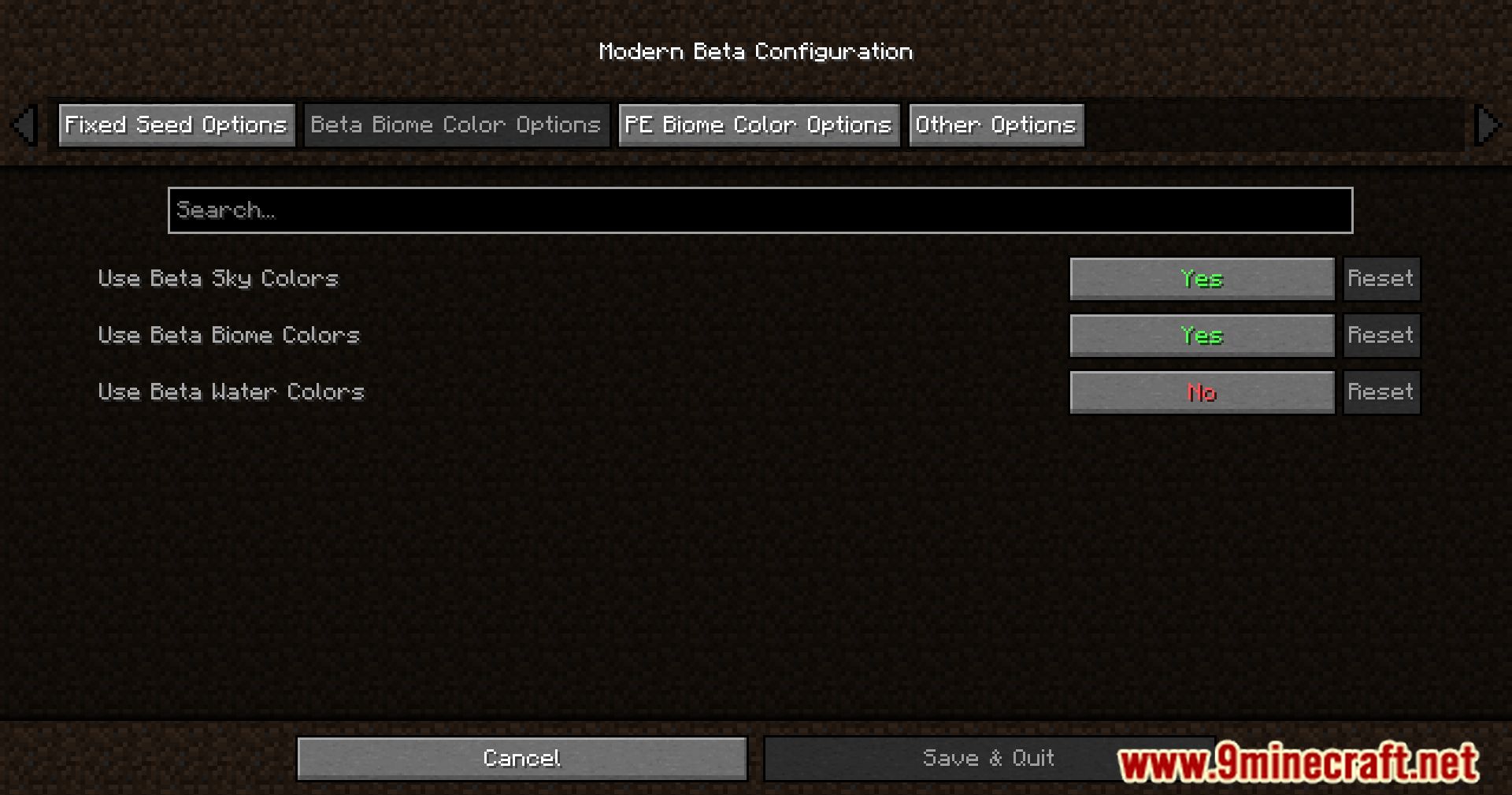
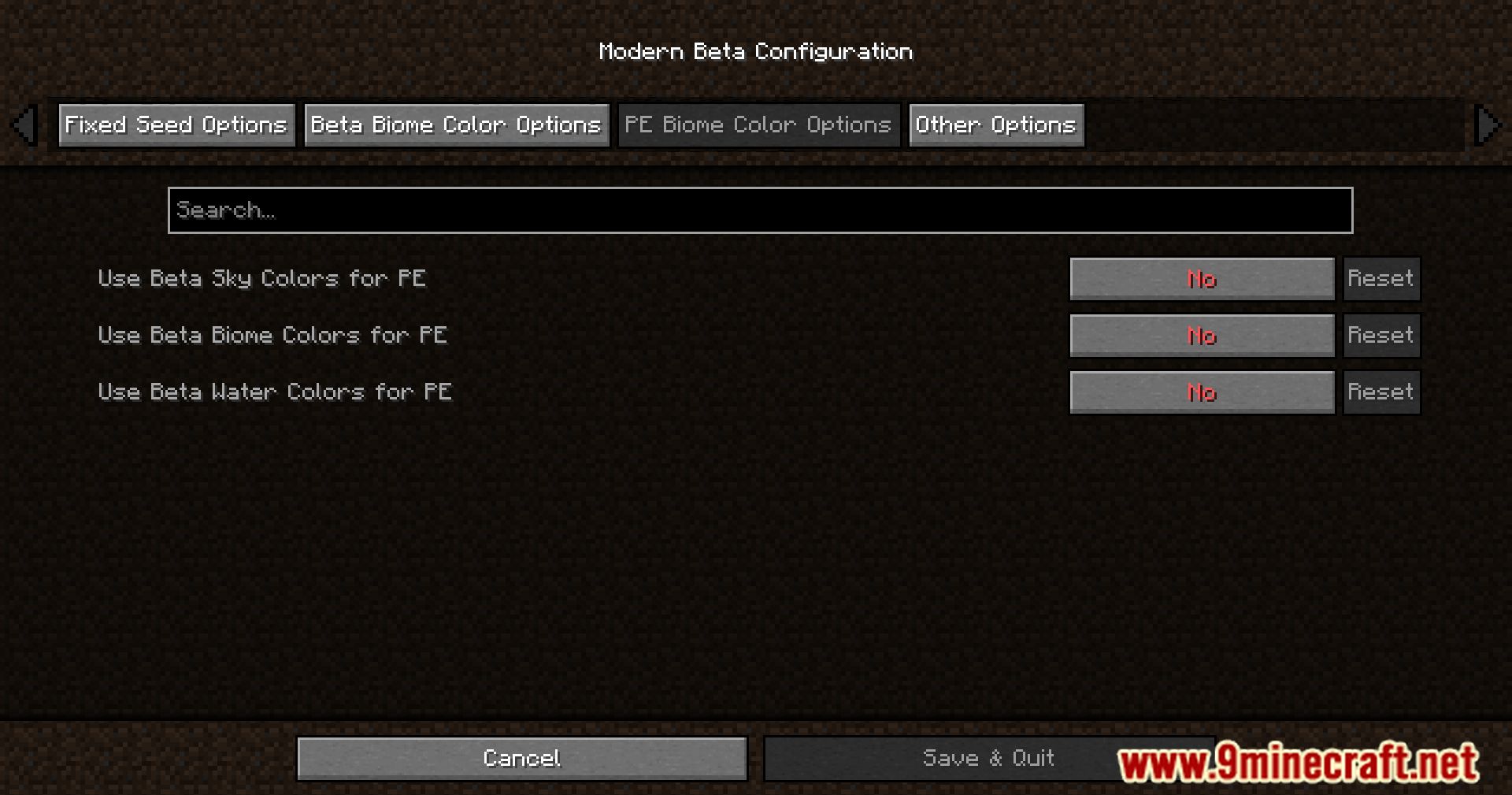
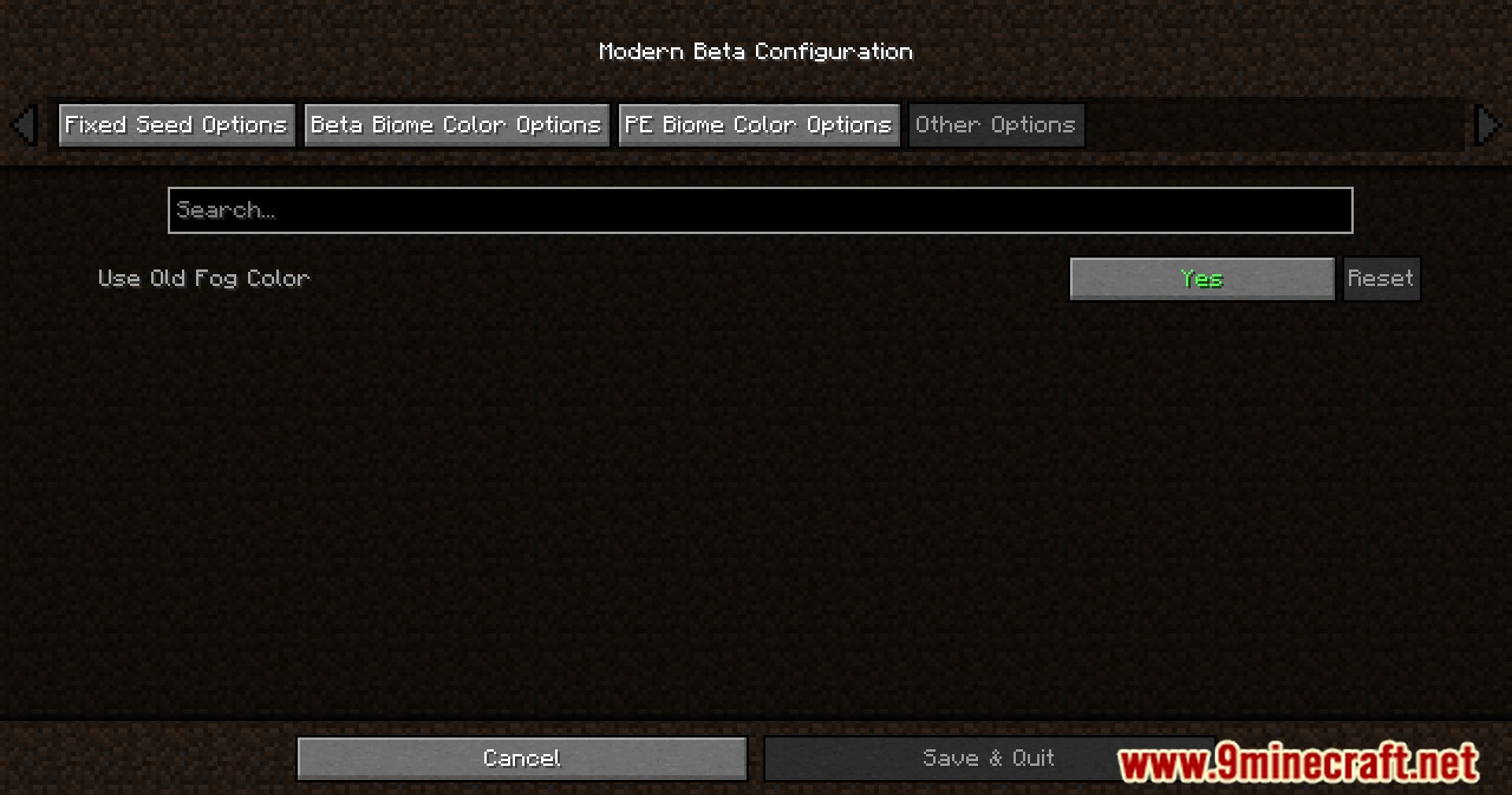
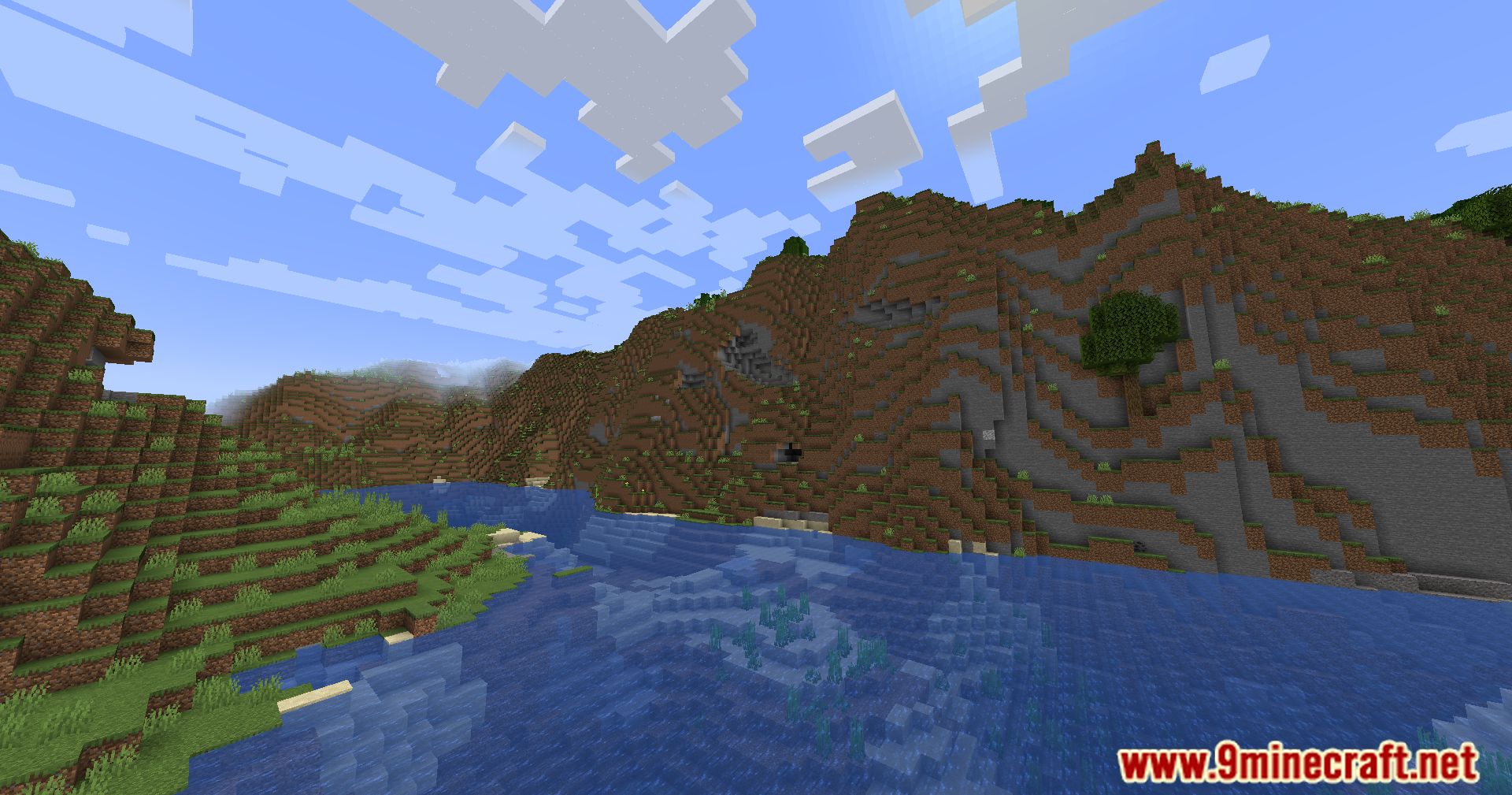
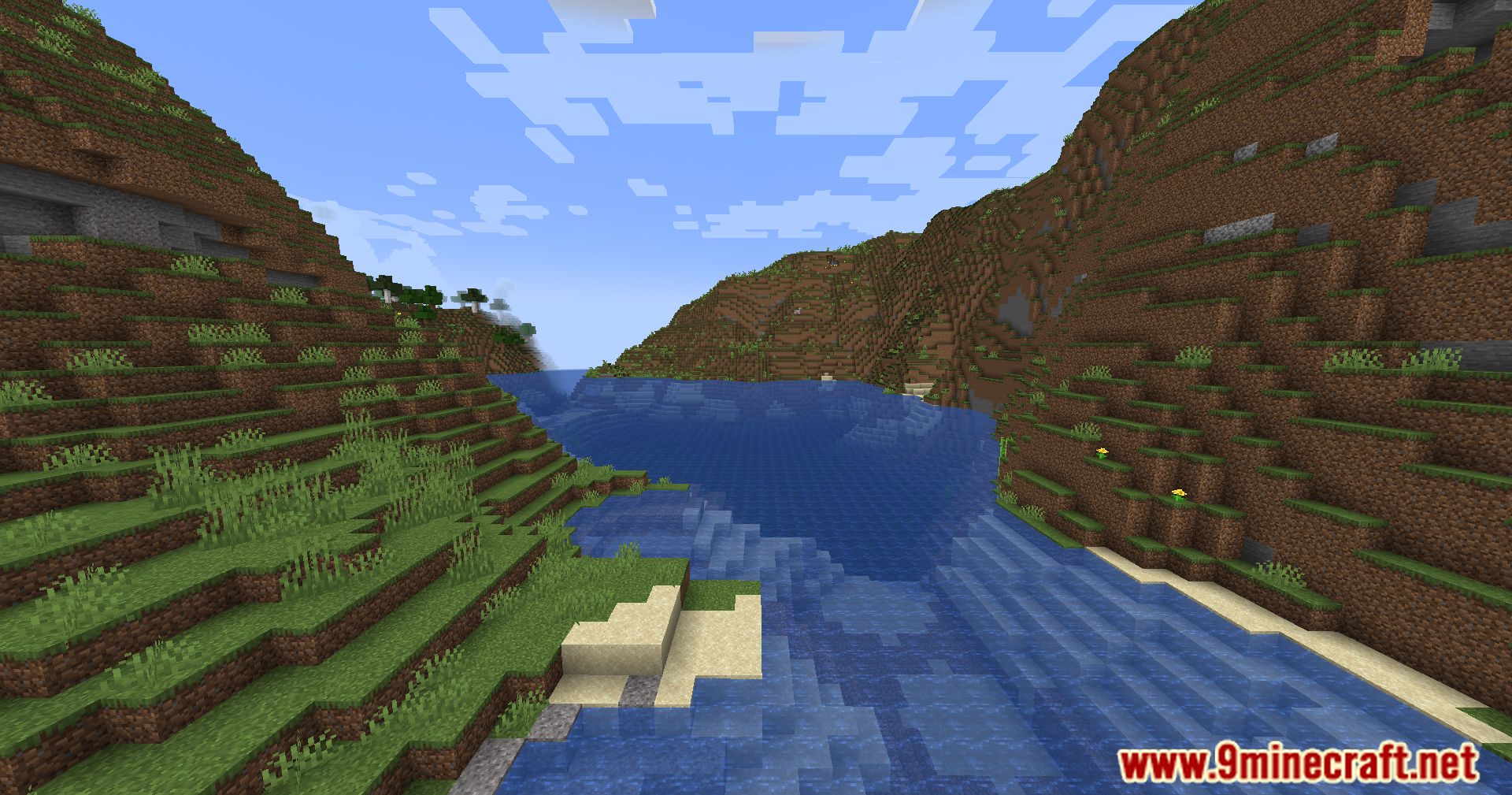
Screenshots:
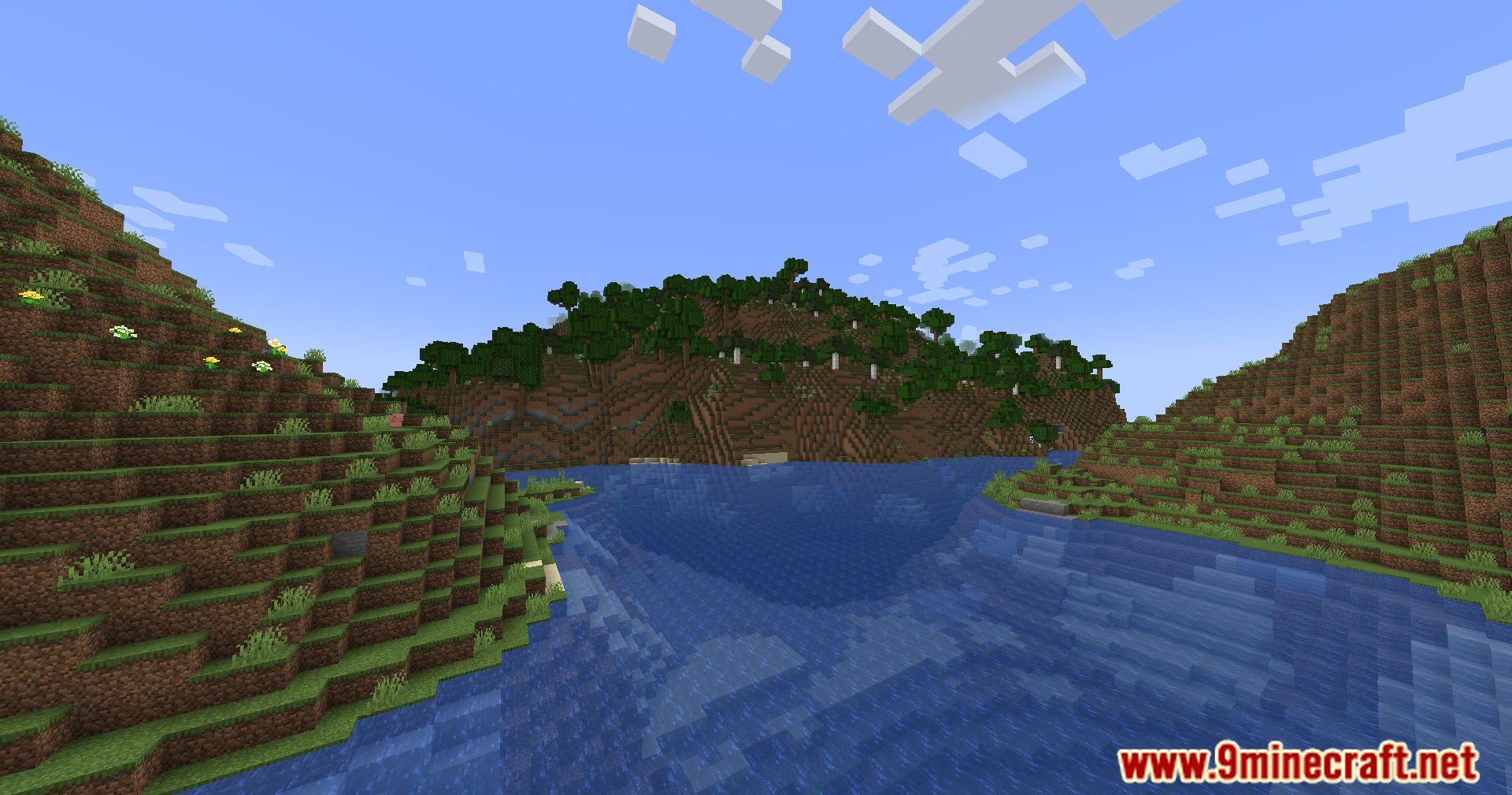
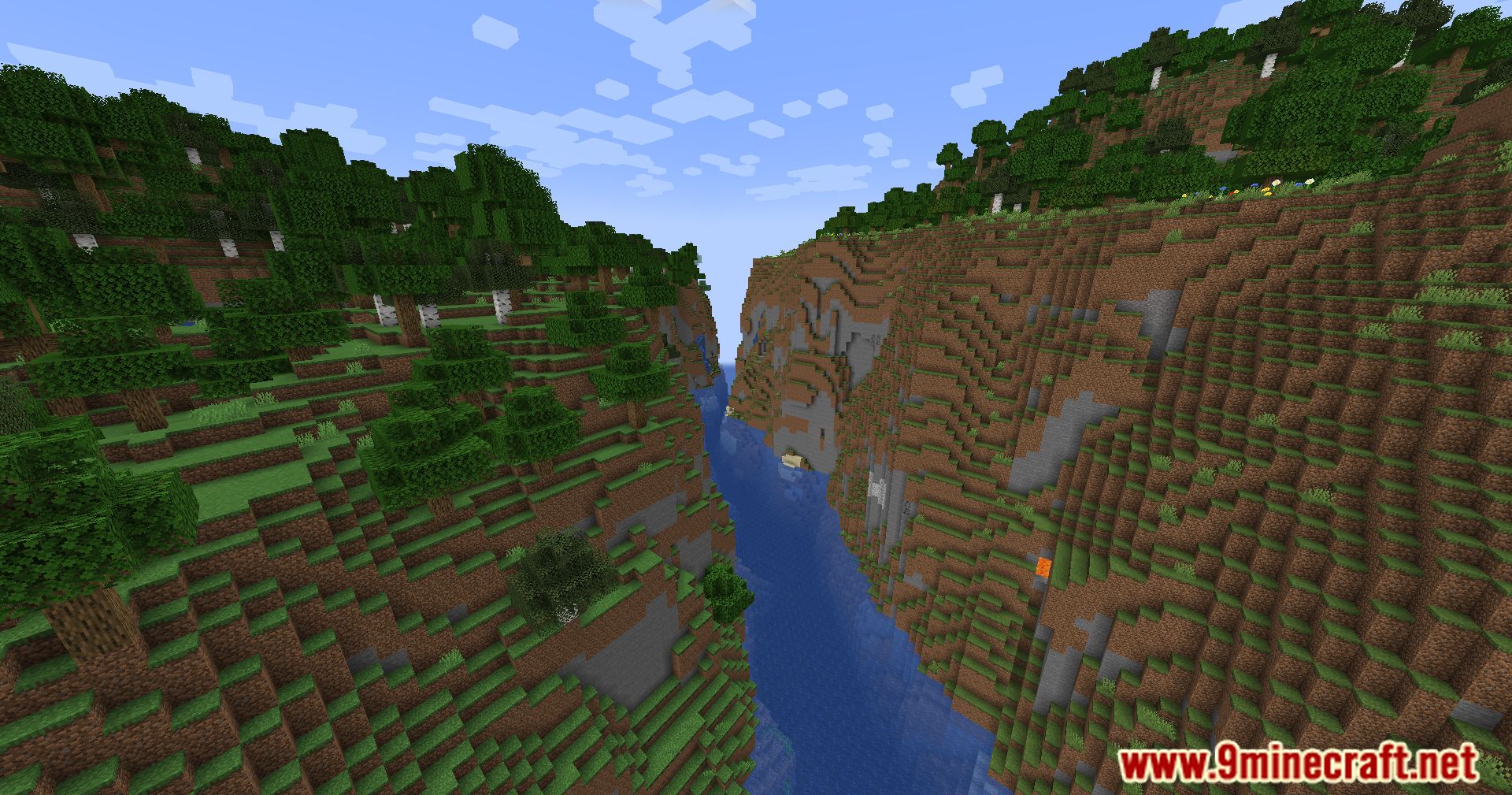
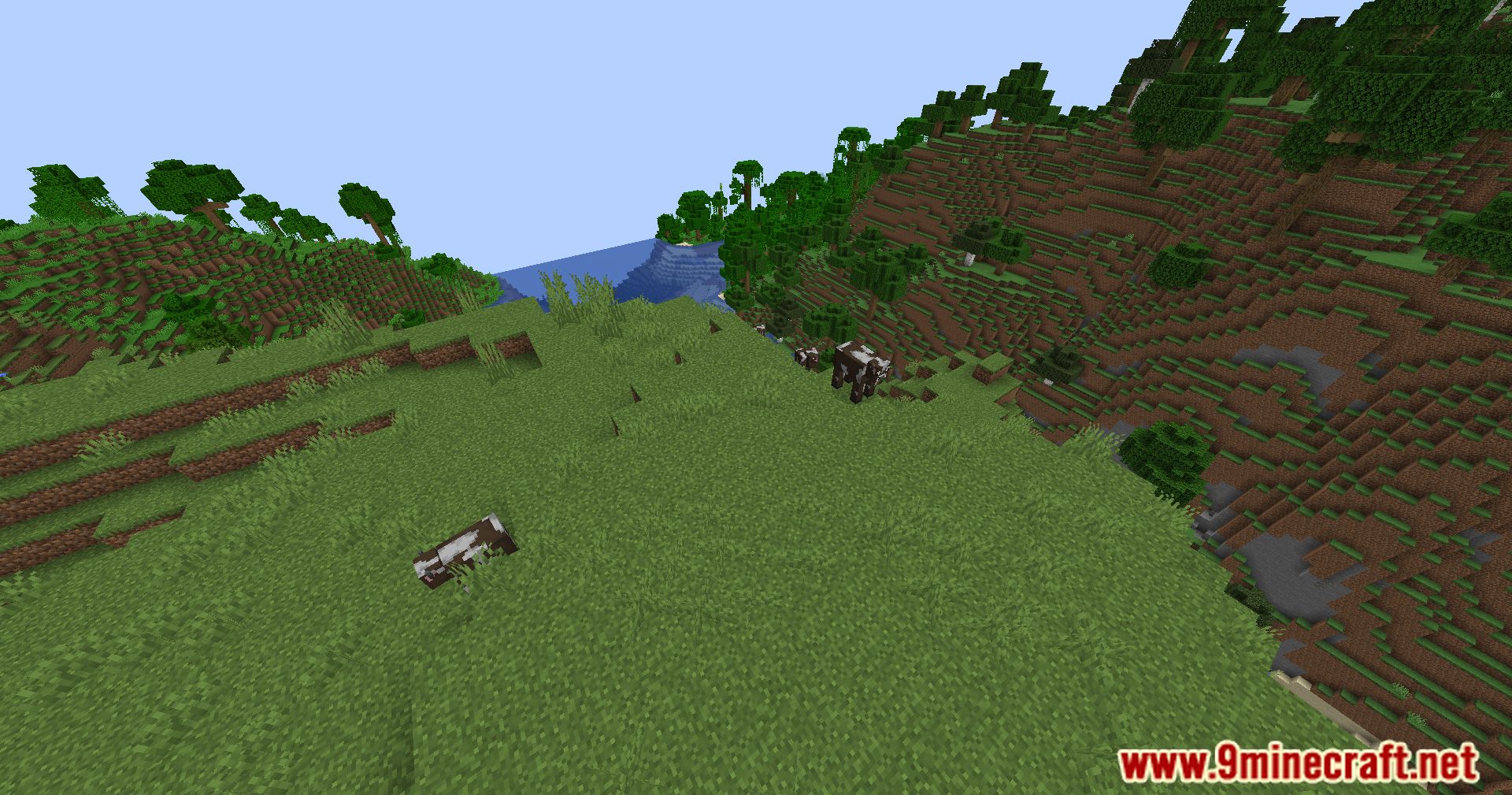
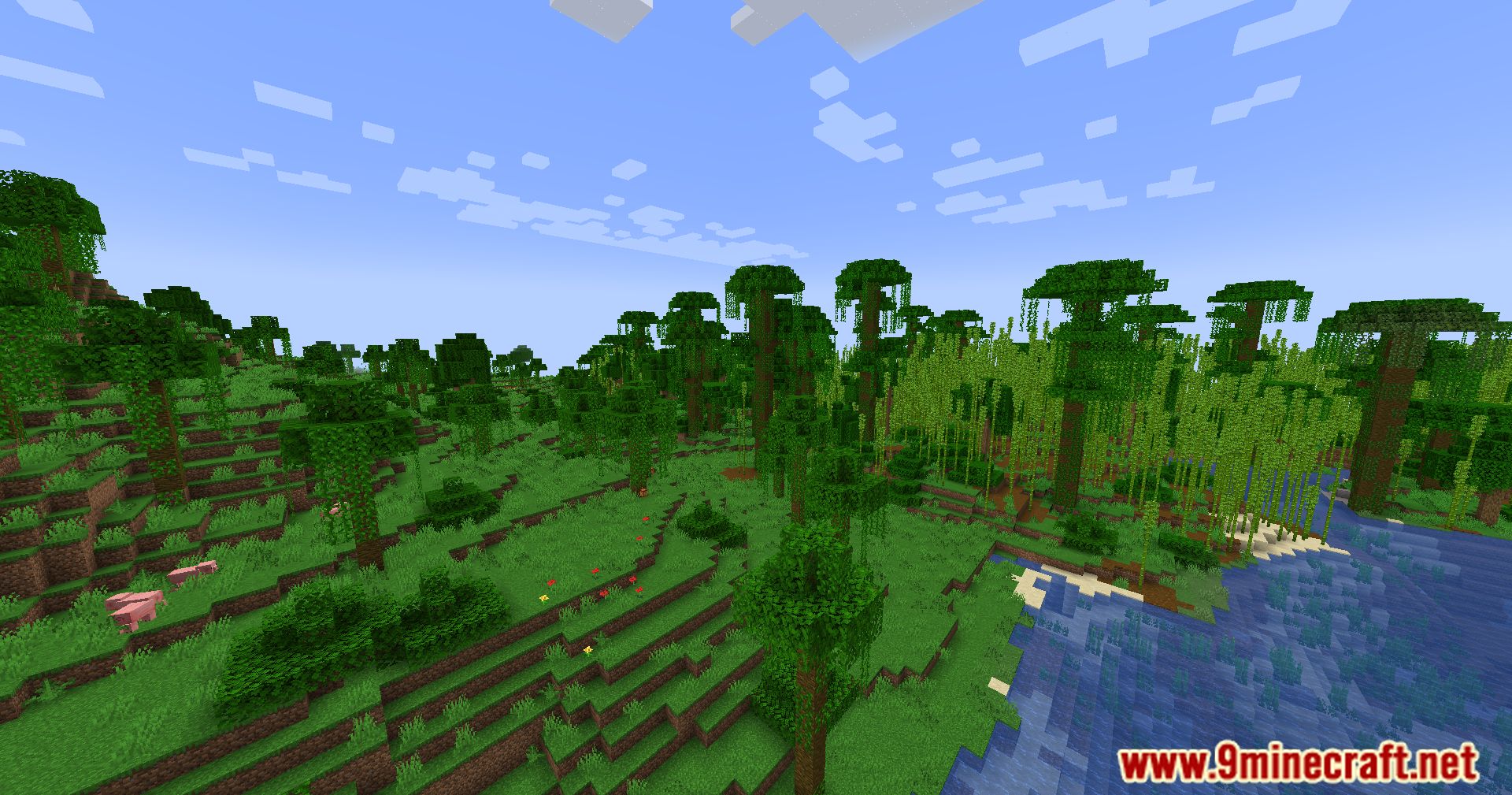
How to Install:
New to Minecraft? Follow our step-by-step guide to install Mods on your PC.View Guide
Requirements:



Modern Beta Mod Download Links
For Minecraft 1.19.4
For Minecraft 1.19.3
For Minecraft 1.18.1
For Minecraft 1.17.1
For Minecraft 1.12.2
Click to rate this post!
[Total: 0 Average: 0]
QUICK MINECRAFT SURVEY · ONE TAP
Mods & Modpacks
How often do you tweak mod configuration files (.cfg or .toml)?
0 responses · See the full results →
You May Also Like
Picked for this page
 Terraqueous Mod (1.21.1, 1.20.1) – From Fruit Orchards to Sky Castles
 Ambient Sounds Mod (26.3, 1.20.1) – Listen to The Sounds of Nature
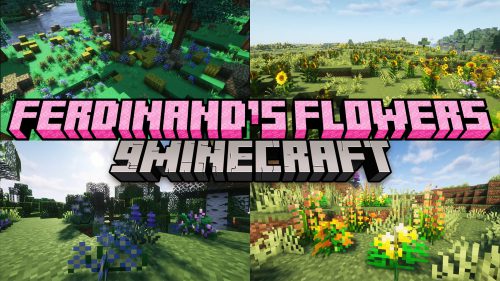 Ferdinand’s Flowers Mod (1.21.11, 1.20.1) – So Many Beautiful Flowers
 NoFog Mod (26.2, 1.20.1) – Increased Render Distance
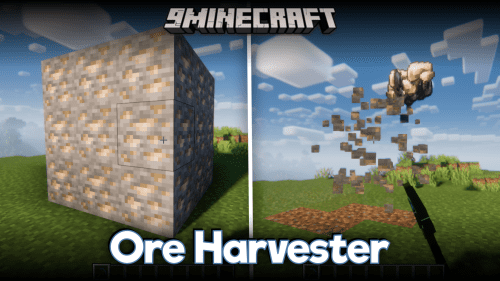 Ore Harvester Mod (26.3, 1.20.1) – Break Ore Chains With Ease
 Ocean Floor Mod (1.21.1, 1.20.1) – Clay, Sand and Dirt
 Lycanite’s Mobs Mod (1.20.1) – Tame Wild Monsters to Fight for You
 Compact Machines Mod (1.21.8, 1.20.1) – Build a Factory in a Block
 Nomadic Tents Mod (1.21.1, 1.20.1) – Pack Up Your Base and Go
 Biome Replacer Mod (26.3, 1.20.1) – Replaces One Biome with Another
 Bedrodium Mod (1.21.11, 1.20.1) – Performance Improvement
 NoEmotecraft Mod (1.21.1, 1.21) – Emotes And Animations For Multiplayer
Most viewed in Mods over the last 7 days
 Ala Industrial Mod (26.3) – Run Electric Power Grids and Automated Factories
 PleasureCraft Mod (26.3, 1.21.1) – Jenny Mod Remake for Fabric
 Jennycraft Mod (26.3, 1.20.1) – Virtual Girlfriend in Minecraft
 Fapcraft Mod (26.3, 1.12.2) – Comprehensive and Detailed Content
 Jenny Mod (Fapcraft) Official Complete Guide – How to use, Tutorial
 BangCraft Mod (1.20.1) – Jenny, Ellie and Elliot
 Fabric Loader (26.3, 1.20.1) – Fabric Installer for All Minecraft Versions
 The Shooting Star Demo Mod (26.3, 1.20.1) – Vaporize Terrain From Orbit
 Meteor Client Mod (26.3, 1.20.1) – Xray, HUD, Fly
 OptiFine HD (26.3, 1.20.1) – Run Faster, FPS Boost, Shaders Support
 Aristois Client Mod (1.21.4, 1.20.1) – World Class Minecraft Utility
 Prestige Client Mod (1.21.11, 1.21.4) – Powerful Ghost Features for Crystal & Sword PvP
More from Mods
 Not Just Sandwich Mod (26.3, 1.20.1) – Edibles, Sandwiches
 Waddles Mod (26.3, 1.20.1) – Make Icy Biomes Feel Alive
 Artemis’ Thin Logs Mod (26.3, 1.20.1) – Build Custom Trees and Detailed Wood
 Asterion Mod (26.3, 1.20.1) – Survive Ancient Mazes and Slay the Legendary Minotaur
 Passthrough Signs Mod (26.3, 1.20.1) – Right-Click Through Wall Signs
 Packing Tape Mod (26.3, 1.20.1) – Move Chests, Machines
 No XP Anvils Mod (26.3, 1.20.1) – Repair And Enchant Without XP
 Naruto Shippuden Mod (26.3, 1.16.5) – Immerse Yourself in The World of Ninja
 Araxer’s Bestiary Mod (26.3, 1.20.1) – Build an In-Game Encyclopedia of Every Mob
 Villagers Plus Mod (26.3, 1.20.1) – Expanded Villager Types and Villages
 Ore Excavation 9minecraft Mod (26.3) – Mine Ores and Chop Trees in a Single Swing
 Dirigo Mod (26.1.2, 1.21.1) – Walk Across Nether Lava Seas and Automate Animal

This post has no comments yet. Be the first — your comment will appear here.