


Project Intelligence Mod (1.16.5, 1.12.2) – An In-Game Wiki for Mods
 1,195
1,195
 0
0


🌐 Read this article in your language! Choose your preferred language below.
Or pick the one you like:
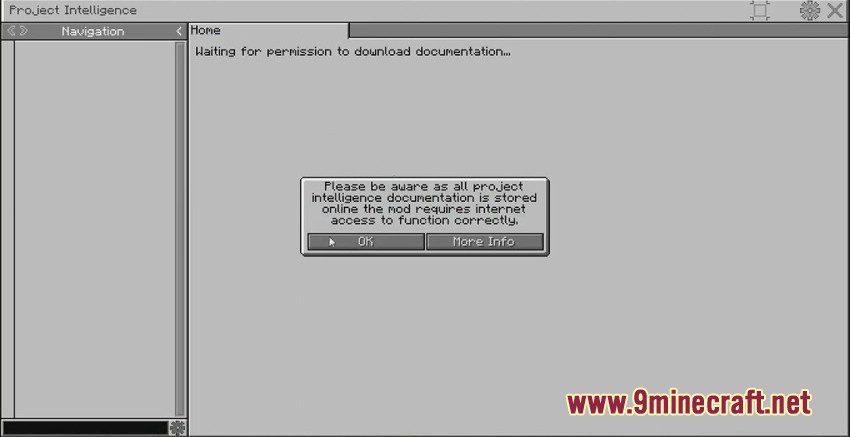
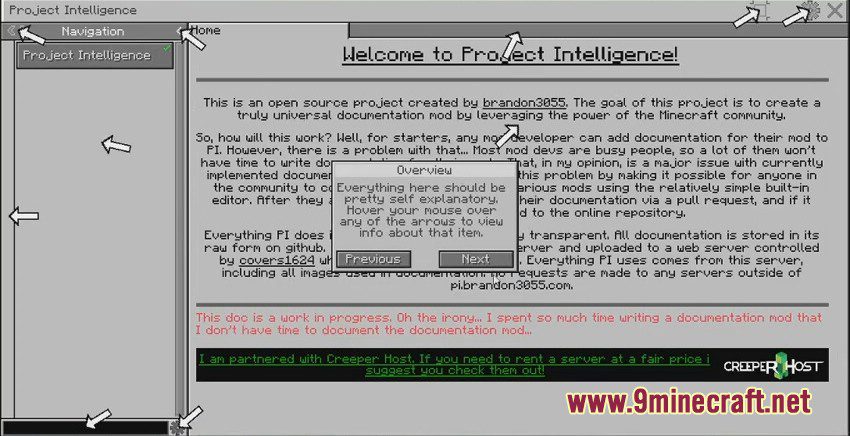
Project Intelligence Mod adds a universal documentation system for Minecraft mods. It allows anyone in the community to write and submit guides using a simple built-in editor. Instead of waiting for mod developers, players can help create documentation for everyone. Once approved, these guides become part of an online library accessible directly in the game.
Features:
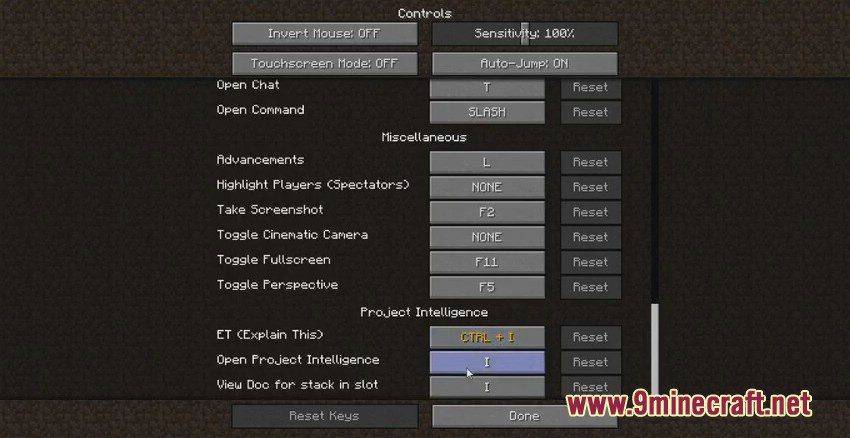
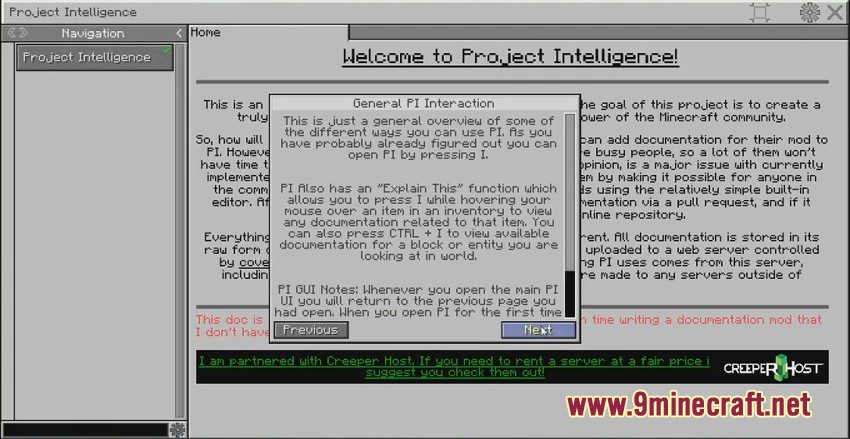
- Content Linking & “Explain This”: Lets you open documentation for an item, block, or mob by pressing a keybind while looking at it or hovering over it in an inventory.
- Pack Doc: Allows modpack makers to write their own documentation that is stored locally and included with the modpack.
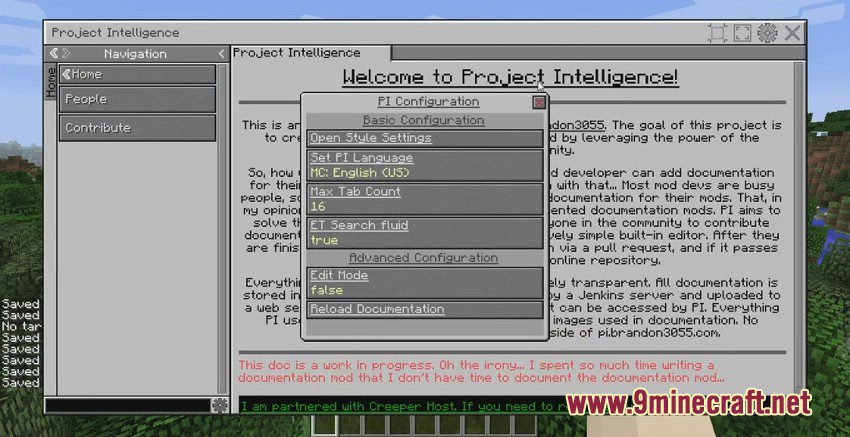
- Customize the entire user interface with different style presets and save your own layouts.
- Integrates with JEI, allowing any JEI-supported recipe to be displayed in the documentation.
- Adds an “info” button to the GUIs of supported mods, which opens a small window with relevant guides.
- Includes a built-in editor to write and manage documentation without leaving the game.
- Supports documentation for multiple versions of the same mod, so guides stay relevant even after updates.
- Offers language localization support.
How to Use:
- To get information about a block or mob, point your crosshair directly at it in the world.
- For items, open an inventory and hover your mouse over the item you want to learn about.
- Press the ‘Explain This’ keybind to instantly open the linked documentation page.
Screenshots:
How to Install:
New to Minecraft? Follow our step-by-step guide to install Mods on your PC.View Guide
Requirements:


Project Intelligence Mod Download Links
For Minecraft 1.16.5
Forge version: Download from Server 1 – Download from Server 2
For Minecraft 1.12.2
Forge version: Download from Server 1 – Download from Server 2
Click to rate this post!
[Total: 0 Average: 0]
You May Also Like






This post has no comments yet. Be the first — your comment will appear here.