
Tool Trims Mod (26.3, 1.20.1) – Match Tools to Your Armor

 0


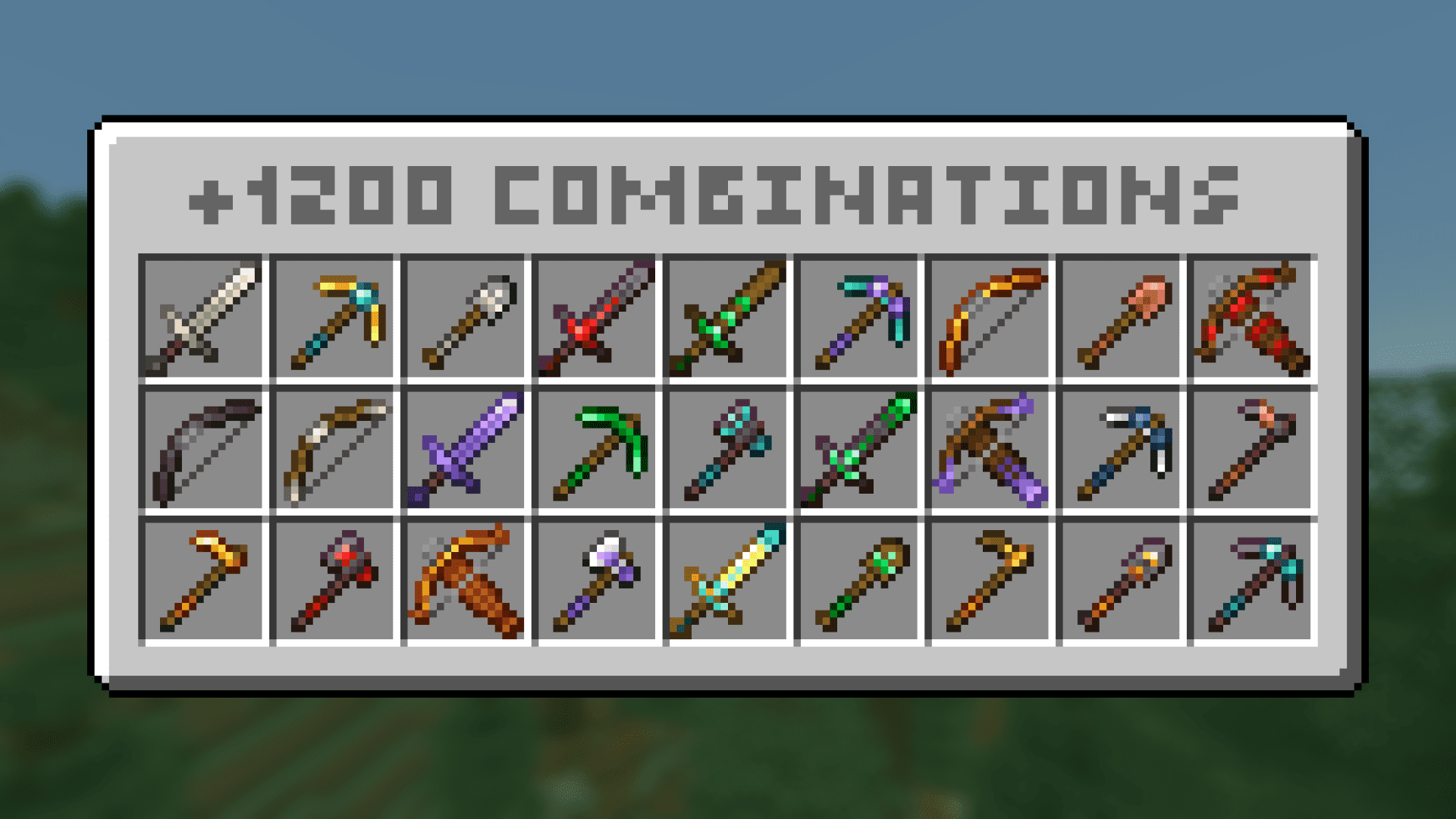
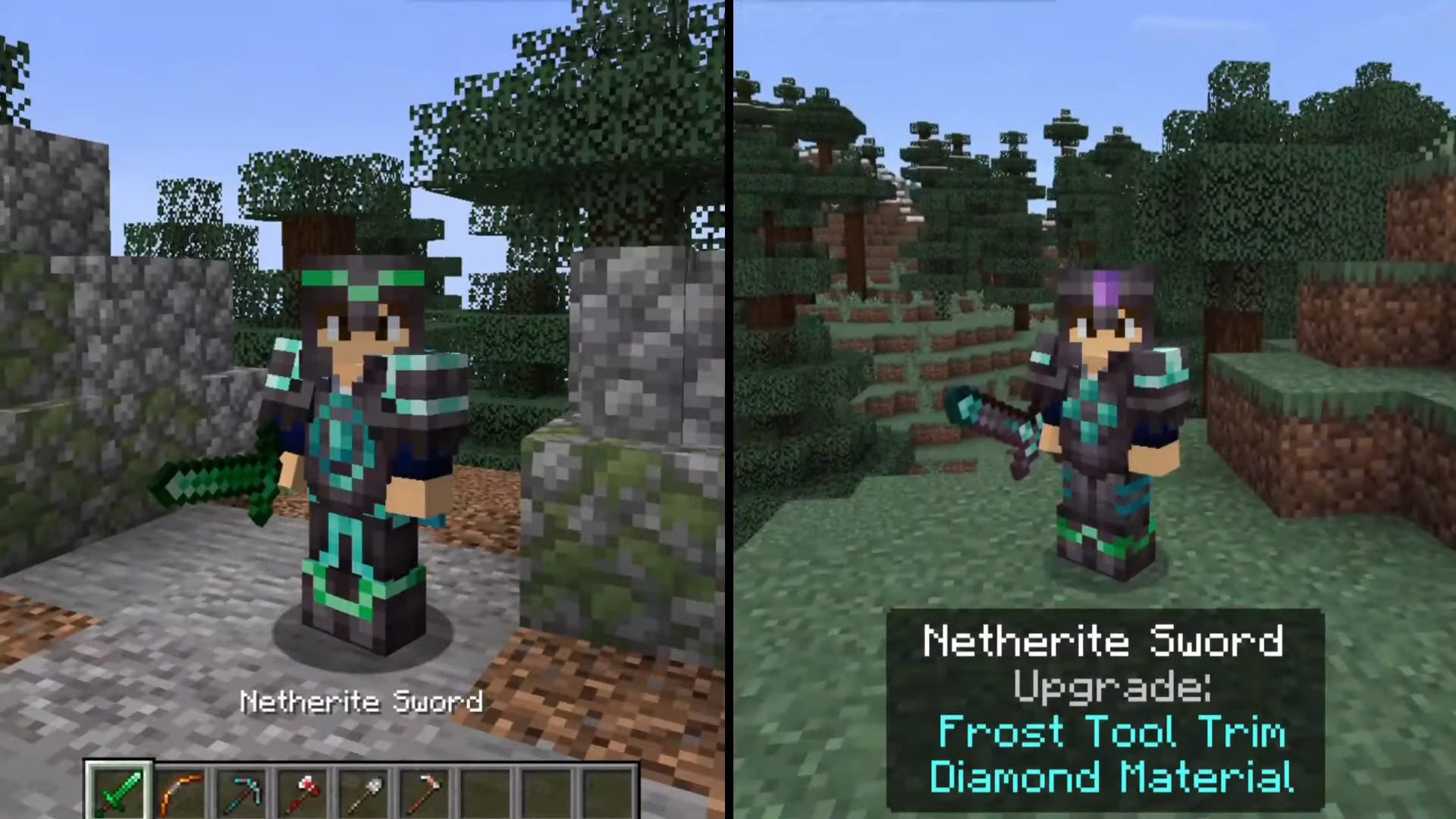
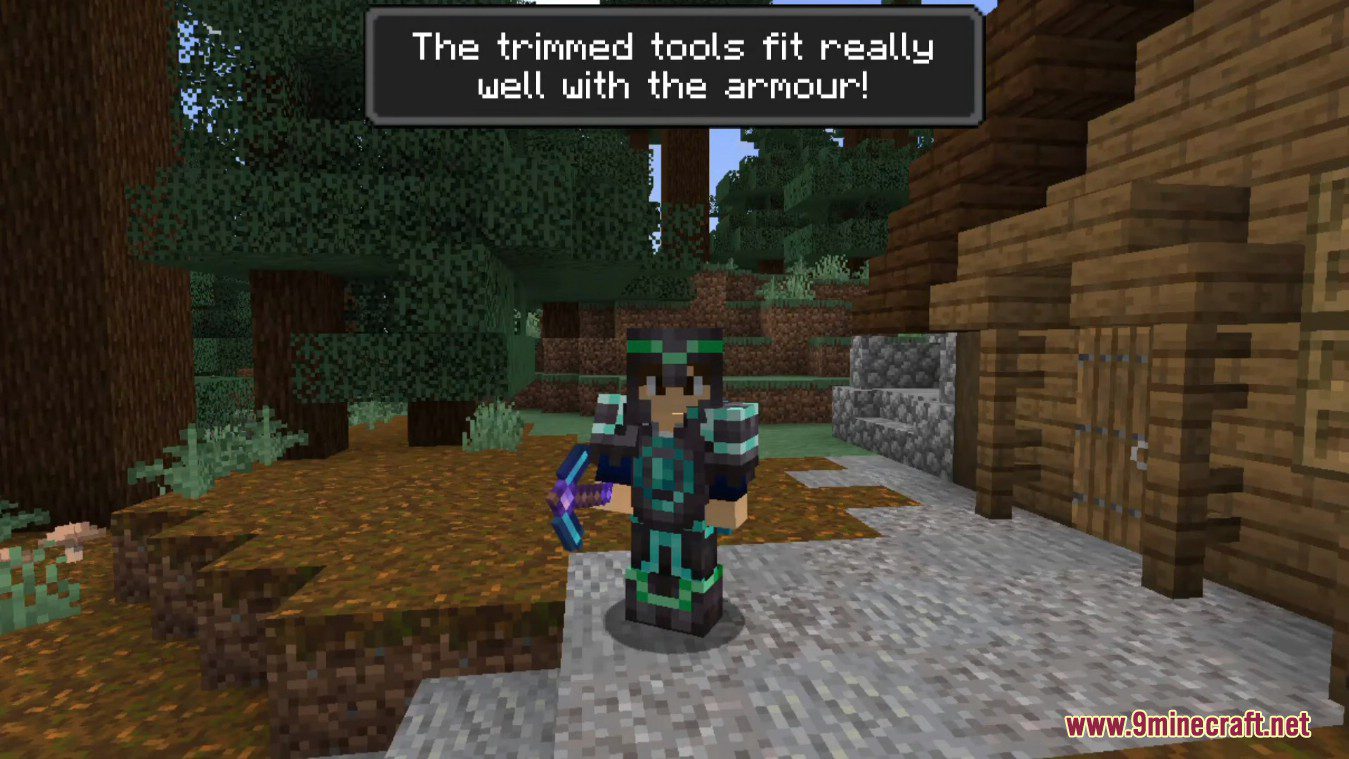
Tool Trims Mod brings custom trim styles to your weapons and tools as a Fabric port of the original datapack. It adds 4 smithing templates—Linear, Tracks, Charge, and Frost—that pair with 10 trim materials to give you over 1,200 looks across 32 weapons and tools. You can trim your gear at a smithing table, earn the Shiny Tools advancement, and see your trim designs on thrown tridents. This mod also works with modded tools, shows recipes cleanly in recipe viewers, and places templates right inside the creative inventory. Resource packs can also add support for extra modded trim patterns, materials, and tool shapes.
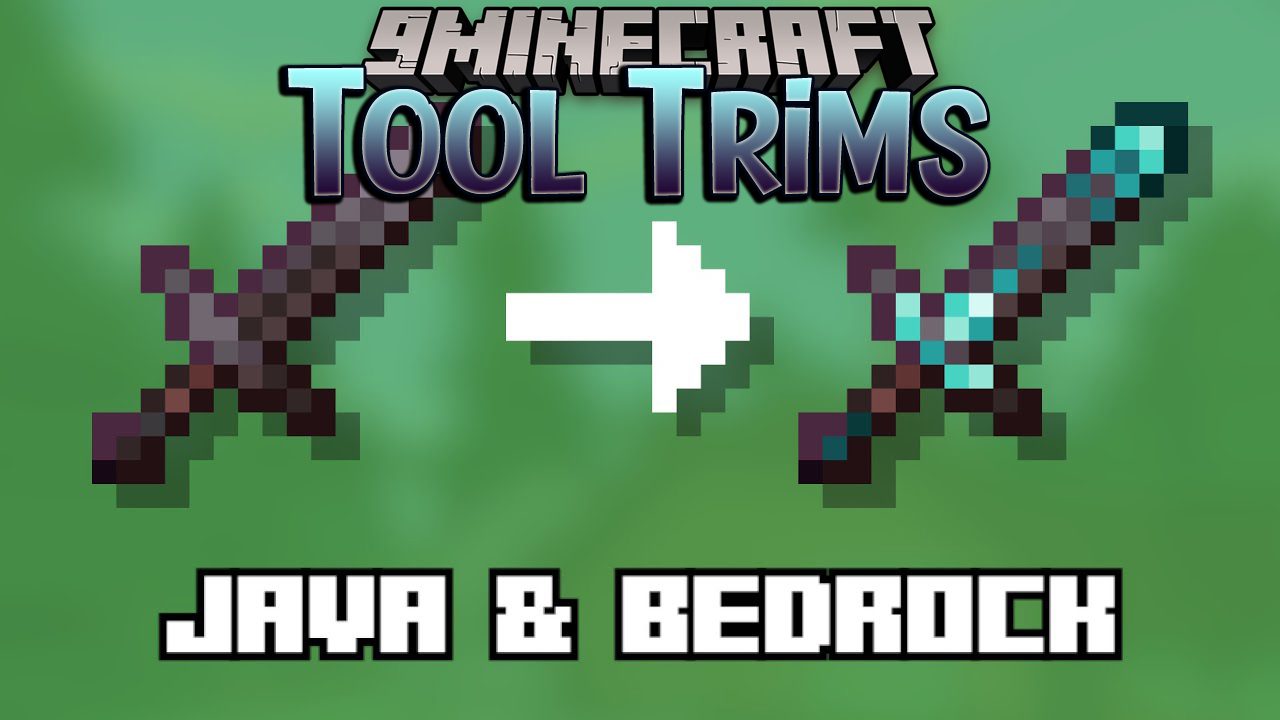
Tool Trims Mod – Video Showcase
Features:
- Adds custom visual trims to 32 weapons and tools, giving you over 1,200 style combinations.
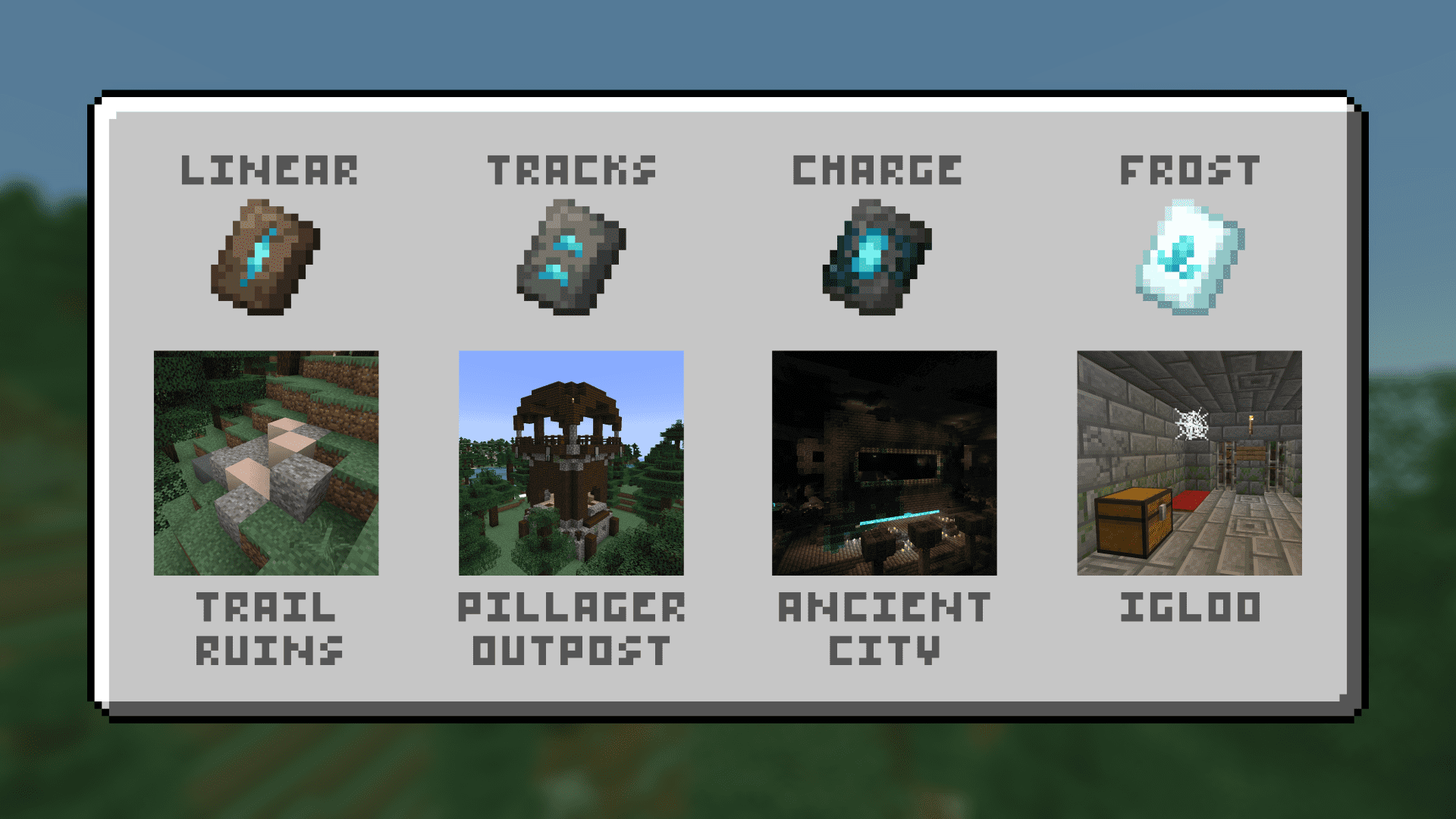
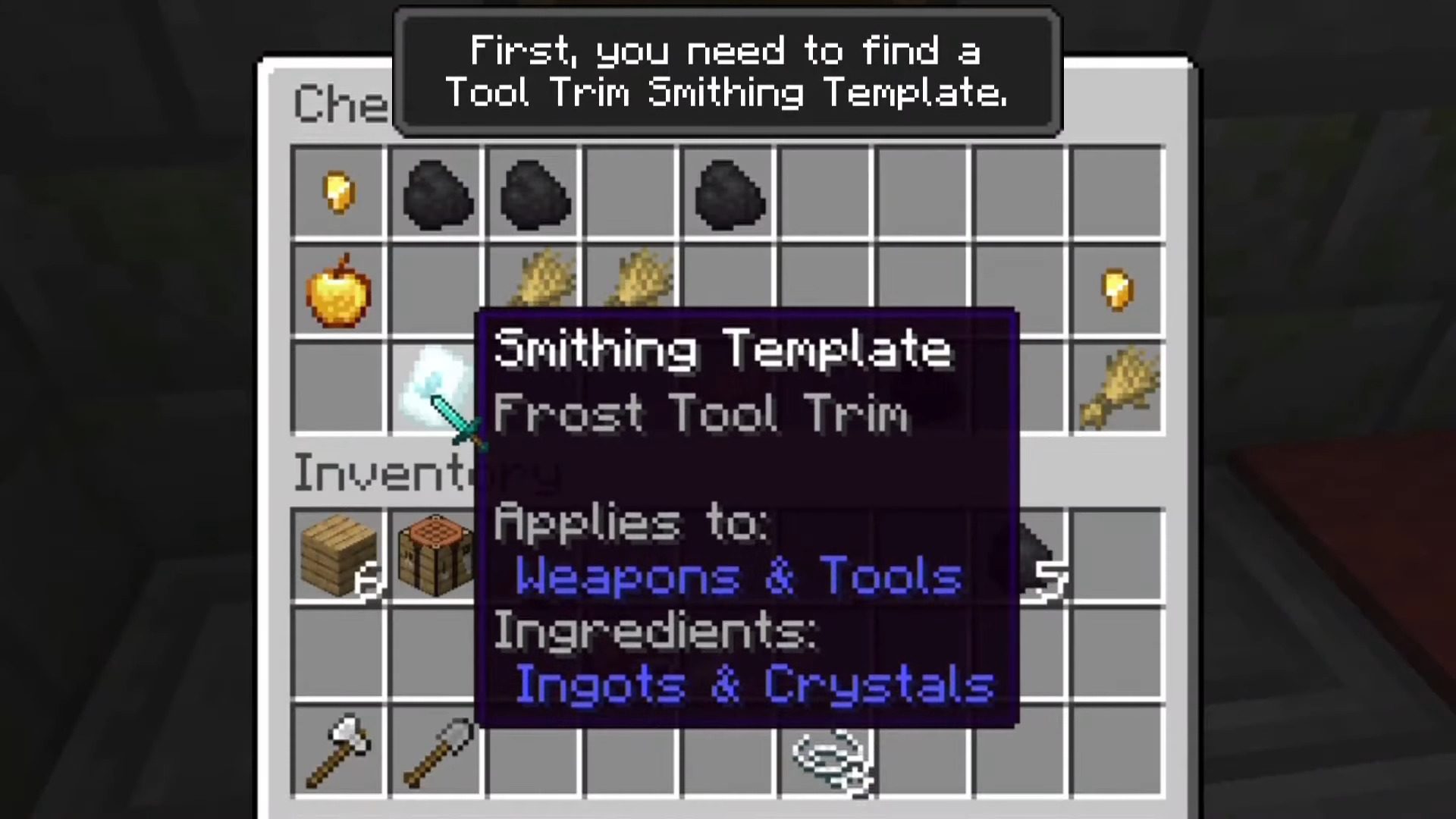
- Includes 4 smithing templates—Linear, Tracks, Charge, and Frost—that appear in different structures and can be duplicated using diamonds and cobblestone.
- Supports 10 trim materials: Amethyst Shard, Copper Ingot, Diamond, Emerald, Gold Ingot, Iron Ingot, Lapis Lazuli, Netherite Ingot, Quartz, and Redstone Dust.
- Shows trim designs on thrown tridents while they fly through the air and stick into blocks.
- Lets you apply trims to modded tools and weapons alongside vanilla items.
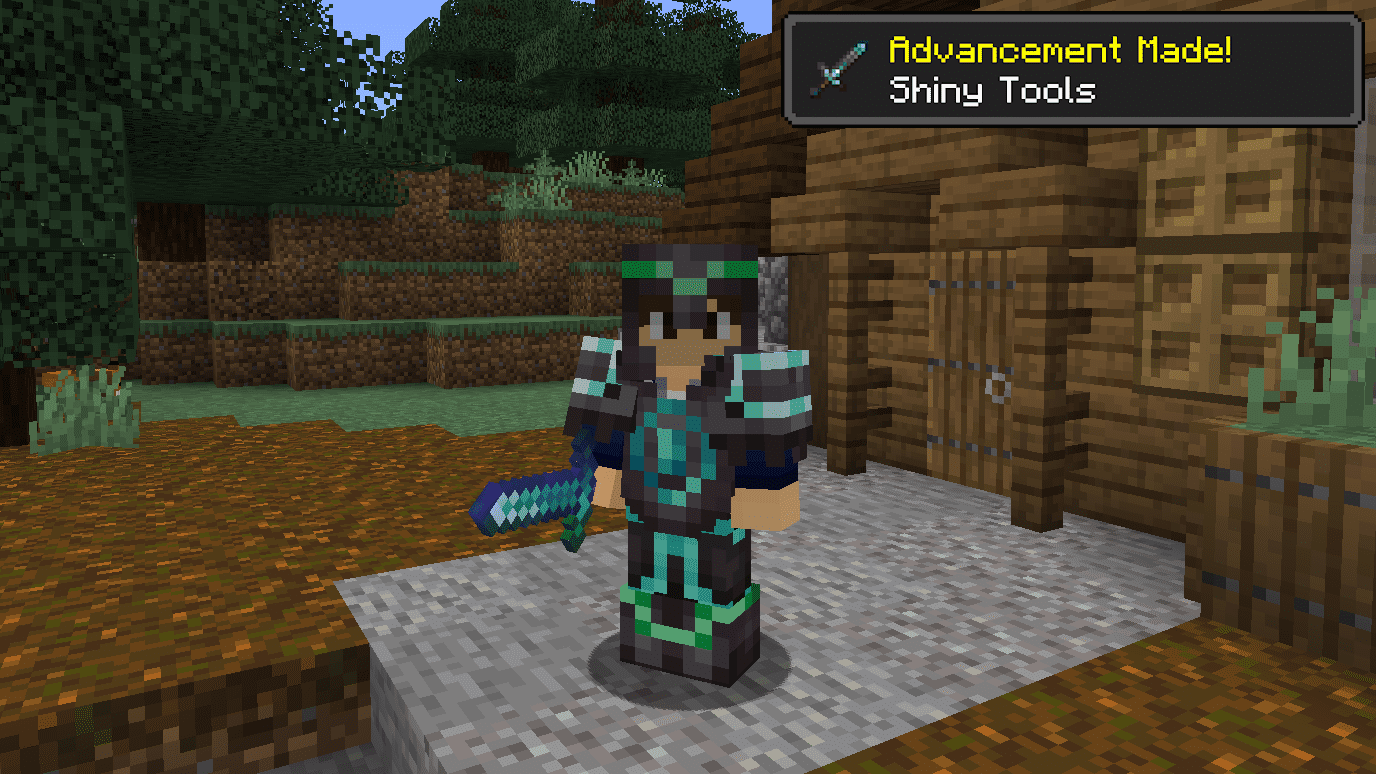
- Rewards you with the Shiny Tools advancement when you get your first trimmed tool.
- Places trim templates in the right spot in the creative inventory and displays trimming recipes clearly in recipe viewers like RRV and EMI.
- Injects templates into loot tables instead of overwriting existing loot tables.
- Allows resource packs to add compatibility for modded trim patterns, trim materials, and non-vanilla tool shapes.
- Includes texture support for Enchancement so trimmed crossbows show up properly.
- Provides built-in migration and demigration mechanics so you can switch templates and tools between the original datapack and this mod.
- Conflicts with ModernFix’s Dynamic Resources setting (enabled by default in modpacks like Adrenaline) and the Trimmable Tools datapack.
Commands:
/tooltrims migrate: Migrates the template or tool you are holding from the datapack system to this mod’s trim system./tooltrims demigrate: Converts the template or tool you are holding back so you can use it with the datapack again./gamerule tooltrims_deleteToolsmithingTable false: Turns off the rule that destroys old datapack toolsmithing tables within 6 blocks of players and drops 2 copper and 4 planks.
How to Use:
Trimming Weapons and Tools:
- Explore structures in your world to find one of the 4 smithing templates (Linear, Tracks, Charge, or Frost) inside loot chests.
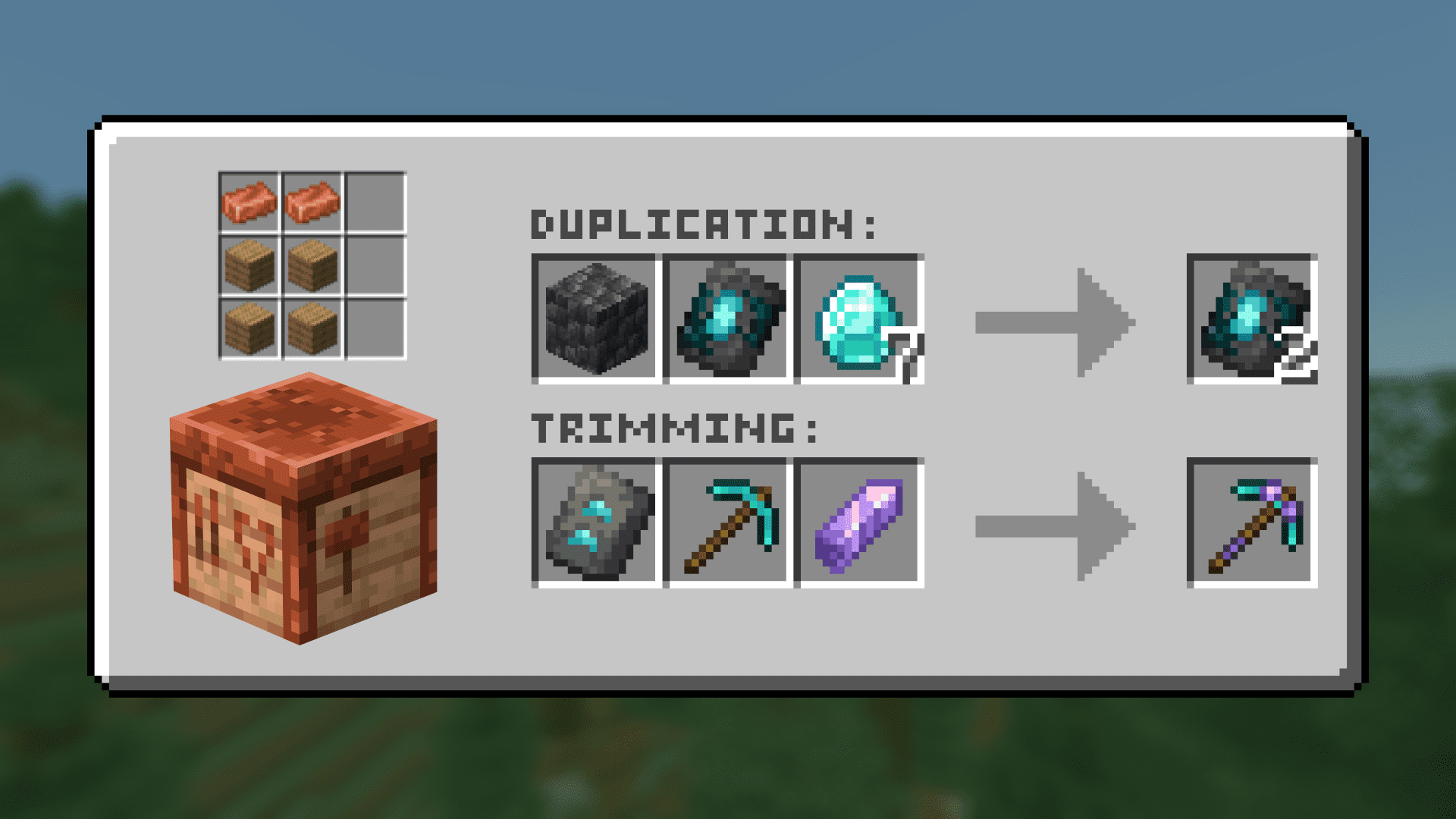
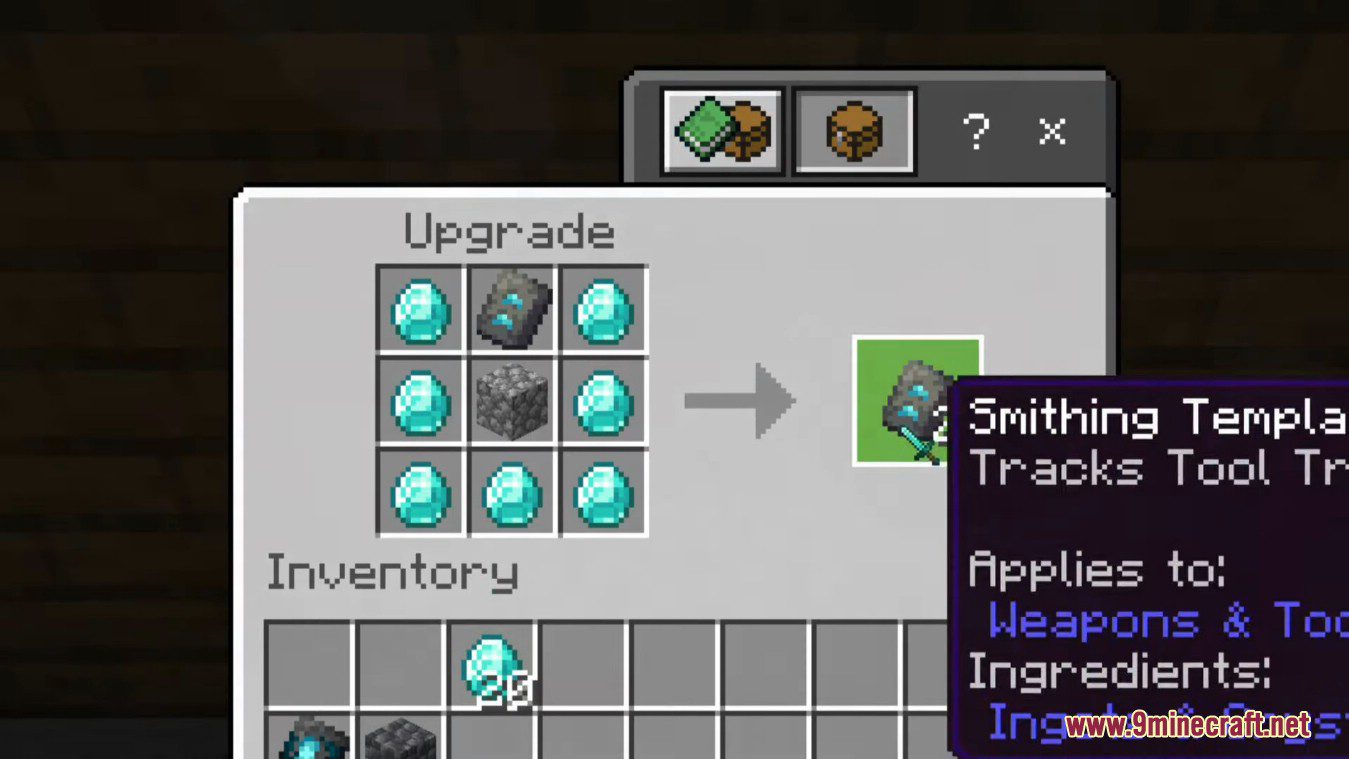
- Duplicate any smithing template with diamonds and cobblestone when you need extra copies for more gear.
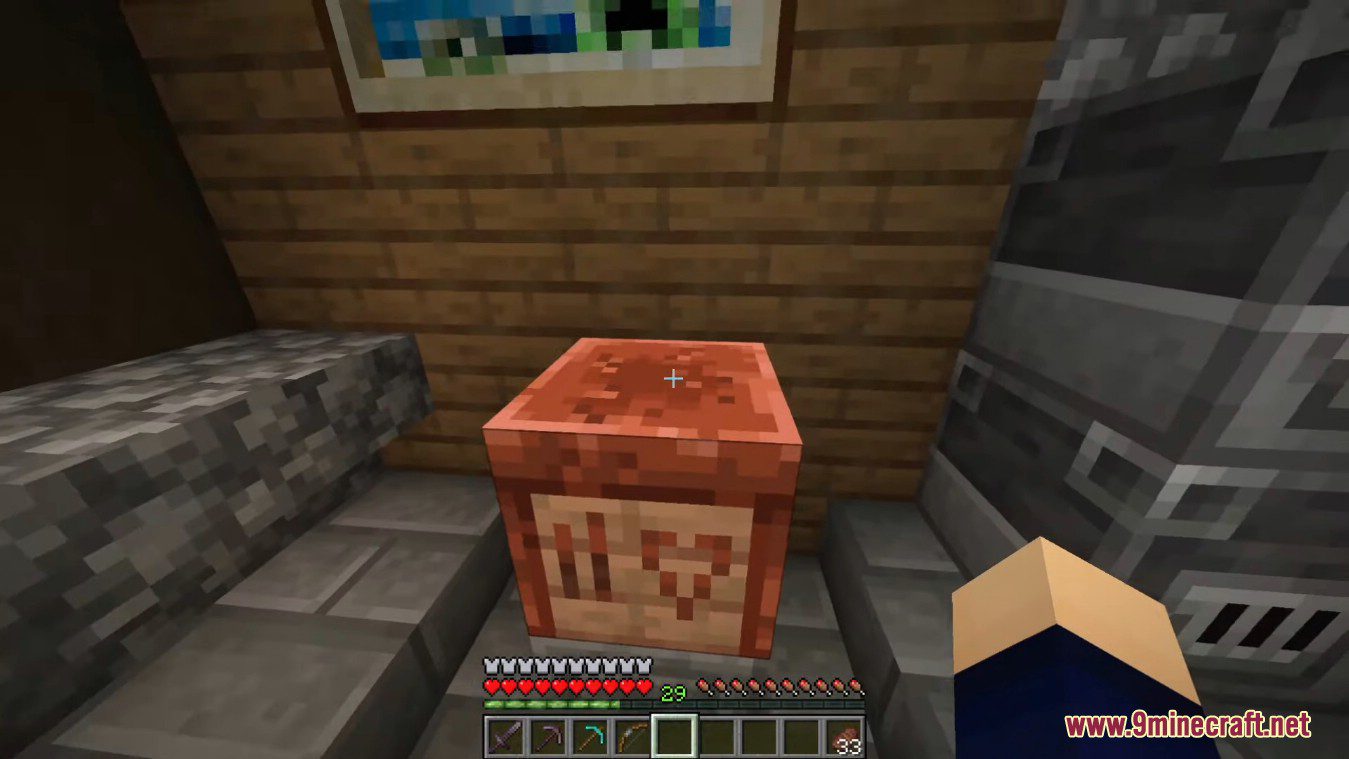
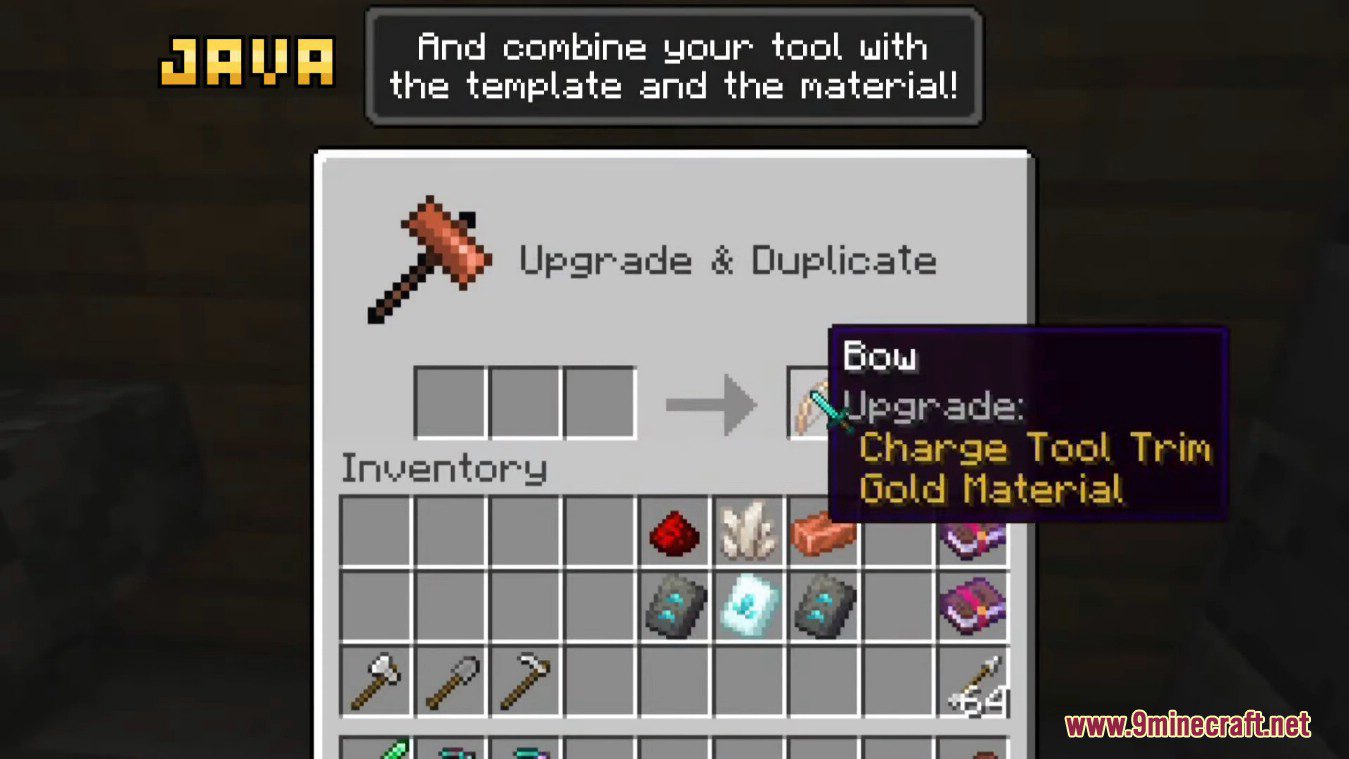
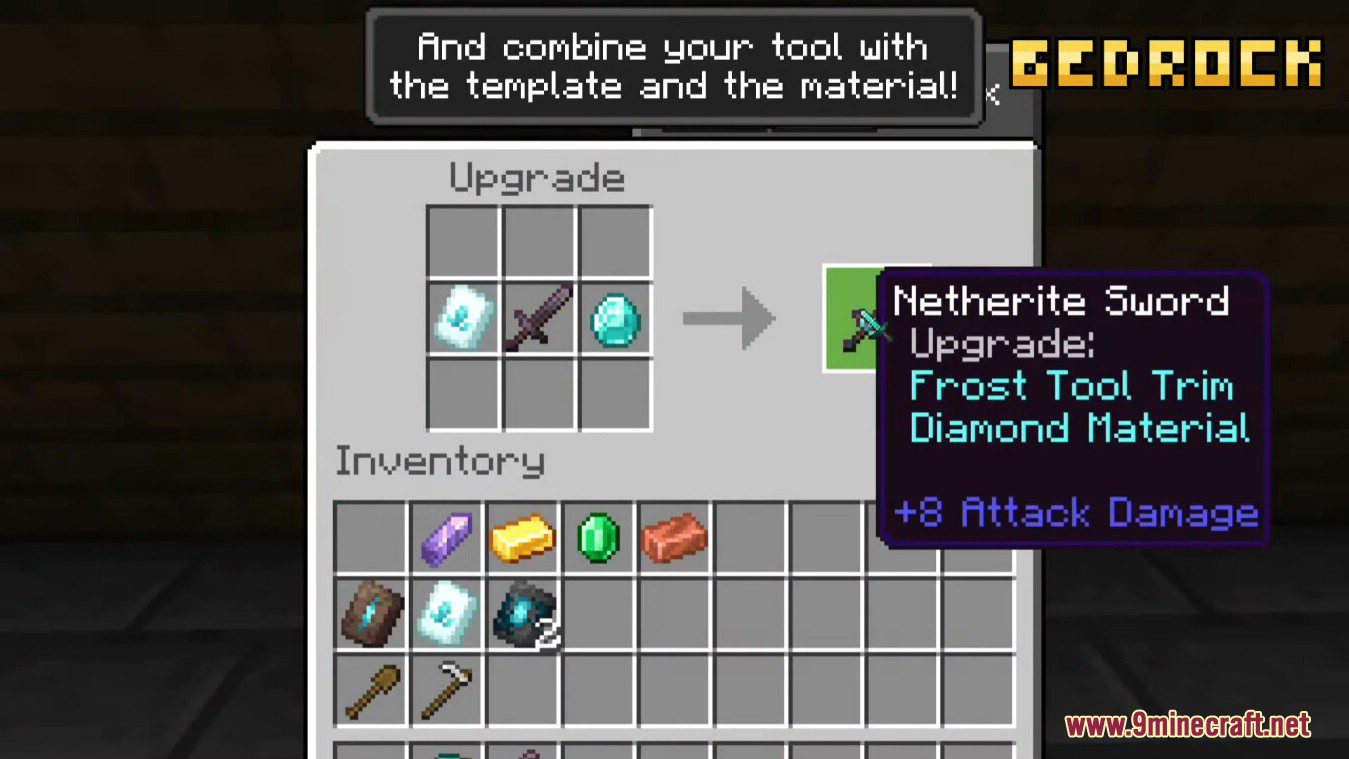
- Open a Smithing Table and place a template, a weapon or tool, and one of the 10 trim materials into the slots to customize your item.
- Pick up your new trimmed gear to use it right away and earn the Shiny Tools advancement.
Migrating from the Datapack:
- Back up your world first before moving your save from the datapack to this mod.
- Replace the datapack with this mod without loading the world while neither is active; trimmed tools already using the vanilla trim system do not need migration, while templates do.
- Hold the datapack smithing template or tool you want to update in your hand.
- Type
/tooltrims migratein chat to convert the held item to this mod’s trim system so templates work in a Smithing Table again.
Switching Back to the Datapack:
- Load both the datapack and this mod together (ignoring the warning message) and hold the template or tool you want to revert.
- Type
/tooltrims demigratein chat to convert your items back to the datapack format, then remove this mod and switch back to the normal datapack resource pack.
Screenshots:
How to Install:
New to Minecraft? Follow our step-by-step guide to install Mods on your PC.View Guide
Requirements:




Tool Trims Mod Download Links
For Minecraft 26.3
For Minecraft 26.2
For Minecraft 26.1.2, 26.1.1, 26.1
For Minecraft 1.21.11
For Minecraft 1.21.10, 1.21.9
For Minecraft 1.21.8, 1.21.7, 1.21.6
For Minecraft 1.21.5
For Minecraft 1.21.1, 1.21
For Minecraft 1.20.6
For Minecraft 1.20.1, 1.20
For Minecraft 1.17.1 –> 1.19.4
You May Also Like
Picked for this page
 Effortless Building Mod (26.3, 1.20.1) – Tools and Functions for Builders
 Ears Mod (26.3, 1.20.1) – Snouts/Muzzles, Tails, Horns, Wings
 Lighty Mod (26.3, 1.20.1) – Light Overlay Mod with A Twist
 Transcending Trident Mod (26.3, 1.20.1) – Riptide Without Rain
 Simple Voice Chat Enhanced Groups Mod (26.3, 1.20.1) – Optimizing Multiplayer Communication
 Loot Integrations Moog’s Voyager, Soaring, End, Nether Structures Mod (26.3, 1.20.1)
 First Join Message Mod (26.3, 1.20.1) – Custom Welcome Messages
 Simple Text Overlay Mod (26.3, 1.20.1) – Simple Information Overlay
 VillEdit Mod (1.21.11, 1.21.1) – Create and Edit Custom Villagers
 Hat List Mod (26.1.2, 1.20.1) – Always See The Hat Layer
 Volume Fix Mod (26.2, 1.20.1) – Fix Your Minecraft Sound Experience
 Higher Chat Mod (1.21.11, 1.20.1) – Adjusts the Default Chat Placement
Most viewed in Mods over the last 7 days
 Ala Industrial Mod (26.3) – Run Electric Power Grids and Automated Factories
 PleasureCraft Mod (26.3, 1.21.1) – Jenny Mod Remake for Fabric
 Jennycraft Mod (26.3, 1.20.1) – Virtual Girlfriend in Minecraft
 Fapcraft Mod (26.3, 1.12.2) – Comprehensive and Detailed Content
 Jenny Mod (Fapcraft) Official Complete Guide – How to use, Tutorial
 BangCraft Mod (1.20.1) – Jenny, Ellie and Elliot
 Fabric Loader (26.3, 1.20.1) – Fabric Installer for All Minecraft Versions
 The Shooting Star Demo Mod (26.3, 1.20.1) – Vaporize Terrain From Orbit
 Meteor Client Mod (26.3, 1.20.1) – Xray, HUD, Fly
 OptiFine HD (26.3, 1.20.1) – Run Faster, FPS Boost, Shaders Support
 Aristois Client Mod (1.21.4, 1.20.1) – World Class Minecraft Utility
 Prestige Client Mod (1.21.11, 1.21.4) – Powerful Ghost Features for Crystal & Sword PvP
More from Mods
 MTR Navigation Mod (1.21.1) – Plan Railway Trips and Never Miss a Train Stop
 TheHouse Mod (1.21.11) – Host Casino Tables and Track Every Bet in Real Time
 CinematicInteractions Mod (1.21.1) – Watch Your Hands Work at Every Crafting Table
 Earth Platform Mod (1.21.1) – Travel Across Real Continents in a True Scale World
 Taunahi Mod (26.1.2) – Automate Daily Farming and Slayers in Hypixel Skyblock
 HORROR Fake Join Leave Messages Mod (1.20.1) – Trigger Creepy Chat Scares
 Bons Voyage Mod (1.20.1) – Teleport Across Biomes Through Hidden Waystones
 Orbital Railgun UPDATED Mod (26.3) – Flatten Giant Landscapes From Space
 Automobility Autoradio Mod (26.3, 26.1.2) – Trade Custom Mixtapes with Friends
 Towers of the Wild 9minecraft Mod (26.3, 26.2) – Climb Tall Towers for Loot
 Ender Storage 9minecraft Mod (26.3, 26.2) – Send Loot Back Home From Any Dimension
 Snad 9minecraft Mod (26.3, 26.2) – Build Faster Sugar Cane and Nether Wart Farms

This post has no comments yet. Be the first — your comment will appear here.