
Shader Toggle Mod (1.20.1) – Pick Graphics Before Play

 0


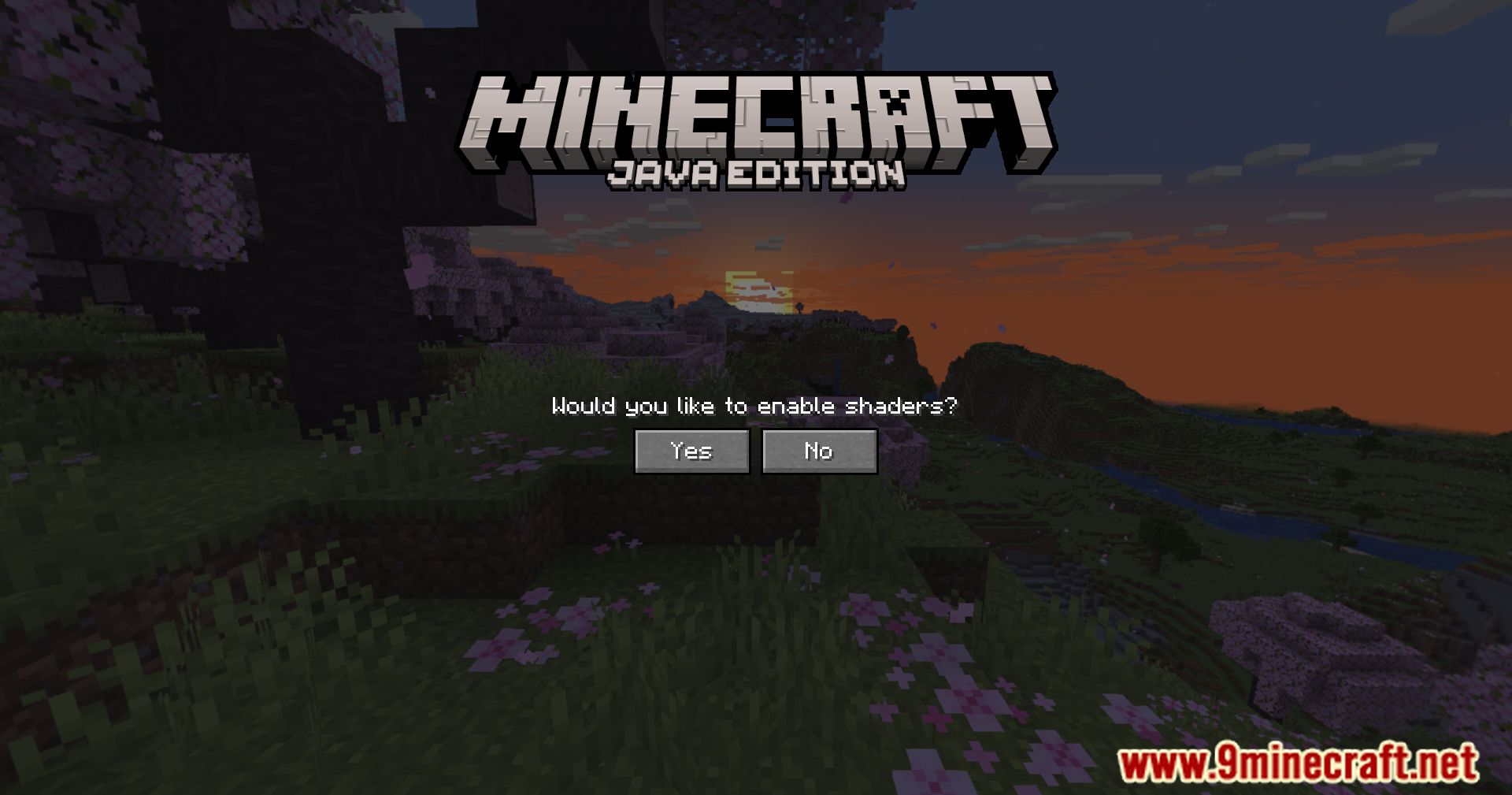
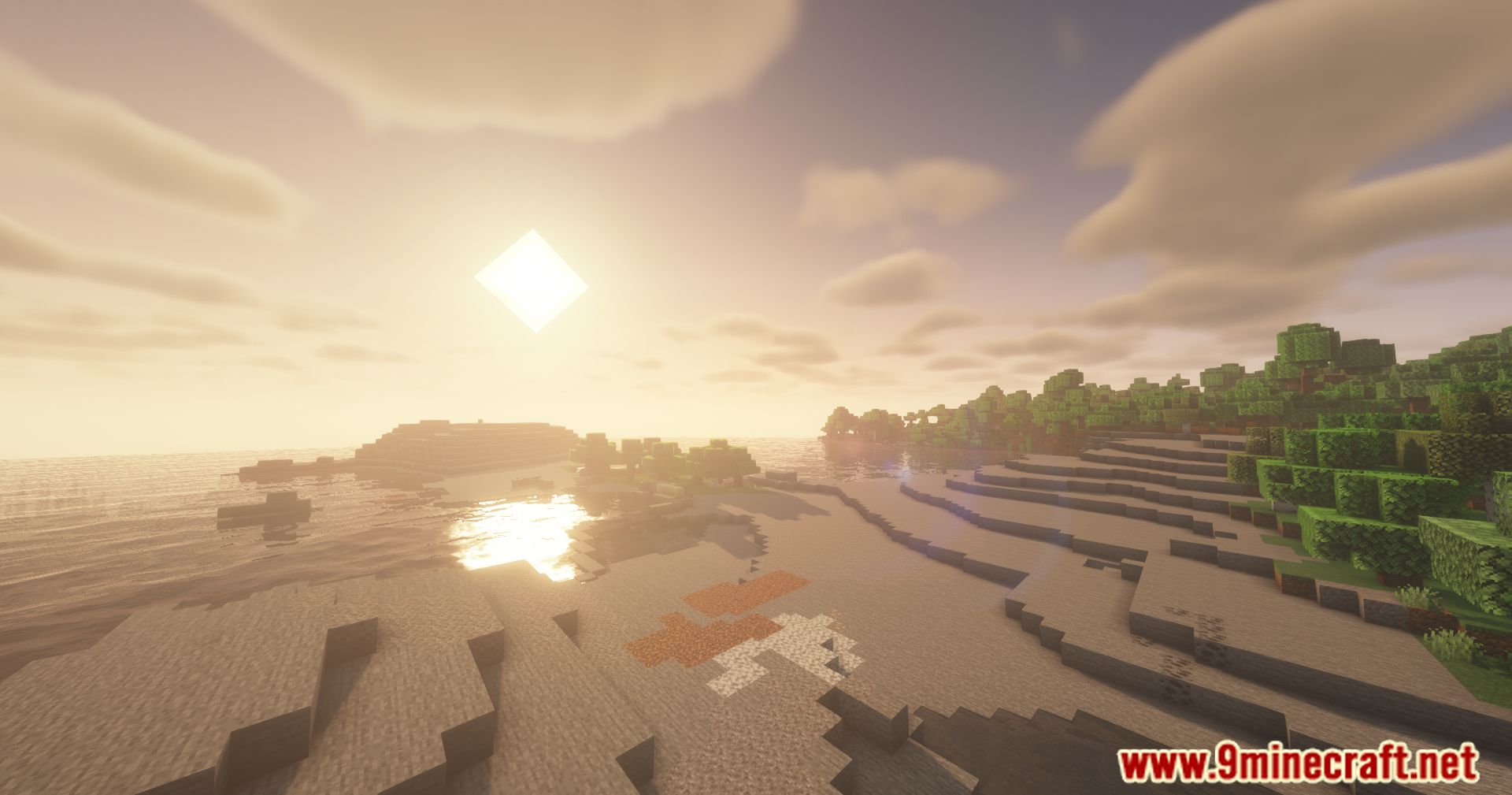
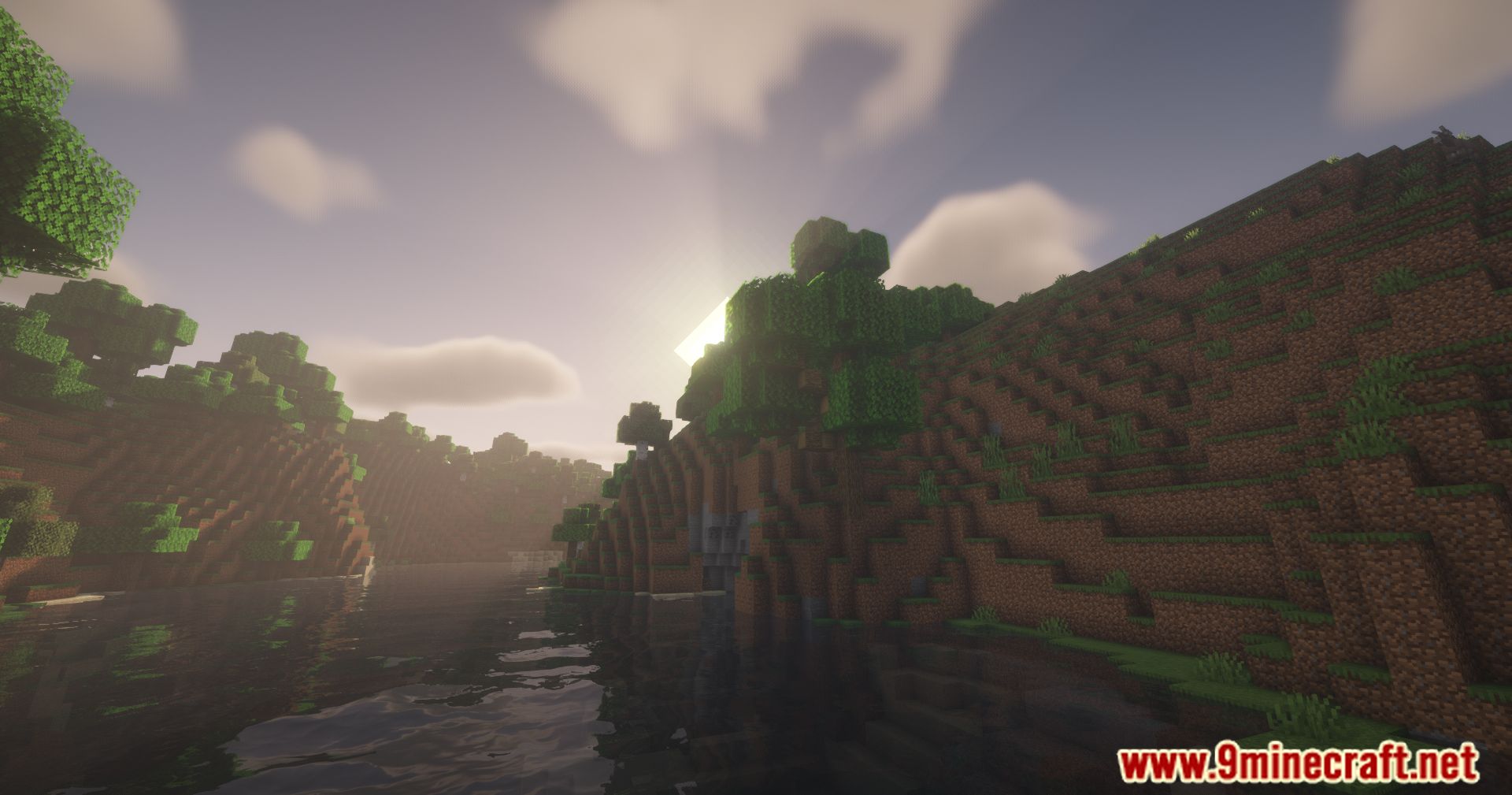
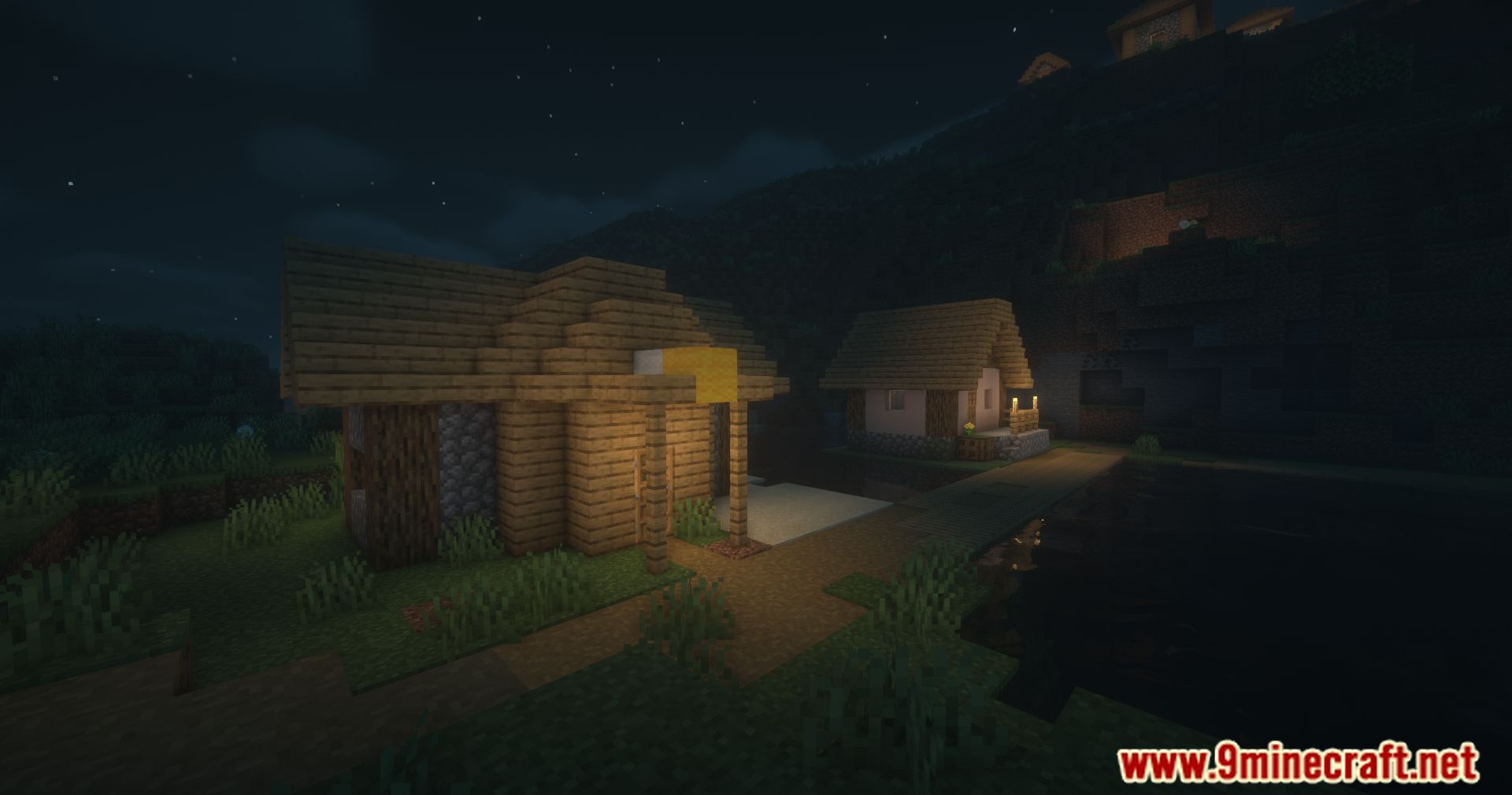
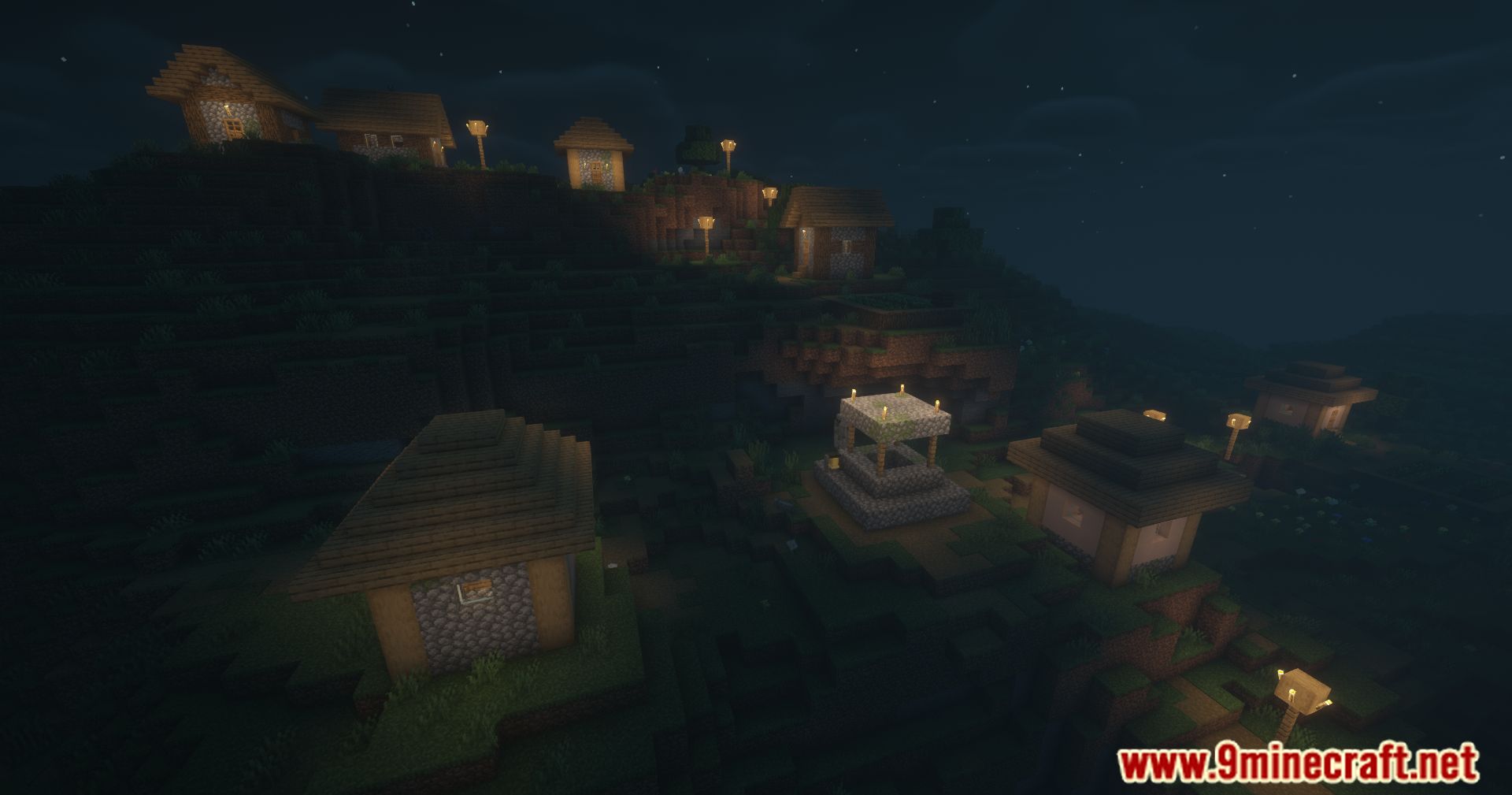
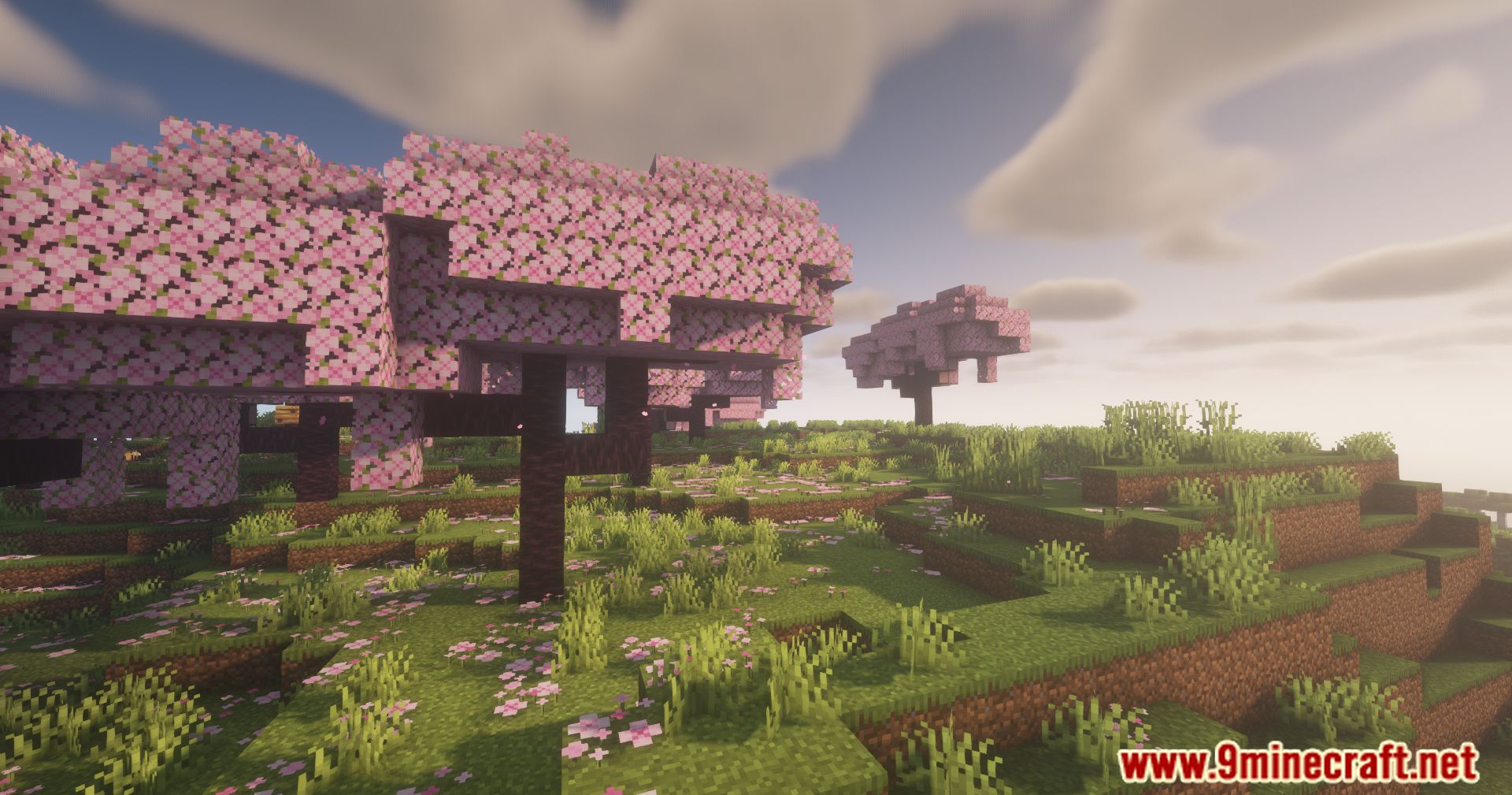
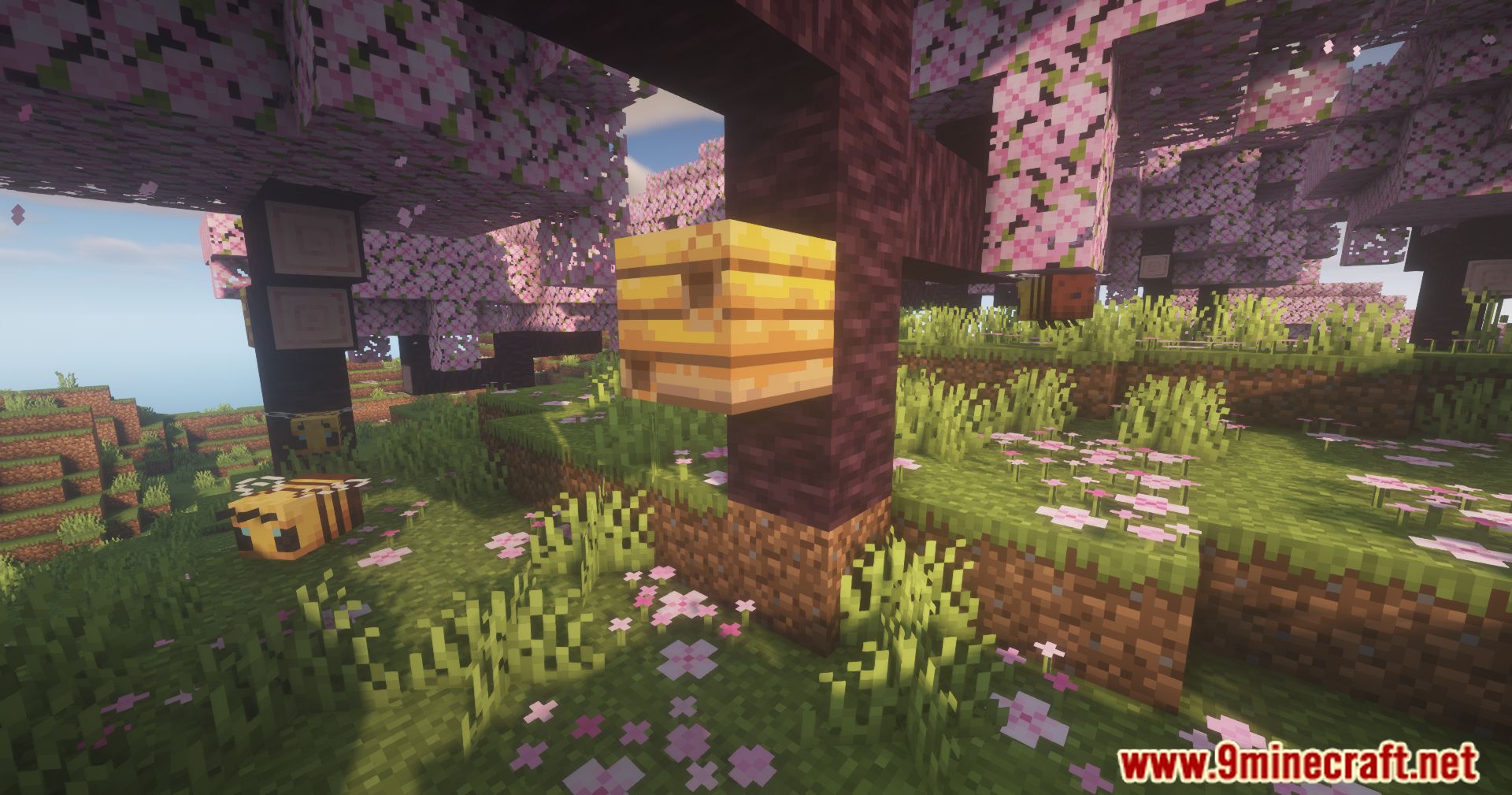
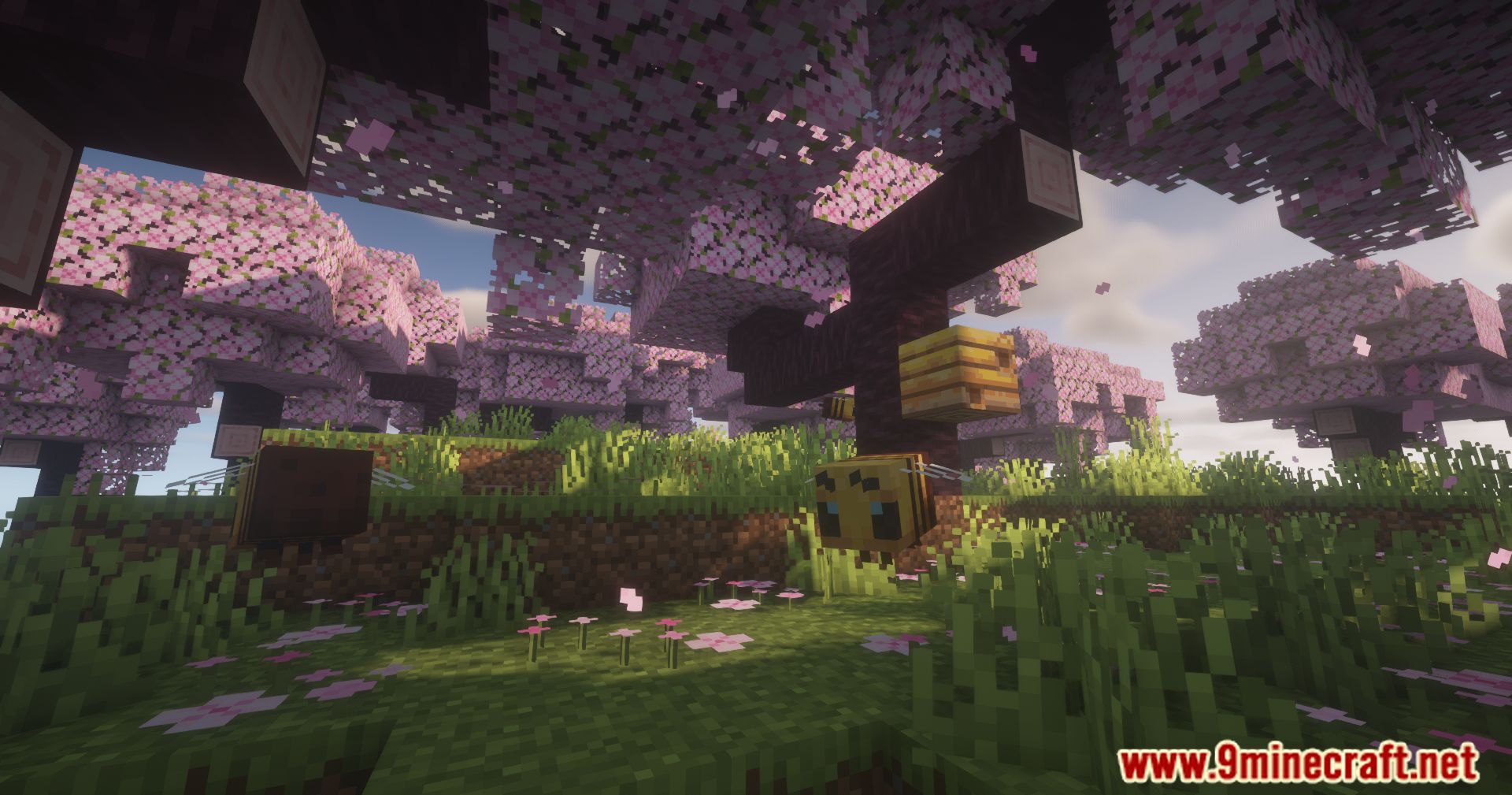
Shader Toggle Mod lets you turn shaders on or off right when Minecraft starts. This mod brings a simple shader setup for modpacks and shows a prompt on the startup screen. You can choose normal vanilla graphics or realistic shader lighting right away. It also requires manual configuration to set up the startup display options.
Features:
- Shows a simple prompt on the startup screen that asks if you want to enable or disable shaders.
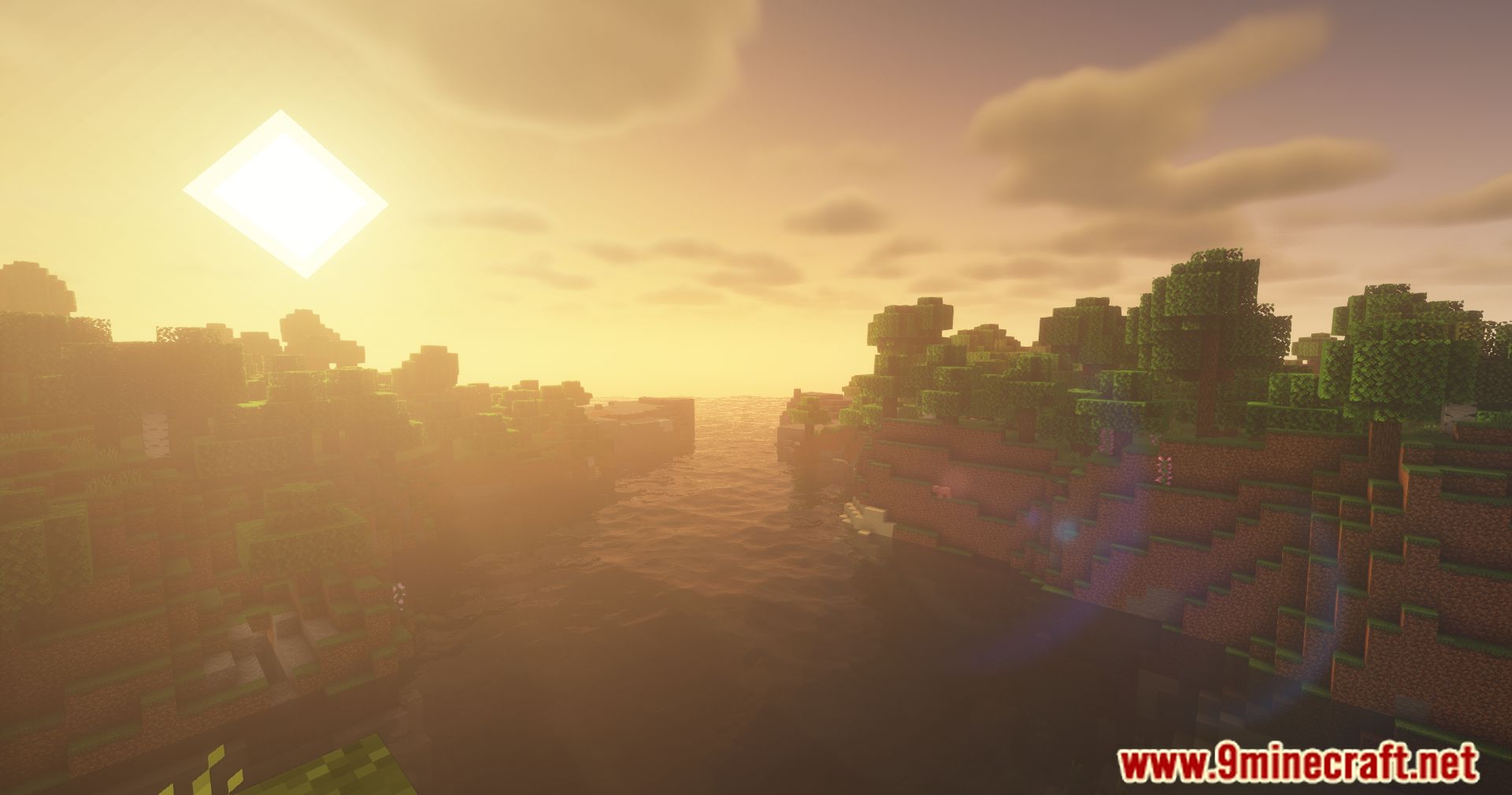
- Lets you switch between normal vanilla graphics and realistic shader effects easily.
- Requires manual configuration to adjust the startup display options for modpacks.
- Gives players an easy way to control how the game looks without going through complex menus.
Screenshots:



How to Install:
New to Minecraft? Follow our step-by-step guide to install Mods on your PC.View Guide
Shader Toggle Mod Download Links
For Minecraft 1.20.1
Fabric version: Download from Server 1 – Download from Server 2
Click to rate this post!
[Total: 0 Average: 0]
QUICK MINECRAFT SURVEY · ONE TAP
Mods & Modpacks
Do you use mods that completely overhaul Minecraft's combat system (like Better Combat or Epic Fight)?
9 responses · See the full results →
You May Also Like
Picked for this page
 Chunk Loaders Mod (26.3, 1.20.1) – Keep Everything Running Even When You’re Away
 Mine Spawners Mod (1.21.11, 1.20.1) – Get Spawners Using a Silk Touch Pick
 O-Peepo’s Timber Mod (1.21.10, 1.20.1) – Automatic Tree Felling
 Illager Blabber Mod (26.3, 1.20.1) – Illagers Now Roasting You
 Caverns and Chasms Mod (1.21.1, 1.20.1) – Diversifies The Underground Experience
 Fuji Mod (26.3, 1.20.1) – Powerful Features of EssentialsX and CMI
 TxniLib Mod (1.21.5, 1.20.1) – Develop Mods Simultaneously
 Iron’s Patreon Library Mod (1.21.1, 1.20.1) – Framework For Armor And Statue Systems
 Portal Linking Compass Mod (26.3, 1.20.1) – Accurate Portal Linking
 Armor Tools And Ores Plus Mod (1.21.4, 1.20.1) – Expanded Gear Progression
 Cursed Fate Ratio Technique Addon Mod (1.20.1, 1.20) – Technique Expansion
 SCP 207 Mod (1.20.1, 1.19.2) – Deadly Cola Bottle
Most viewed in Mods over the last 7 days
 Ala Industrial Mod (26.3) – Run Electric Power Grids and Automated Factories
 PleasureCraft Mod (26.3, 1.21.1) – Jenny Mod Remake for Fabric
 Jennycraft Mod (26.3, 1.20.1) – Virtual Girlfriend in Minecraft
 Fapcraft Mod (26.3, 1.12.2) – Comprehensive and Detailed Content
 Jenny Mod (Fapcraft) Official Complete Guide – How to use, Tutorial
 BangCraft Mod (1.20.1) – Jenny, Ellie and Elliot
 Fabric Loader (26.3, 1.20.1) – Fabric Installer for All Minecraft Versions
 Meteor Client Mod (26.3, 1.20.1) – Xray, HUD, Fly
 The Shooting Star Demo Mod (26.3, 1.20.1) – Vaporize Terrain From Orbit
 OptiFine HD (26.3, 1.20.1) – Run Faster, FPS Boost, Shaders Support
 Aristois Client Mod (1.21.4, 1.20.1) – World Class Minecraft Utility
 Prestige Client Mod (1.21.11, 1.21.4) – Powerful Ghost Features for Crystal & Sword PvP
More from Mods
 Asterion Mod (26.3, 1.20.1) – Survive Ancient Mazes and Slay the Legendary Minotaur
 Passthrough Signs Mod (26.3, 1.20.1) – Right-Click Through Wall Signs
 Packing Tape Mod (26.3, 1.20.1) – Move Chests, Machines
 No XP Anvils Mod (26.3, 1.20.1) – Repair And Enchant Without XP
 Naruto Shippuden Mod (26.3, 1.16.5) – Immerse Yourself in The World of Ninja
 Araxer’s Bestiary Mod (26.3, 1.20.1) – Build an In-Game Encyclopedia of Every Mob
 Villagers Plus Mod (26.3, 1.20.1) – Expanded Villager Types and Villages
 Ore Excavation 9minecraft Mod (26.3) – Mine Ores and Chop Trees in a Single Swing
 Dirigo Mod (26.1.2, 1.21.1) – Walk Across Nether Lava Seas and Automate Animal
 HandLib Mod (26.3, 1.21.1) – Keep Your Multiplayer World Stable
 Happy Ghasts Boost Mod (26.1.2, 1.20.1) – Fly Across Vast Distances at Top Speed
 LiquidBounce Client Mod (26.3, 1.20.1) – LiquidLauncher, A Free Client

This post has no comments yet. Be the first — your comment will appear here.