
Items Displayed Mod (26.3, 1.20.1) – Turn Your Rare Relics Into Base Decor
 16,645
 0

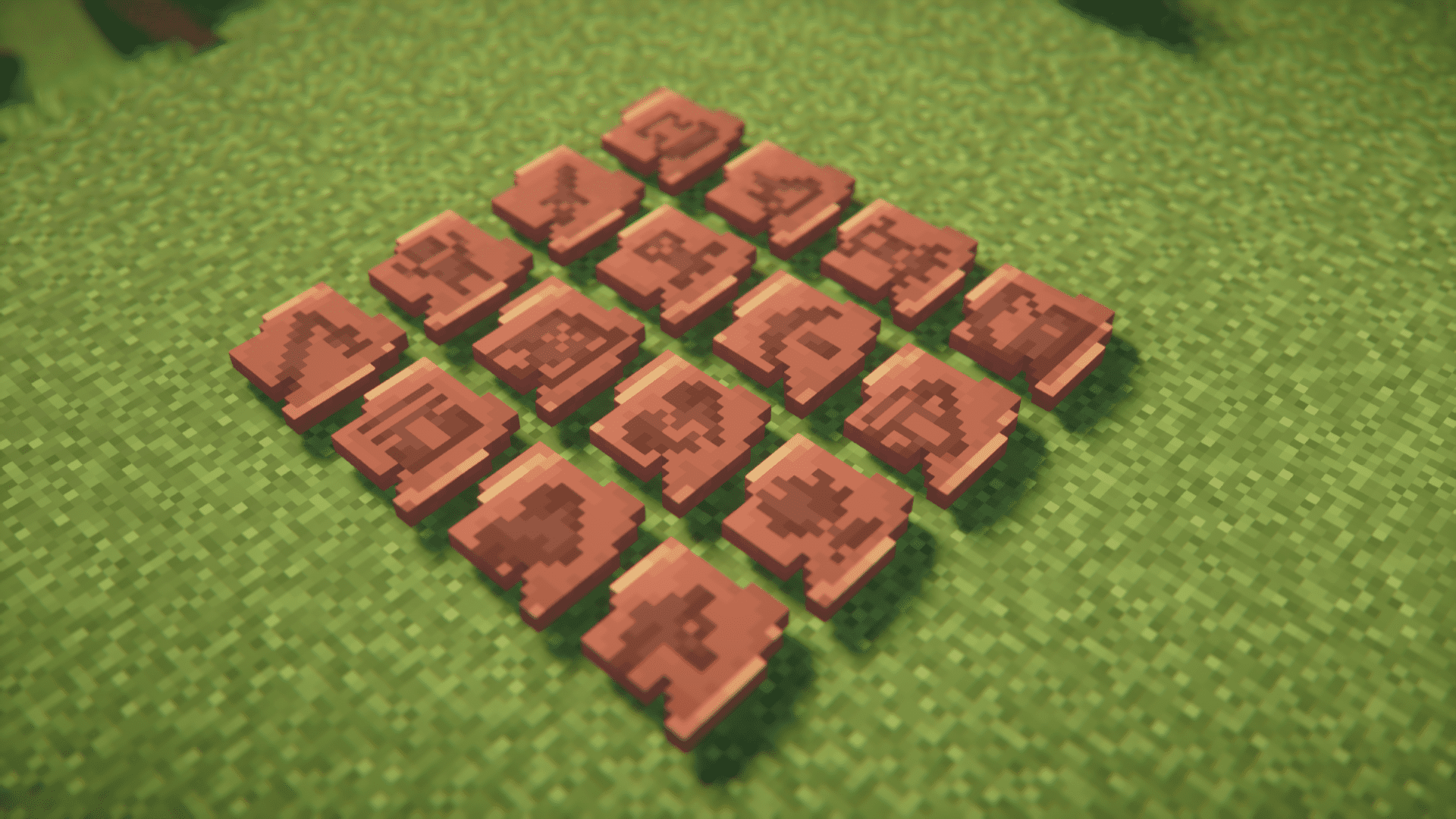
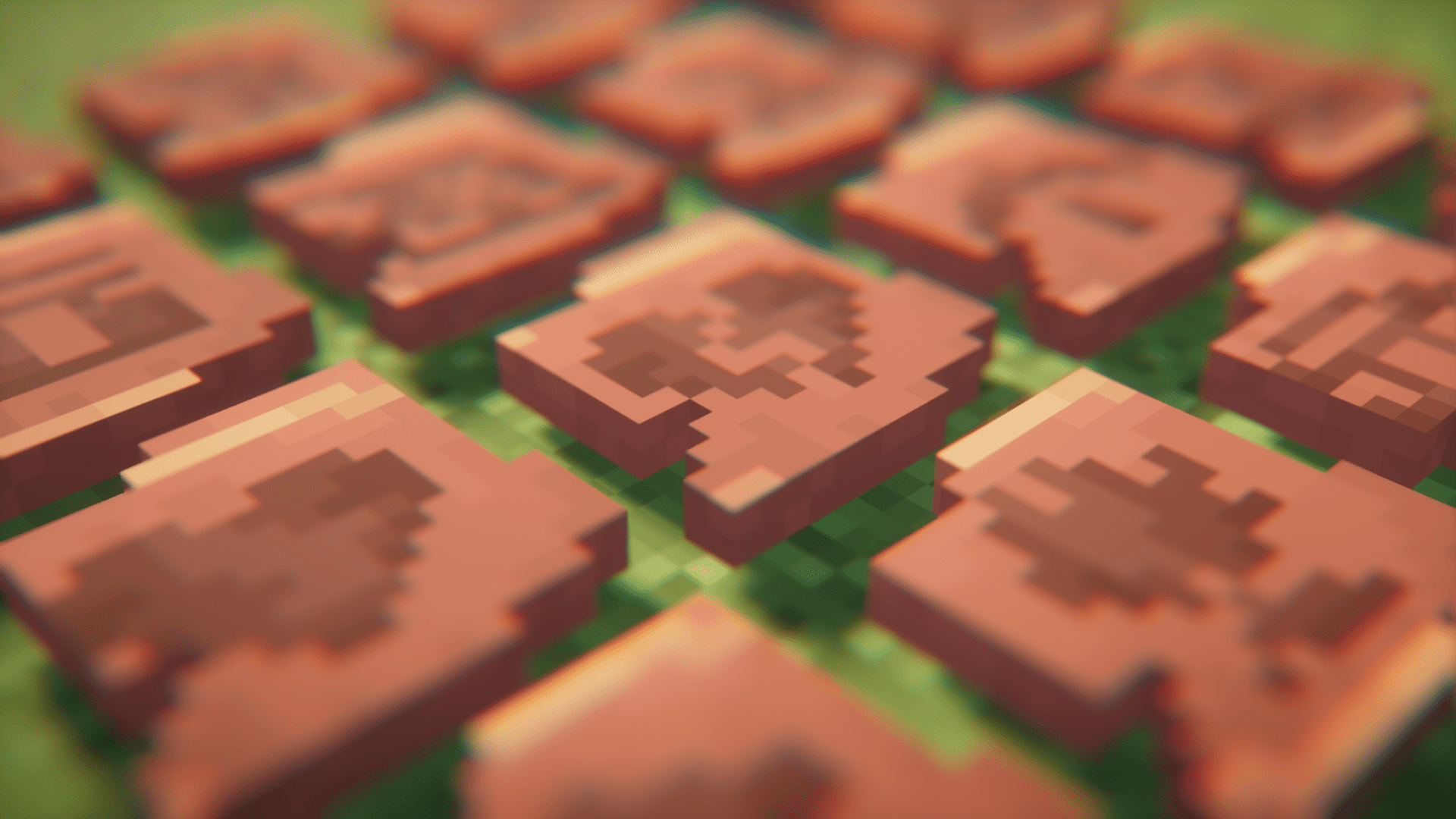
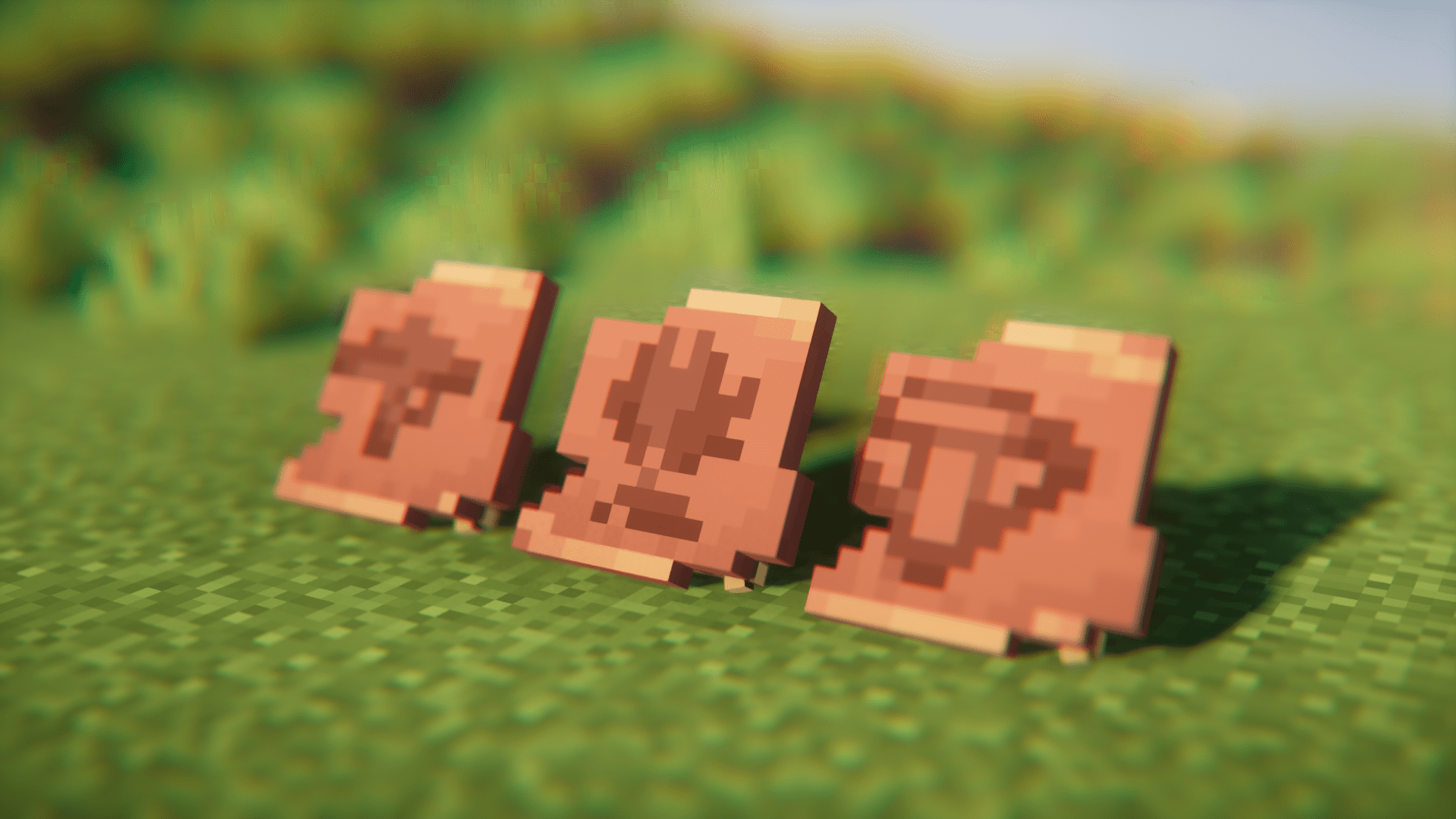
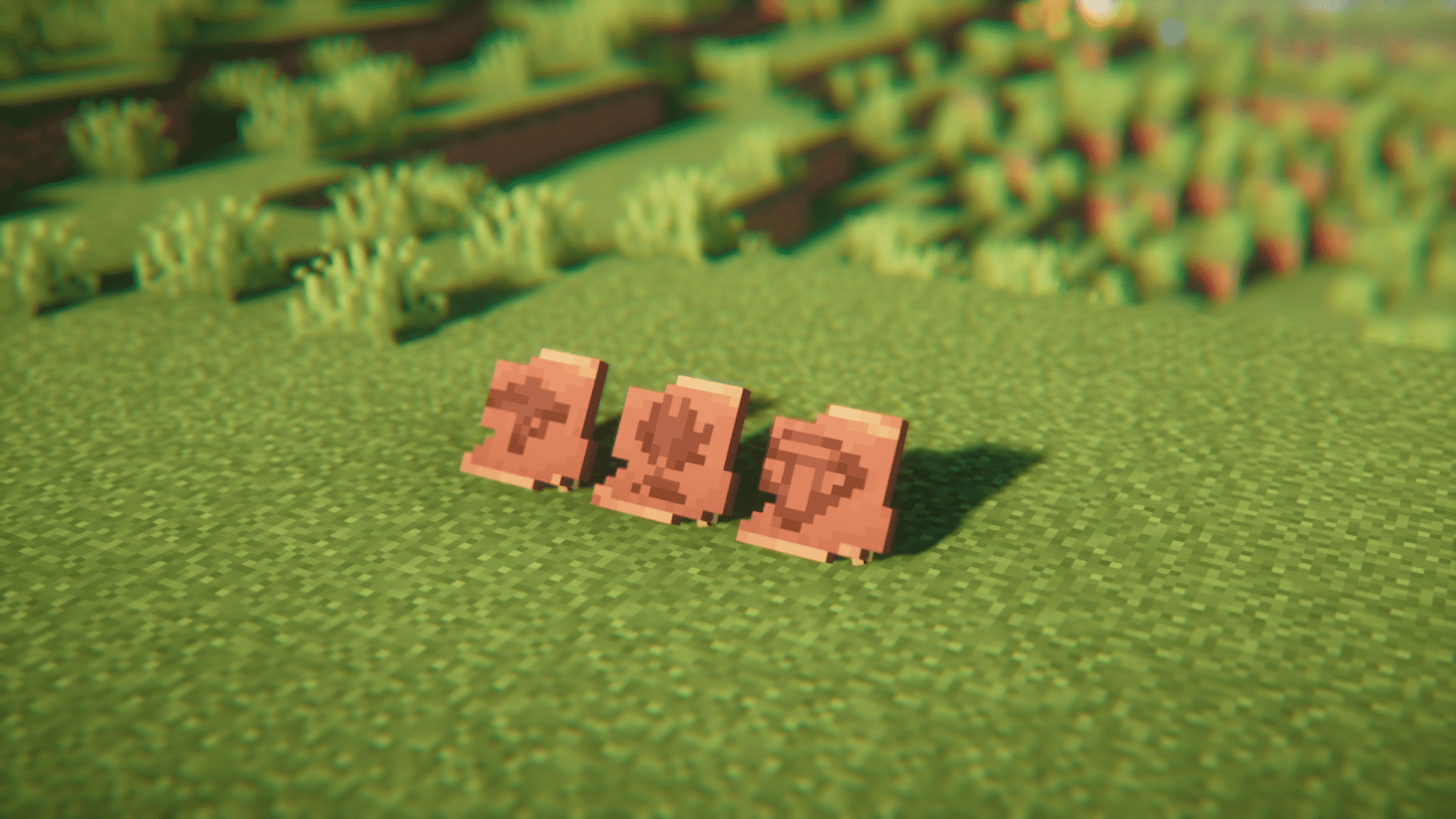
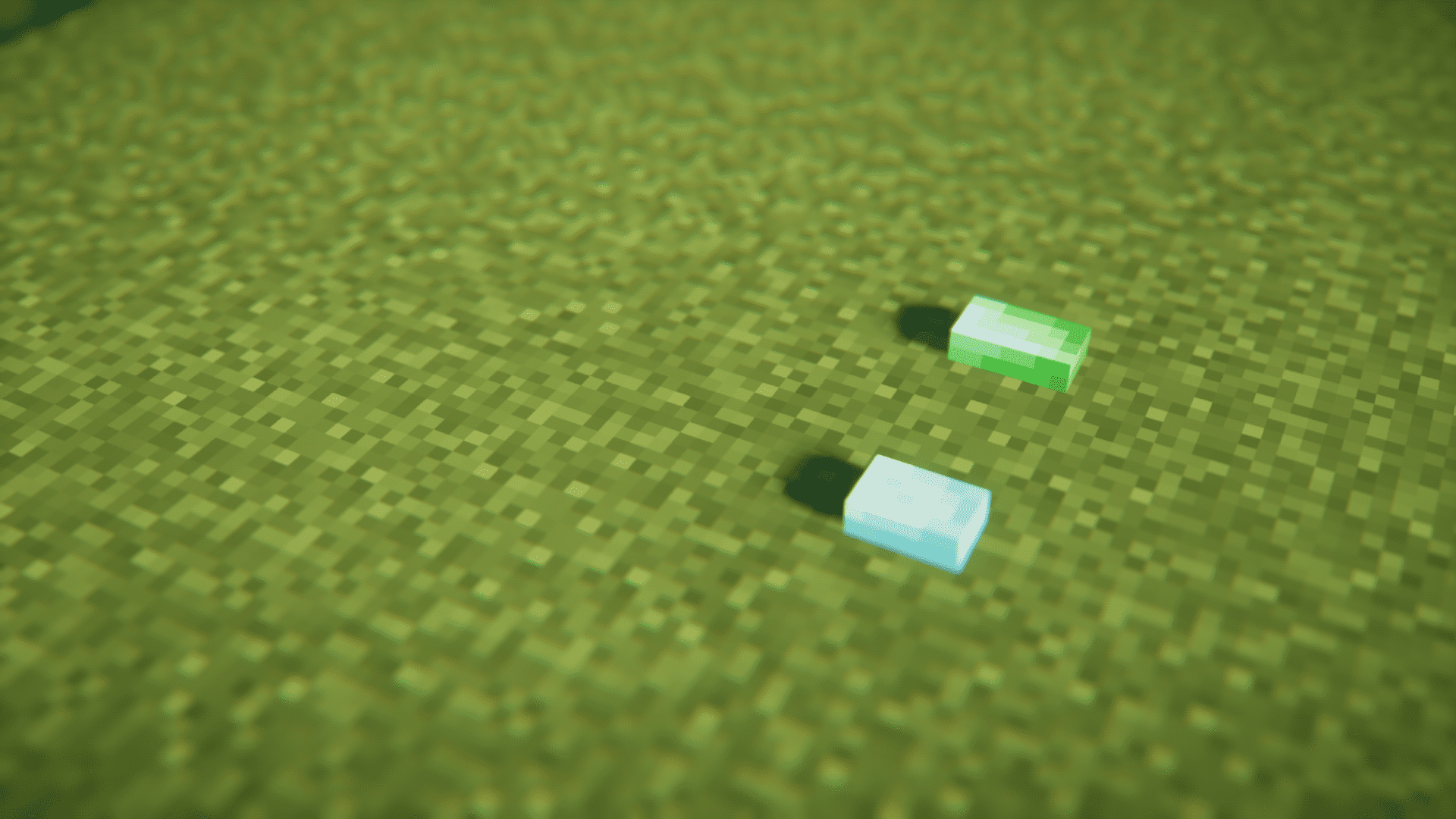
Items Displayed Mod lets you put your treasures in the world as 3D models instead of flat item frames or crowded chests. You can show off all sherds, smithing templates, ingots, and more right on the ground or on a craftable stand. You place items with a quick sneak and right-click, and every model keeps the classic vanilla look of Minecraft. This mod fits both builders and adventurers who want an easy way to decorate their bases and works smoothly alongside most other mods.
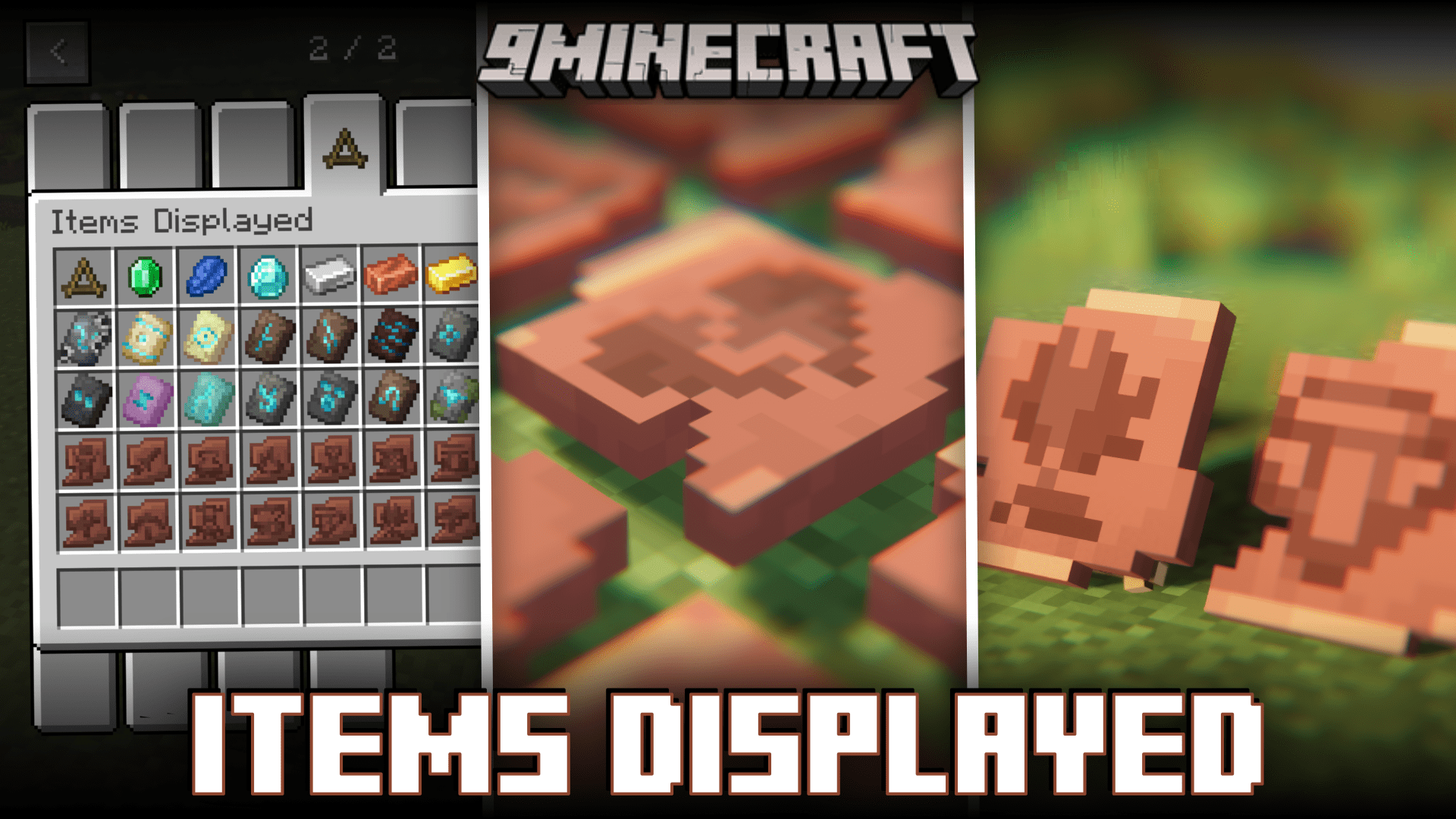
Items Displayed Mod – Video Showcase
Features:
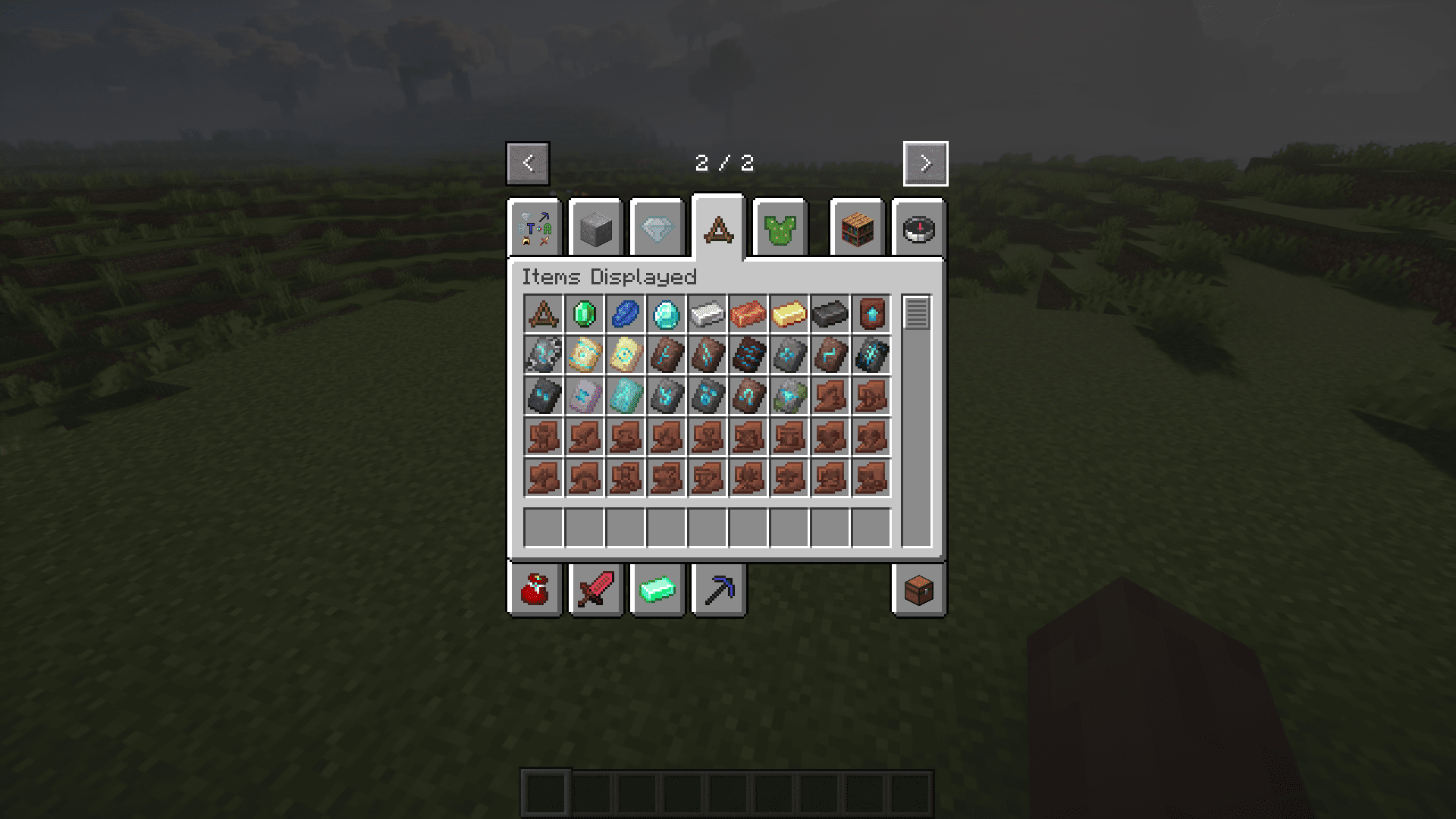
- 3D Placeable Items: Lets you place treasures directly in your world as 3D models instead of using item frames. Includes 3D models for all sherds, smithing templates, ingots, and other items.
- Item Display: Adds a craftable stand made from sticks so your treasures do not have to sit on the ground. It works like an Armor Stand, except you can rotate it to any angle instead of only 45 degrees, and it supports all sherds and smithing templates.
- Lets you place items right away by holding them in your hand, sneaking, and right-clicking, with no extra crafting or setup needed.
- Keeps the vanilla Minecraft visual style so every placed model blends naturally with standard blocks and items.
- Works smoothly with other mods after thorough testing, as long as another mod does not make big changes to how items work.
How to Use:
- Hold a supported item, such as a sherd, smithing template, or ingot, in your hand.
- Hold Sneak and Right-click on a surface to place the item into the world as a 3D model.
- Craft an Item Display with sticks when you want a stand so your treasures do not sit on the ground.
- Place the Item Display like an Armor Stand and rotate it to any angle, then add any sherd or smithing template to display it.
Screenshots:
How to Install:
New to Minecraft? Follow our step-by-step guide to install Mods on your PC.View Guide



Items Displayed Mod Download Links
For Minecraft 26.3
For Minecraft 26.2
For Minecraft 26.1.2, 26.1.1, 26.1
For Minecraft 1.21.11
For Minecraft 1.21.10, 1.21.9
For Minecraft 1.21.8, 1.21.7, 1.21.6
For Minecraft 1.21.5
For Minecraft 1.21.4
For Minecraft 1.21.3, 1.21.2
For Minecraft 1.21.1, 1.21
For Minecraft 1.20.6
For Minecraft 1.20.4
For Minecraft 1.20.2
For Minecraft 1.20.1, 1.20
Click to rate this post!
[Total: 5 Average: 3.6]
You May Also Like
Picked for this page
 Tree Harvester Mod (26.3, 1.20.1) – Auto-Planting Tree Chopper
 Mining Gadgets Mod (26.1.2, 1.20.1) – Because Mining with Lasers is Cool
 Jade Mod (26.3, 1.20.1) – Hwyla/WAILA Fork
 Ctrl Q Mod (26.1, 1.20.1) – Take Control Of Your Inventory
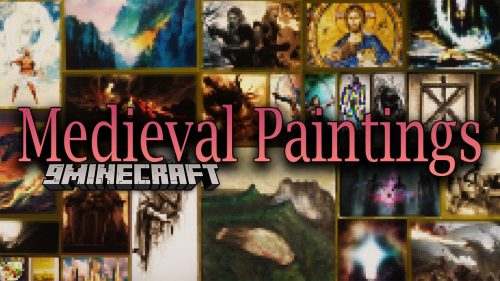 Medieval Paintings Mod (26.1.2, 1.20.1) – Medieval-Fantasy Style Paintings
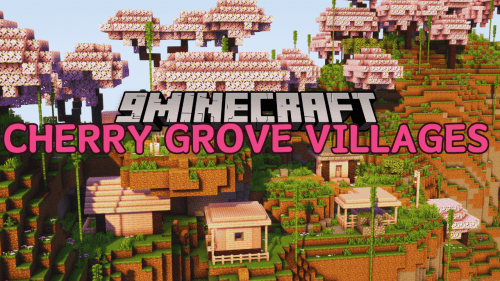 Cherry Grove Villages Mod (1.21.8, 1.20.1) – Vanilla Structure Designed Village
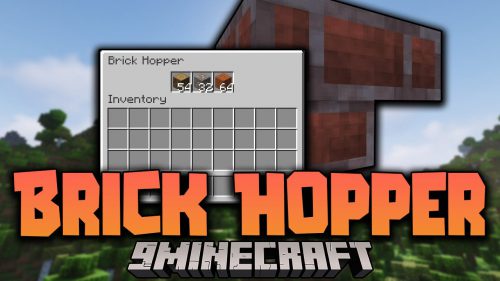 Brick Hopper Mod (26.3, 1.20.1) – Perfect for Rustic or Medieval Builds
 Boat Break Fix Mod (26.2, 1.20.1) – Hotfix to Prevent Accidental Deaths
 Mixin Conflict Helper Mod (26.2, 1.20.1) – User-friendly Errors for Mixin Conflicts
 AntiBlocks ReChiseled Mod (26.3, 1.20.1) – Full Bright Blocks
 Chat Tools Mod (26.3, 1.20.1) – Advanced Tools and Customization Chat Options
 Hide Item Frame Mod (26.3, 1.20.1) – Equipped Item Frames Turn Invisible
Most viewed in Mods over the last 7 days
 Ala Industrial Mod (26.3) – Run Electric Power Grids and Automated Factories
 PleasureCraft Mod (26.3, 1.21.1) – Jenny Mod Remake for Fabric
 Jennycraft Mod (26.3, 1.20.1) – Virtual Girlfriend in Minecraft
 Fapcraft Mod (26.3, 1.12.2) – Comprehensive and Detailed Content
 Jenny Mod (Fapcraft) Official Complete Guide – How to use, Tutorial
 BangCraft Mod (1.20.1) – Jenny, Ellie and Elliot
 Fabric Loader (26.3, 1.20.1) – Fabric Installer for All Minecraft Versions
 The Shooting Star Demo Mod (26.3, 1.20.1) – Vaporize Terrain From Orbit
 Meteor Client Mod (26.3, 1.20.1) – Xray, HUD, Fly
 OptiFine HD (26.3, 1.20.1) – Run Faster, FPS Boost, Shaders Support
 Aristois Client Mod (1.21.4, 1.20.1) – World Class Minecraft Utility
 Prestige Client Mod (1.21.11, 1.21.4) – Powerful Ghost Features for Crystal & Sword PvP
More from Mods
 Morrowless Mod (1.21.1) – Defend Your Shelter From Nightmare Creatures
 THE SLOPSTROSITY Mod (1.21.1) – Battle a Ridiculous Slime Boss
 Decoween Mod (1.21.1, 1.20.1) – Transform Ordinary Survival Bases
 Simply Light 9minecraft Mod (26.3) – Decorate Builds Without Torches
 Alex’s Caves Continued Mod (26.3, 1.20.1) – Conquer Six Massive Underground
 Anvil Uses Mod (26.3, 1.20.1) – Track Item Anvil Usage
 Animal Info Mod (26.3, 1.21.11) – Quick Stats For Your Animals
 Timber Tales Dynamic Tree System Mod (26.3, 1.20.1) – Watch Entire Trees Topple
 Gabou’s Libs Mod (26.3, 1.20.1) – Keep Custom Weather and Survival Mods Stable
 /Sit Mod (26.3, 1.21.1) – Make The Player Sit Down
 Arcane Redstone Dial Mod (26.3, 1.20.1) – Trigger Commands and Shortcuts
 The Graveyard Mod (26.3, 1.20.1) – Cemeteries in Minecraft

This post has no comments yet. Be the first — your comment will appear here.