
Lit It Up Mod (1.21.1, 1.20.1) – Kindle Every Single Fire
 1,974
 0


Lit It Up Mod reworks furnaces so you must light them by hand. Furnaces no longer start on their own when you put fuel and items inside, which gives survival a more realistic feel. This mod adds wild Switchgrass with 3 growth stages, early-game Sparkling Flint, special methods like the Golden Lighter and Fire Aspect ignition, and automatic heat lighting over lava or fire. It also places campfires unlit, includes an in-game Guide Book and step-by-step advancements, and supports 11 other mods such as Iron Furnaces, Farmer’s Delight, and The Aether. This mod requires Bookling Gear to run and adjust settings for survival worlds or modpacks, and it works with Curios for the Golden Lighter.
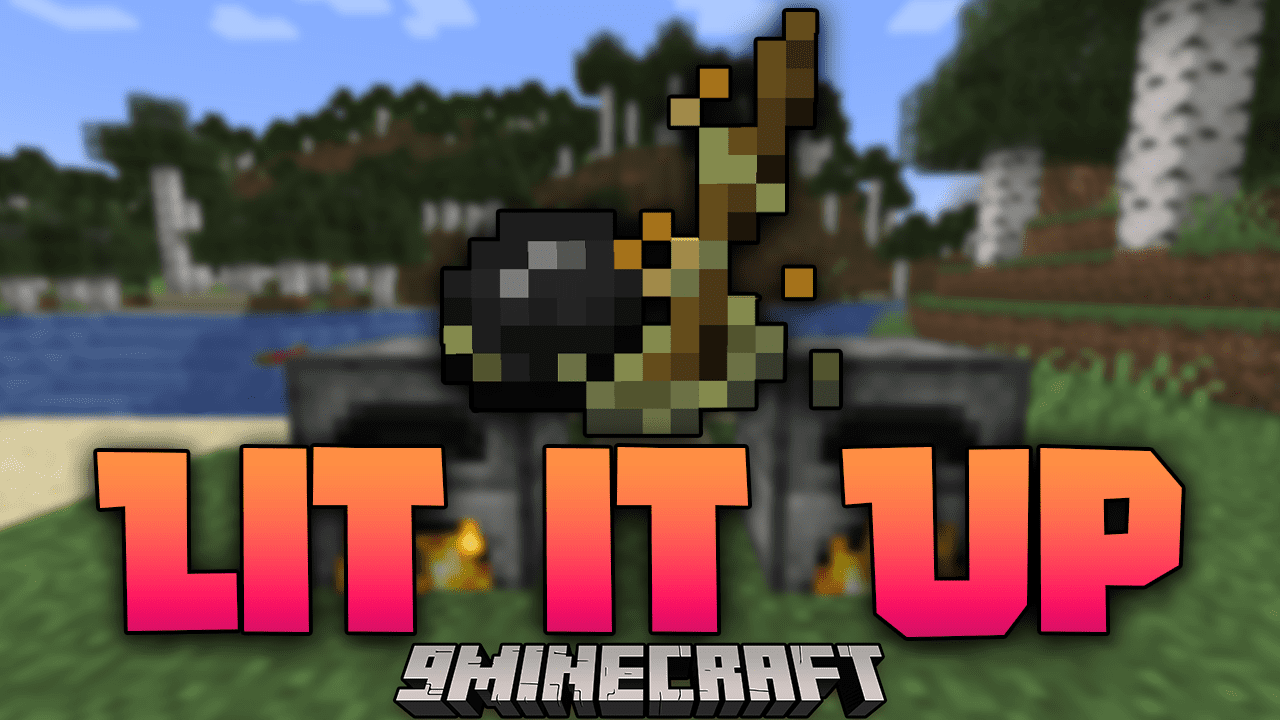
Features:
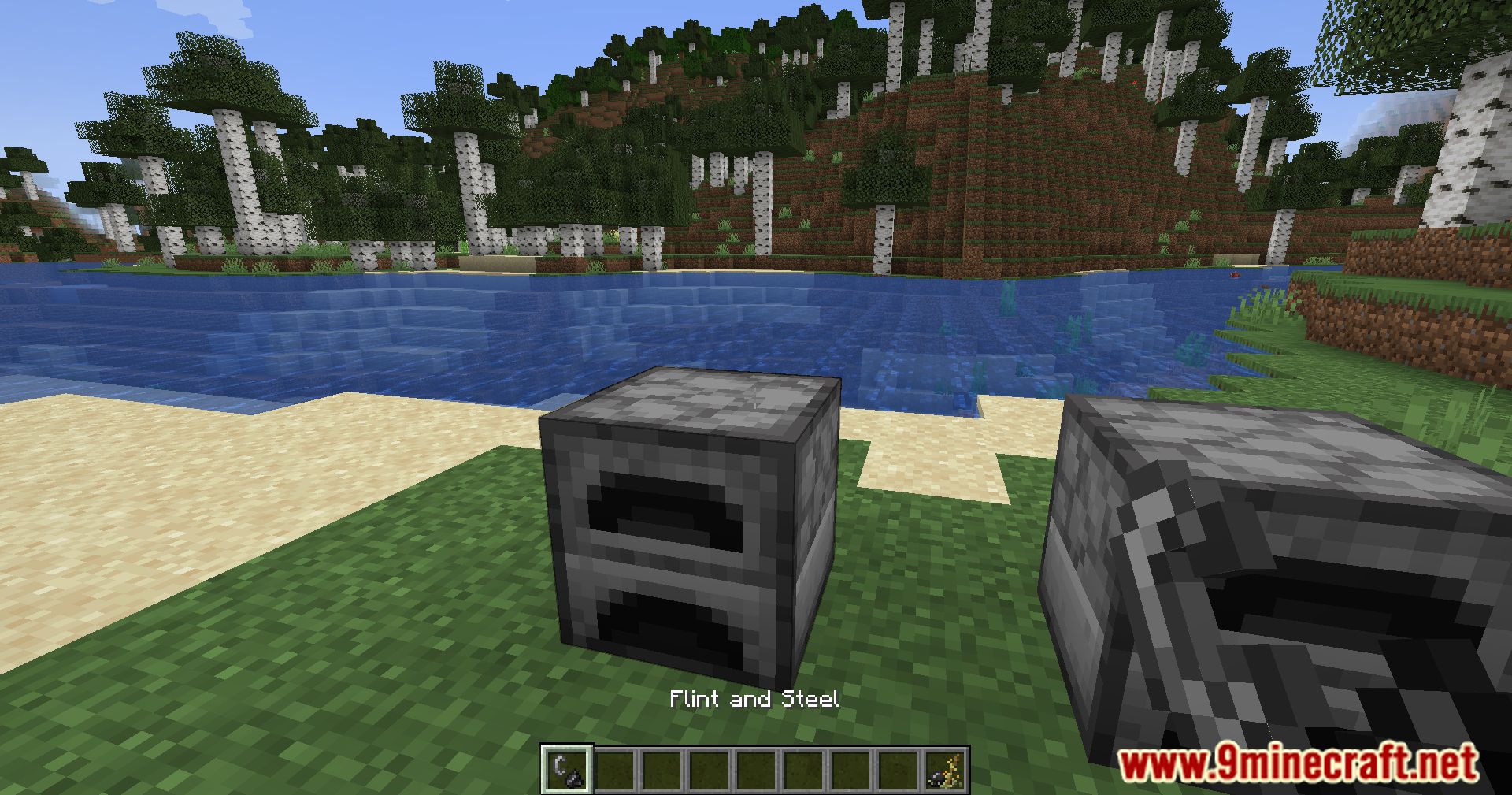
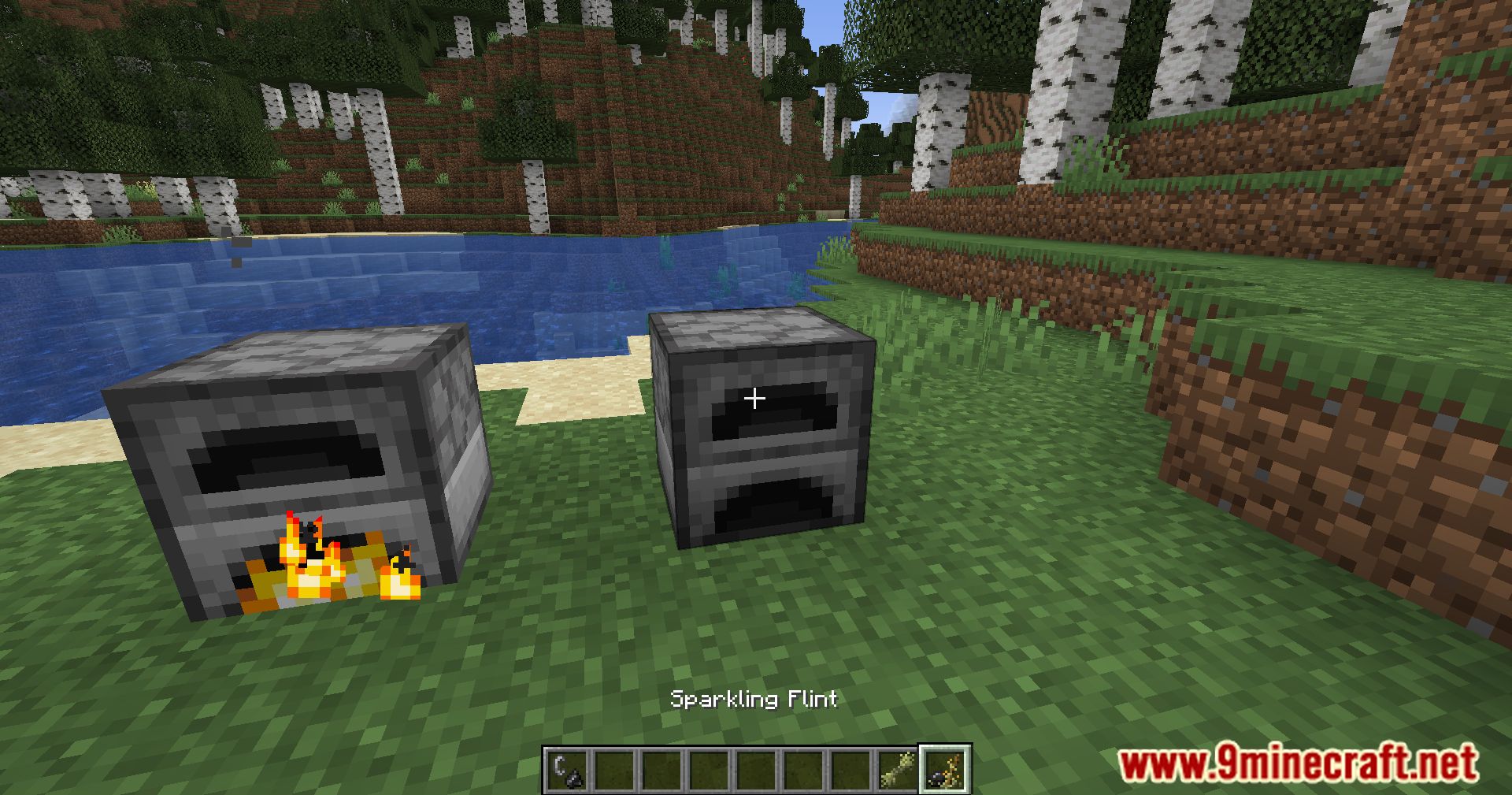
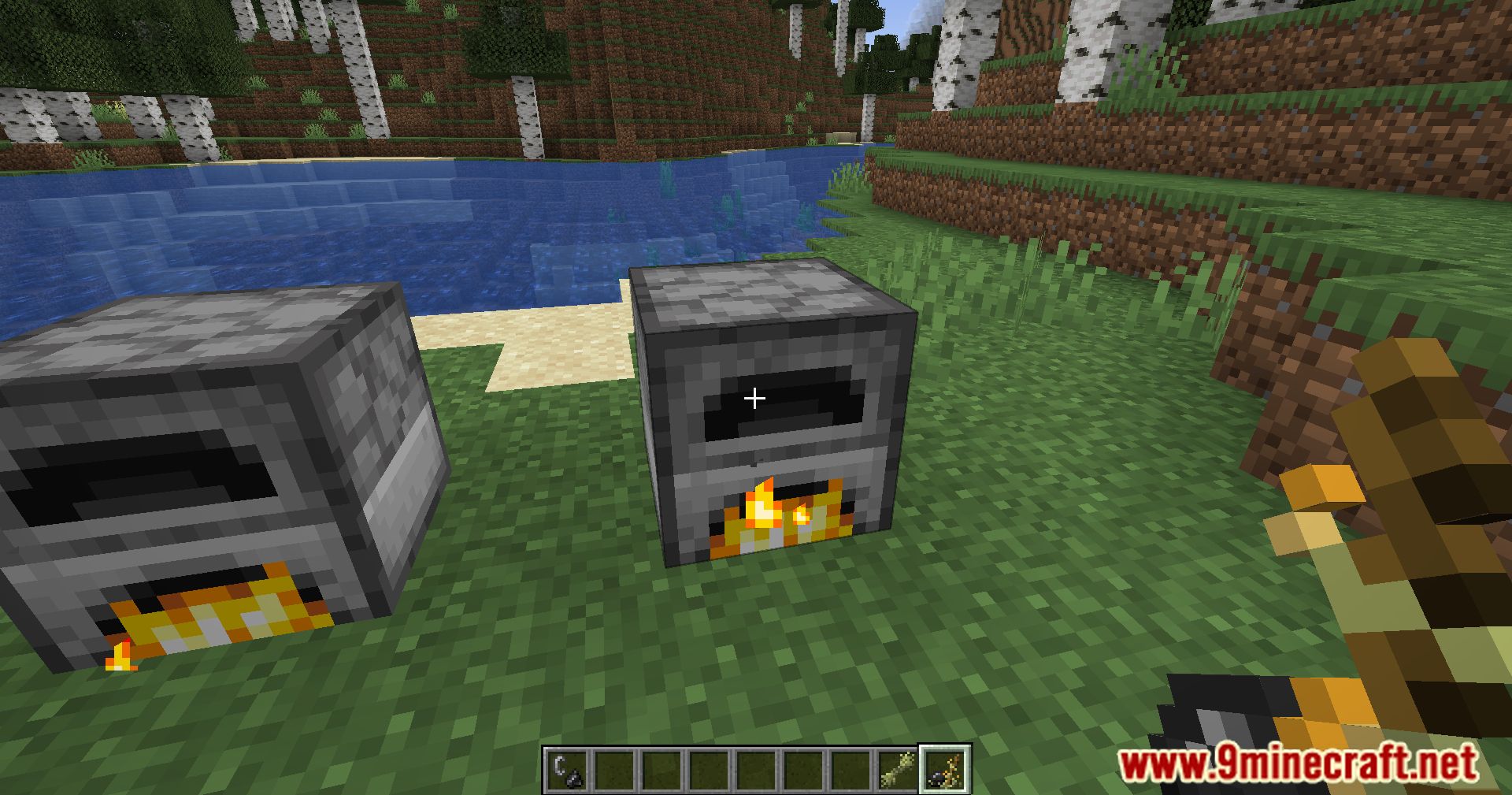
- Manual Furnace Ignition: Stops furnaces from starting on their own when you add fuel and ingredients, so you must light them by hand and keep the flame alive if you want to relight less often.
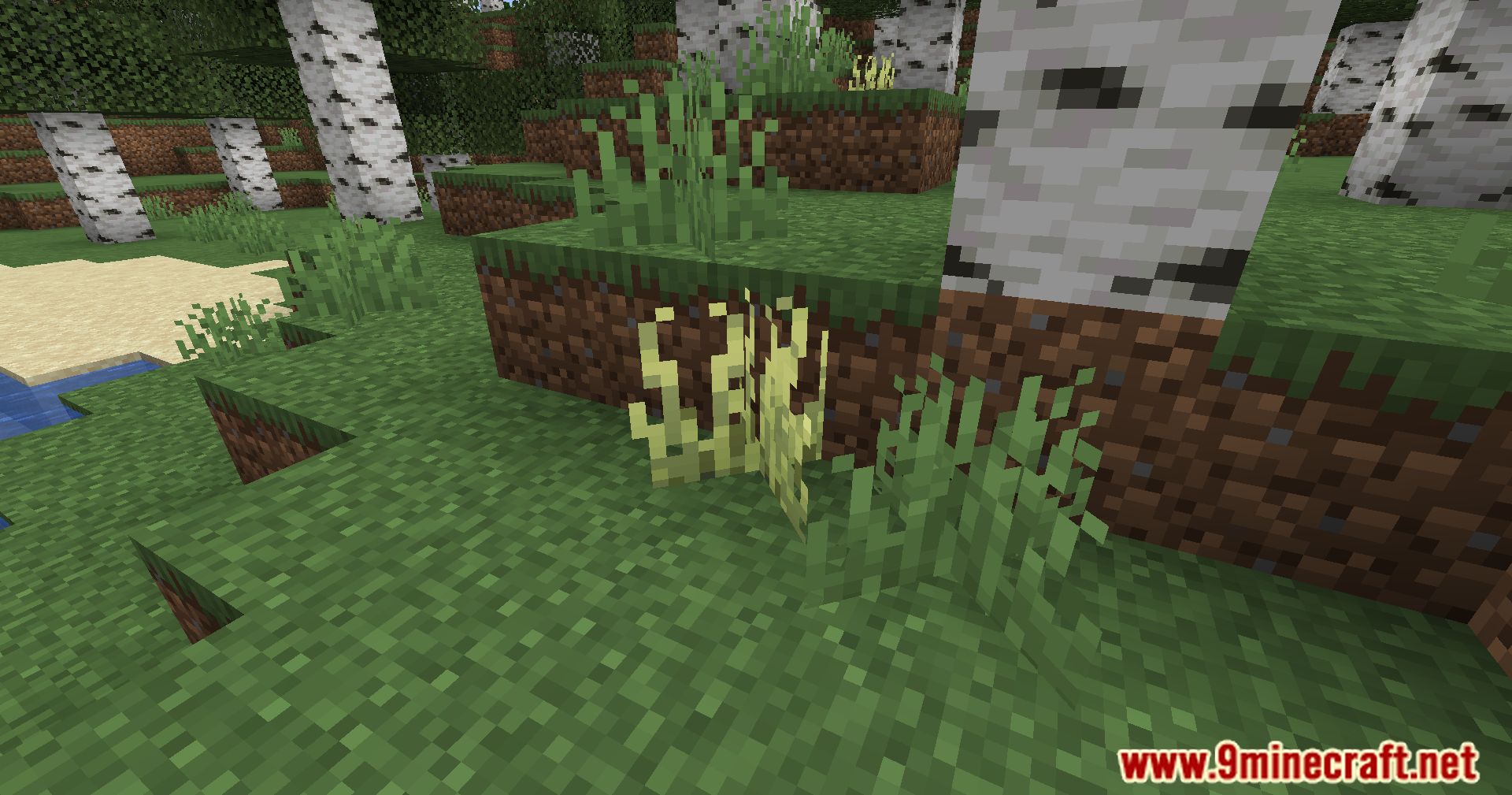
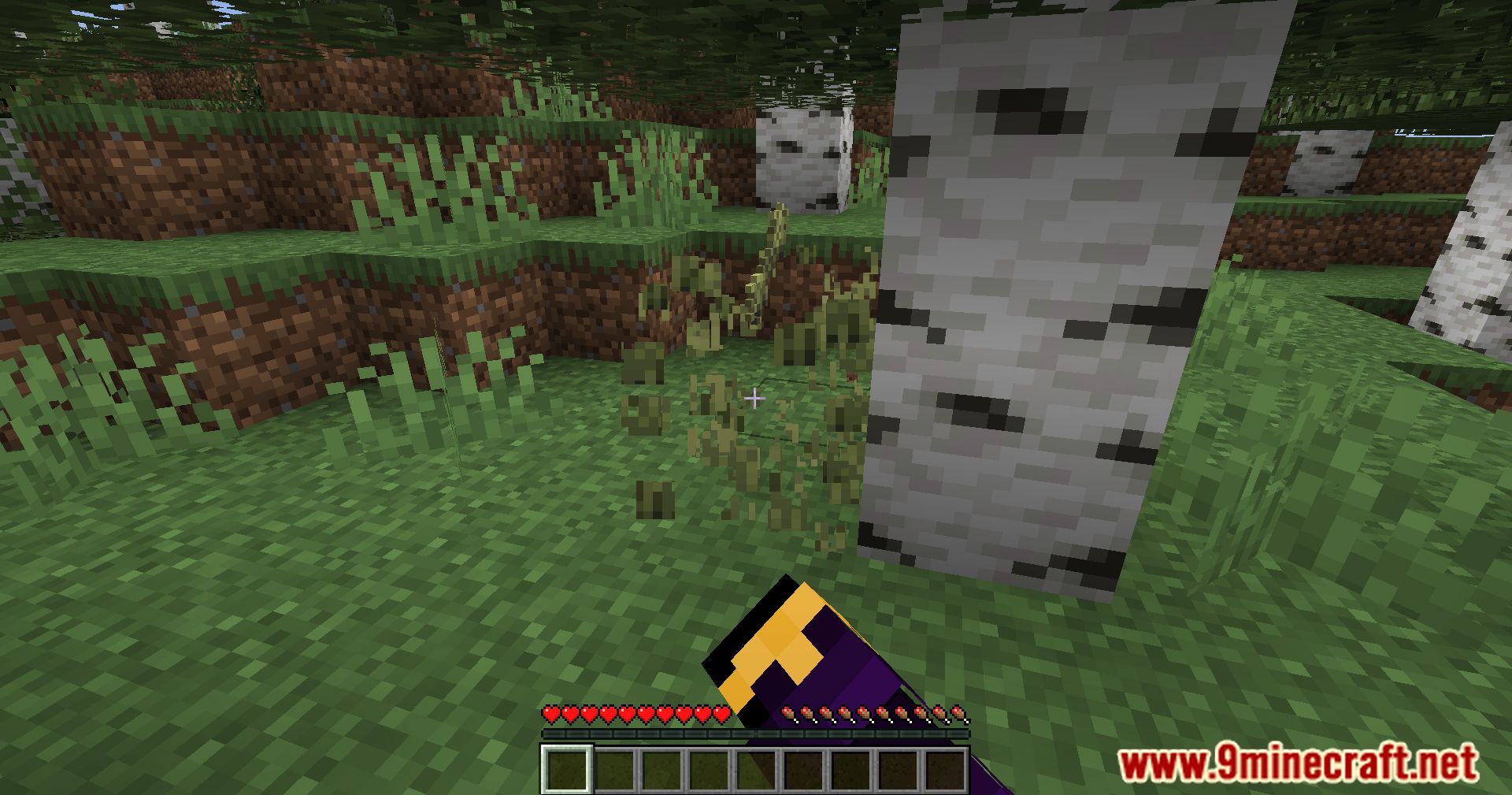
- Switchgrass Plant: Grows naturally in the world like regular grass with a warmer yellow-green tint that shifts color by biome, moving from Stage 1 (no fiber) to Stage 2 (1 Switchgrass Fiber) and Stage 3 (1 Switchgrass Fiber with a 40% chance for 1 extra).
- Environmental Ignition: Lights furnaces automatically with no tool needed when you place them over lava, fire, a block in its lit state, or another configured hot block.
- Rain and Thunder Rules: Disables automatic environmental lighting if a furnace sits exposed during rain or thunder, so you have to light it manually instead.
- Places campfires and selected compatible modded blocks in their unlit form so you must light them after placing them.
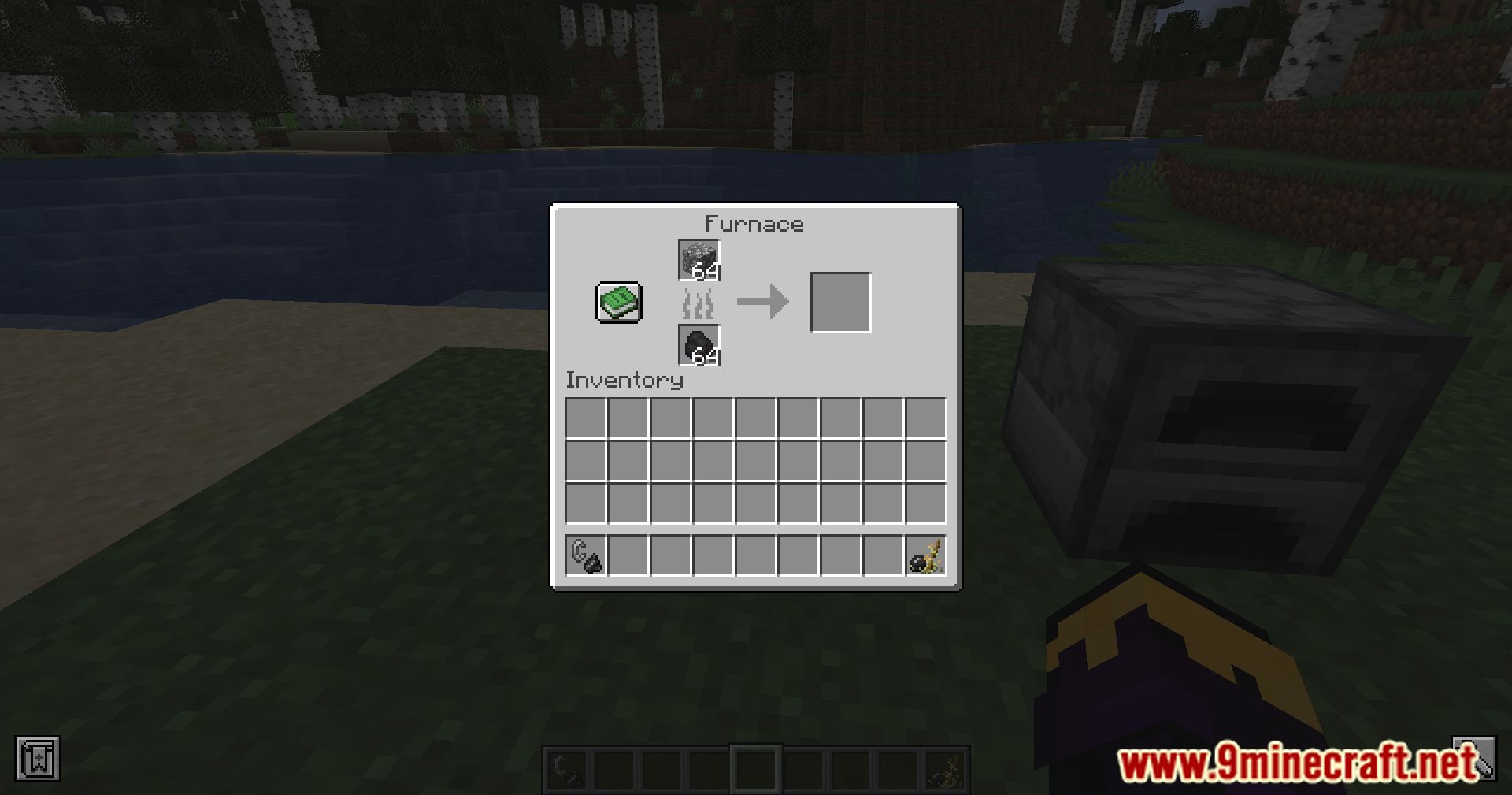
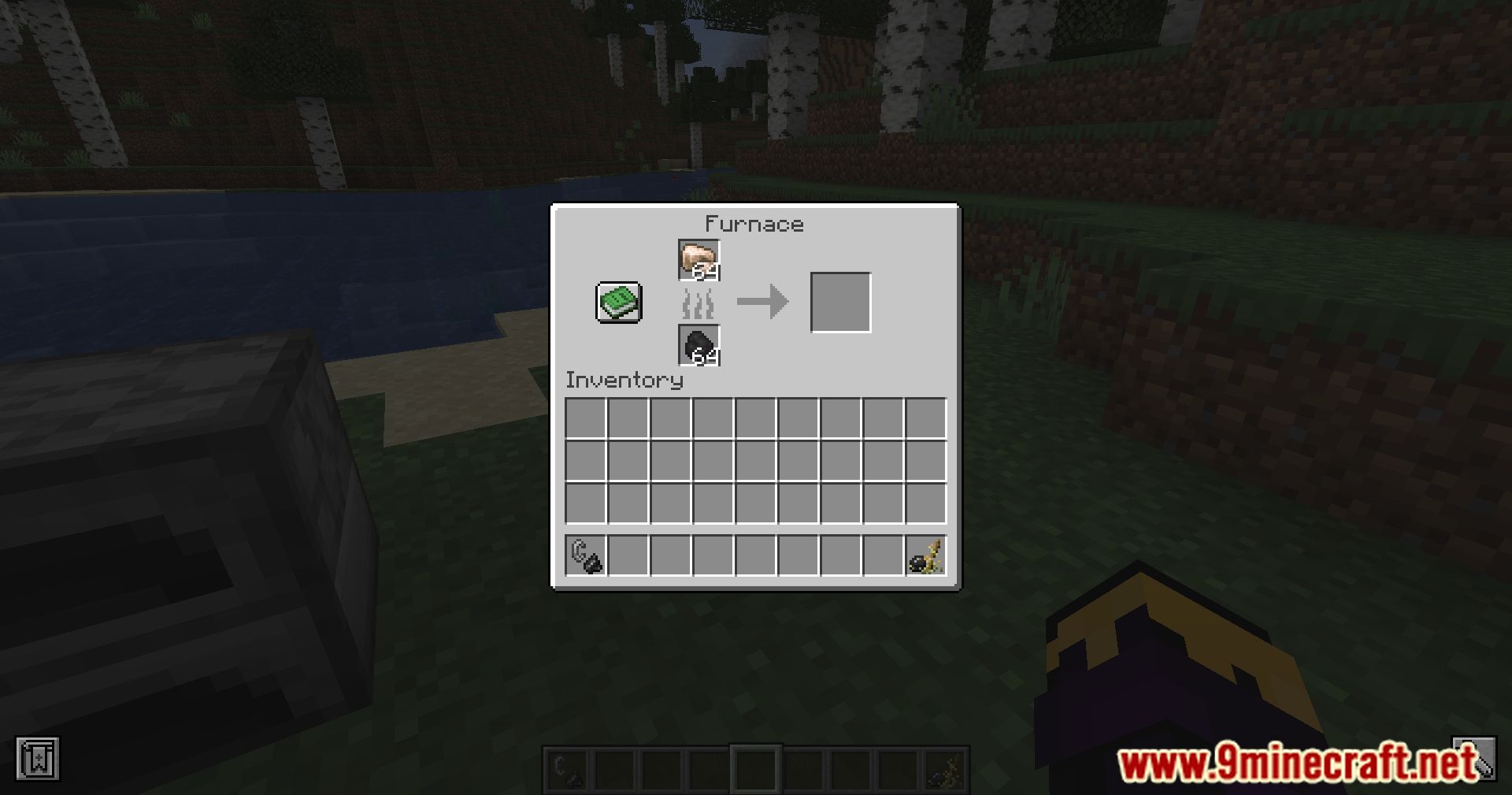
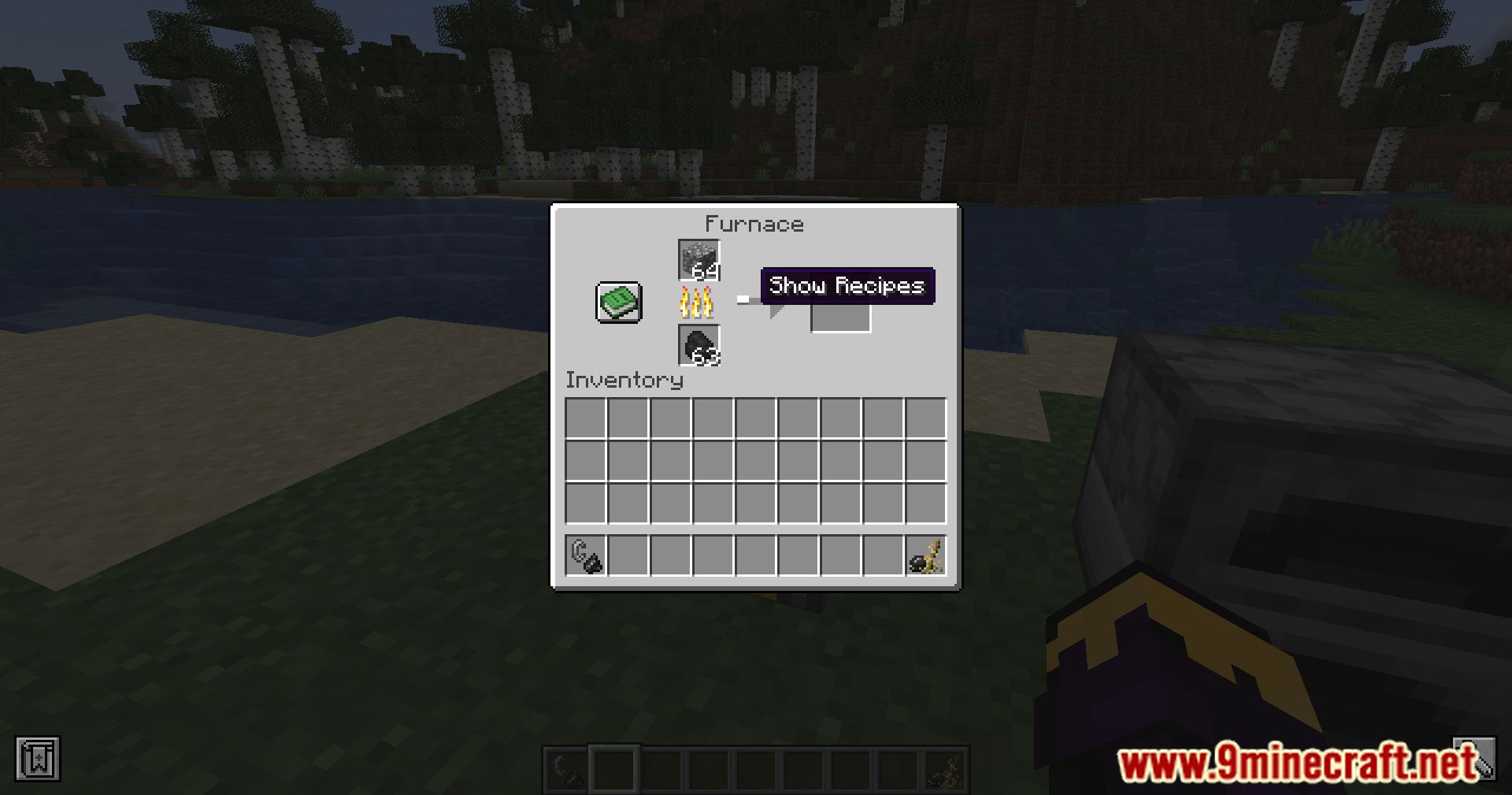
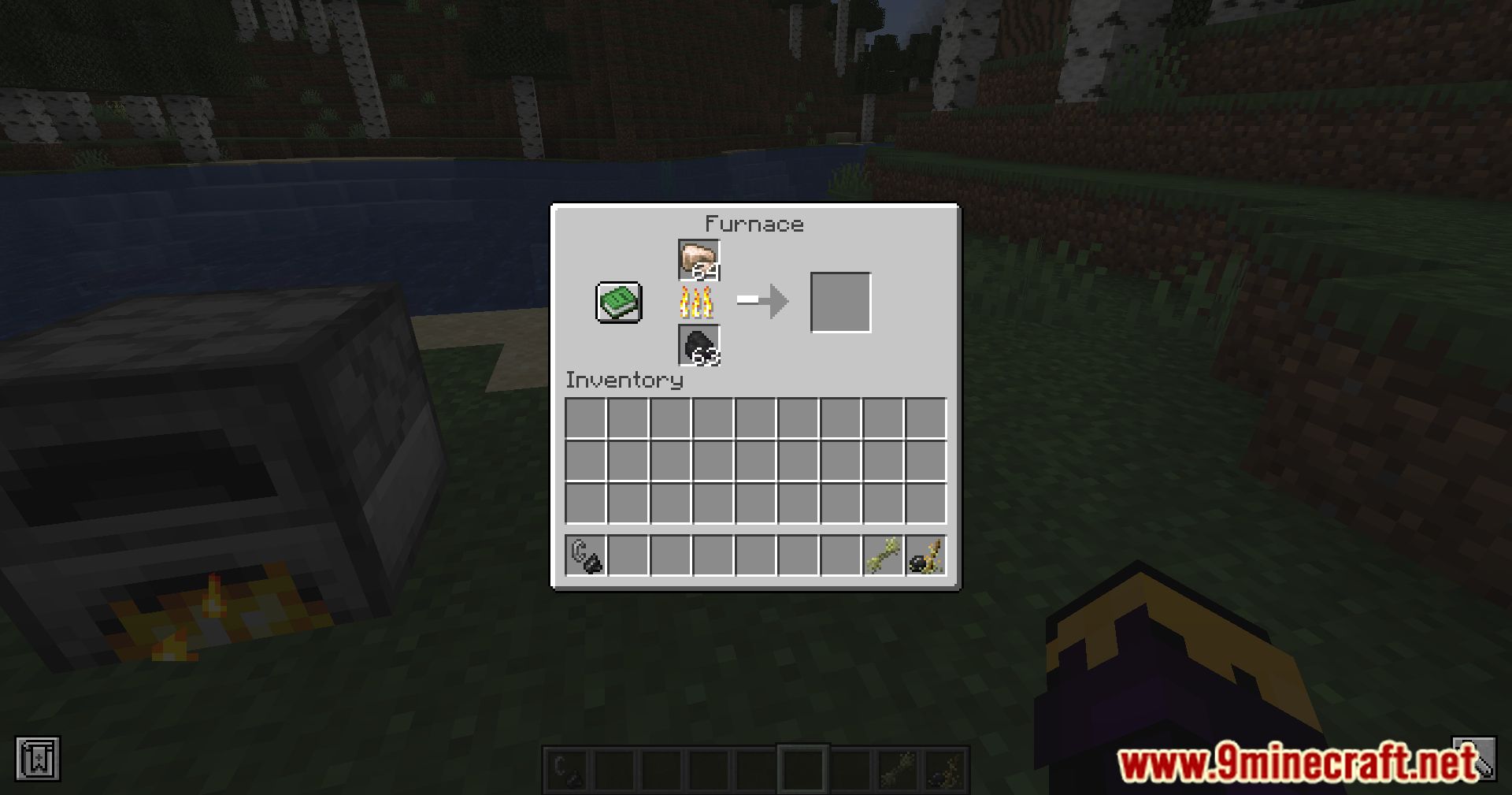
- Includes an in-game Guide Book on the right side of compatible furnace menus with quick lighting tips and extra notes, while a missing “LIT” banner lets you know a block is unsupported or has compatibility turned off.
- Adds step-by-step advancements that help you learn the progression while you play.
- Works with vanilla blocks as well as compatible blocks from 11 mods: Furnace Mk2, Brick Furnace, Iron Furnaces, Better Furnaces Reforged, Immersive Engineering, The Aether, Farmer’s Delight, Overgeared, Tough As Nails, Candlelight, and Crock Pot.
- Lets you tweak settings through the Bookling Gear configuration menu, including Sparkling Flint rules, the ignition item list, Switchgrass world generation, hot blocks, and unlit campfire placement.
Ignition Methods:
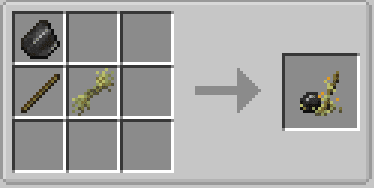
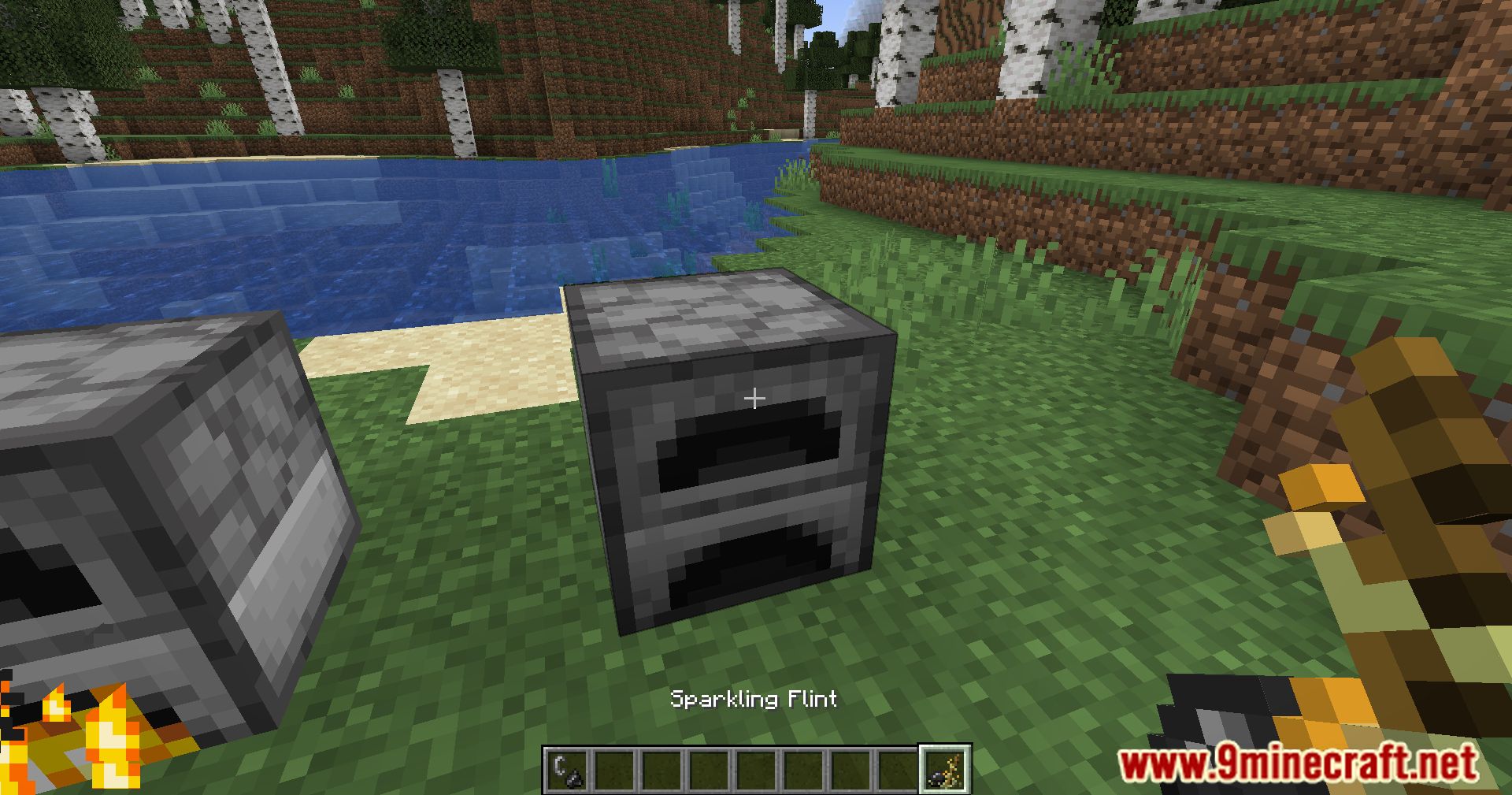
- Sparkling Flint: An early-game tool crafted with Switchgrass Fiber that uses up fiber each time you light a block.
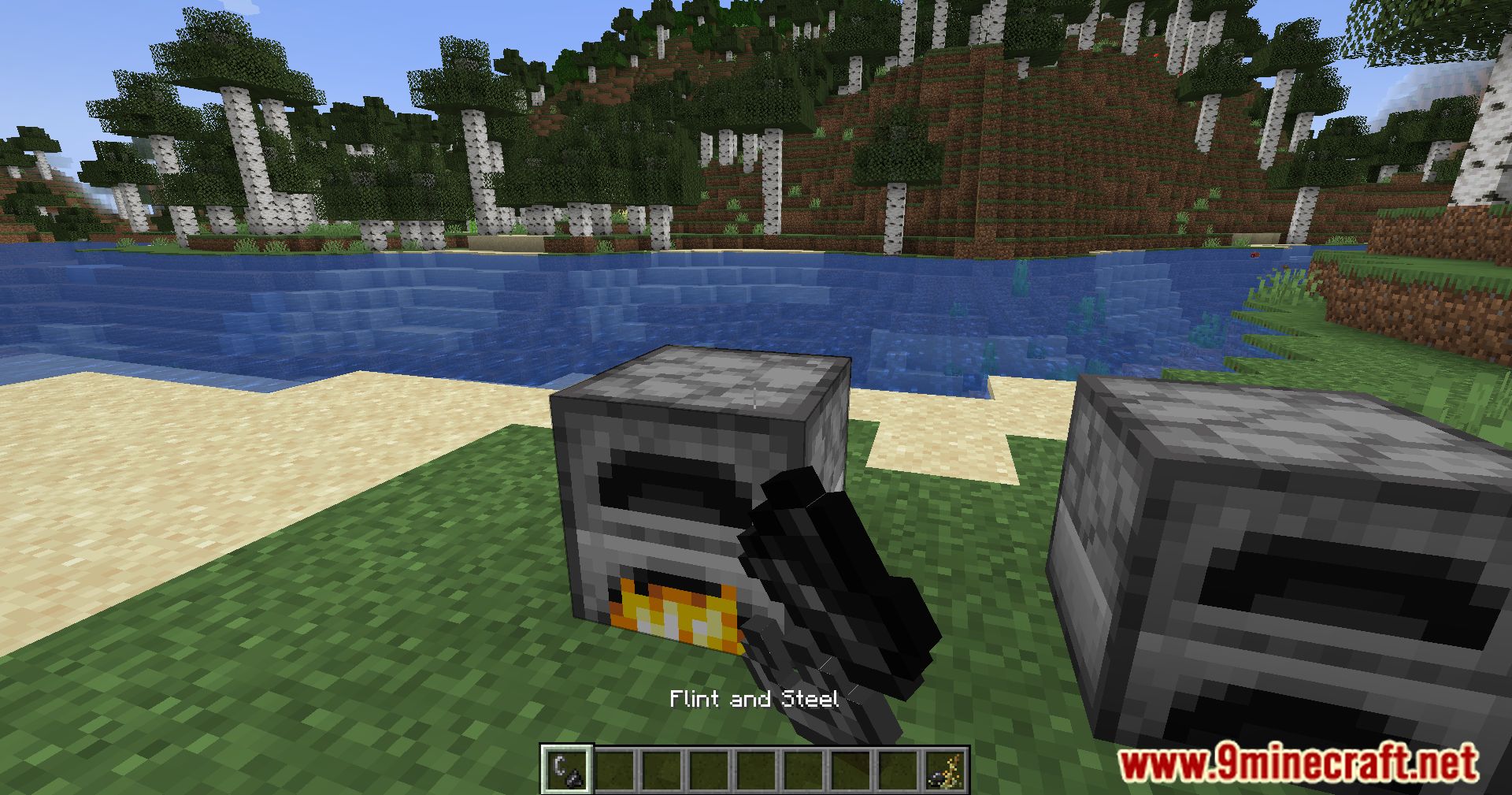
- Flint and Steel: Lights furnaces directly without needing any Switchgrass Fiber.
- Configured Items: Any extra items you add in the mod’s config menu can also light furnaces.
- Double Flint Ignition: Hold flint in both hands and right-click a furnace that has Switchgrass Fiber or Baled Switchgrass in the fuel slot to spark a flame (disabled by default in the config).
- Golden Lighter: Works with the Curios mod installed so you can equip it and use its special interaction to light furnaces no matter what you hold, as long as the right ingredients and fuel are inside.
- Fire Aspect Items: Any item with the Fire Aspect enchantment lights a furnace at the cost of 1 durability, or 1 item if it is stackable.
How to Use:
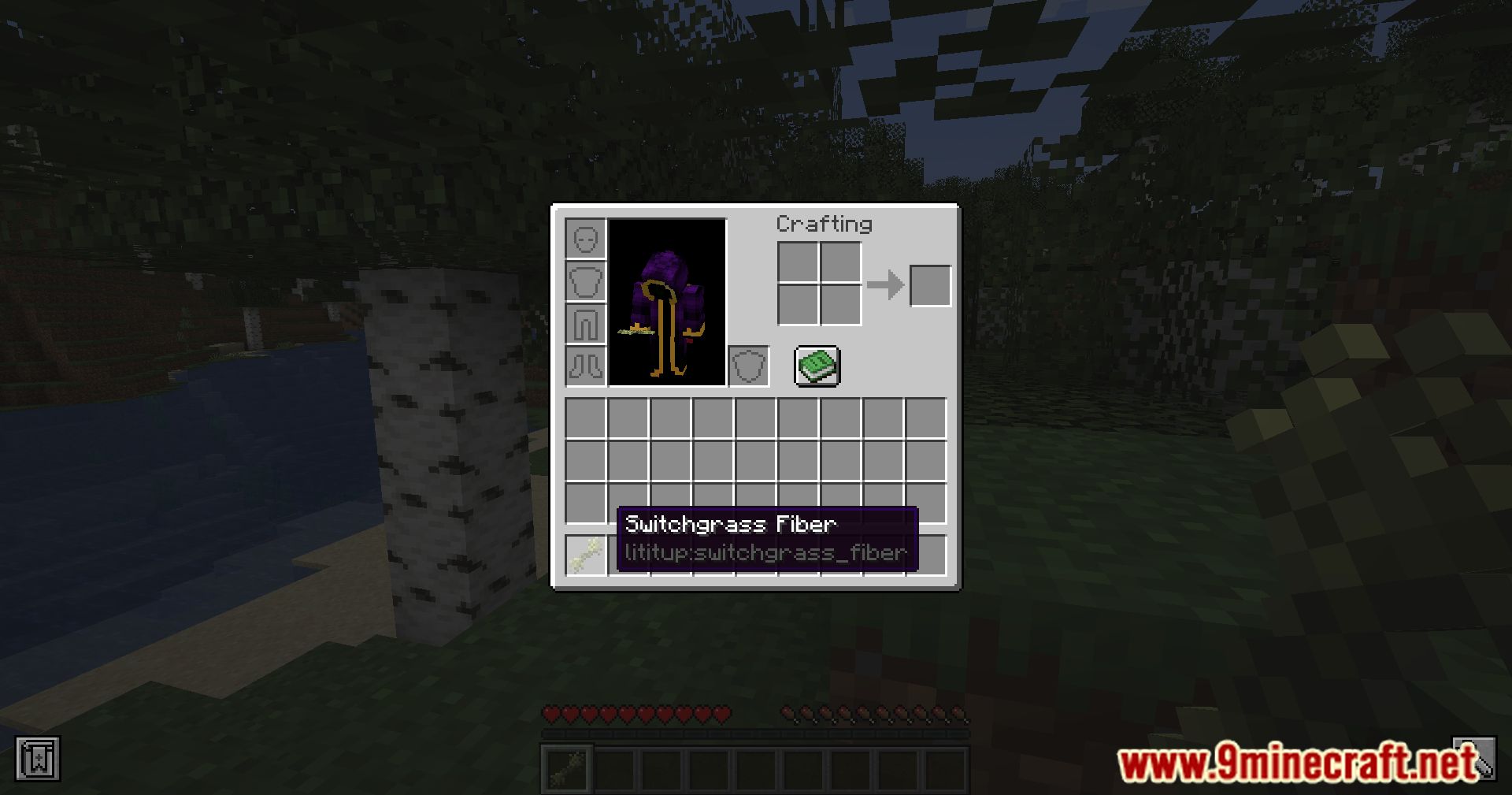
- Look for wild Switchgrass with a yellow-green tint and leave Stage 1 plants alone until they grow to Stage 2 (drops 1 Switchgrass Fiber) or Stage 3 (drops 1 Switchgrass Fiber with a 40% chance for 1 extra).
- Break grown Switchgrass to gather Switchgrass Fiber, then craft Sparkling Flint with flint, a stick, and Switchgrass Fiber for early-game fire starting.
- Put your cooking ingredients and fuel inside a furnace; the furnace stays unlit until you light it.
- Use Sparkling Flint (uses fiber), Flint and Steel (no fiber needed), a Fire Aspect item (costs 1 durability or 1 stackable item), or a custom configured item on the furnace to start cooking.
- Add more fuel and items before the flame dies out so you can keep cooking without lighting the furnace again.
- If you have the Curios mod installed, equip the Golden Lighter and use its special interaction on a loaded furnace to light it no matter what you hold in your hands.
- To use Double Flint Ignition, enable it in the Bookling Gear configuration menu, put Switchgrass Fiber or Baled Switchgrass in the fuel slot, hold flint in both hands, and right-click the furnace to strike a spark.
- For automatic lighting with no tools, place a furnace directly over lava, fire, a lit block, or a configured hot block, and cover it from above because rain or thunder turns this off.
- Open the Guide Book on the right side of a compatible furnace menu for quick lighting tips, and look for the “LIT” banner to check if that block is supported.
- Use your ignition items to light campfires and compatible modded blocks after placing them, or adjust unlit placement and other rules in the Bookling Gear configuration menu.
Crafting Recipes:
Screenshots:
How to Install:
New to Minecraft? Follow our step-by-step guide to install Mods on your PC.View Guide
Lit It Up Mod Download Links
For Minecraft 1.21.1, 1.21
Forge Version: Download from Server 1 – Download from Server 2
For Minecraft 1.20.4
Forge Version: Download from Server 1 – Download from Server 2
For Minecraft 1.20.1
Forge Version: Download from Server 1 – Download from Server 2
For Minecraft 1.19.4
Forge Version: Download from Server 1 – Download from Server 2
For Minecraft 1.19.2
Forge Version: Download from Server 1 – Download from Server 2
For Minecraft 1.18.2
Forge Version: Download from Server 1 – Download from Server 2
For Minecraft 1.16.5
Forge Version: Download from Server 1 – Download from Server 2
You May Also Like
Picked for this page
 Tree Chop Mod (1.21.11, 1.20.1) – Cut Down Trees, Harvesting
 Dark Utilities Mod (26.3, 1.20.1) – Expansive Content of Minecraft
 LAN World Plug-N-Play Mod (26.3, 1.20.1) – Utilities Server
 Softer Hay Bales Mod (26.3, 1.20.1) – Assassin’s Creed Style
 Old Walking Animation Mod (1.21.11, 1.20.1) – Derpy Walk Cycle from a Very Old Version
 Pl3xMap Mod (1.21.11, 1.20.1) – Customize, Visualize, and Explore
 Boat Hud Mod (26.3, 1.20.1) – Display The Information Of The Boat
 AutoModpack Mod (26.3, 1.20.1) – Simplified Modpack Updation Mod
 Cobblemon: Legends Untold Mod (1.21.1, 1.20.1) – Legendary and Mythical Pokémon
 Breedable Killer Rabbit Mod (26.3, 1.20.1) – Make Rabbit, Bunny Tamable
 Dynamic Crosshair Compat Mod (1.21.11, 1.20.1) – Mod Compatibility Layer
 Sounds Be Gone Mod (26.3, 1.20.1) – Disable Annoying Sounds
Most viewed in Mods over the last 7 days
 Ala Industrial Mod (26.3) – Run Electric Power Grids and Automated Factories
 PleasureCraft Mod (26.3, 1.21.1) – Jenny Mod Remake for Fabric
 Jennycraft Mod (26.3, 1.20.1) – Virtual Girlfriend in Minecraft
 Fapcraft Mod (26.3, 1.12.2) – Comprehensive and Detailed Content
 Jenny Mod (Fapcraft) Official Complete Guide – How to use, Tutorial
 BangCraft Mod (1.20.1) – Jenny, Ellie and Elliot
 Fabric Loader (26.3, 1.20.1) – Fabric Installer for All Minecraft Versions
 The Shooting Star Demo Mod (26.3, 1.20.1) – Vaporize Terrain From Orbit
 Meteor Client Mod (26.3, 1.20.1) – Xray, HUD, Fly
 OptiFine HD (26.3, 1.20.1) – Run Faster, FPS Boost, Shaders Support
 Aristois Client Mod (1.21.4, 1.20.1) – World Class Minecraft Utility
 Prestige Client Mod (1.21.11, 1.21.4) – Powerful Ghost Features for Crystal & Sword PvP
More from Mods
 Asterion Mod (26.3, 1.20.1) – Survive Ancient Mazes and Slay the Legendary Minotaur
 Passthrough Signs Mod (26.3, 1.20.1) – Right-Click Through Wall Signs
 Packing Tape Mod (26.3, 1.20.1) – Move Chests, Machines
 No XP Anvils Mod (26.3, 1.20.1) – Repair And Enchant Without XP
 Naruto Shippuden Mod (26.3, 1.16.5) – Immerse Yourself in The World of Ninja
 Araxer’s Bestiary Mod (26.3, 1.20.1) – Build an In-Game Encyclopedia of Every Mob
 Villagers Plus Mod (26.3, 1.20.1) – Expanded Villager Types and Villages
 Ore Excavation 9minecraft Mod (26.3) – Mine Ores and Chop Trees in a Single Swing
 Dirigo Mod (26.1.2, 1.21.1) – Walk Across Nether Lava Seas and Automate Animal
 HandLib Mod (26.3, 1.21.1) – Keep Your Multiplayer World Stable
 Happy Ghasts Boost Mod (26.1.2, 1.20.1) – Fly Across Vast Distances at Top Speed
 LiquidBounce Client Mod (26.3, 1.20.1) – LiquidLauncher, A Free Client

This post has no comments yet. Be the first — your comment will appear here.